What this tool does
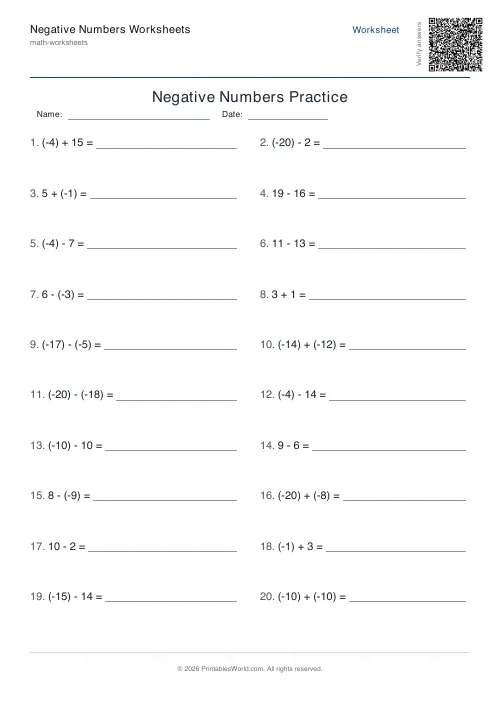
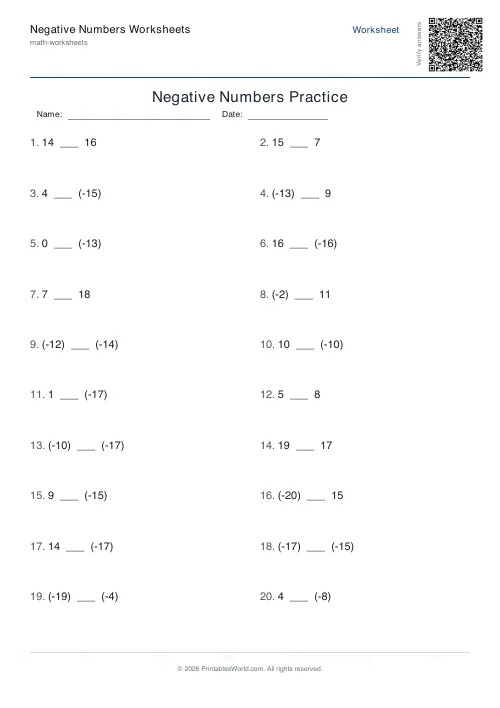
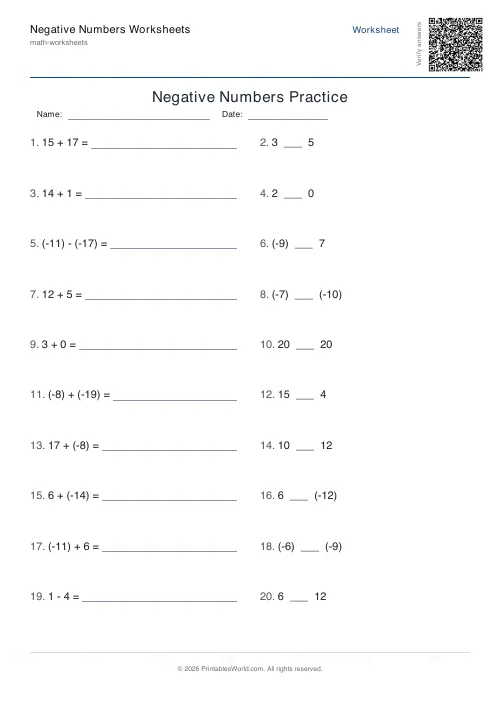
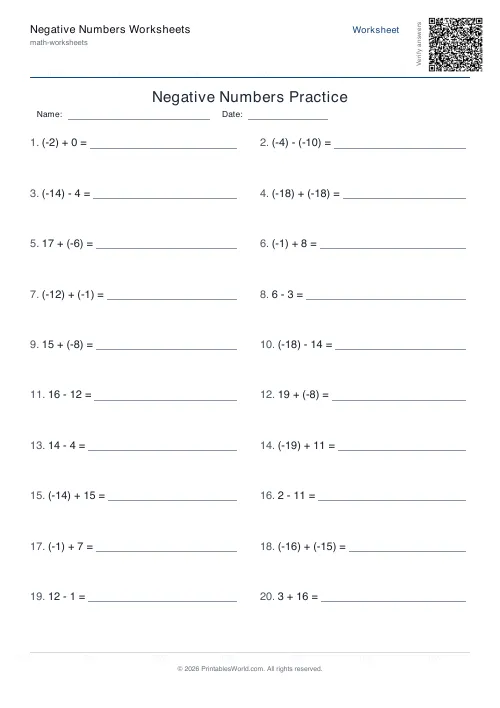
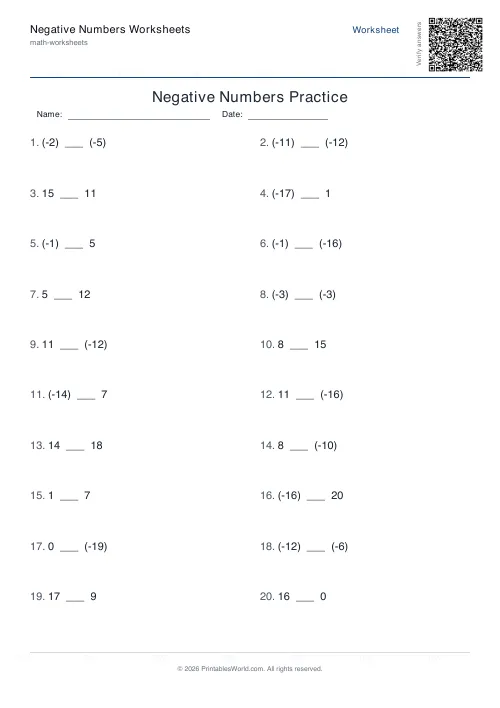
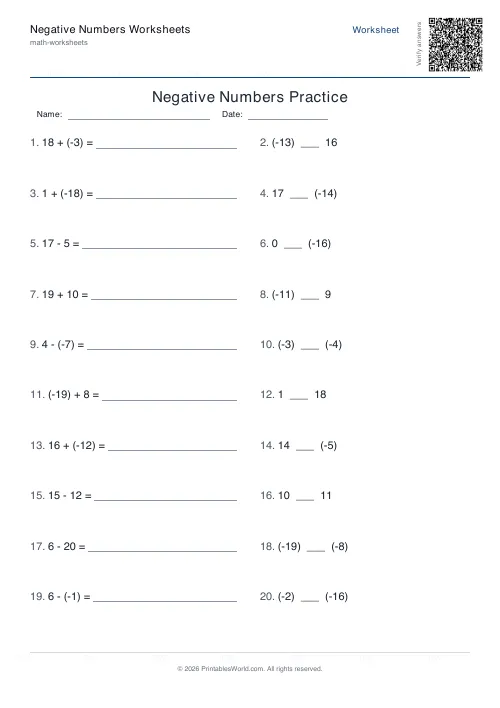
Negative number practice: adding and subtracting across zero, or comparing two numbers with <, = and >. Set the range, the count, and whether to mix the two.
People also used
Number Lines Generator
Blank or labelled printable number lines for counting, addition and subtraction.
Mixed Operations Worksheets Generator
One printable sheet mixing +, −, ×, ÷ problems for combined-practice sessions.
BODMAS Order of Operations Generator
Order-of-operations practice with brackets, exponents and mixed arithmetic.
Feedback
Spotted something off with this tool?
Two kinds of question
Arithmetic gives adding and subtracting problems involving negative values. Compare gives two numbers and asks for the right symbol between them. Mixed is half of each.
The range runs from −20 to 20 by default, twenty questions, answer key included.
Comparison first, always
It looks like the easier mode and it is the more important one.
Nearly every mistake with negative numbers comes back to a broken mental picture of where they sit. A pupil who thinks −8 is bigger than −3, because 8 is bigger than 3, will get arithmetic questions wrong in ways that look random and are not. Comparison work fixes the picture, and the arithmetic gets easier by itself afterwards.
Draw a number line on the board and leave it there. Further left is smaller. That is the entire rule and pupils need to see it several hundred times.
Subtracting a negative
The step everyone stumbles on, and the tricks people teach for it are mostly bad.
"Two minuses make a plus" is true here and false for multiplication in the pupil's head three weeks later. Better to keep it concrete: subtracting means taking away, and taking away a debt leaves you better off. 5 − (−3) is 8 because removing a debt of 3 from a balance of 5 gives you 8.
Money and temperature are the two contexts that reliably work. Both go below zero in ordinary life and both have a direction pupils already feel.
Setting the range
Ten either side is enough for first work, and it is small enough that the number line can be drawn along the top of the page.
Twenty is the default and covers most classroom needs. A hundred is stretch work and mostly tests arithmetic rather than the concept — if the negatives are understood at 20 they are understood at 1000, and the extra difficulty is in the adding.
Where it shows up next
Coordinates in all four quadrants. Temperature and elevation. Bank balances. Any algebra at all, where a mis-signed term propagates through six lines of working.
The pupils who struggle with algebra at fourteen are very often pupils who never quite secured negatives at eleven, and this is the cheapest place to fix that.
Level
Introduced around ages ten to eleven and worth revisiting every year afterwards. Twenty questions a day for a week costs almost nothing and settles it.
FAQs
Quick answers
Can I control which operations appear in arithmetic mode?
Arithmetic mode randomly mixes addition and subtraction for each problem. If you want only one operation, you will need to generate the worksheet and manually remove unwanted problems before printing.
How many problems fit on one page?
The two-column layout comfortably holds between 4 and 40 problems. The generator adjusts row height automatically so text remains legible even at higher counts.
Why does the tool reject my number range?
The engine requires at least one negative and one positive boundary. If you set both minimum and maximum to positive (or both to negative), the worksheet would not practise negative-number concepts, so the range is clamped to include both.
Does comparison mode include equals signs?
Yes. The generator picks two random numbers within your range, so occasionally both will be the same and the correct answer is equals.
Can I print the answer key separately?
The answer key always appears on its own page at the end of the PDF. Print only the first page to distribute the worksheet, or print all pages and separate them before handing out to students.
What does mixed mode do?
Mixed mode alternates between arithmetic and comparison problems, so you get an even split of both types on the same worksheet. It is useful for general negative-number fluency practice.
How are negative numbers formatted on the worksheet?
Negative numbers appear in parentheses with a proper minus sign: (−8) rather than -8. This convention helps learners distinguish the negative sign from the subtraction operator.
Related tools
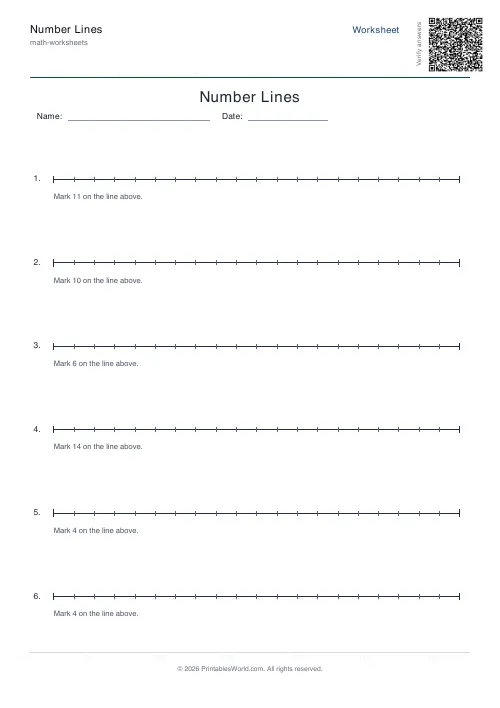
Number Lines Generator
Blank or labelled printable number lines for counting, addition and subtraction.
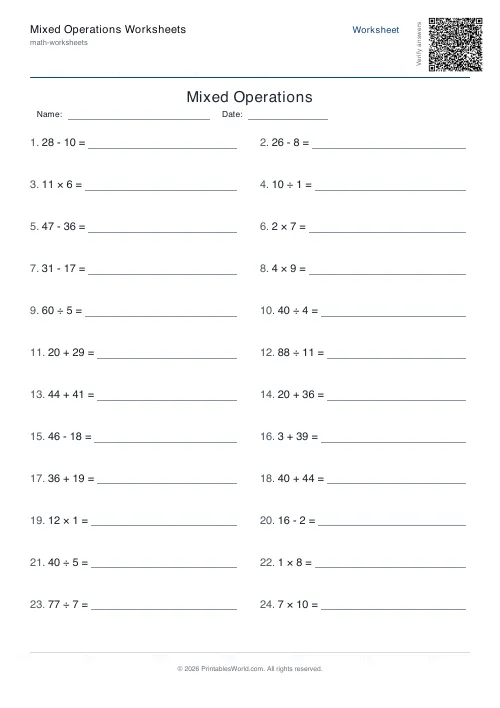
Mixed Operations Worksheets Generator
One printable sheet mixing +, −, ×, ÷ problems for combined-practice sessions.
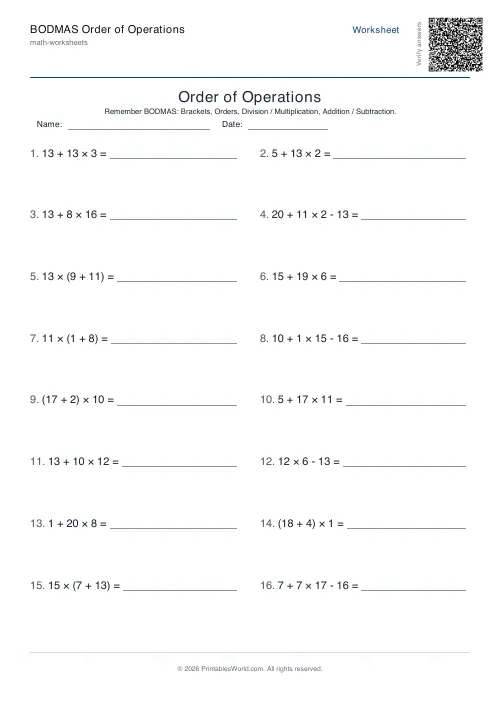
BODMAS Order of Operations Generator
Order-of-operations practice with brackets, exponents and mixed arithmetic.
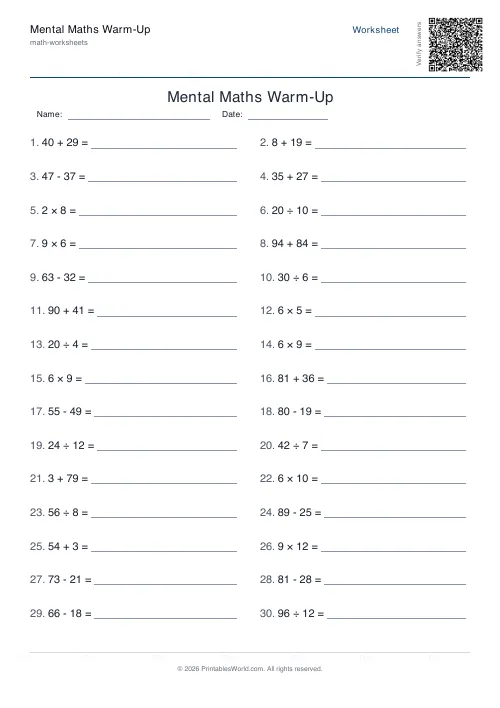
Mental Maths Warm-Up Generator
Quick 20–30 question warm-up drills across +, −, ×, ÷ for daily practice.
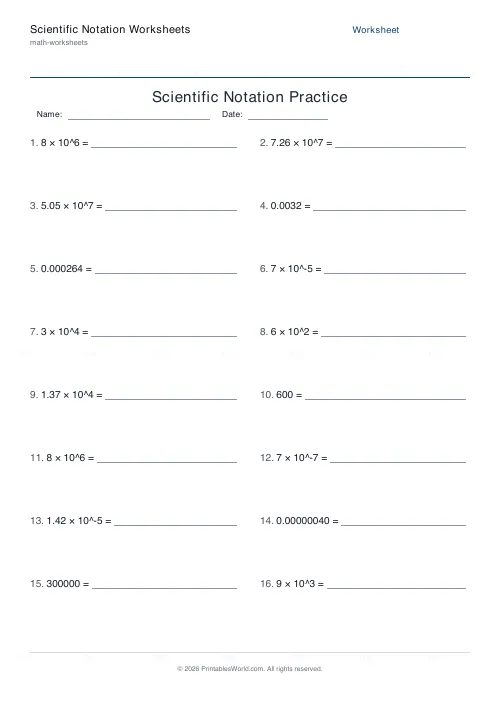
Scientific Notation Worksheets
Generate practice sheets for converting between standard form and scientific notation, covering both large and small numbers.
Further reading
Math Worksheets
Addition strategies: number lines, regrouping and more
Column addition is the destination, not the route. Here are the strategies that come before it, why each matters, and how to tell which one a child is actually using.
5 min read
Math Worksheets
Ten frames and number bonds: early maths foundations
A ten frame is two rows of five. That arrangement does something a row of counters cannot. It makes quantities visible without counting, which is where number sense starts.
5 min read
Math Worksheets
How many maths worksheets per day? A parent's guide
The honest answer is less than most parents assume. And the number of questions matters less than whether the session ends well.
5 min read
More like this
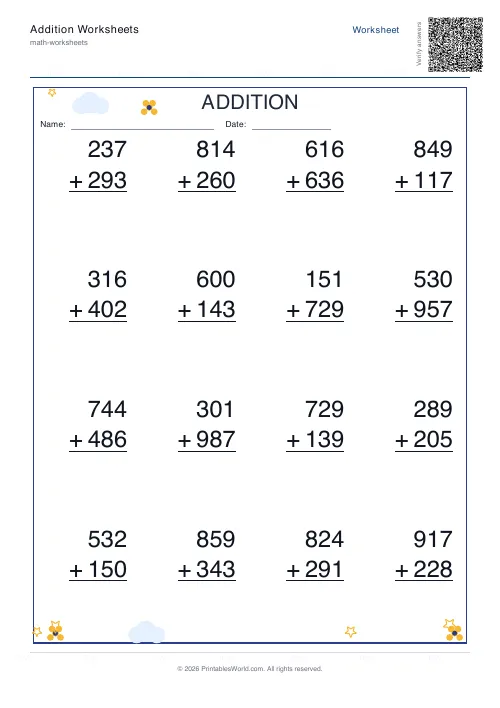 Addition Worksheets Generator
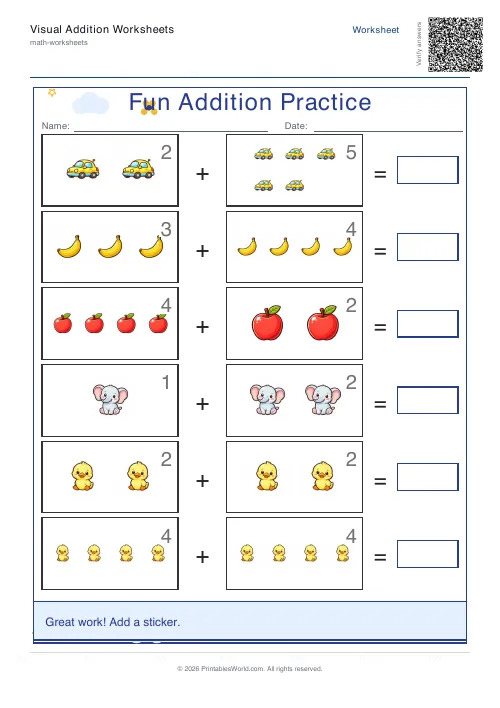 Visual Addition Worksheets Generator
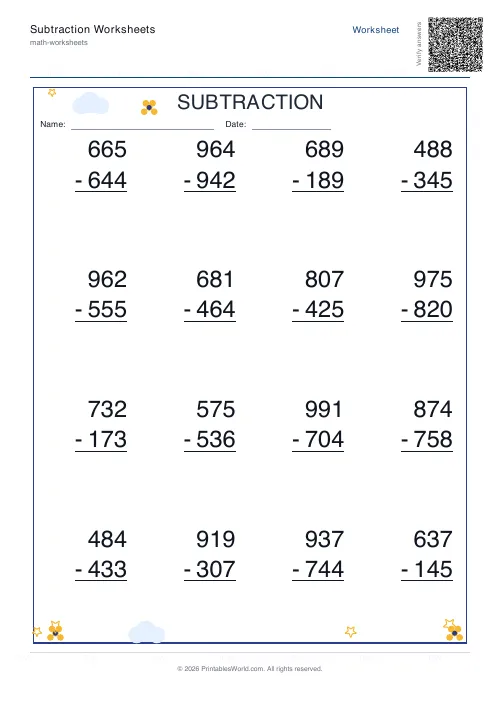 Subtraction Worksheets Generator
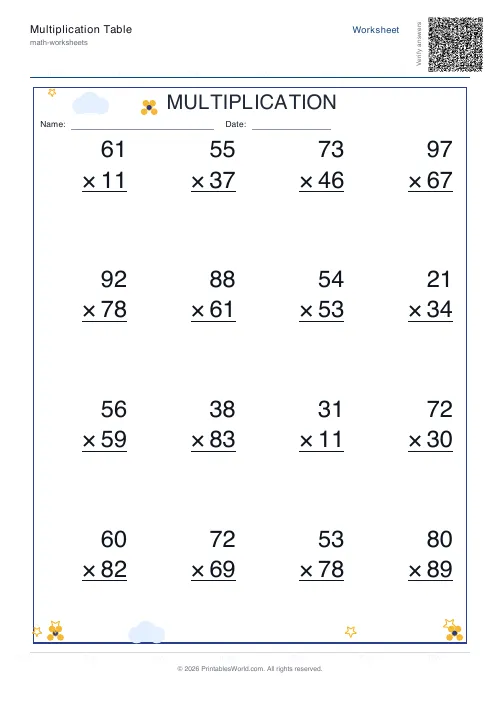 Multiplication Table Generator
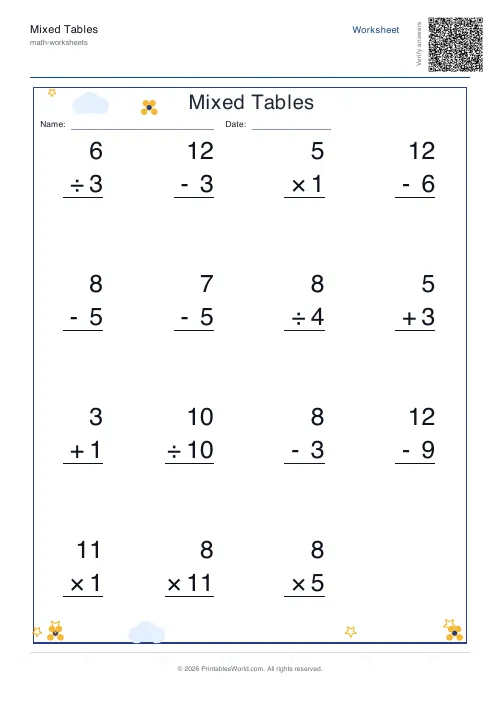 Mixed Tables Generator
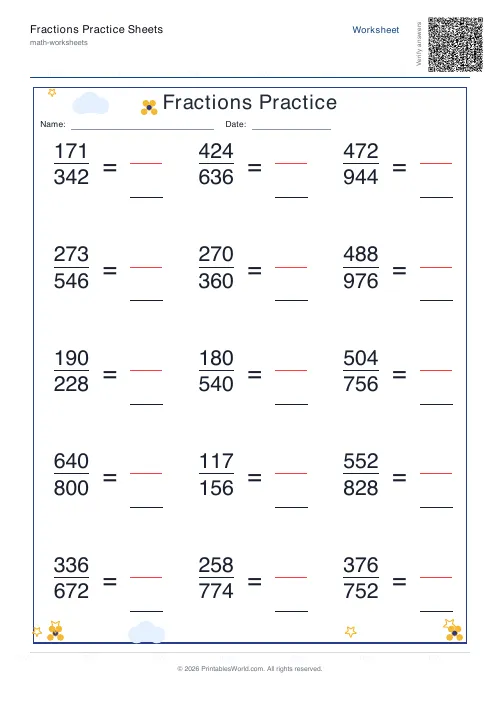 Fractions Practice Sheets Generator
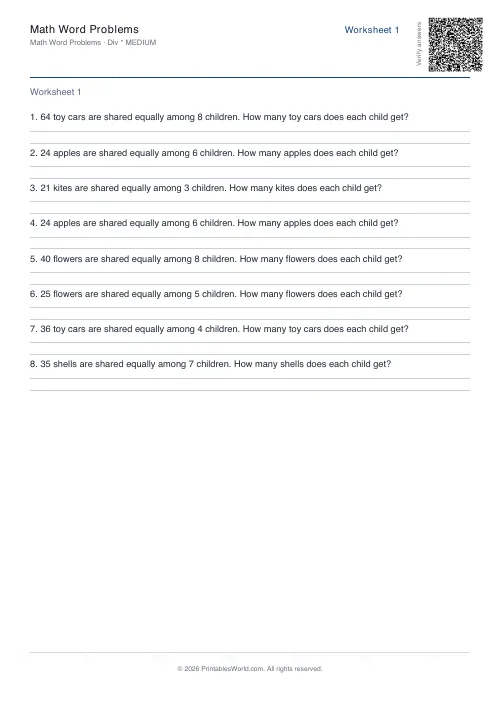 Math Word Problems Generator
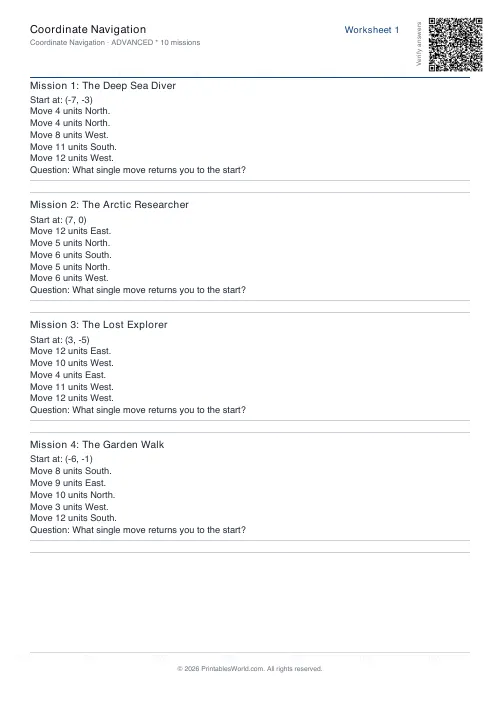 Coordinate Navigation Generator
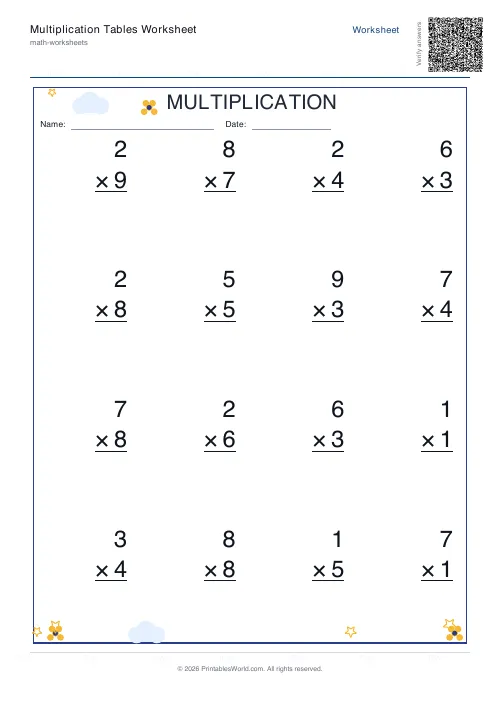 Multiplication Tables Worksheet
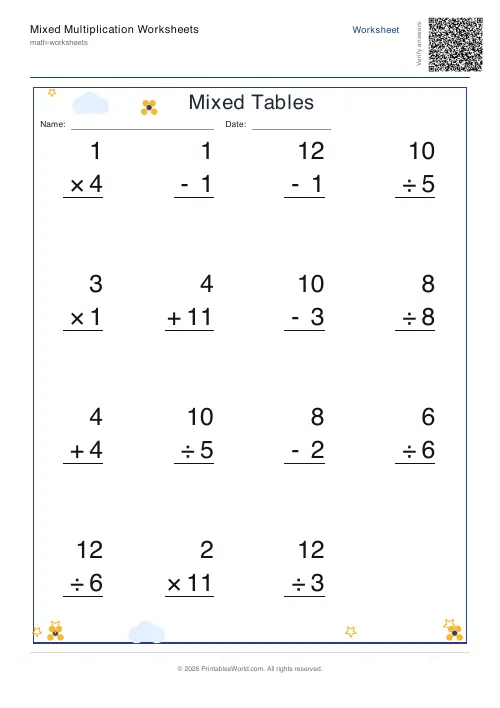 Mixed Multiplication Worksheets
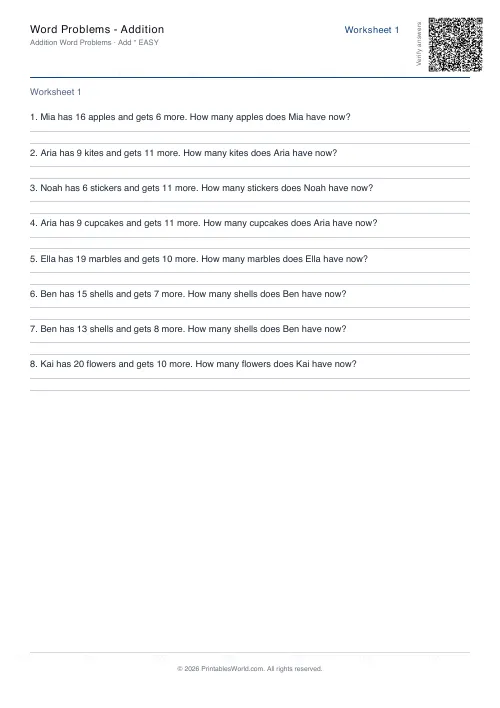 Word Problems: Addition
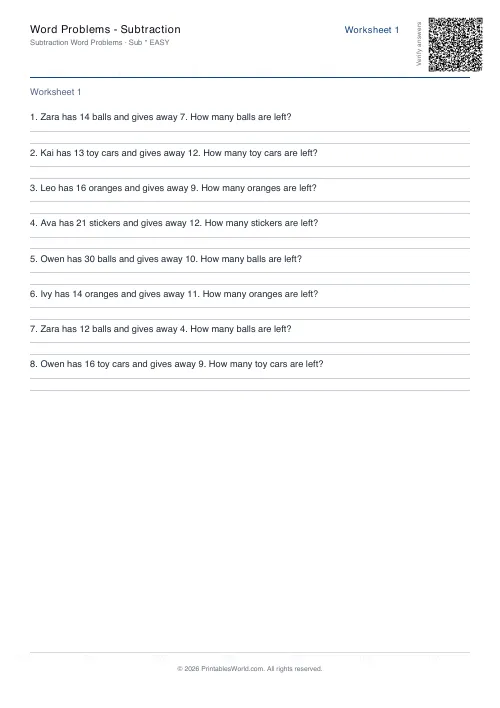 Word Problems: Subtraction
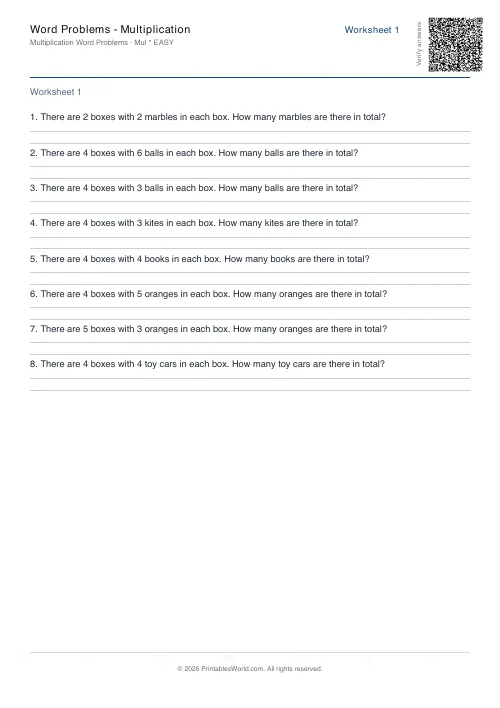 Word Problems: Multiplication
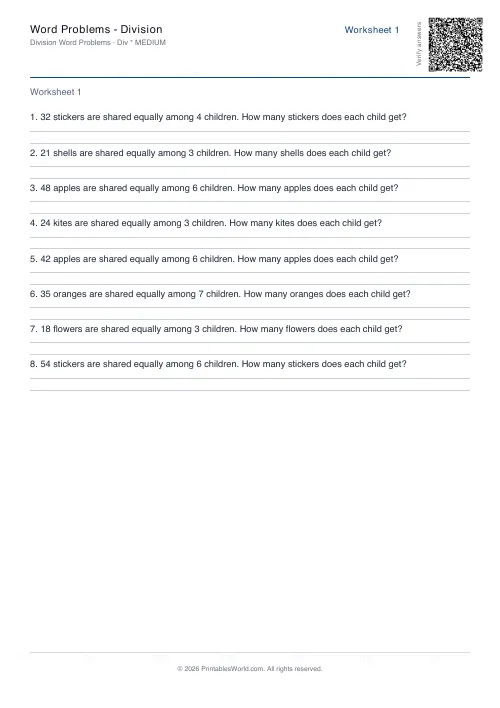 Word Problems: Division