What this tool does
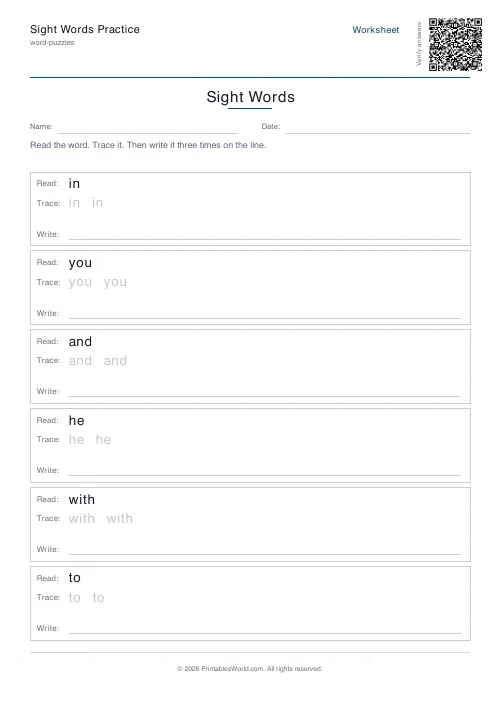
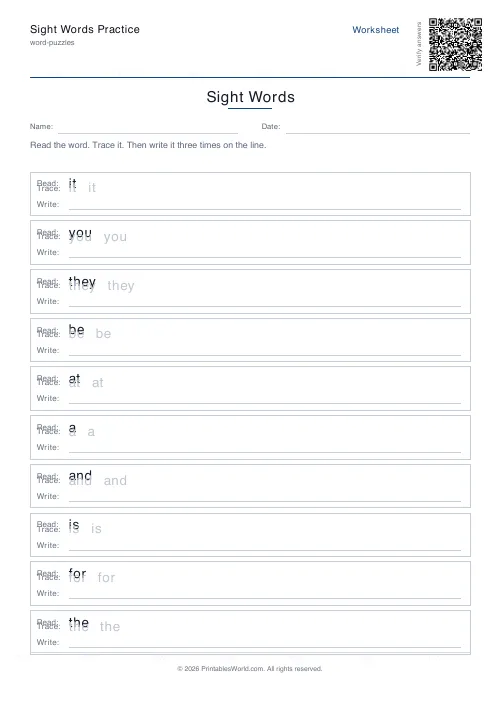
A sight-word practice sheet: read the word, trace the faint copy, then write it on the line. Four to ten words a page, defaulting to the Fry first 25, which between them account for roughly a third of everything a child reads. Paste your own list to use any set.
People also used
Feedback
Spotted something off with this tool?
Sight word practice, four to ten words a page
Each row prints the word to read, a faint copy to trace, and a line to write it. Simple on purpose. Sight words are learned by how often a child meets them, not by how ingenious the exercise is.
The default list is the Fry first 25: the, of, and, a, to, in, is, you, that, it, and the rest. Paste your own list in and the sheet uses that instead, which is what most people will want after the first week.
What makes these words worth a separate sheet
Two reasons, and the second is the one usually missed.
The first is frequency. The Fry first 25 alone account for around a third of all words in ordinary printed English, so a child who can read those instantly has a third of every page already handled and can spend their effort on the words that carry the meaning.
The second is that many of them cannot be sounded out. Of does not follow the rules. Neither does was, or they, or from. A child applying phonics to those words gets them wrong, and being told to sound out a word that does not obey phonics is a fast route to deciding you are bad at reading. These words have to be recognised whole, which is a different task and deserves a different sheet.
Four to ten words, and fewer is usually better
The count runs from 4 to 10. Six is the default.
Ten words on a page looks more productive and generally is not. Sight-word learning depends on how many times a word has been seen, not how many words have been seen once, so four words practised daily for a week beats ten words practised once. If you have twenty words to cover, that is four sheets over four weeks, not two sheets tomorrow.
Using your own list
Paste words separated by commas or line breaks. Anything works — a school's own list, the Dolch lists, the words a particular child keeps stumbling on in their reading book.
That last one is the best source. A list built from the actual errors in this week's reading is more use than any standard list, because it is by definition the words that are currently costing this child something.
Running it well
Say the word before tracing it, every time. A child who traces silently is practising handwriting, which is fine but is not what the sheet is for; the connection being built is between the shape and the sound, and it needs both to be present.
Then cover the row and ask them to write the word from memory on the back. That takes ten seconds and tells you far more than the completed sheet does.
Print at 100% on A4 or US Letter.
FAQs
Quick answers
What are sight words?
High-frequency words that emerging readers should recognise instantly without sounding them out. They make up most of what kids read.
Which list does this use?
The default is the Fry first 25 list. For Dolch lists, see the dedicated Dolch words worksheet, or paste any custom set.
How many words per page?
Four to ten. Enough room for the read / trace / write rows on each one.
Can I customise the words?
Yes. Paste a comma- or newline-separated list and the sheet rebuilds with your words.
Related tools
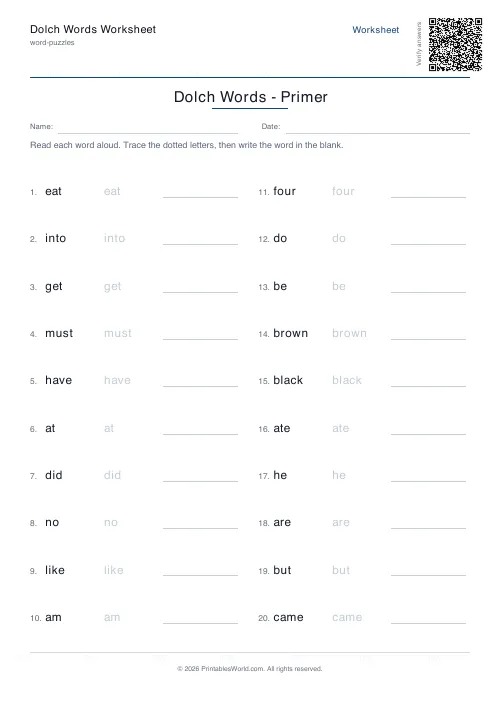
Dolch Words Worksheet
Pre-Primer through Grade 3 Dolch sight word practice.
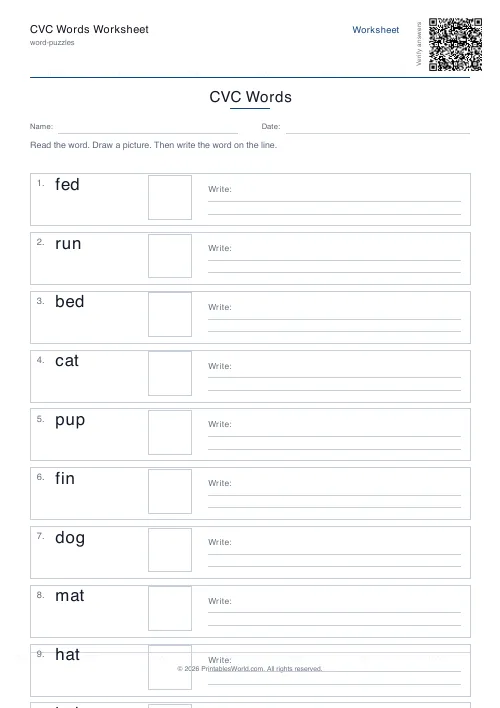
CVC Words Worksheet
Read, draw, and write consonant-vowel-consonant words.
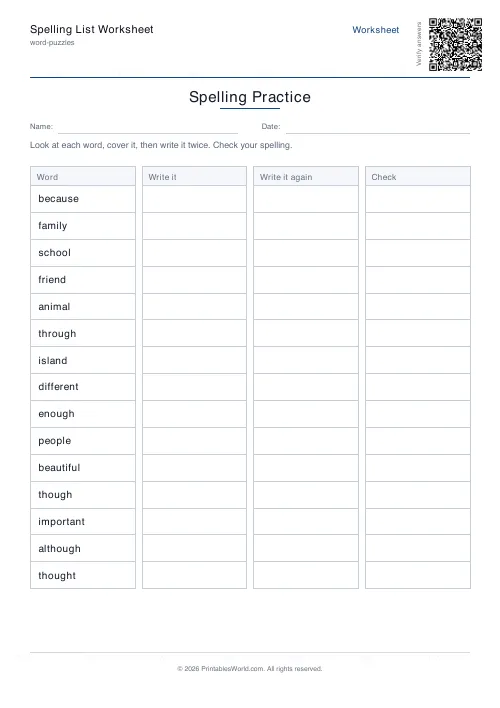
Spelling List Worksheet
Look, cover, write, and check. Practice any spelling list.
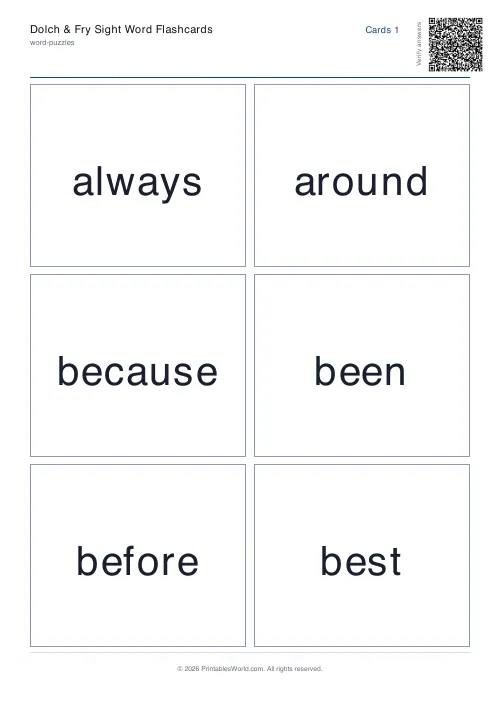
Dolch & Fry Sight Word Flashcards
Print cut-apart flashcards for the Dolch and Fry high-frequency word lists.
Further reading
Word Puzzles
Phonics at home: CVC words, blends and beyond
The order matters more than the materials, and one small thing, saying pure sounds rather than "buh" and "cuh", makes blending dramatically easier.
6 min read
Word Puzzles
Sight words: the complete teaching guide
Sight words are usually taught as words to memorise. Most of them are partly decodable, and treating them that way works better. Here is how, and how many to teach at once.
6 min read
Literacy & Spelling
Do word searches help spelling? What works
Do word searches help spelling, or just fill time? What they practise, what the evidence suggests, and how to turn a spelling list into useful recall practice.
8 min read
More like this
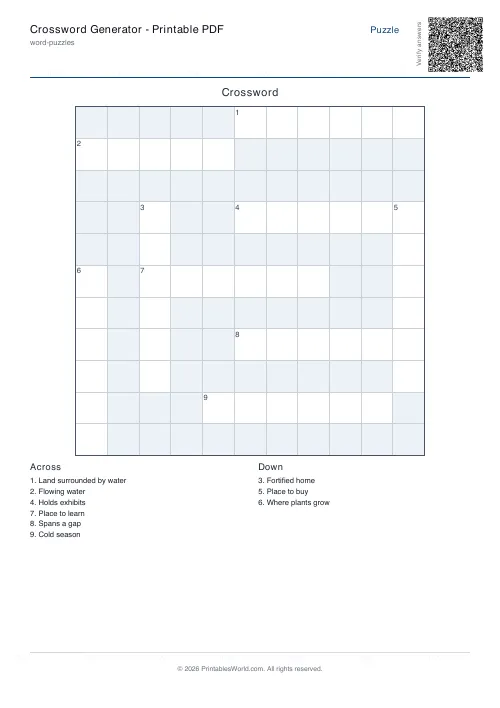 Crossword Generator: Printable PDF
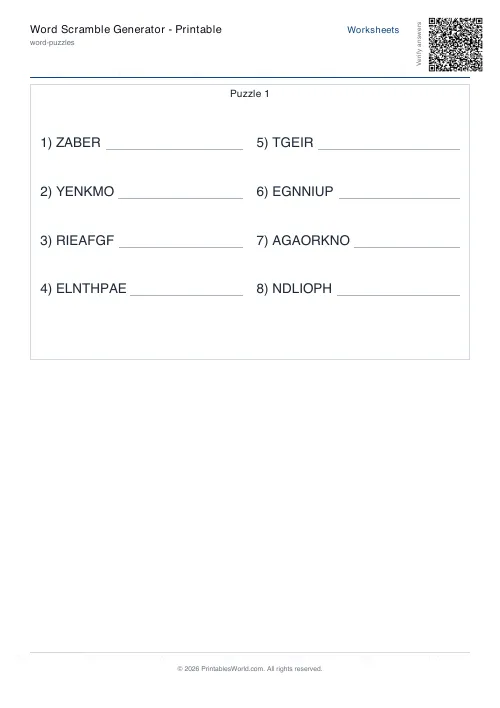 Word Scramble Generator: Printable
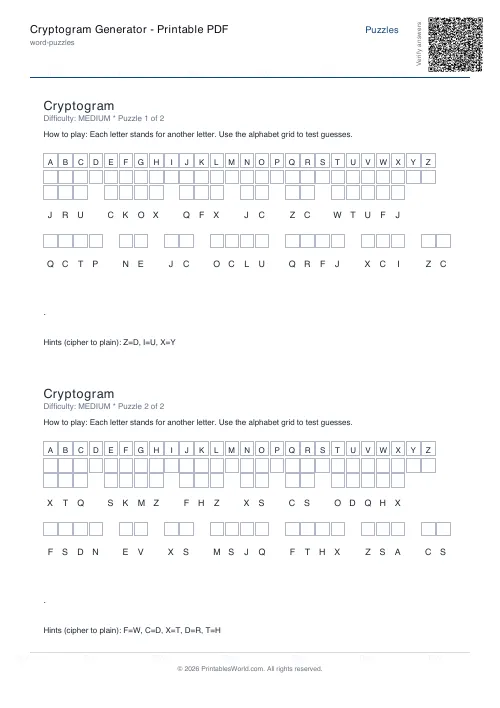 Cryptogram Generator: Printable PDF
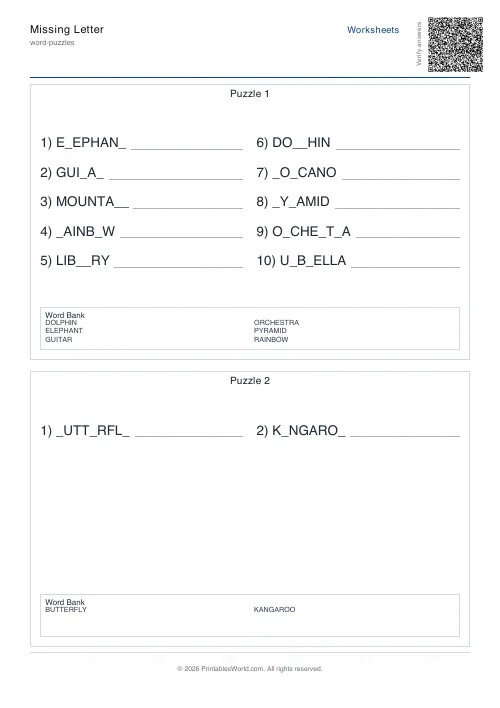 Missing Letter Generator
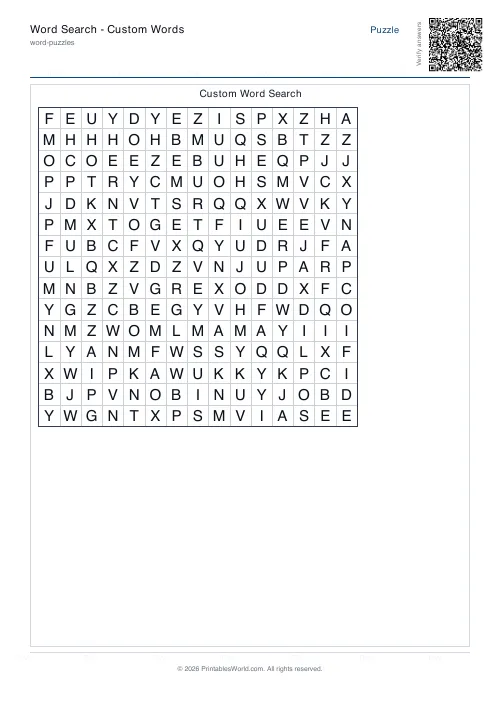 Word Search: Custom Words
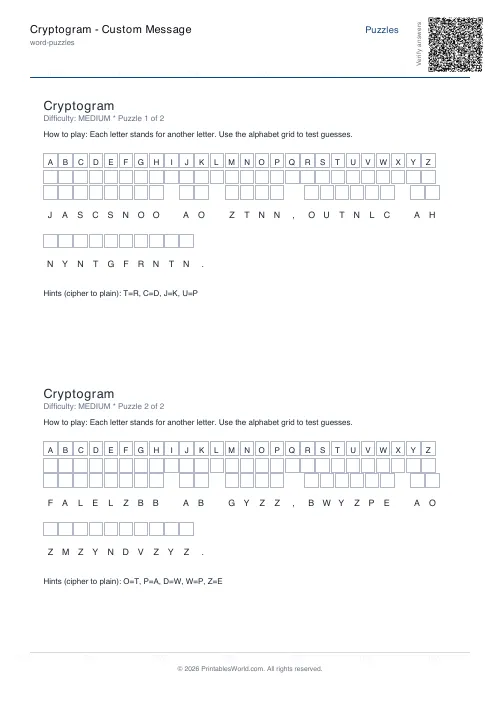 Cryptogram: Custom Message
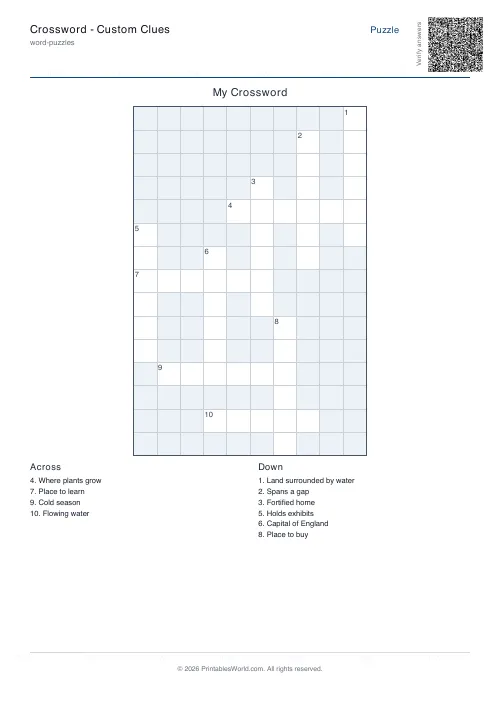 Crossword: Custom Clues
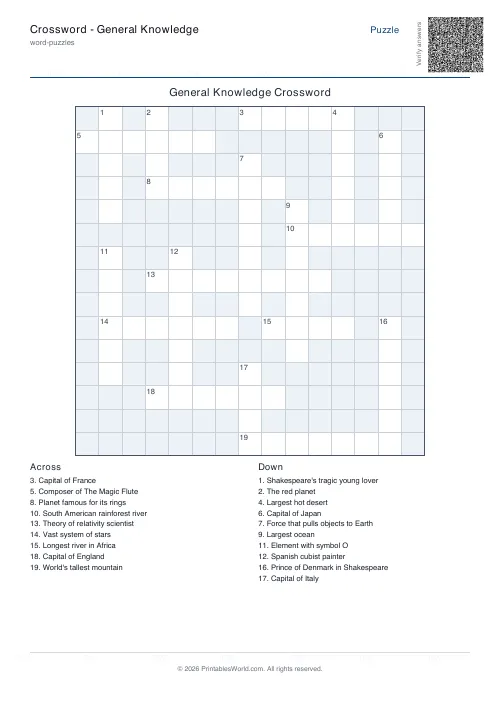 Crossword: General Knowledge
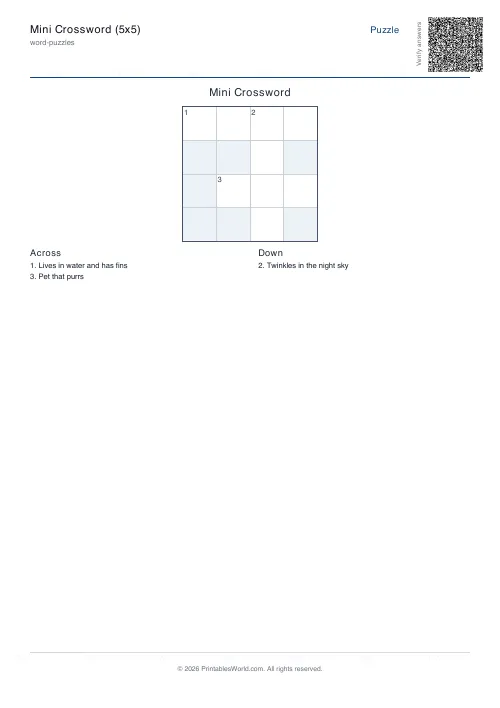 Mini Crossword
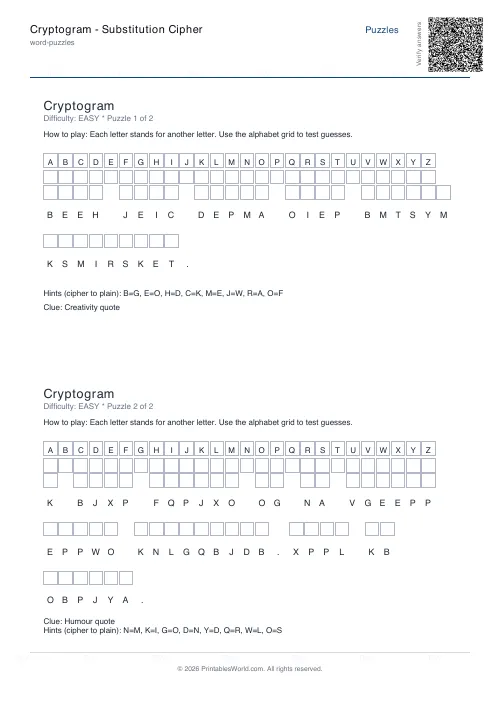 Cryptogram: Substitution Cipher
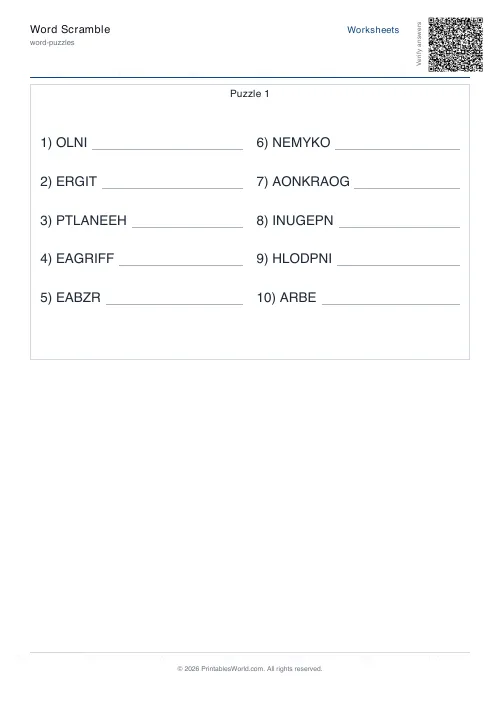 Word Scramble Generator
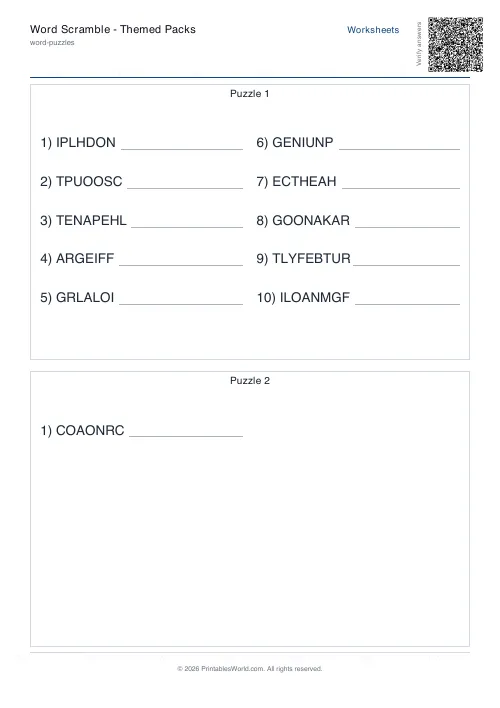 Word Scramble: Themed Packs
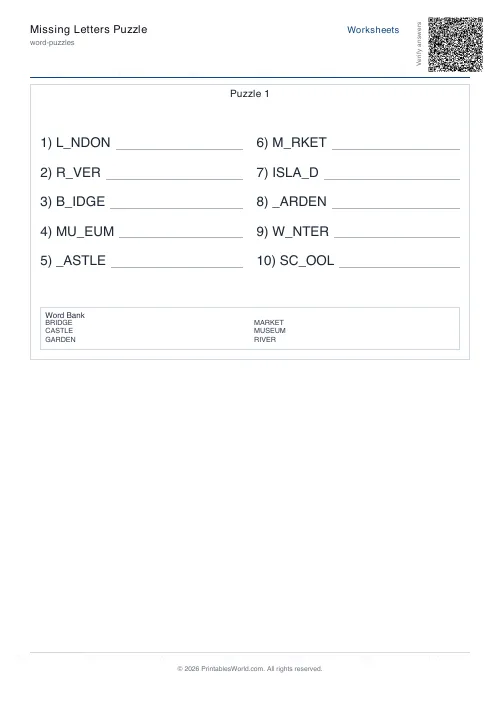 Missing Letters Puzzle
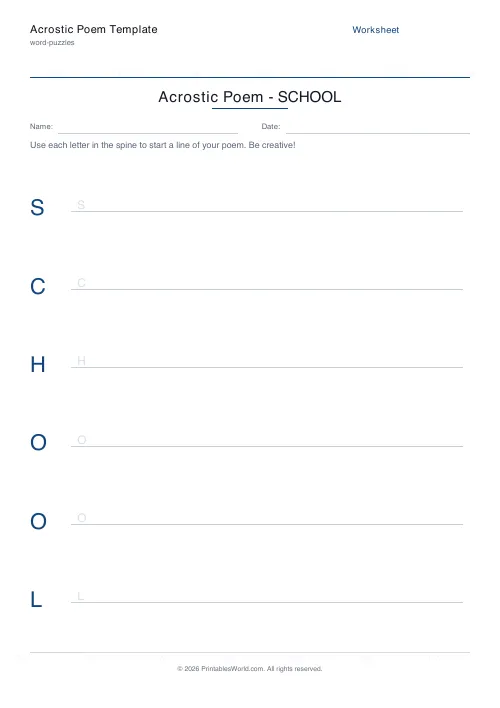 Acrostic Poem Template