What this tool does
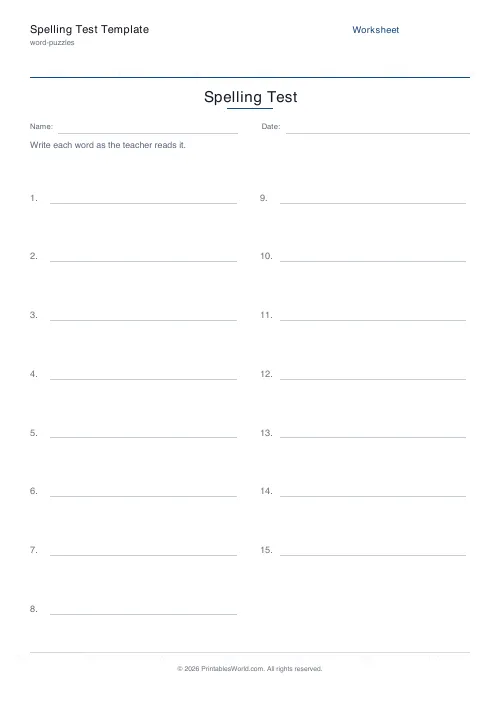
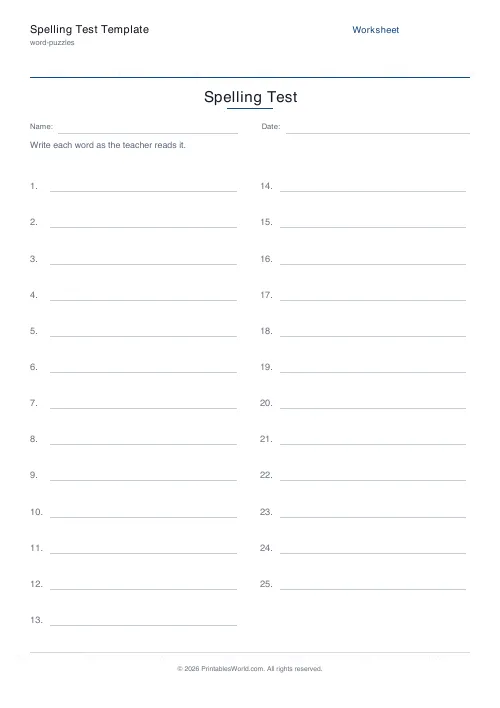
A blank numbered sheet for dictation spelling tests, 10 to 25 lines. Optionally print a teacher copy listing the words to read out, so the two pages always match.
People also used
Feedback
Spotted something off with this tool?
A numbered sheet for spelling tests, and a matching teacher copy
Choose how many words you are testing, from 10 to 25, and the page lays out that many numbered lines with room to write. Nothing else is printed, because nothing else should be — a spelling test sheet that shows the words is not a test.
Tick the teacher copy option and a second page prints with your word list numbered to match, so the sheet you read from and the sheet the class writes on cannot drift out of step.
Why the teacher copy matters more than it sounds
Anyone who has read a spelling test off a scrap of paper knows how it goes wrong. You lose your place. You read number 12 twice. Somebody asks which number you are on, and the whole room stops while you count back down the list.
A numbered list that matches the numbered sheet in front of the class removes that entirely. It also makes marking possible for somebody who was not in the room, which matters for cover teachers and for parents testing at home from a list the school sent.
What the form offers
Word count from 10 to 25. A worksheet title, an instruction line, optional Name and Date fields, and the teacher copy toggle. A4 or US Letter.
Paste your word list in and it appears on the teacher copy. Leave it empty and you get the numbered lines on their own, which is what you want if you are reading from the school's own list.
Running the test
Say the word, use it in a sentence, say the word again. The sentence is not padding. Without it their and there and they're are the same noise, and so are dozens of less obvious pairs that will not occur to you until somebody gets one wrong.
Leave enough time between words that the slowest writer is not still on number 7 when the class hears number 9. A child who falls behind starts guessing, and their score stops measuring their spelling.
Marking, and what the results actually tell you
A raw score out of 20 tells you very little. The errors tell you everything.
Sort them into three piles. Phonetically plausible spellings — "nite" for "night" — mean the sound is heard and the convention is not known, which is a teaching problem with a clear answer. Spellings that are not phonetically plausible mean the word was not heard properly, which is a different problem and sometimes a hearing one. And words left blank mean the child ran out of time or gave up, which is neither.
Three children can score 14 out of 20 and need three different responses.
A note on frequency
Weekly testing is the norm. It is not obviously the best pattern. Re-test the same words three weeks later and you find out what was actually learned, for the cost of one sheet.
Print at 100% on A4 or US Letter.
FAQs
Quick answers
How does the teacher copy work?
Paste your spelling words into the custom-words box and toggle "Include teacher copy". A second page prints with each word listed next to its number for dictation.
What if I leave the words blank?
No problem. The student page still prints with numbered lines; you can write or call out the words from any source.
How many lines fit per page?
Tests up to 12 words print as a single column; 13–25 words print in two columns to keep room for handwriting.
Can I add a name and date?
Yes. Toggle "Show Name & Date" to add the standard header fields.
Related tools
Further reading
Literacy & Spelling
Do word searches help spelling? What works
Do word searches help spelling, or just fill time? What they practise, what the evidence suggests, and how to turn a spelling list into useful recall practice.
8 min read
Word Puzzles
Prefixes and suffixes: a simple teaching guide
Learning that "un-" means not unlocks hundreds of words at once. Here are the affixes worth teaching first and the three spelling rules that cause most errors.
5 min read
Word Puzzles
Crosswords for kids: age-by-age difficulty guide
The grid size matters less than the clues. Here is what suits each age, and the four clue types that work with children. Plus the one that does not.
5 min read
More like this
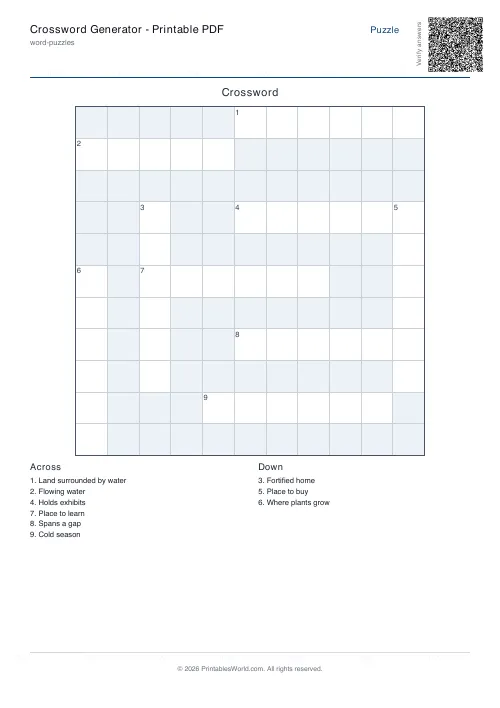 Crossword Generator: Printable PDF
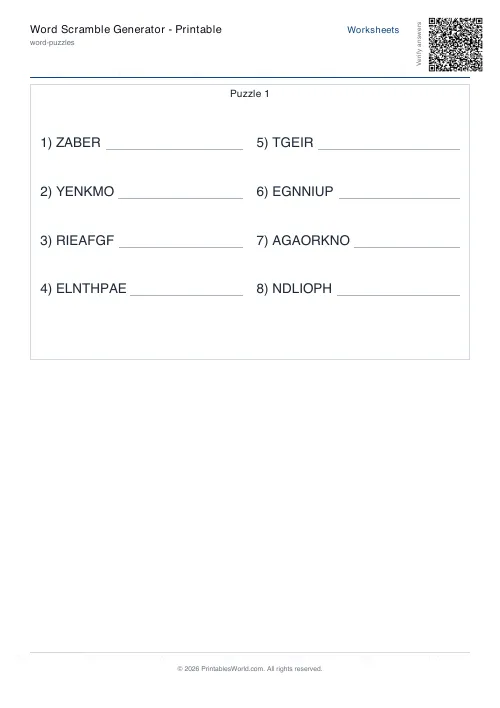 Word Scramble Generator: Printable
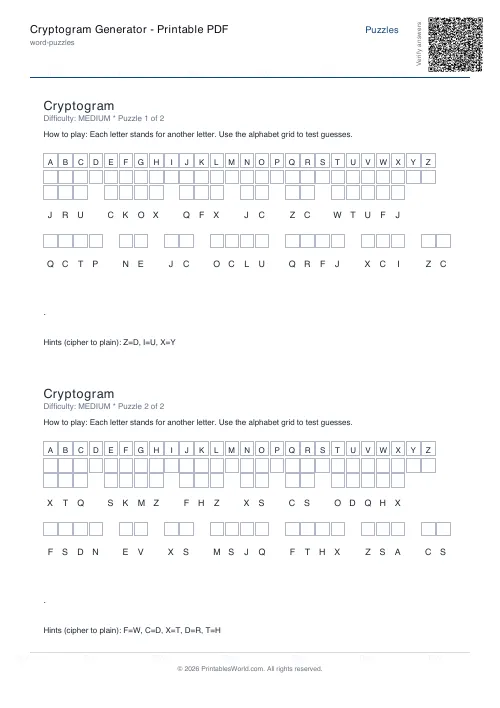 Cryptogram Generator: Printable PDF
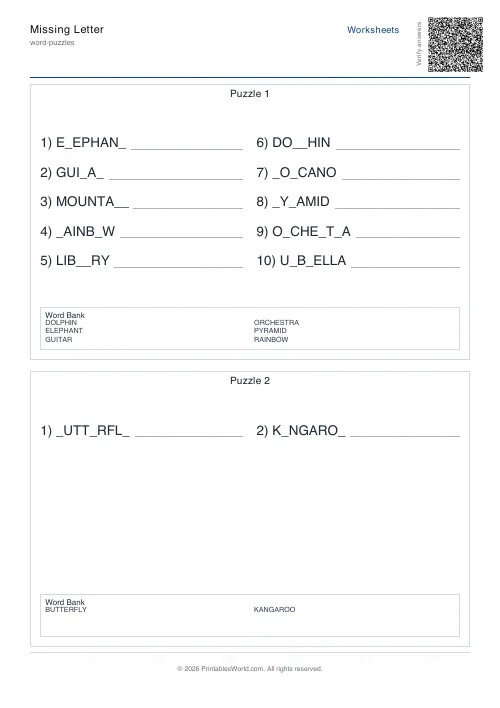 Missing Letter Generator
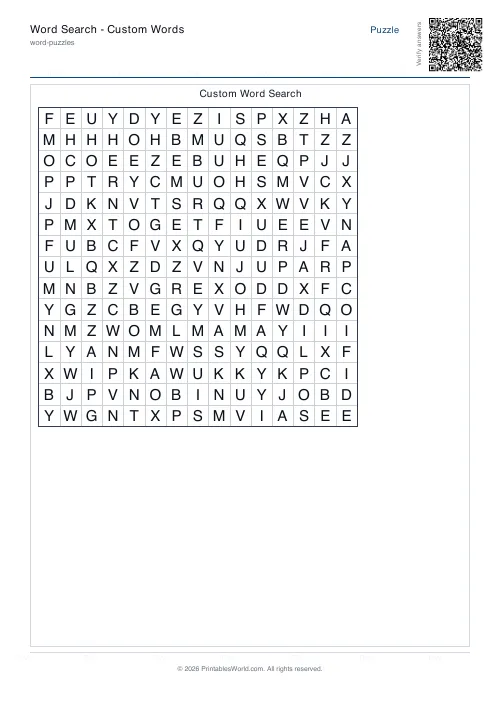 Word Search: Custom Words
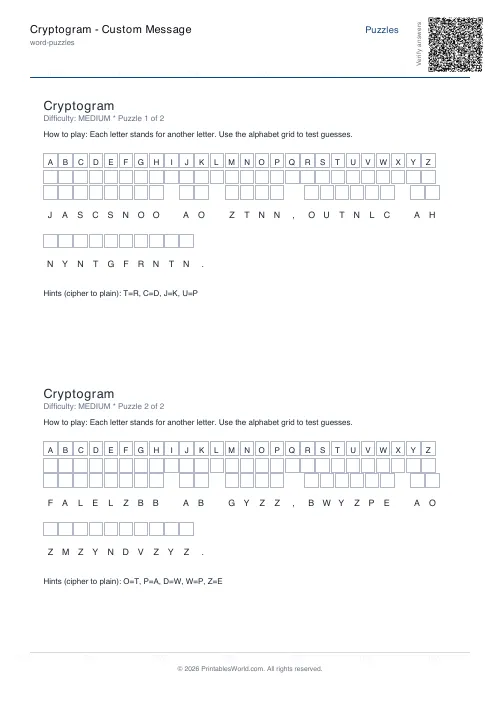 Cryptogram: Custom Message
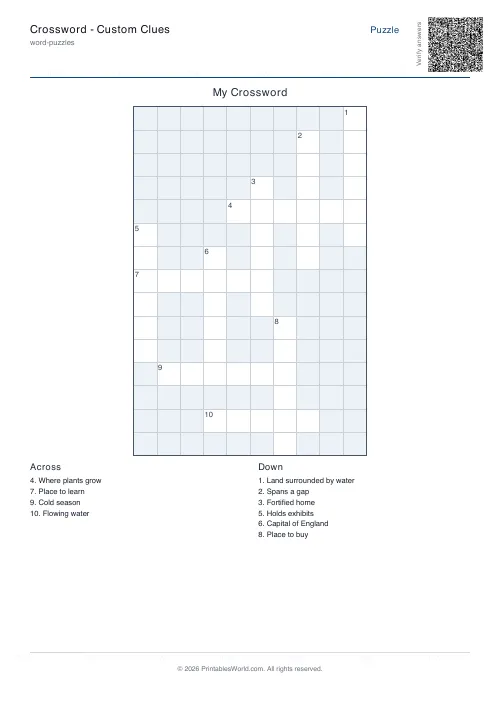 Crossword: Custom Clues
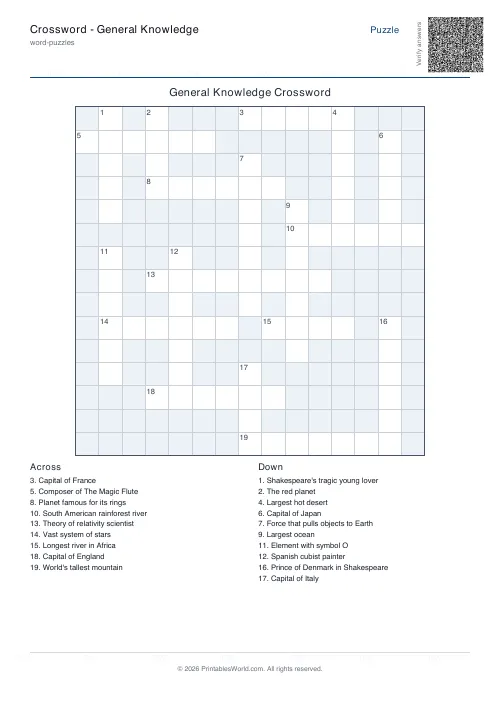 Crossword: General Knowledge
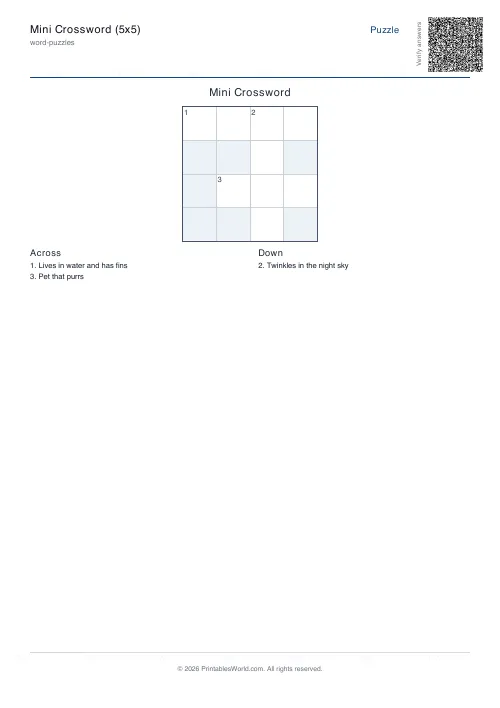 Mini Crossword
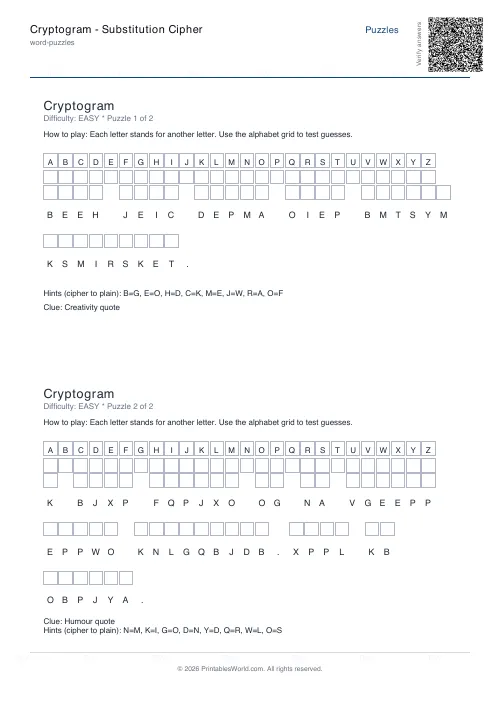 Cryptogram: Substitution Cipher
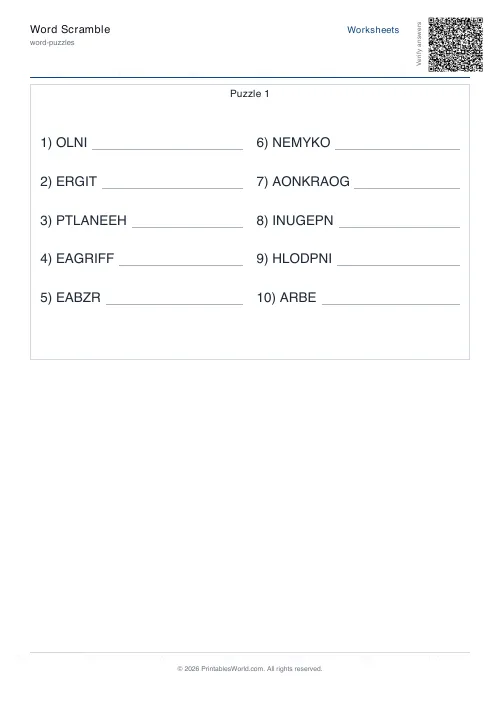 Word Scramble Generator
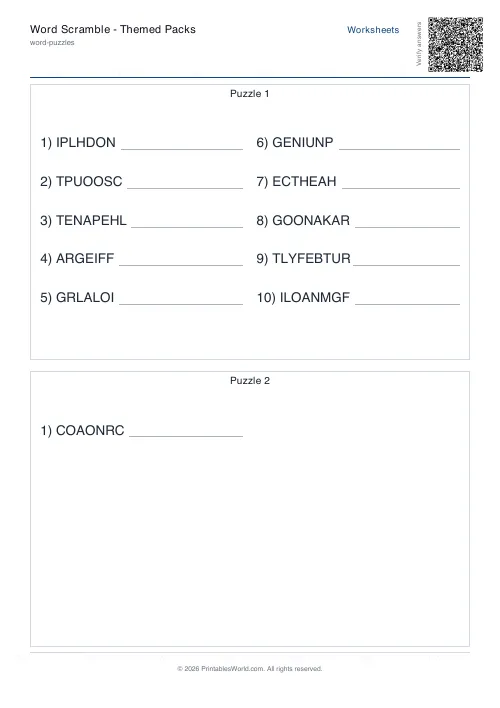 Word Scramble: Themed Packs
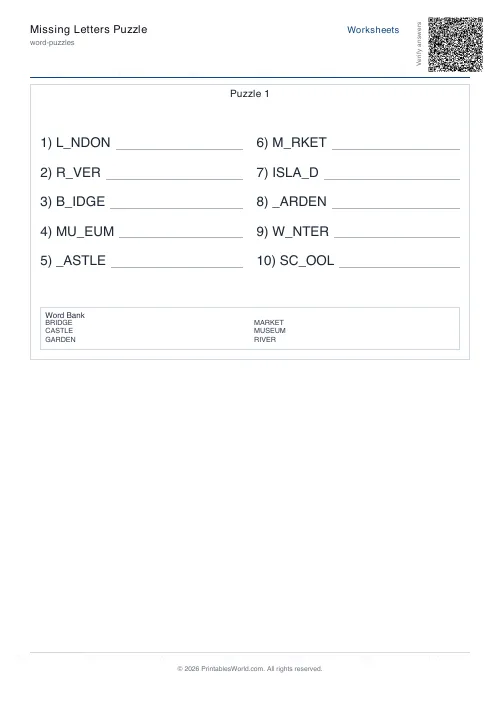 Missing Letters Puzzle
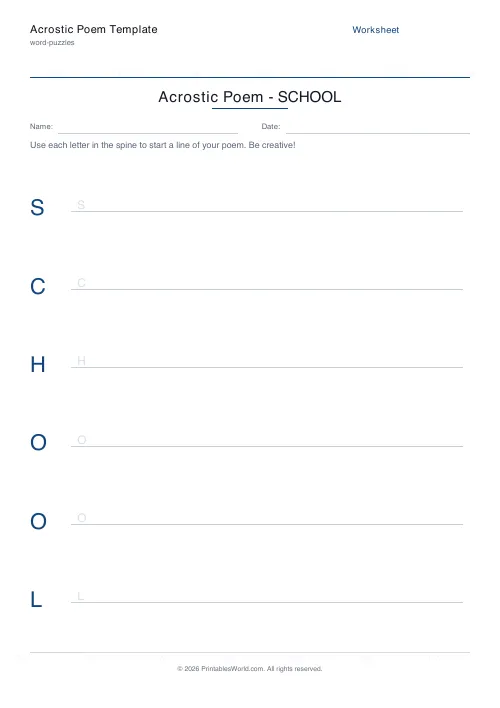 Acrostic Poem Template