Scan to get


 Scan to get



 Scan to get






What this tool does
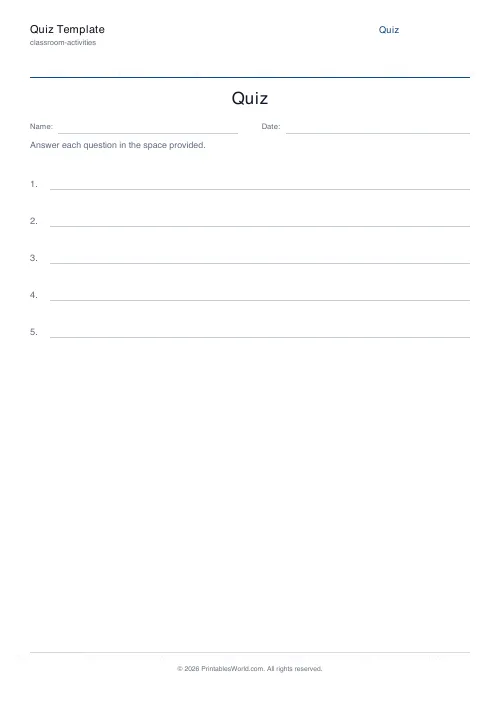
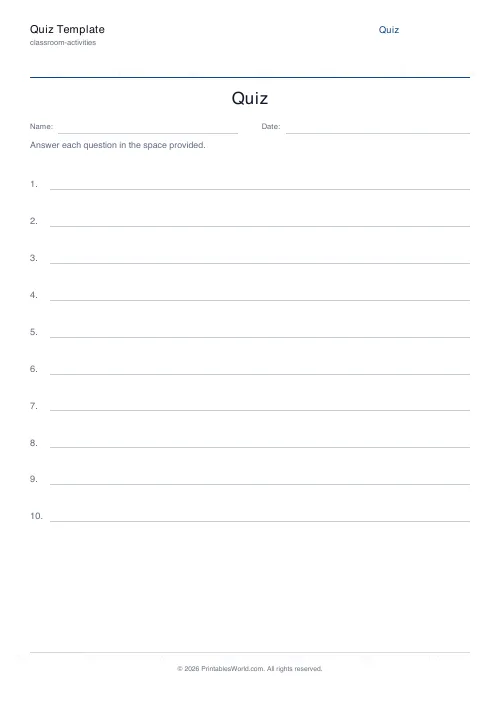
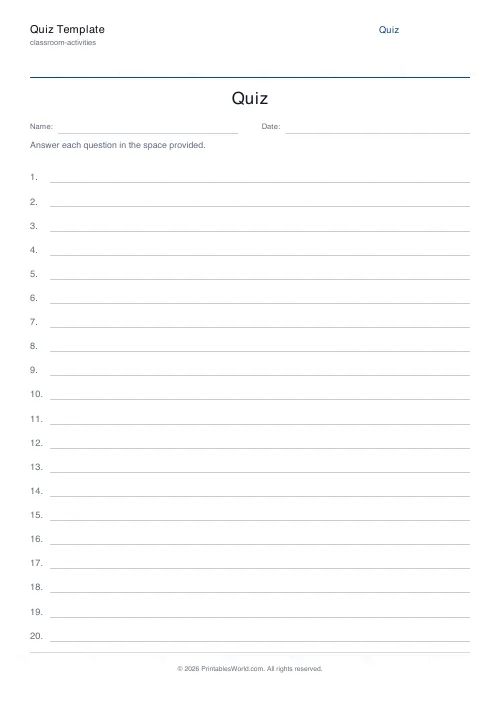
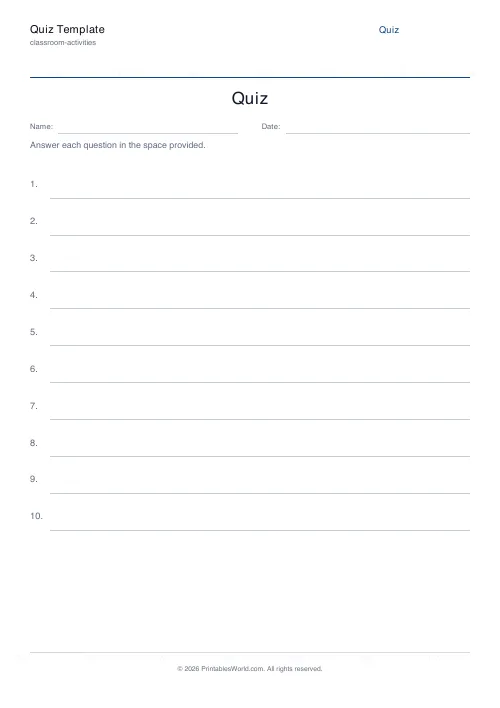
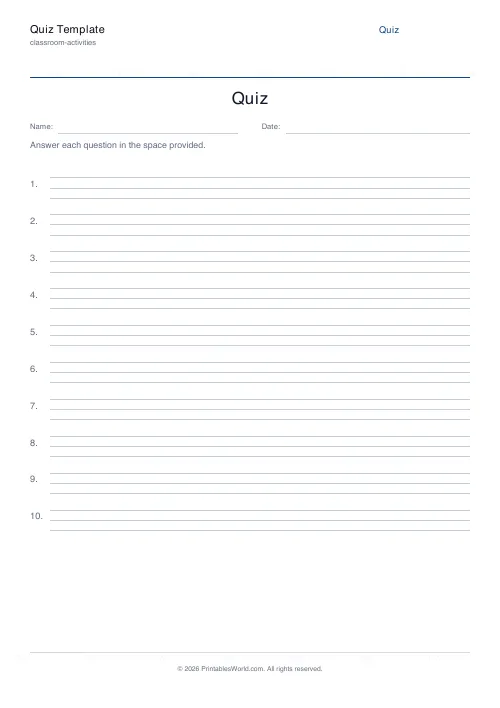
A blank numbered quiz sheet. Set the title, the instruction line and how many questions (1 to 50), then choose the answer space: a single ruled line, three ruled lines, or a blank gap.
People also used
Feedback
Spotted something off with this tool?
A blank quiz sheet, laid out properly
Set a title, an instruction line and a question count. The page prints that many numbered rows with space to answer, and nothing else. You write the questions or read them out; this is the paper they land on.
One to fifty questions. Row height is worked out from the count, so ten questions get generous rows and fifty get compact ones, and the sheet fills the page either way.
The three answer styles do different jobs
- Single line — one ruled line. For one-word answers and spelling tests.
- Three lines — room for a sentence or two, which is what an "explain why" question needs. A single line silently tells the child to write less than you wanted, and they will believe it.
- Blank line — an unruled gap, for diagrams, working out and maths.
Whichever you pick is read as an instruction, whether you meant it as one or not. One short line says "one word". Three lines says "write properly". Match the space to the answer you actually want and you will spend a great deal less of the lesson telling people to write more.
Why a blank template rather than a generated quiz
Because the questions are the part that has to be yours.
A generated quiz is generic by construction, and a quiz that does not match what was taught this week measures the wrong thing. What is genuinely tedious is the layout — numbering fifty rows, spacing them evenly, fitting them to the page, remembering the name field — and that is the part worth automating.
The controls
Title, instruction line, question count from 1 to 50, answer style, and the Name and Date header on or off. A4 or US Letter.
The instruction line is worth using rather than leaving at the default. "Answer in full sentences", "Show your working", "You may use a calculator" — each of those changes what you get back, and putting it on the page means you are not repeating it for twenty minutes.
Other things it is good for
It is not only a quiz sheet. Fifty numbered single lines makes a register, or a raffle sheet, or a list of anything at all. Ten numbered three-line rows makes an interview form, or a set of reflection prompts, or the running order for an assembly.
Print at 100% on A4 or US Letter.
FAQs
Quick answers
How many questions can I include?
Anywhere from 1 to 50 numbered questions. The template auto-adjusts the row height so everything fits on a single page.
What does "line type" change?
It picks the style of answer space beside each number. A single underline, three stacked ruled lines, or a blank box for free-form answers.
Can I add my own instructions?
Yes. The instructions field prints above the first question and wraps across the page width.
Does this print an answer key?
No. This is a blank template. Fill in the questions yourself before or after printing.
Related tools
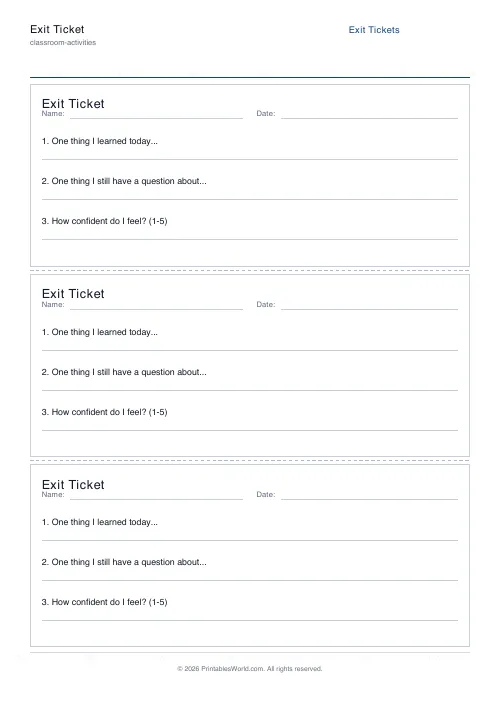
Exit Ticket Generator
Three exit tickets per A4 page for quick end-of-lesson reflection.
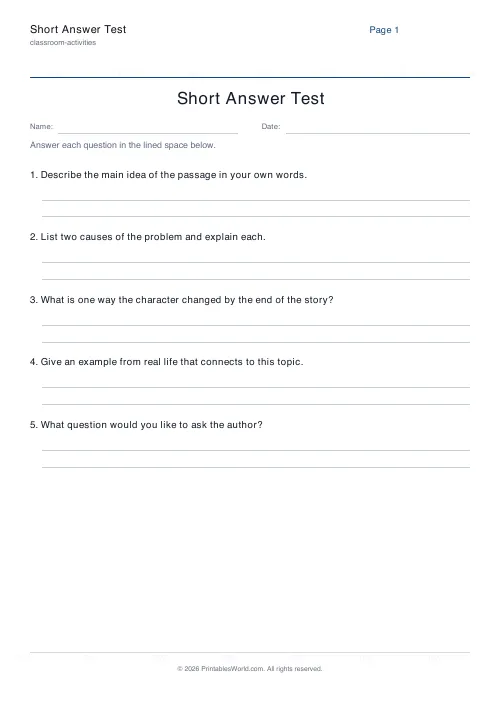
Short Answer Test Generator
One question per item with 2-8 ruled response lines.
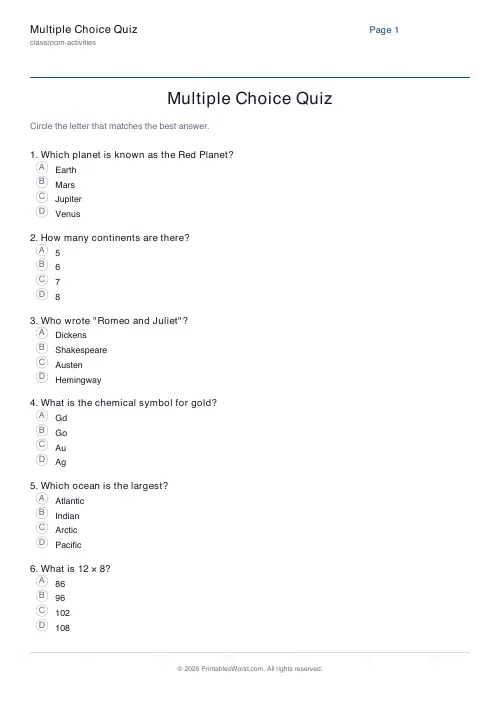
Multiple Choice Quiz Generator
Print MCQ sheets with four A/B/C/D options per question.
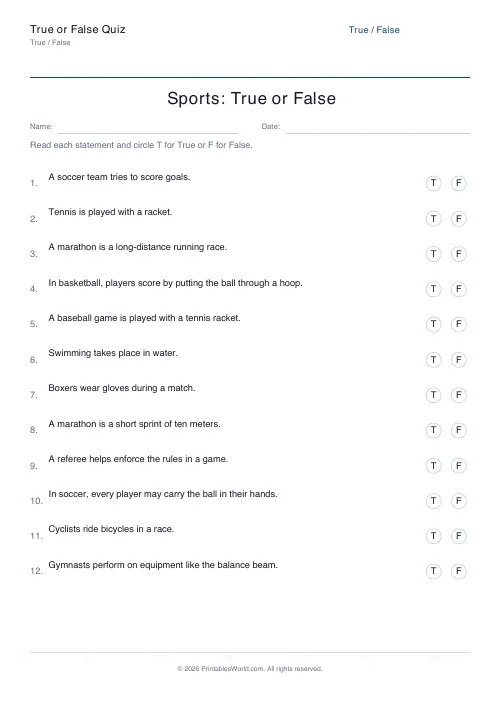
True or False Quiz Generator
Paste statements; print a true/false sheet with circle-T / circle-F marks.