What this tool does
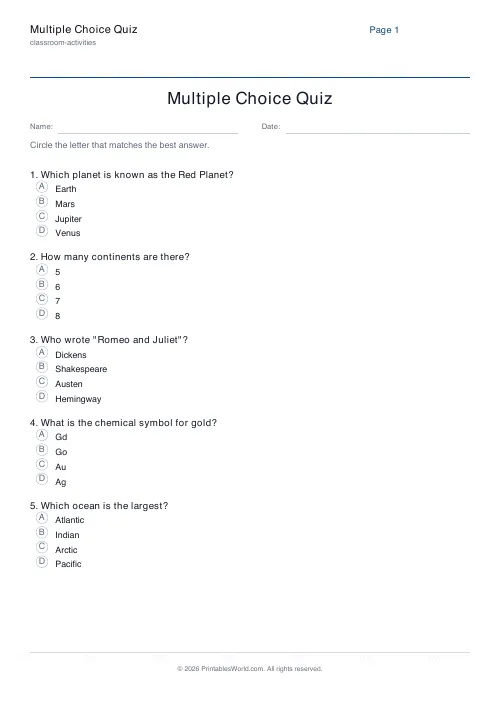
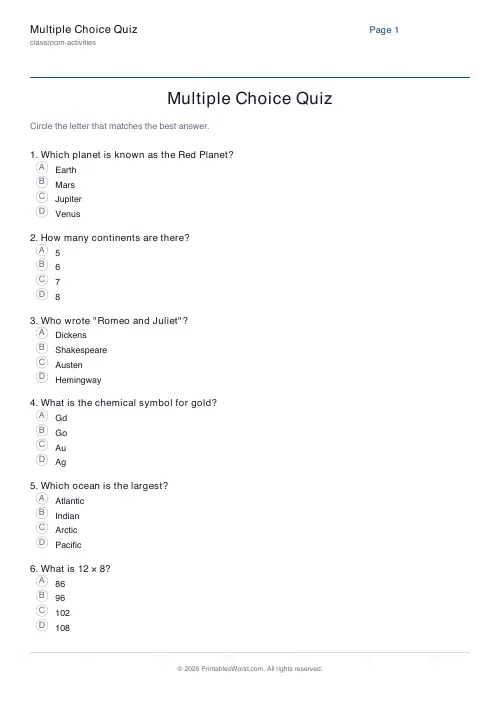
Your multiple-choice questions, formatted with four lettered options each and a bubble to circle or shade. Type the questions and options; the layout is handled.
People also used
Feedback
Spotted something off with this tool?
A multiple-choice sheet, laid out for you
Type your questions and four options for each, and the page prints them numbered, with a lettered bubble (A, B, C, D) in front of every option for the student to circle or shade.
Nothing is generated for you except the layout, which is the tedious part — consistent spacing, aligned bubbles, questions that do not split awkwardly across the page.
Writing four options that do their job
The distractors are the whole test. A question with one plausible answer and three obvious wrong ones measures nothing except whether the reader was awake.
The best wrong answers are the mistakes your students actually make. If the question is 7 × 8, then 54 and 63 belong in the options, because those are the near misses; 20 does not. If it is a science question, the distractors should be the misconceptions you have heard in the room. A wrong answer that nobody picks is a wasted line.
Avoid "all of the above" and "none of the above". Both are usually answerable without knowing the content, by elimination.
Where the answer goes matters
Vary it. Quiz writers put the correct answer at C far more often than chance, and students notice long before anyone admits it — there is a real folk rule about guessing C, and it exists because it works often enough.
Shuffle deliberately. If you are writing ten questions, count how many of each letter you have used before you print.
What multiple choice is and is not good for
It is good for coverage. Twenty questions across a whole topic take five minutes to answer and two to mark, which makes it practical to check everything rather than sampling.
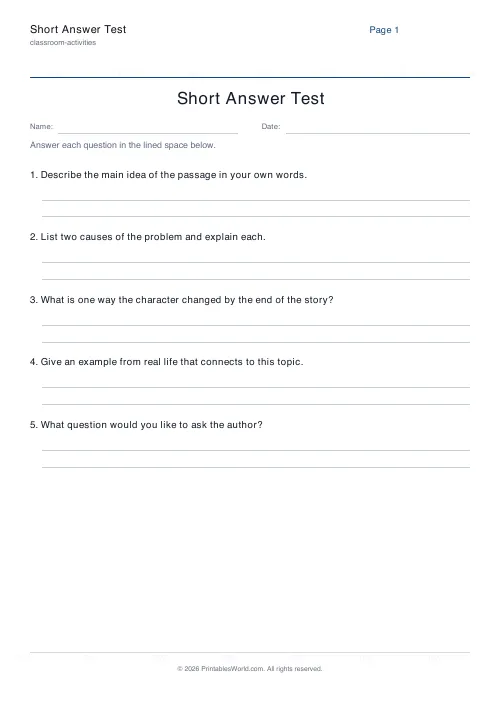
It is poor at anything requiring construction. A student who can pick the correct definition of photosynthesis from four options may not be able to write one, and the gap between recognising and producing is wide enough that a good multiple-choice score can be genuinely misleading. Use it to find gaps quickly, then use a short-answer sheet on whatever it flags.
What you set
A title, your list of questions with four options each, and the Name and Date header on or off. A4 or US Letter.
Questions that run long wrap onto a second line, so there is no need to keep them short for the sake of the layout.
Marking
Look at which wrong answer was chosen, not only at the score. If fifteen of thirty students picked B on the same question, that is a misconception the class shares and it is worth five minutes of the next lesson. Three students each picking a different wrong answer is guessing, which needs something else entirely.
Print at 100% on A4 or US Letter.
FAQs
Quick answers
How many questions can I include?
Add as many questions as you need. The sheet flows onto extra pages automatically when it runs out of space on a single page.
Do questions always have four options?
Yes. Each question prints four labelled options (A, B, C, D). Leave an option blank if you want fewer. A blank option still uses its letter.
Can I print an answer key?
Not from this sheet directly. Keep your key in the source you used to write the quiz, or write the answers on a separate teacher copy.
Can long questions wrap?
Yes. Both question text and options wrap across multiple lines while their letter stays at the left.
Related tools
Further reading













