Classroom Activities
True or False Quiz Generator
Paste statements; print a true/false sheet with circle-T / circle-F marks.
Last updated:
What this tool does
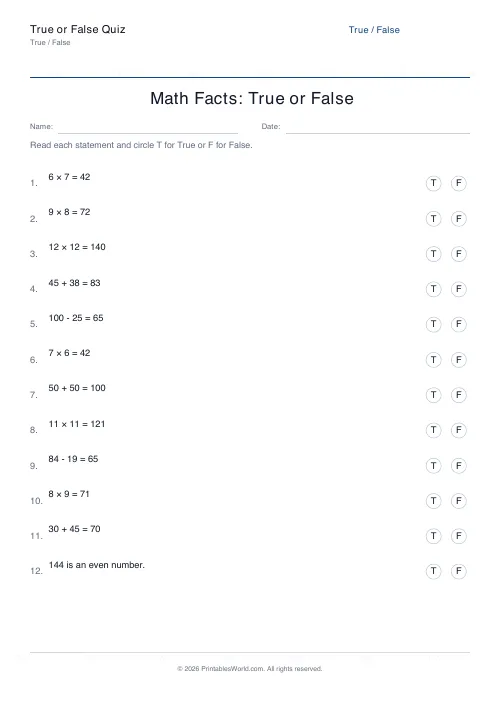
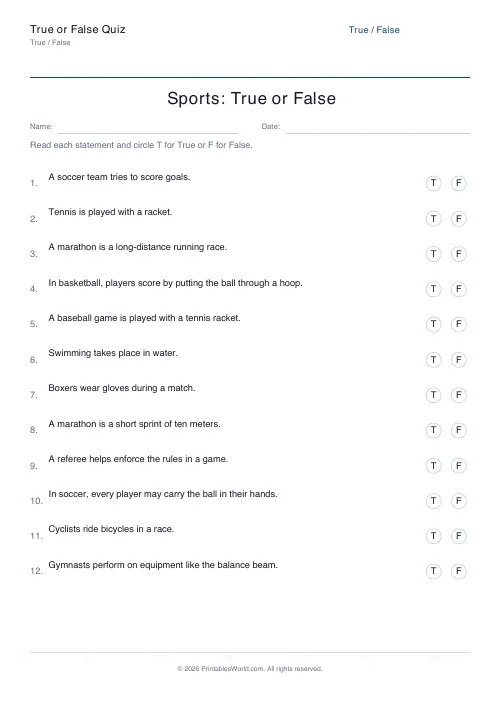
Enter one statement per line and the generator lays them out as a printable True or False quiz. Each row prints the numbered statement alongside circle-T and circle-F markers that students circle with a pen.
Settings
Configure your True / False quiz
8 statements on A4.
Paper size
Preview
True or False
First few statements.
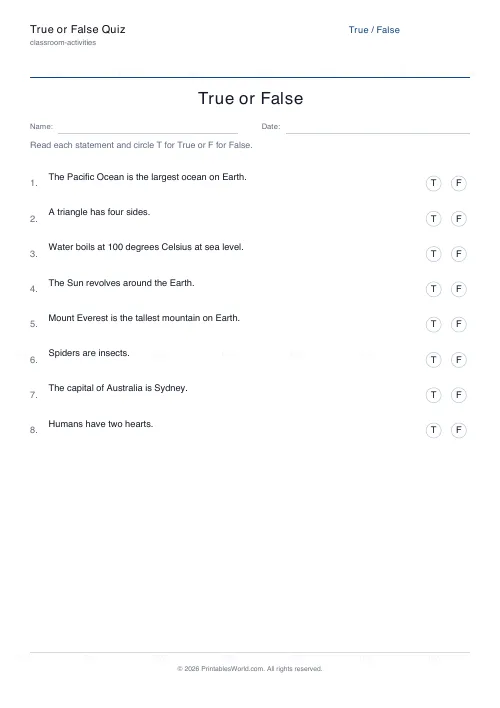
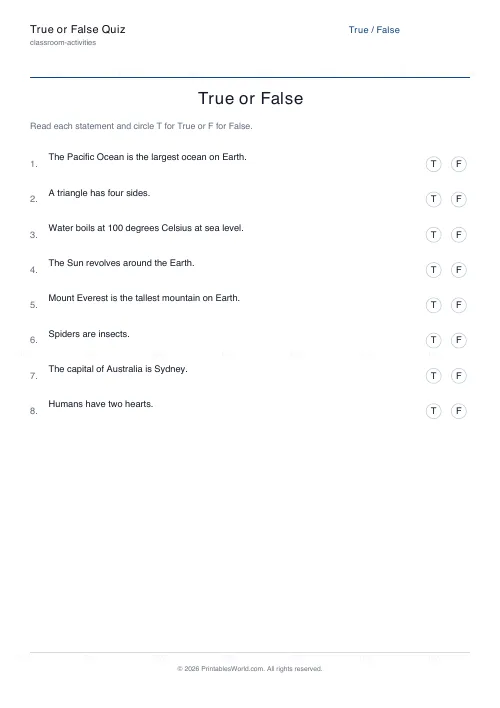
- 1.The Pacific Ocean is the largest ocean on Earth.TF
- 2.A triangle has four sides.TF
- 3.Water boils at 100 degrees Celsius at sea level.TF
- 4.The Sun revolves around the Earth.TF
- 5.Mount Everest is the tallest mountain on Earth.TF
- 6.Spiders are insects.TF
People also used
Create a Printable True or False Quiz from Your Own Statements
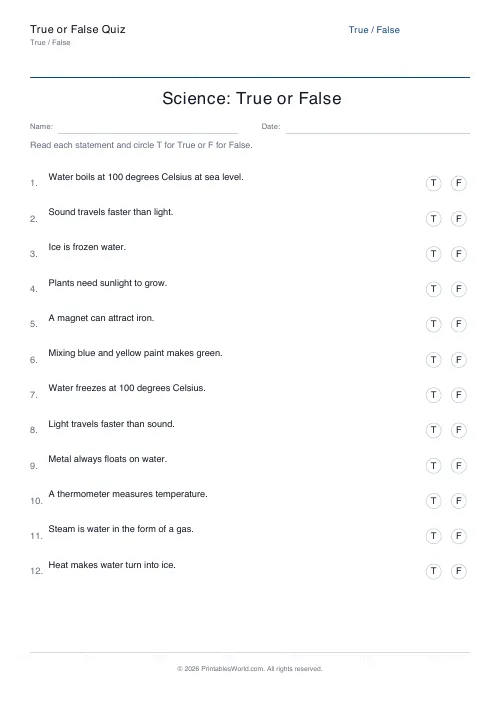
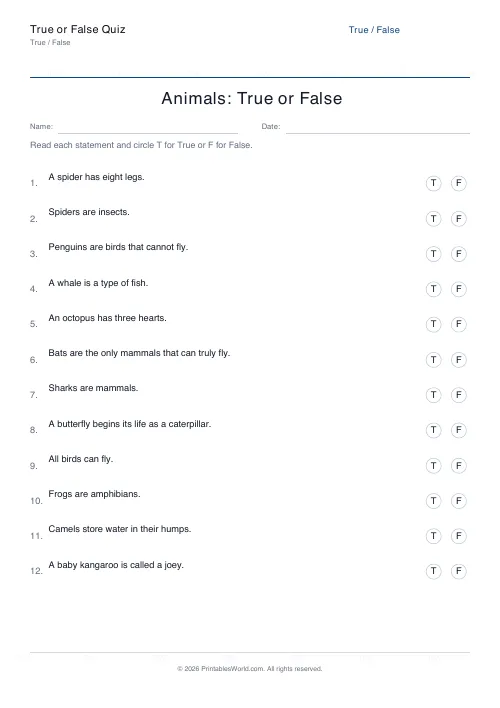
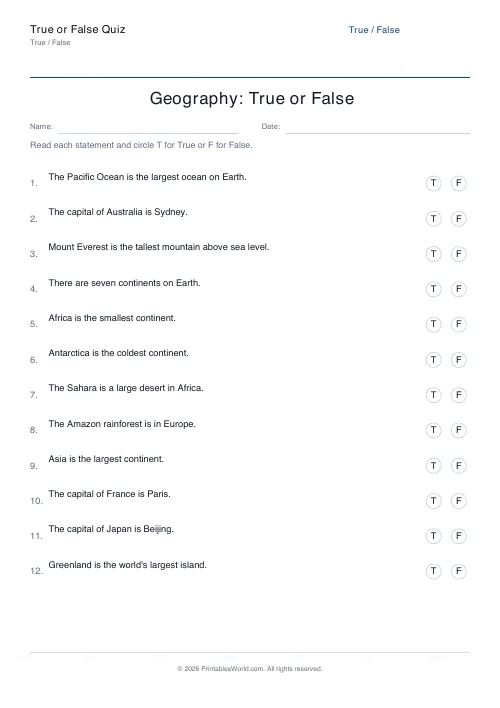
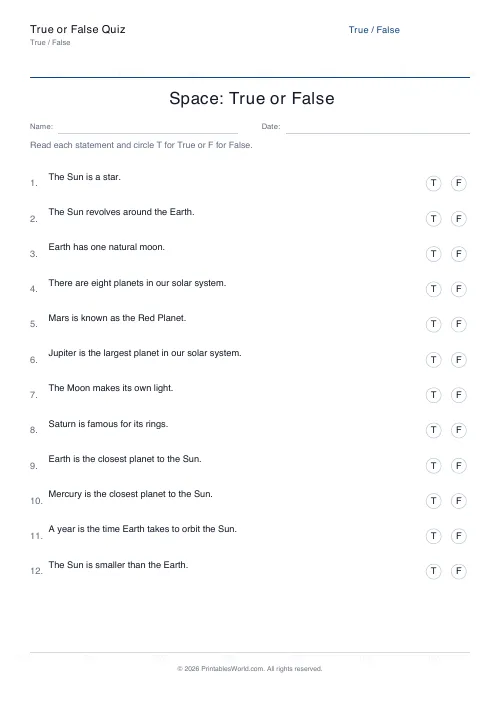
This true-or-false quiz generator takes the list of statements you type in and prints them as a neat quiz sheet, with circle-T and circle-F markers pinned to the right of every row.
Pupils simply circle T or F next to each statement. The engine handles line wrapping for long statements, consistent spacing between rows, and automatic page breaks if the quiz overflows. Download in A4 or US Letter PDF.
Perfect for starter activities, end-of-topic checks, revision, pub-quiz style team games and form-time quizzes.
Why use a true or false quiz?
True/false quizzes are the fastest form of formative assessment you can run. Pupils read, decide, and mark — no writing required. A class of thirty can answer twenty statements in five minutes. Use the sheet for:
- lesson starters and do-nows
- end-of-topic checks
- revision recap sessions
- team-based classroom games
- form-time general knowledge
- home quiz nights
- quick homework checks
Circling is also accessible for pupils who find extended writing difficult — the focus stays on the thinking.
What you can customise
The tool keeps the settings minimal so the quiz is ready quickly:
- Title: Name the quiz, for example "Topic Check — Living Things"
- Statements: Type or paste one statement per line — as many as the page allows
- Name and Date field: Toggle on to print a header row for pupil details
- Paper size: A4 or US Letter PDF
The T and F markers are fixed in position on the right so the page stays consistent whatever you type in.
Notes and limitations
- The sheet does not print an answer key. Keep your correct answers in a separate document.
- Row height shrinks a little as you add more statements, so around fifteen to twenty fits comfortably on one A4 page.
- Statements are printed in the order you enter them — shuffle manually if you want a different sequence each time.
- Print at 100% scale so the T and F circles remain round.
Who this quiz is for
True/false sheets suit all sorts of classroom contexts.
Parents
Run a quick car-journey quiz or a Friday-night family round to recap the week's learning.
Teachers
Deploy as five-minute starters, plenaries, or team games at the end of a unit.
Homeschool families
Mix true/false checks into weekly review sessions as a painless recap tool.
Tutors
Quickly diagnose a pupil's grasp of a topic by seeing which statements they misidentify.
Writing good statements
Clear and unambiguous
Every statement must be clearly true or clearly false — if a statement is only partly true, rephrase or split it. Avoid words like "sometimes" or "often" which leave the answer open.
Mix true and false
Aim for roughly half true and half false. Predictable patterns — three Ts then three Fs — are easy to spot and undermine the assessment.
Common misconceptions
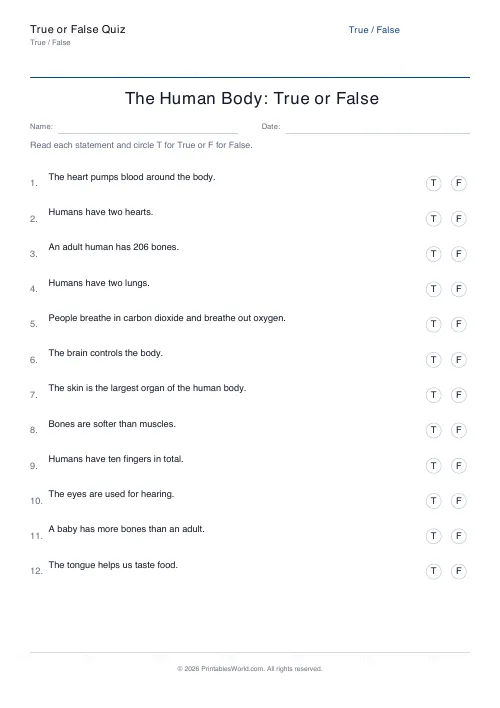
Some of the best statements pick up on misconceptions pupils often hold. "Spiders are insects" and "Humans have two hearts" are good examples — the kind of belief worth testing directly.
How to use the tool
- Type or paste your statements, one per line.
- Edit the title to match the topic.
- Toggle the Name and Date field on if pupils should record their details.
- Choose A4 or US Letter paper.
- Click Generate and preview the sheet.
- Download the PDF and print.
Worked example
A Year 6 science teacher wants a quick recap on living things. She types eight statements including two well-known misconceptions: "Spiders are insects" (false) and "Whales are fish" (false). The other six are a mix of true and false facts about classification.
She leaves the title as "Living Things — Quick Check" and toggles Name and Date on. The preview shows a numbered list with T and F markers on the right. She prints thirty copies and the class completes the quiz in four minutes; marking takes thirty seconds each with a visualiser projection of the answer key.
Methodology
Statements render as a numbered list with the number and text flowing naturally, wrapping to a second or third line as needed. The T and F markers are circled letters pinned to the right margin, at a fixed position for every row. The engine calculates how many rows fit at a comfortable line height, then shrinks or grows spacing until the list sits evenly on the page.
Helpful preset ideas
- Topic check — 10 statements, mixed T/F
- Misconceptions quiz — 8 common false beliefs plus 2 true statements
- End-of-lesson starter — 5 statements, quick recap
- Team game round — 15 statements, mixed difficulty
- Revision pack — 20 statements across a topic
Best ways to use the true/false quiz
- Include at least two "misconception" statements per quiz to surface common errors.
- Mark together with a visualiser so pupils see their own misconceptions as they go.
- Use the quiz at the start and end of a unit to measure progress.
- Turn the sheet into a team game — teams score a point per correct answer.
- Ask pupils to correct every "false" statement in a follow-up writing task.
Designed for A4 and US Letter printing
The quiz prints cleanly on both A4 and US Letter. Row height and column width adapt to the paper size so the T and F markers sit at the right-hand edge consistently, regardless of which format your school stocks.
Related classroom activity tools
Pair the true/false quiz with these other assessment printables:
FAQs
Quick answers
How many statements can I add?
As many as fit on the page. The layout shrinks the row height as you add more statements, so around 15–20 is a comfortable target.
Do statements wrap across lines?
Yes. Longer statements wrap to a second or third line automatically while the T/F markers stay pinned to the right.
Can students mark T/F by circling?
Yes. Each row prints T and F inside small circles so students can circle the correct letter.
Is there an answer key?
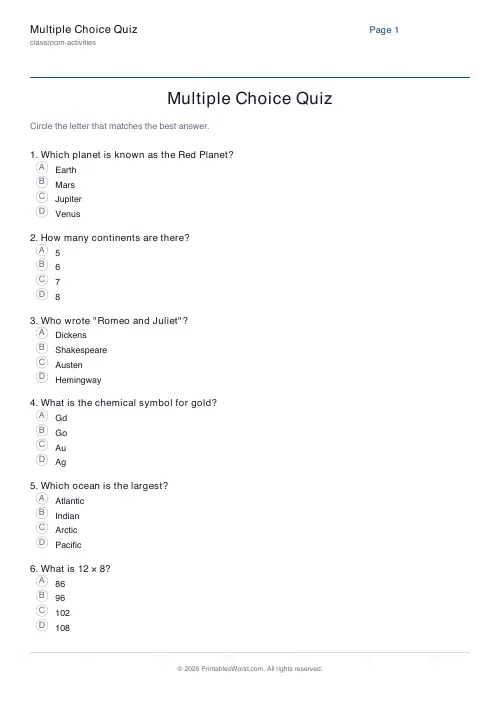
Not on this sheet — keep your correct answers separately. For longer quizzes with multiple choices, use the Multiple Choice Quiz generator.
Related tools