What this tool does
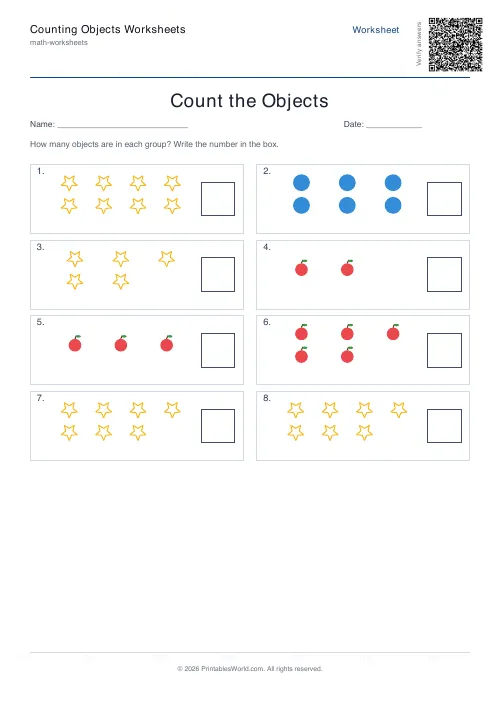
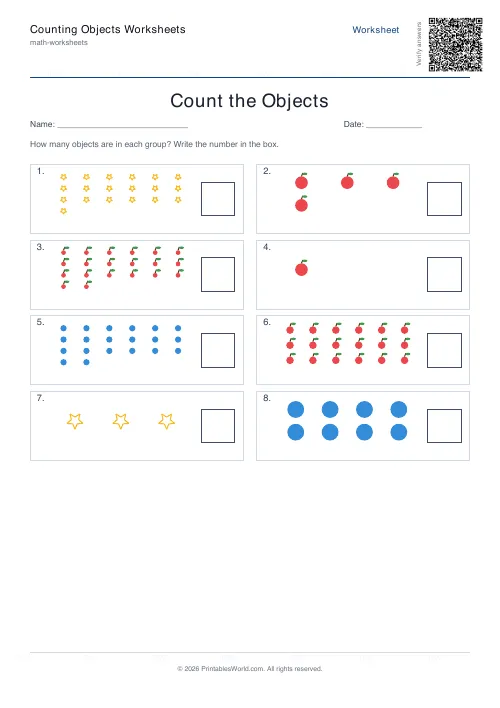
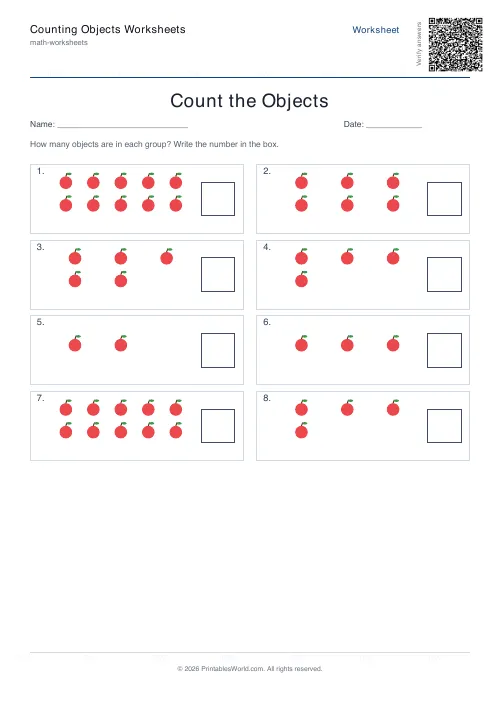
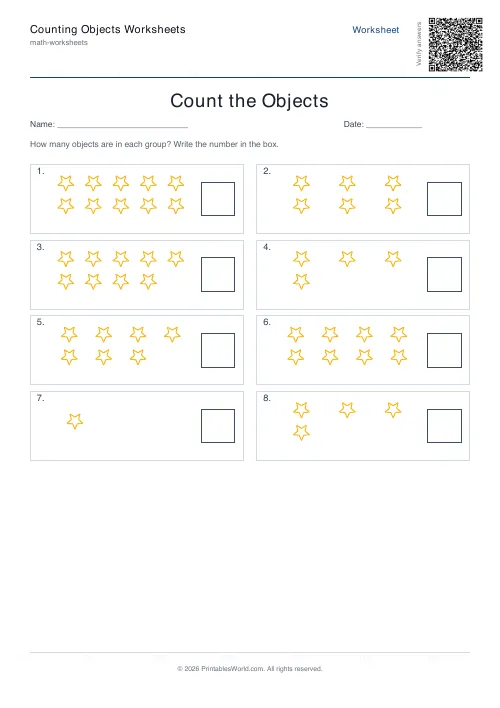
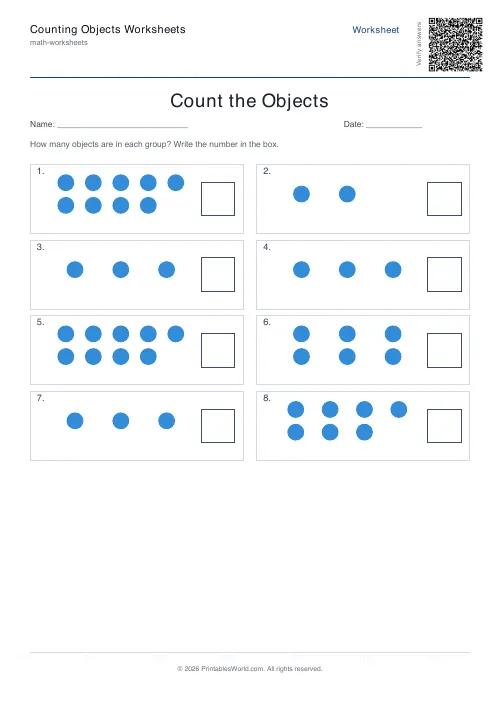
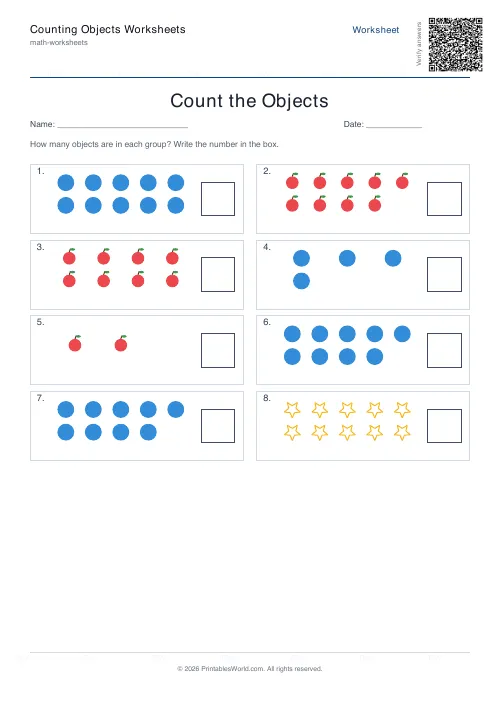
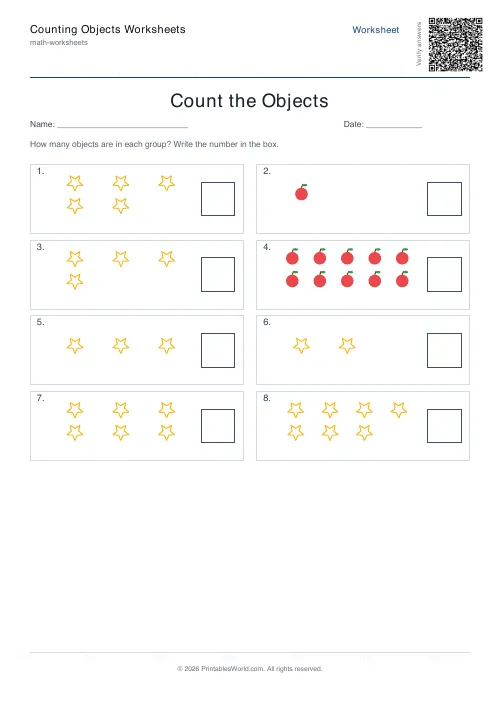
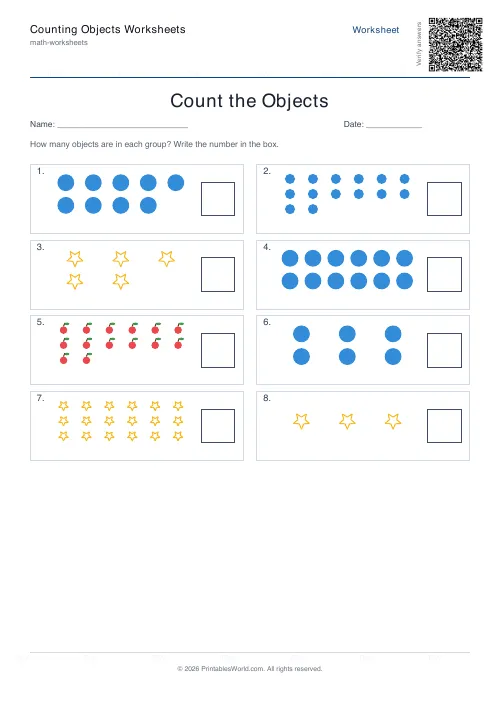
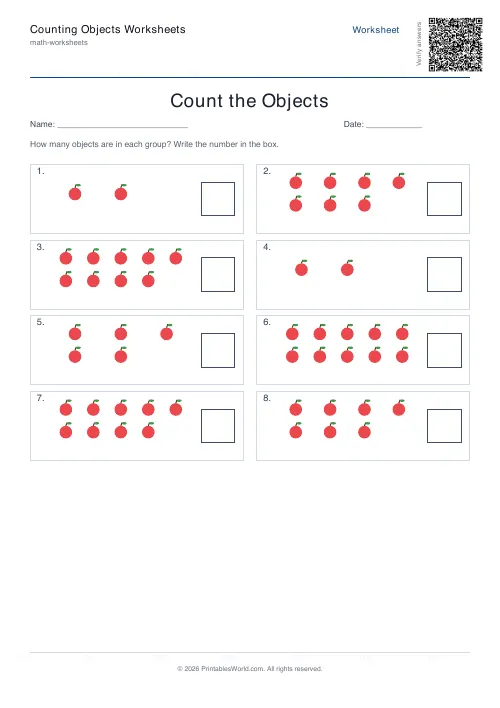
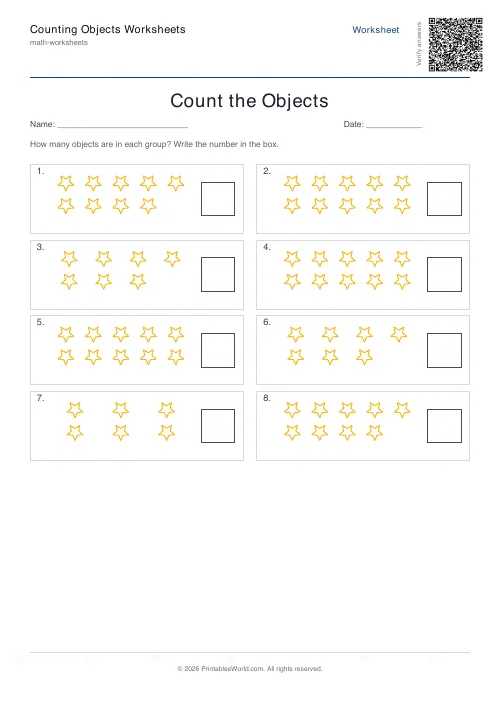
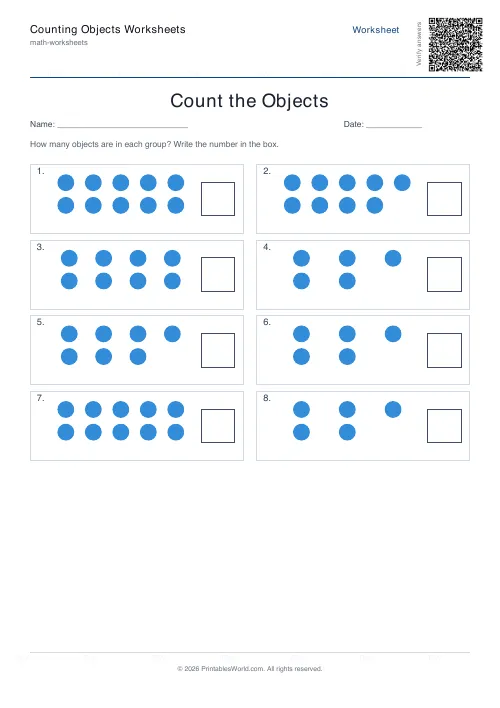
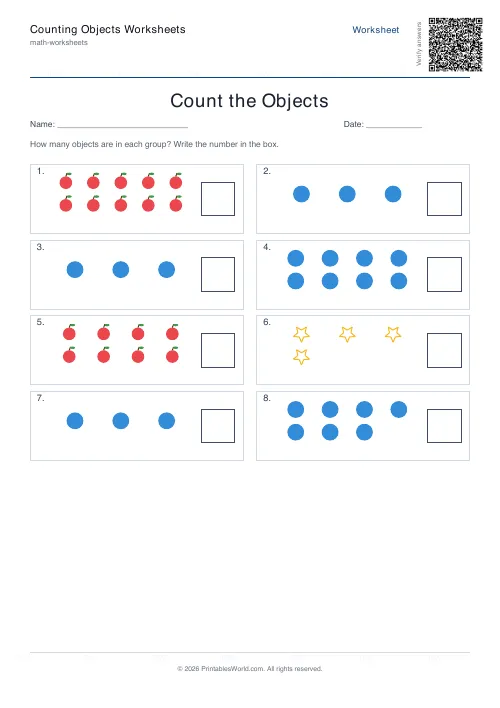
Counting worksheets for the earliest stage of maths. Each problem shows a group of shapes and a box to write the count in. Apples, stars, circles, or a mix that changes shape between boxes. A range of 1 to 10 for first counting or 1 to 20 as confidence builds, and an answer key that records the exact count of every group.
People also used
Feedback
Spotted something off with this tool?
Count the group, write the number
Each problem is a bounded area holding some number of shapes, with a box beside it. The child counts. The child writes.
Two things about the arrangement matter. The shapes are scattered with a random offset rather than lined up, so a child cannot recognise a pattern instead of counting. And the count is regenerated every time, so the same sheet printed twice is two different worksheets and there is nothing to remember from yesterday.
What is actually being learned
It looks like counting. It is one-to-one correspondence: the understanding that each object gets exactly one number word, in order, and that the last number said is the answer.
Children who can recite to twenty often cannot do this. They count the same apple twice, or skip one, or reach the end and cannot say how many there were because the reciting and the counting were separate activities in their head. A scattered group is where that shows up, and a neat row is where it hides.
Which is why the arrangement is deliberately untidy, and why touching each shape while counting is worth insisting on for longer than feels necessary.
1 to 10, then 1 to 20
The small range is first counting: pre-school and reception, groups of up to ten, drawn large enough to count without squinting.
The larger range goes to twenty, and it is a genuine step rather than more of the same. Twenty objects is past what a child can subitise or hold in view, so it forces a strategy: start at one corner, work across, keep track. Move up only once ten is reliable, because a child who loses count at fourteen learns nothing except that counting is hard.
The groups also look denser at twenty, which is worth knowing before you hand the sheet to a four-year-old.
One shape or mixed
A single shape throughout is the setting for very first counting, because there is nothing on the page except quantity to attend to.
Mixed cycles the three shapes between boxes: apples, then stars, then circles. It keeps the sheet visually varied and quietly makes it harder, because the child has to re-orient at every group instead of settling into a rhythm. Use it once counting is secure and boredom has become the bigger risk.
Working through one
- Touch each shape as you count it. This is the whole technique, and it is what prevents double-counting.
- Say the numbers out loud for the first few sheets.
- Cross each shape off after counting it, once the child can hold a pencil steadily enough.
- Put real counters beside the sheet. Count the physical pile, then the printed group, then compare. The link between the two is not obvious to a four-year-old and it is the thing being built.
The answer key records the exact count of every group, so it always matches what was actually drawn rather than what the settings asked for.
FAQs
Quick answers
What is the number range?
Each group shows between 1 and 10 objects (small range) or 1 and 20 objects (larger range).
Are the shapes the same on every page?
Only if you pick a single shape. Choose "Mixed" to see apples, stars, and circles distributed across the problems.
Is there an answer key?
Yes. Turn on "Include answer key" and the PDF will append a second page with the correct counts.
Who is this aimed at?
Pre-school, Reception / Kindergarten, and Year 1 learners practising 1-to-1 counting and number formation.
Related tools
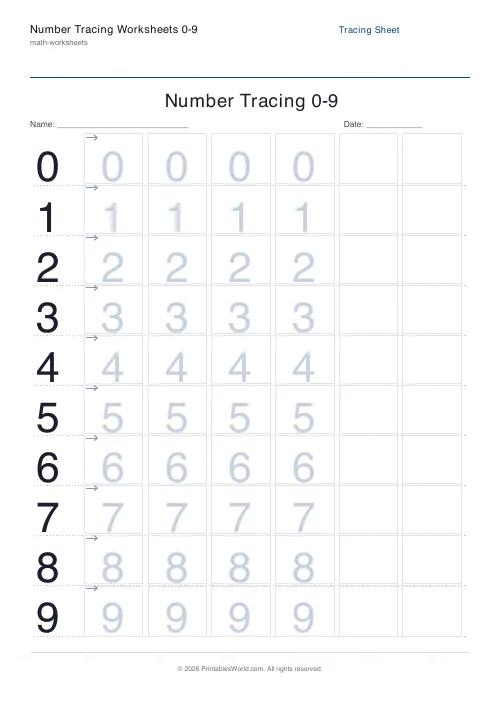
Number Tracing Worksheets 0–9
Printable number tracing practice for early-years learners (0 to 9).
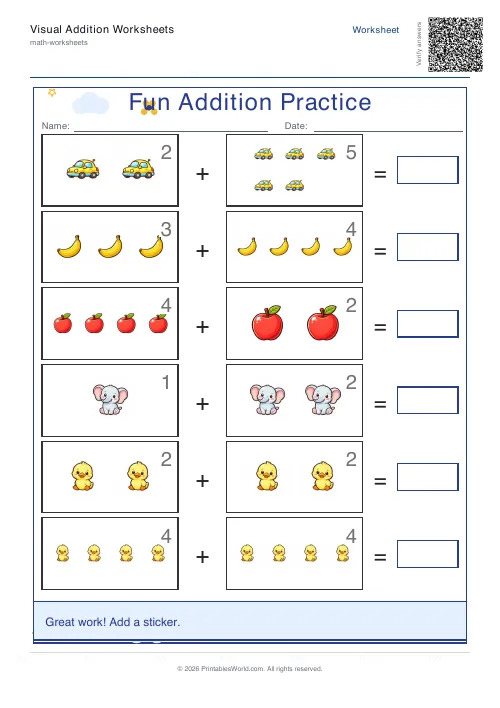
Visual Addition Worksheets Generator
Picture-counter addition worksheets designed for early learners.
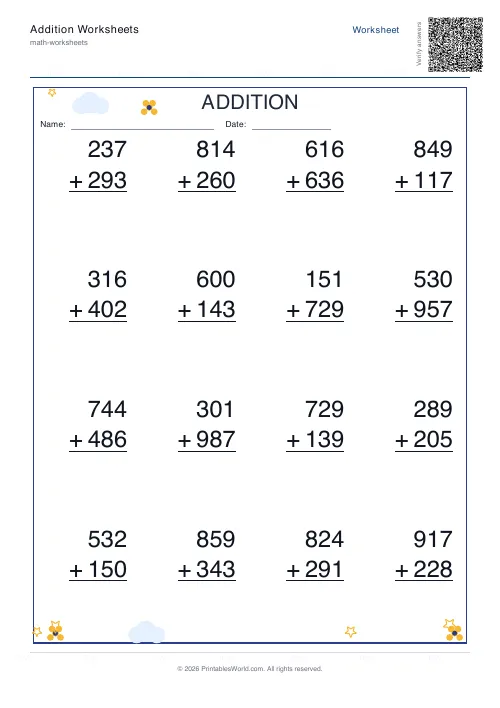
Addition Worksheets Generator
Free printable addition worksheets in tables or line-by-line layouts.
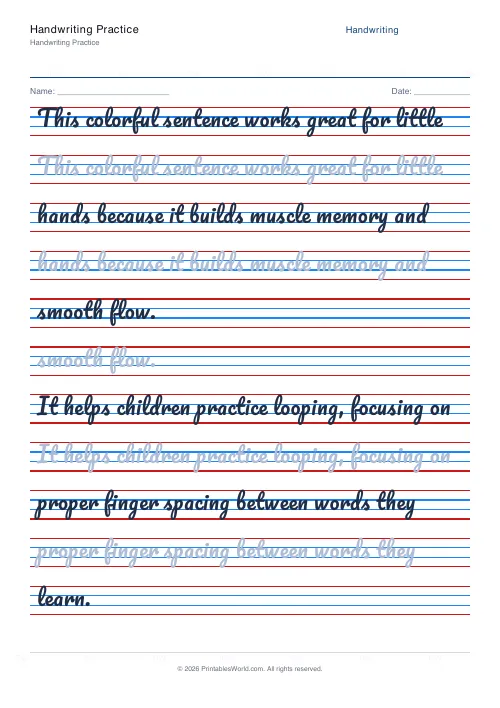
Handwriting Practice Generator
Create custom 4-line handwriting practice sheets with trace rows, adjustable guides, and your own text.
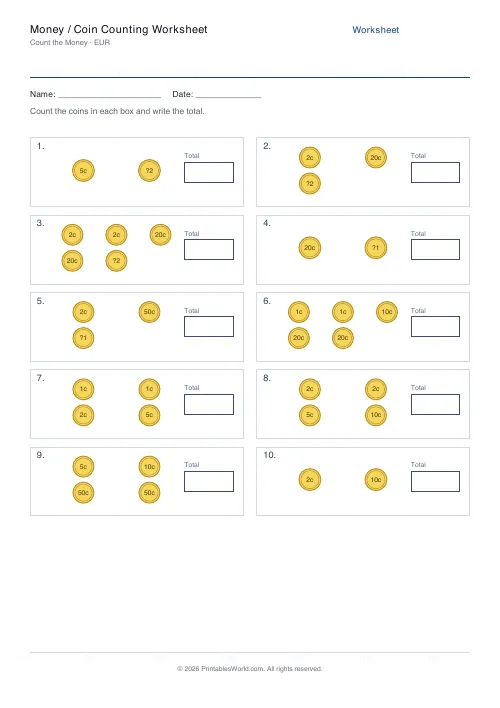
Money / Coin Counting Worksheet
Print coin counting worksheets where kids count groups of pictured coins and notes and write the total in £, $, or €.
Further reading
Math Worksheets
Ten frames and number bonds: early maths foundations
A ten frame is two rows of five. That arrangement does something a row of counters cannot. It makes quantities visible without counting, which is where number sense starts.
5 min read
Math Worksheets
Fractions made simple: teaching fractions at home
Fractions go wrong when the rules arrive before the meaning. Here is the order that works, the four misconceptions to head off early, and how to use everyday objects before any worksheet.
6 min read
Math & Numeracy
How to help a child who's stuck on times tables
A simple two week plan to help child with times tables, using short daily practice and free printable multiplication grids you can customise and print.
7 min read
More like this
- Addition Worksheets Generator
- Visual Addition Worksheets Generator
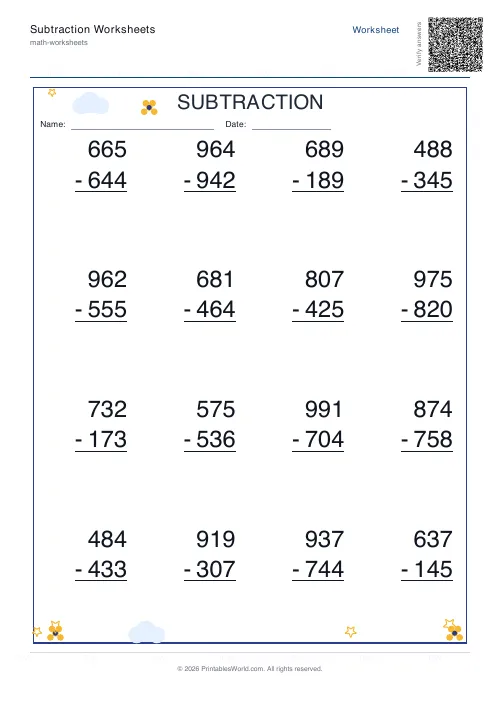 Subtraction Worksheets Generator
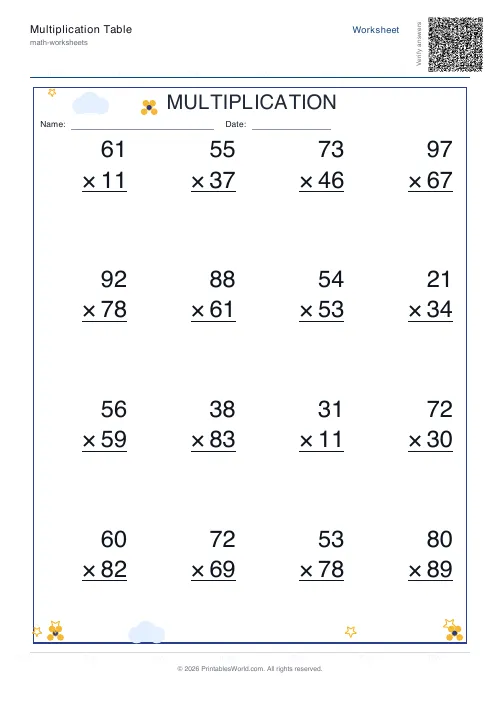 Multiplication Table Generator
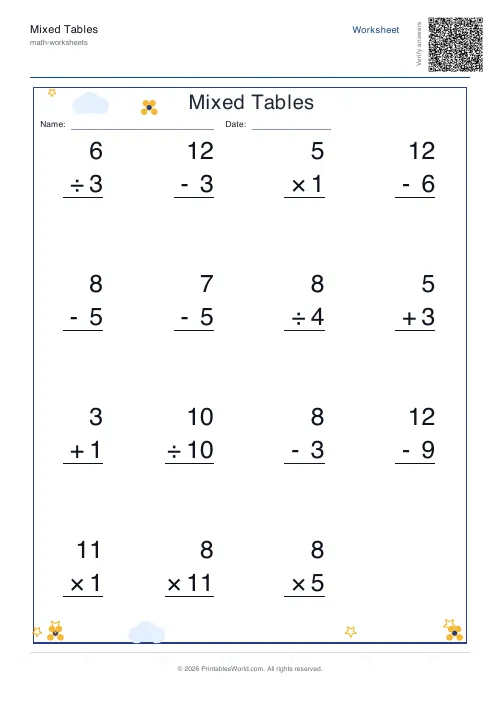 Mixed Tables Generator
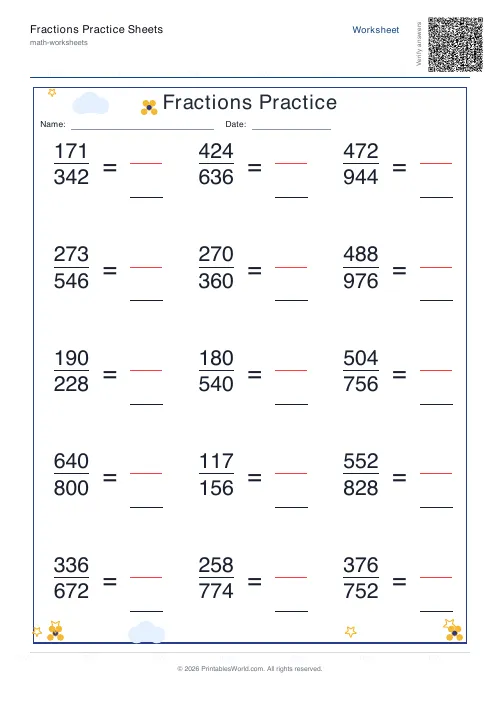 Fractions Practice Sheets Generator
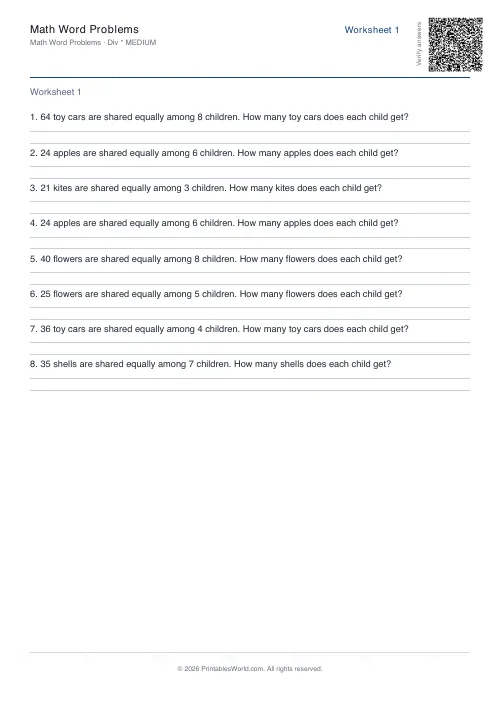 Math Word Problems Generator
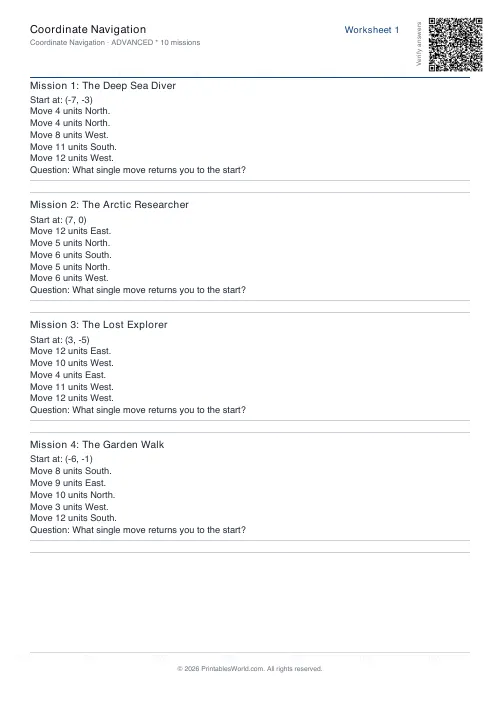 Coordinate Navigation Generator
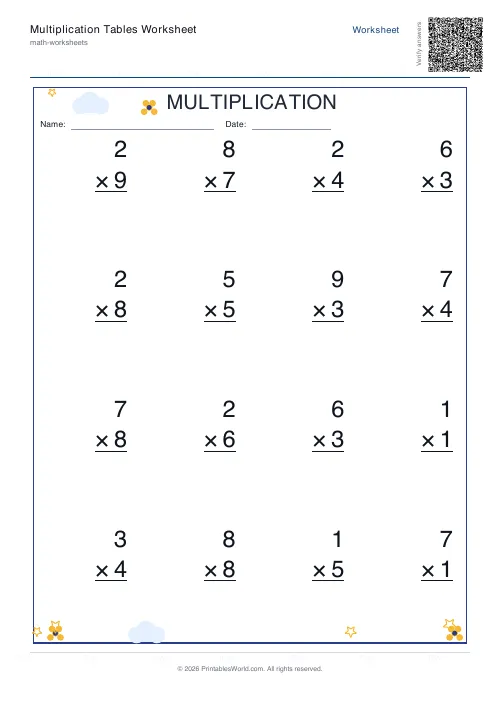 Multiplication Tables Worksheet
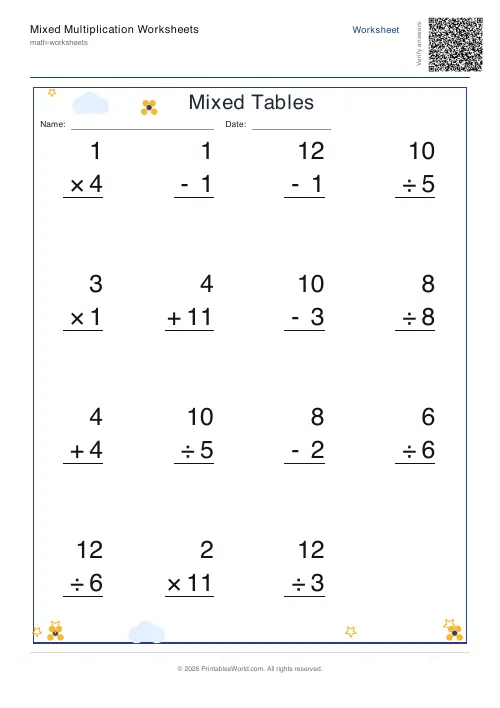 Mixed Multiplication Worksheets
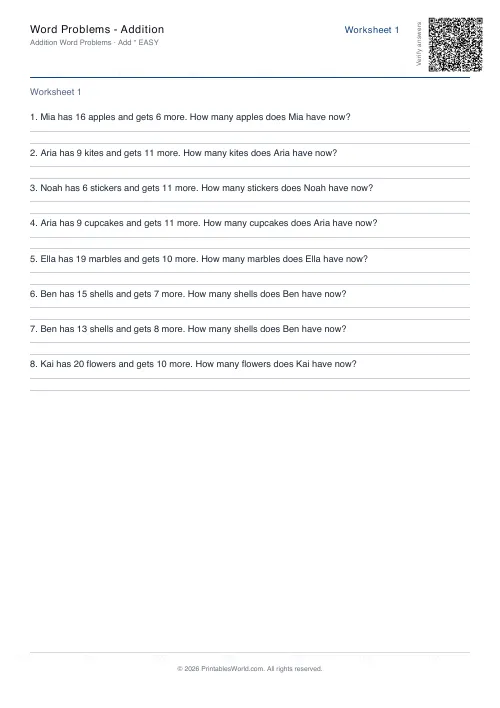 Word Problems: Addition
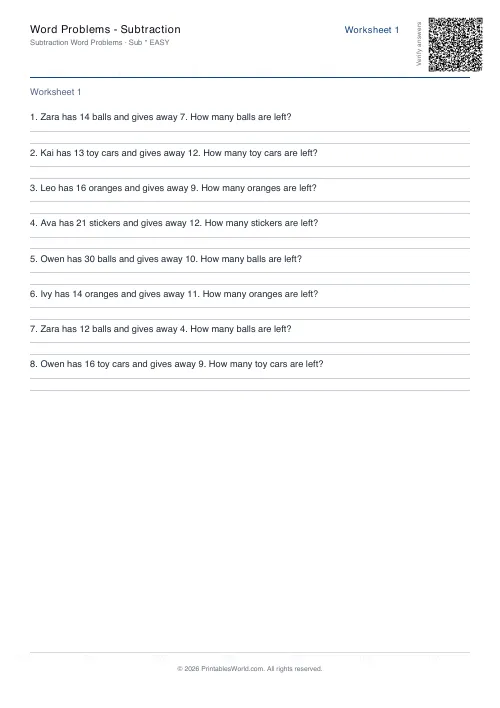 Word Problems: Subtraction
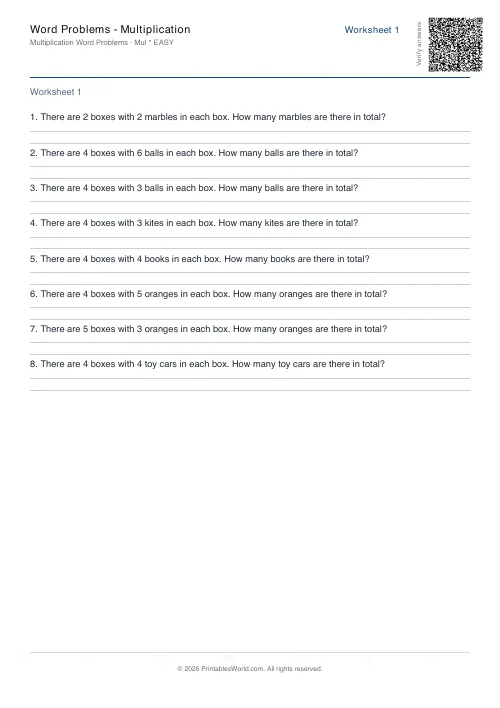 Word Problems: Multiplication
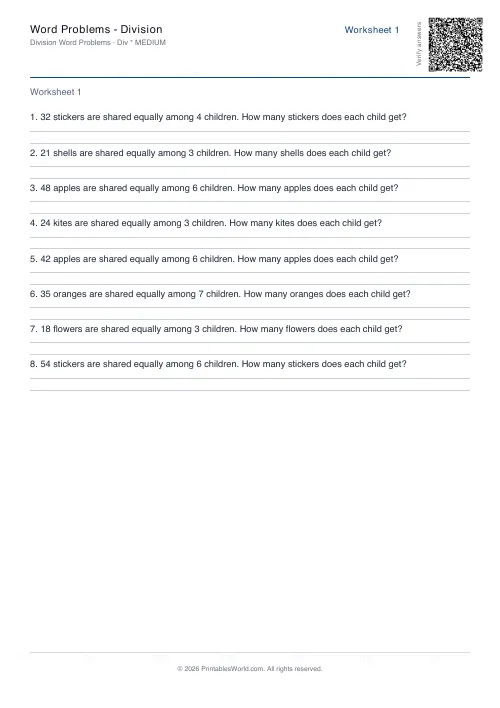 Word Problems: Division