What this tool does
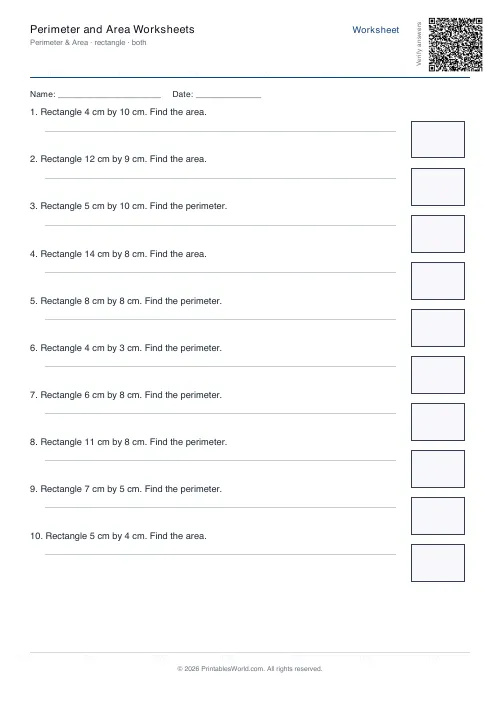
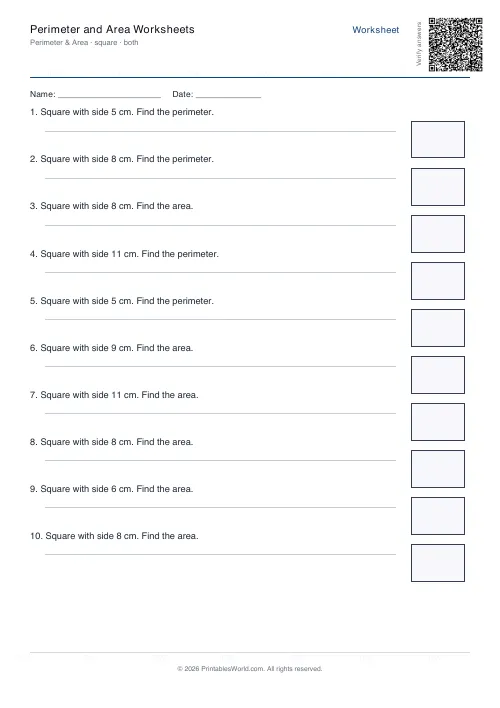
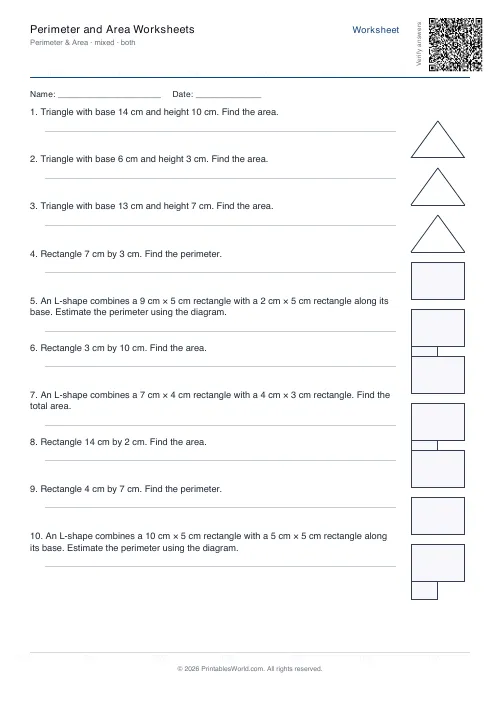
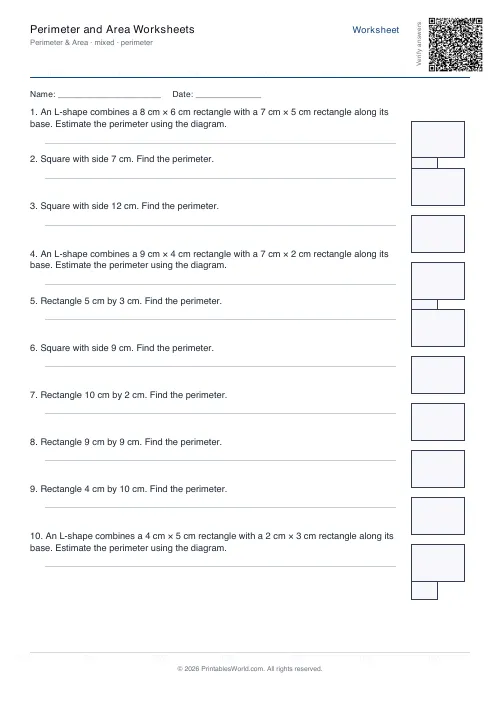
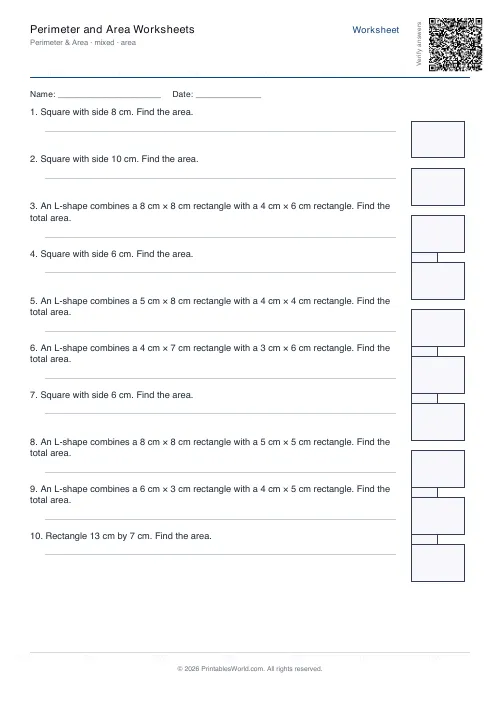
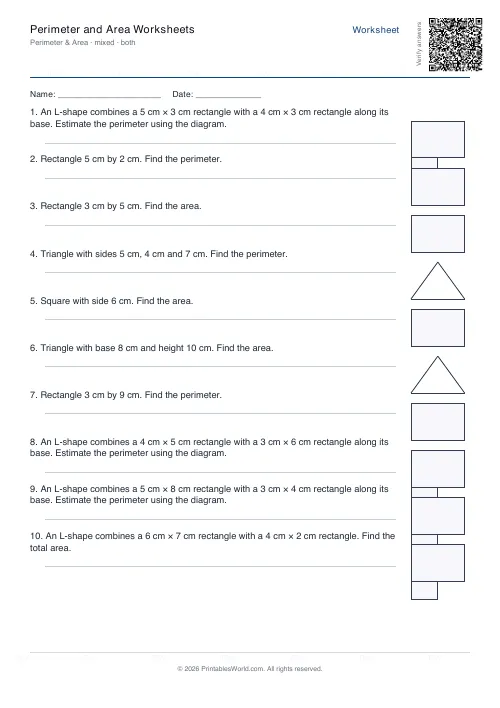
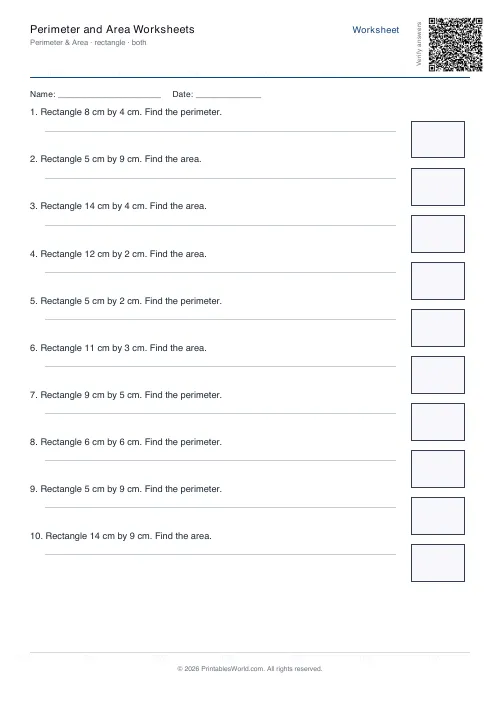
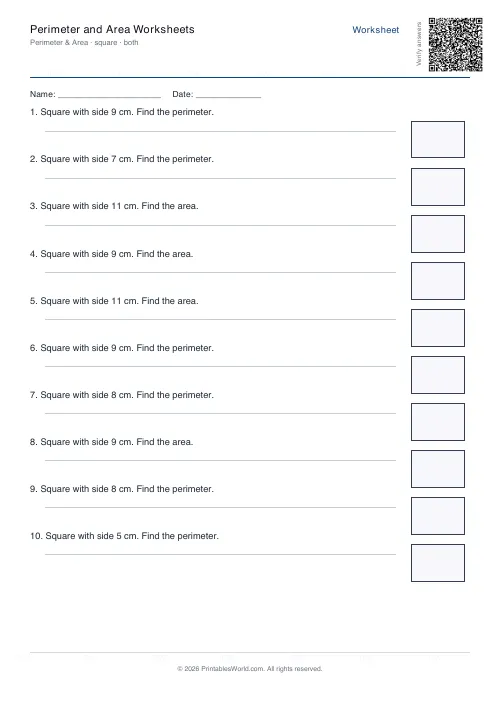
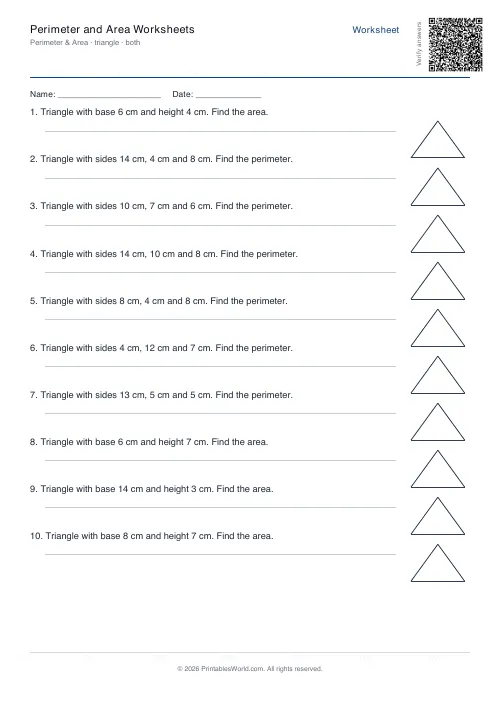
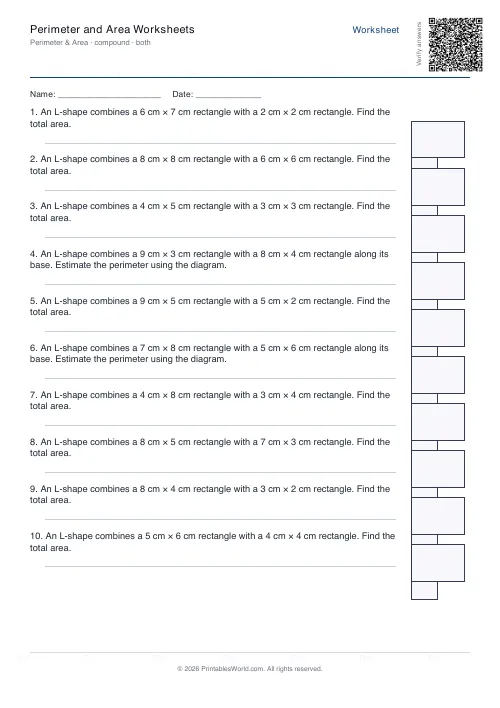
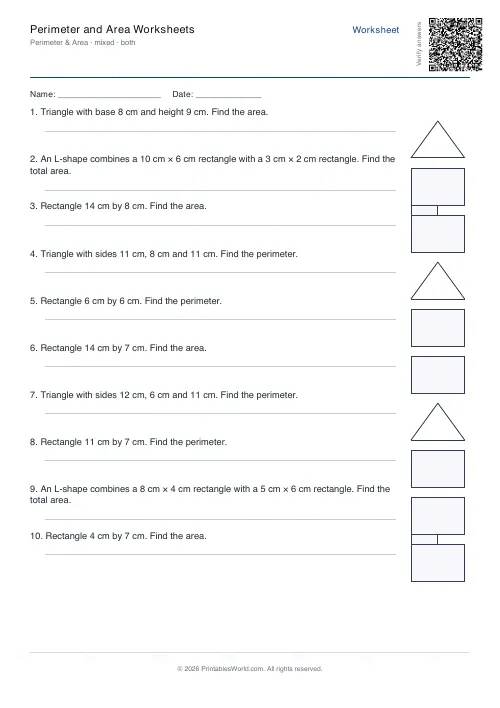
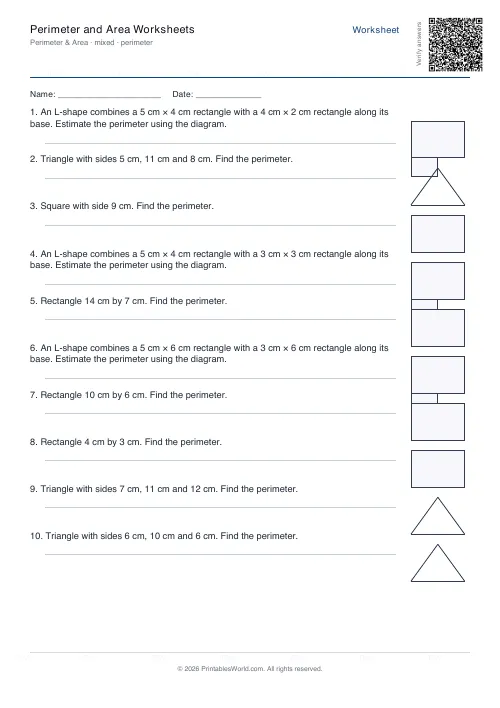
Printable perimeter and area worksheets where every question carries its own drawn diagram. Pick a shape family: rectangles, squares, triangles, L-shaped compounds, or a mixed sheet that draws from all four. Decide whether the questions ask for perimeter, for area, or for a random mix of the two. Four to twenty problems a sheet, dimensions labelled in centimetres, and an optional worked answer key on a second page.
People also used
Measurement Worksheets
Convert length, mass, and volume units. Mm ↔ cm ↔ m, g ↔ kg, ml ↔ l.
Geometry: Angles Worksheets
Print identify, measure, and calculate-missing-angle worksheets with diagrams for every problem.
Coordinates Grid Worksheets
Create printable coordinate grid worksheets with 1-quadrant or 4-quadrant layouts.
Feedback
Spotted something off with this tool?
Every question comes with its own diagram
That is the part worth paying attention to. A perimeter question written as words makes a child build the shape in their head before they can start; a question with the rectangle drawn beside it and the sides labelled lets them get straight to the arithmetic, which is what you were assessing.
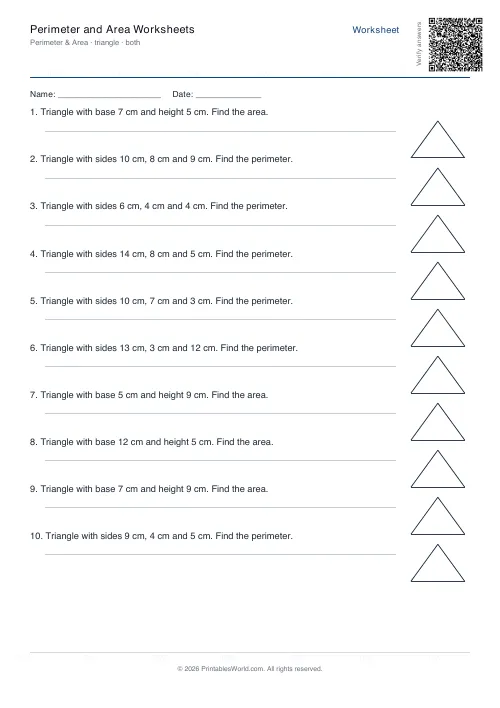
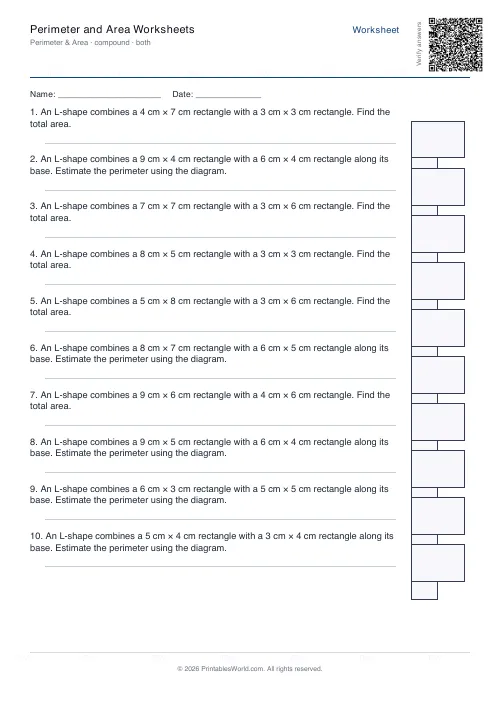
Four shape families are available. Rectangles and squares are where most classes start. Triangles arrive with a base, a height and two other side lengths, so a perimeter question and an area question on the same triangle need different numbers off the same picture. Compound L-shapes are built from two overlapping rectangles and are the interesting case, because there is no single formula to apply.
Mixed draws from all four at random across the sheet.
Which calculation the question asks for
Both is the default and it is the harder setting, because the child has to decide which calculation the question wants before doing any of it. On a perimeter-only sheet that decision has been made for them.
Start on one mode and move to Both when the formulas are secure. The moment a class is switched to Both is usually the moment you find out who had been pattern-matching.
What the numbers actually are
Nothing here is arbitrary. Squares get a side between 3 and 12 cm. Rectangles are 3 to 14 cm wide and 2 to 10 cm tall. Triangles take a base of 4 to 14 with a height of 3 to 10.
Compound shapes are the fiddliest: a first rectangle between 4 and 10 wide and 3 and 8 tall, then a second one notched into it that is always narrower than the first. Every dimension is a whole number of centimetres, so the answers stay clean and the marking stays fast.
Sheets run from four problems to twenty, ten unless you change it. The diagram for each is drawn as vector art at roughly the right proportions, so a 10 cm by 3 cm rectangle looks like one.
A Year 5 rectangles sheet
Rectangle shape family, Both mode, twelve problems. Some questions ask for the perimeter of a 9 cm by 6 cm rectangle, which is 30 cm. Others ask for the area of a 7 cm by 4 cm one, which is 28 cm². Each has its rectangle drawn and labelled beside it.
The answer key is on by default and comes on a second page, so one printed copy on the visualiser walks the class through the solutions after they have worked independently. Every sheet is drawn from a seed, so no two children need identical homework unless you want them to have it.
Teaching order, and the units problem
Perimeter before area, and squares and rectangles before anything else. One concept at a time.
When compound shapes arrive, get pupils to draw the line that splits the L into two rectangles before they calculate anything, because the split is the whole task and the arithmetic afterwards is trivial. For perimeter on the same shape, tracing the outline with a finger and counting as they go beats any formula.
And units. Perimeter answers are in cm, area answers in cm², and marking them correctly is genuinely half the skill at this stage. A right number with the wrong unit is a wrong answer, and saying so early saves a great deal of unlearning later.
FAQs
Quick answers
Can I choose exactly which shapes appear on the worksheet?
Yes. Select rectangle, square, triangle, or compound to get only that shape type, or pick mixed to randomly combine all four on a single worksheet.
What is the difference between perimeter, area, and both modes?
Perimeter mode asks only for the distance around each shape. Area mode asks only for the space inside. Both mode randomly mixes perimeter and area questions across the worksheet, so students practice deciding which formula applies.
How are compound shapes structured?
Compound shapes are L-forms made from two overlapping rectangles. The generator calculates the outer perimeter (tracing the edge) or the total area (sum of both rectangles) depending on the question type.
Do the diagrams show measurements?
Yes. Every problem includes a small vector-drawn diagram with dimensions labelled in centimetres, so students can see which edges or sides correspond to the numbers in the question.
Can I print the answer key on a separate page?
Yes. Tick the answer-key option and the generator appends a second page with all solutions, formatted in the same order as the questions.
What dimensions does the generator use for triangles?
For perimeter questions, triangles are given three side lengths (in cm). For area questions, you see a base and height. The generator picks random integers within sensible ranges so calculations stay manageable for primary and middle-school learners.
Will every worksheet be unique?
Yes. The generator uses a seeded random algorithm, so dimensions change each time you click Generate. No two worksheets will have identical problem sets, even if you use the same settings.
Related tools
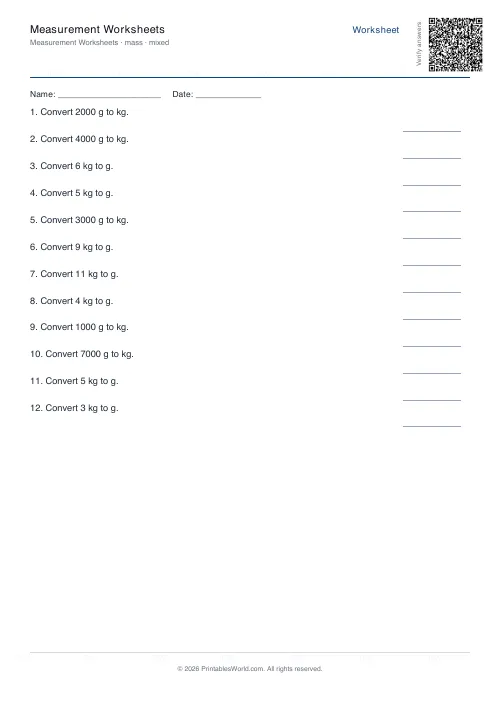
Measurement Worksheets
Convert length, mass, and volume units. Mm ↔ cm ↔ m, g ↔ kg, ml ↔ l.
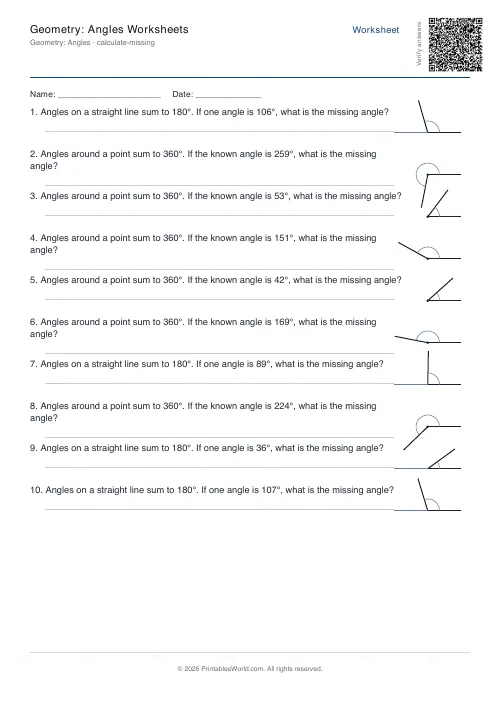
Geometry: Angles Worksheets
Print identify, measure, and calculate-missing-angle worksheets with diagrams for every problem.
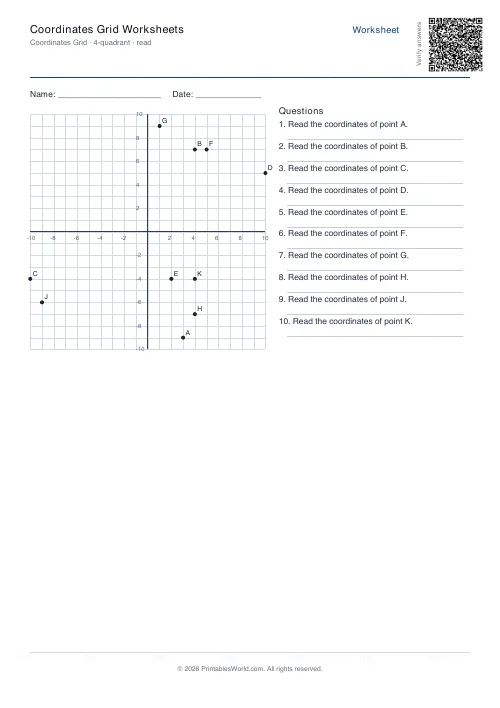
Coordinates Grid Worksheets
Create printable coordinate grid worksheets with 1-quadrant or 4-quadrant layouts.
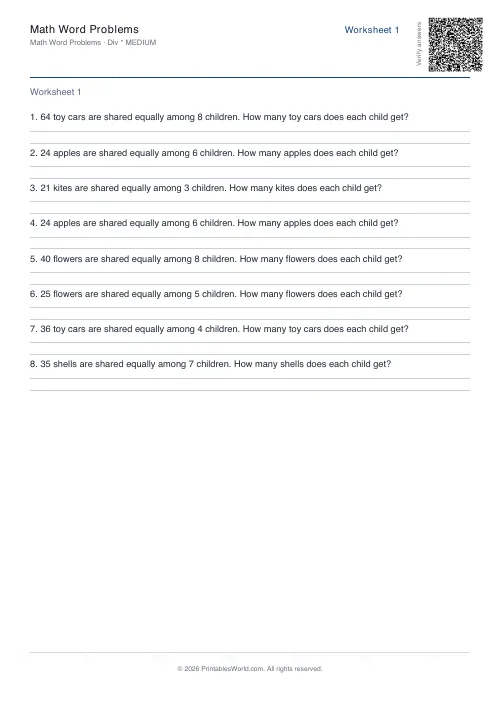
Math Word Problems Generator
Generate printable math word problem worksheets with customisable topics, difficulty, and answer keys.
More like this
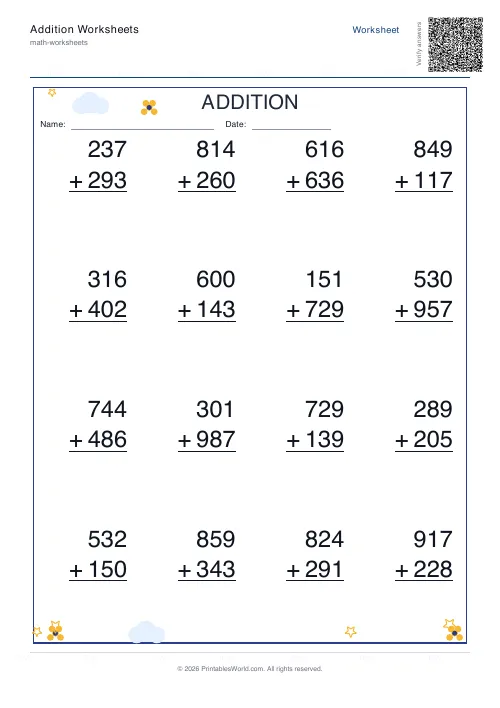 Addition Worksheets Generator
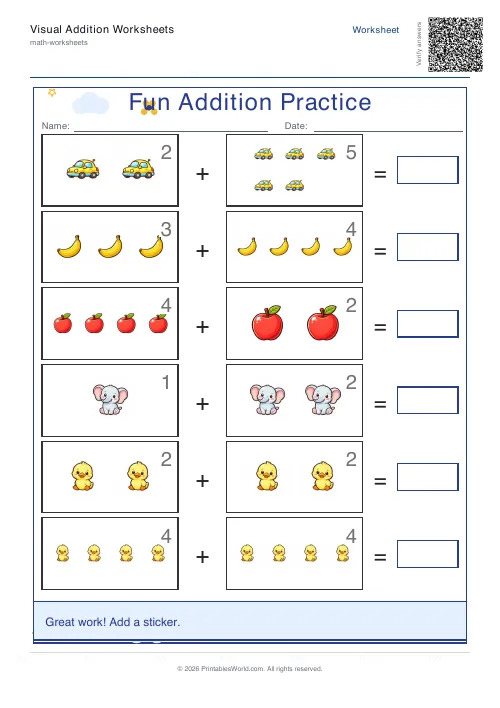 Visual Addition Worksheets Generator
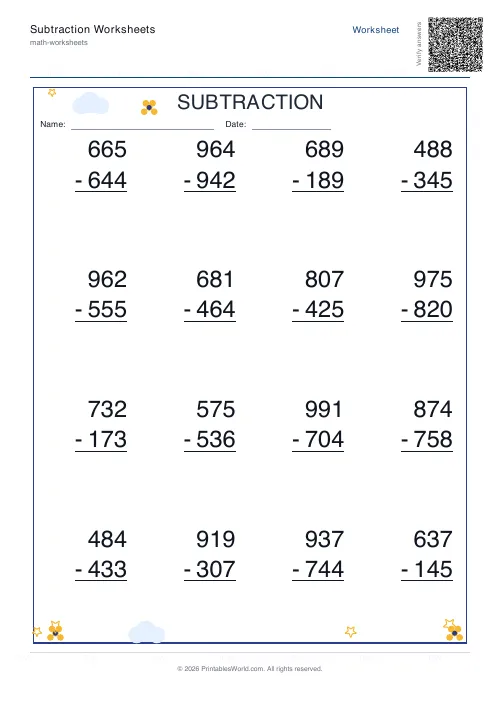 Subtraction Worksheets Generator
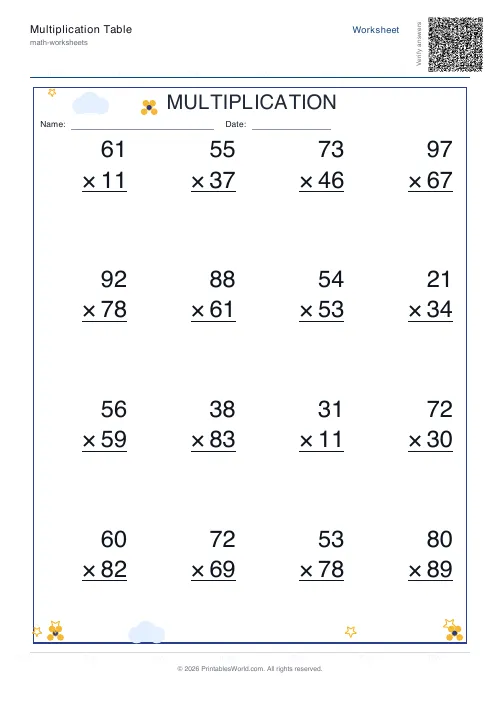 Multiplication Table Generator
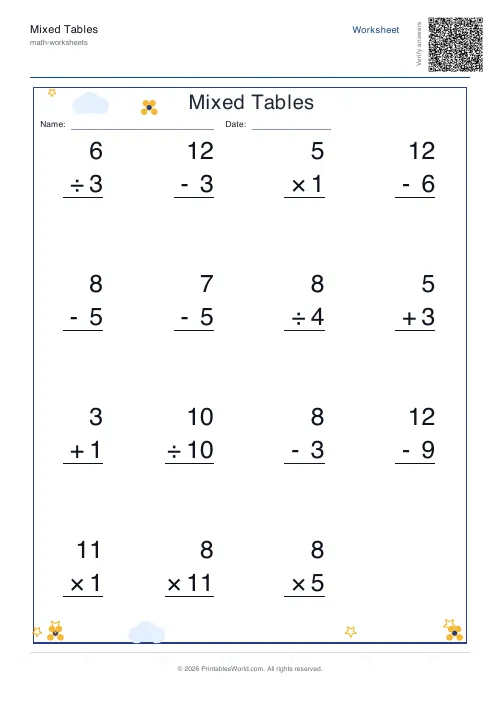 Mixed Tables Generator
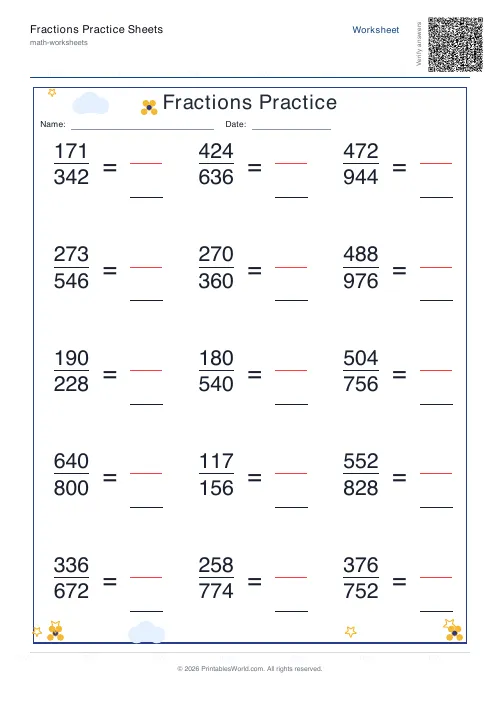 Fractions Practice Sheets Generator
- Math Word Problems Generator
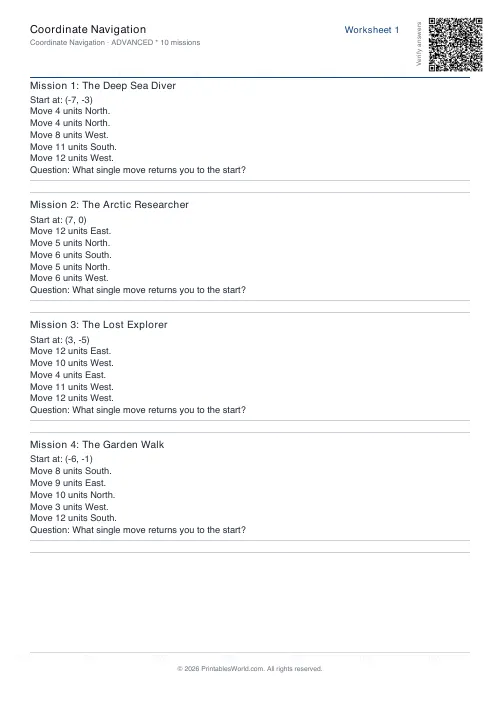 Coordinate Navigation Generator
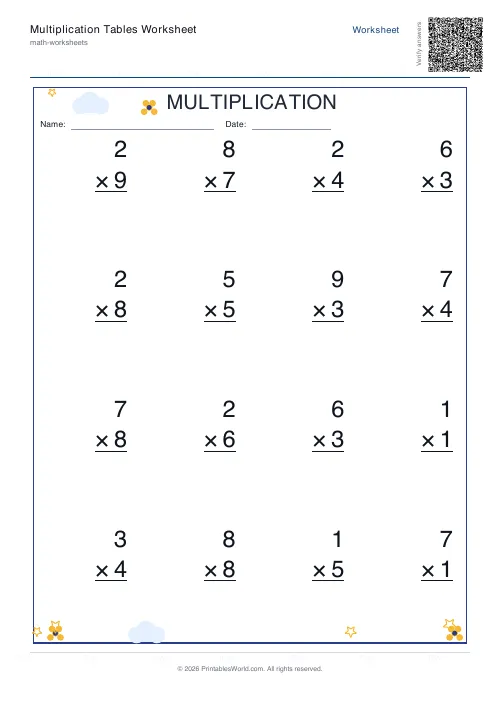 Multiplication Tables Worksheet
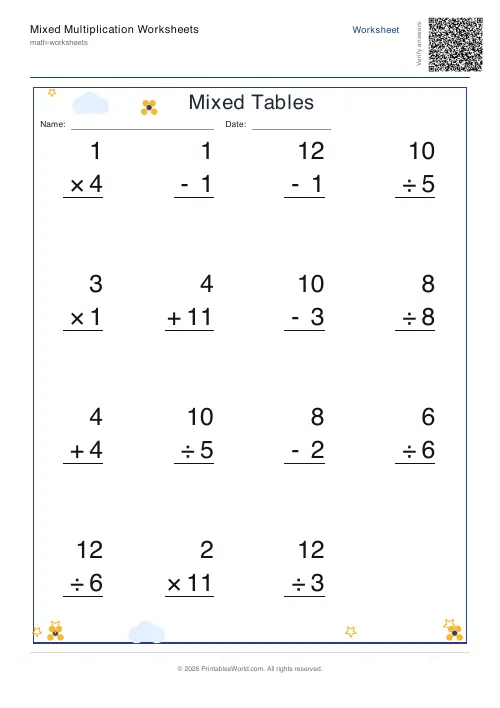 Mixed Multiplication Worksheets
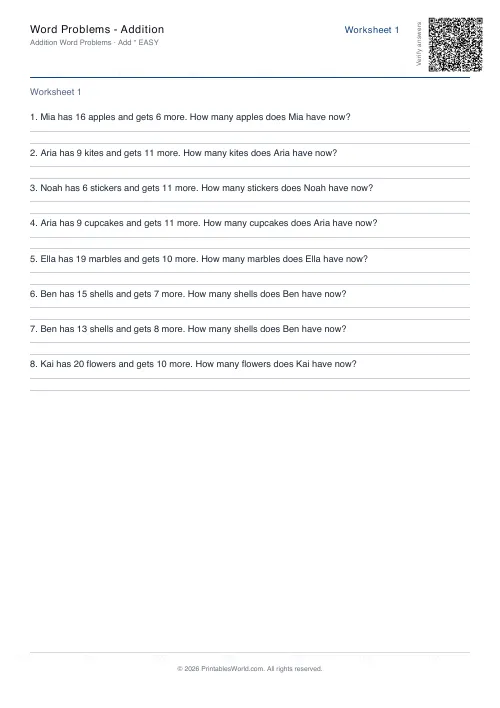 Word Problems: Addition
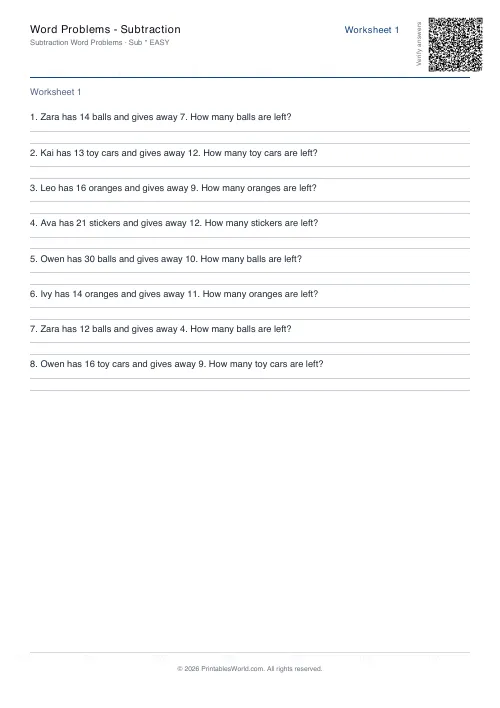 Word Problems: Subtraction
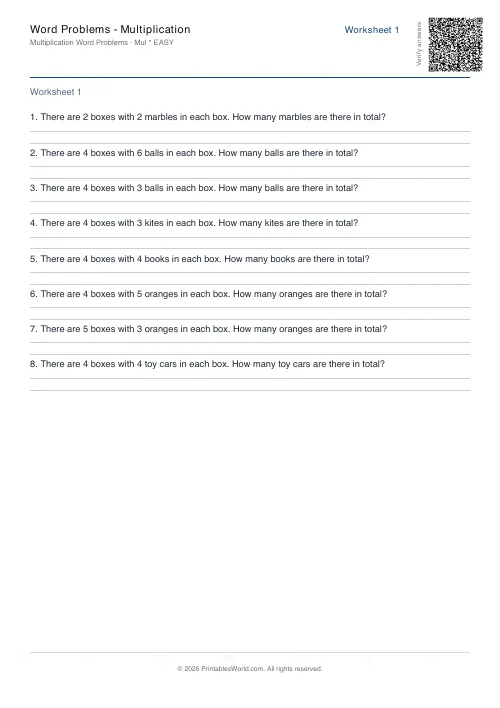 Word Problems: Multiplication
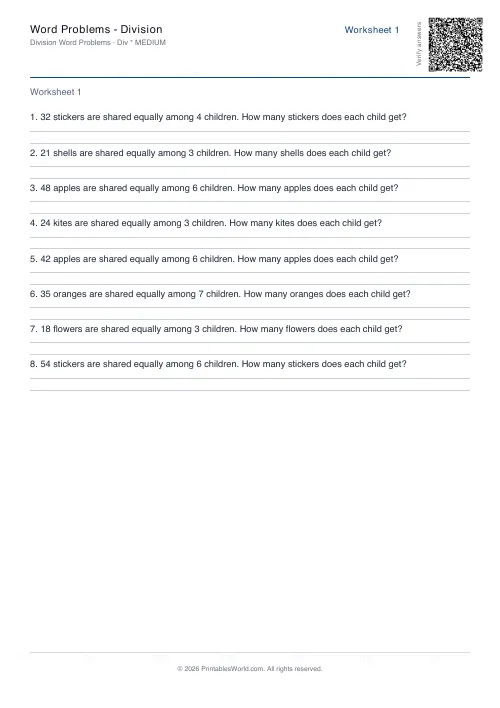 Word Problems: Division