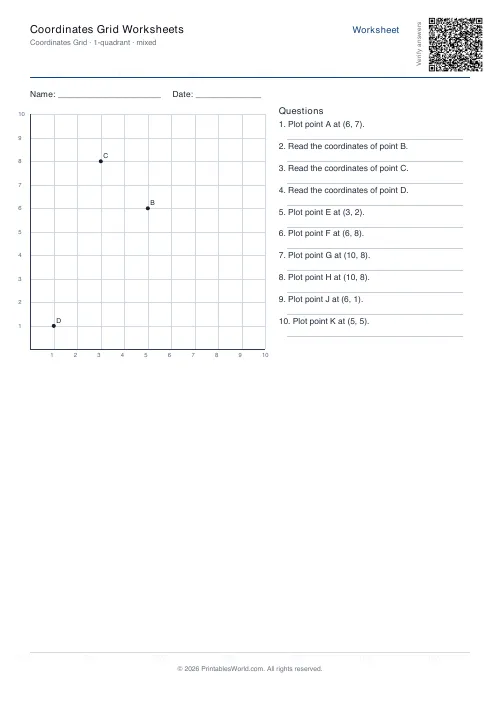
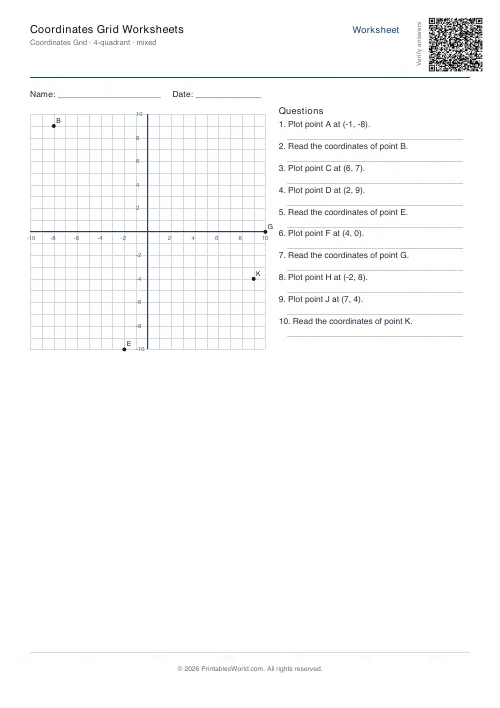
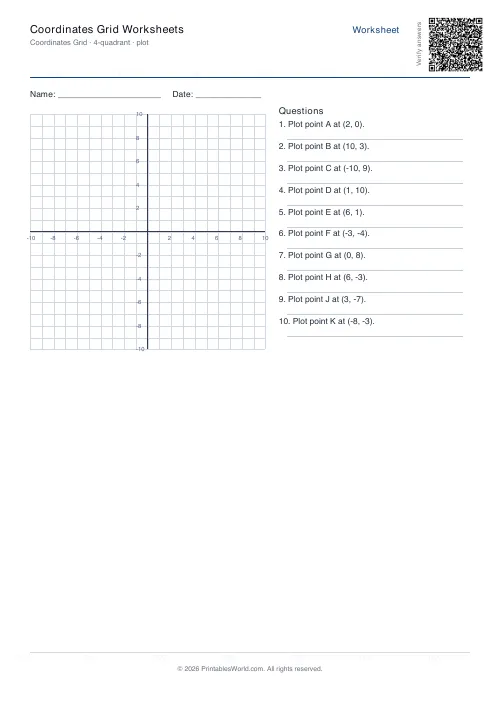
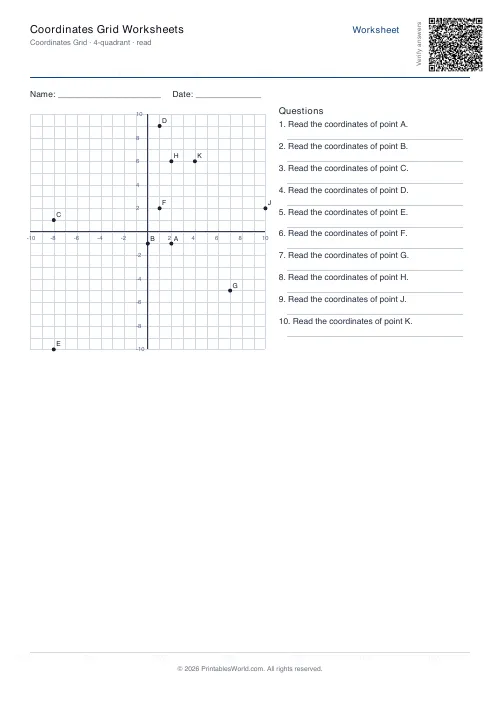
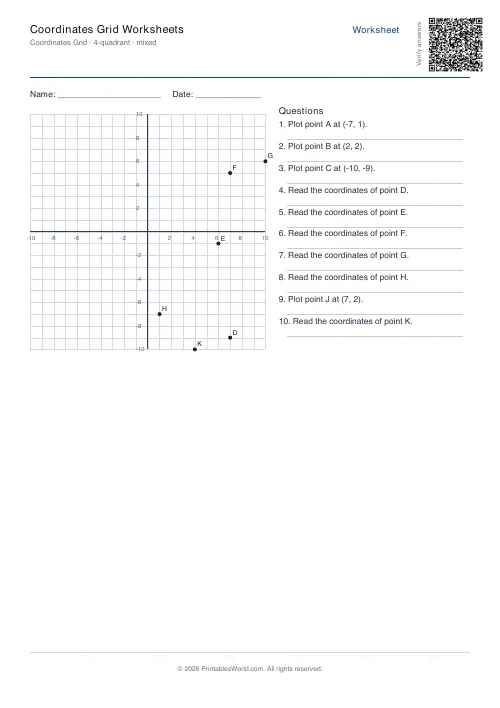
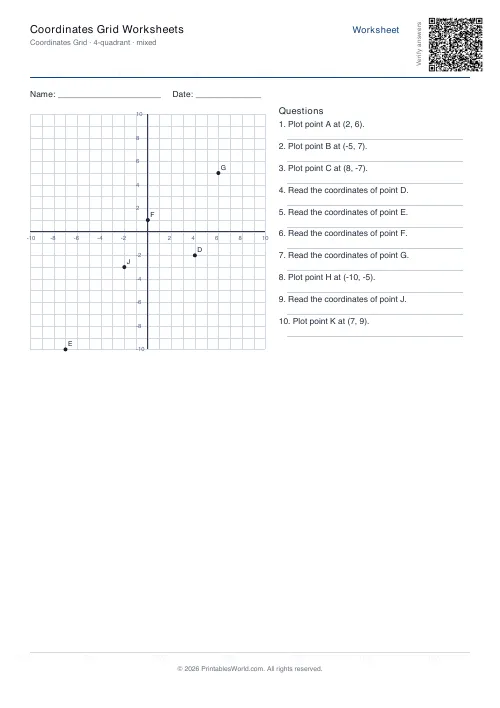
What this tool does
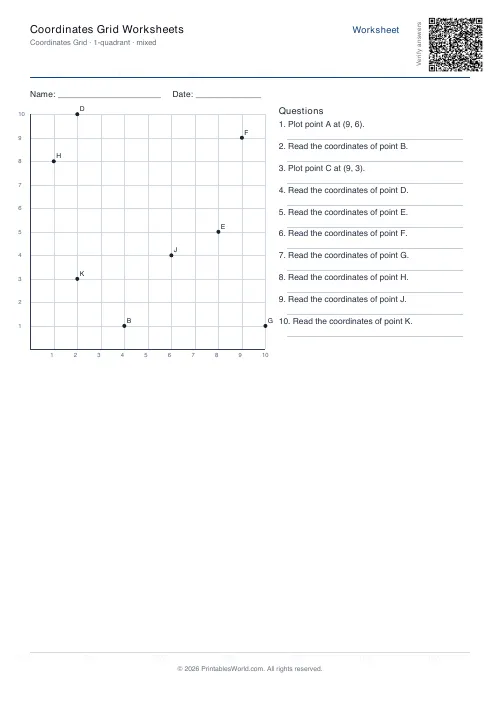
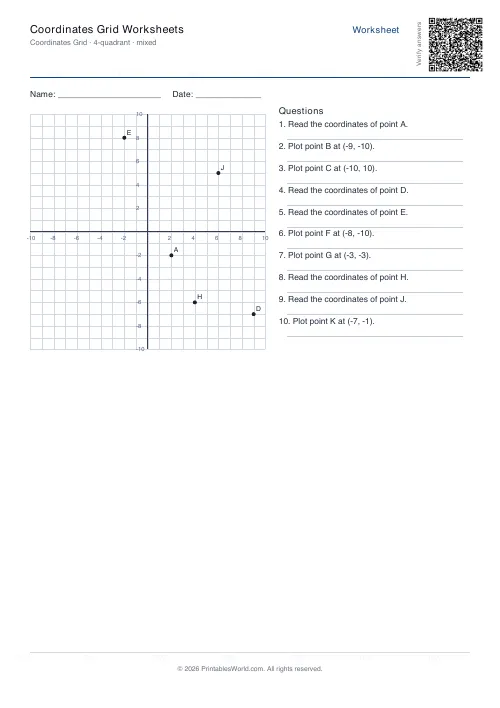
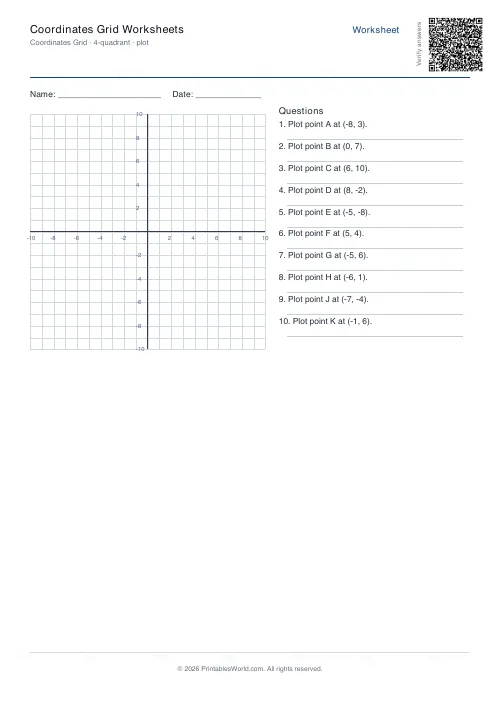
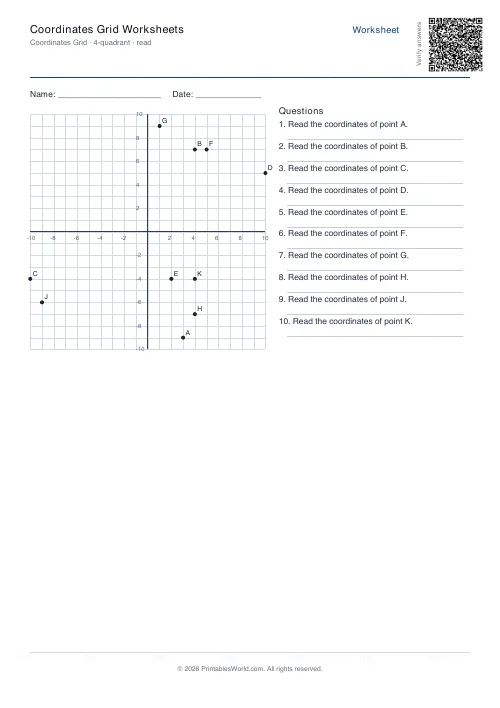
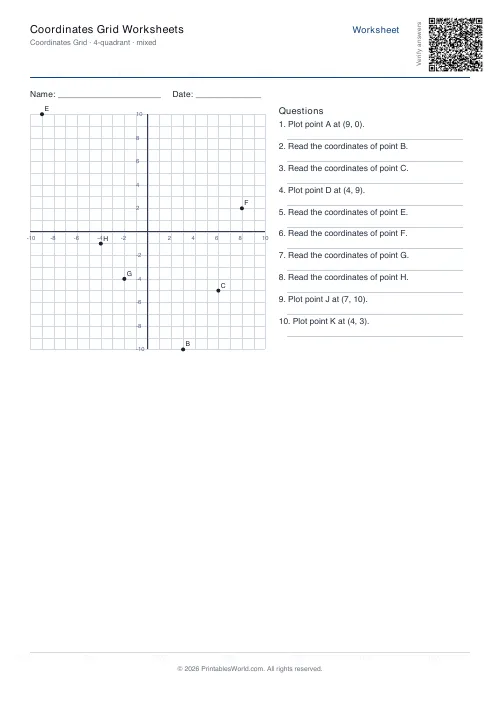
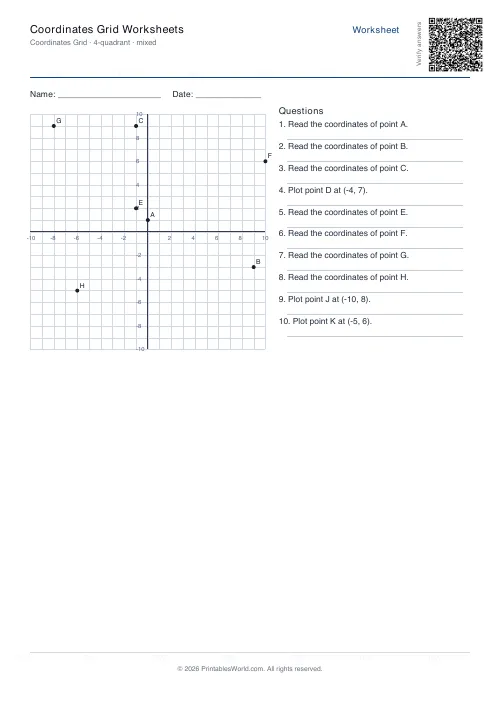
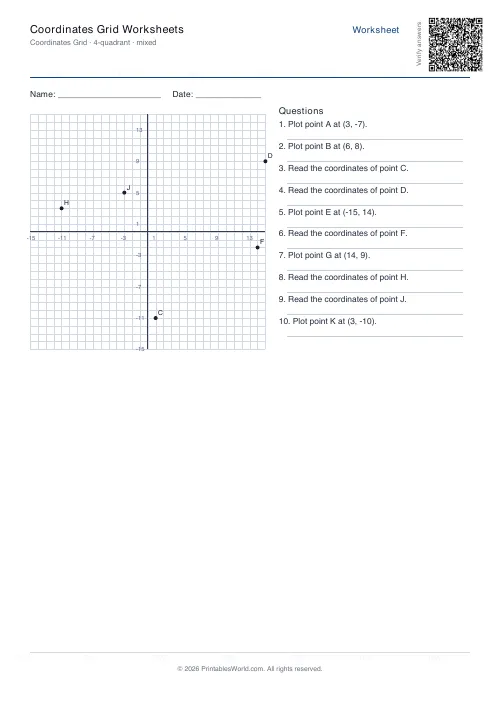
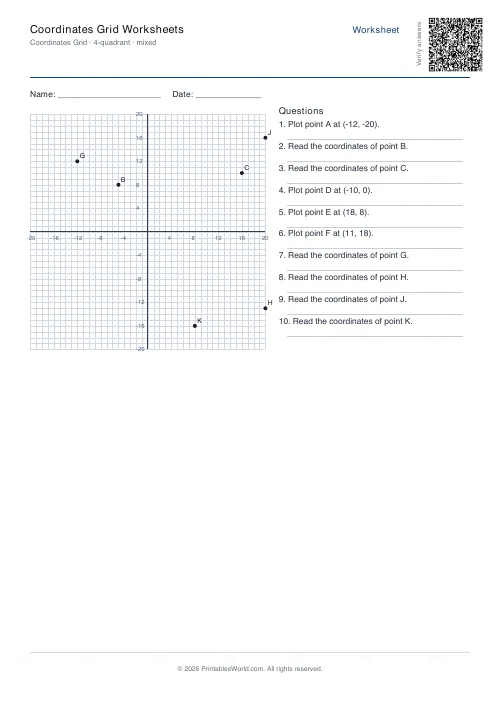
Coordinate practice on a printed, labelled grid: plot given points, read off marked ones, or both. One quadrant or all four, grid size 3 to 20.
People also used
Coordinate Navigation Generator
Create printable coordinate navigation missions with compass directions and step-by-step grid movement.
Geometry: Angles Worksheets
Print identify, measure, and calculate-missing-angle worksheets with diagrams for every problem.
Perimeter and Area Worksheets
Generate perimeter and area worksheets for rectangles, squares, triangles, and compound shapes.
Feedback
Spotted something off with this tool?
Grid plus questions
Each page carries a labelled coordinate grid with a list of ordered-pair questions beneath it. Choose one quadrant, running from zero upwards, or all four, running from minus the grid size through to plus it.
Ten questions by default, four to twenty available, grid size from 3 to 20.
Plot and read are different skills
Plot gives you the pair and asks for the point. Read gives you the point and asks for the pair. Mixed alternates, which is the setting worth using once both are secure.
Children are usually fluent in one direction well before the other, and which direction lags varies by child. A pupil who plots confidently and stumbles on reading has learnt a procedure rather than the coordinate system, and mixed sheets are what surface that.
Along the corridor, then up the stairs
x first, then y. The order is arbitrary and it is fixed, and reversing it is far and away the most common error here.
(3, 5) and (5, 3) are different points, and a pupil who reverses them will produce a plot that is a reflection of the right answer — which looks like a careless mistake and is actually a misunderstanding worth catching early.
The staircase mnemonic works. So does insisting the pupil say the pair aloud in order as they move the pencil.
Start with one quadrant
Positive numbers only. Everything in the top right, no signs to think about, which is enough to learn the convention itself.
Four quadrants adds negative coordinates and doubles the difficulty for reasons that have nothing to do with coordinates — it is the negatives that are hard. A pupil shaky on negative numbers will struggle here, and the fix is upstream.
The origin and the axes
Points on an axis catch people. (0, 4) sits on the y-axis and (4, 0) on the x-axis, and a pupil who has only ever plotted points floating in the middle of a quadrant will hesitate at both.
Include some deliberately. The origin, (0, 0), is worth naming explicitly too — it has a name, and pupils who know it read instructions more easily later.
Where it goes
Straight-line graphs first, then transformations, then eventually the whole of coordinate geometry. Outside maths: map references, spreadsheets, screen positions in any programming a child does.
Related: graphing linear equations is the next step, and coordinate navigation puts the same skill into a puzzle.
FAQs
Quick answers
What is the difference between 1-quadrant and 4-quadrant mode?
1-quadrant mode shows only the top-right quarter of the coordinate plane, with x and y both running from 0 upward. 4-quadrant mode displays all four quarters, so both axes include negative numbers. Use 1-quadrant for younger learners who haven't studied negatives yet.
Can I mix plotting and reading questions on the same worksheet?
Yes. Select "mixed" mode and the generator randomly assigns each problem as either plot (you're given coordinates and mark the point) or read (a point is already on the grid and you write its coordinates).
How many problems fit on one page?
The tool accepts between 4 and 20 problems per worksheet. Twenty is the maximum before the text column risks overflowing. If you need more practice questions, generate a second worksheet with a different random seed.
Does the answer key show the points plotted on the grid?
The answer key is a text list of correct coordinates for each problem. It does not redraw the grid with marked points. For read-mode problems it simply repeats the coordinates; for plot-mode problems it confirms where each letter should appear.
What grid sizes work best for different age groups?
For children learning coordinates for the first time (ages 8–10), try a 1-quadrant grid with size 5 or 8. Older primary and early secondary students (ages 10–13) can handle a 4-quadrant grid at size 10. Size 15 or 20 suits secondary students revising for exams.
Can I print these worksheets on US Letter paper?
Yes. The generator offers both A4 and US Letter as paper-size options. The grid and problem column scale automatically to fit whichever format you choose.
Will every worksheet I generate have different problems?
Yes. Each time you click Generate a new random seed produces a fresh set of coordinates. If you want to recreate an exact worksheet (for example, to print more copies), save the PDF rather than regenerating.
Related tools
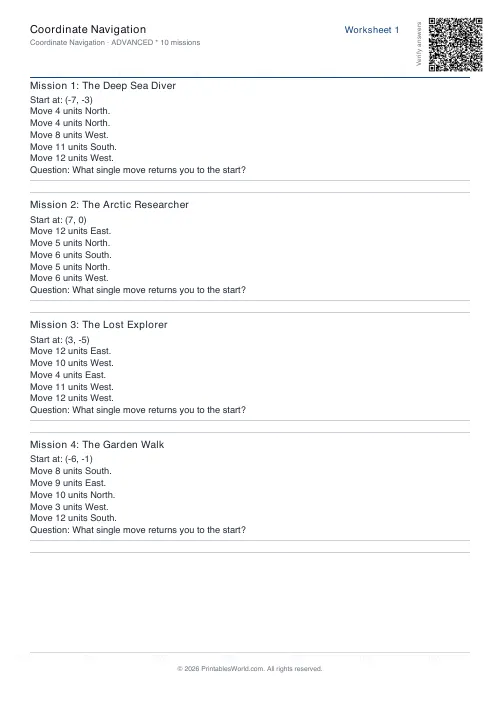
Coordinate Navigation Generator
Create printable coordinate navigation missions with compass directions and step-by-step grid movement.
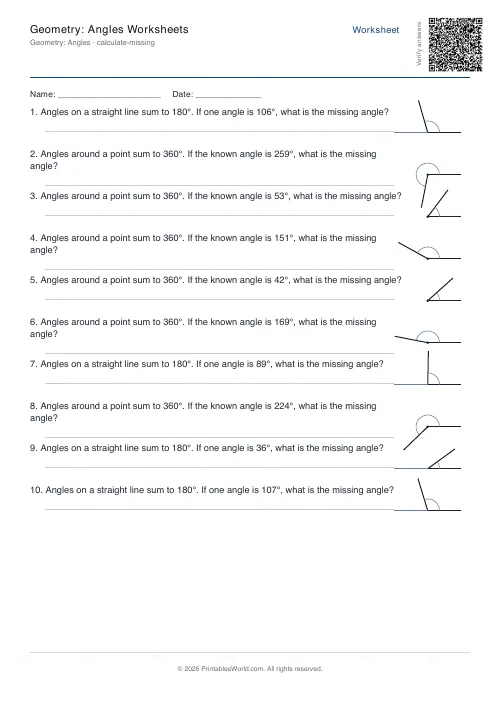
Geometry: Angles Worksheets
Print identify, measure, and calculate-missing-angle worksheets with diagrams for every problem.
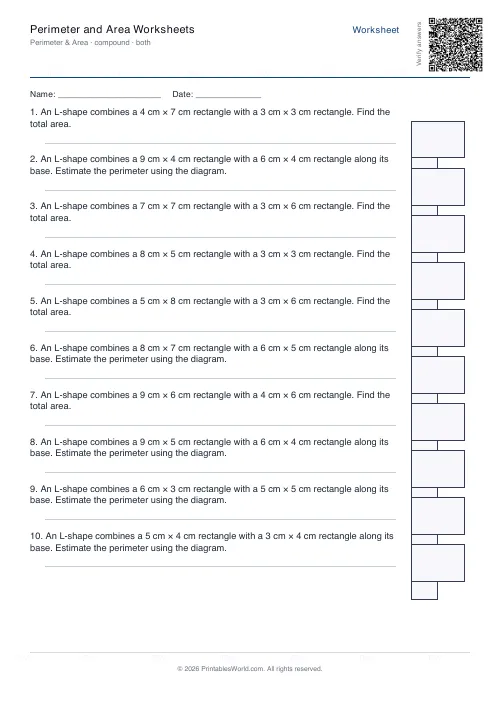
Perimeter and Area Worksheets
Generate perimeter and area worksheets for rectangles, squares, triangles, and compound shapes.
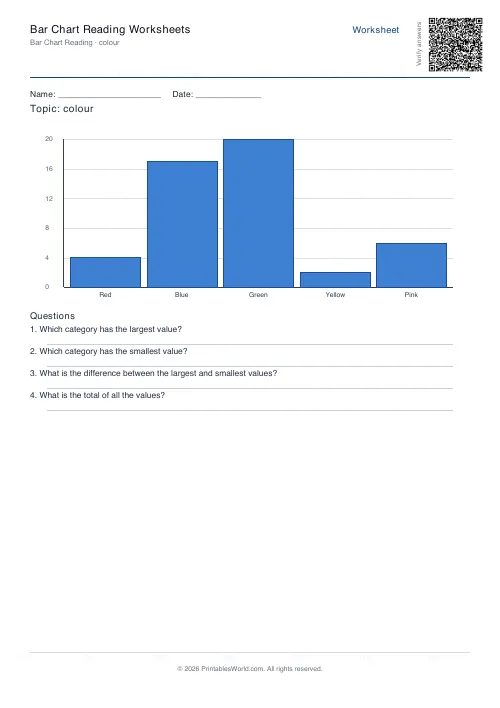
Bar Chart Reading Worksheets
Interpret a bar chart and answer comprehension questions about the data.
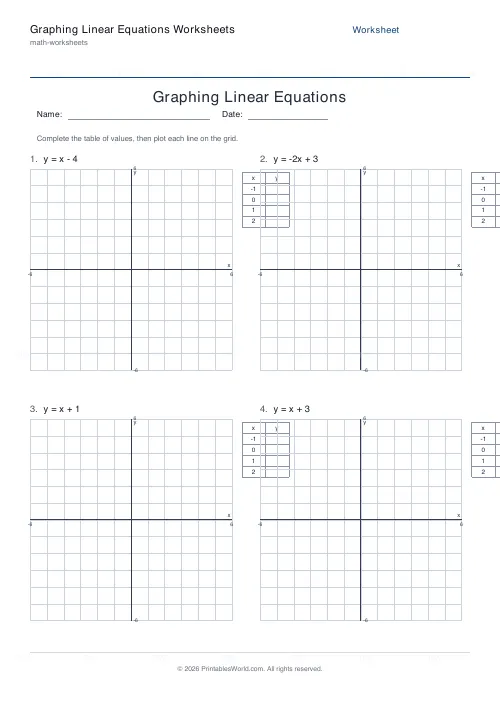
Graphing Linear Equations Worksheets
Print worksheets where students build a table of values and plot y = mx + b lines on a coordinate grid.
Further reading
More like this
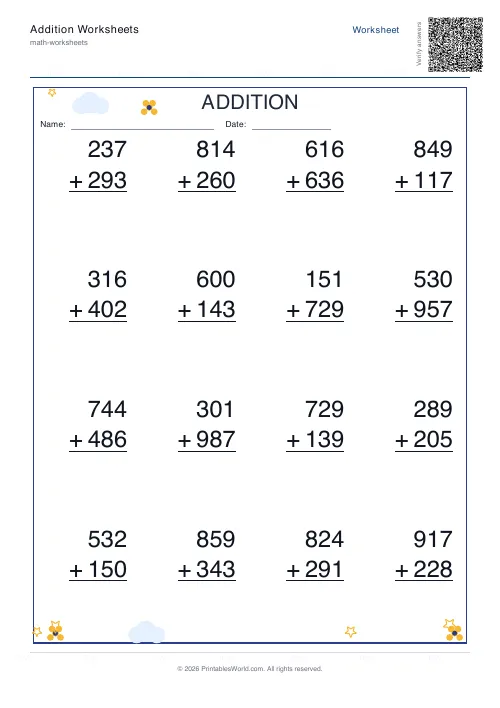 Addition Worksheets Generator
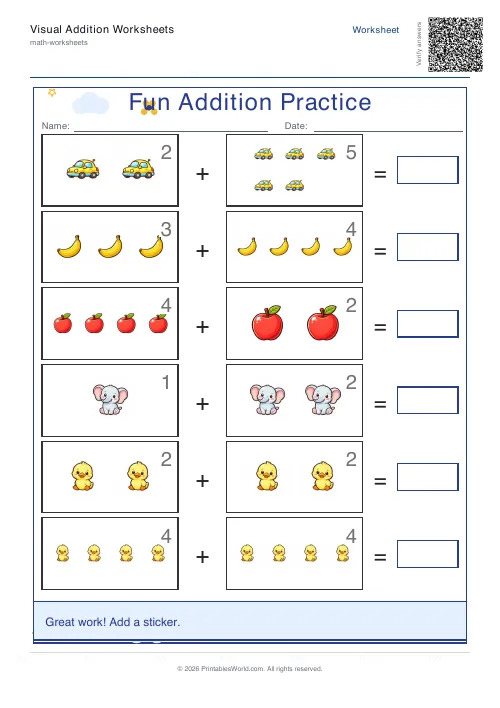 Visual Addition Worksheets Generator
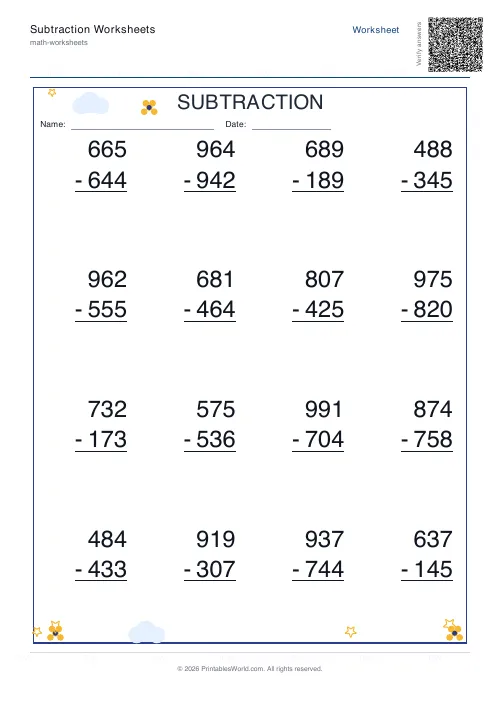 Subtraction Worksheets Generator
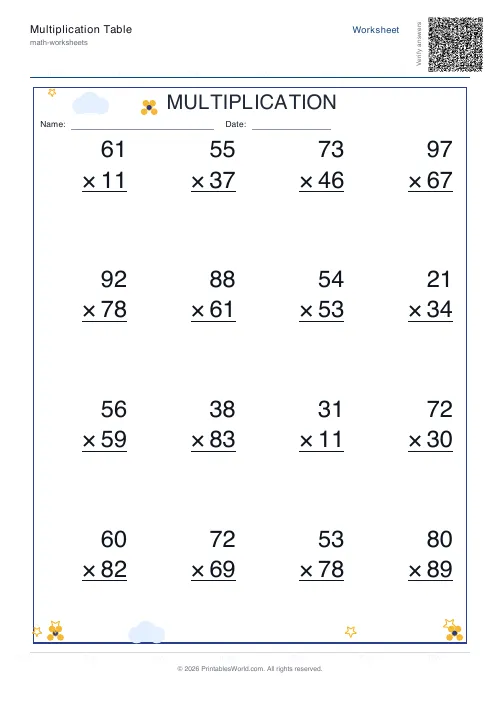 Multiplication Table Generator
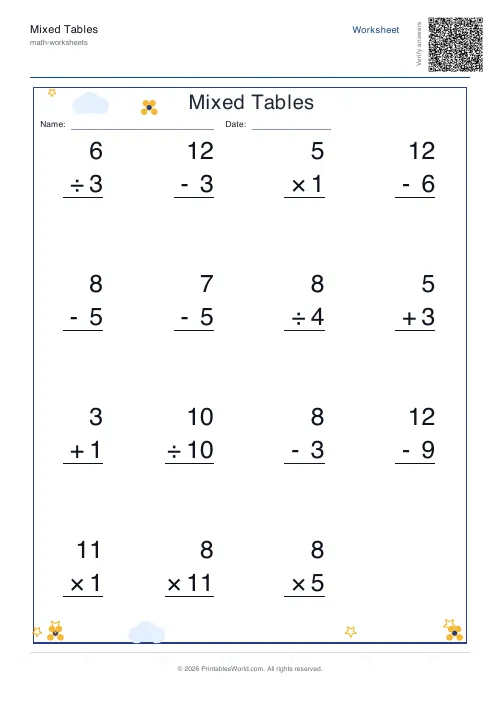 Mixed Tables Generator
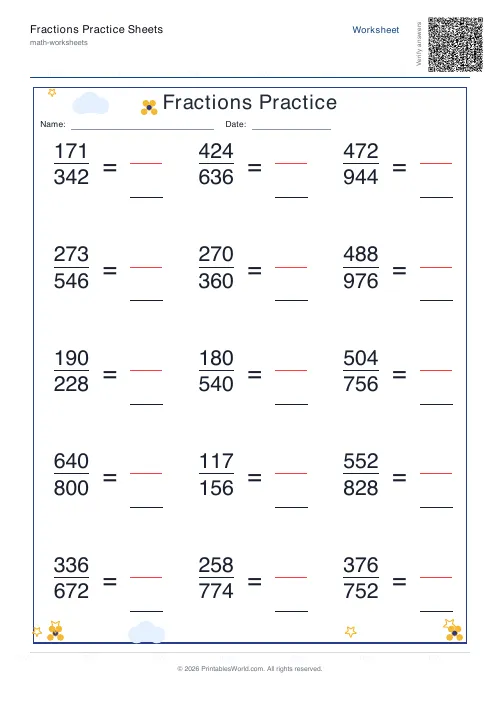 Fractions Practice Sheets Generator
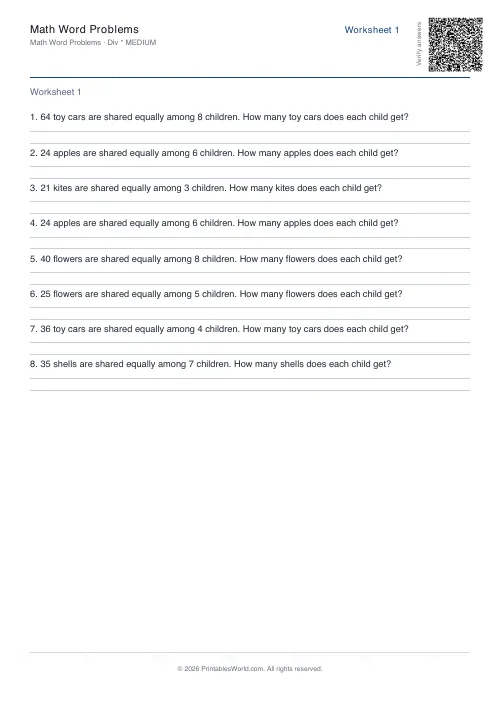 Math Word Problems Generator
- Coordinate Navigation Generator
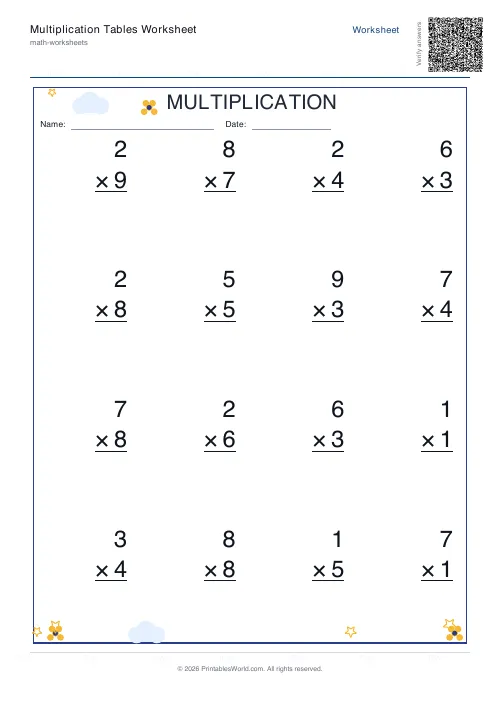 Multiplication Tables Worksheet
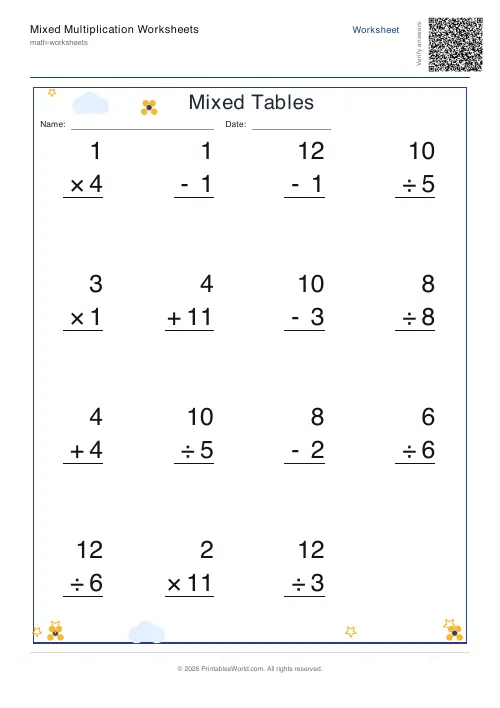 Mixed Multiplication Worksheets
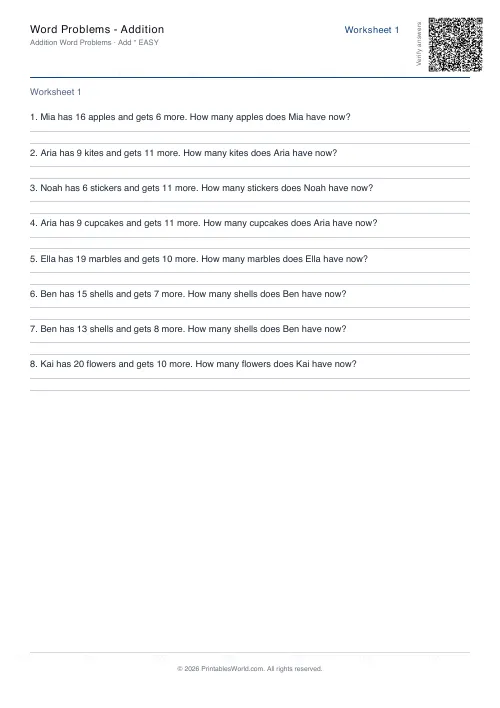 Word Problems: Addition
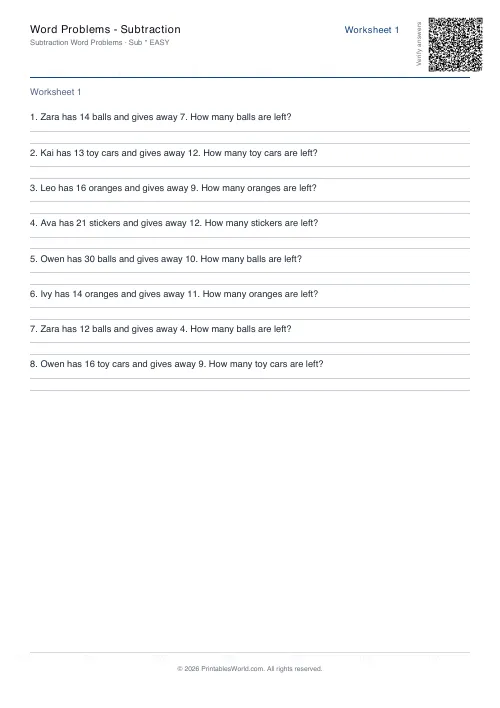 Word Problems: Subtraction
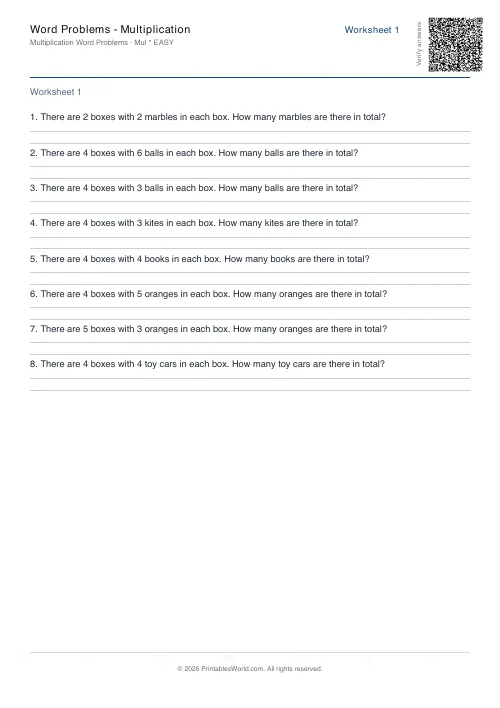 Word Problems: Multiplication
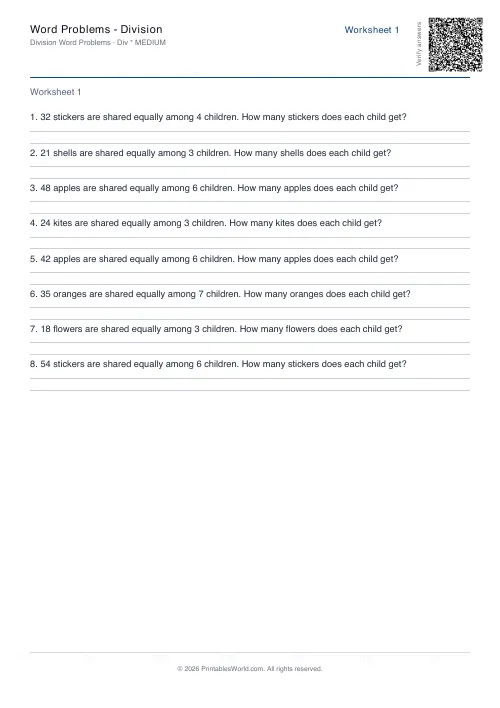 Word Problems: Division