What this tool does
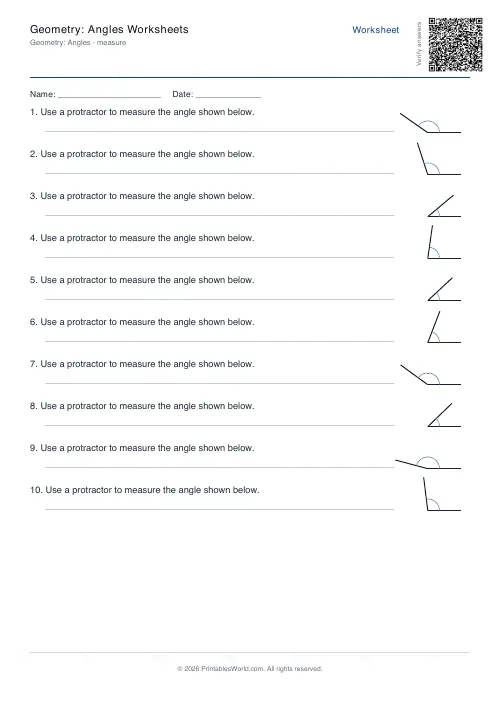
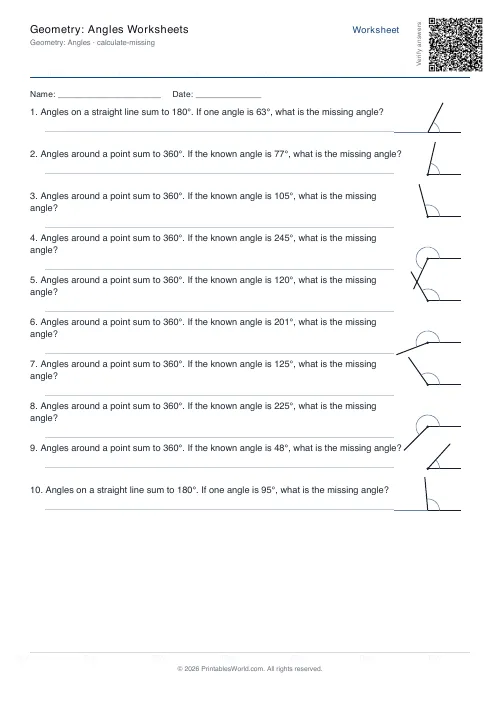
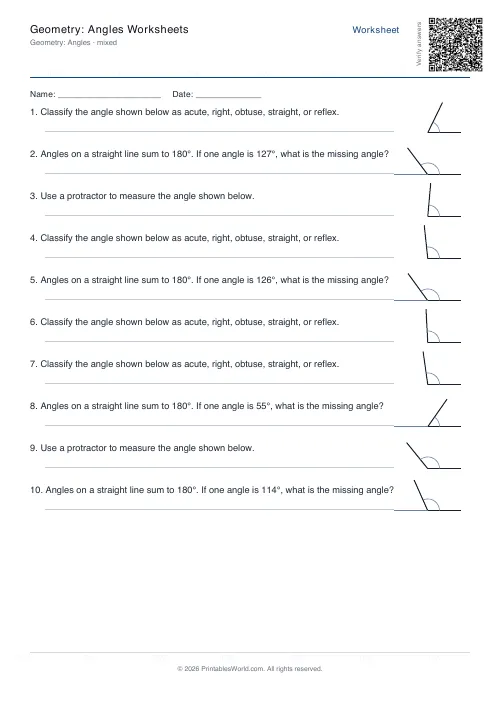
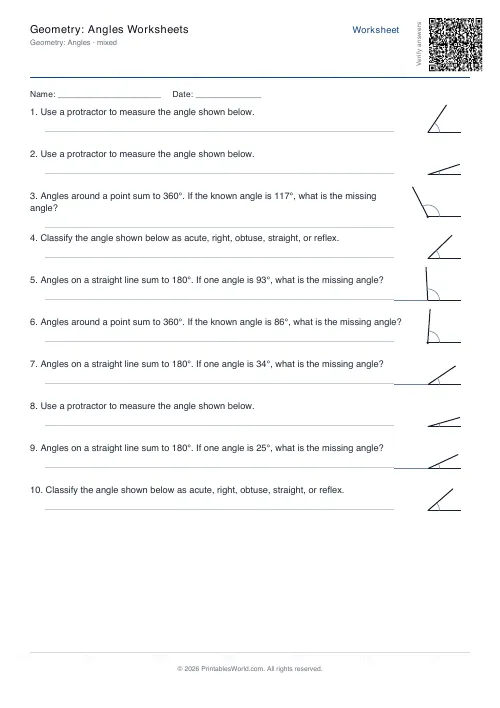
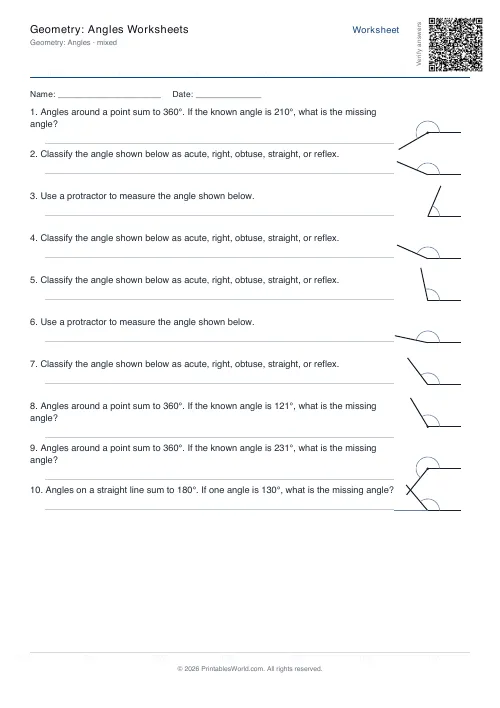
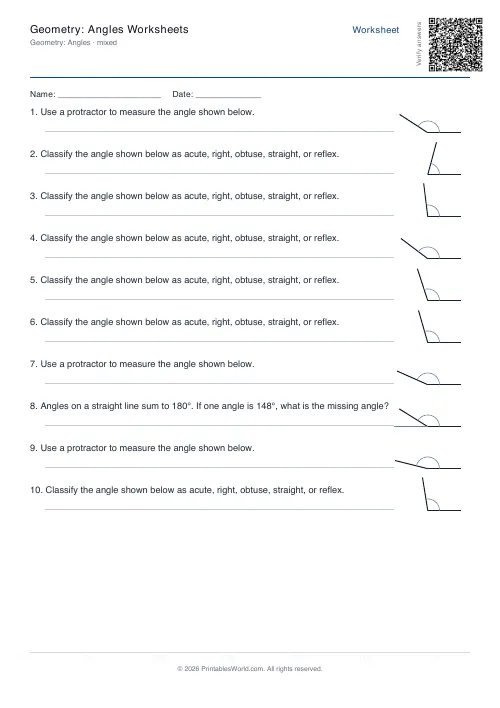
Angle work with drawn diagrams: name the type of angle, estimate its size, or calculate a missing one. Set the largest angle used and mix the three modes.
People also used
Perimeter and Area Worksheets
Generate perimeter and area worksheets for rectangles, squares, triangles, and compound shapes.
Coordinates Grid Worksheets
Create printable coordinate grid worksheets with 1-quadrant or 4-quadrant layouts.
Measurement Worksheets
Convert length, mass, and volume units. Mm ↔ cm ↔ m, g ↔ kg, ml ↔ l.
Feedback
Spotted something off with this tool?
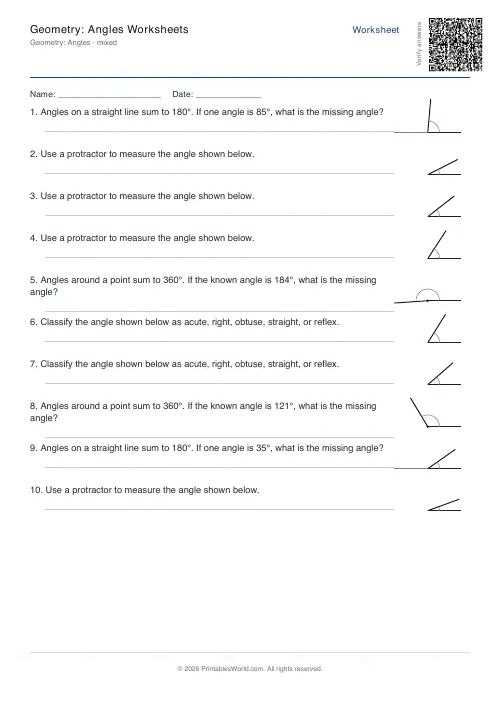
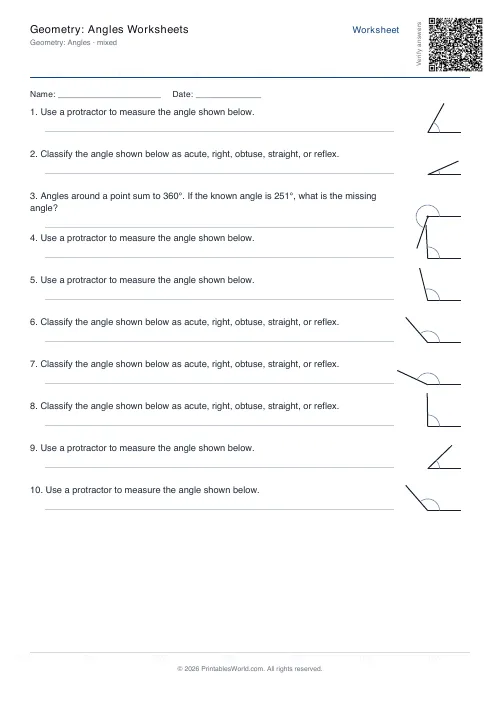
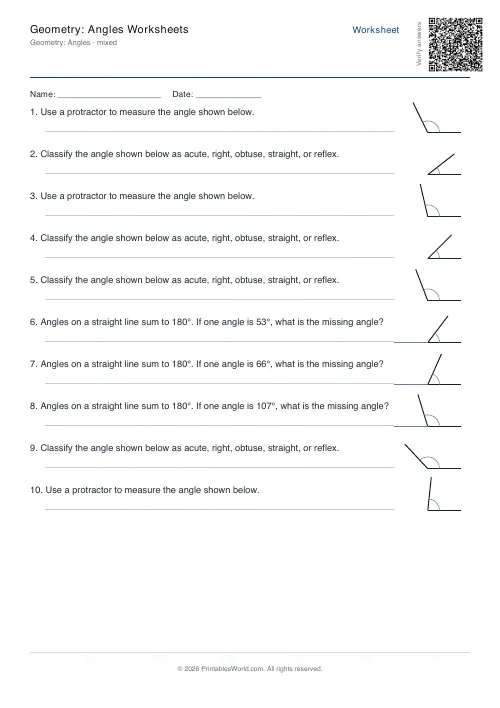
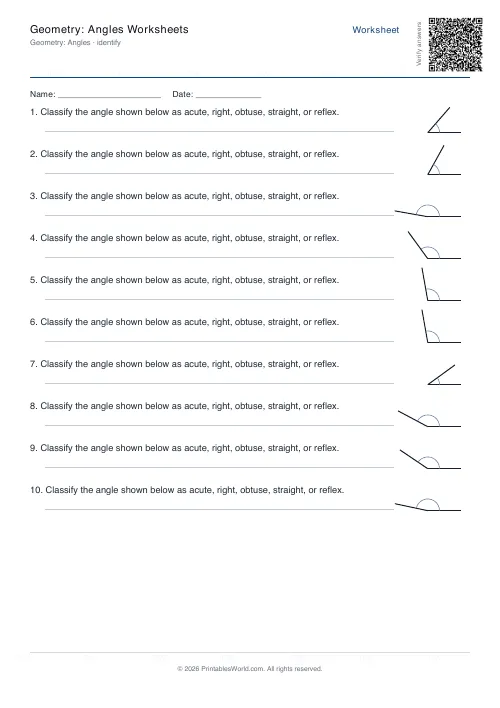
Every question has a picture
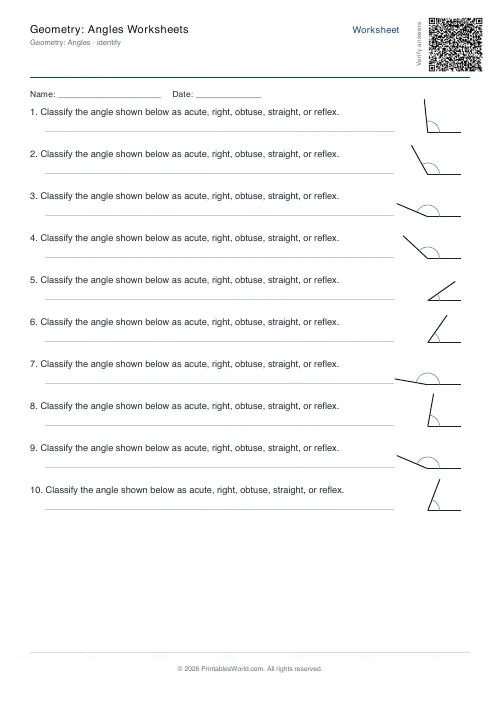
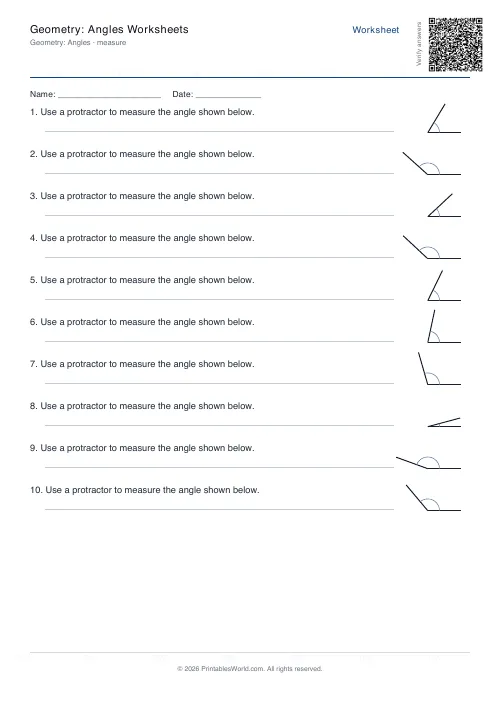
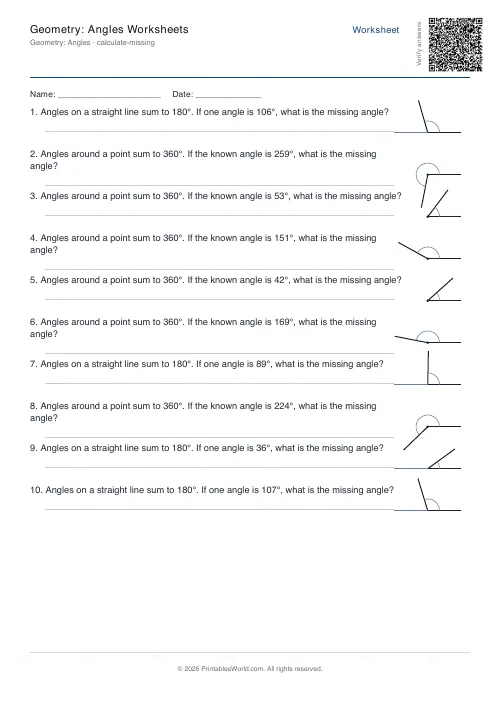
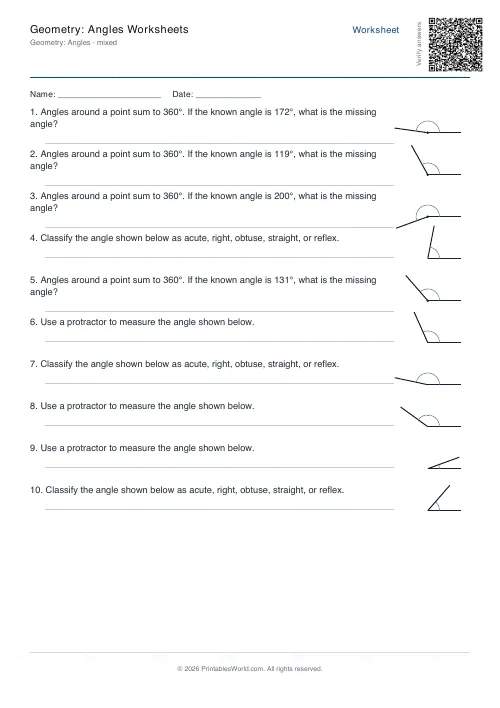
Identify shows an angle and asks what kind it is. Measure asks for its size. Calculate missing gives you enough to work out the one that is not marked. Mixed alternates.
Four to twenty questions, with the maximum angle adjustable from 60 up to a full turn.
The names, and where the boundaries are
Acute is under 90°. A right angle is exactly 90°. Obtuse is between 90° and 180°. Straight is 180°. Reflex is anything over that.
The edges are what get tested. An angle of 90° is not acute and not obtuse, and 180° is not reflex. Include a few near-boundary cases deliberately, because a pupil who has only ever seen a 40° and a 130° has learnt "small" and "big" rather than the definitions.
Estimating before measuring
The habit worth building above all others here.
Ask for a guess before the protractor comes out. A pupil who estimates 50° and reads 130° off the scale knows immediately that they have used the wrong row of numbers — which is the single most common protractor error and the reason so many angle answers come out as 180 minus the truth.
Anchor the estimate on right angles. Is it bigger than a quarter turn? Bigger than half of one?
Calculating missing angles
Three facts do most of the work. Angles on a straight line sum to 180°. Angles round a point sum to 360°. The angles of a triangle sum to 180°.
The last one is worth demonstrating rather than asserting: tear the three corners off a paper triangle and lay them together along a straight edge. Two minutes, and it is remembered for years.
Setting the maximum
Keep it at 180 while the names are being learnt, so reflex angles do not confuse the picture. Raise it to 360 to bring them in, and to make angles-round-a-point questions available.
Sixty as a ceiling gives a sheet of acute angles only, which is occasionally what a first lesson wants.
Why it matters later
Angle rules are the first place most pupils meet a mathematical argument — you know this, therefore that, therefore the answer. Getting comfortable with that chain matters more than the angles do.
Level: roughly ages nine to fourteen. Related: coordinates and grids, where the same reasoning-from-facts habit gets its next workout.
FAQs
Quick answers
How many problems fit on one page?
Between 4 and 20, depending on your selection. Diagrams and prompts scale slightly to fit, but more than 12 problems may look crowded. Most teachers use 8–12 per sheet.
Can I print the answer key on a separate page?
Yes. Tick the "Include answer key" option and the PDF will add a second page listing the correct classification or angle measurement for each problem.
What does "maximum angle" do?
It caps the largest angle the generator will use. Set it to 90° for acute-only practice, 180° to exclude reflex angles, or 360° to allow full-circle reflex angles. The default is usually 170°.
Does the worksheet show degree symbols and labels on the diagrams?
No. The diagrams are unlabelled rays from a vertex. In measure mode, students add the degree reading themselves. In calculate-missing mode, the prompt text states the known angle value.
What's the difference between angles on a line and angles around a point?
Angles on a straight line sum to 180°. Angles around a point (a full turn) sum to 360°. In calculate-missing mode, the generator picks one context or the other for each problem and tells the student which rule to apply.
Can I mix identify, measure, and calculate problems on one sheet?
Yes. Select "Mixed" mode and the generator will randomly combine all three question types in one worksheet, with each problem clearly labelled by its prompt.
Will the diagrams print clearly enough for protractor measurement?
Yes. Rays extend to the edge of each diagram box with consistent stroke weight. Place the protractor's centre over the vertex and align the baseline with one ray to read the angle.
Related tools
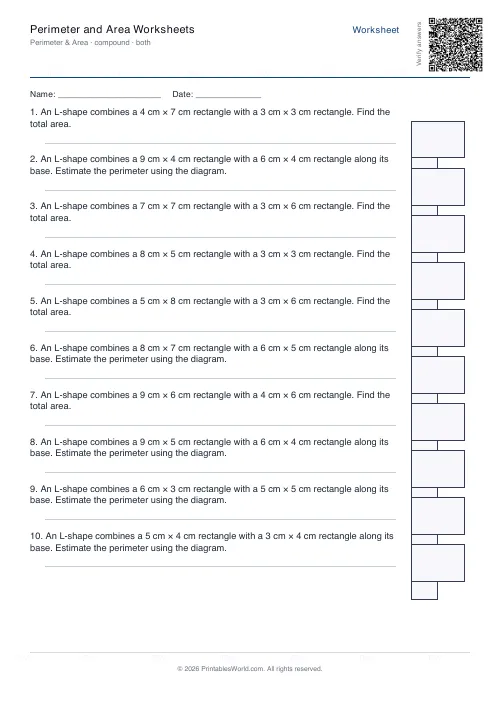
Perimeter and Area Worksheets
Generate perimeter and area worksheets for rectangles, squares, triangles, and compound shapes.
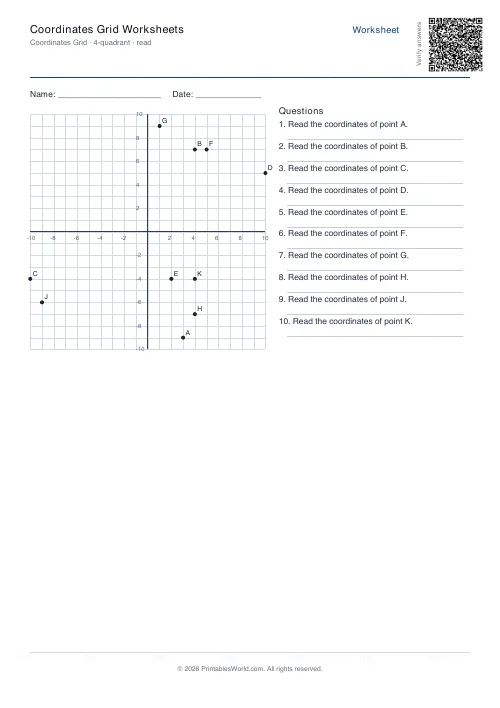
Coordinates Grid Worksheets
Create printable coordinate grid worksheets with 1-quadrant or 4-quadrant layouts.
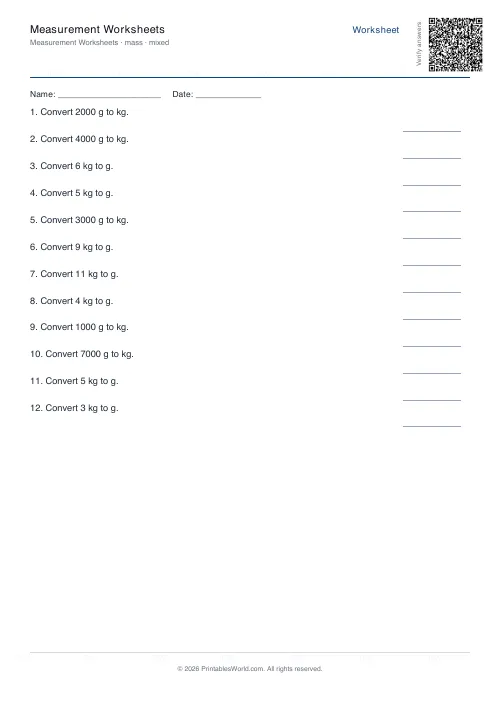
Measurement Worksheets
Convert length, mass, and volume units. Mm ↔ cm ↔ m, g ↔ kg, ml ↔ l.
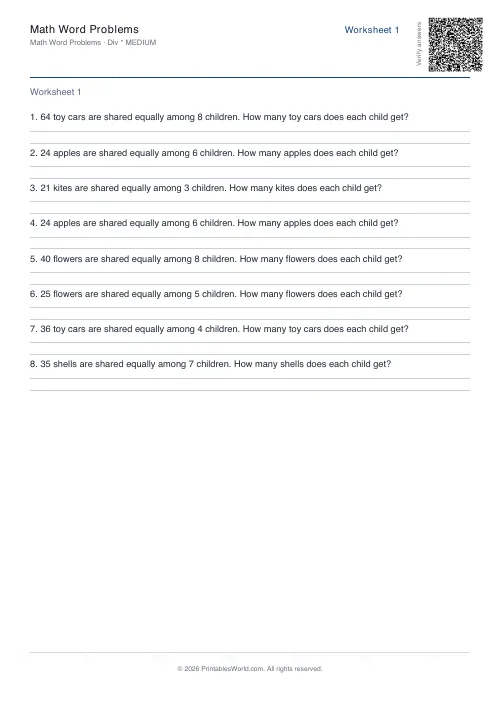
Math Word Problems Generator
Generate printable math word problem worksheets with customisable topics, difficulty, and answer keys.
Further reading
Math Worksheets
Understanding BODMAS and PEMDAS: order of operations explained
BODMAS and PEMDAS describe the same rule in different words. The trouble is that both hide two facts the acronym cannot express. Which is where nearly every mistake comes from.
5 min read
Math Worksheets
Making maths fun: 15 ways to practise without tears
Maths tears are usually about difficulty, length or fear of being wrong, not about maths. Fifteen practical changes, grouped by which of those three problems they actually solve.
6 min read
More like this
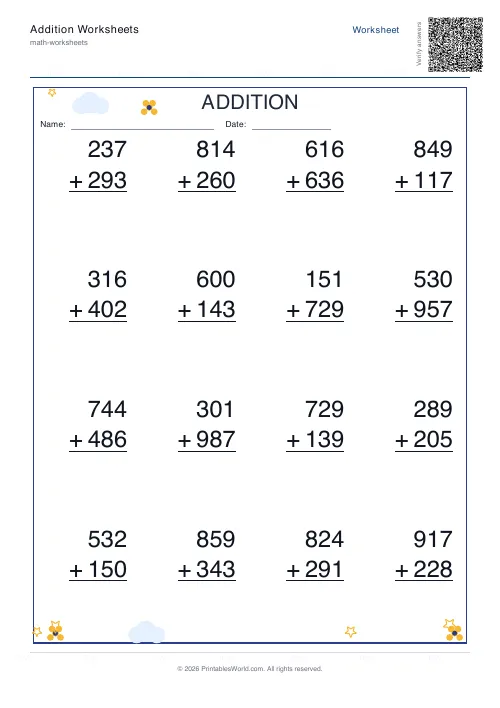 Addition Worksheets Generator
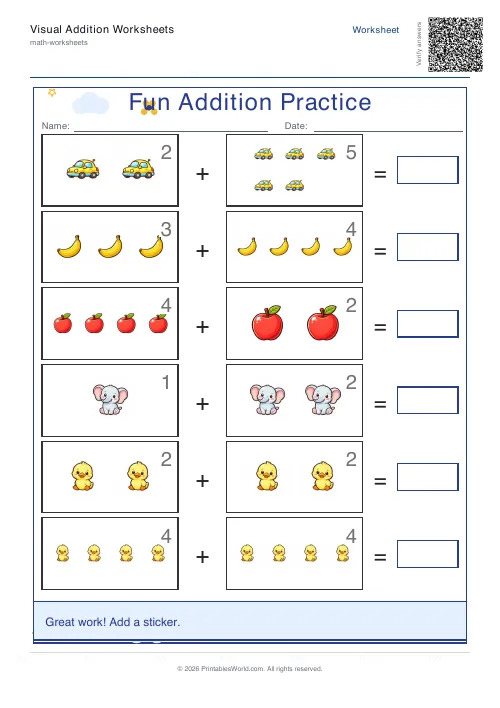 Visual Addition Worksheets Generator
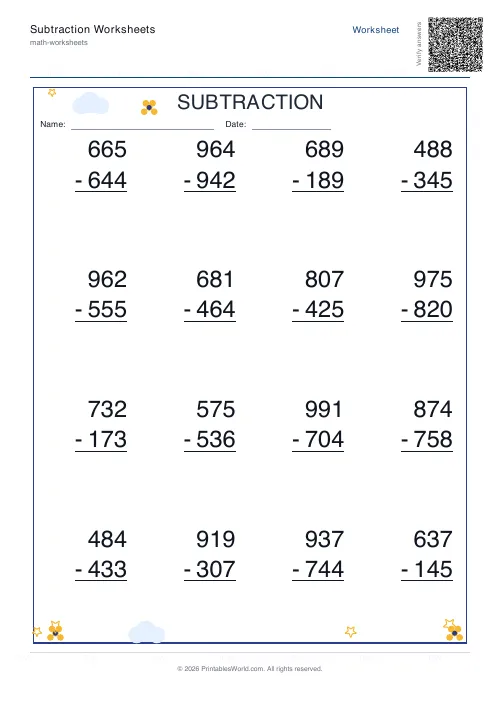 Subtraction Worksheets Generator
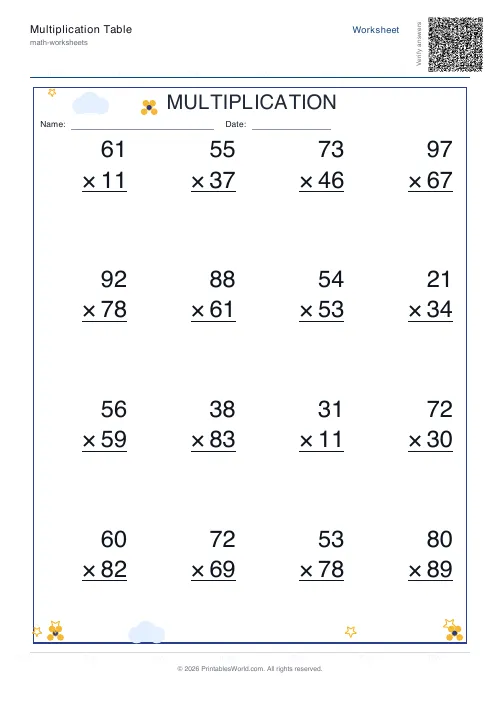 Multiplication Table Generator
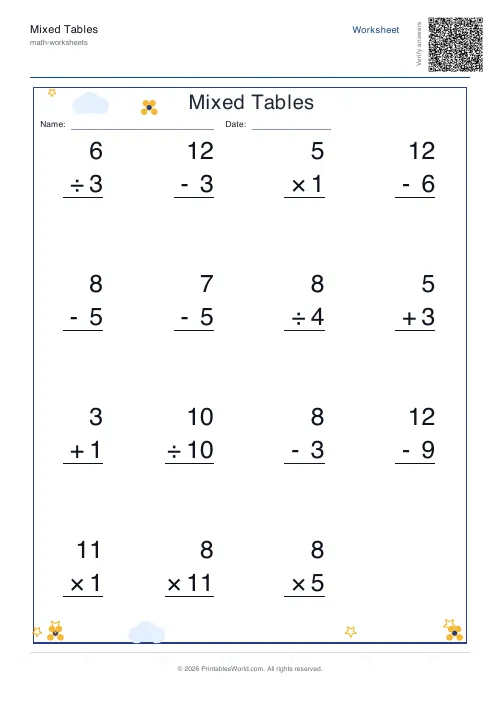 Mixed Tables Generator
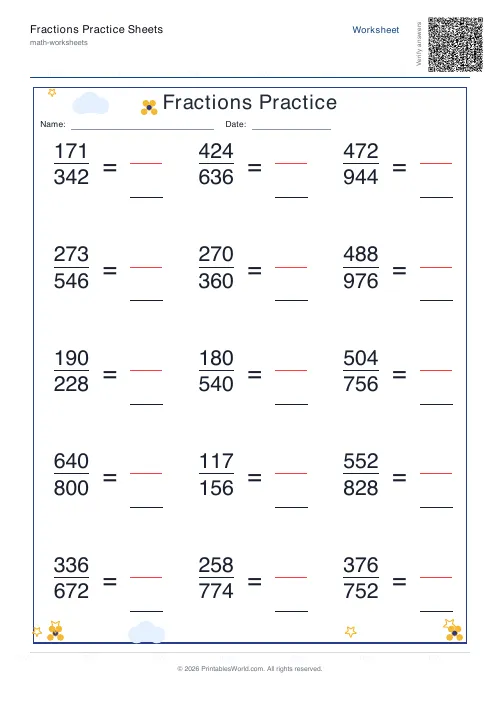 Fractions Practice Sheets Generator
- Math Word Problems Generator
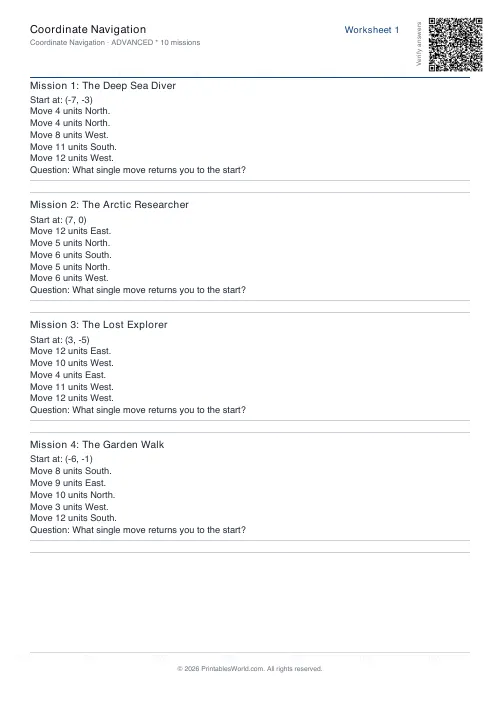 Coordinate Navigation Generator
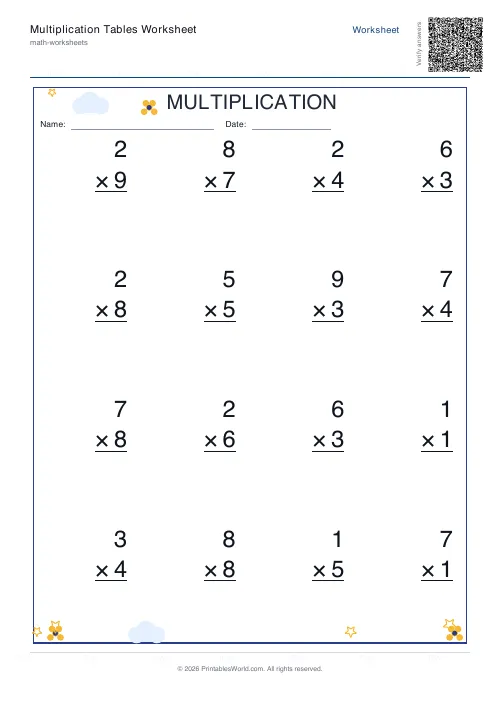 Multiplication Tables Worksheet
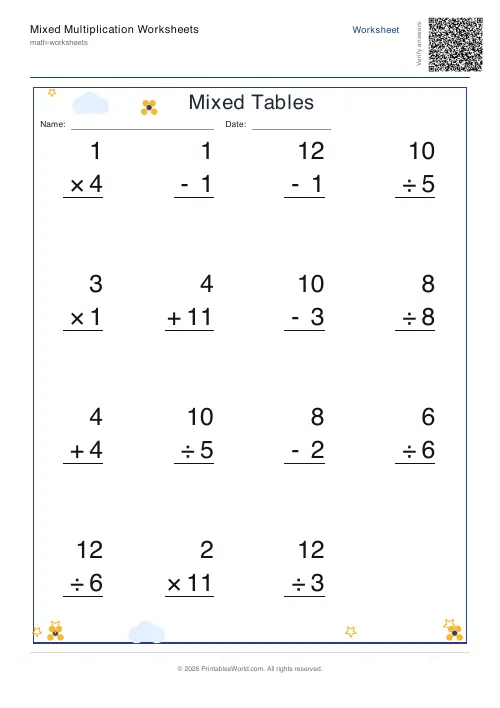 Mixed Multiplication Worksheets
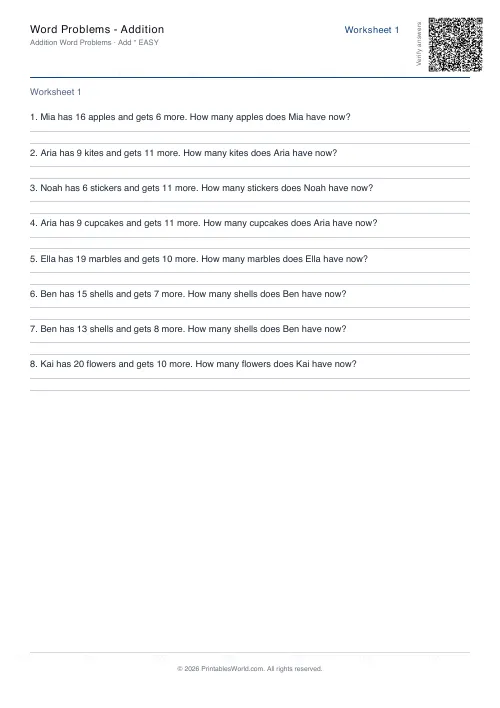 Word Problems: Addition
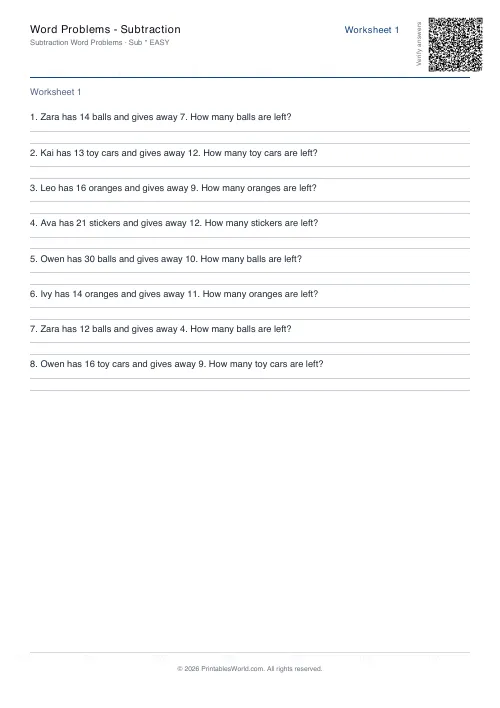 Word Problems: Subtraction
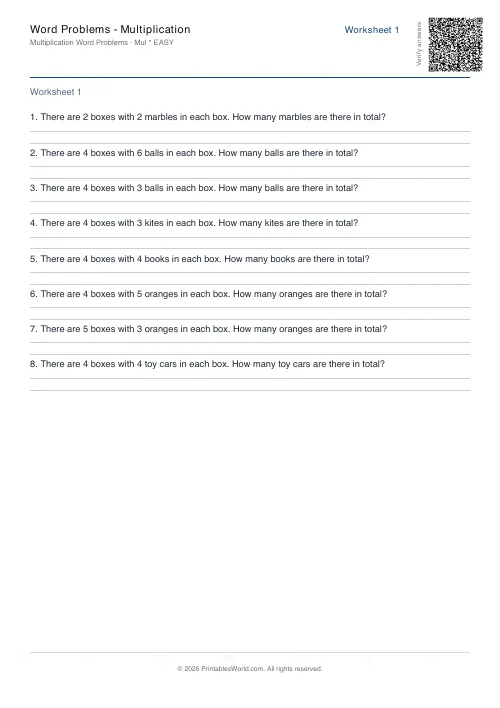 Word Problems: Multiplication
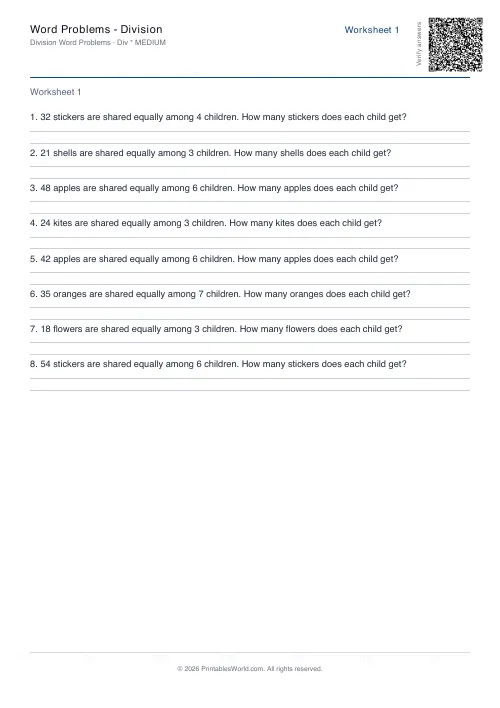 Word Problems: Division