


 Scan to get


 Scan to get



 Scan to get






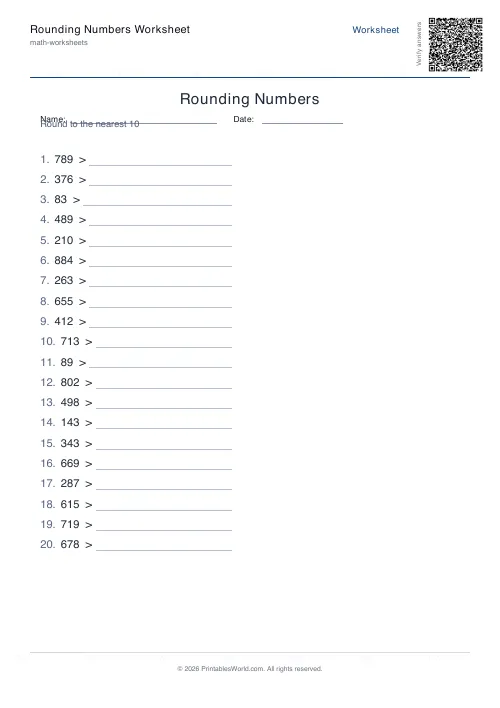
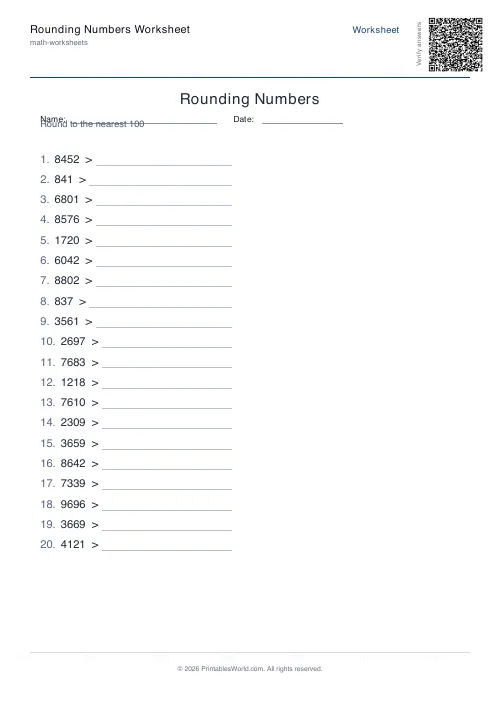
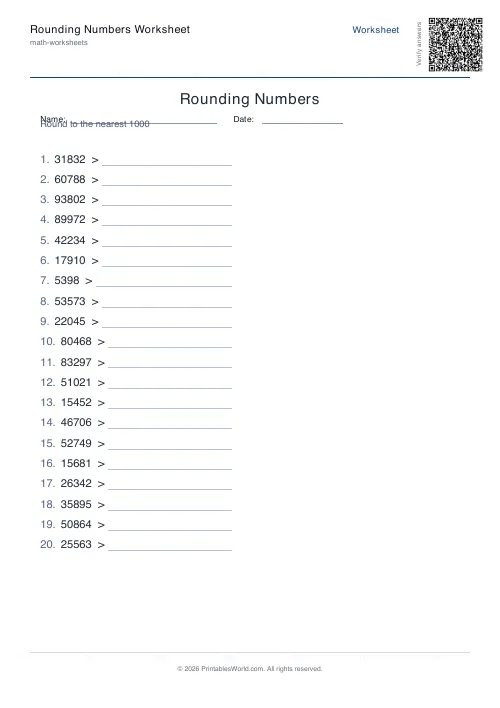
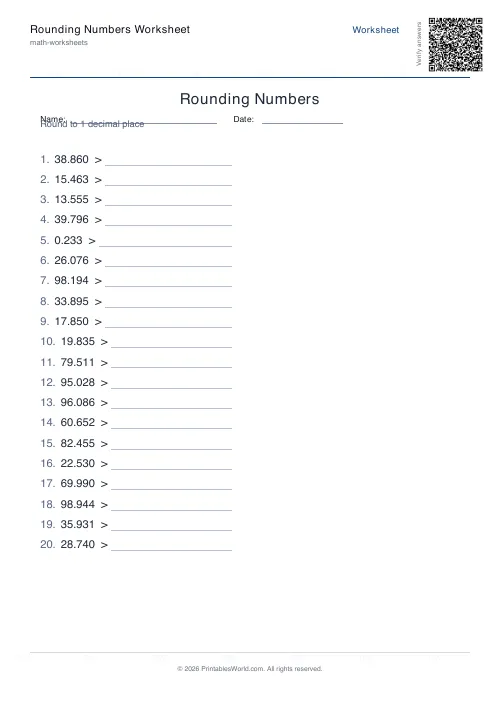
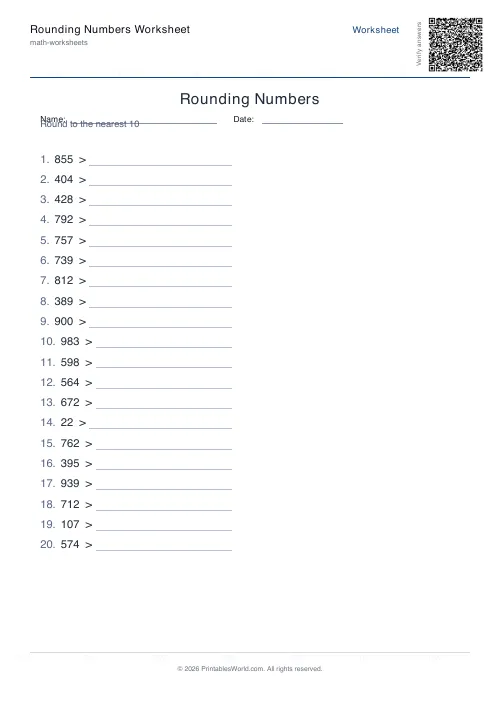
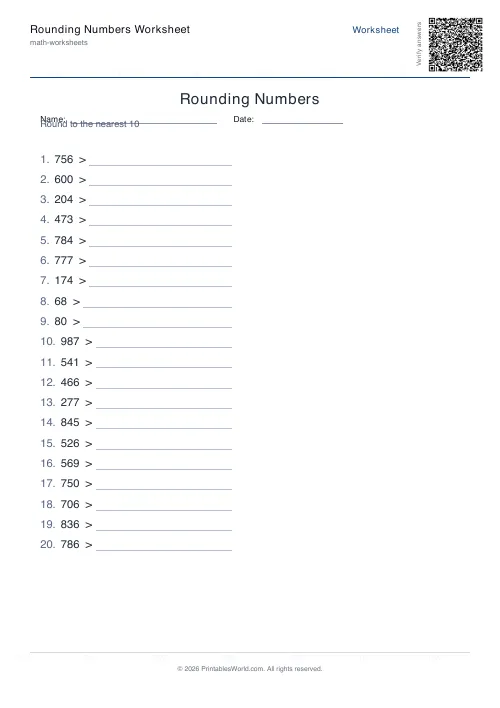
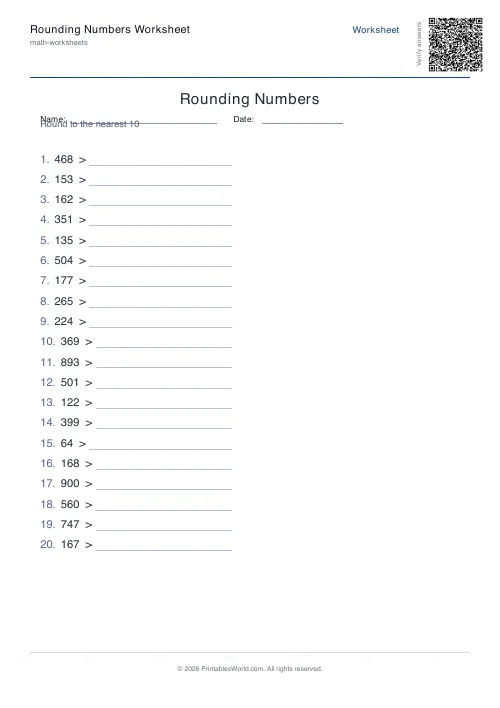
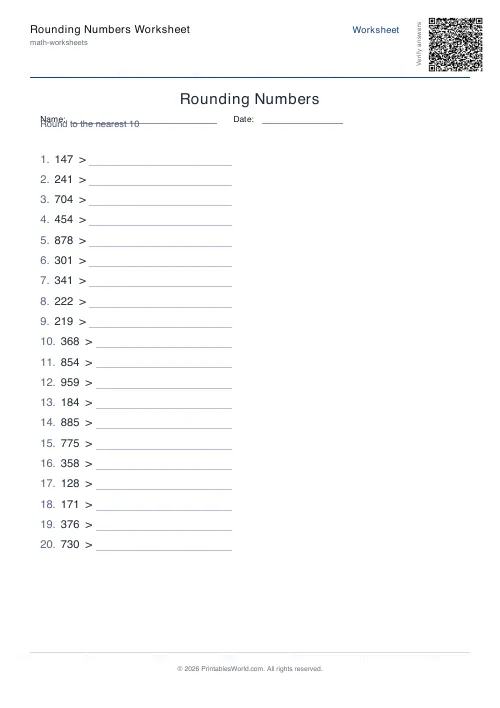
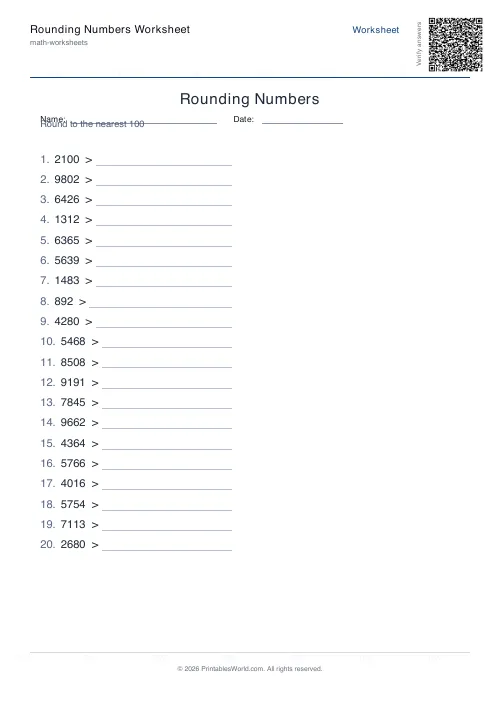
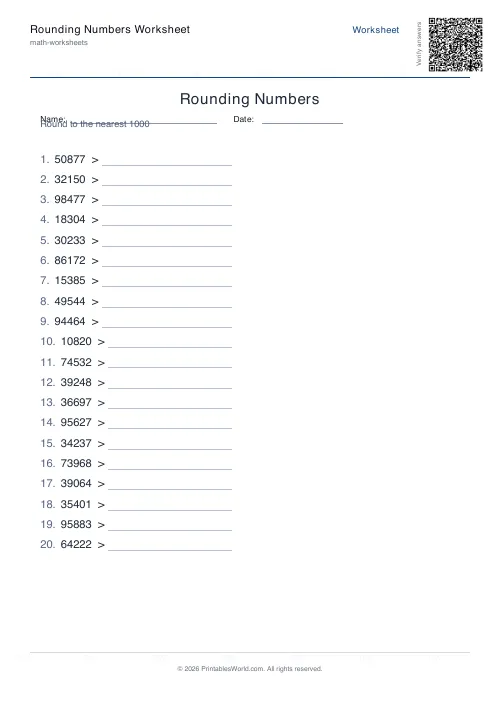
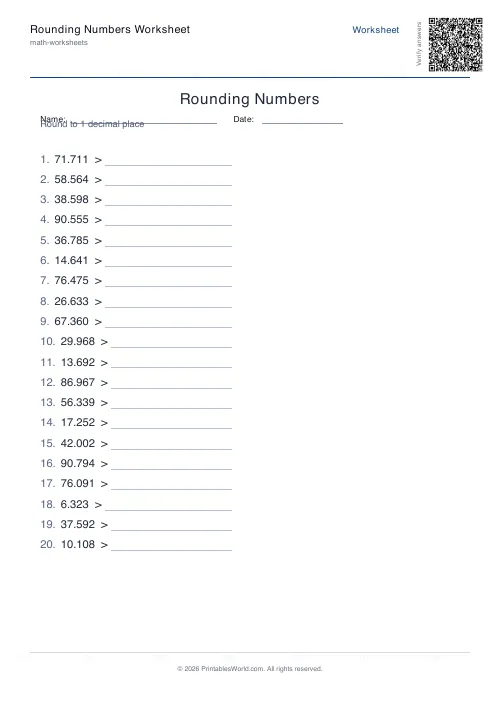
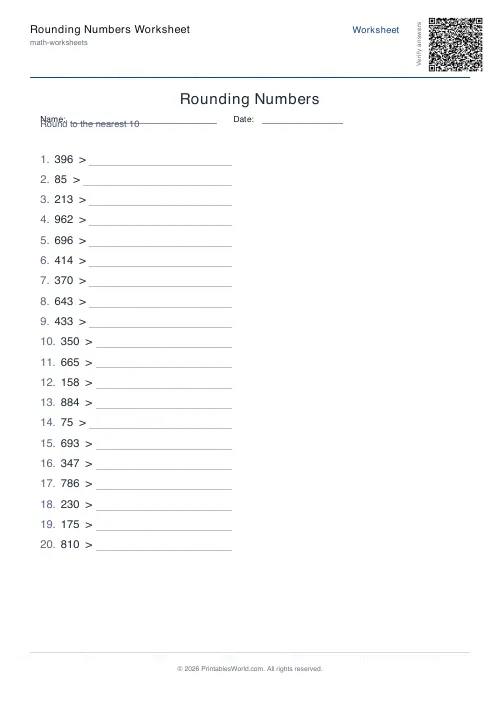
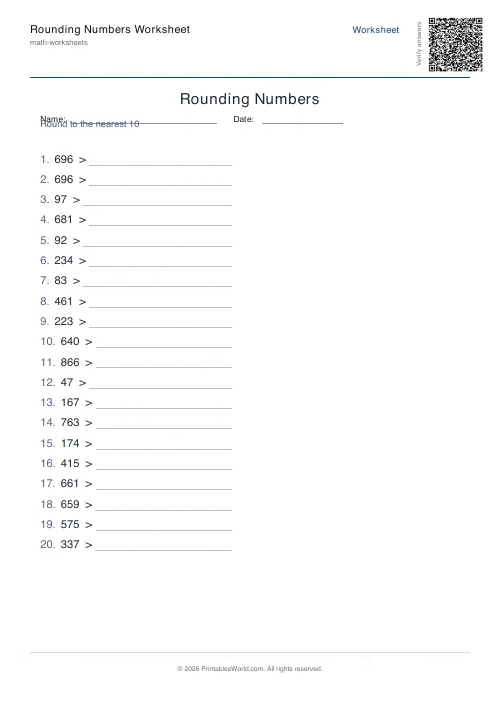
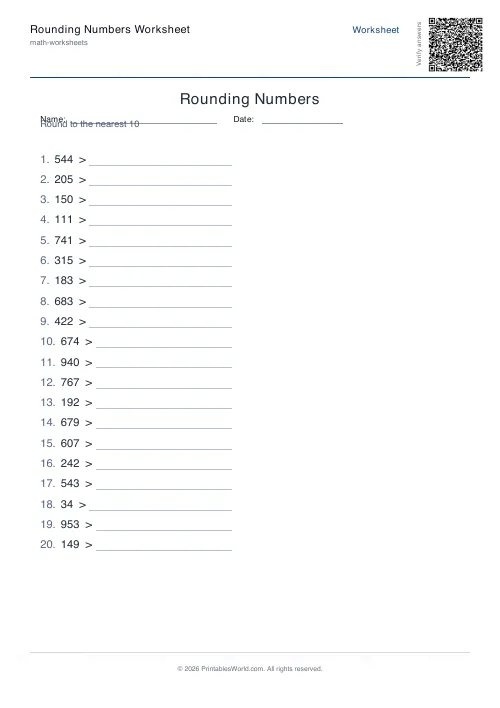
What this tool does
Rounding practice for whole numbers or decimals. Round to the nearest 10, 100 or 1000, or to one, two or three decimal places. Four to sixty problems, an optional answer key, and a seed that reproduces the same set exactly.
People also used
Place Value Worksheet Generator
Free printable place value practice. Identify, expand and compose numbers.
Decimals Worksheets Generator
Create custom decimal arithmetic worksheets with configurable operations and decimal places.
Greater Than / Less Than Worksheets
Free printable greater than / less than worksheets with customizable digit counts and answer keys.
Feedback
Spotted something off with this tool?
One skill, two number types
Whole numbers round to the nearest 10, 100 or 1000. Decimals round to one, two or three places. Same underlying decision either way: look at the digit after the one you are rounding to, and let it decide.
Four to sixty problems a sheet, with the answers on a page of their own.
The midpoint is where pupils actually fail
Rounding 342 to the nearest ten is not hard. Rounding 345 is. It sits exactly halfway, so the answer depends on a convention rather than on any reasoning a child could do for themselves.
The convention used here is round half up, so 345 goes to 350 and 3.45 goes to 3.5. That is what UK and US primary curricula both teach, and it is worth stating explicitly to a class, because a child who has been told to round to the nearest and is faced with something exactly in between will otherwise conclude the question is broken.
Watch for the pupil who rounds the wrong way at the midpoint consistently. That is a rule they have half-remembered rather than a careless slip, and it needs correcting directly.
Decimal rounding has a second trap
The problems print more digits than you are rounding to, so a value shown to three places might need rounding to one.
That is where pupils go wrong: asked to round 4.276 to one decimal place, some look at the last digit rather than the next one, and round up from the 6 twice over. The rule is that only the digit immediately after the cut matters, and everything beyond it is irrelevant however large it looks.
Chained rounding is the same error in slow motion. Name it before the class finds it.
Why rounding matters beyond the sheet
It is the foundation of estimation. Estimation is what catches an answer that is wrong by a factor of ten.
A pupil who can round 487 to 500 and 213 to 200 knows the sum is about 700 before doing any of it, so an answer of 70 or 7,000 announces itself as wrong. That habit is worth more in an exam than most of the arithmetic it checks, and it is the reason rounding sits early in the curriculum rather than being treated as a tidy-up skill.
Setting the sheet
Nearest 10 for a first introduction, then 100, then 1000, then decimals. Ten to twenty problems is a lesson; sixty is a revision session.
The seed lets you regenerate a sheet exactly, which is what you want when a child asks to try the same one again, or when someone missed the lesson and needs the identical paper rather than a similar one.
FAQs
Quick answers
How many problems can I put on one worksheet?
You can generate between 4 and 60 problems per worksheet. For a single lesson or homework task, 10 to 20 problems usually works well. Larger counts suit revision booklets or extended practice packs.
Can I round to the nearest thousand?
Yes. Select <strong>1000</strong> as your rounding target, and the generator will create whole-number problems that require rounding to the nearest thousand.
What does the seed option do?
Enter any number or word as a seed to make the generator produce the same set of problems every time you use that seed. This is useful if you want to recreate an identical worksheet later or give the same practice to different groups.
Does the answer key appear on a separate page?
Yes. When you enable the answer key, it prints on its own page after the question sheet, so you can choose whether to distribute it to students or keep it for marking.
Can I customise the worksheet title?
Yes. The title field lets you replace the default heading with any text. For example, a student's name, a class code, or a specific topic label like <em>Rounding Decimals Homework</em>.
Which decimal precisions are supported?
You can round decimals to 1, 2, or 3 decimal places. The generator displays each number to two places beyond your chosen precision, so students see enough digits to make a rounding decision.
Will the layout work on both A4 and US Letter paper?
Yes. The PDF adjusts margins and spacing automatically when you select A4 or US Letter, so problems fit neatly in two columns on either size.
Related tools
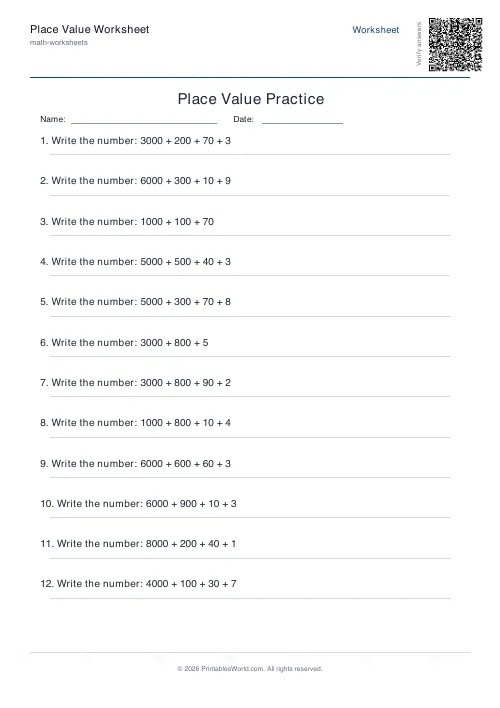
Place Value Worksheet Generator
Free printable place value practice. Identify, expand and compose numbers.
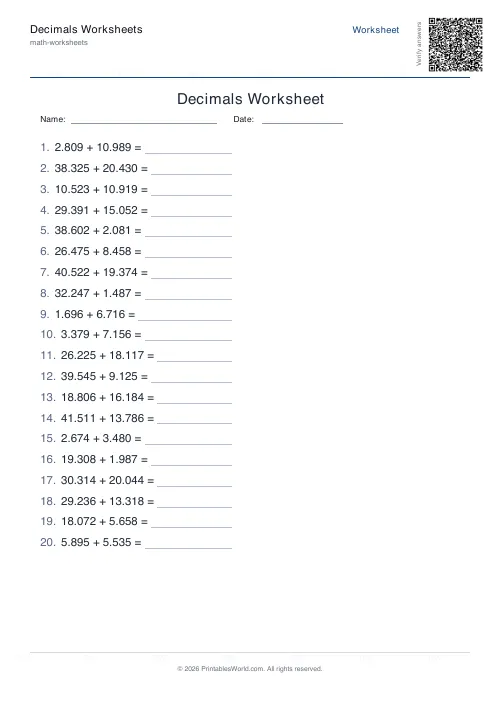
Decimals Worksheets Generator
Create custom decimal arithmetic worksheets with configurable operations and decimal places.
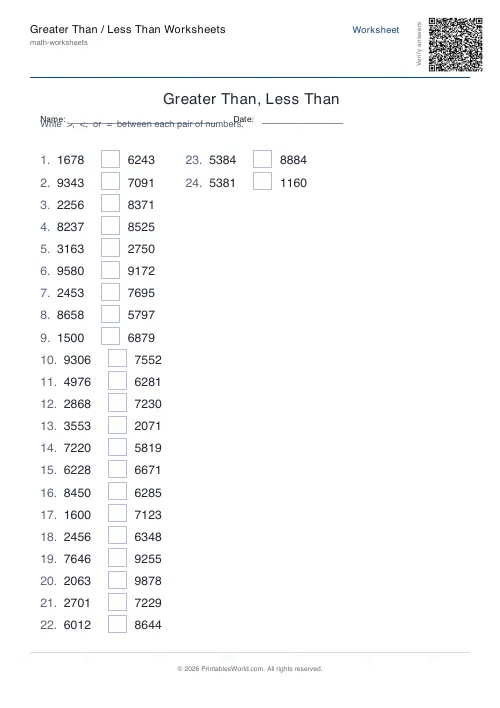
Greater Than / Less Than Worksheets
Free printable greater than / less than worksheets with customizable digit counts and answer keys.
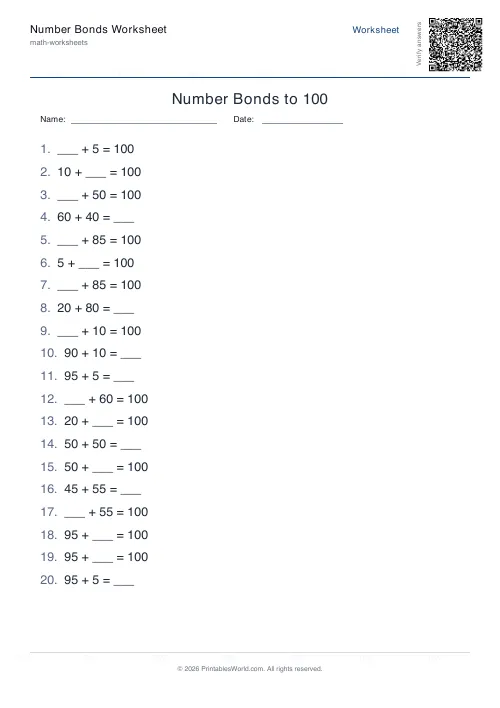
Number Bonds Worksheet Generator
Print customisable number bonds worksheets for sums to 10, 20 or 100 with optional answer keys.
Further reading
Math Worksheets
Ten frames and number bonds: early maths foundations
A ten frame is two rows of five. That arrangement does something a row of counters cannot. It makes quantities visible without counting, which is where number sense starts.
5 min read
Math Worksheets
Addition strategies: number lines, regrouping and more
Column addition is the destination, not the route. Here are the strategies that come before it, why each matters, and how to tell which one a child is actually using.
5 min read
Math Worksheets
How many maths worksheets per day? A parent's guide
The honest answer is less than most parents assume. And the number of questions matters less than whether the session ends well.
5 min read
More like this
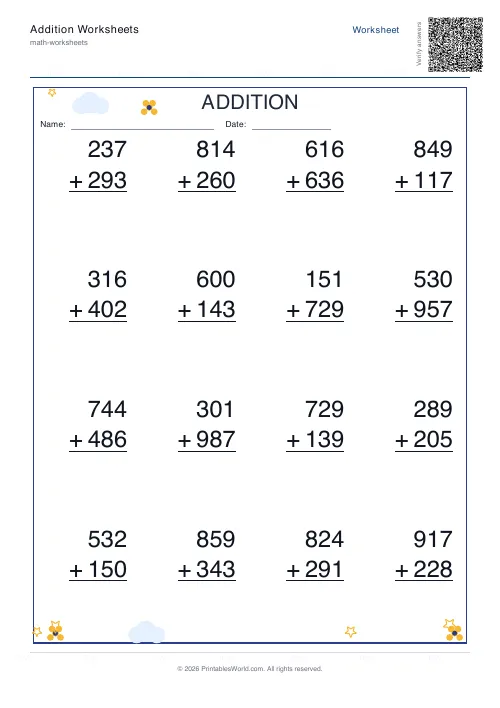 Addition Worksheets Generator
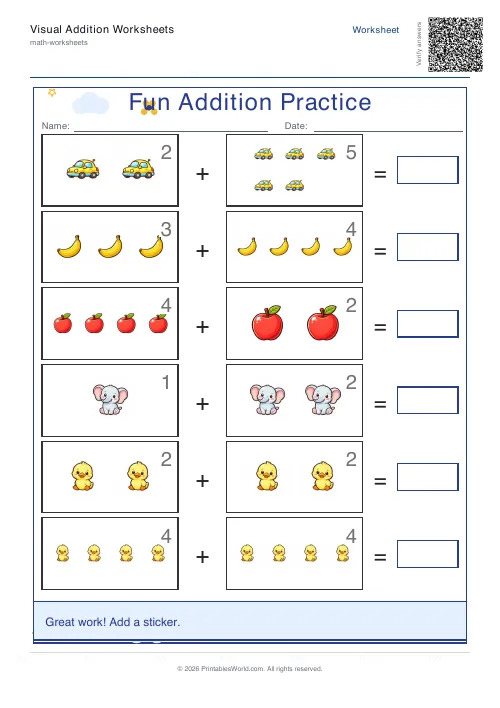 Visual Addition Worksheets Generator
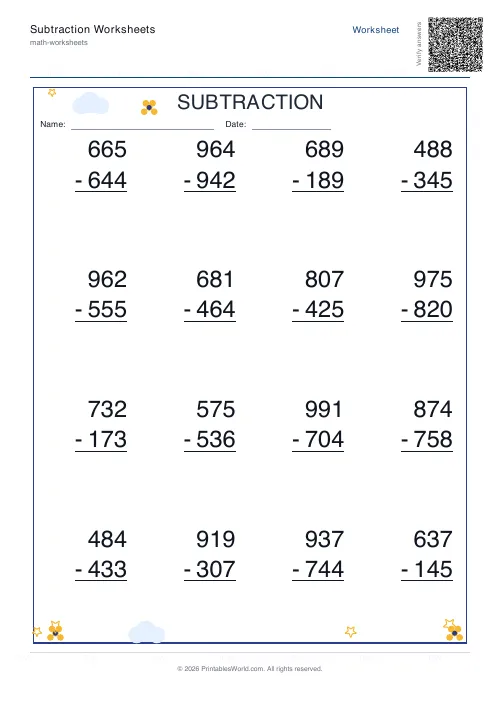 Subtraction Worksheets Generator
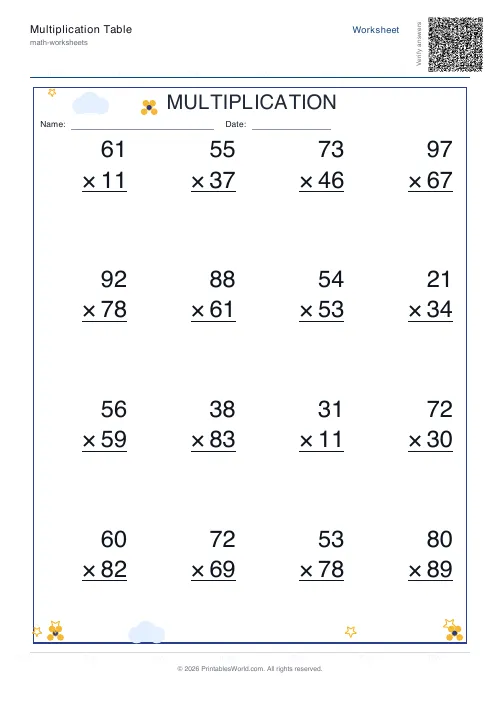 Multiplication Table Generator
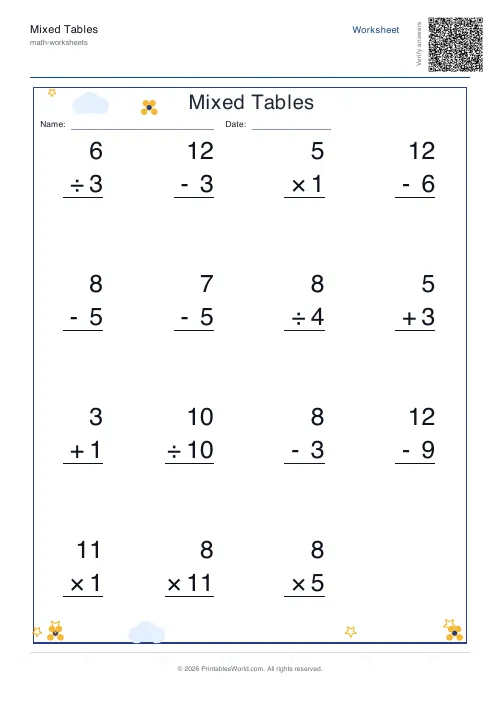 Mixed Tables Generator
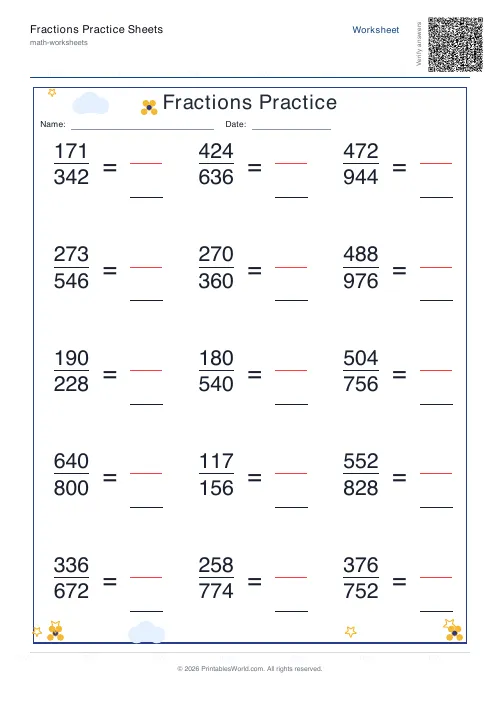 Fractions Practice Sheets Generator
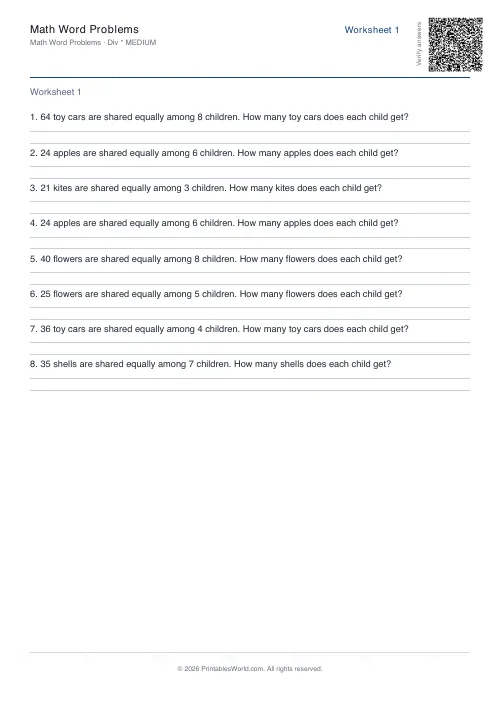 Math Word Problems Generator
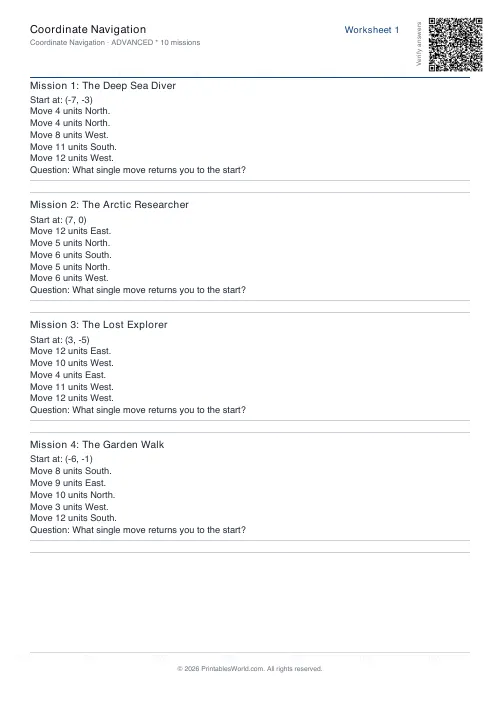 Coordinate Navigation Generator
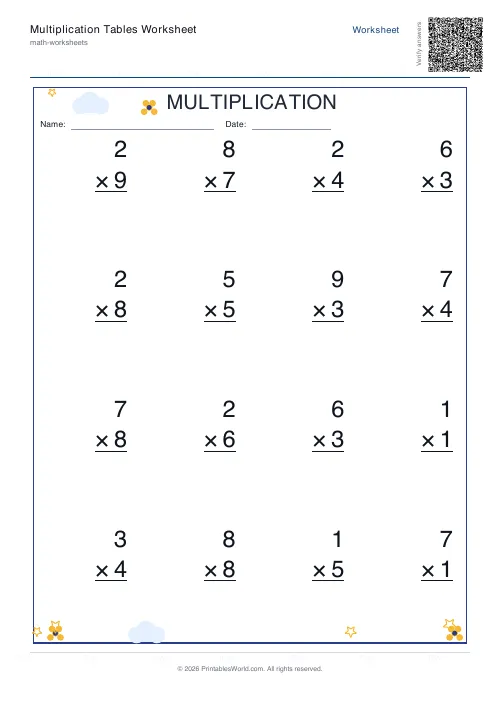 Multiplication Tables Worksheet
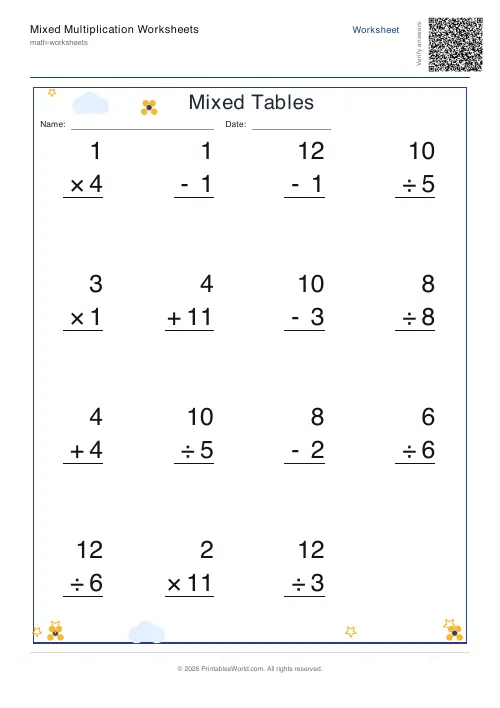 Mixed Multiplication Worksheets
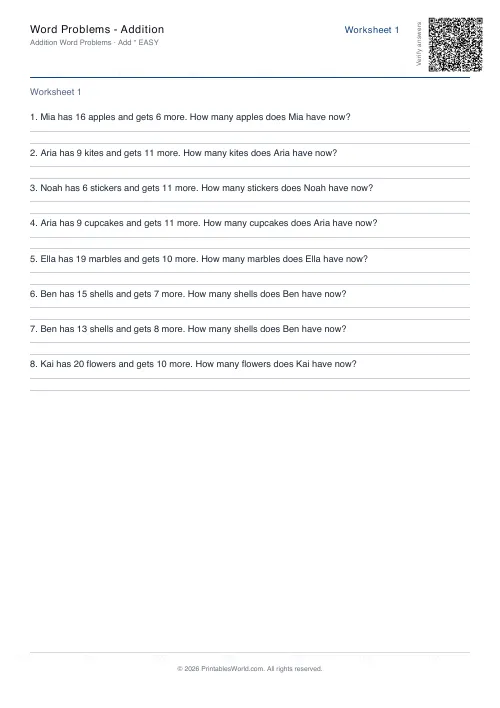 Word Problems: Addition
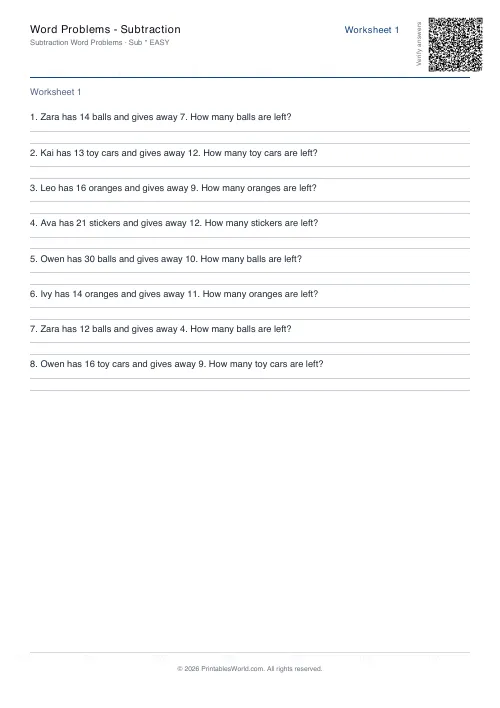 Word Problems: Subtraction
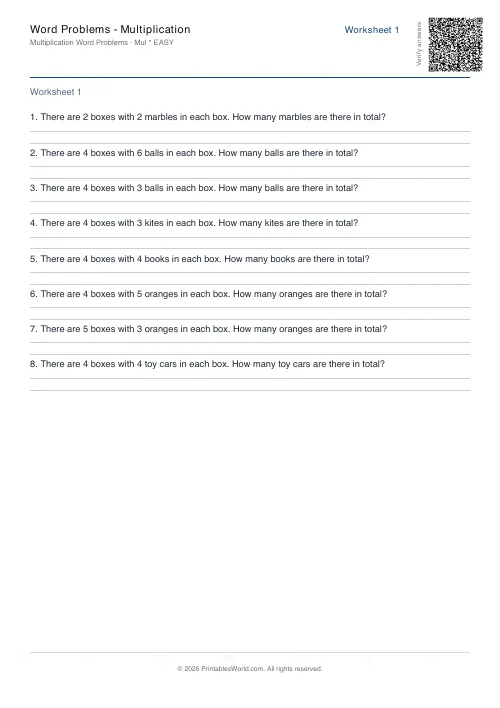 Word Problems: Multiplication
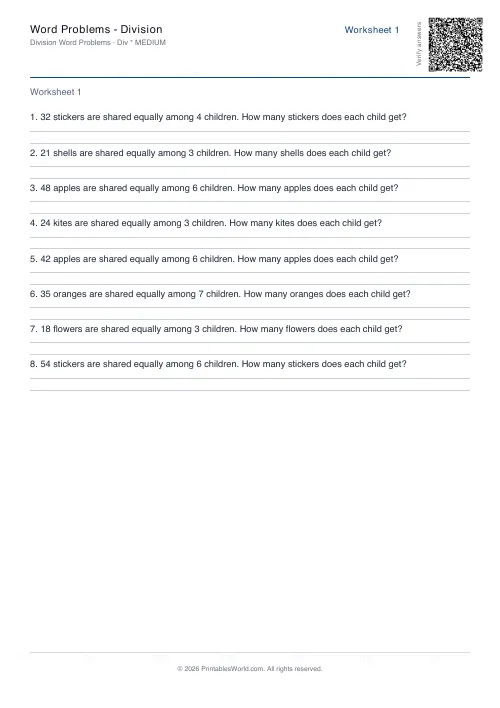 Word Problems: Division