


 Scan to get


 Scan to get



 Scan to get






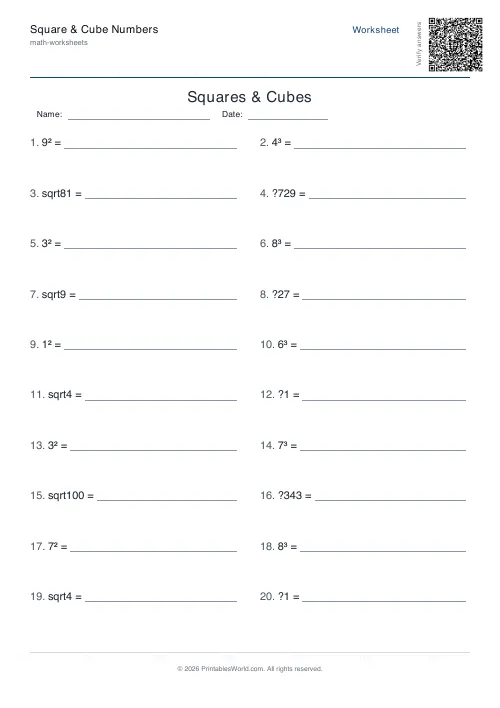
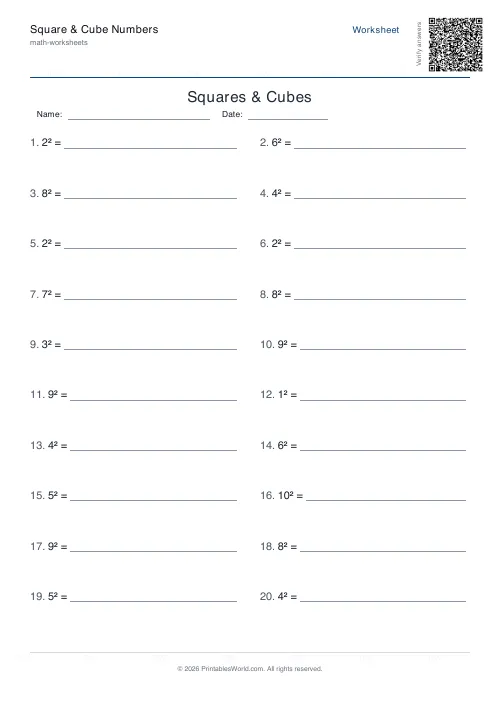
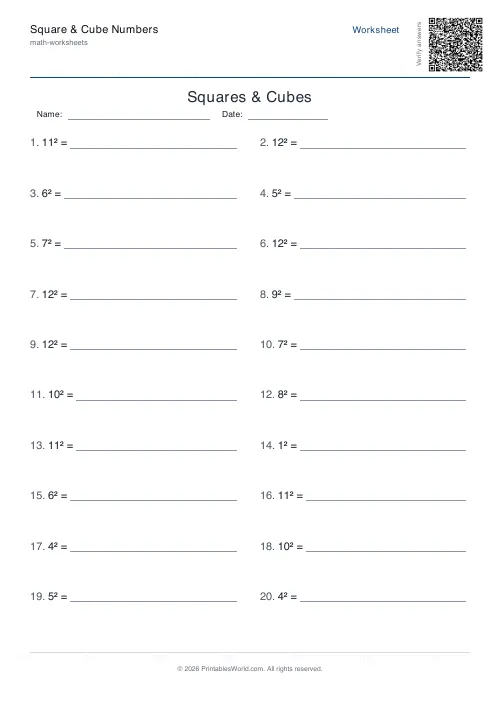
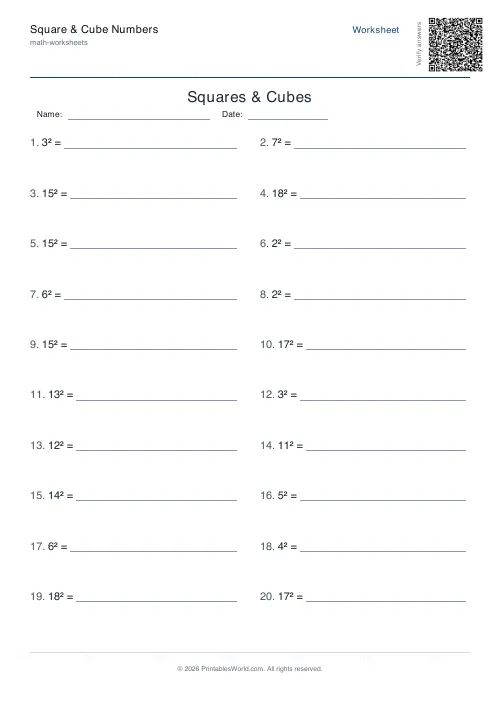
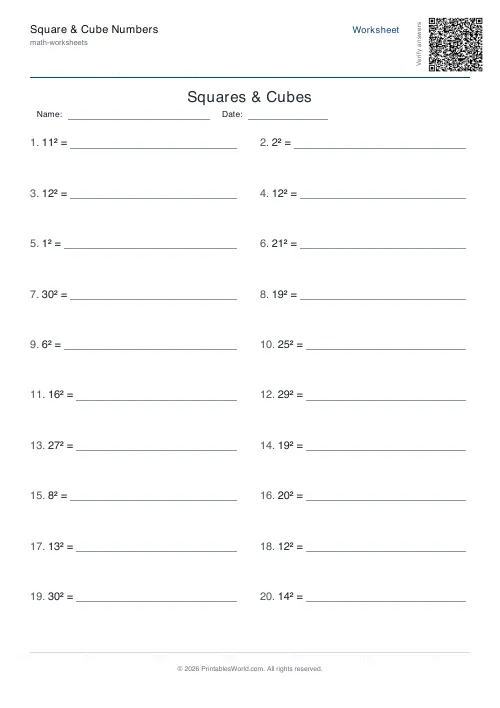
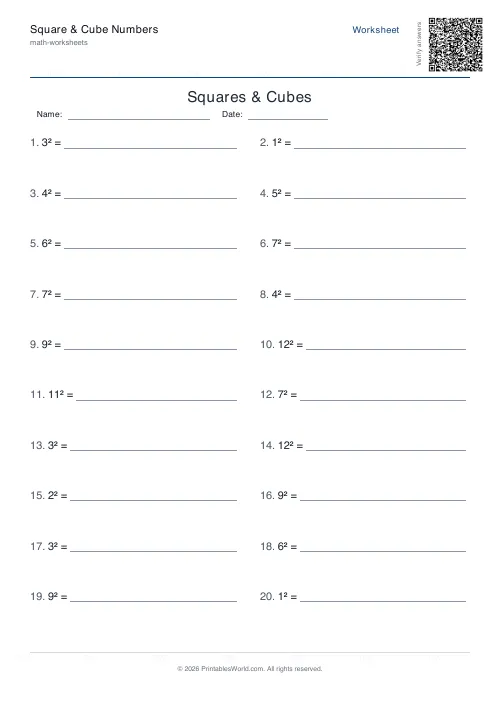
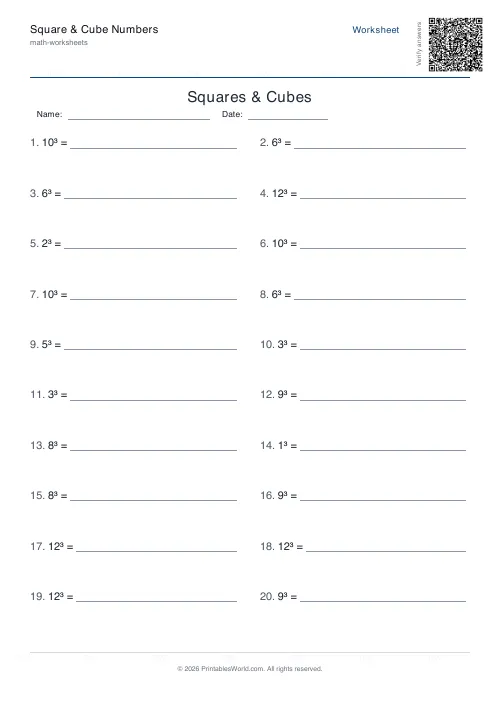
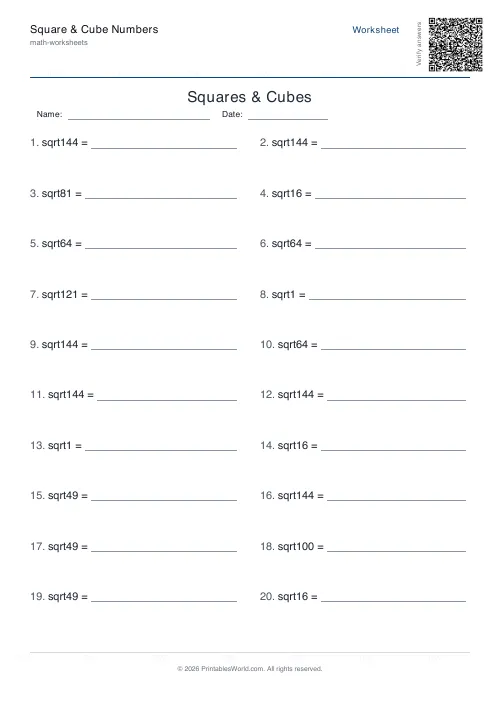
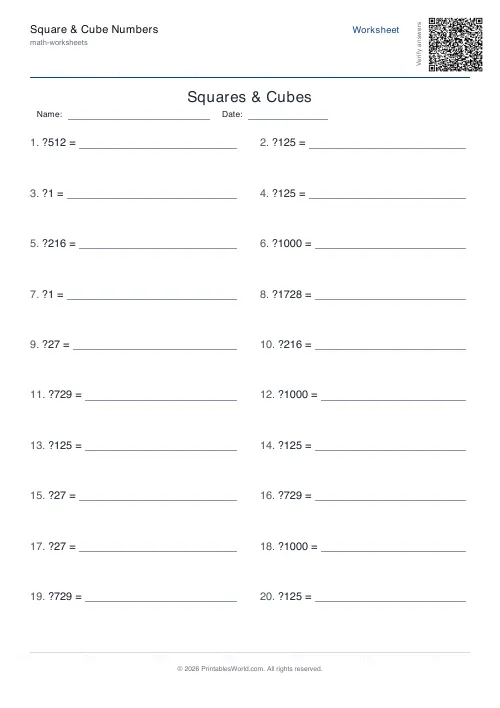
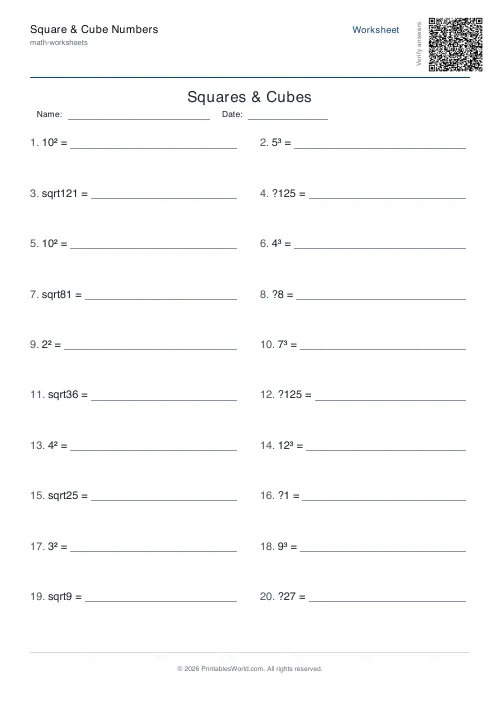
What this tool does
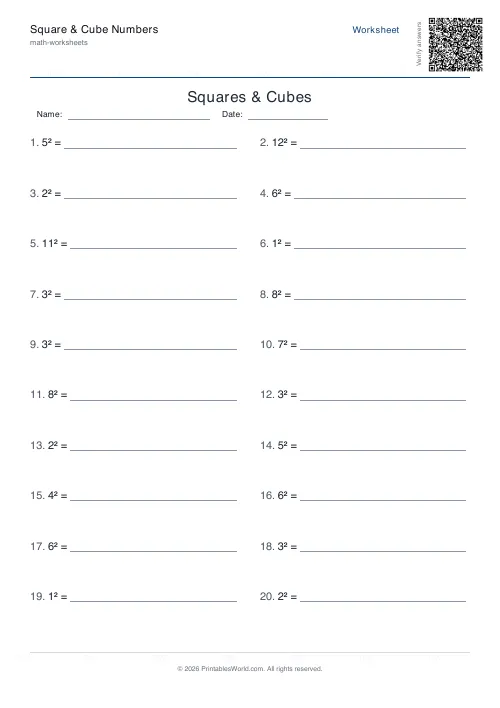
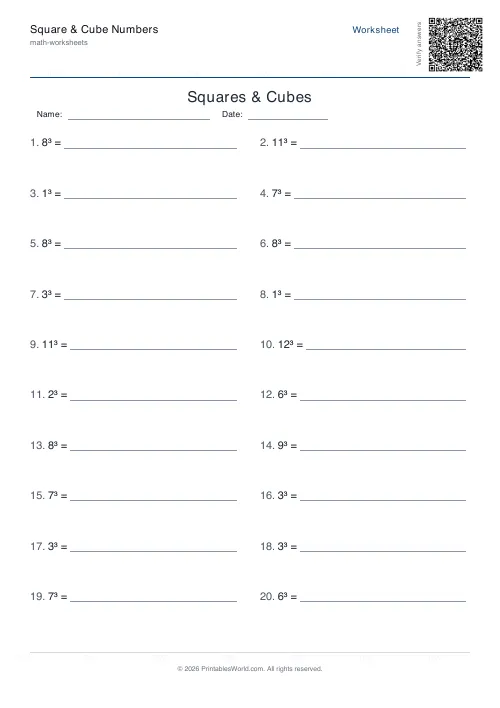
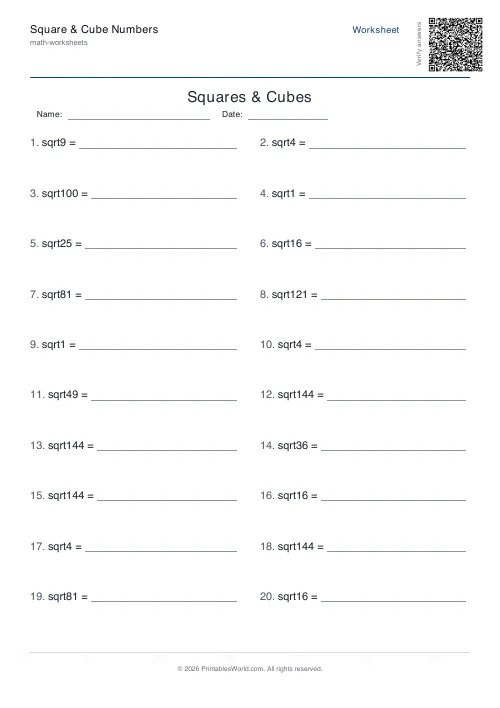
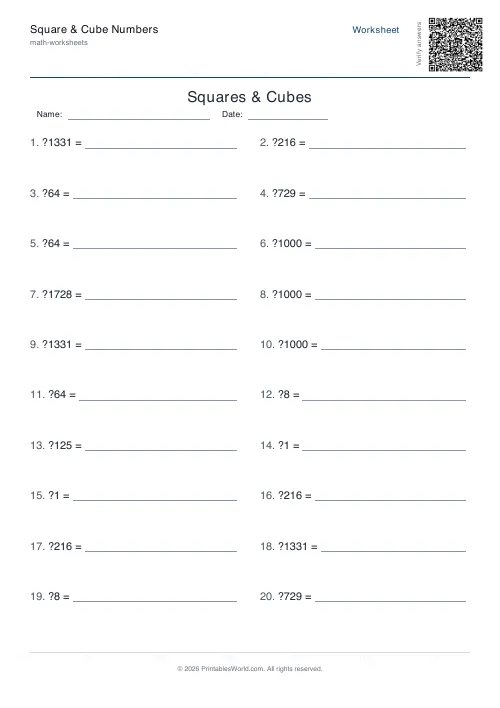
Squares, cubes, square roots and cube roots. Pick one operation or rotate all four, set the highest base, and print with an answer key.
People also used
Prime Numbers Worksheets Generator
Generate worksheets to identify primes, factorise numbers, or list primes in a range.
Factors & Multiples Worksheets
Generate printable worksheets for factors, multiples, HCF and LCM practice with custom ranges and answer keys.
BODMAS Order of Operations Generator
Order-of-operations practice with brackets, exponents and mixed arithmetic.
Feedback
Spotted something off with this tool?
Four operations, one relationship
Squares, cubes, square roots, cube roots. Or mixed, which rotates evenly through all four. Twenty questions by default, with bases running up to 12 unless you raise the ceiling.
The four are the same fact read in different directions, which is the reason to rotate them.
Knowing them, not working them out
These are recall facts, exactly as times tables are.
A pupil who has to compute 7² each time has a working memory permanently occupied by something that should be instant, and it slows down everything built on top — simplifying surds, applying Pythagoras, factorising, standard form. Squares to 15 and cubes to 5 are the practical minimum, and they pay for themselves within a term.
Roots are the harder direction
Most pupils learn their squares long before they can run the relationship backwards at any speed.
Asked for √144 they mentally run up the squares until they hit it, which works and is slow. Mixed mode is the fix, because it forces the fact to be available in both directions rather than as a one-way list, and that is what makes it usable when it turns up inside a longer problem.
Setting the maximum base
Twelve is the default. It matches the usual times-table ceiling.
Fifteen is worth aiming at, because 13², 14² and 15² appear constantly in geometry questions. Twenty is for stretch work. For cubes, keep the ceiling much lower — cubes past 10 are large numbers that nobody memorises and their practice value drops off sharply.
Patterns worth pointing out
Squares end in 0, 1, 4, 5, 6 or 9, never in 2, 3, 7 or 8. That single fact lets a pupil reject a wrong answer instantly, and it surprises them.
The gaps between consecutive squares are the odd numbers: 1, 4, 9, 16 differ by 3, 5, 7. Cubes are ambiguous in a useful way — every digit appears as a final digit exactly once, so a cube ending in 7 has a root ending in 3, every time.
Putting it to work
Little and often. Twenty questions a day for a fortnight does considerably more than a hundred questions in one heroic sitting, and the answer key means a pupil can mark their own in about a minute.
Related: exponents and powers takes the same idea beyond the second and third.
FAQs
Quick answers
Can I focus on just one operation, like squares only?
Yes. Select 'squares', 'cubes', 'square-roots', or 'cube-roots' from the mode dropdown. The generator will produce a sheet with only that operation. Choose 'mixed' if you want all four types on one worksheet.
What does the maximum base setting control?
The maximum base is the highest number that will be squared, cubed, or used as the answer to a root. For example, base 12 means you might see 12² = or √144 =, but never 13² or √169. Set it lower for younger learners or higher for more challenge.
How many problems fit on one page?
The layout uses two columns and adjusts row height based on the problem count. Twenty problems fits comfortably with clear spacing; forty problems uses a tighter layout. The generator supports 4 to 40 questions per sheet.
Does the answer key appear on a separate page?
Yes. When you enable the answer key, the generator appends a second page to the PDF with all solutions in the same order as the questions, making it easy to mark or self-check.
Will I see non-integer roots like √50?
No. The tool only generates perfect squares and cubes, so every square root and cube root has a whole-number answer. This keeps the focus on fluency with powers and roots rather than decimal approximation.
Can I print these worksheets on US Letter paper?
Yes. The PDF is designed to print correctly on both A4 and US Letter without clipping or rescaling. Margins and column widths adjust automatically.
How do I add a custom title or remove the name and date fields?
Use the title input field to type your own heading, or leave it blank for the default. Toggle 'Show name and date fields' off if you prefer a cleaner top margin without pre-printed lines.
Related tools
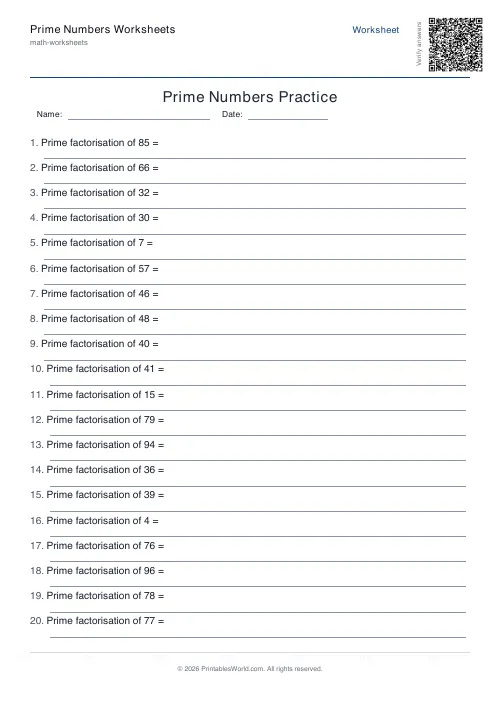
Prime Numbers Worksheets Generator
Generate worksheets to identify primes, factorise numbers, or list primes in a range.
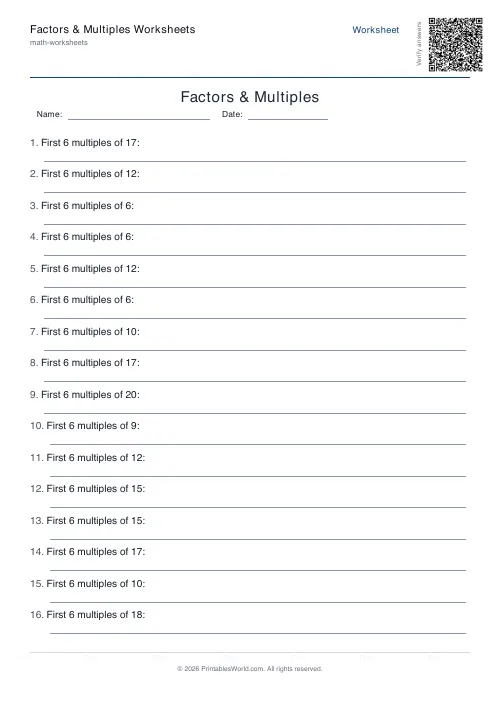
Factors & Multiples Worksheets
Generate printable worksheets for factors, multiples, HCF and LCM practice with custom ranges and answer keys.
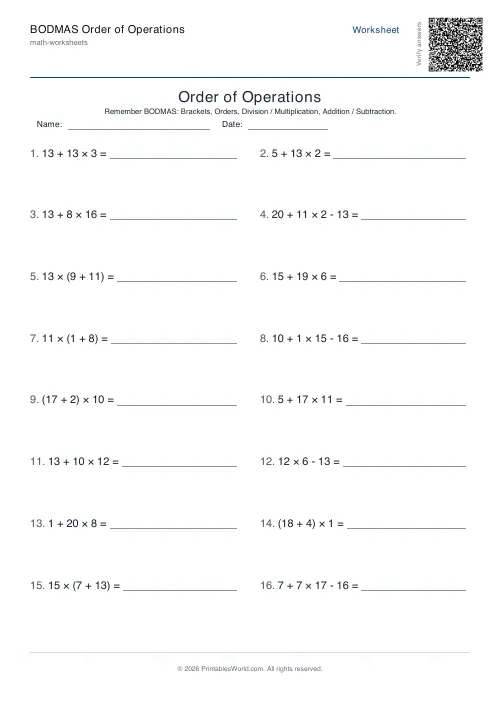
BODMAS Order of Operations Generator
Order-of-operations practice with brackets, exponents and mixed arithmetic.
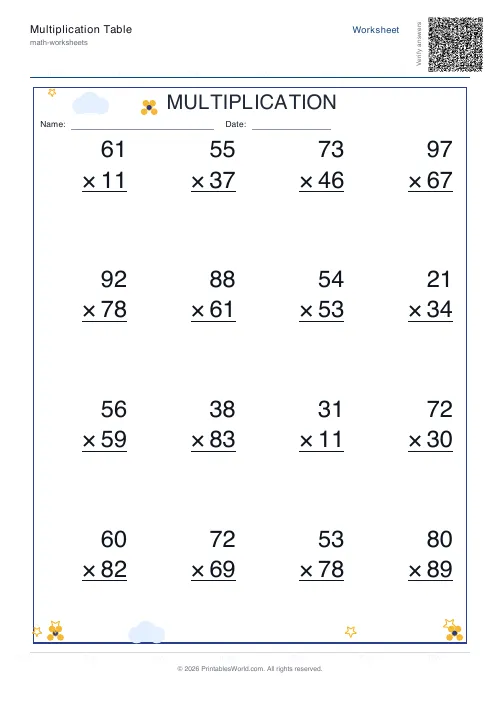
Multiplication Table Generator
Create free printable multiplication tables in table or line-by-line format with custom ranges and themes.
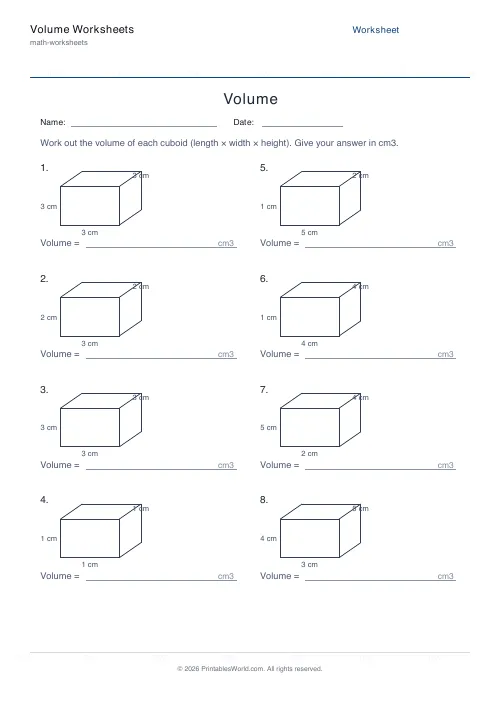
Volume Worksheets
Work out the volume of cuboids and cubes.
Further reading
Math Worksheets
Ten frames and number bonds: early maths foundations
A ten frame is two rows of five. That arrangement does something a row of counters cannot. It makes quantities visible without counting, which is where number sense starts.
5 min read
Math Worksheets
How many maths worksheets per day? A parent's guide
The honest answer is less than most parents assume. And the number of questions matters less than whether the session ends well.
5 min read
Math Worksheets
Addition strategies: number lines, regrouping and more
Column addition is the destination, not the route. Here are the strategies that come before it, why each matters, and how to tell which one a child is actually using.
5 min read
More like this
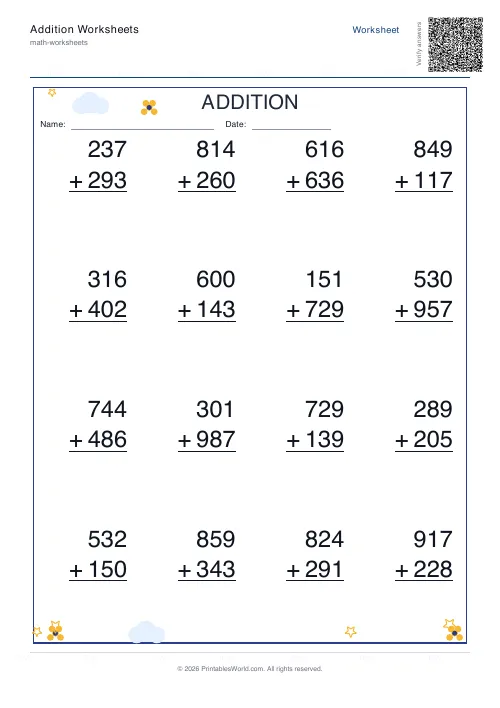 Addition Worksheets Generator
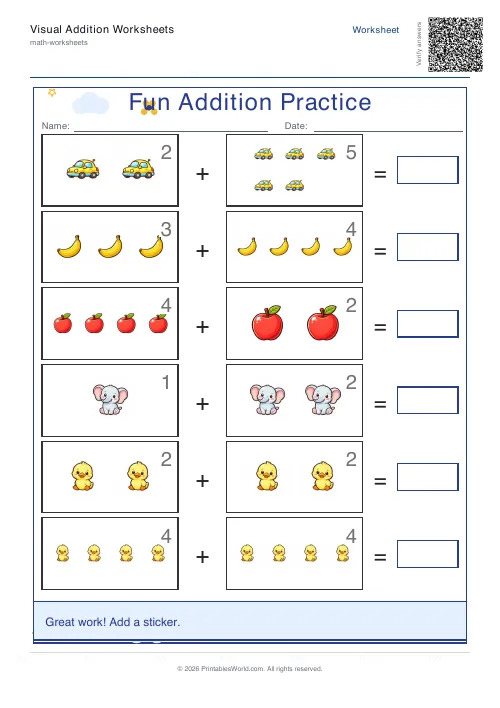 Visual Addition Worksheets Generator
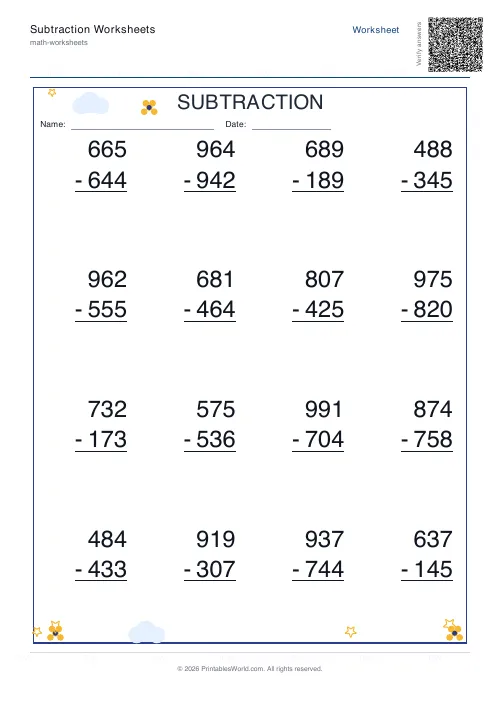 Subtraction Worksheets Generator
- Multiplication Table Generator
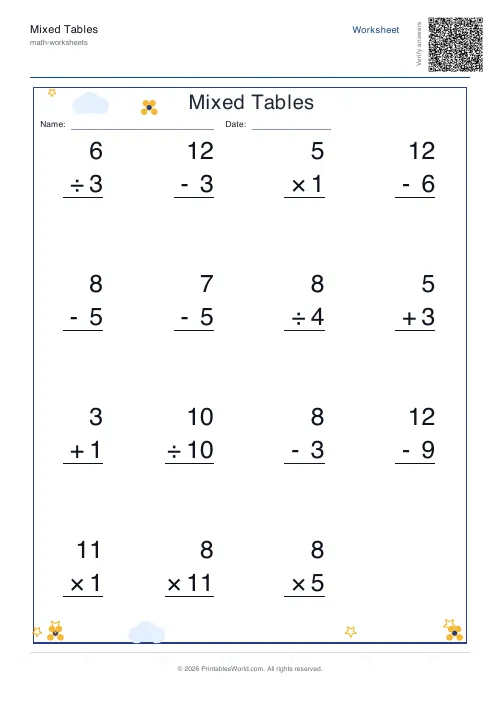 Mixed Tables Generator
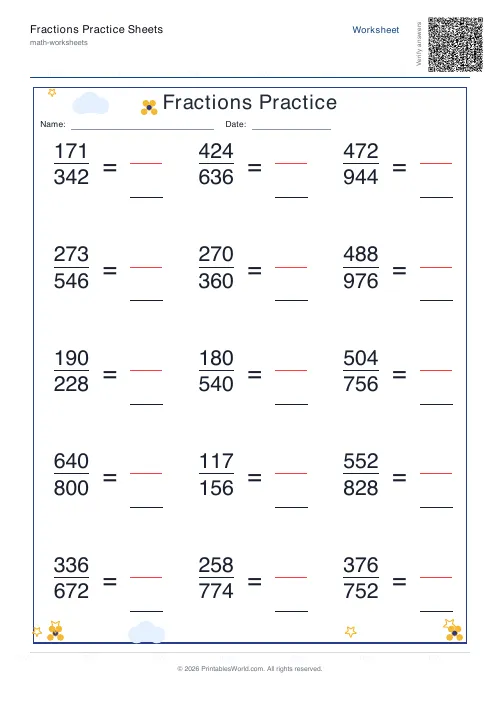 Fractions Practice Sheets Generator
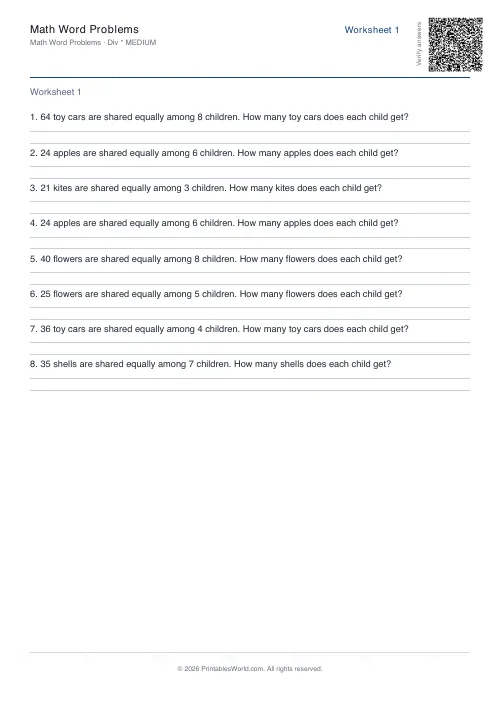 Math Word Problems Generator
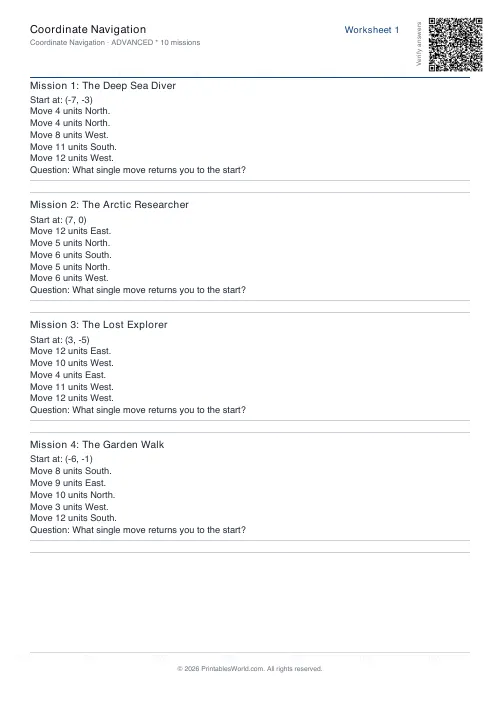 Coordinate Navigation Generator
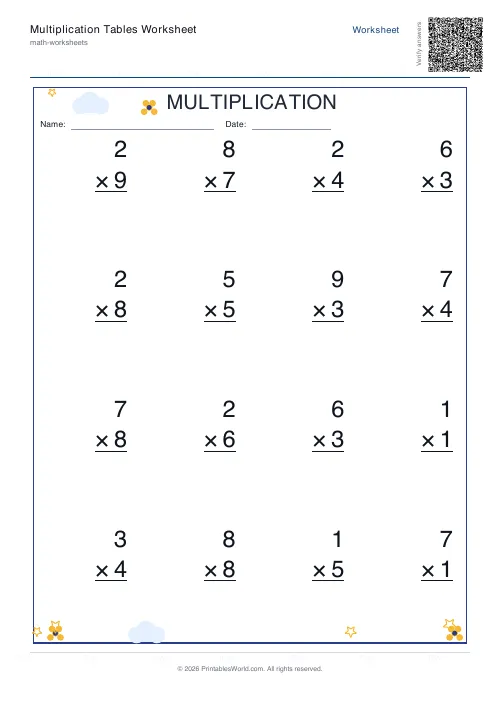 Multiplication Tables Worksheet
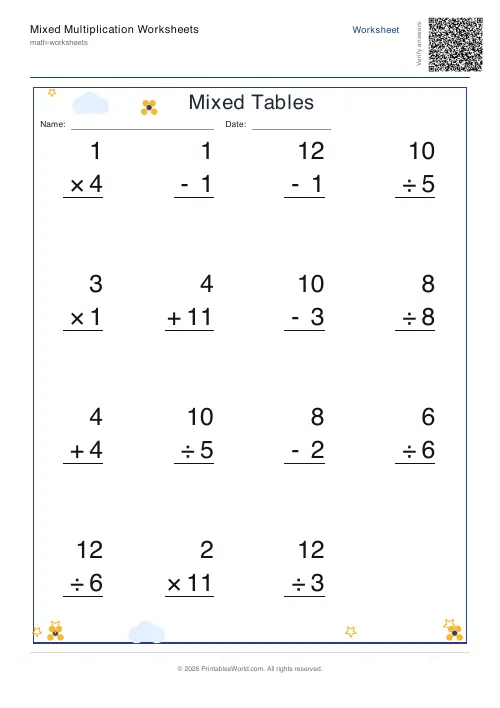 Mixed Multiplication Worksheets
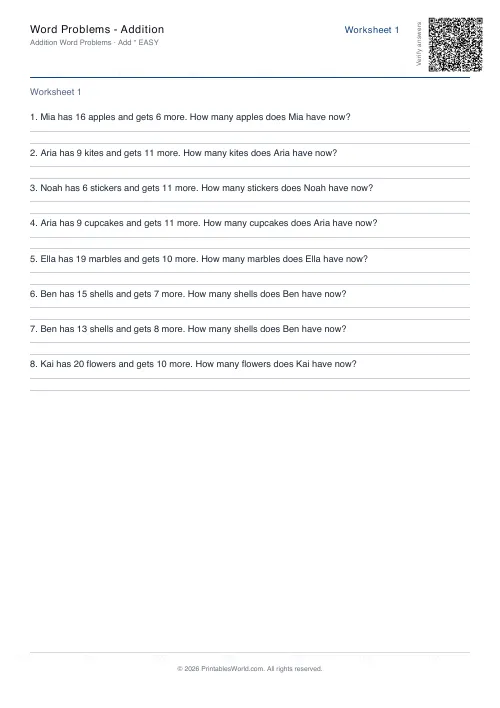 Word Problems: Addition
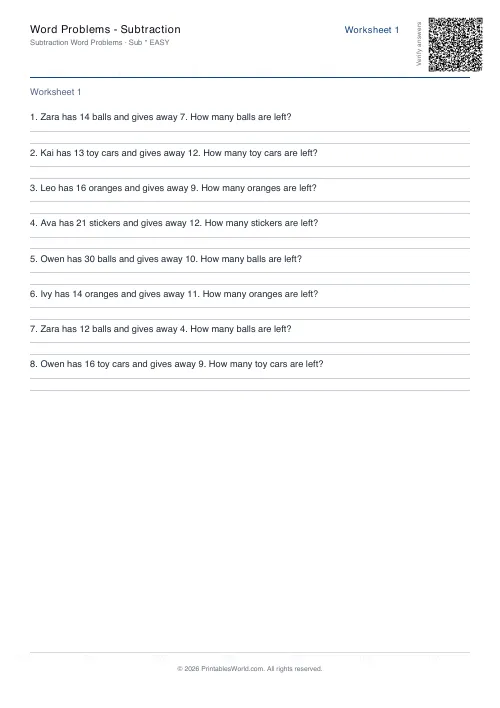 Word Problems: Subtraction
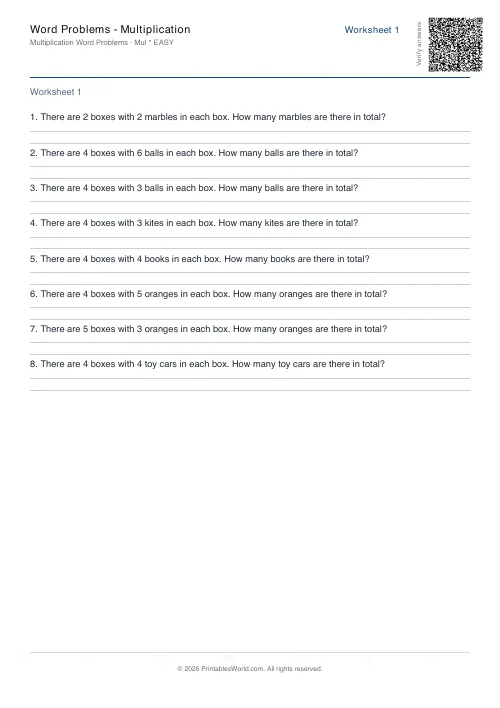 Word Problems: Multiplication
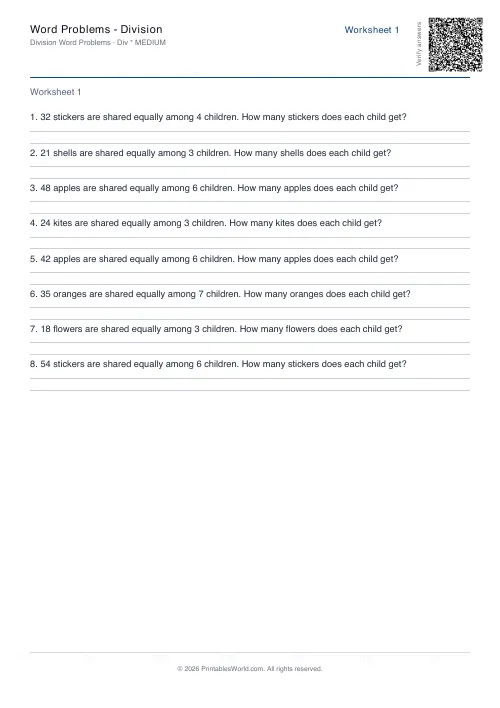 Word Problems: Division