


 Scan to get


 Scan to get



 Scan to get






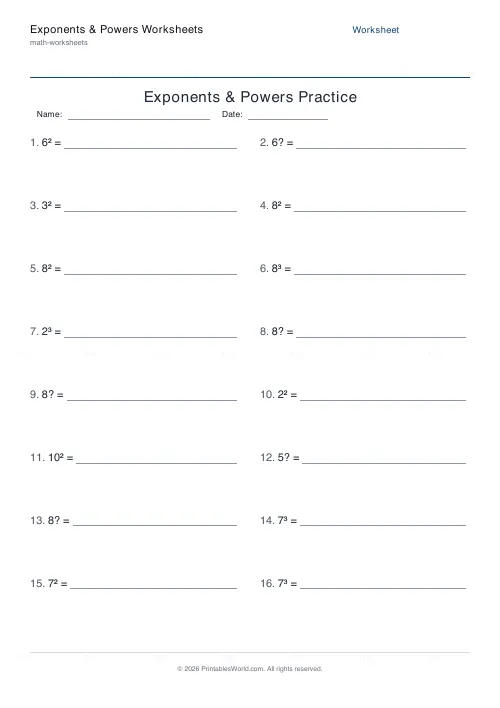
What this tool does
Three kinds of index practice: evaluate a power, combine a product or quotient into a single power, or simplify a power of a power. Set the base and exponent ceilings.
People also used
Prime Numbers Worksheets Generator
Generate worksheets to identify primes, factorise numbers, or list primes in a range.
Square & Cube Numbers Generator
Printable squares, cubes, square roots and cube roots worksheets with optional answer keys.
BODMAS Order of Operations Generator
Order-of-operations practice with brackets, exponents and mixed arithmetic.
Feedback
Spotted something off with this tool?
The three modes
Evaluate gives you a^b and wants the number. Product and quotient gives a^m × a^n or a^m ÷ a^n and wants a single power. Power of a power gives (a^m)^n and wants the same.
Sixteen questions by default, bases to 10, exponents to 4, and an answer key.
Evaluate first, and not for long
Evaluating is arithmetic and it is the necessary starting point: a pupil needs to feel that 2^5 is 32 and that 3^4 is 81, and that these grow alarmingly fast.
But the other two modes are where the actual mathematics is. Index laws are manipulation rules, and they work on letters exactly as they do on numbers — which is the entire reason they matter at GCSE and beyond.
The laws, and why they are true
Multiply, add the indices. Divide, subtract them. Power of a power, multiply them.
Do not let a class memorise those three lines without seeing where they come from. a^3 × a^2 written out is (a×a×a)×(a×a), which is five a's, which is a^5. Thirty seconds of that, once, and the rule becomes obvious rather than arbitrary — and a pupil who has seen it will not write a^6.
Adding the indices when multiplying is genuinely counterintuitive the first time, which is exactly why the derivation is worth the board space.
The mistake everyone makes
2^3 is not 6. It is 2×2×2, which is 8.
Reading an index as a multiplication is the single commonest error in the topic, and it survives for years in pupils who are otherwise fluent. Ask for 2^3 and 2×3 side by side, and again for 3^2 and 3×2, where the two agree by coincidence and mislead accordingly.
What comes after
A zero index gives 1, which follows from the division rule: a^3 ÷ a^3 is a^0 and is obviously also 1. Negative indices are reciprocals, by the same argument continued downwards. Fractional indices are roots.
Every one of those is a consequence of the three rules on this sheet rather than a new fact, and pupils who learn them as consequences remember them.
Level
Roughly ages twelve to sixteen. Evaluate mode works from about eleven; the manipulation modes need algebra to be underway.
Related: squares and cubes for the second and third powers specifically, and scientific notation, which is index laws applied to very large and very small numbers.
FAQs
Quick answers
What is the difference between the three modes?
Evaluate mode asks students to compute a single power, such as 3⁴ = 81. Product & quotient mode practises the laws of indices for a shared base (adding exponents when multiplying, subtracting when dividing). Power-of-a-power mode drills (aᵐ)ⁿ = aᵐⁿ, where the exponents are multiplied.
How are the product and quotient answers written?
They are written as a single power with the same base, for example a⁵ × a² = a⁷ or a⁷ ÷ a² = a⁵. The answers are not expanded to a numeric value, so students practise the exponent rule itself rather than arithmetic.
Can I keep the numbers small for beginners?
Yes. Lower the max base (for example to 5) and the max exponent (for example to 3). Evaluate mode also automatically limits the exponent for bases of 10 or more so the values stay manageable.
Will the quotient questions ever give a negative or fractional exponent?
No. In quotient questions the generator always makes the first exponent at least as large as the second, so the simplified answer is always a whole, non-negative power.
Do the powers print correctly with superscripts?
Yes. The PDF uses real superscript digits, so a term like 2³ prints as a proper power rather than as 2^3. This keeps the worksheets clean and easy to read.
Will the worksheet print correctly on US Letter paper?
Yes. The PDF is designed to fit both A4 and US Letter without cropping or scaling. Just load your paper and print.
Does the answer key match the worksheet exactly?
Yes. The generator uses a seeded random number generator, so the same settings produce the same problems on both the worksheet page and the answer key page.
Related tools
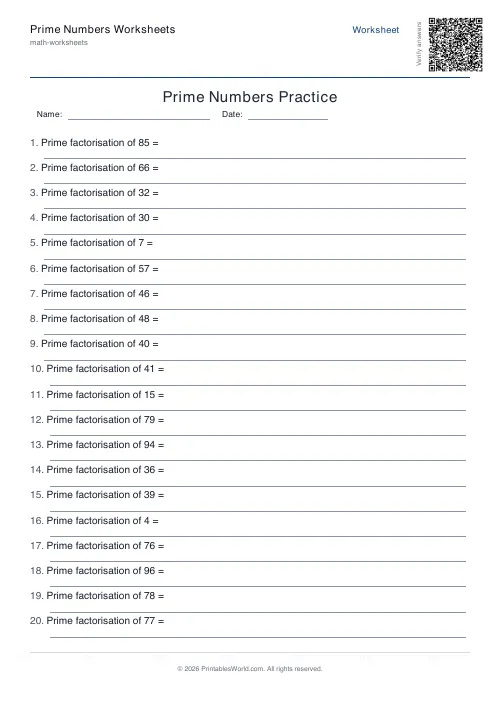
Prime Numbers Worksheets Generator
Generate worksheets to identify primes, factorise numbers, or list primes in a range.
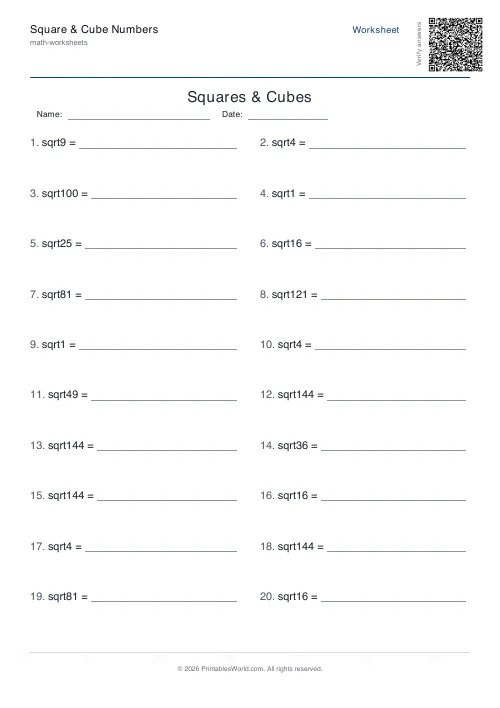
Square & Cube Numbers Generator
Printable squares, cubes, square roots and cube roots worksheets with optional answer keys.
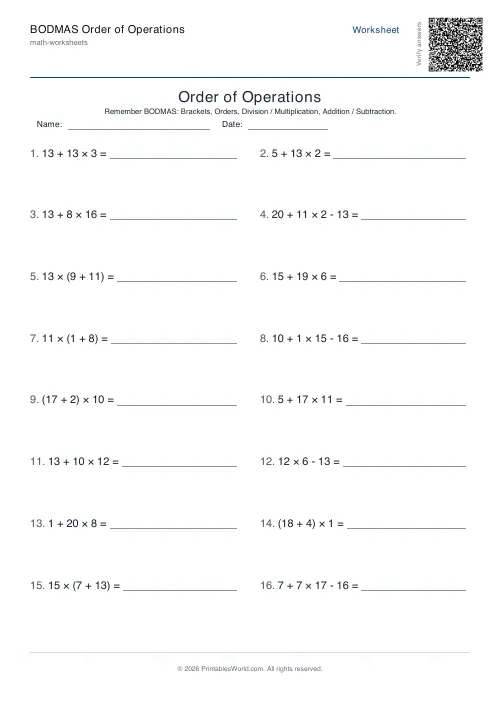
BODMAS Order of Operations Generator
Order-of-operations practice with brackets, exponents and mixed arithmetic.
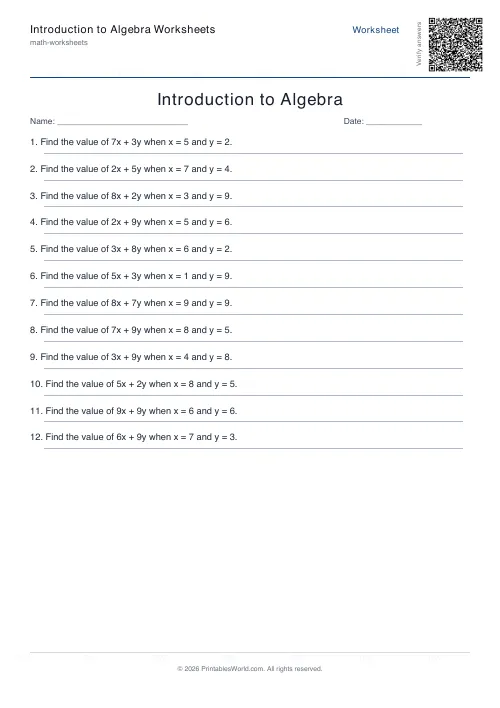
Introduction to Algebra Worksheets
Printable beginner algebra practice. Evaluate, simplify, and substitute.
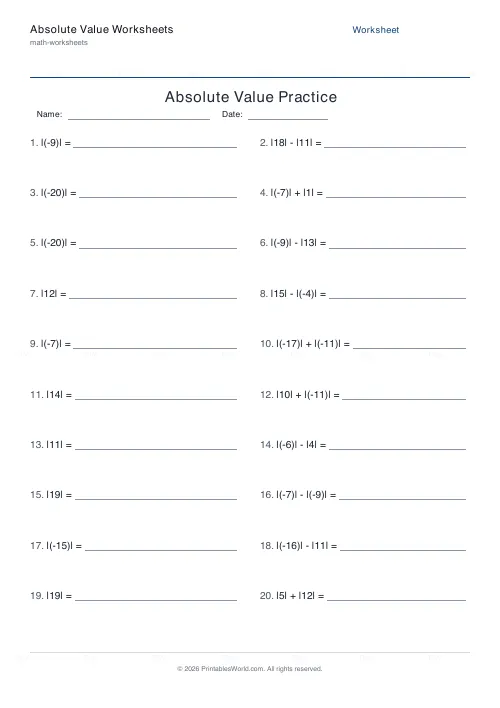
Absolute Value Worksheets
Generate worksheets to evaluate, compare, or solve absolute value expressions and equations.
More like this
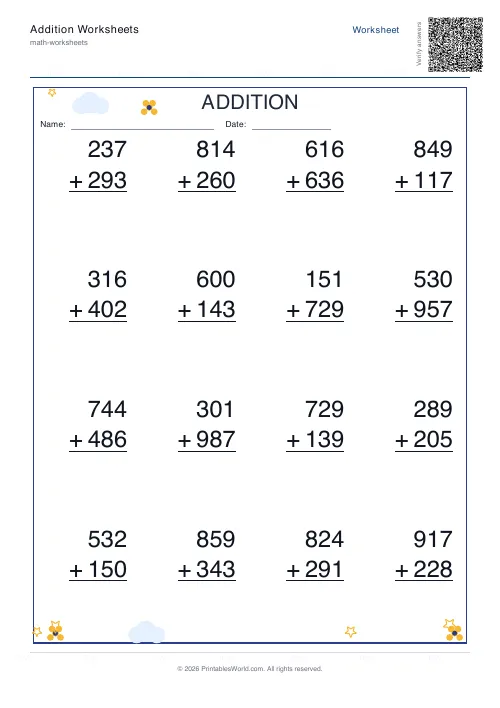 Addition Worksheets Generator
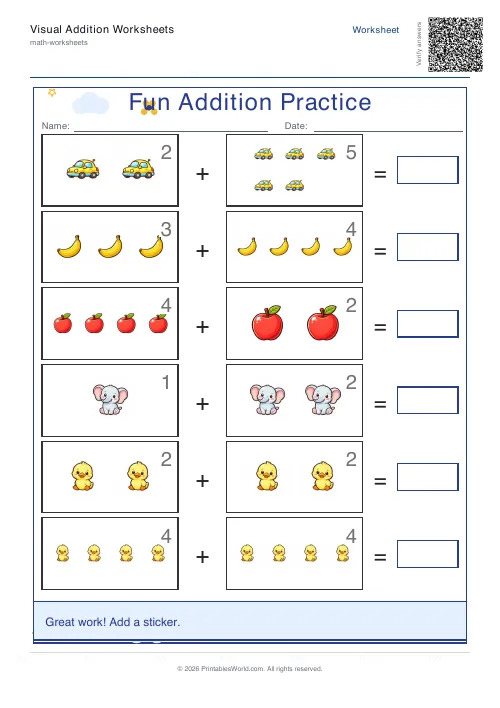 Visual Addition Worksheets Generator
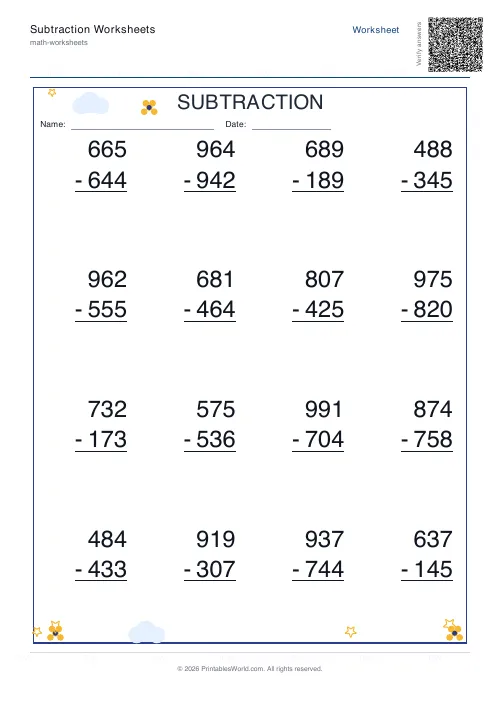 Subtraction Worksheets Generator
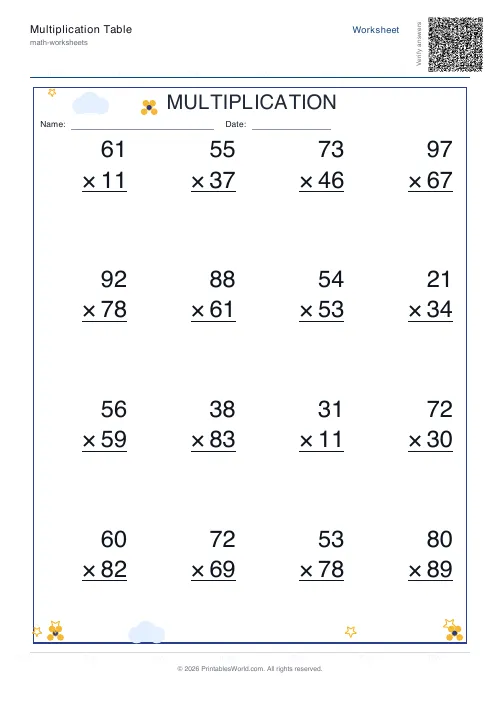 Multiplication Table Generator
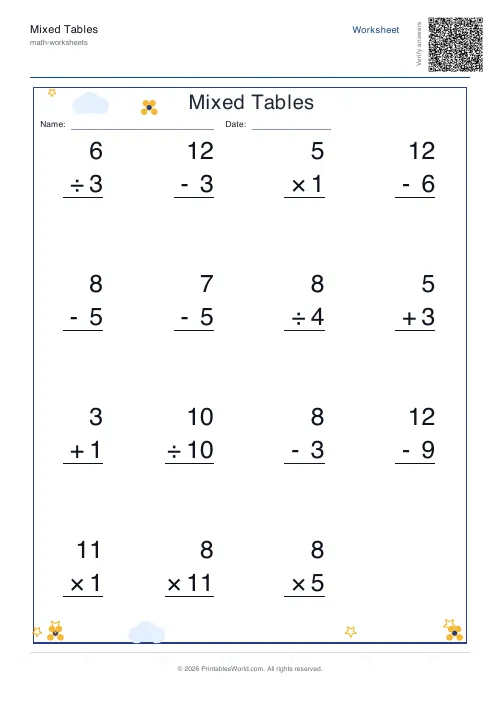 Mixed Tables Generator
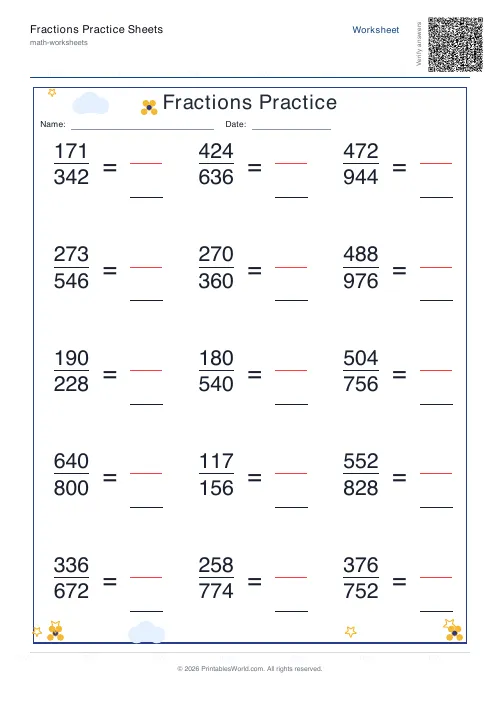 Fractions Practice Sheets Generator
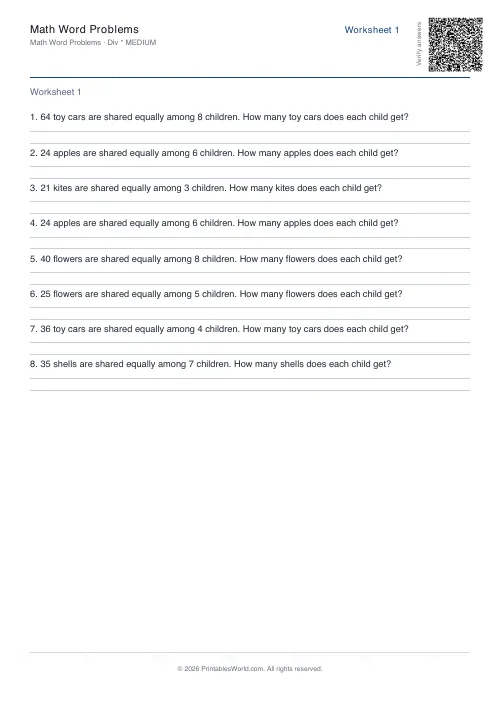 Math Word Problems Generator
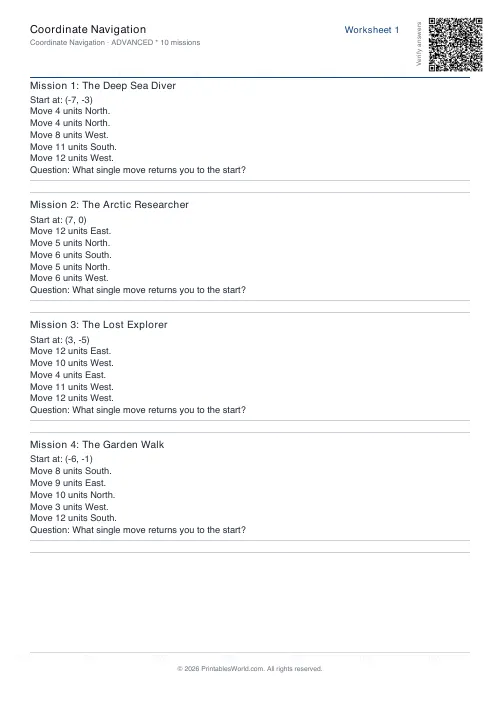 Coordinate Navigation Generator
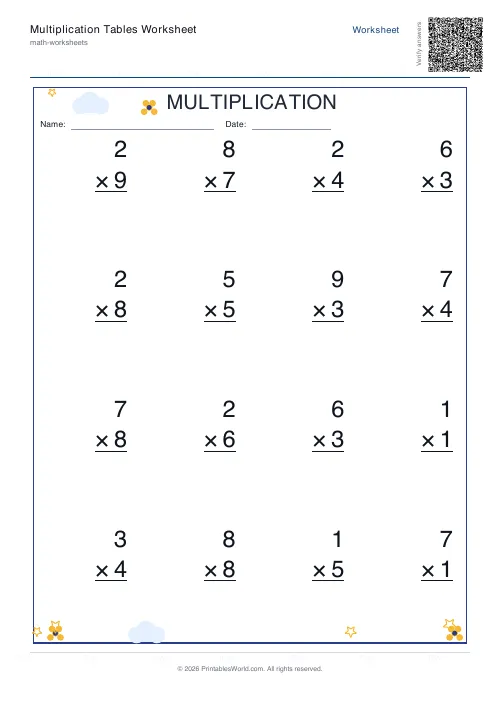 Multiplication Tables Worksheet
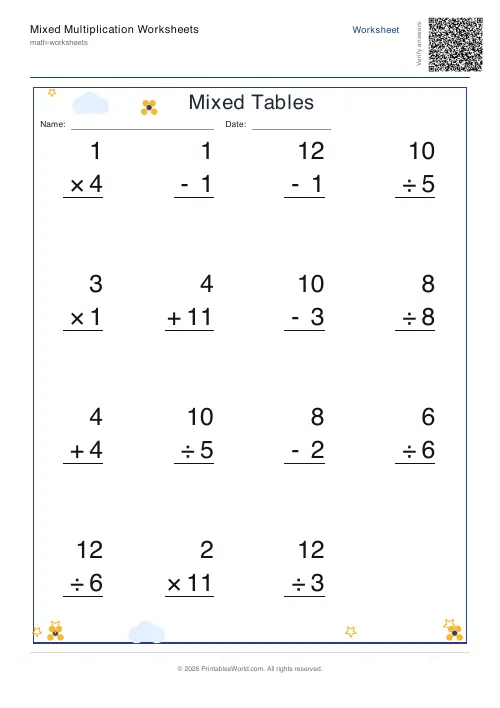 Mixed Multiplication Worksheets
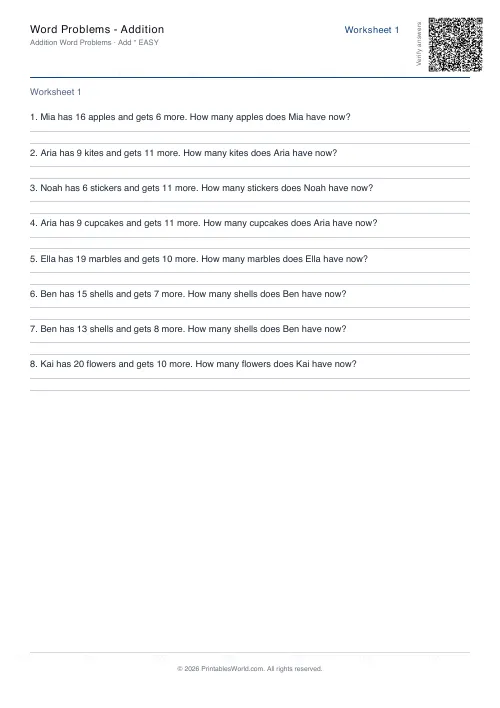 Word Problems: Addition
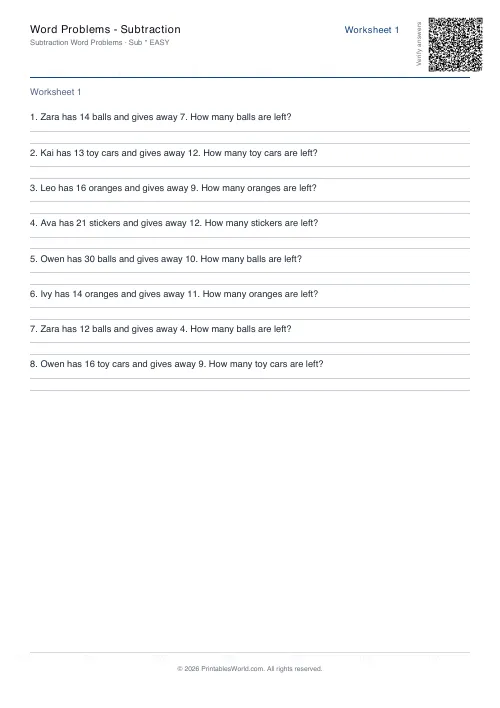 Word Problems: Subtraction
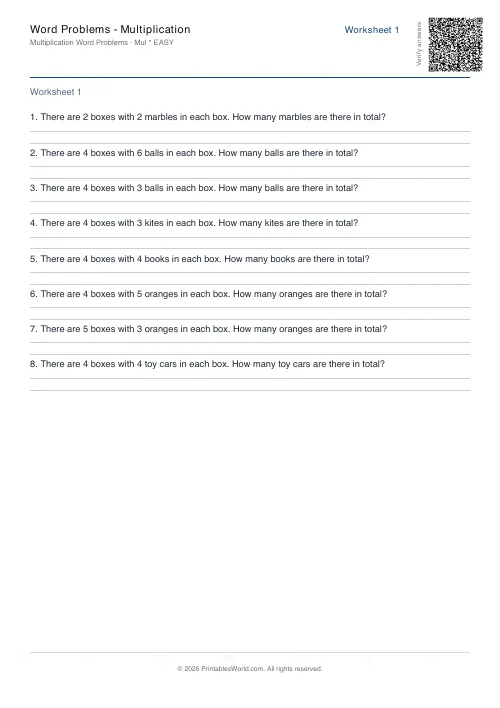 Word Problems: Multiplication
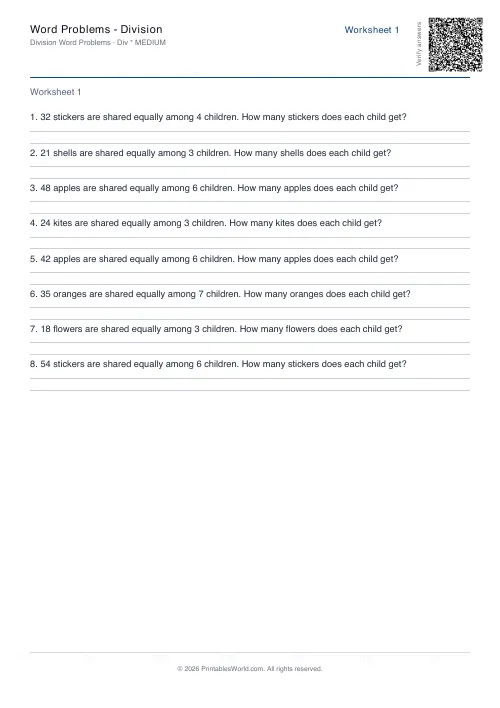 Word Problems: Division