


 Scan to get


 Scan to get



 Scan to get






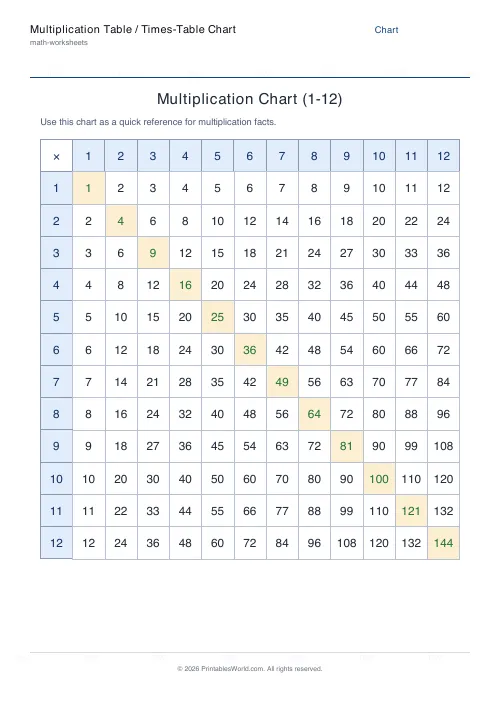
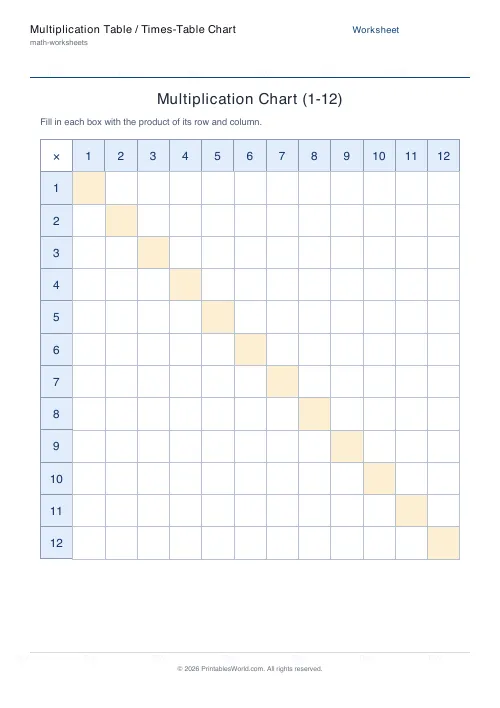
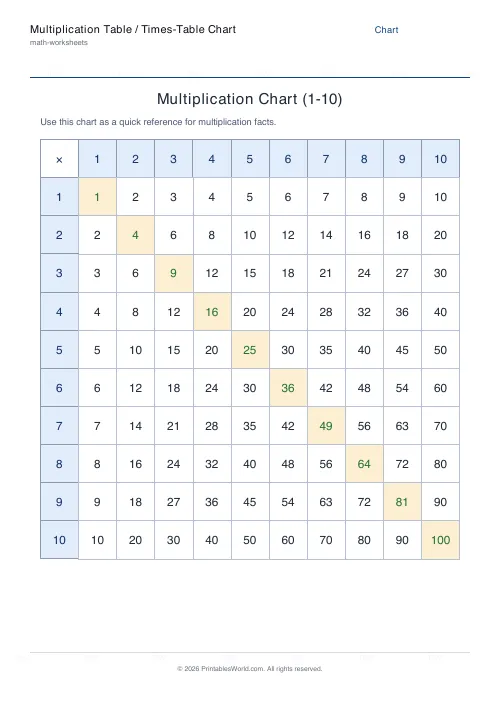
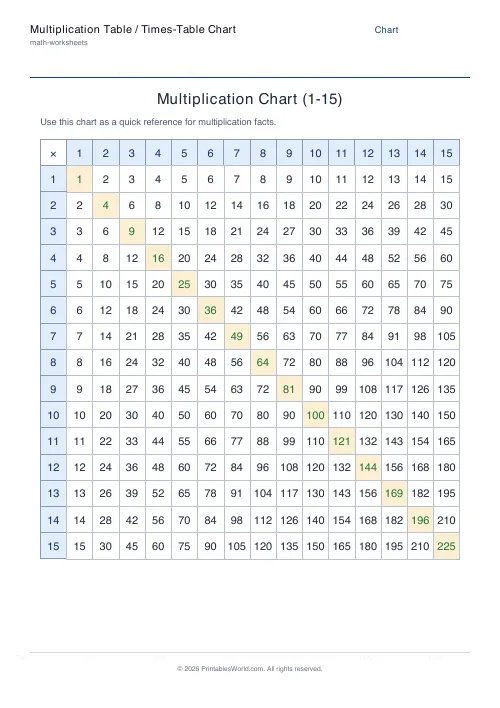
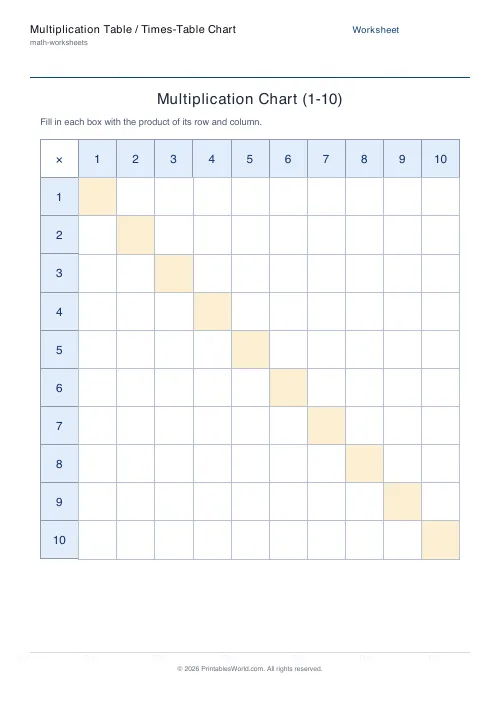
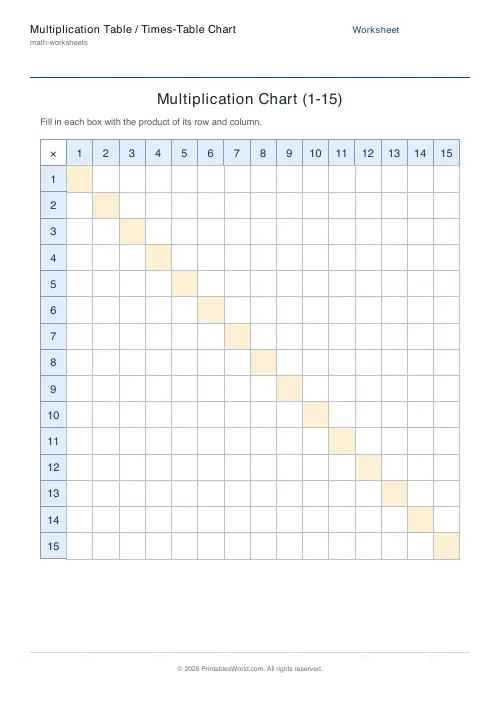
What this tool does
Generate a clean printable multiplication chart. Print it as a filled times-table reference (1 to N on both axes with every product shown), or switch to blank mode so students fill in the grid themselves. With an optional completed answer key. Shade the header row and column and highlight the square-number diagonal for a clearer, friendlier layout.
People also used
Multiplication Tables Worksheet
Full times tables 1-12. Choose specific tables or mixed. Grid or list format.
Times Table Grid: Fill In
Tall, narrow grid sized for individual times-table strips.
Mixed Multiplication Worksheets
Random multiplication worksheets mixing questions from the times tables you choose, ready to print.
Feedback
Spotted something off with this tool?
A times-table chart students actually read
This multiplication chart lays the numbers 1 to N across the top and down the left side, then fills every interior box with the product of its row and column. The result is the classic times-table grid: scan across row 7 and down column 8 to land on 56. Shaded header bands and a highlighted square-number diagonal (1, 4, 9, 16, 25 …) make it easy to find facts at a glance, whether it goes on a wall, in a workbook, or inside a pencil case.
Reference chart or blank practice grid
Pick Reference chart for a fully completed multiplication table to use as a look-up tool. Switch to Blank (fill in) and the interior boxes print empty so learners reconstruct the grid from memory. A powerful way to drill multiplication facts. Turn on the answer key and the PDF adds a completed chart on a second page for fast marking.
Choose your chart size
Set the chart anywhere from a focused 5×5 up to a full 15×15 grid. A 10×10 chart suits early multiplication, the traditional 12×12 covers the standard times tables most curricula expect, and 15×15 stretches confident learners. The cells resize automatically to fill the page so the chart stays crisp at any size.
Running it in a lesson
- Choose reference or blank fill-in mode.
- Set the chart size (1 to N on each axis).
- Toggle header shading, the diagonal highlight, the answer key, and Name & Date fields.
- Preview the chart, then download or print it on A4 or US Letter.
Ways to use a multiplication chart
Hang a filled chart by the desk as a confidence-builder while facts are still being memorised, then move to the blank version for timed fill-in challenges. Encourage learners to spot patterns. The column of fives ends in 0 or 5, the diagonal lists the square numbers, and the grid is symmetric across that diagonal because 6×8 equals 8×6. Recognising these patterns turns rote memorisation into real number sense.
FAQs
Quick answers
What size multiplication chart should I print?
A 12x12 chart covers the standard times tables most curricula require. Use 10x10 for younger learners and 15x15 to challenge confident students.
What is the difference between the chart and blank modes?
Reference mode prints every product filled in as a look-up chart. Blank mode prints an empty grid for students to complete, with an optional answer-key page.
Why is the diagonal highlighted?
The shaded diagonal marks the square numbers (1, 4, 9, 16, 25 ...), where a number is multiplied by itself. Highlighting it helps students see this pattern and the grid's symmetry.
Can I add Name and Date fields?
Yes. Toggle Name & Date on for the blank fill-in version so it works as a markable classroom worksheet.
Related tools
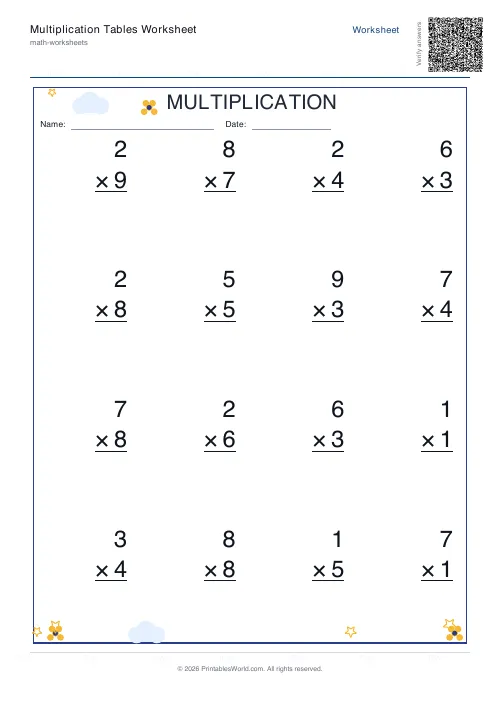
Multiplication Tables Worksheet
Full times tables 1-12. Choose specific tables or mixed. Grid or list format.
Times Table Grid: Fill In
Tall, narrow grid sized for individual times-table strips.
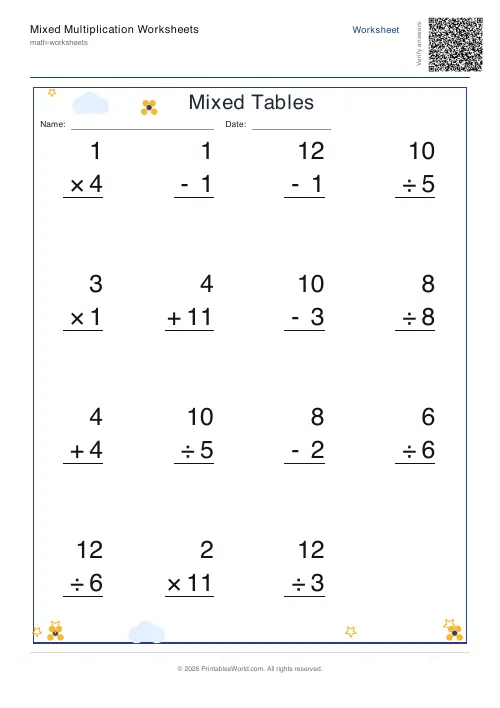
Mixed Multiplication Worksheets
Random multiplication worksheets mixing questions from the times tables you choose, ready to print.
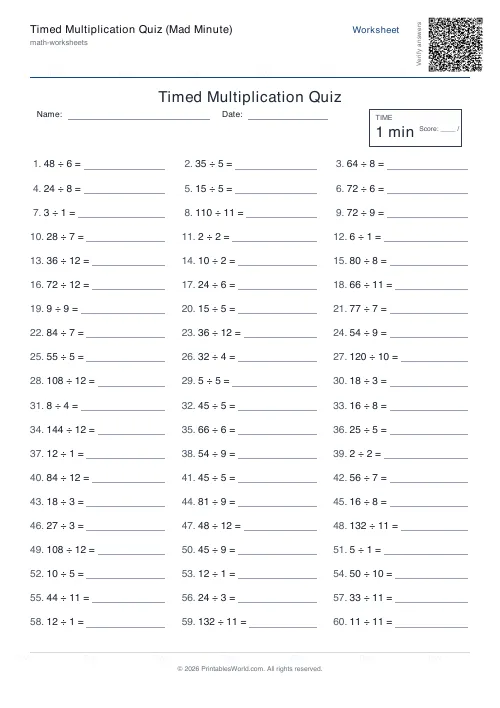
Timed Multiplication Quiz (Mad Minute)
Classic Mad Minute multiplication drill: 60 times-table questions against the clock with an answer key.
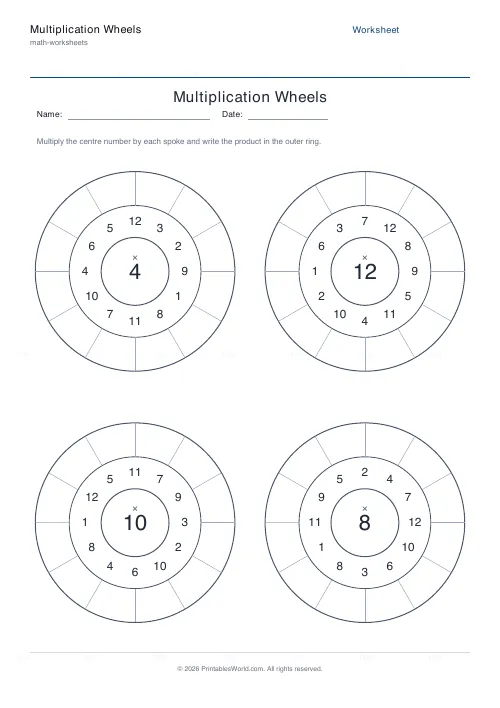
Multiplication Wheels
Generate circular multiplication wheels for fast, focused times-table practice.
Further reading
Math & Numeracy
How to help a child who's stuck on times tables
A simple two week plan to help child with times tables, using short daily practice and free printable multiplication grids you can customise and print.
7 min read
Math Worksheets
How to read and interpret bar charts with kids
Reading a bar chart is easy; interpreting one is not. Four questions turn a chart from something children decode into something they can reason about.
4 min read
Math Worksheets
Understanding BODMAS and PEMDAS: order of operations explained
BODMAS and PEMDAS describe the same rule in different words. The trouble is that both hide two facts the acronym cannot express. Which is where nearly every mistake comes from.
5 min read
More like this
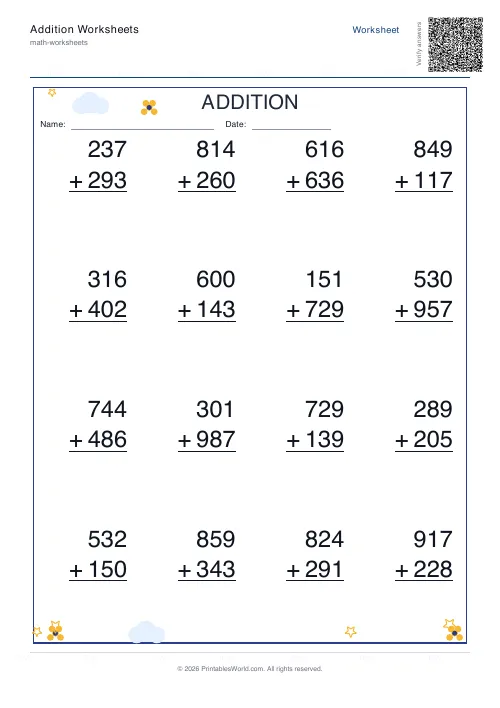 Addition Worksheets Generator
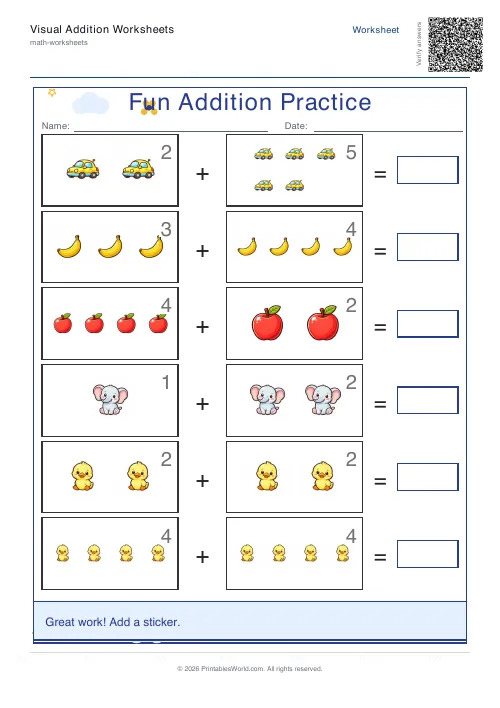 Visual Addition Worksheets Generator
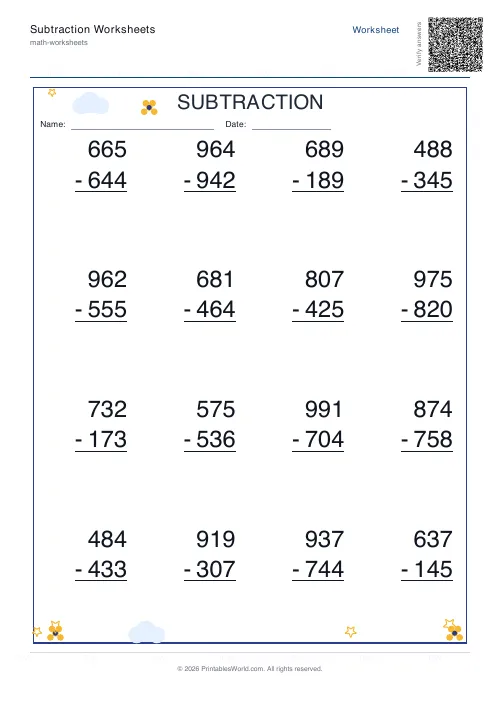 Subtraction Worksheets Generator
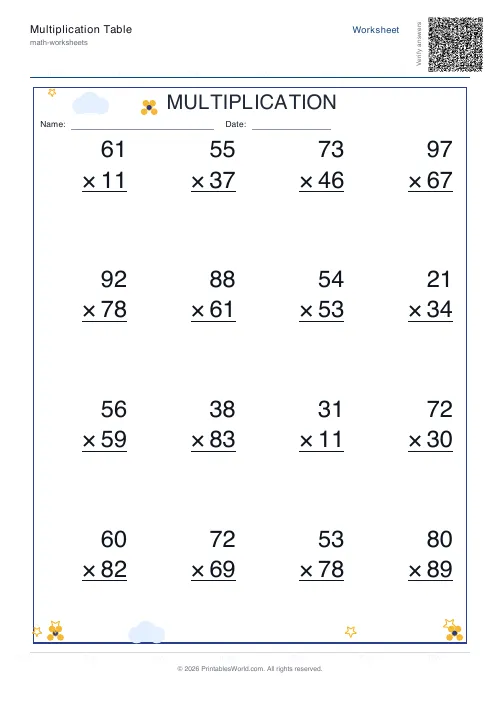 Multiplication Table Generator
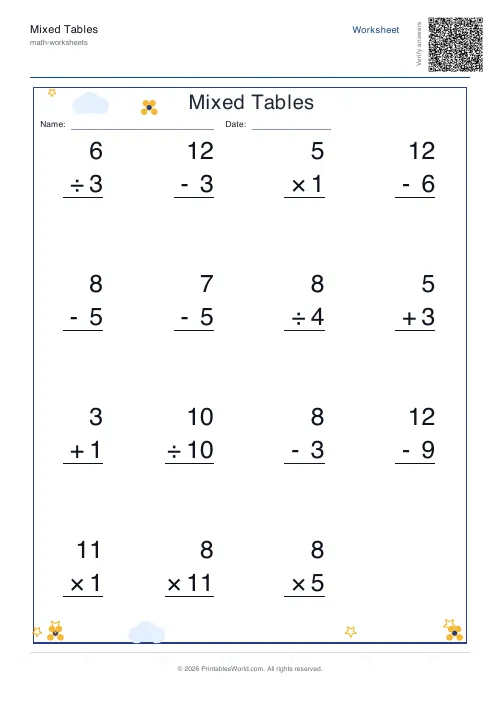 Mixed Tables Generator
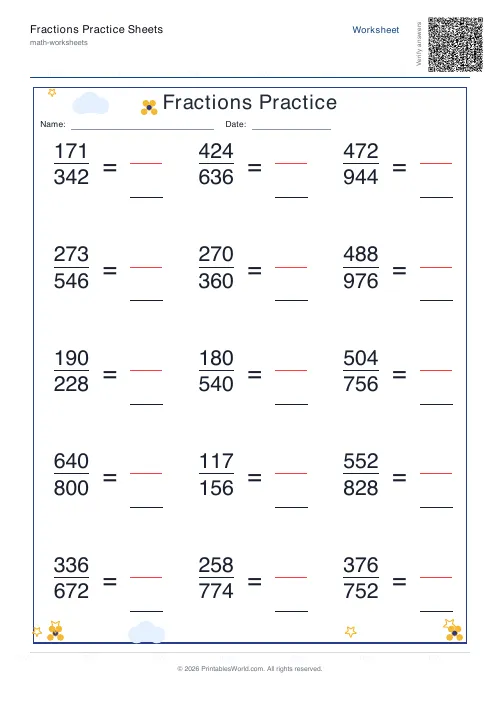 Fractions Practice Sheets Generator
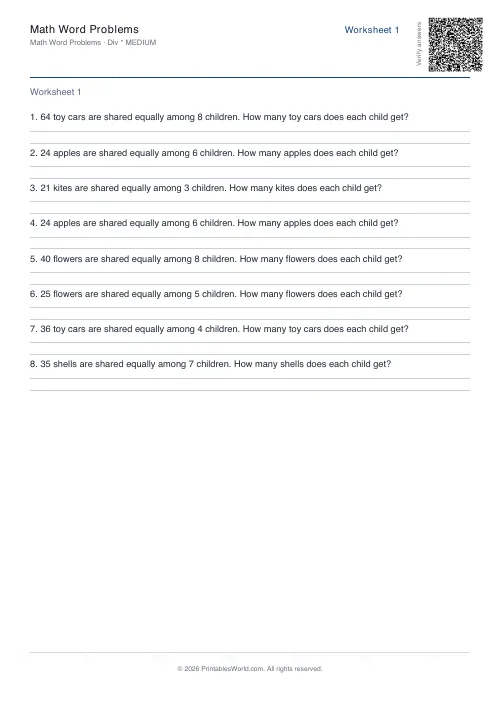 Math Word Problems Generator
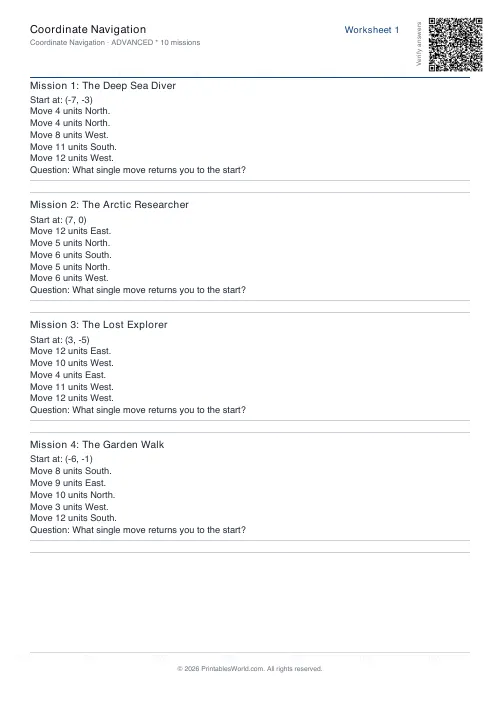 Coordinate Navigation Generator
- Multiplication Tables Worksheet
- Mixed Multiplication Worksheets
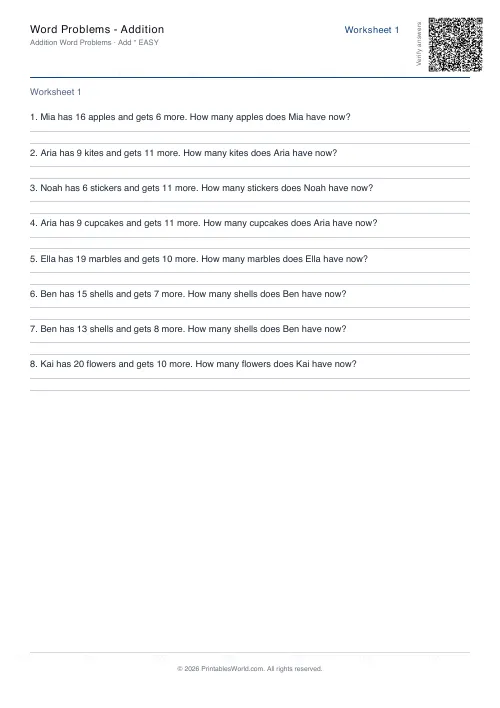 Word Problems: Addition
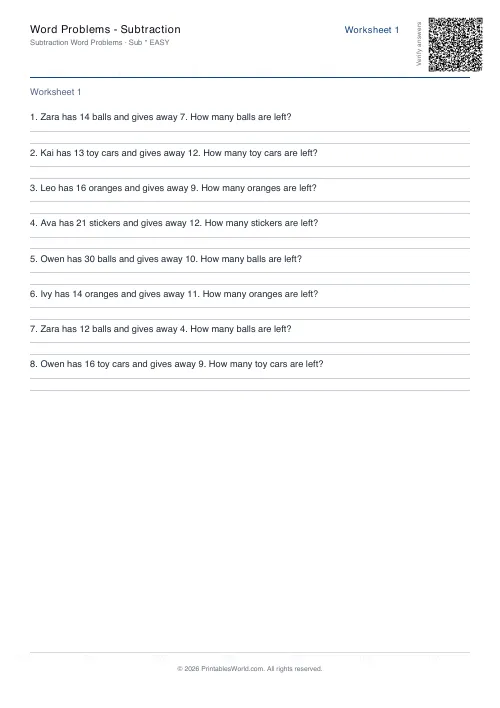 Word Problems: Subtraction
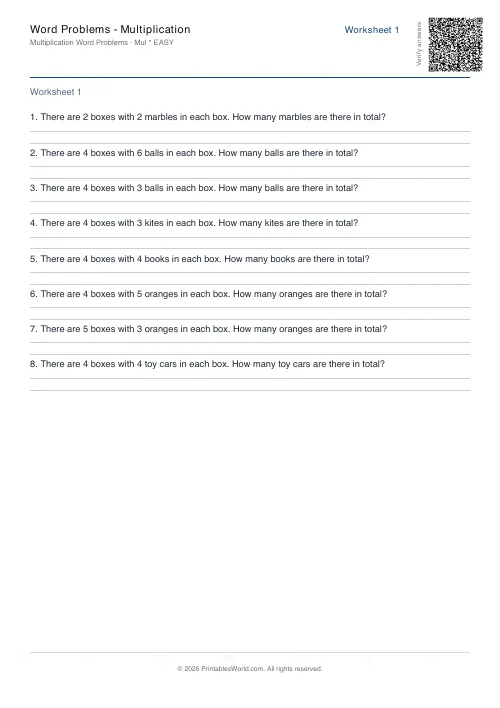 Word Problems: Multiplication
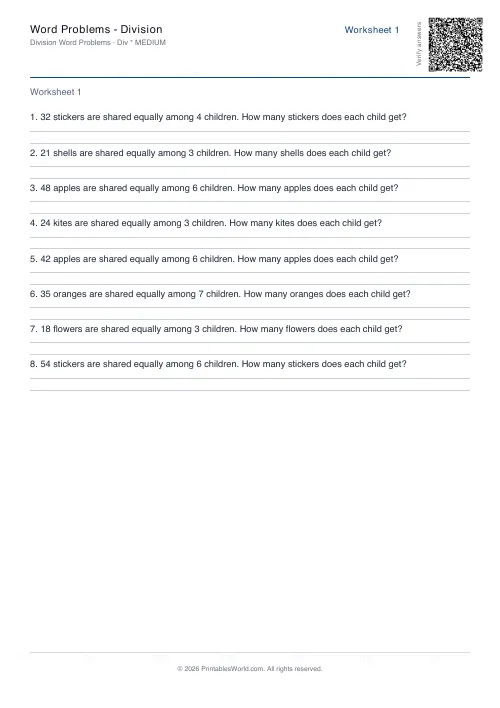 Word Problems: Division