


 Scan to get


 Scan to get



 Scan to get






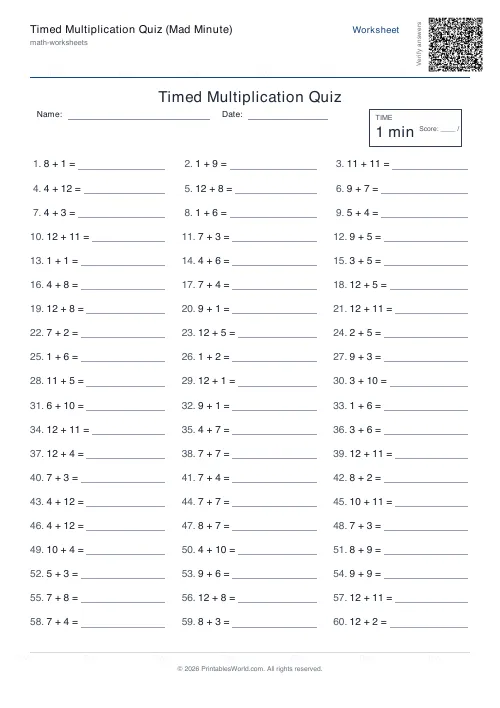
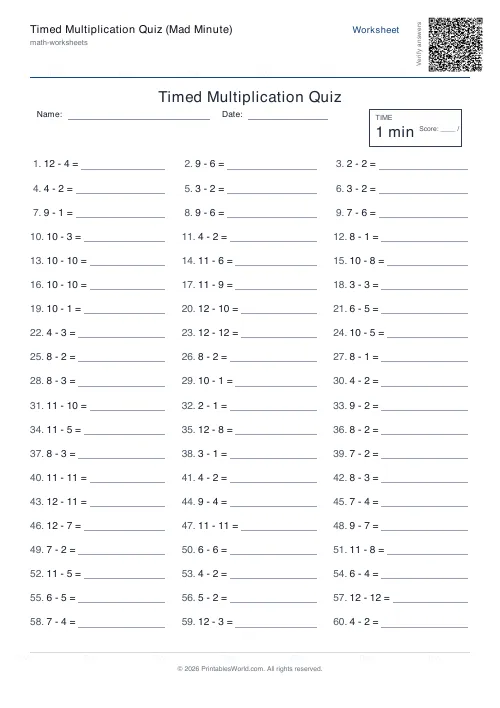
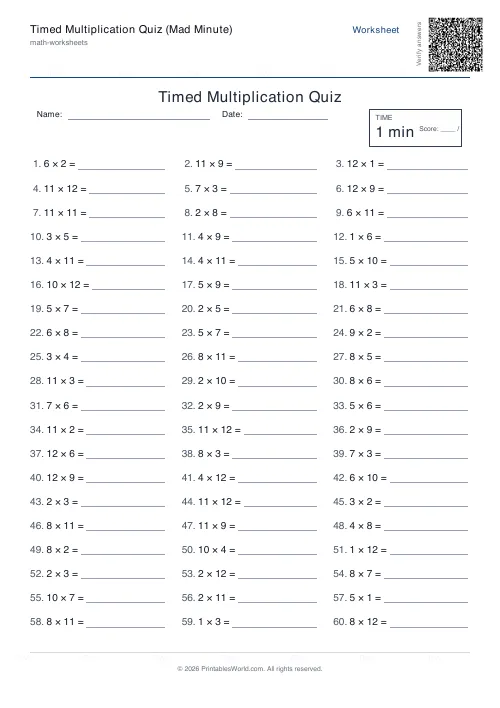
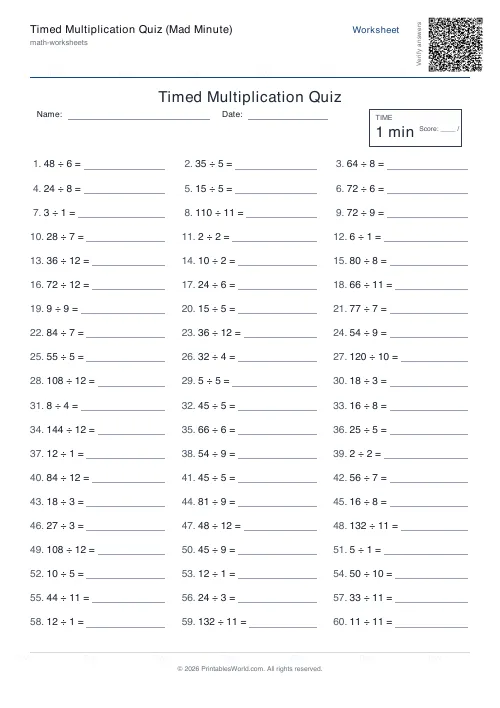
What this tool does
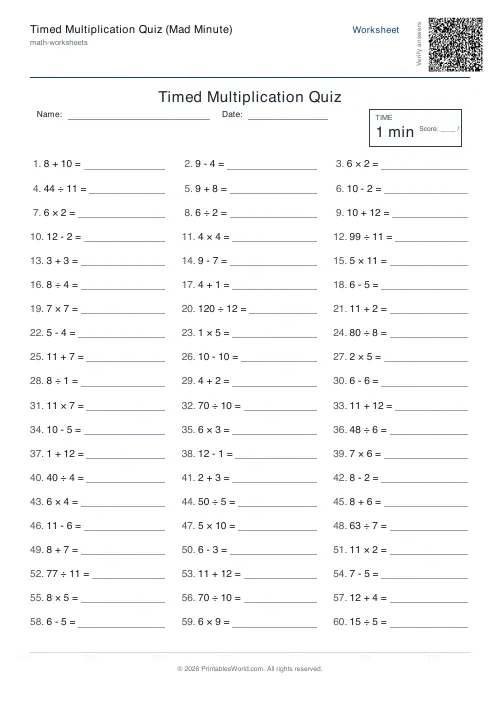
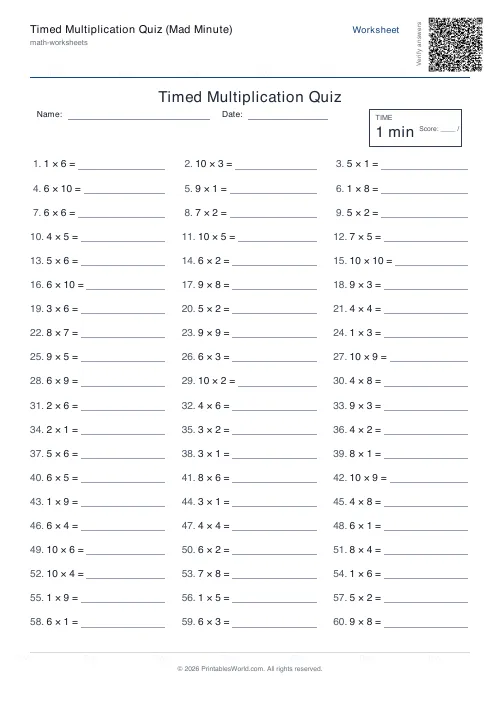
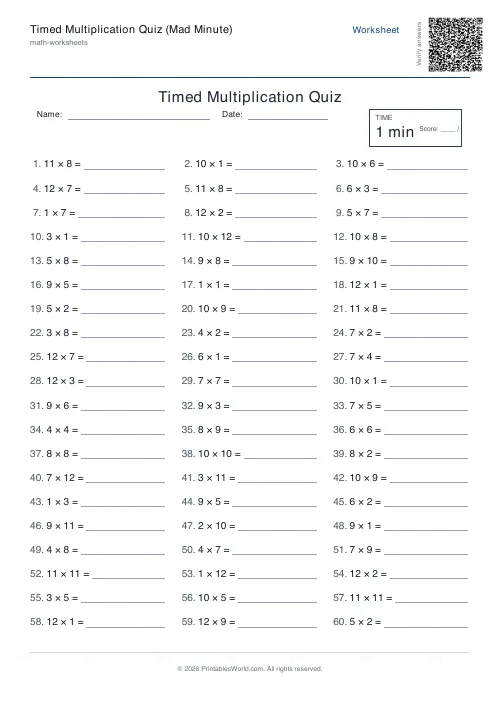
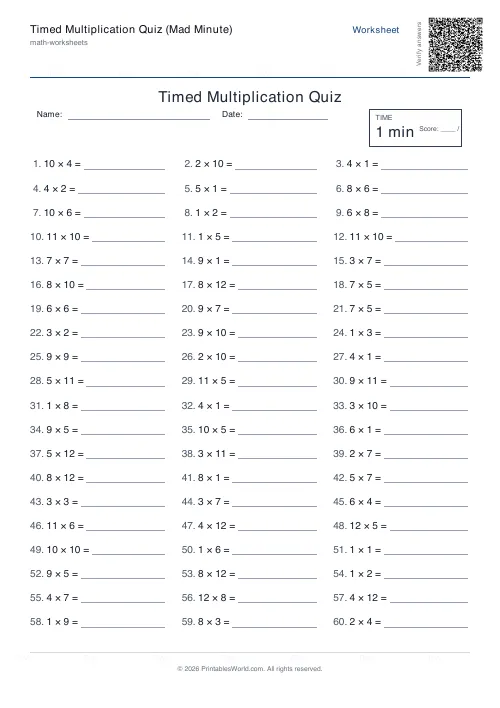
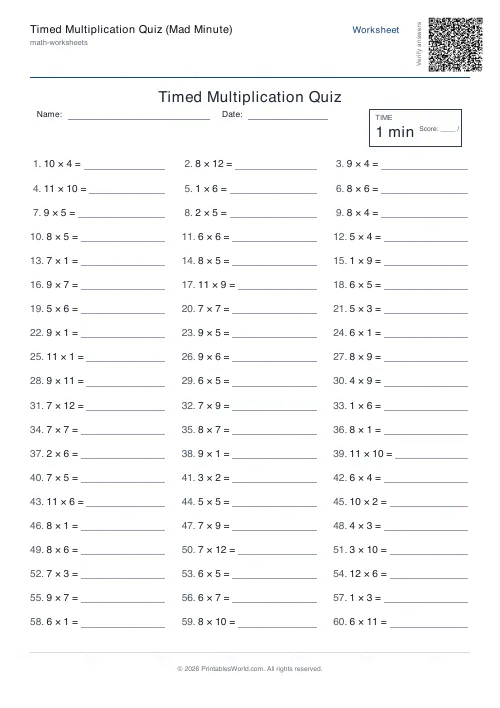
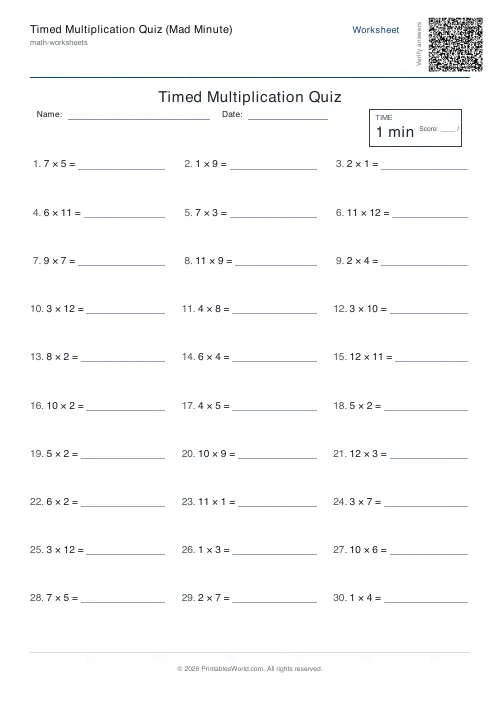
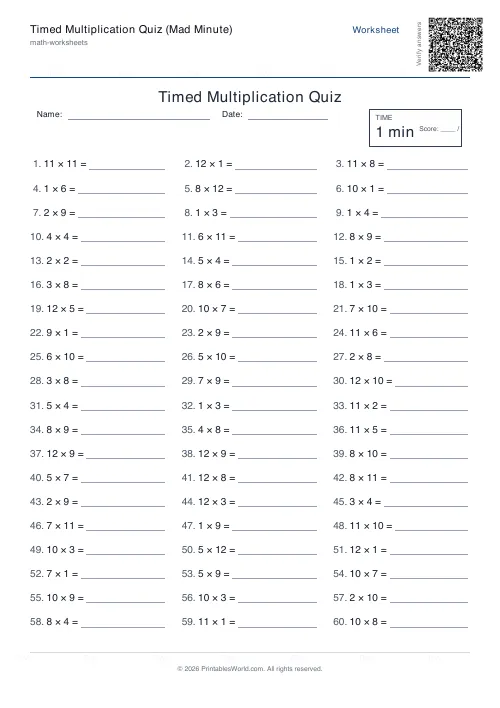
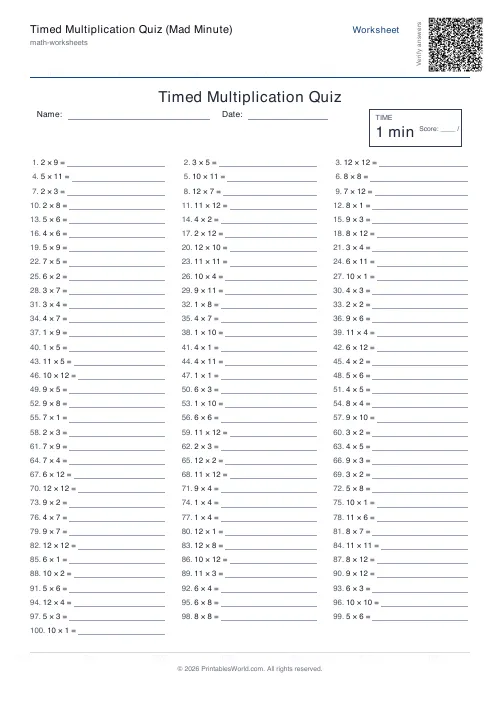
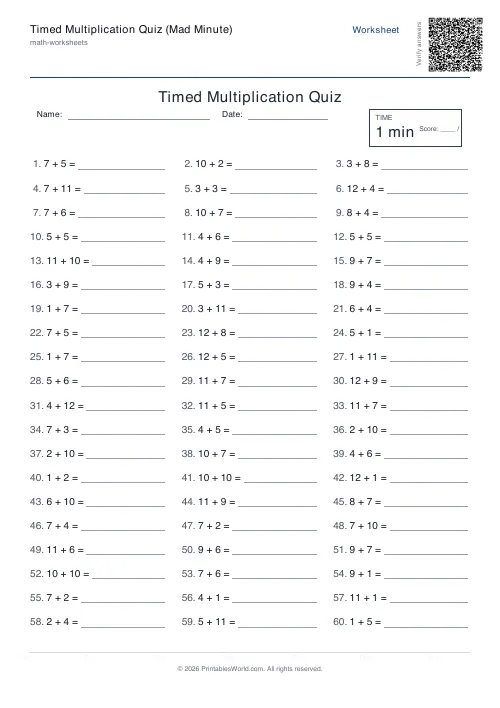
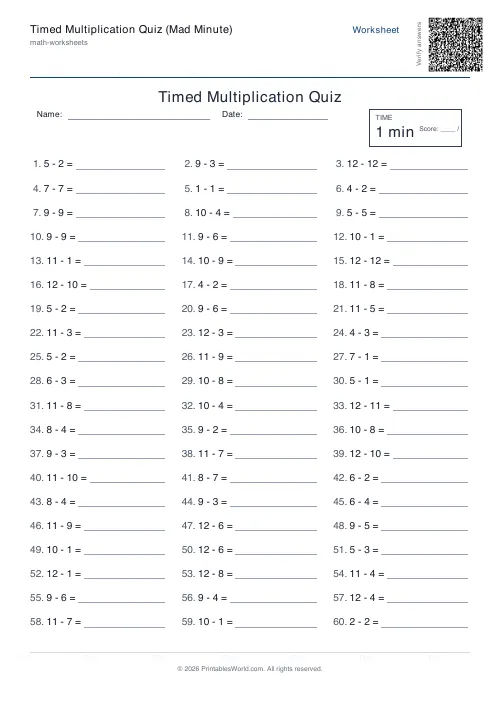
A Mad Minute style multiplication drill: up to 120 questions in three columns, a printed timer box and a score line. Set the times-table range and the time limit.
People also used
Timed Maths Drills Generator
Dense 50–100 question timed drills with a printed timer box and score line.
Multiplication Table Generator
Create free printable multiplication tables in table or line-by-line format with custom ranges and themes.
Mixed Multiplication Worksheets
Random multiplication worksheets mixing questions from the times tables you choose, ready to print.
Feedback
Spotted something off with this tool?
A minute, three columns, and a box with the time in it
Multiplication questions laid out densely, with a timer box and a score line across the top. Sixty questions at tables up to 12 is the default, and the time limit printed on the sheet is one minute.
The timer box does not count anything down — it is paper. What it does is put the target in front of the pupil before they start, which is the difference between a drill and a worksheet.
Sixty in a minute is a recall test, and that is the point
One second per question leaves no room to work anything out. A pupil who has to count up in sevens will not finish, and a pupil who knows their tables will.
That is exactly what a Mad Minute measures: not whether the facts are known, but whether they are automatic. The distinction matters because working memory is finite — a child computing 7×8 during a long-division problem has spent the capacity they needed for the division itself.
Which is also why this is the wrong sheet for teaching. Use it once the facts are learned, to make them fast.
Set the range narrower than you think
The number range caps the operands, and 12 is the default because that is what most curricula ask for. It is rarely the right setting for a pupil who is struggling.
A sheet limited to 5 covers the tables most children secure first and produces a page somebody can actually finish, which matters more than coverage. Move it to 8, then 10, then 12, as each range stops producing errors. A child who fails a 12s sheet every week learns that they are bad at times tables; a child who clears a 5s sheet learns the opposite, and gets to the 12s eventually anyway.
Reading the result properly
Record two numbers: how many were attempted, and how many were right. Not a percentage.
Forty attempted with forty correct is a pupil who knows their facts and needs speed. Sixty attempted with forty correct is a pupil who is guessing under pressure, and more speed practice will make that worse rather than better. Both score 40, and they need opposite responses.
A caution about the clock
Timed drills work well for children who already feel competent and badly for children who do not. The research on maths anxiety fairly consistently identifies timed testing as one of its reliable triggers, and a weekly public failure is a good way to produce a teenager who has decided they cannot do maths.
If a pupil freezes, lengthen the time limit and narrow the range rather than repeating the same sheet. Both dials are on this page for that reason. A three-minute sheet that gets finished is worth more than a one-minute sheet that gets abandoned.
On the form
Question count from 10 to 120, the number range from 2 to 100, the time limit from 1 to 30 minutes, an answer key, a title and Name and Date fields. A4 or US Letter.
Same settings each week is what makes the scores comparable. Changing the range and the count at the same time gives you a number that means nothing next to last week's.
Print at 100%. For mixed operations or a different drill, the timed drills generator is the same sheet with all four operations available.
FAQs
Quick answers
What is a Mad Minute multiplication quiz?
It is a short timed drill where the learner answers as many multiplication facts as possible before the clock runs out. This tool prints the classic 60-question version, but you can change the count and the time limit.
How long is the timer?
You choose. The time limit you set is printed on the sheet inside a timer box. The worksheet itself does not run a live timer, so use a stopwatch or phone.
Can I limit which times tables appear?
Yes. Set the times-table range to cap the largest factor, so you can focus on the specific tables you are teaching.
Does it include an answer key?
Yes. Leave the answer key option on and a second page is added with every answer in order for fast marking.
Related tools
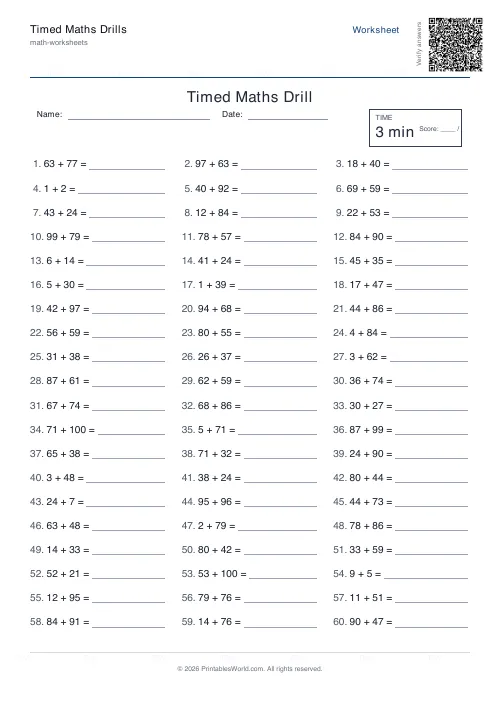
Timed Maths Drills Generator
Dense 50–100 question timed drills with a printed timer box and score line.
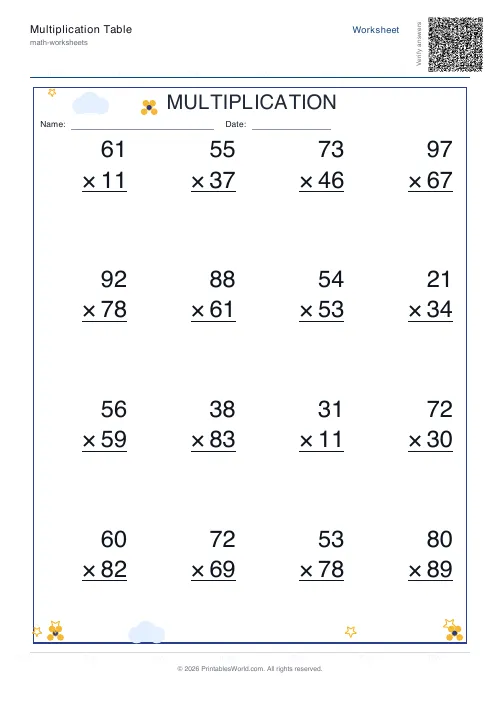
Multiplication Table Generator
Create free printable multiplication tables in table or line-by-line format with custom ranges and themes.
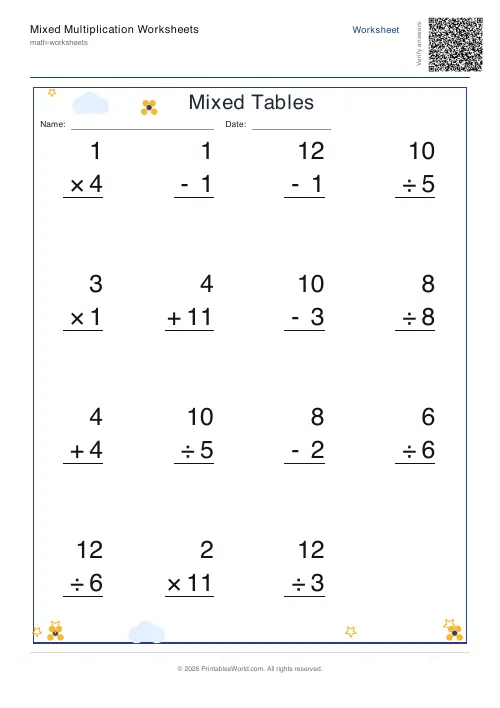
Mixed Multiplication Worksheets
Random multiplication worksheets mixing questions from the times tables you choose, ready to print.
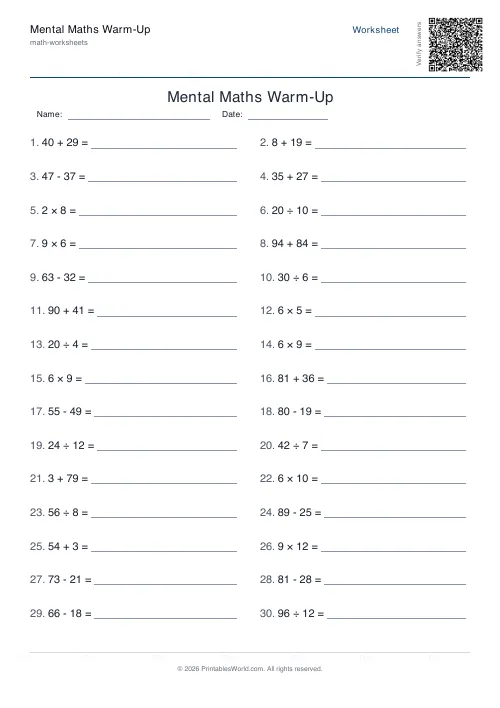
Mental Maths Warm-Up Generator
Quick 20–30 question warm-up drills across +, −, ×, ÷ for daily practice.
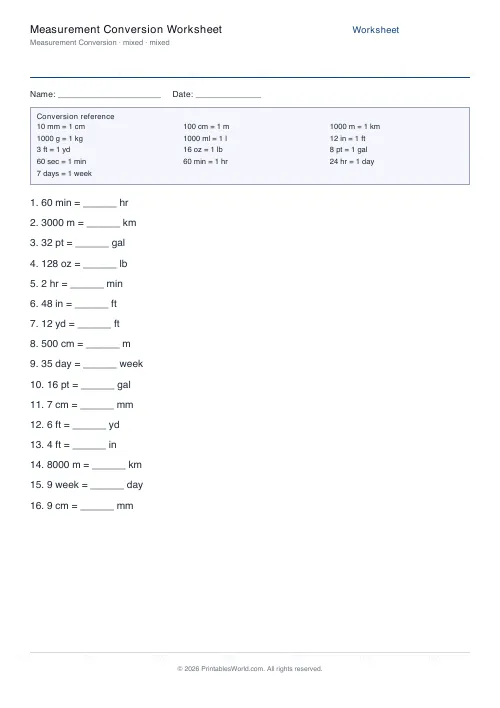
Measurement Conversion Worksheet
Convert metric, imperial and time units. With a built-in conversion reference card and answer key.
Further reading
Math & Numeracy
How to help a child who's stuck on times tables
A simple two week plan to help child with times tables, using short daily practice and free printable multiplication grids you can customise and print.
7 min read
Math Worksheets
How many maths worksheets per day? A parent's guide
The honest answer is less than most parents assume. And the number of questions matters less than whether the session ends well.
5 min read
Math Worksheets
How to read and interpret bar charts with kids
Reading a bar chart is easy; interpreting one is not. Four questions turn a chart from something children decode into something they can reason about.
4 min read
More like this
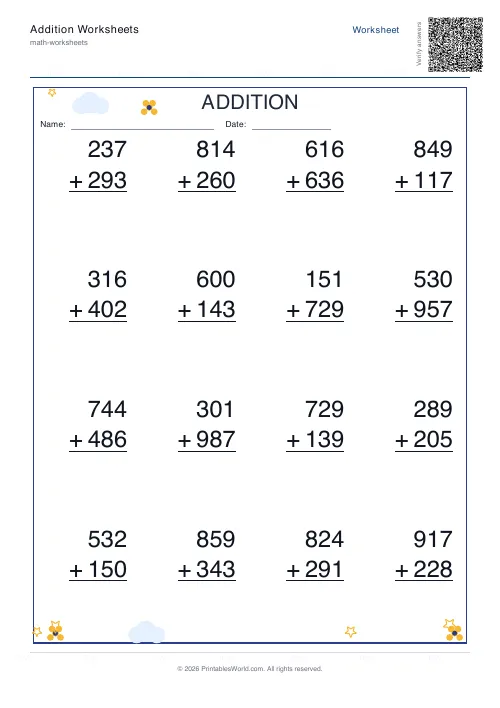 Addition Worksheets Generator
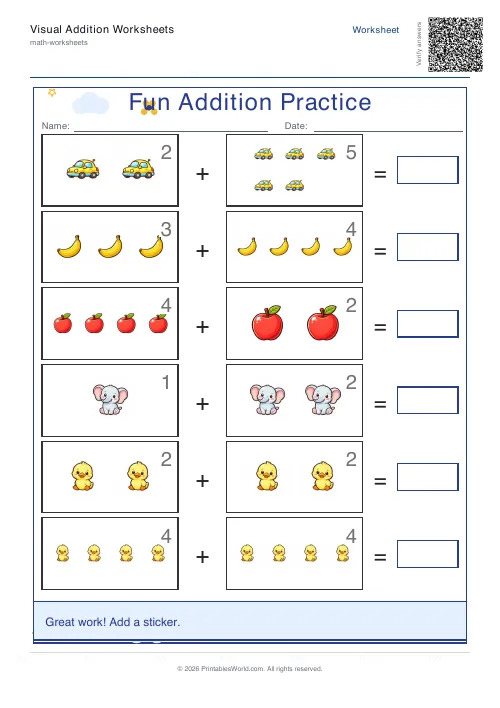 Visual Addition Worksheets Generator
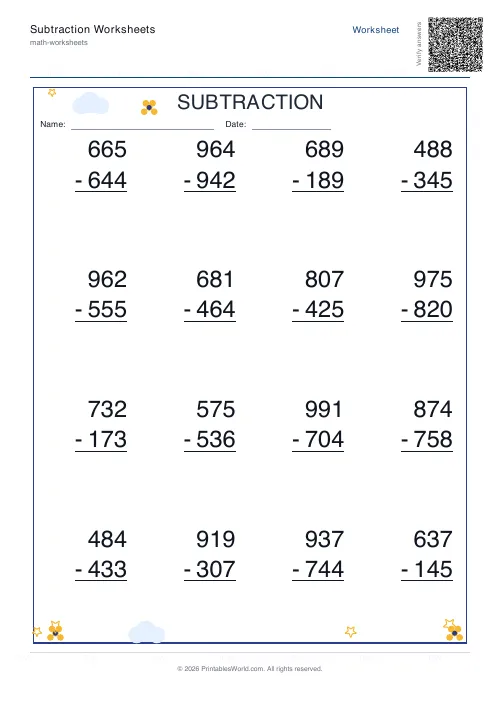 Subtraction Worksheets Generator
- Multiplication Table Generator
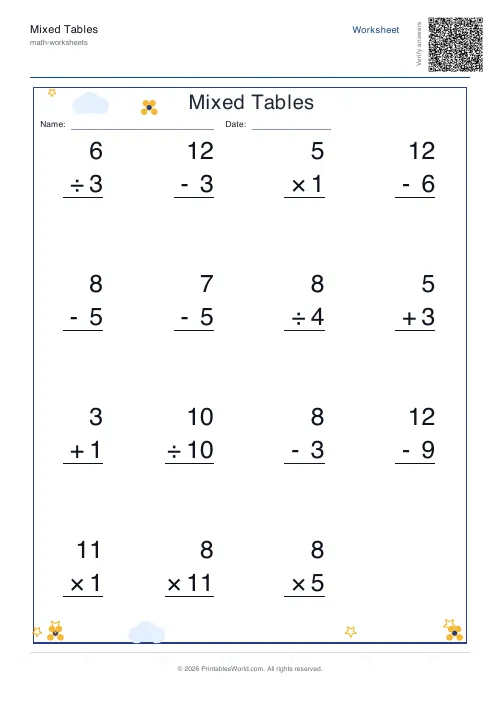 Mixed Tables Generator
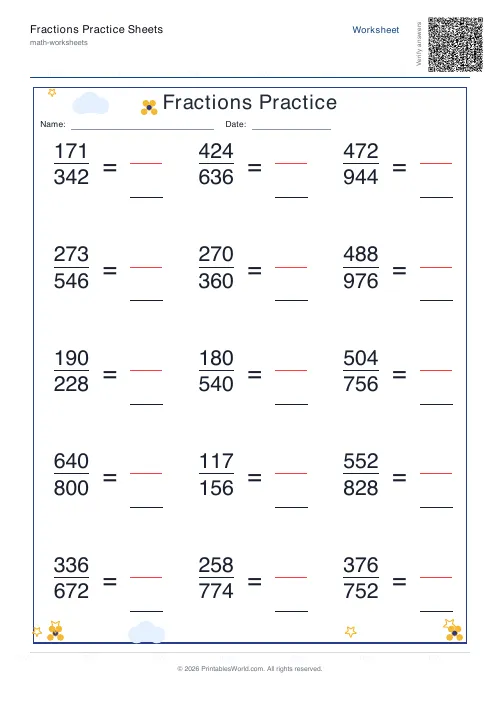 Fractions Practice Sheets Generator
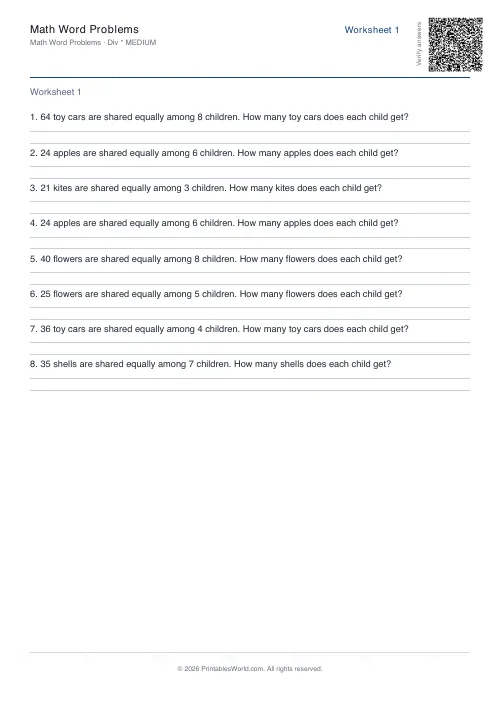 Math Word Problems Generator
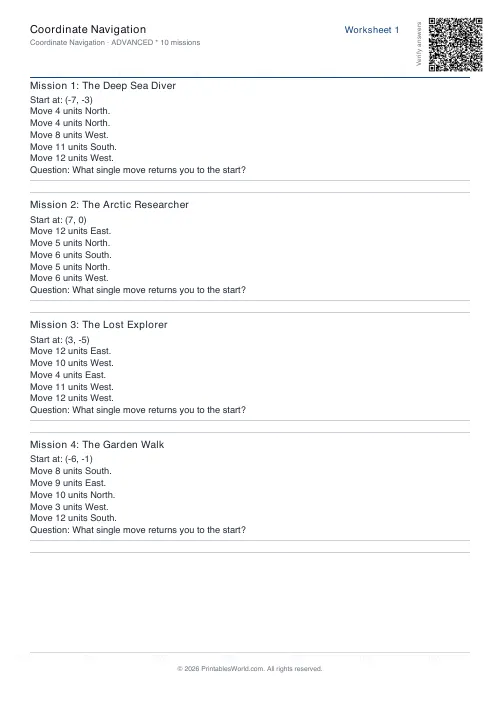 Coordinate Navigation Generator
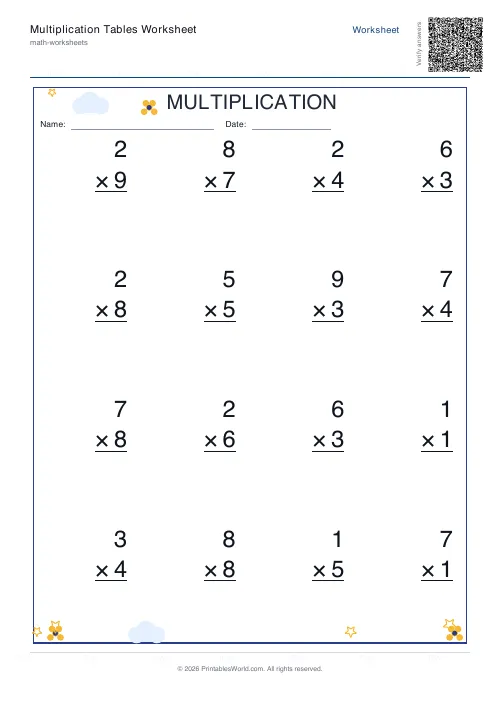 Multiplication Tables Worksheet
- Mixed Multiplication Worksheets
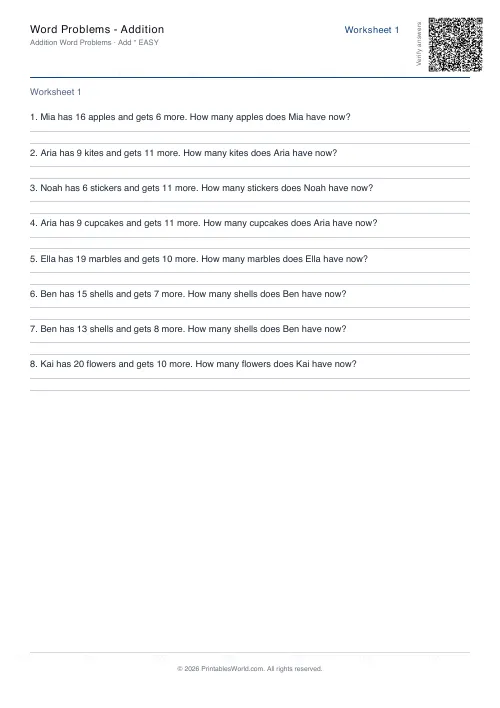 Word Problems: Addition
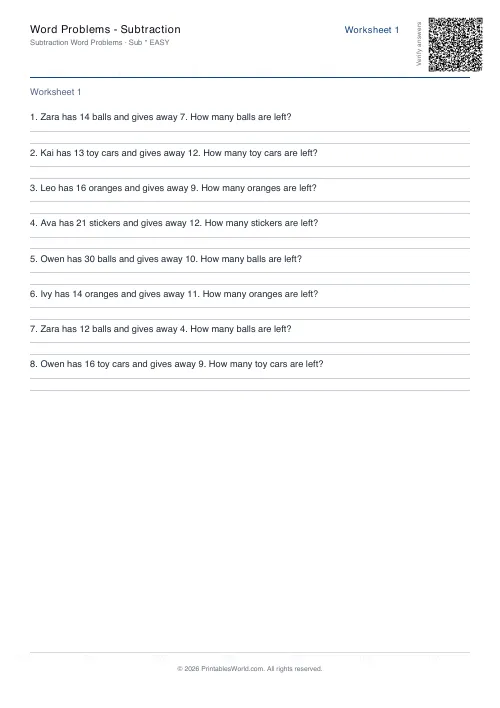 Word Problems: Subtraction
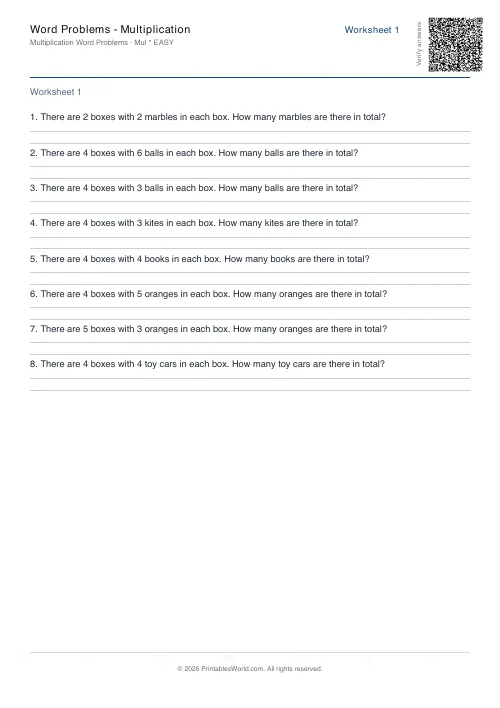 Word Problems: Multiplication
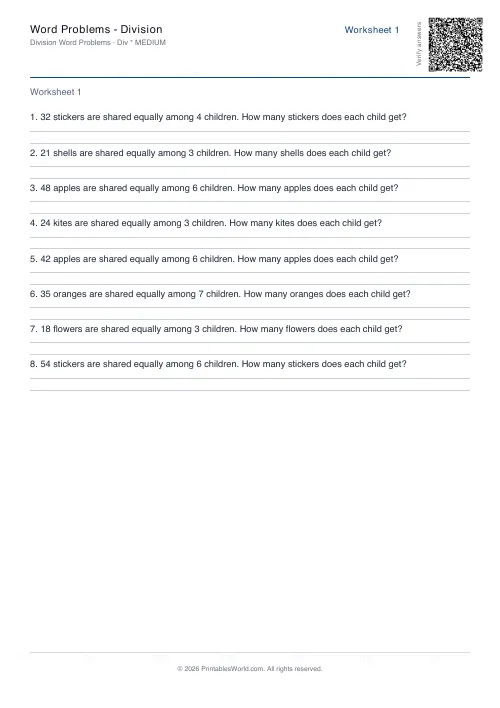 Word Problems: Division