


 Scan to get


 Scan to get



 Scan to get






What this tool does
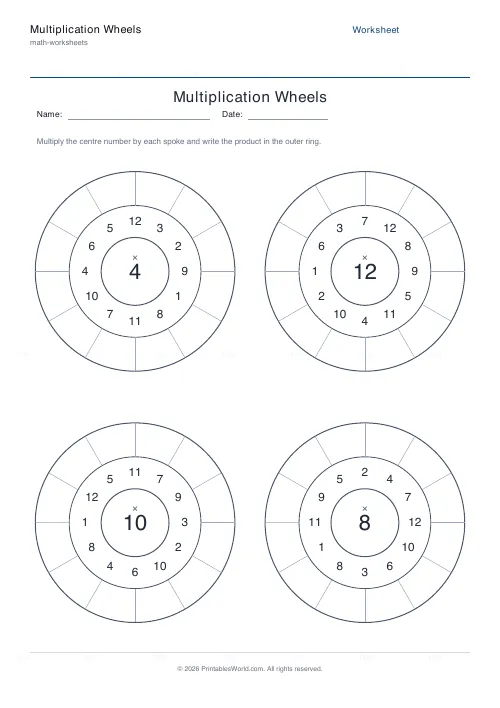
Circular times-table wheels: a centre number, a ring of 1 to 12 shuffled, and a blank outer ring to fill with the products. Fix the centre or randomise it, 1 to several wheels a page.
People also used
Prime Numbers Worksheets Generator
Generate worksheets to identify primes, factorise numbers, or list primes in a range.
Factors & Multiples Worksheets
Generate printable worksheets for factors, multiples, HCF and LCM practice with custom ranges and answer keys.
Square & Cube Numbers Generator
Printable squares, cubes, square roots and cube roots worksheets with optional answer keys.
Feedback
Spotted something off with this tool?
How a wheel works
A number in the middle. Around it, a ring holding 1 to 12 in shuffled order. Outside that, an empty ring where the pupil writes each product.
Four wheels a page by default. Set the centre yourself to drill one table, or let it randomise for mixed practice, and print the key to fill the outer ring with the answers.
Why the spokes are shuffled
This is the whole reason a wheel beats a column.
A list going 1, 2, 3, 4 lets a pupil count on rather than recall: having written 21 for 7×3, they get 28 by adding 7, and never touch the fact at all. It looks like fluency and it is not, and it collapses the moment a question arrives out of order — which is how every real question arrives.
Shuffled spokes make each product a separate retrieval. Slower at first, and genuinely better.
The shape helps too
A circle has no beginning, so there is no natural order to fall into and no sense of a long list still to go. A page of four wheels is 48 facts, which is a daunting-looking number and does not feel daunting laid out this way.
Children who dislike arithmetic sheets often do these without complaint, which is not a small consideration.
Which tables to drill
Do the easy ones first for confidence — 2, 5, 10 — then the awkward middle. The 7 and 8 wheels are the ones worth repeating, since 7×8 is reliably the last fact any child learns and the first they forget.
Once single tables are solid, switch to random centres. Mixed wheels test whether the facts are actually available or whether the pupil has simply got into the rhythm of one table.
Making it a routine
One page, timed, every day. Write the time on the sheet and keep them — a child who sees the time drop from four minutes to ninety seconds over a fortnight has evidence of their own improvement, which is worth more than any amount of encouragement.
Do not time it until accuracy is there. Speed built on top of guessing is worse than no speed at all.
Related
For the traditional grid layout, the multiplication table generator; for mixed tables in rows, mixed tables.
FAQs
Quick answers
What is a multiplication wheel?
It is a times-table exercise drawn as three rings. The centre number goes in the hub, the numbers 1 to 12 are shuffled around the middle ring, and the student writes each product (centre multiplied by spoke) in the blank outer ring.
What is the difference between random and fixed centres?
Fixed centre puts the same number in every wheel's hub, so the whole sheet drills one table. Random centre gives each wheel a different hub value between 2 and 12, which produces mixed times-table practice on a single page.
How many wheels can I fit on one page?
Between 2 and 6. They are arranged in a two-column grid, so the circles stay large enough for students to write products inside the outer ring.
Which multiplication facts does each wheel cover?
Every wheel uses the spokes 1 through 12, so one wheel covers all twelve facts of its centre number, from centre x 1 up to centre x 12.
Why are the spoke numbers shuffled instead of in order?
Shuffling stops students from skip-counting their way around the ring. Each fact has to be recalled on its own, which builds stronger, more reliable times-table fluency.
Does the tool include an answer key?
Yes. Turn on the answer key toggle and the PDF adds a second page with every outer ring filled in, so you can mark a whole set of wheels at a glance.
Will the wheels print correctly on US Letter paper?
Yes. The layout fits both A4 and US Letter without cropping or scaling. Just load your paper and print.
Related tools
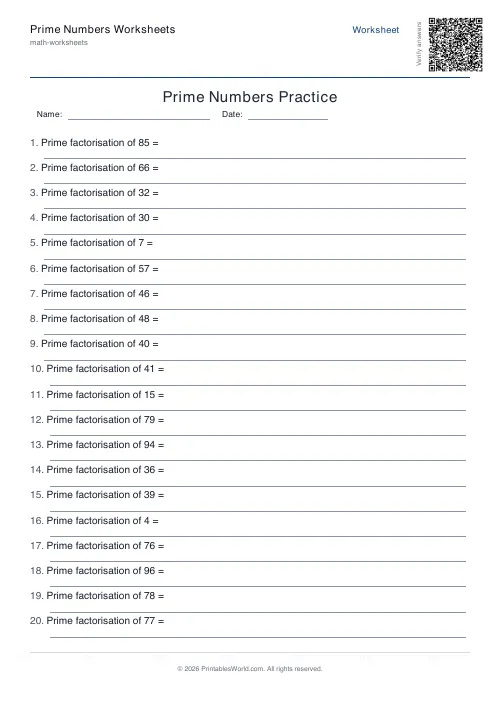
Prime Numbers Worksheets Generator
Generate worksheets to identify primes, factorise numbers, or list primes in a range.
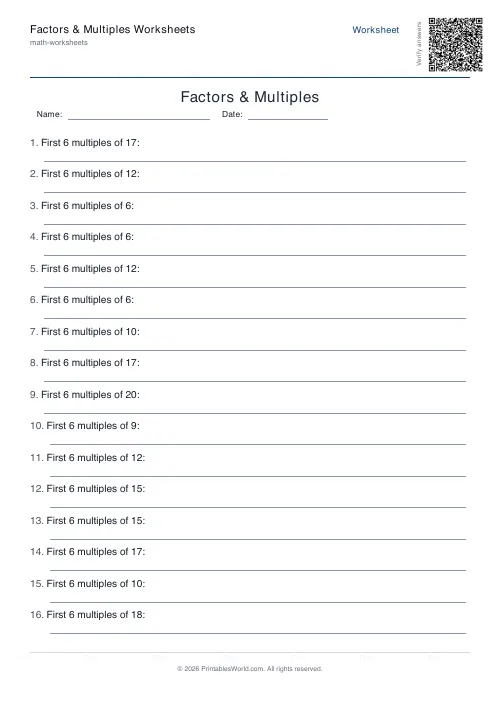
Factors & Multiples Worksheets
Generate printable worksheets for factors, multiples, HCF and LCM practice with custom ranges and answer keys.
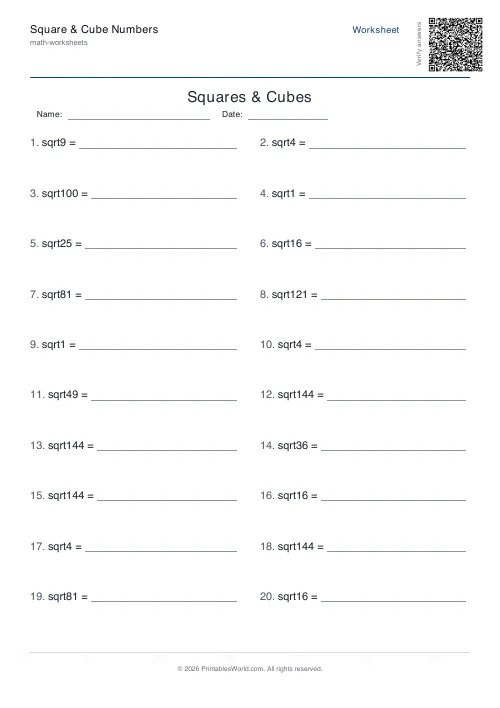
Square & Cube Numbers Generator
Printable squares, cubes, square roots and cube roots worksheets with optional answer keys.
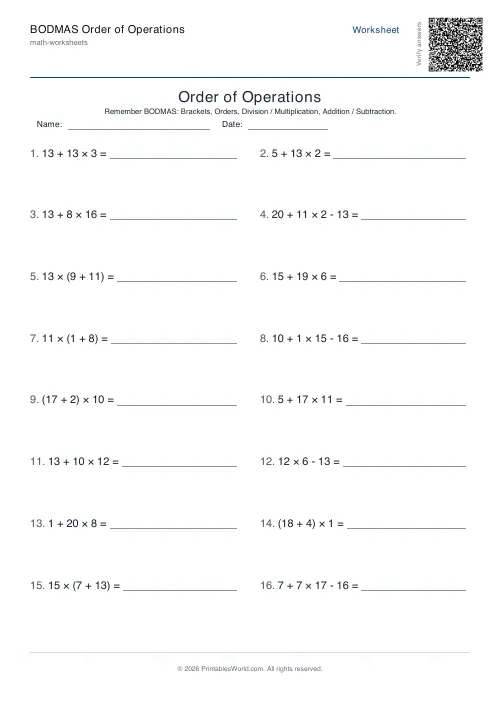
BODMAS Order of Operations Generator
Order-of-operations practice with brackets, exponents and mixed arithmetic.
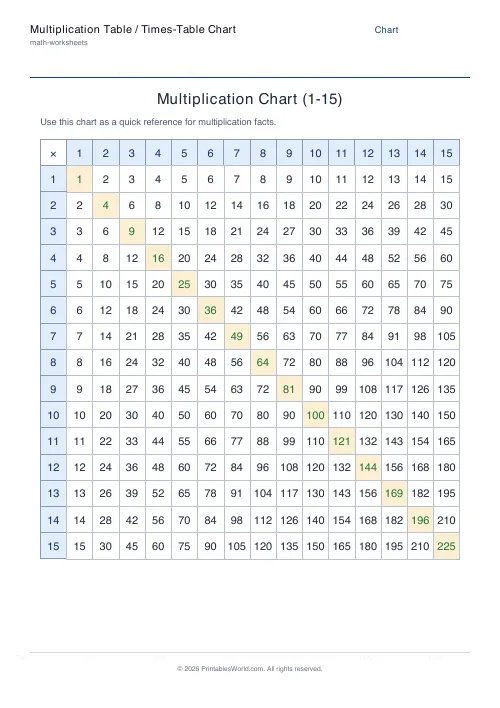
Multiplication Table / Times-Table Chart
A clean, printable times-table chart from 1 to 15.
Further reading
More like this
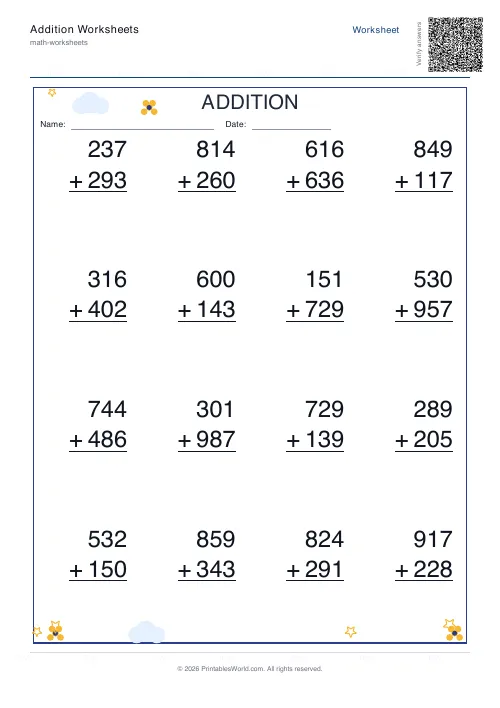 Addition Worksheets Generator
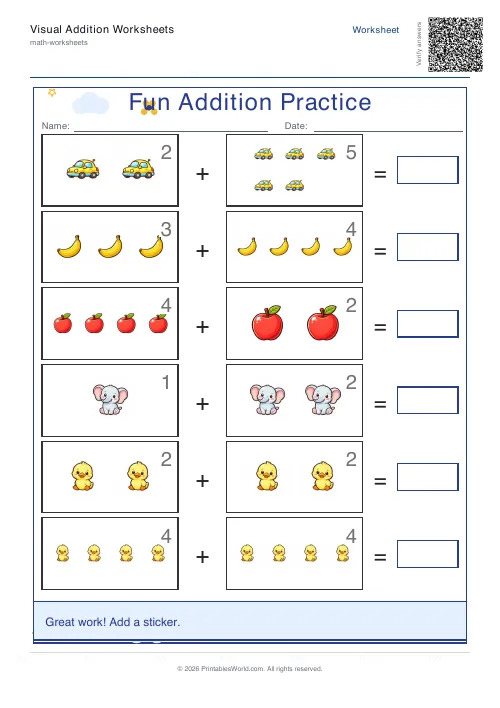 Visual Addition Worksheets Generator
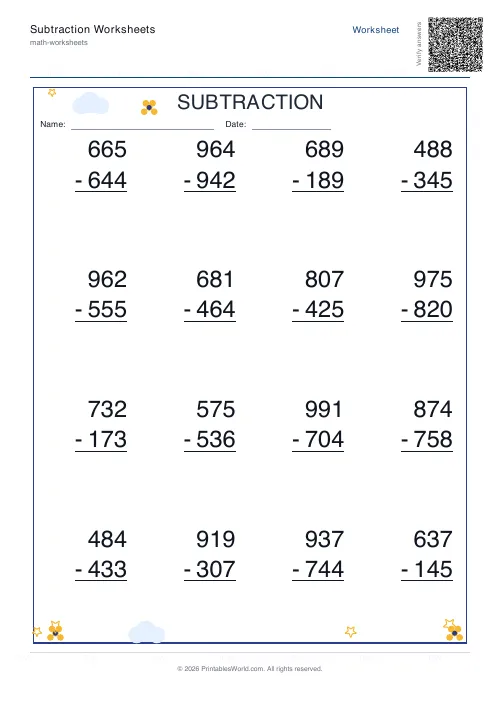 Subtraction Worksheets Generator
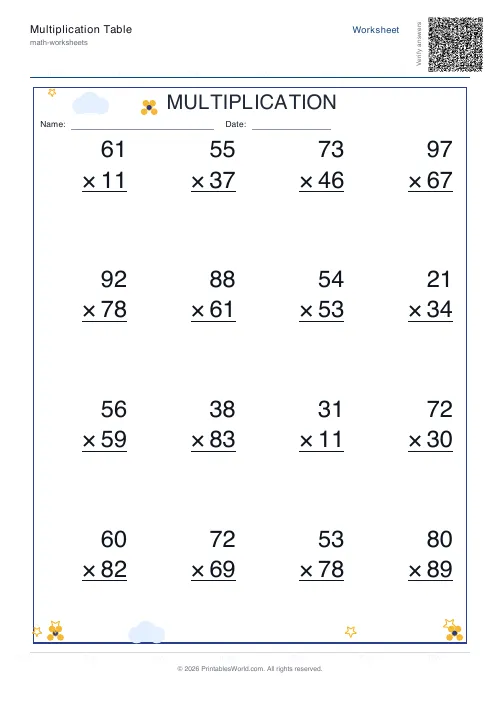 Multiplication Table Generator
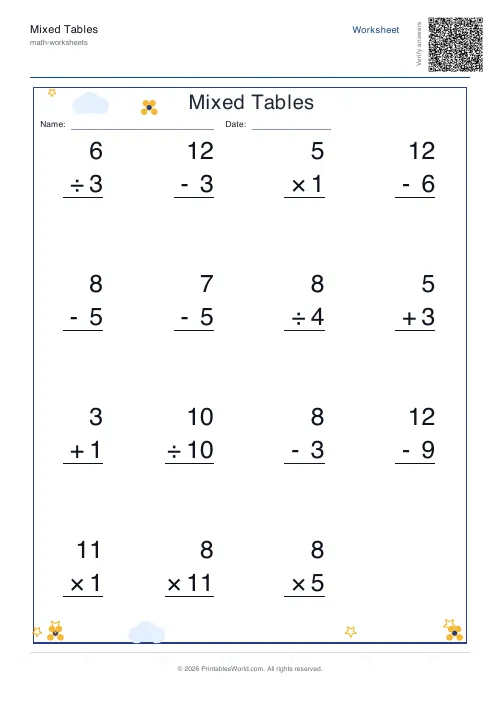 Mixed Tables Generator
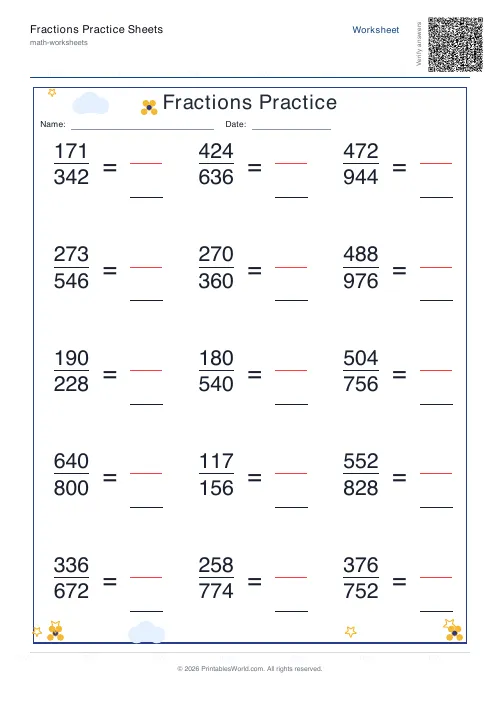 Fractions Practice Sheets Generator
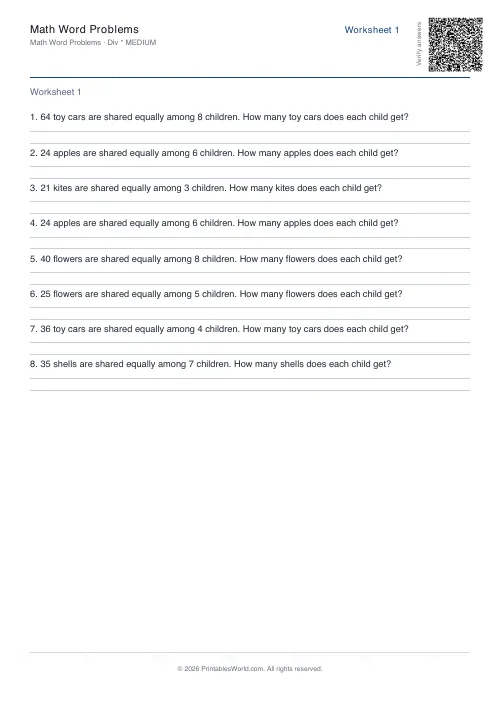 Math Word Problems Generator
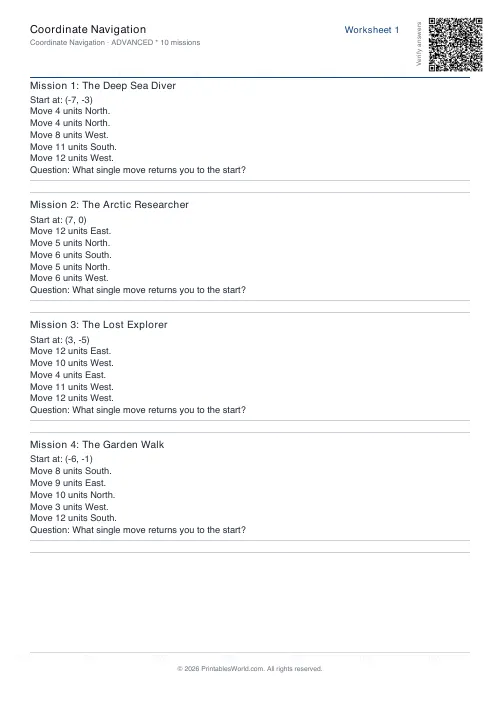 Coordinate Navigation Generator
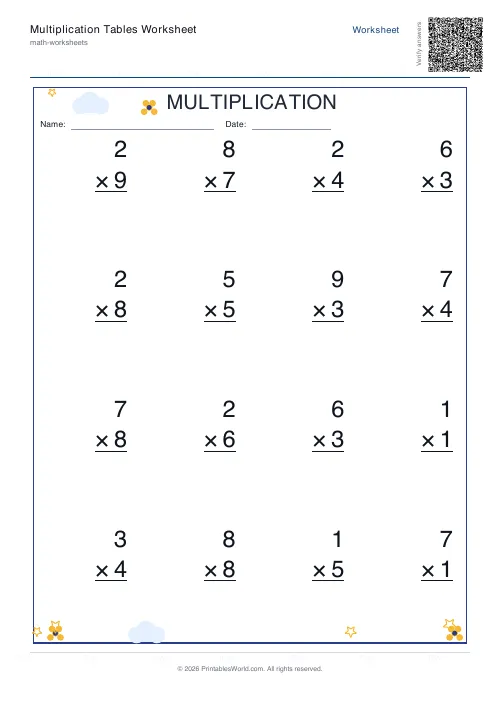 Multiplication Tables Worksheet
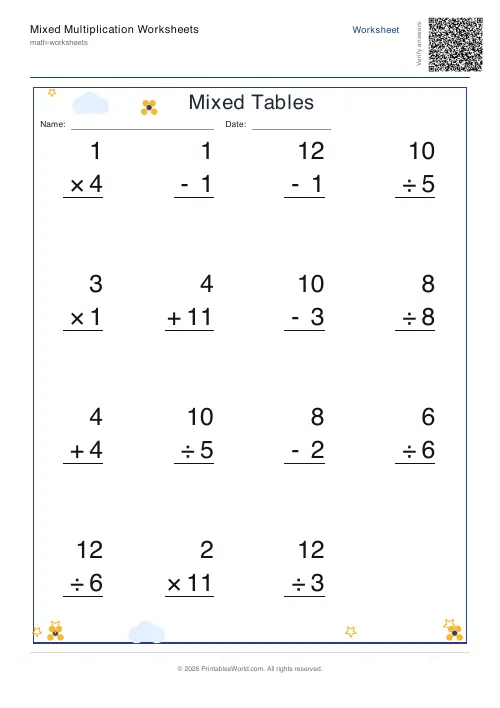 Mixed Multiplication Worksheets
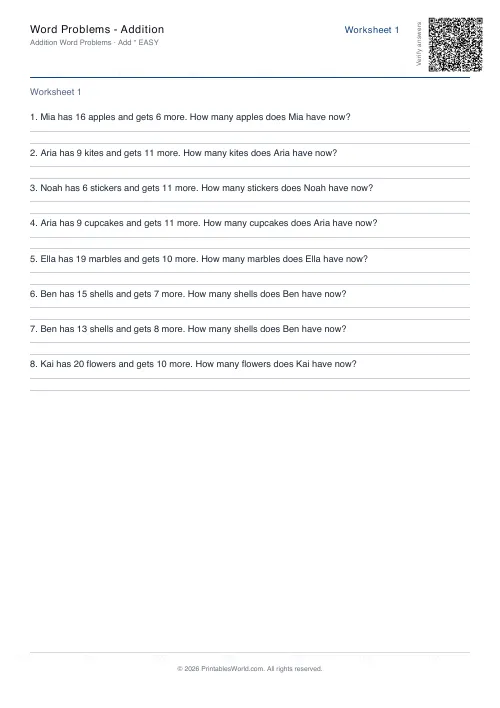 Word Problems: Addition
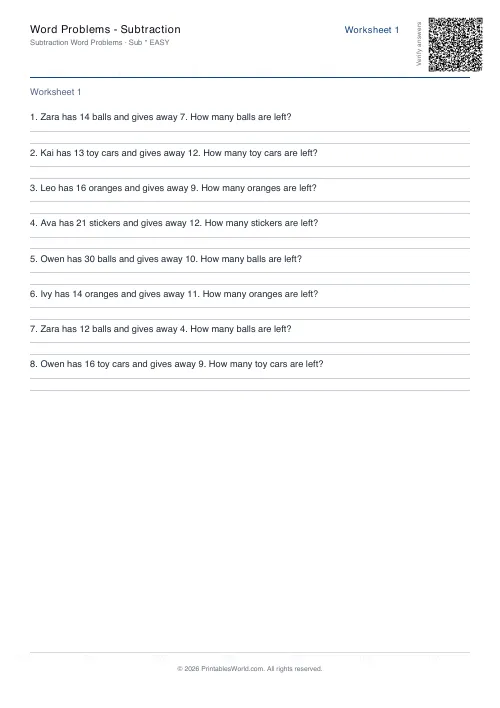 Word Problems: Subtraction
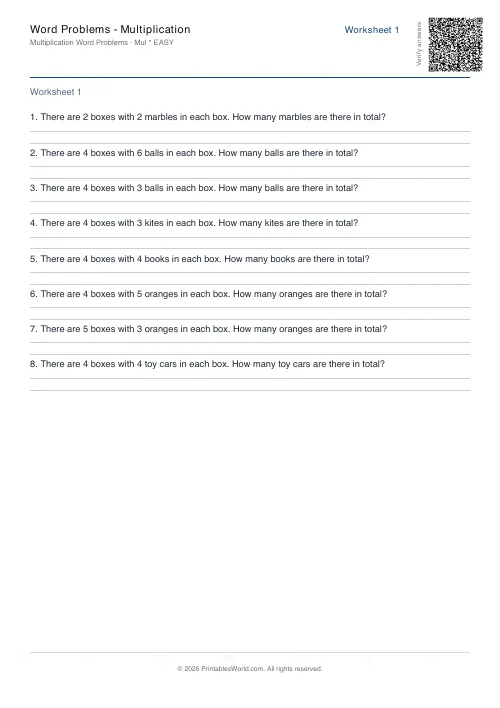 Word Problems: Multiplication
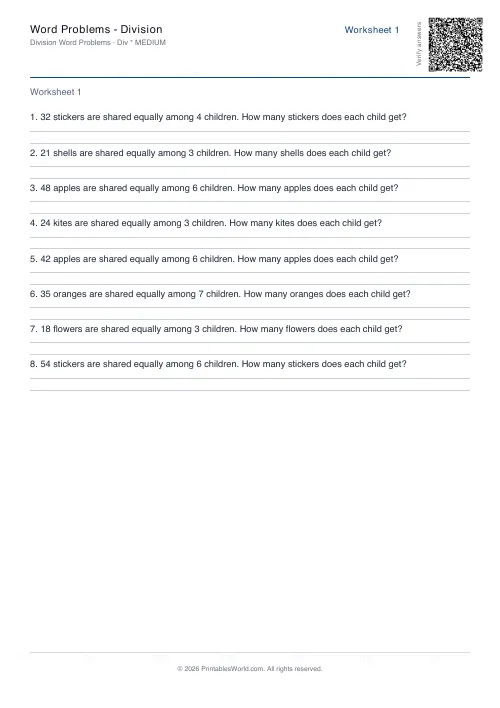 Word Problems: Division