


 Scan to get


 Scan to get



 Scan to get






What this tool does
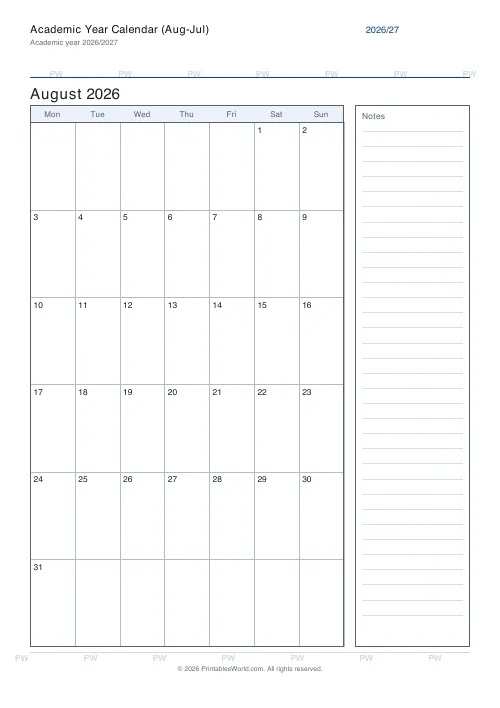
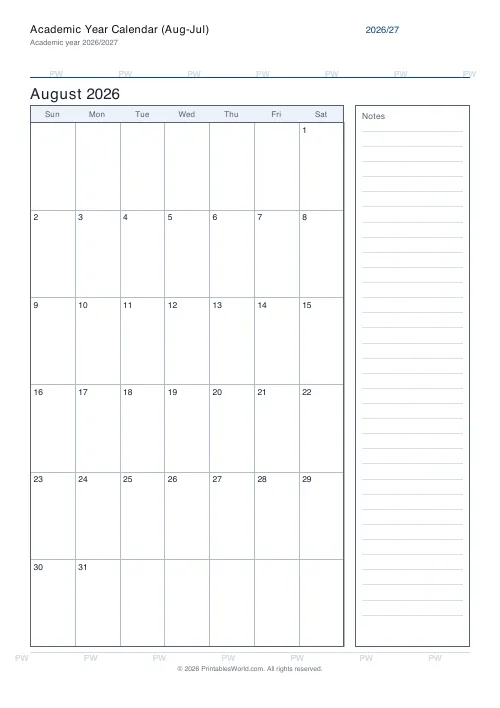
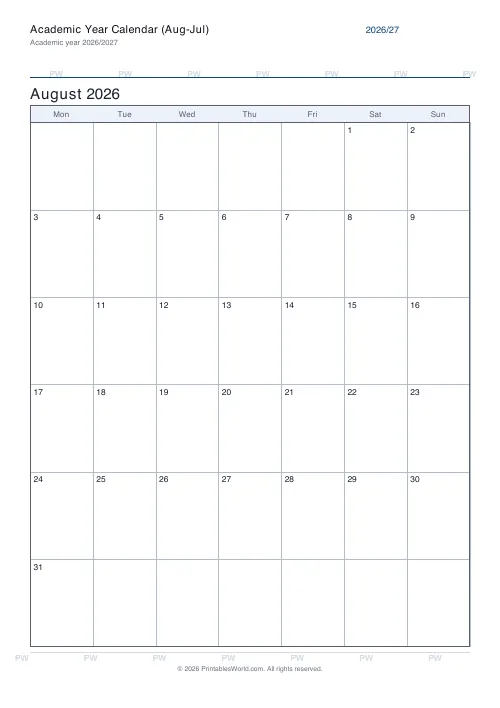
A dated calendar that runs from August through the following July, which is the year most teachers plan around, and most students, and most homeschool families. Twelve month pages with the real dates already in the correct weekday columns and leap years handled. Pick the opening year, choose whether weeks start on Monday or Sunday, add a school or class label under each month title, and keep or hide the notes strip beside the grid.
People also used
Monthly Planner
Blank month grid with weekday headers and an optional notes footer.
Yearly Overview Planner
Twelve mini month calendars on one page. The whole year at a glance.
Birthday & Important Dates Calendar
Printable birthday and important dates calendar: twelve month sections to record every date.
Feedback
Spotted something off with this tool?
August to July, because that is when the year starts
Schools do not plan in January. Neither do colleges, and neither do most homeschool families, which means a calendar that opens on the first of January is the wrong shape for every one of them and ends up being used as two half-calendars taped together rather than as one year.
This one runs from August through the following July. Pick the opening year and you get twelve month pages with every day number already sitting under the correct weekday, leap years included, covering a whole teaching year in a single download.
Real dates, not a grid you number yourself
Each month gets its own page with a weekday header row and a full grid of day cells. August leads. July closes.
Because the dates are already placed, marking term boundaries, INSET days, assessment weeks and deadlines is a matter of writing in the box rather than counting columns first. That counting is where the errors come from, and they are the annoying kind: a training day written under the wrong weekday is not noticed until somebody turns up on the wrong morning.
Monday or Sunday, and the notes strip
Monday start follows the UK and European convention, and the ISO one. Sunday start matches the usual US layout. Either way the header cells relabel themselves and the dates shift columns to suit, so the grid reads correctly and you never have to think about it again after the first click.
The notes strip is on by default and gives you somewhere to write that is not inside a day cell. Turn it off for a cleaner grid when the calendar is going on a wall rather than into a binder.
Put a name on it
There is an optional label that prints under each month title. A school name, a class group, a subject, a teacher.
It sounds trivial. It is not, in a staffroom where four people print calendars on the same photocopier and all four come out looking the same, or in a household running two children on two different timetables. Leave it blank if the calendar is only ever going to be yours.
Who ends up using it
Teachers
Lay out the whole teaching year in one go, mark the term boundaries first, then plan units into the space that is left.
Students
Assignment deadlines, exam windows and revision blocks across a year, on paper, where they cannot be dismissed with a swipe.
Homeschool families
Map lessons, trips, breaks. Against a year that begins when your studies do rather than when the wall calendar in the kitchen does.
Printing it
A4 or US Letter. Twelve pages. Print at full scale so the weekday columns stay square, and double-sided if the thing is going into a binder rather than onto a noticeboard, because pinning up a whole academic year takes a genuinely surprising amount of wall.
FAQs
Quick answers
Which months does the academic year cover?
It runs from August of the start year through July of the following year. Twelve month pages in all. Set the start year and the dates fill in automatically, including the correct handling of leap years.
Are the dates filled in, or do I write them myself?
The dates are filled in for you. Each month shows the real day numbers under the correct weekday columns for the year you choose, so there is no hand-numbering.
Can the week start on Sunday instead of Monday?
Yes. Switch the week start between Monday and Sunday; the weekday headers and the date positions both adjust so the grid reads correctly for your region.
What paper size does it print on?
Each month page prints on A4 or US Letter. Choose your paper size before downloading, and print at 100% scale for the cleanest result.
Related tools

Monthly Planner
Blank month grid with weekday headers and an optional notes footer.

Yearly Overview Planner
Twelve mini month calendars on one page. The whole year at a glance.
Birthday & Important Dates Calendar
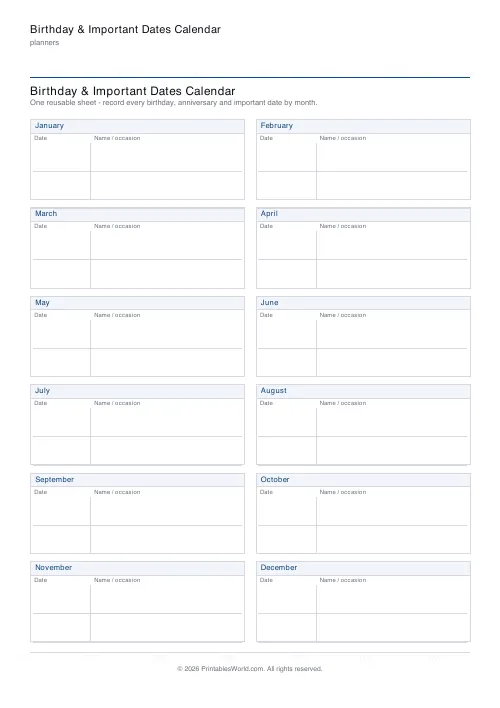
Printable birthday and important dates calendar: twelve month sections to record every date.
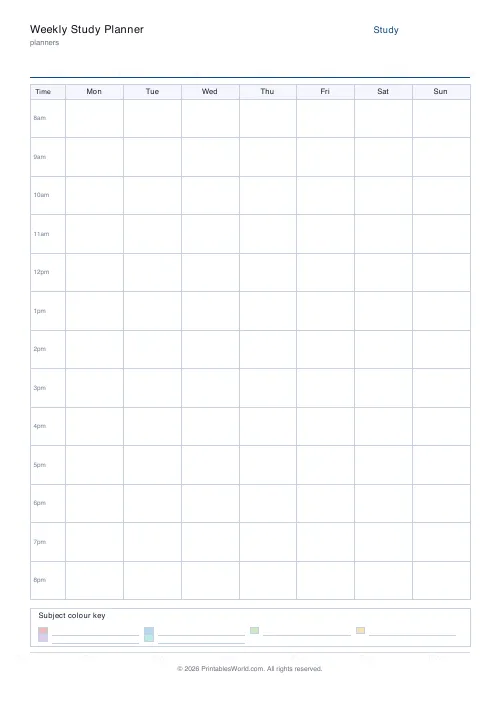
Weekly Study Planner
Weekly 7-day × hourly study timetable with a subject colour-code legend.
Further reading
Planners
Baby's first year: tracking sleep, feeds and milestones
Tracking helps most in the early weeks and can become a burden after them. Here is what is genuinely worth logging, why, and when to stop.
5 min read
Planners
ADHD-friendly planning: systems that work
Standard planners assume you will remember to open them. That single assumption is why they fail for a lot of ADHD brains. And what an ADHD-friendly system has to replace.
6 min read
Planners
How to build a daily routine that actually sticks
Most routines fail in week two, when motivation runs out and nothing has replaced it. The fix is structural: fewer items, fixed anchors, and a plan for the day you miss.
6 min read











