What this tool does
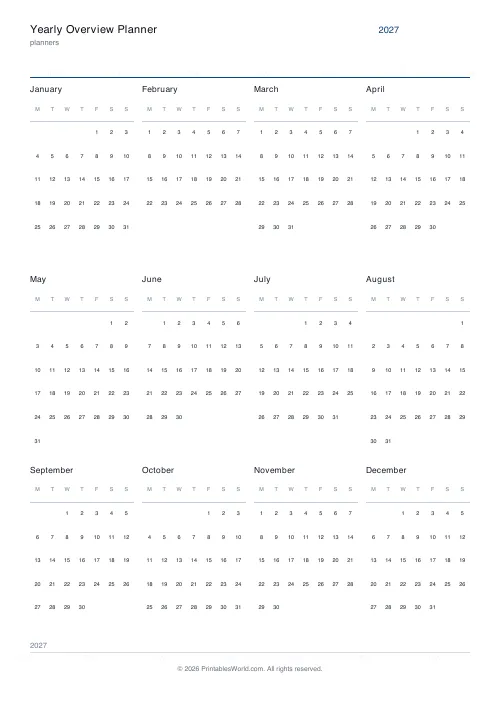
All twelve months on one page as mini calendars, four across and three down. Type any year and the dates are computed: correct first weekday for every month, leap days handled. Monday or Sunday week start, A4 or US Letter.
People also used
Feedback
Spotted something off with this tool?
A year you can see all of at once
Twelve mini calendars in a four-by-three grid, with a title strip above them. Every month carries its weekday headings and its day numbers in the right columns, and February holds 28 or 29 depending on the year without you checking.
It is the sheet you tape inside a notebook cover or pin above a desk. When somebody asks whether the fifteenth of August is a Monday, it answers in about five seconds and without anybody picking up a phone.
What a whole year shows that a month cannot
A daily page hides the shape of the year entirely. A monthly page hides how one month sits against the next.
On one sheet you can see that the launch date is three weeks after a bank holiday, that the exam window overlaps the half-term you had forgotten, that August is almost entirely gone before you start booking anything. Those are relationships between months, and they are invisible at every other time horizon.
Which is why it works for counting weeks to something: a launch, an exam, a wedding, a baby, the end of a training block. Counting on a screen means scrolling. Counting here means running a finger along a row.
Marking one up
- Holidays and closures first. Before anything else, so you can see what is genuinely available rather than what merely looks available from a distance.
- One colour per project. Four or five at most.
- Ring the birthdays early. They are fixed, and everything else moves around them.
- Draw a line at each quarter end, so the review dates are visible without anybody having to count columns to find them.
- Keep an arrow on the current month.
A teacher's wall copy
Print the year with a Monday week start. Highlight the school terms in one colour, the half-terms in a second, and ring the INSET days.
That single page then answers most of the questions a parent asks in September, and a photograph of it sent out before term starts saves a fortnight of emails. It also stays useful all year in a way a printed newsletter does not.
Who else pins one up
Project planners
Sketch phases and milestones across the whole year, then take the detail into a project planner. The rough version on one page is what stops a plan being optimistic about March.
Freelancers and small businesses
Block quarters, mark invoice dates, plan content themes, and find the quiet weeks before booking leave into a busy one.
Anyone counting weeks
Training blocks, pregnancy, a renovation, a study plan. All of them are easier to hold in your head as a picture than as a number of days.
The layout, and why it is fixed
Four months per row, three rows. That ratio is the one that fits twelve boxes onto a portrait page while leaving the day numbers large enough to ring with a pen or shade with a highlighter, which is the whole job of the sheet.
The week start applies to all twelve calendars together, so nothing on the page disagrees with anything else. Print at full scale to keep the column spacing correct, and consider running it as page one of a stacked planner, with the monthly sheets behind it and the weekly and daily ones behind those.
FAQs
Quick answers
Can I pick a past or future year?
Yes. Enter any four-digit year and the mini calendars regenerate for that year, including the correct first weekday and leap-day handling.
How are the months arranged?
In a 4 × 3 grid: four months per row, three rows.
Is the year editable after printing?
The year is printed into the header, so change it before you export. Then download as many copies as you need.
Does it fit A4 and Letter?
Yes. The grid reflows to fit either paper size with tidy margins.
Related tools

Monthly Planner
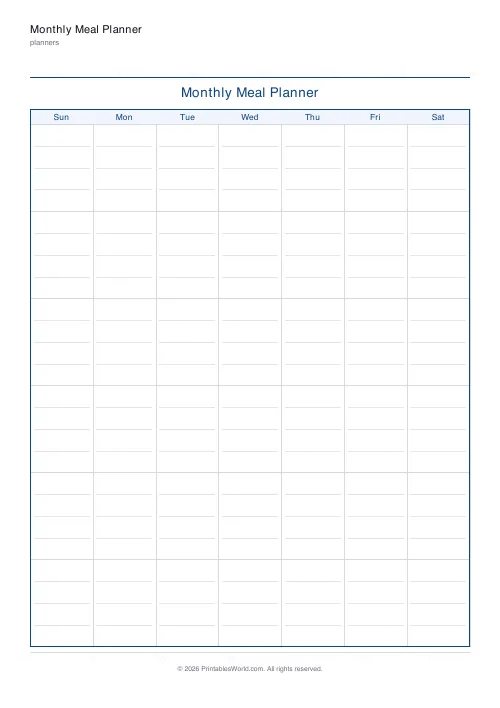
Blank month grid with weekday headers and an optional notes footer.

Weekly Planner
Weekly spread with seven day columns, a goals box, and a notes strip.

Daily Planner
One-page daily planner with priorities, hourly schedule, and a notes strip.
Yearly Calendar (Dated)
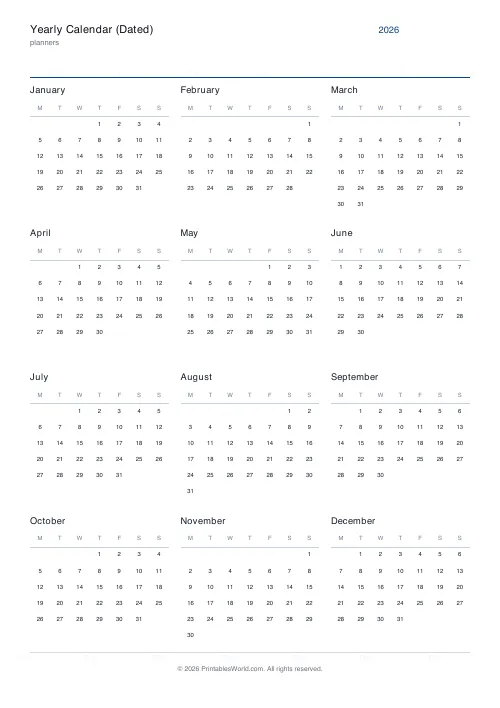
A full dated calendar for any year. Twelve printable month pages plus a year-at-a-glance cover.
College Semester Planner
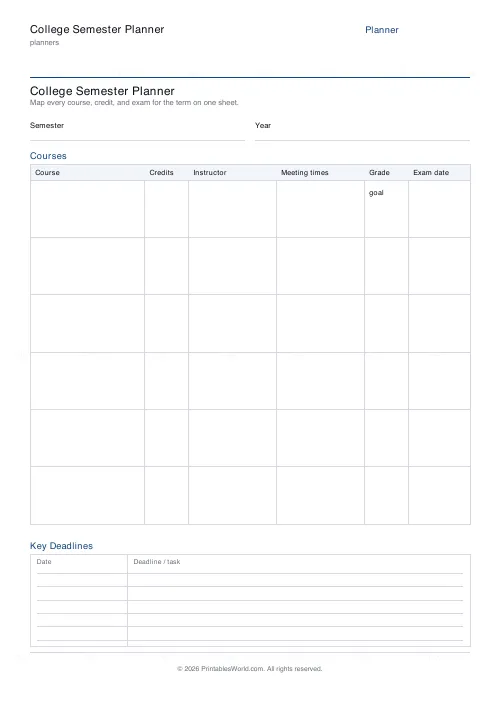
One-page semester-at-a-glance: courses, credits, instructors, exams and key deadlines.
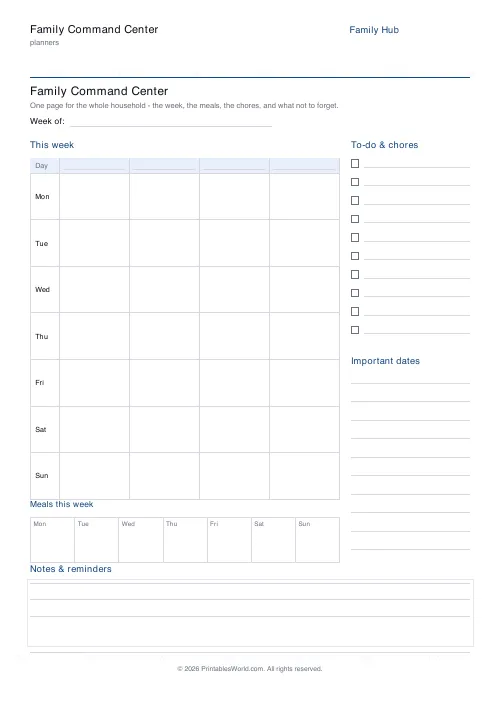
Family Command Center
One printable page for the whole household: a week-at-a-glance schedule for every family member, meals, chores, important dates, and reminders.
Further reading
Planners
ADHD-friendly planning: systems that work
Standard planners assume you will remember to open them. That single assumption is why they fail for a lot of ADHD brains. And what an ADHD-friendly system has to replace.
6 min read
Planners
Baby's first year: tracking sleep, feeds and milestones
Tracking helps most in the early weeks and can become a burden after them. Here is what is genuinely worth logging, why, and when to stop.
5 min read
Planners
Study planning for exams: a student's complete guide
A revision timetable is only as good as what goes in the slots. Here is how to build one backwards from the exam date, and which study methods the evidence actually supports.
5 min read