


 Scan to get


 Scan to get



 Scan to get







What this tool does
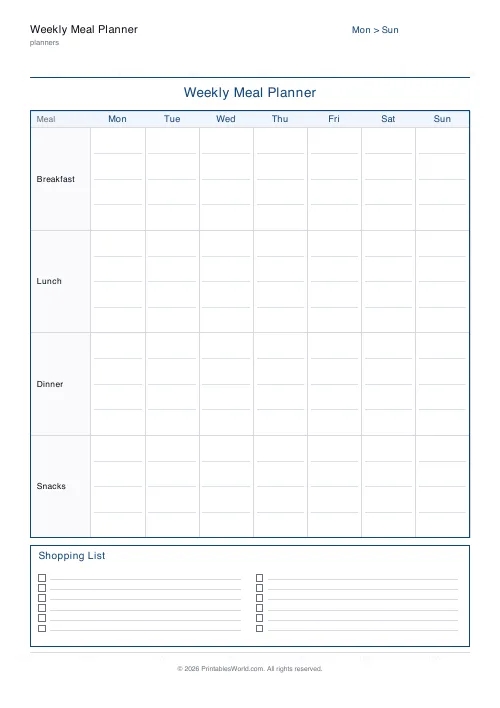
A week of meals on one page, with a shopping list panel at the bottom. Week starts Monday or Sunday, and the snacks column can be switched off.
People also used
Feedback
Spotted something off with this tool?
Seven days and a shopping list, one sheet
One row per day. Columns for the three meals, an optional fourth for snacks, and a panel across the foot of the page for the shopping list.
The week can start on Monday or Sunday, which is not a cosmetic setting — it should match whichever day you actually shop.
The shopping list belongs on the same page
That is the whole design. A meal plan on one sheet and a shopping list on another is two documents, and the second one gets written from memory in the car park.
Filling them in together is what makes the thing work. Write Wednesday's dinner, then immediately add the two items you have not got. Doing it in that order is what catches the ingredient you assumed was in the cupboard, and that assumption is exactly what turns a carefully planned week into a takeaway on Thursday evening.
Plan the week in the right order
Not Monday first. Start with the days you already know something about — the evening you get home late, the night someone is out, the day there will be leftovers.
Fill those in, then fit the rest around them. Planning forward from Monday produces an ambitious Tuesday and an empty Friday, every time.
Leave one dinner blank on purpose. Something will change, and a plan with no slack gets abandoned entirely the first time it is broken, whereas one with a gap survives.
The snacks column
On by default. Worth keeping if you are planning for children, for a household where snacks are half the food budget, or for anyone tracking what they eat rather than only what they cook.
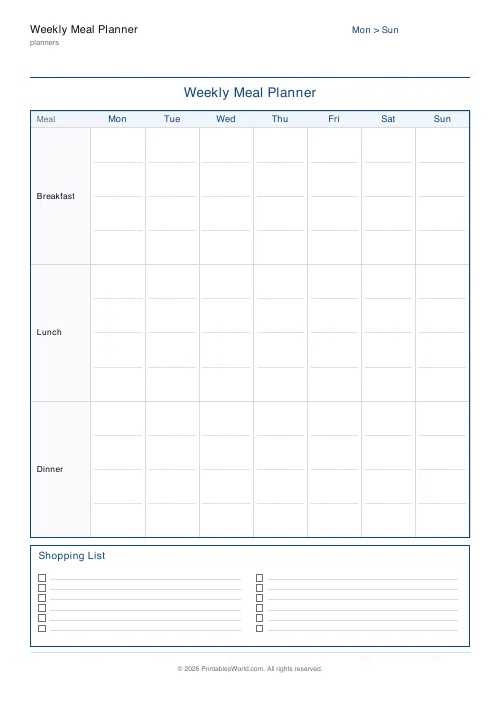
Turn it off and the three meal columns get wider, which matters if you write in longhand or if a meal needs more than two words.
Why paper rather than an app
Because the plan needs to be visible to everybody in the house without anyone unlocking anything.
A sheet on the fridge answers "what's for dinner" without a conversation, and it lets somebody else start cooking. That is the actual benefit of meal planning in a household of more than one, and it is the one an app on your own phone does not deliver.
Options on the form
A title, week start, and the snacks column. A4 or US Letter.
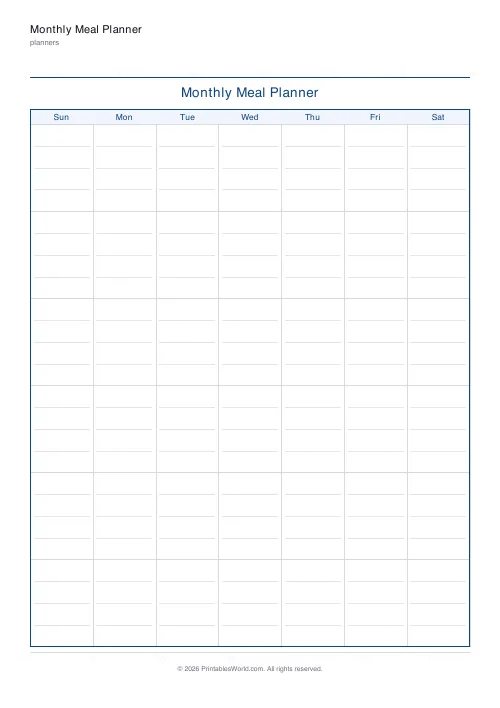
For a whole month at a glance, the monthly version lays the same idea out as a calendar grid, with less room per day.
Print at 100%.
FAQs
Quick answers
Can the week start on Sunday instead of Monday?
Yes. Switch the "Week starts" toggle to Sunday and the first column becomes Sunday.
Does it include a shopping list?
Yes. The bottom strip of the page is a two-column shopping list with tick boxes so you can prep before you shop.
Can I remove the snacks row?
Yes. Turn off "Include snacks" and the planner only shows breakfast, lunch and dinner rows.
What paper size is best?
A4 or US Letter both work well. Pick whichever matches your printer and notebook.
Related tools
Monthly Meal Planner
A calendar-style monthly meal planner with space to write meals in every day.
Grocery List
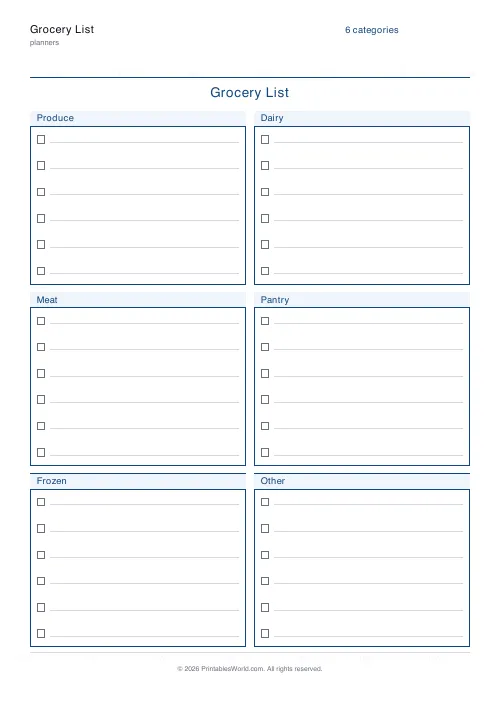
Printable categorised grocery list with tick boxes for every item.
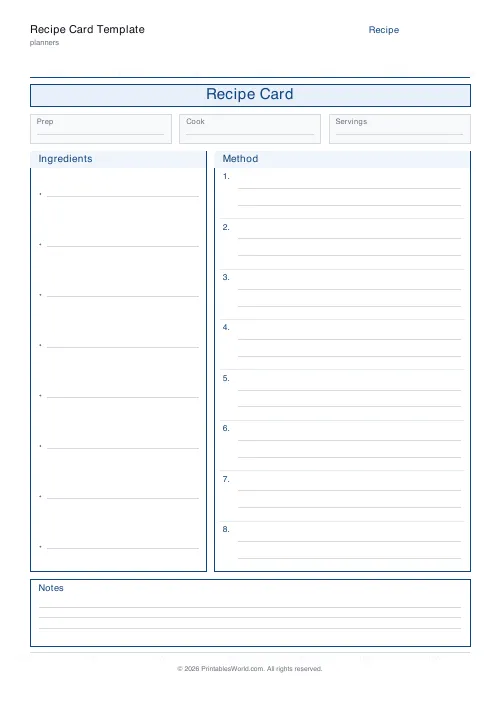
Recipe Card Template
A clean printable recipe card with ingredients, method and notes.
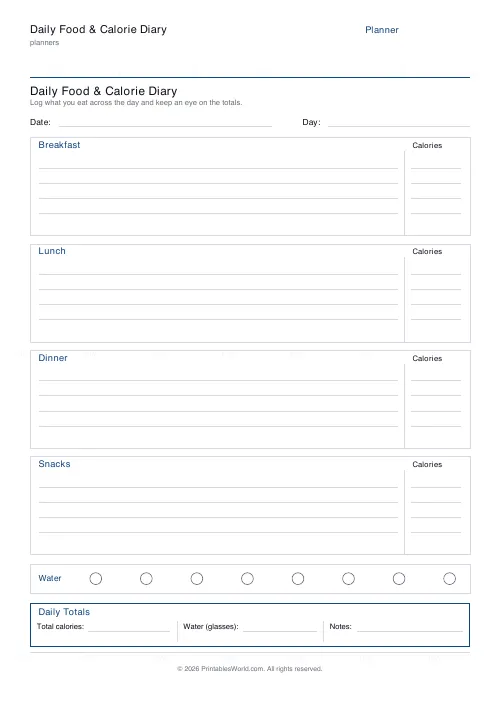
Daily Food & Calorie Diary
One-page printable food log: breakfast, lunch, dinner, snacks, water and daily totals.
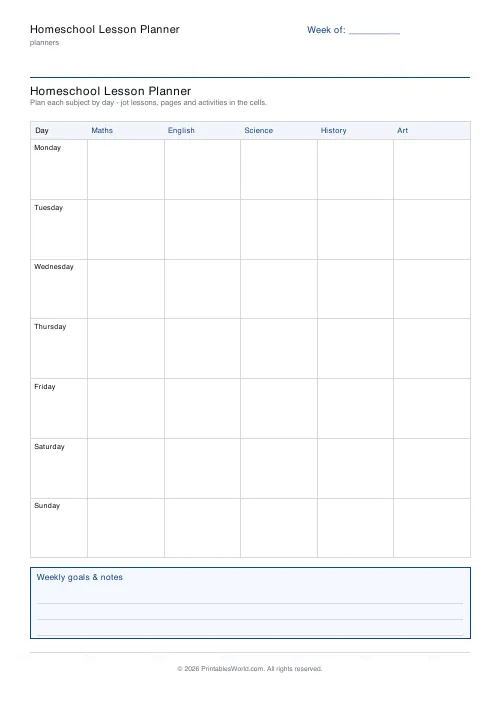
Homeschool Lesson Planner
Printable weekly homeschool planner. Flexible day count, your own subject names, and room for more than one child.
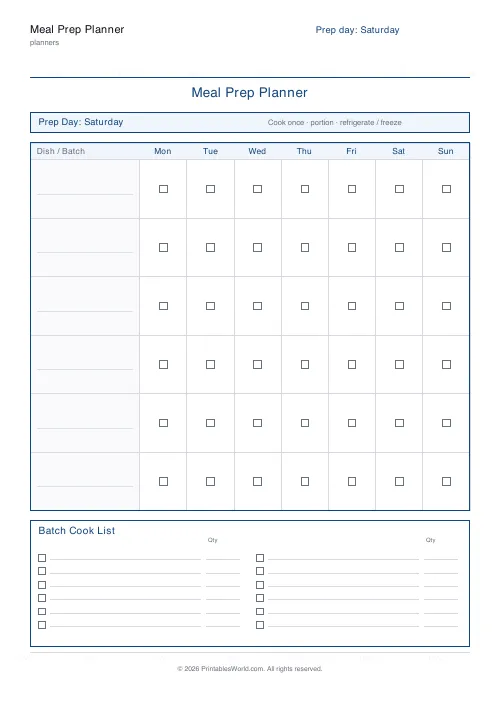
Meal Prep Planner
Plan one big cook day, batch the shopping, and portion every container by day.
Further reading
Planners
Meal planning 101: save time and money every week
A weekly meal plan saves money mainly by changing how you shop. Here is a thirty-minute method, the shortcuts that keep it going, and the mistake that ends most plans in week three.
5 min read
Planners
ADHD-friendly planning: systems that work
Standard planners assume you will remember to open them. That single assumption is why they fail for a lot of ADHD brains. And what an ADHD-friendly system has to replace.
6 min read
Planners
How to build a daily routine that actually sticks
Most routines fail in week two, when motivation runs out and nothing has replaced it. The fix is structural: fewer items, fixed anchors, and a plan for the day you miss.
6 min read












