
What this tool does
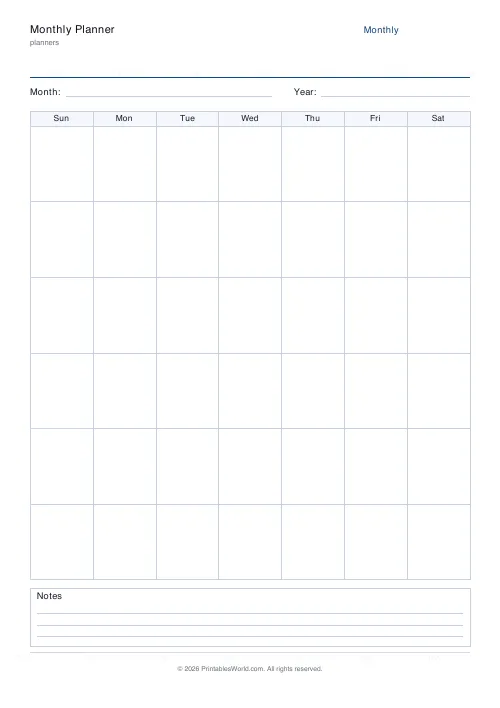
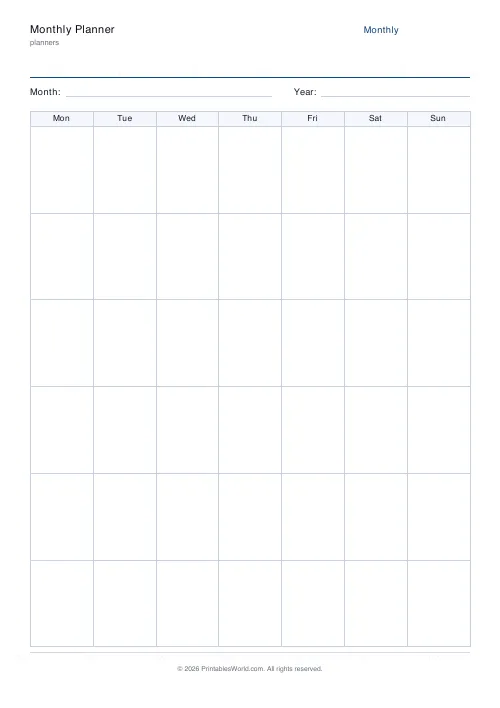
A blank month grid, six rows by seven columns, with a weekday header and an optional notes footer. Start weeks on Monday or Sunday.
People also used
Feedback
Spotted something off with this tool?
An undated month
Six rows of seven boxes under a weekday header, a month field at the top and a notes area at the foot that you can turn off if you want the grid to fill the page.
The dates are not printed. You write them in, which is the point — the sheet works for any month of any year, including the one you need right now, and there is no waiting for next January.
Why six rows
Because some months need them. A 31-day month starting on a Saturday spills into a sixth week, and a grid with only five rows cannot hold it.
Most months use five and leave the last row spare. Use it for the following month's first days, or for anything that belongs to the month without belonging to a date.
Filling it in
Find which weekday the first falls on, write a 1 in that box, and carry on across and down. Thirty seconds, and it is the step that makes the sheet yours.
Monday start is the international standard and the usual choice in Britain and Europe. Sunday start is the American and Japanese convention. Pick whichever matches the calendars around you, because a planner that disagrees with the wall calendar causes exactly the sort of error it exists to prevent.
What a month view is good at
Commitments and shape, not tasks. Appointments, deadlines, birthdays, holidays, bills, the rhythm of a term.
The boxes are small — about 26 mm across and 32 mm tall on A4 — and that constraint is doing useful work. A month box holds a few words, which is about right for "dentist 3pm" and quite wrong for a to-do list, and the to-do list belongs on the weekly or daily sheet anyway.
Uses beyond the obvious
Habit tracking, one mark per day, where the point is seeing the run of marks unbroken. Mood and symptom logs, using a colour code with the key in the notes footer. Content and posting calendars. Teachers mapping a term's topics. Chore rotas. Reading logs, where a page count in each box turns into a visible line by the end of the month.
The notes footer is where the key or the running total goes. Turn it off when you want the maximum box size and nothing else.
Print twelve and you have made yourself a year.
FAQs
Quick answers
Why are the date cells blank?
The blank layout lets you drop it into any month or year. Write the month and year in the header and fill in dates to match.
Can I hide the notes footer?
Yes. Turn it off and the grid expands to fill the page for more writing room per day cell.
Which week start should I choose?
Monday is common in Europe and most of the world; Sunday is common in the US. Pick the one that matches your wall calendar.
Does it include weekends?
Yes. All seven weekdays get their own column.
Related tools

Weekly Planner
Weekly spread with seven day columns, a goals box, and a notes strip.

Yearly Overview Planner
Twelve mini month calendars on one page. The whole year at a glance.

Daily Planner
One-page daily planner with priorities, hourly schedule, and a notes strip.
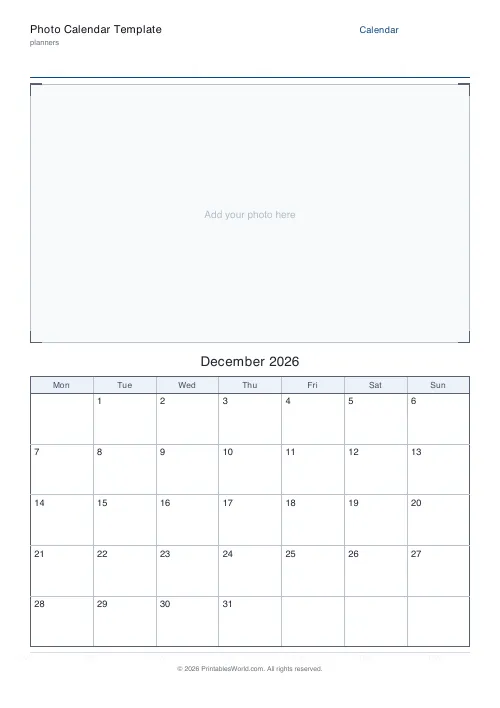
Photo Calendar Template
Printable photo calendar: a blank photo box on top and a dated month grid below.
Further reading
More like this
 Planner Maker: Custom Printable Planner Pages
- Daily Planner
- Weekly Planner
- Yearly Overview Planner
 Simple To-Do List
 Priority Matrix (Eisenhower)
 Meeting Notes Template
 30-Day Habit Tracker
 12-Week Habit Tracker
 Monthly Mood Tracker
 Weekly Sleep Tracker
 Daily Water Tracker
 Weekly Meal Planner
 Monthly Meal Planner