
What this tool does
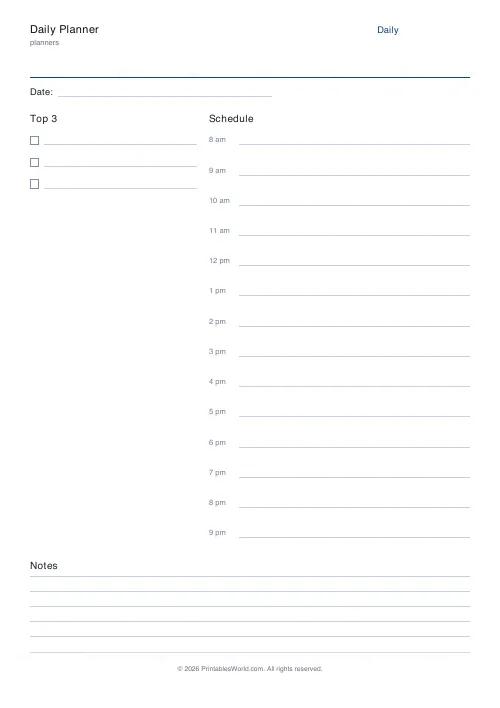
One day on one page: a priorities column, an hour-by-hour schedule and a notes strip. Set your own start and end hours and how many priorities you want.
People also used
Feedback
Spotted something off with this tool?
What is on the sheet
A date line across the top. Down the left, a numbered priorities column with a checkbox against each entry; on the right, an hourly schedule, one row per hour. A notes strip runs along the bottom.
The title is yours to change, and so is everything about the schedule: it starts at 8am and ends at 9pm by default, and you can set anything from midnight to 11pm at either end.
Priorities before schedule
The priorities column is on the left because that is the order the day should be planned in. Decide what actually has to happen first, then find time for it — not the reverse.
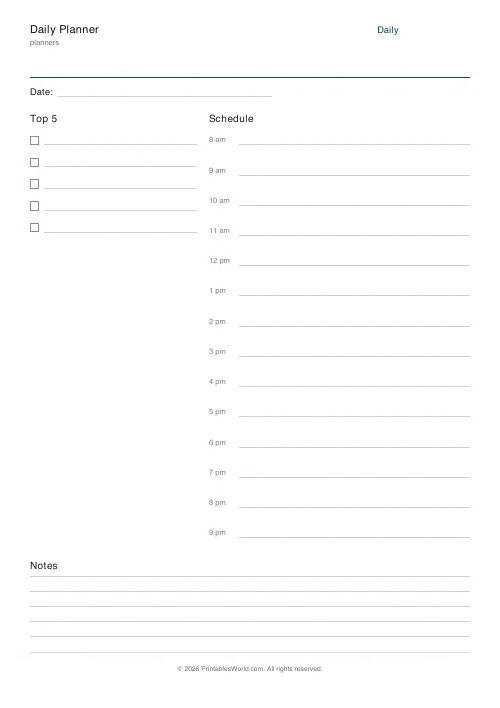
Three is the default and three is usually right. A list of ten priorities is not a list of priorities, it is a list. Some people want more, though, so the field goes up to ten and nobody will stop you.
Hours
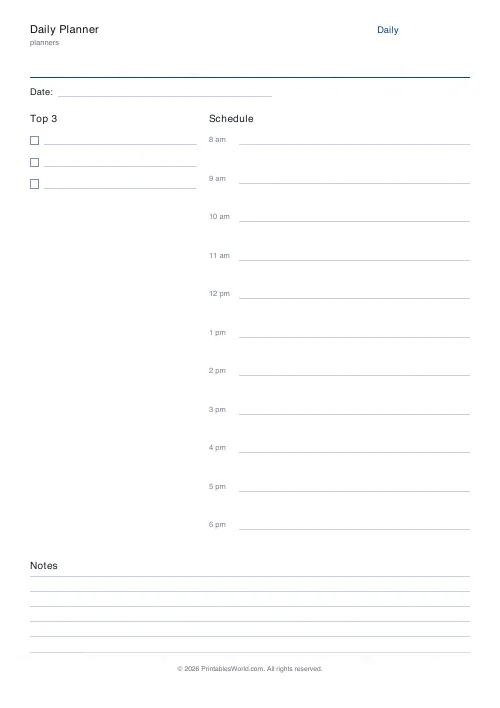
Set the range to match your real day. A teacher might run 7am to 4pm. A shift worker might need 2pm to midnight. Somebody planning study time might only want 6pm to 10pm, with the four rows correspondingly tall.
That last part matters more than it sounds: the schedule fills the column whatever the range, so a short range gives generously tall rows and a long one gives thin ones. The default 8am-to-9pm range gives fourteen rows at a shade over a centimetre each, which takes a few words. Ask for six hours and you get two and a half centimetres a row, which takes a sentence.
Time blocking
The reason to write "10am — draft the report" rather than to keep a to-do list is that the list has no relationship with the amount of day available. A list of twelve items looks achievable. Twelve items placed against actual hours does not, and that disappointment is best had at eight in the morning rather than at six in the evening.
Leave gaps deliberately. A schedule packed edge to edge fails on contact with the first interruption, and the day always has one.
Paper, and why
A paper planner cannot notify you, sync, or be searched, and it is unreasonably effective anyway. Nothing else on the desk is competing for your attention when you look at it, writing by hand is slower in a way that forces a decision about what is worth writing, and there is no meaningful setup cost — the sheet is ready when it comes out of the printer.
Print a week at a time and clip them together.
The other two spans
For a week across seven columns, the weekly planner. For a month grid, the monthly planner. Many people run all three: month for commitments, week for shape, day for execution.
FAQs
Quick answers
What hours does the schedule cover by default?
The schedule runs from 8am to 9pm by default. You can change the start and end hour to fit your routine.
How many top priorities can I list?
Between one and ten. Three works well as a focus trio, but you can raise it if you run a packed day.
Can I print this every day?
Yes. It is a free printable. Download the PDF once and re-print whenever you need a fresh page.
Does it use A4 or US Letter?
Both. Pick the paper size before you export; the layout scales to fill the page neatly.
Related tools

Weekly Planner
Weekly spread with seven day columns, a goals box, and a notes strip.

Simple To-Do List
Minimal printable to-do list with tick boxes and a configurable item count.

Meeting Notes Template
One-page meeting template with date, attendees, agenda, decisions, and action items.
ADHD Daily Planner
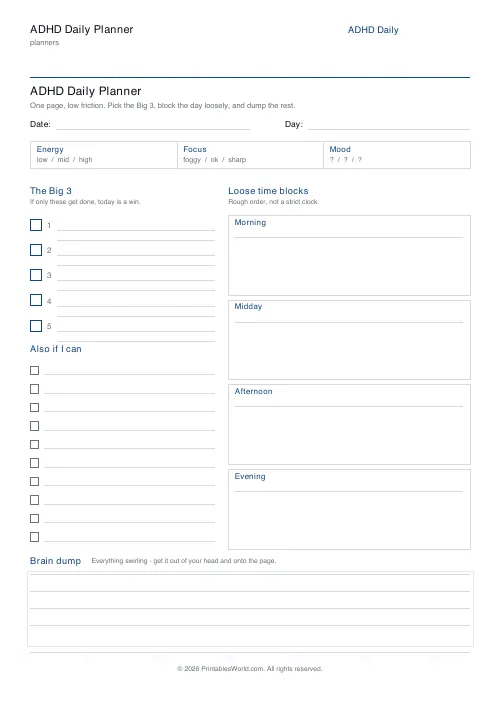
A low-friction one-page daily planner built for ADHD brains: the Big 3, loose time blocks, an energy check-in, and a brain dump.
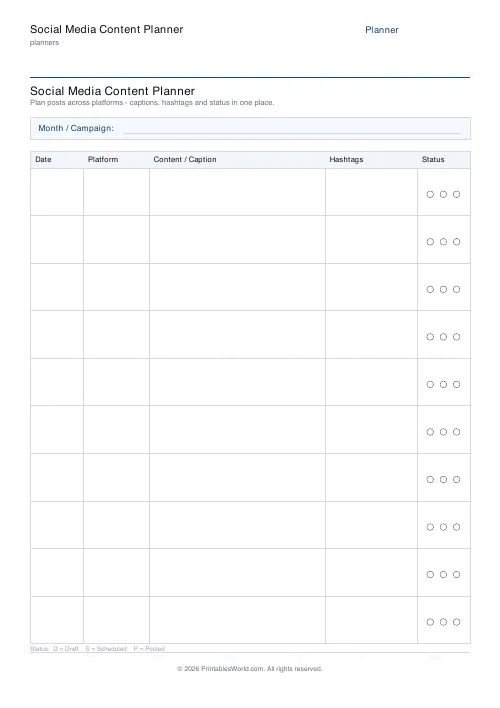
Social Media Content Planner
One-page printable post schedule: date, platform, caption, hashtags, status.
Further reading
Planners
How to track habits that actually change your life
Habit tracking works because it makes an invisible process visible. It fails when you track too many things, or when protecting the streak becomes more important than the habit.
5 min read
Planners
Time blocking for beginners: a complete guide
Time blocking is deciding when each task happens, not just what. Here is how to size blocks realistically, what to do when the day breaks, and why most beginners over-schedule.
5 min read
Planners
How to build a daily routine that actually sticks
Most routines fail in week two, when motivation runs out and nothing has replaced it. The fix is structural: fewer items, fixed anchors, and a plan for the day you miss.
6 min read
More like this
 Planner Maker: Custom Printable Planner Pages
- Weekly Planner
 Monthly Planner
 Yearly Overview Planner
- Simple To-Do List
 Priority Matrix (Eisenhower)
- Meeting Notes Template
 30-Day Habit Tracker
 12-Week Habit Tracker
 Monthly Mood Tracker
 Weekly Sleep Tracker
 Daily Water Tracker
 Weekly Meal Planner
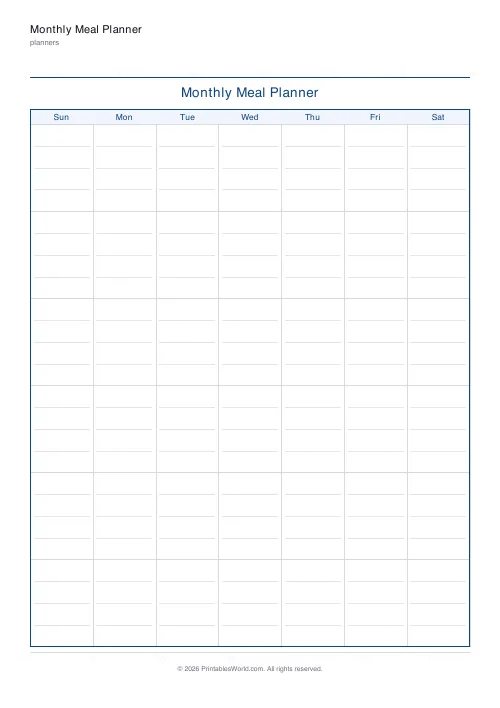 Monthly Meal Planner