What this tool does
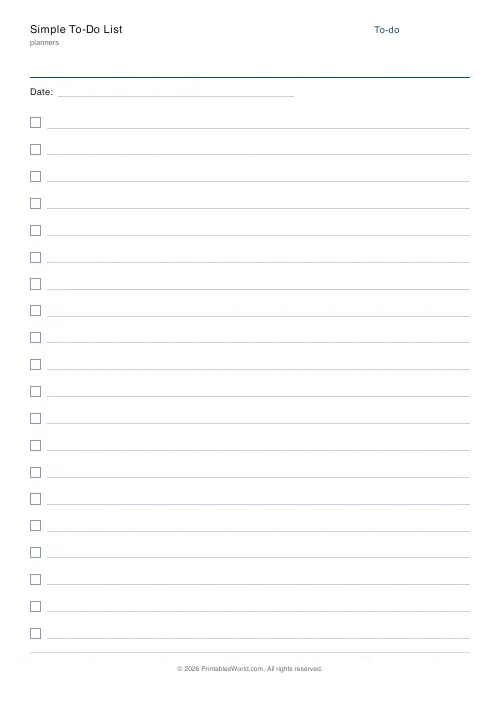
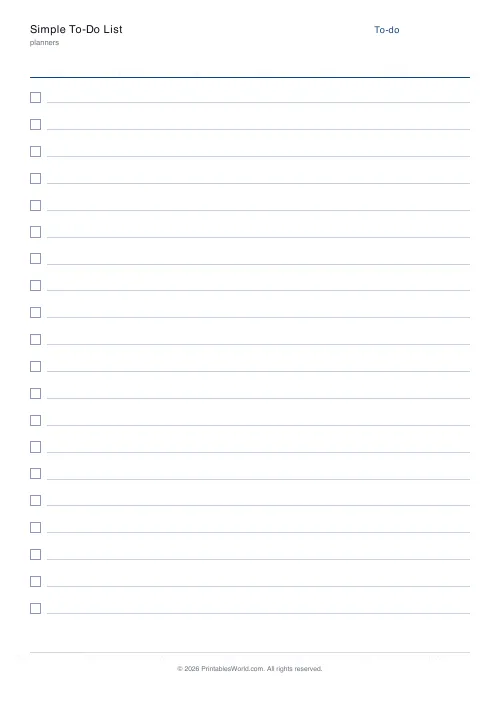
A plain to-do list with a tick box per row. One to sixty items, with an optional date field. Rows get shorter as the count goes up.
People also used
Feedback
Spotted something off with this tool?
Boxes and lines, nothing else
Choose how many items and whether to print a date field. That is the sheet. Twenty rows is the default, and the row height shrinks as the count rises, so ten items get generous space to write in while fifty get a tight list.
The count is a decision about the day
It looks like a formatting option and it works as an instruction.
Print thirty rows and you will fill thirty rows, because a blank line reads as something missing. Print eight and you have to choose, and choosing is the part of planning that actually helps.
Honest daily capacity for most people is three to six real tasks plus a scattering of small ones. A list admitting that gets finished. A list of thirty is a document you fail at, daily.
Write actions, not areas
"Email" is not a task. "Reply to Sam about the invoice" is, because you can tell when it is done.
The test is whether the first physical step is obvious. If reading the line leaves you with something to work out before you can start, it belongs on a project list rather than a to-do list, and it needs breaking down before it will ever be crossed off.
Items that survive three days of copying are almost always this problem rather than laziness.
Why paper beats an app for this specifically
Not because paper is superior in general. Because a to-do app has infinite space and paper does not.
A digital list accumulates — nothing costs anything to add, so everything gets added, and within a month it is an archive of guilt rather than a plan for the day. A sheet with twenty lines refuses the twenty-first, and rewriting it tomorrow forces a decision about everything that did not get done.
That daily rewrite is the whole system, and it is the thing digital lists remove.
Crossing out is the point
Cross it out rather than ticking it, and do it immediately.
Visible progress matters more than it should. A half-struck-through list motivates in a way a column of checkmarks somehow does not, and doing one small thing first purely to get a line through it is a legitimate tactic rather than procrastination.
The options
A title, item count, and the date field on or off. A4 or US Letter, printed at 100%.
Print a week at a time and keep them together — the sheet from yesterday is what tells you what to put on today's.
For tasks that need triaging rather than listing, the priority matrix sorts by urgency and importance instead.
FAQs
Quick answers
How many items can I list?
Between 10 and 30. Shorter lists give more writing room per line; longer lists cover a full day.
Can I leave out the date?
Yes. Toggle the date field off for a reusable list that does not tie itself to a specific day.
Is there anywhere to strike items off?
Each row has its own tick box on the left. Check it off or cross the whole line out once done.
Can I print it double-sided?
Yes. The layout is single-page and symmetrical, so duplex printing gives two lists per sheet.
Related tools



Further reading
Planners
Budgeting for beginners: the 50/30/20 rule explained
Half to needs, 30% to wants, 20% to savings and debt. A useful starting frame. And this covers what actually counts as which, plus what to do when the numbers do not fit.
5 min read
Planners
How to build a daily routine that actually sticks
Most routines fail in week two, when motivation runs out and nothing has replaced it. The fix is structural: fewer items, fixed anchors, and a plan for the day you miss.
6 min read