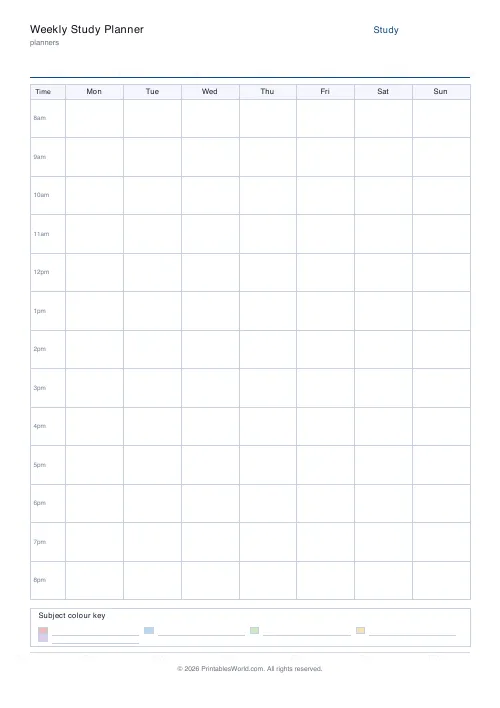
What this tool does
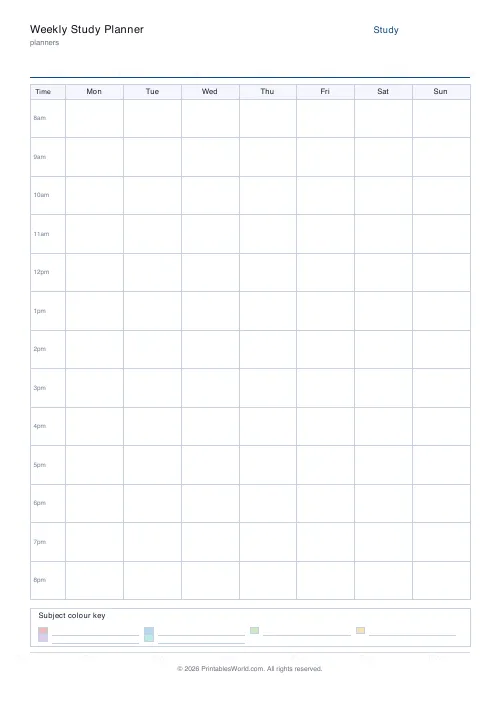
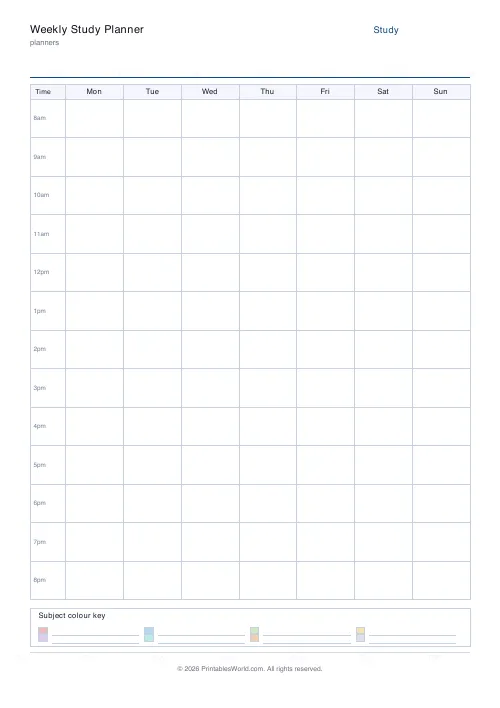
A weekly study timetable: seven day columns against an hourly grid, with the start and end hour up to you. A colour key strip at the foot holds your subjects.
People also used
Exam Revision Timetable
Subjects × dates grid with tick-boxes to track revision sessions.
Assignment Tracker
Printable tracker with rows for subject, task, due date, priority, and status.
Exam Countdown Tracker
Print a visual countdown grid, 30 days, 12 weeks, or 365 boxes, and cross off each block as you near exam day.
Feedback
Spotted something off with this tool?
Seven columns, one row per hour
Set the hours the grid covers — eight in the morning to nine at night by default — and whether the week starts on Monday or Sunday. A key strip along the bottom takes your subjects, one colour each.
Fill in the fixed things first
Lessons. Work shifts. The train, meals, the club on Thursday. Everything already decided goes on the grid before a single hour of studying does.
Almost everybody plans the other way round and produces a timetable that assumes a week they do not have. Blocking out the immovable parts first shows you what is actually available, and it is nearly always less than expected — which is useful information rather than a discouragement.
Colour the subjects, and look at the balance
The key strip is the point of colouring rather than writing. Once a week is filled in, the balance is visible without reading anything: one colour dominating, one colour barely present.
The scarce colour is usually the hardest subject. Study drifts towards comfort, and nobody catches themselves at it. That is the most useful thing this sheet shows, and a written list hides it completely.
Shorter blocks, spread out
An hourly grid invites hour-long blocks, and hour-long blocks are longer than sustained attention generally lasts.
Two forty-minute sessions on different days beat one long one, both because attention holds and because spacing the same total time across more days produces better retention — one of the more robustly replicated findings in the study literature. Use the grid to spread a subject rather than to concentrate it.
Leave gaps. A timetable with no breaks in it is a fantasy of a day, not a plan for one.
Leave whole slots empty
A completely full timetable fails on the first day something runs over, and then the whole thing is abandoned because it is "already wrong".
Deliberately empty slots absorb that. They also give you somewhere to move a missed session to, which is what turns a plan into something that survives a bad week.
Setting the sheet up
A title, week start, the first and last hour, and how many subjects the key holds. A4 or US Letter, printed at 100%.
Narrowing the hour range gives taller rows and more room to write, so if nothing happens before ten, start at ten.
For a longer view across the weeks before an exam, the revision timetable is a subjects-by-days grid instead.
FAQs
Quick answers
What hours does it cover?
Default is 8 am to 9 pm (13 hourly rows). You can change the start and end hours to match your own schedule.
How do I colour-code subjects?
The legend strip at the bottom has swatches. After printing, colour each swatch for a subject, then shade matching cells in the grid with the same colour.
Monday-start or Sunday-start?
Switch the "week start" setting. Most UK/EU schools use Monday, most US calendars use Sunday.
How many subjects fit?
The legend holds three to eight subjects. If you need more, pair two subjects per colour or pick a second-sheet strategy.
Related tools
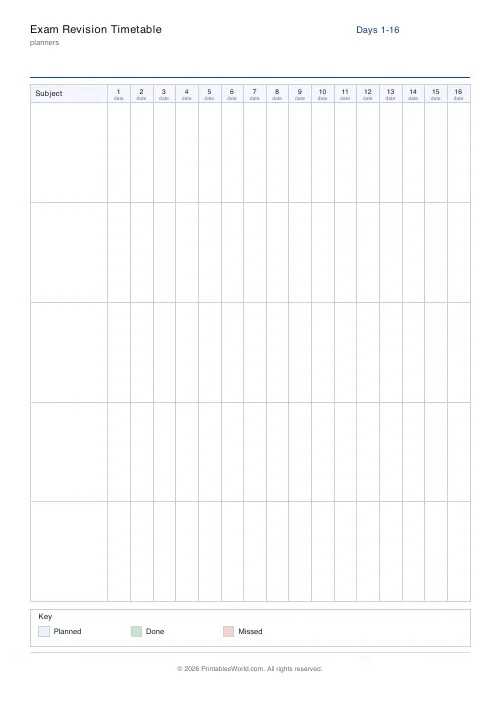
Exam Revision Timetable
Subjects × dates grid with tick-boxes to track revision sessions.
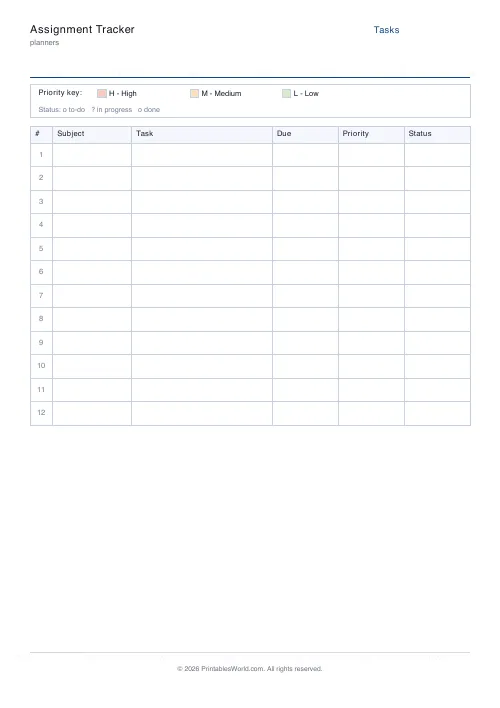
Assignment Tracker
Printable tracker with rows for subject, task, due date, priority, and status.
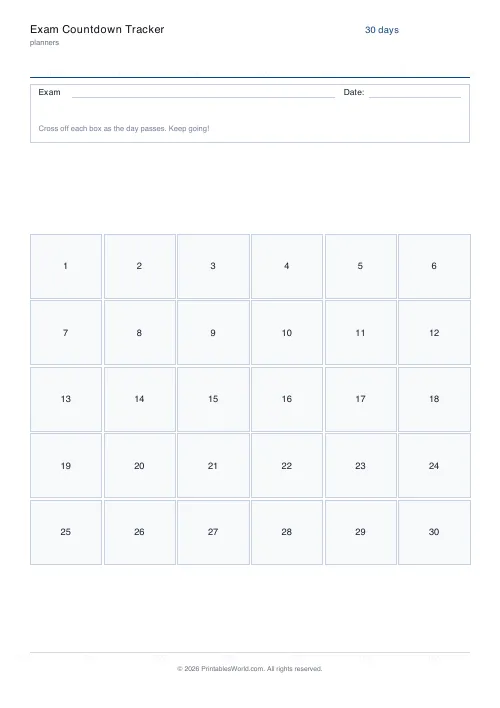
Exam Countdown Tracker
Print a visual countdown grid, 30 days, 12 weeks, or 365 boxes, and cross off each block as you near exam day.
Further reading
Planners
Study planning for exams: a student's complete guide
A revision timetable is only as good as what goes in the slots. Here is how to build one backwards from the exam date, and which study methods the evidence actually supports.
5 min read
Planners
Time blocking for beginners: a complete guide
Time blocking is deciding when each task happens, not just what. Here is how to size blocks realistically, what to do when the day breaks, and why most beginners over-schedule.
5 min read
Planners
Meal planning 101: save time and money every week
A weekly meal plan saves money mainly by changing how you shop. Here is a thirty-minute method, the shortcuts that keep it going, and the mistake that ends most plans in week three.
5 min read













