


 Scan to get


 Scan to get



 Scan to get






What this tool does
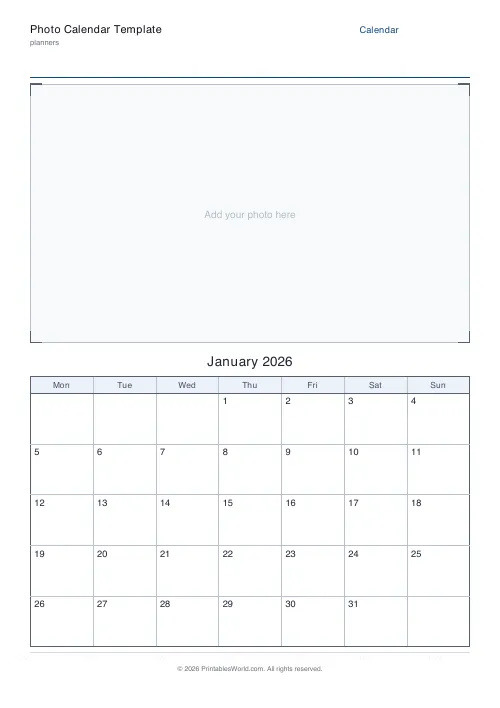
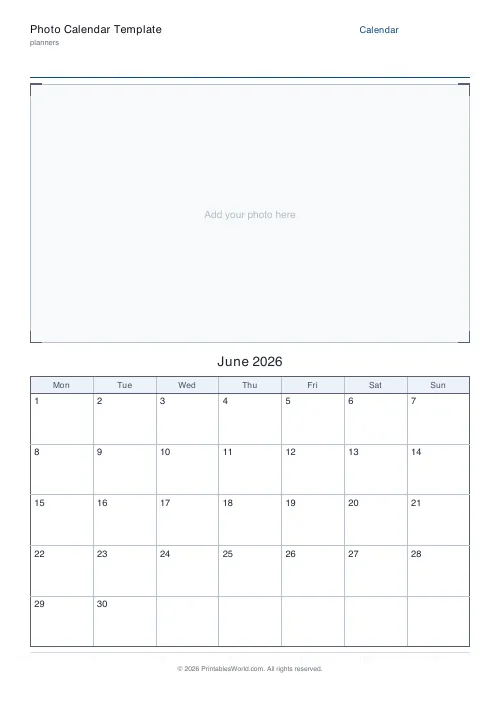
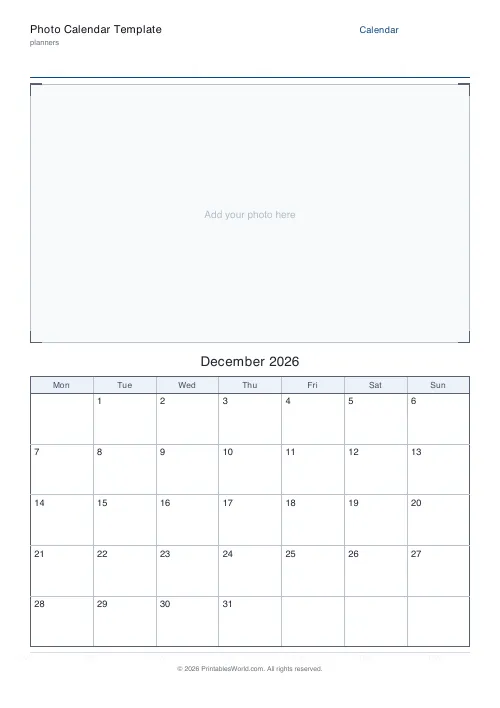
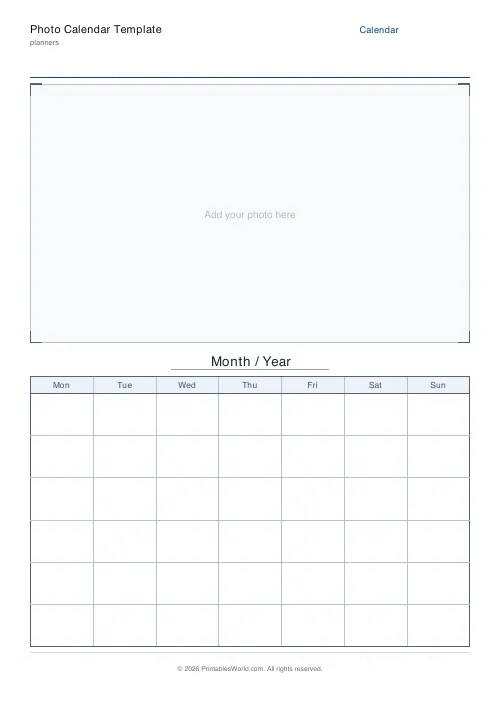
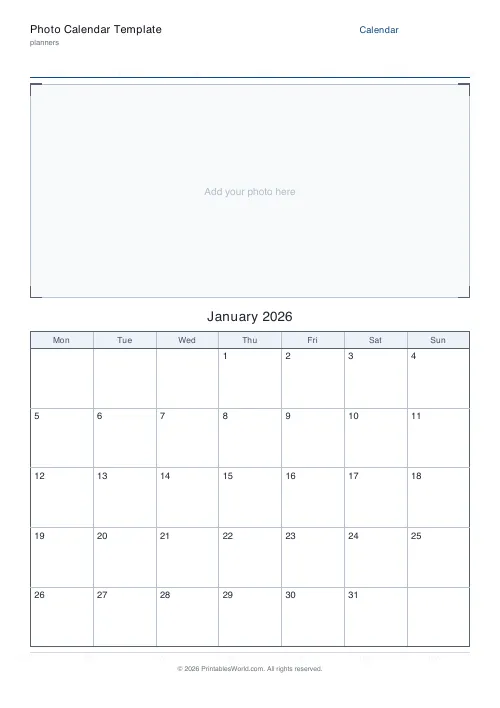
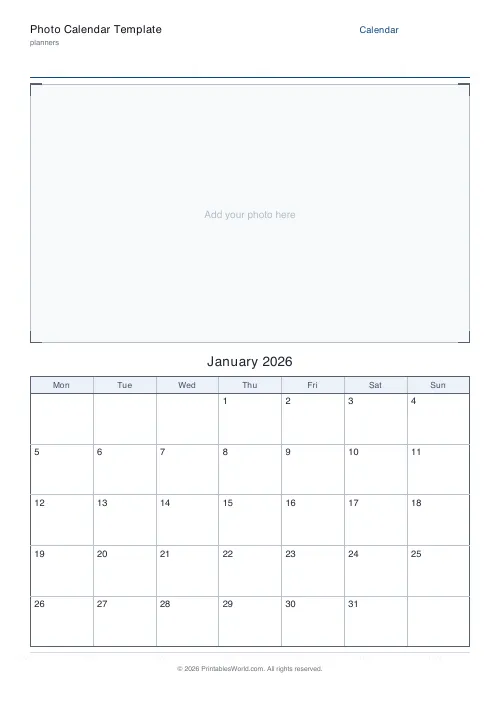
A photo calendar page: a large empty photo box across the top of the sheet and a correctly dated month grid below it. Pick any month and year and the dates land in the right weekday columns, or choose Undated and write them in by hand for a template you reuse every year. Monday or Sunday week start, three photo-box sizes, and an optional caption under the frame.
People also used
Monthly Planner
Blank month grid with weekday headers and an optional notes footer.
Birthday & Important Dates Calendar
Printable birthday and important dates calendar: twelve month sections to record every date.
Planner Maker: Custom Printable Planner Pages
Build custom printable planner pages with lines, boxes, text and checklists in precise millimetre layouts.
Feedback
Spotted something off with this tool?
The picture is yours to add
The top of the page is a framed empty box with corner crop marks and a faint prompt. No clip art, no stock photograph, nothing to remove. You mount or glue or print your own picture into that space.
Below it sits a real dated month grid. Twelve of these, one per month, is a personalised wall calendar built from your own holiday photographs, or the dog, or a child's paintings.
Real dates, or none at all
Choose a month and type a year and the grid is numbered correctly: the first lands in the right weekday column, the number of week rows adjusts to what the month needs, and a leap-year February comes out at 29 without you checking.
Or pick Undated. The grid prints empty and you write the numbers in by hand, which turns the sheet into a template that works in any year. That is the version to laminate, and the version to print if you are making twelve of these as a craft project with children who want to do the writing themselves.
Week start, photo size, caption
Monday start for the UK, Europe and the ISO convention. Sunday for the US. The weekday headers and the whole date layout reorder to match, so the grid always reads correctly.
The photo box takes between about a third and three-fifths of the page, in three steps. Larger box for a picture that deserves it and a tighter grid underneath; smaller box when people are actually going to write appointments in the day cells. That is the real trade and it is worth deciding before you print twelve.
The caption line under the frame takes a month name in your own words, an event, a child's name, a note. It prints centred, and it is what turns a calendar into a gift.
Twelve pages, one afternoon
A fridge calendar for the family. A desk one for grandparents, which is the version that gets kept. A countdown to a wedding or a birth. A classroom month-in-pictures project where each child contributes a page.
Because you supply the pictures, nothing is uploaded anywhere and no photograph leaves the machine it is on. The PDF is built in your browser, and the only thing that goes into it is the grid.
FAQs
Quick answers
Does the tool add a photo for me?
No. It prints an empty framed photo box with crop guides and a faint cue. You add your own photograph, print it into the box, or glue or tape a printed photo in place, so every calendar is personal to you.
Will the dates be correct for the month I choose?
Yes. Pick a month and enter a year and the grid is numbered with the real dates, with the first day in the correct weekday column and the right number of week rows. Choose Undated if you want a blank grid to fill in by hand.
Can the week start on Sunday?
Yes. Switch the week start between Monday and Sunday and the weekday headers and date layout reorder so the columns read correctly for your region.
What paper sizes are supported?
A4 and US Letter. Print at 100% scale so the photo box and the dated grid fill the page neatly.
Related tools

Monthly Planner
Blank month grid with weekday headers and an optional notes footer.
Birthday & Important Dates Calendar
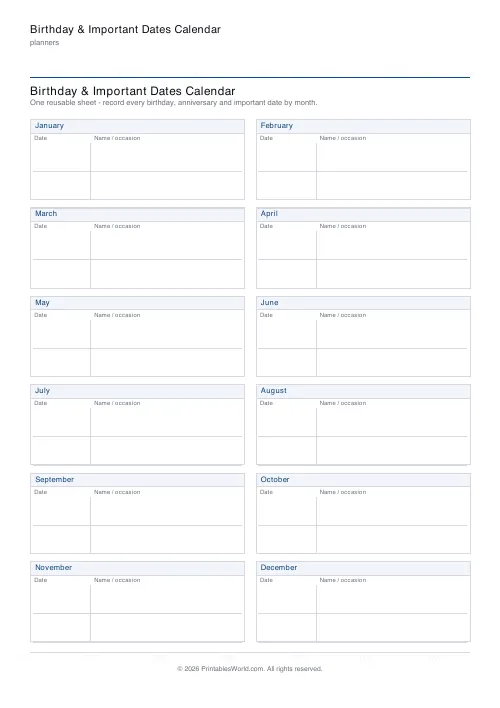
Printable birthday and important dates calendar: twelve month sections to record every date.

Planner Maker: Custom Printable Planner Pages
Build custom printable planner pages with lines, boxes, text and checklists in precise millimetre layouts.
Yearly Calendar (Dated)
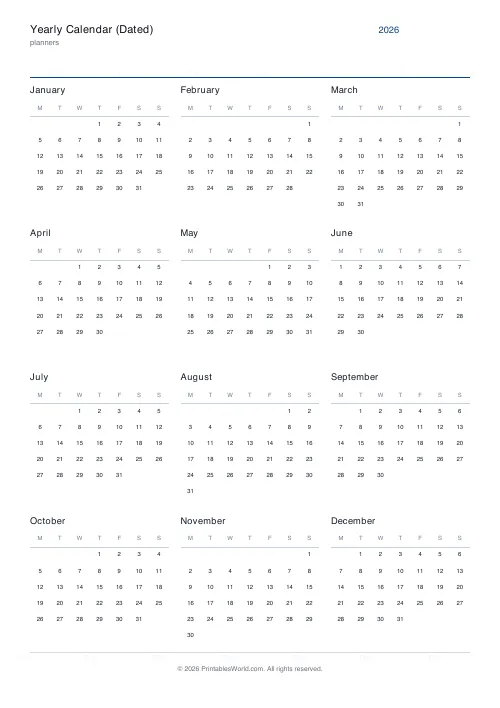
A full dated calendar for any year. Twelve printable month pages plus a year-at-a-glance cover.











