


 Scan to get


 Scan to get



 Scan to get






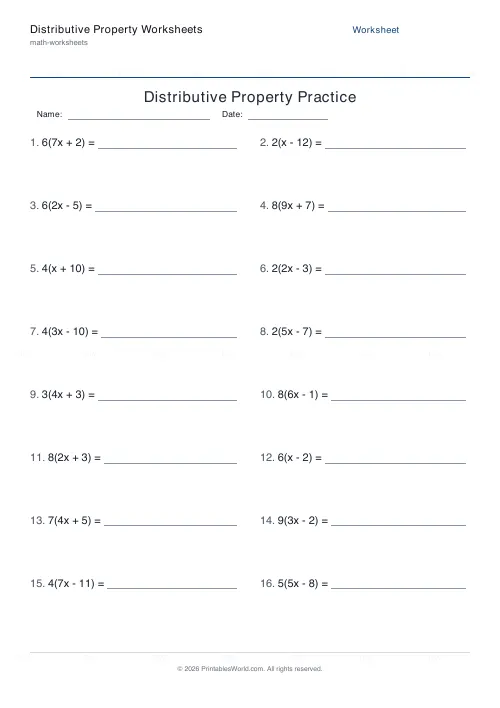
What this tool does
Expand a bracket, factorise back out of one, or mix the two. Every problem is built so the factoring direction always has a whole-number common factor.
People also used
BODMAS Order of Operations Generator
Order-of-operations practice with brackets, exponents and mixed arithmetic.
Introduction to Algebra Worksheets
Printable beginner algebra practice. Evaluate, simplify, and substitute.
Equation Solving Worksheets
Printable one-step and two-step linear equations to solve.
Feedback
Spotted something off with this tool?
Two directions
Expand gives you a(bx ± c) and wants abx ± ac. Factor gives you the expanded form and wants the bracket back. Mixed chooses per problem.
Sixteen questions by default, answer key optional.
Expanding is the easier half
Multiply everything inside the bracket by the thing outside it. Both terms, which is where the marks go: 3(2x + 5) is 6x + 15, and the pupil who writes 6x + 5 has multiplied one term and forgotten the other.
That error is so common it has its own arrow diagram in most textbooks, and the arrows are worth drawing until they are unnecessary.
Factoring is the direction that matters later
Harder, because you have to find the common factor rather than being handed it, and it is the one that unlocks quadratics, algebraic fractions and simplification generally.
The method: look at the numbers, find their highest common factor, take it outside, and write what is left inside. 12x + 18 has a common factor of 6, giving 6(2x + 3).
The near-miss is taking out a factor that is not the highest. 2(6x + 9) is a correct factorisation of the same expression and it is not fully factorised, and it will lose marks. Check whether the bracket has anything left in common — here 6 and 9 share a 3, so the job was unfinished.
Check by expanding
Every factorisation can be verified in about five seconds by multiplying it back out. If you do not get the original expression, something is wrong.
Teach that as automatic. It converts factoring from a skill with no feedback into one where a pupil knows immediately whether they are right, which is worth more than any amount of marking.
Why it is called distributive
Because the multiplication distributes across the addition, and the property is worth naming because it is the thing that makes algebra work at all.
It also explains mental arithmetic that pupils already do. 7 × 23 is hard; 7 × 20 plus 7 × 3 is easy, and it is the same property. Making that connection is a good way in for a class that finds the algebra abstract.
Level
Around ages eleven to fourteen for the basic form, revisited whenever quadratics arrive.
Related: factors and multiples, since factoring is a highest-common-factor problem wearing an algebra coat, and quadratic equations, which is where it pays off.
FAQs
Quick answers
What is the difference between expand mode and factor mode?
Expand mode gives you a bracketed expression like 4(3x + 5) and asks you to multiply it out to 12x + 20. Factor mode does the opposite: it gives you 12x + 20 and asks you to take out the common factor to write 4(3x + 5). Mixed mode combines both.
Are the answers always whole numbers?
Yes. The generator builds every factor problem by first choosing the common factor and multiplying, so the expression always factors cleanly. Expand problems use small integer coefficients throughout, so no fractions or decimals appear.
Do the problems use a variable like x?
Yes. Expressions use the variable x, for example 5(2x - 3) or 8x + 12. This mirrors the way the distributive property is taught in pre-algebra and early algebra courses.
Can I get the same worksheet again later?
The problems are randomised each time you generate, so every sheet is different. This is ideal for repeated practice, though it means you should keep any specific sheet you want to reuse rather than expecting to recreate it exactly.
How many problems fit on one page?
You can choose from 4 to 40 problems. They are arranged in two columns, and the text size adjusts automatically so the sheet stays legible even at the higher counts.
Does the answer key show the working?
The answer key shows the finished result for each problem. The fully expanded expression in expand mode, or the factored form in factor mode. Intermediate steps are left for students to write on scrap paper.
Will the worksheet print correctly on US Letter paper?
Yes. The layout is designed to fit both A4 and US Letter without cropping or scaling. Just select your paper size in the tool and print.
Related tools
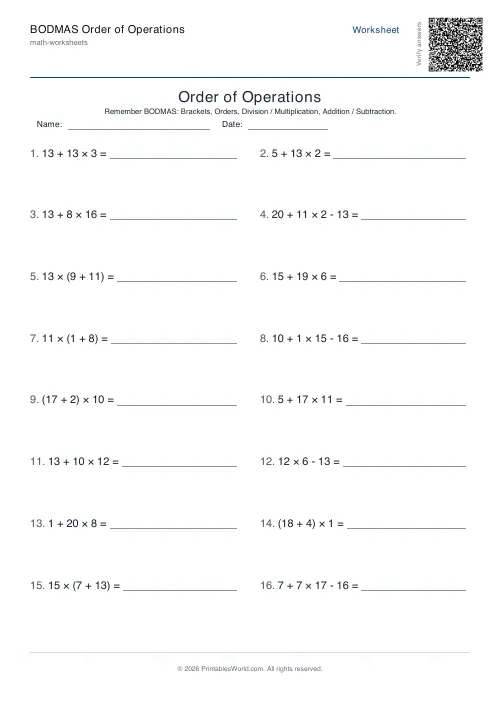
BODMAS Order of Operations Generator
Order-of-operations practice with brackets, exponents and mixed arithmetic.
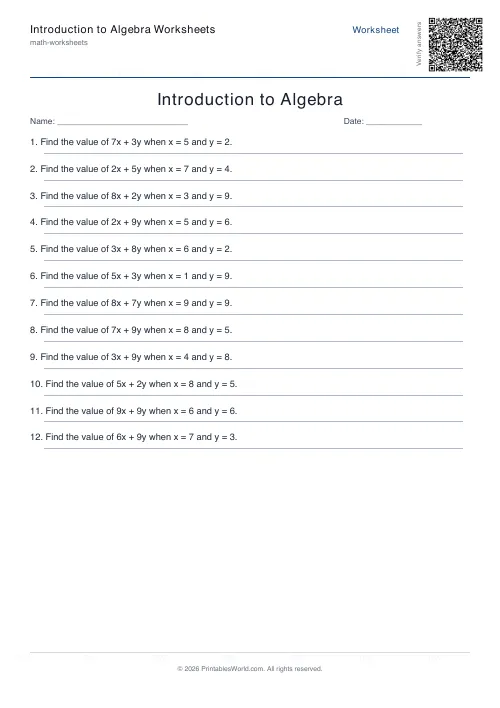
Introduction to Algebra Worksheets
Printable beginner algebra practice. Evaluate, simplify, and substitute.
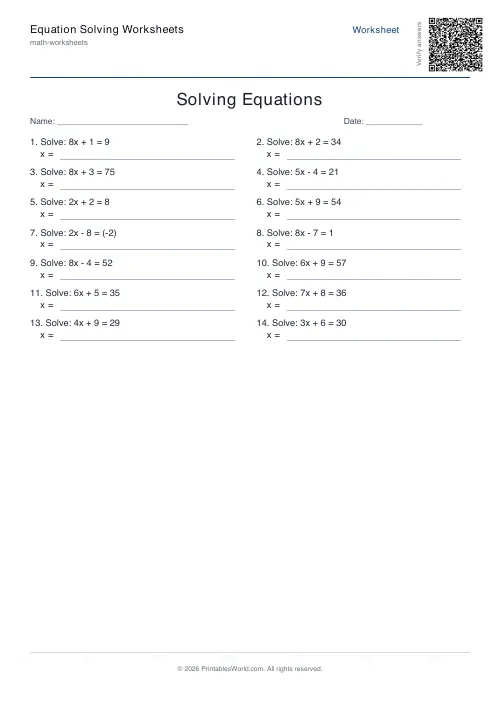
Equation Solving Worksheets
Printable one-step and two-step linear equations to solve.
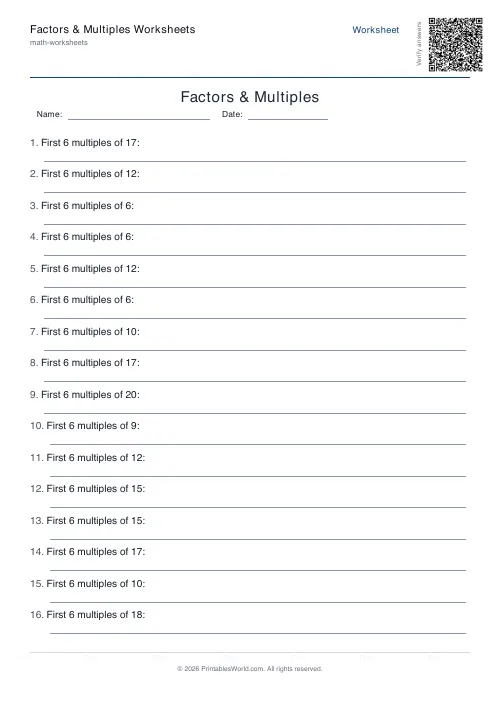
Factors & Multiples Worksheets
Generate printable worksheets for factors, multiples, HCF and LCM practice with custom ranges and answer keys.
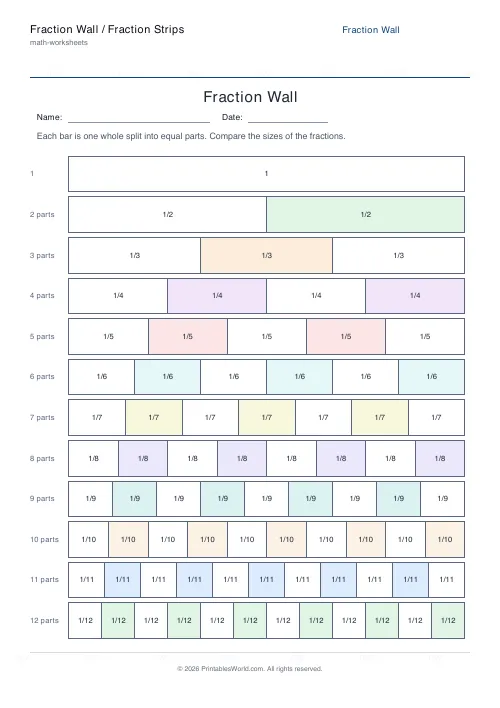
Fraction Wall / Fraction Strips Generator
Printable fraction wall and fraction strips that show halves, thirds, quarters and more at exact proportions.
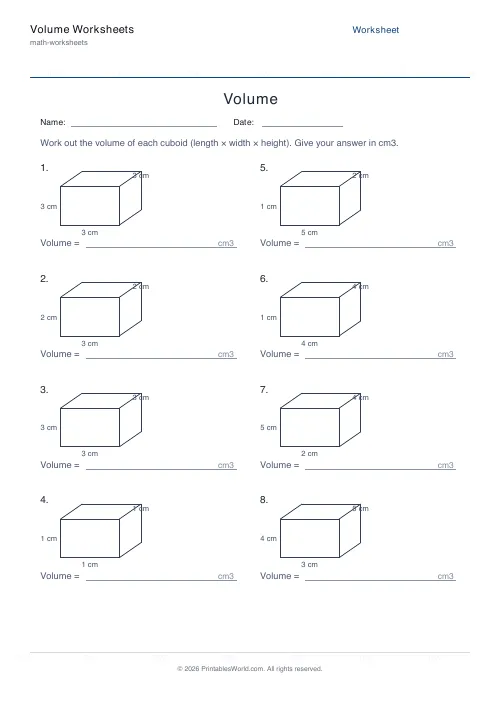
Volume Worksheets
Work out the volume of cuboids and cubes.
Further reading
Math Worksheets
Understanding BODMAS and PEMDAS: order of operations explained
BODMAS and PEMDAS describe the same rule in different words. The trouble is that both hide two facts the acronym cannot express. Which is where nearly every mistake comes from.
5 min read
Math Worksheets
Fractions made simple: teaching fractions at home
Fractions go wrong when the rules arrive before the meaning. Here is the order that works, the four misconceptions to head off early, and how to use everyday objects before any worksheet.
6 min read
Math Worksheets
How to read and interpret bar charts with kids
Reading a bar chart is easy; interpreting one is not. Four questions turn a chart from something children decode into something they can reason about.
4 min read
More like this
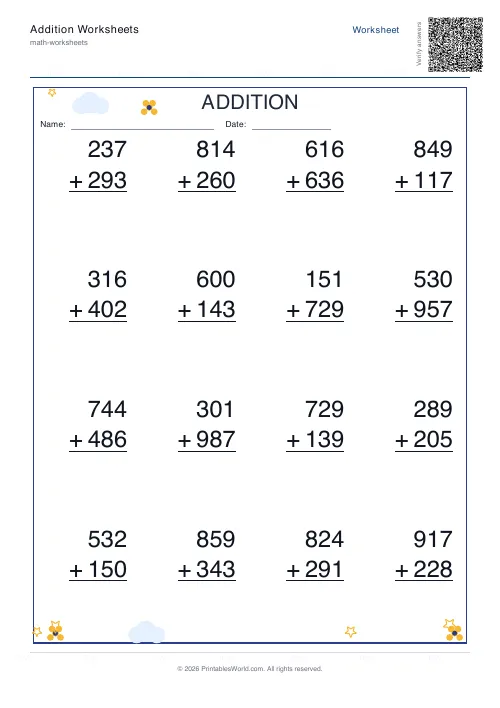 Addition Worksheets Generator
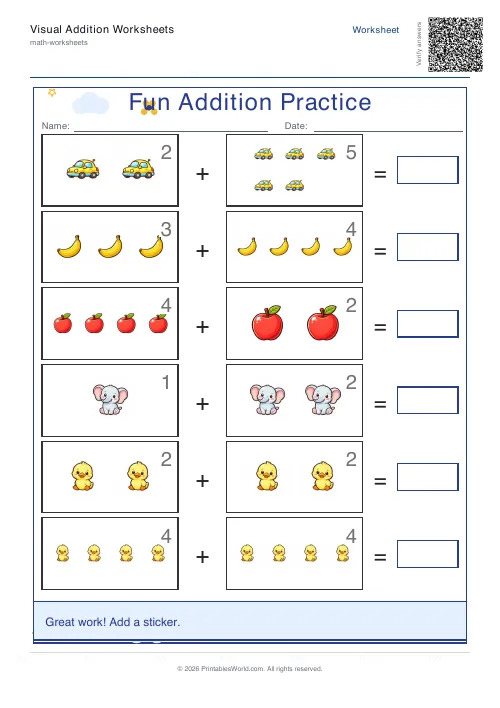 Visual Addition Worksheets Generator
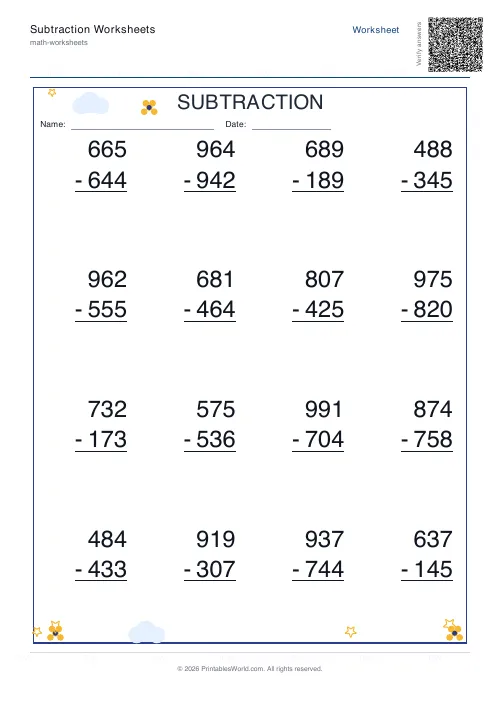 Subtraction Worksheets Generator
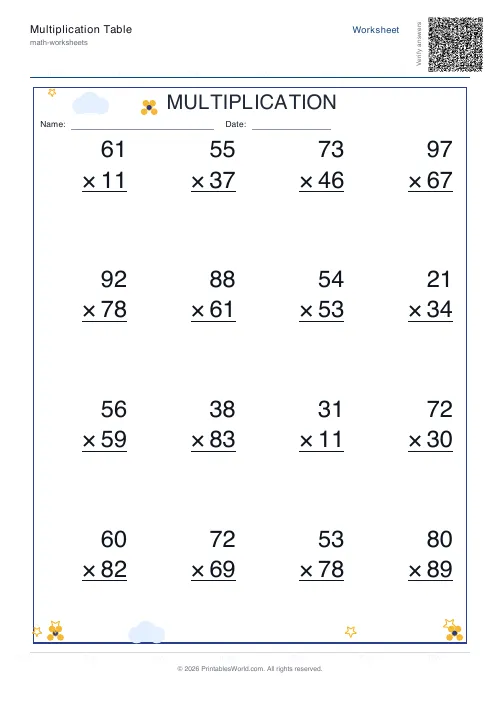 Multiplication Table Generator
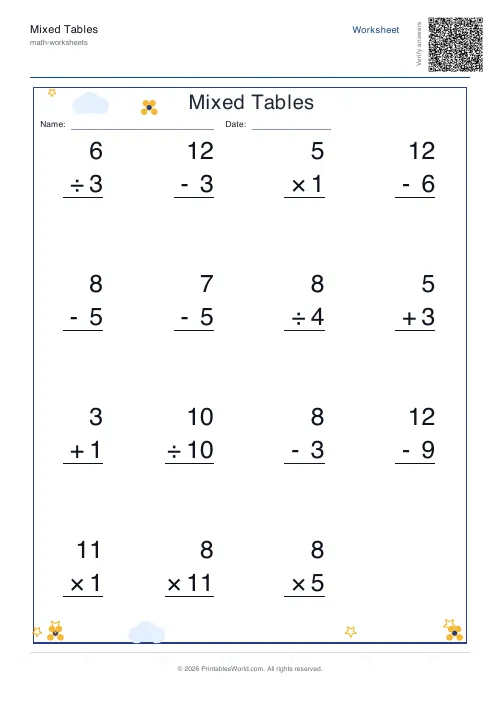 Mixed Tables Generator
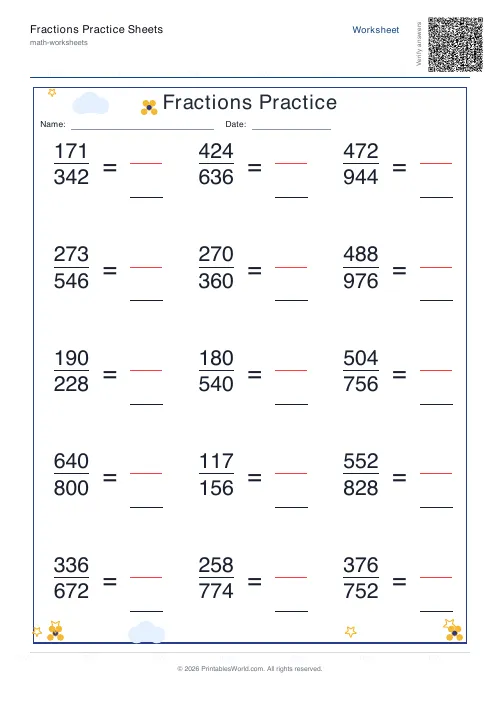 Fractions Practice Sheets Generator
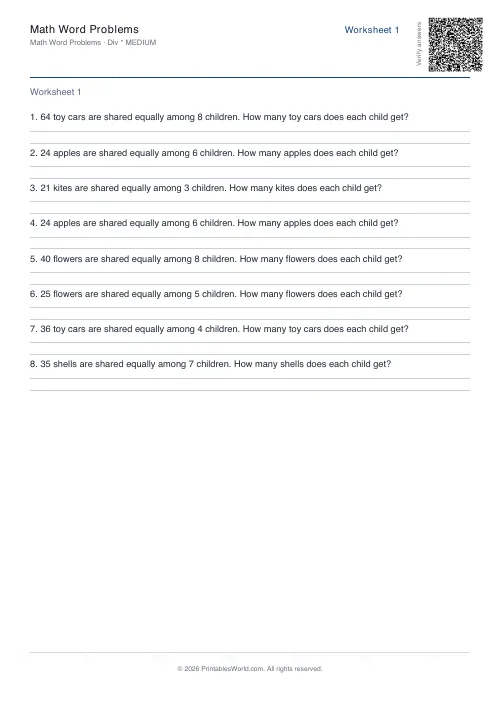 Math Word Problems Generator
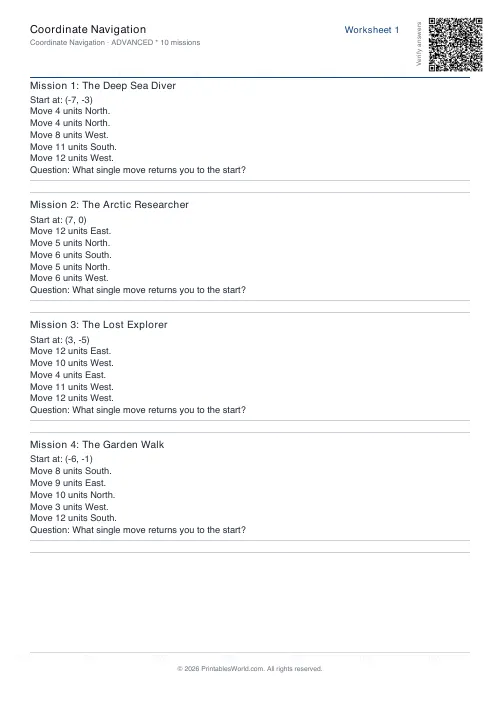 Coordinate Navigation Generator
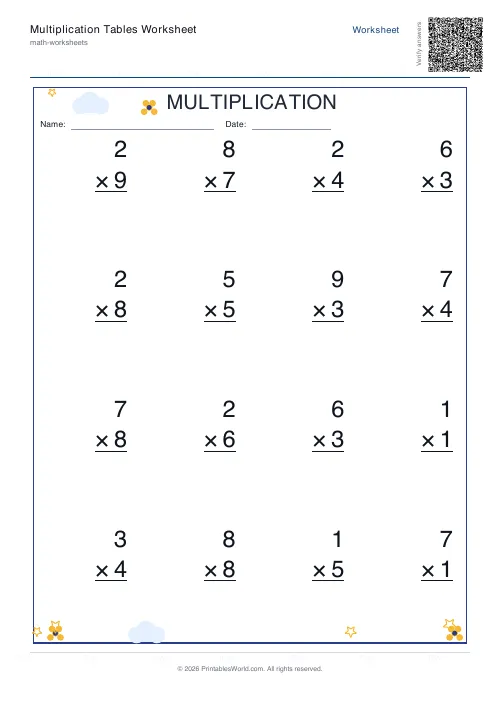 Multiplication Tables Worksheet
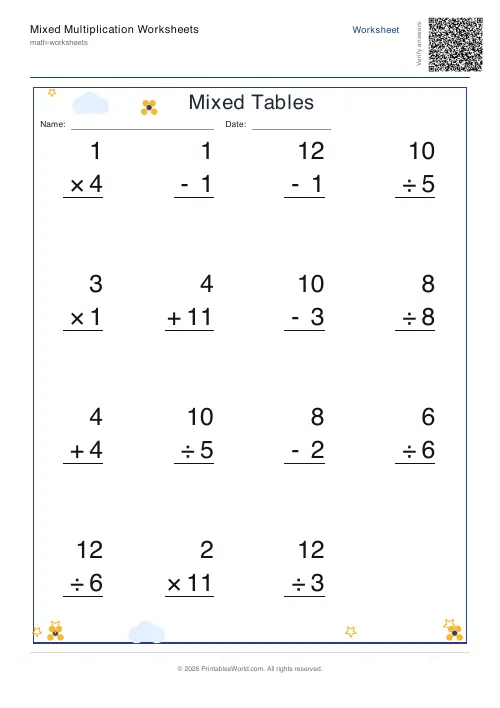 Mixed Multiplication Worksheets
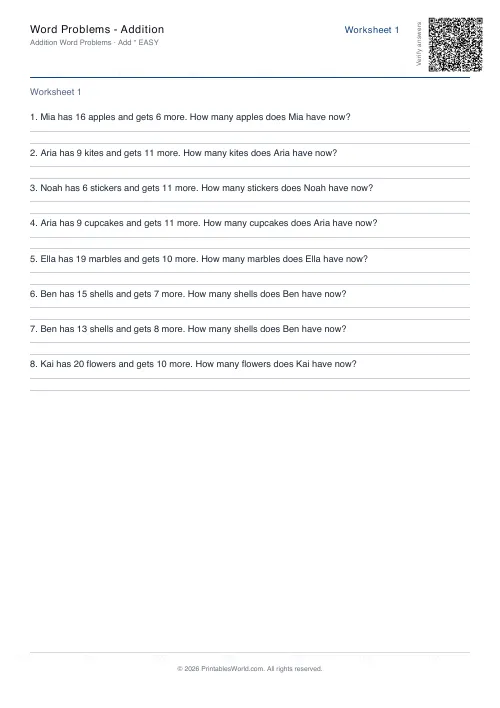 Word Problems: Addition
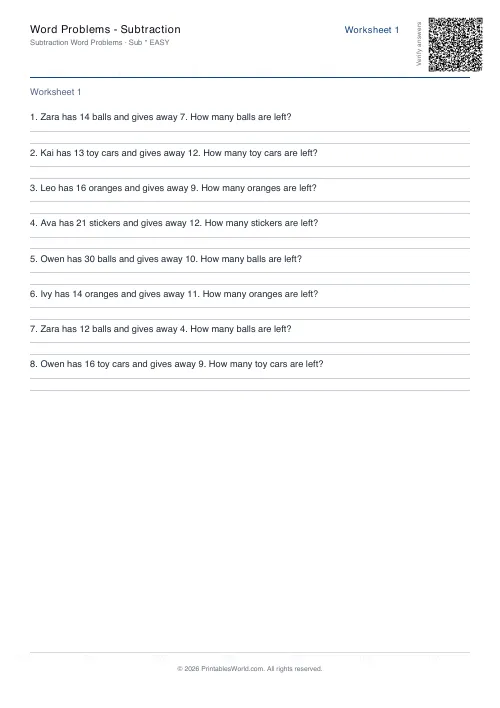 Word Problems: Subtraction
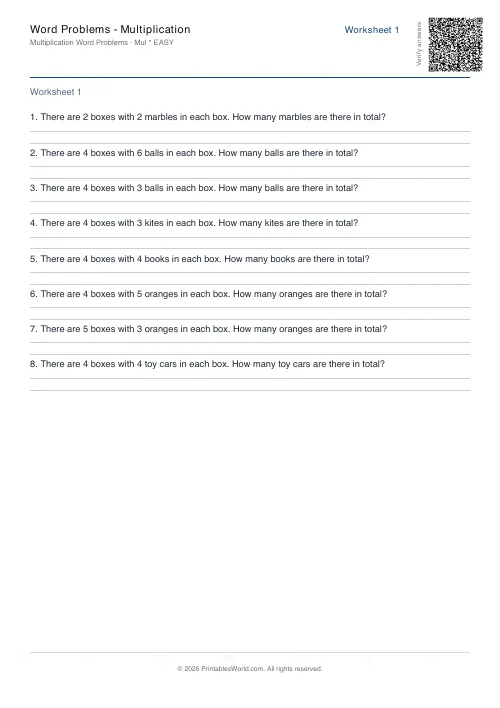 Word Problems: Multiplication
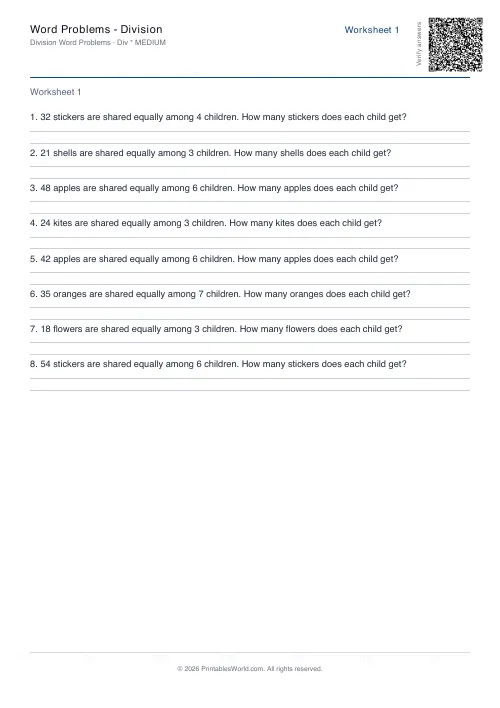 Word Problems: Division