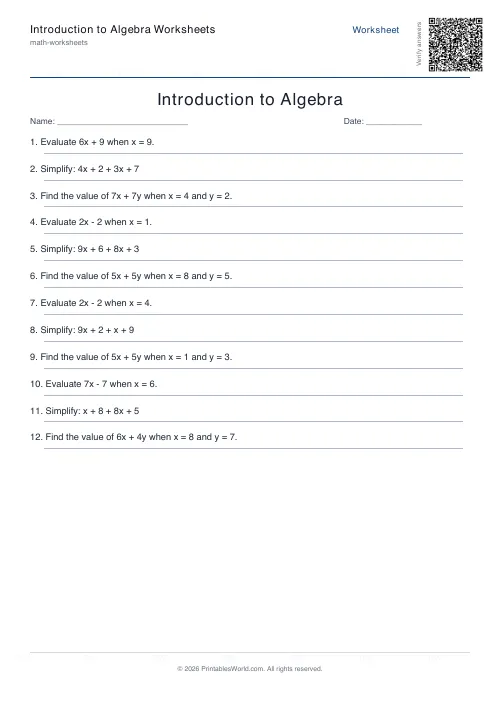
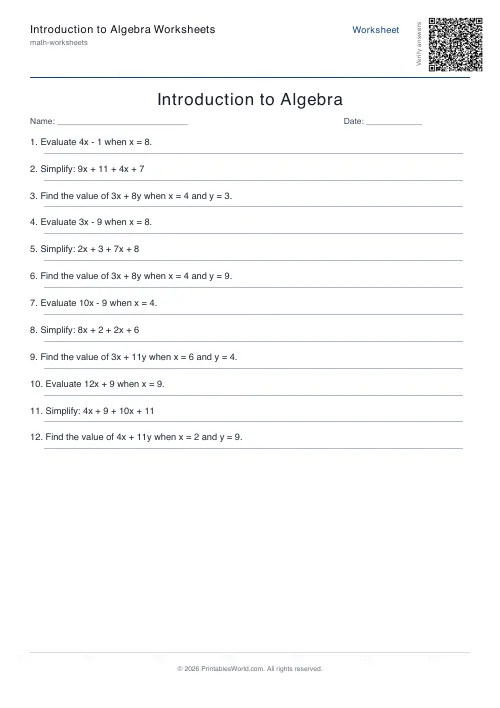
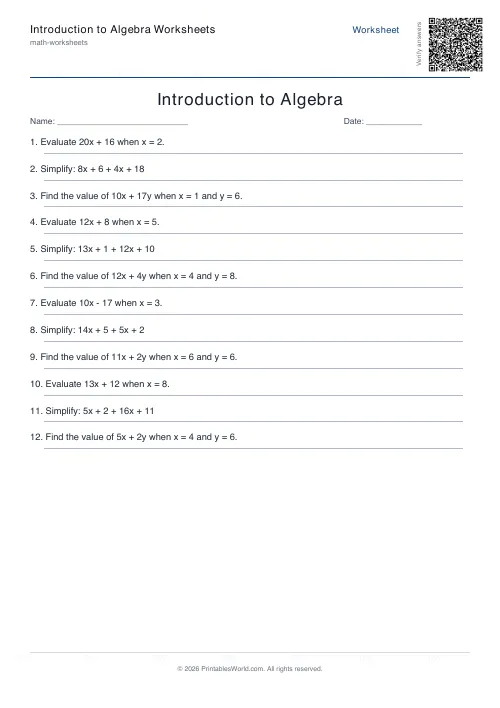
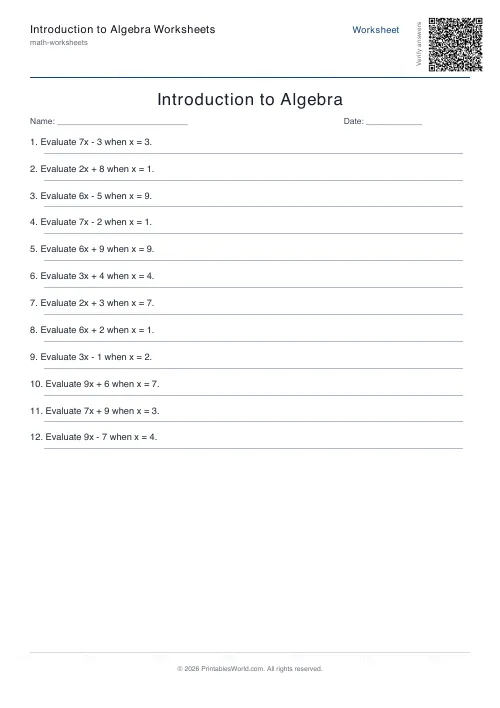
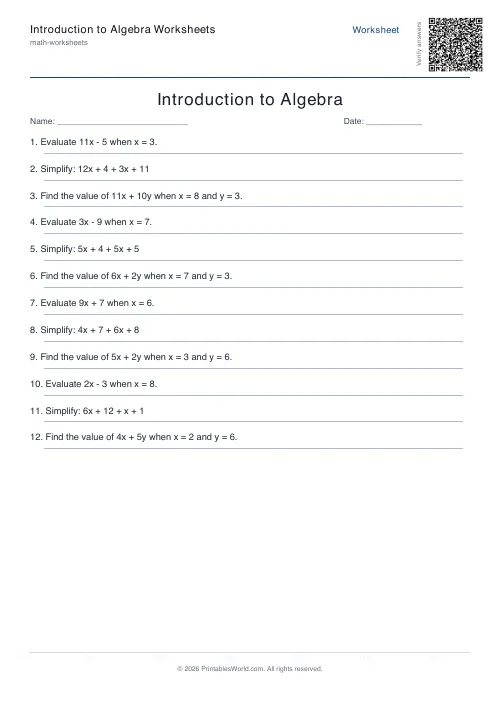
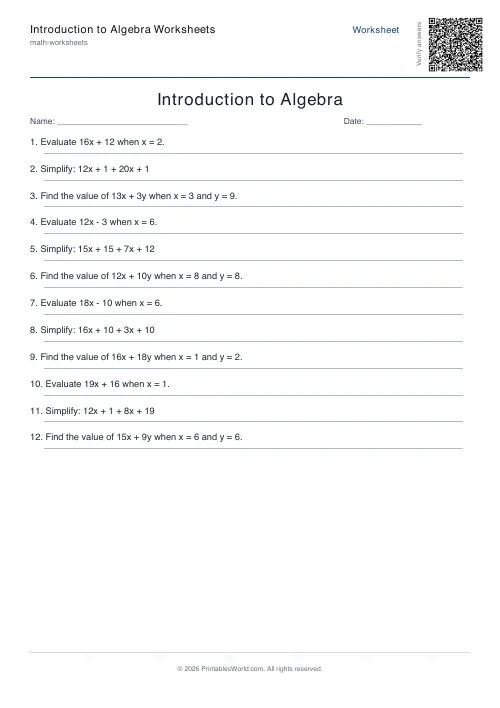
What this tool does
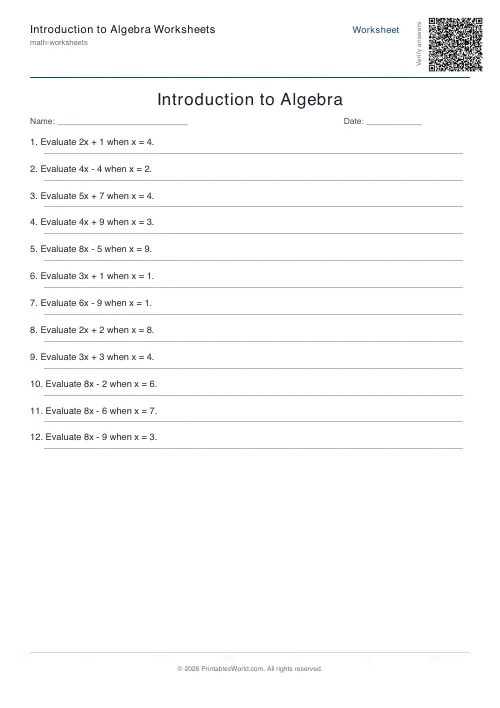
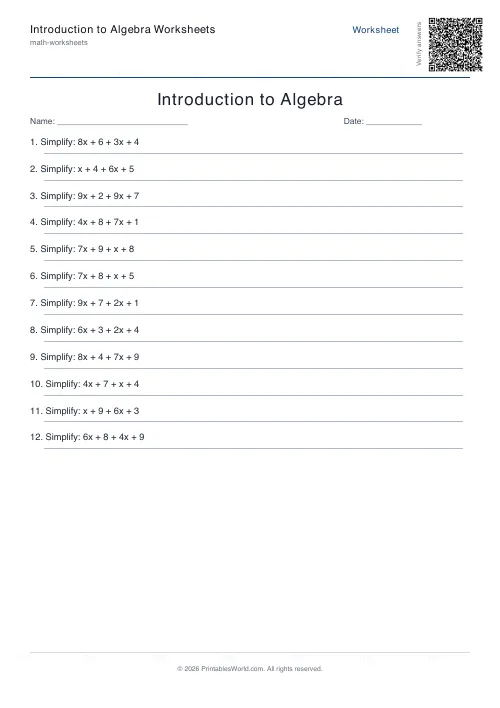
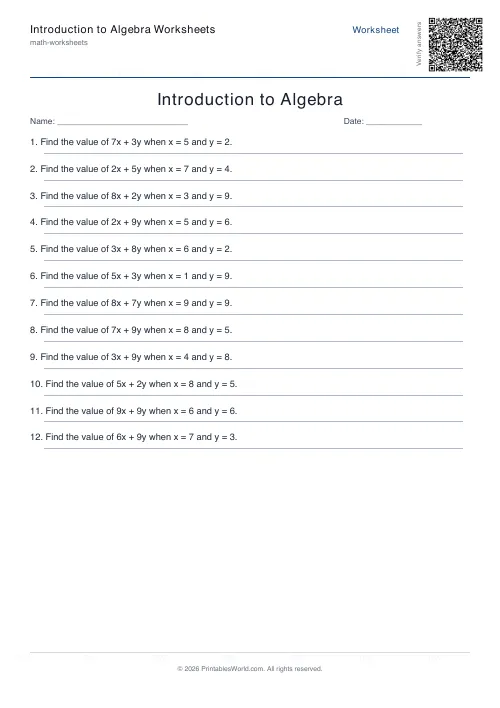
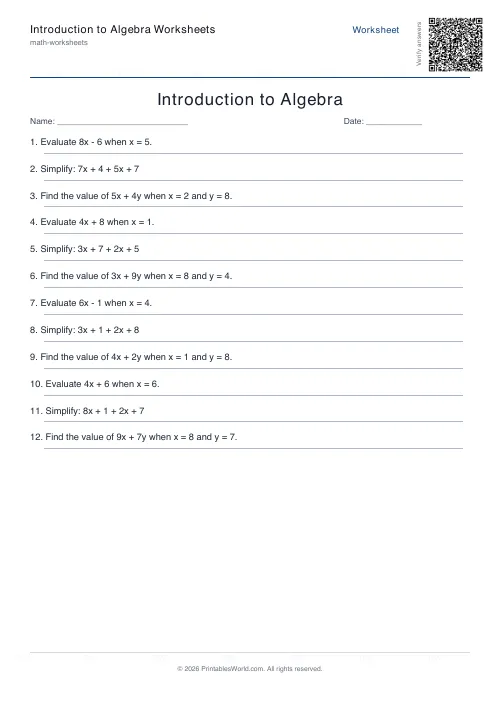
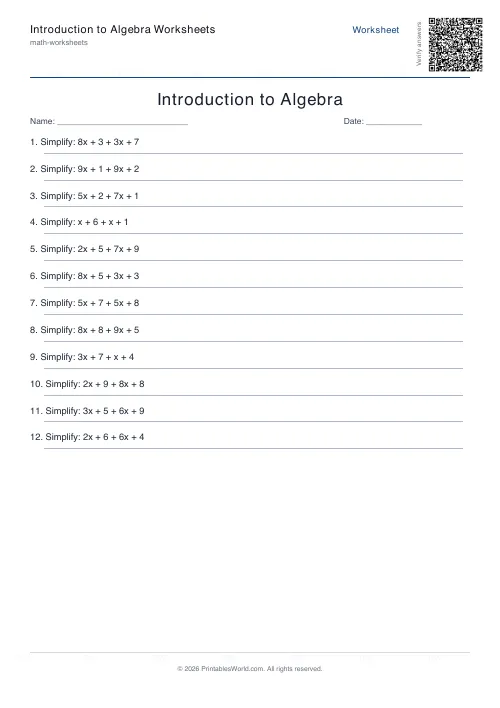
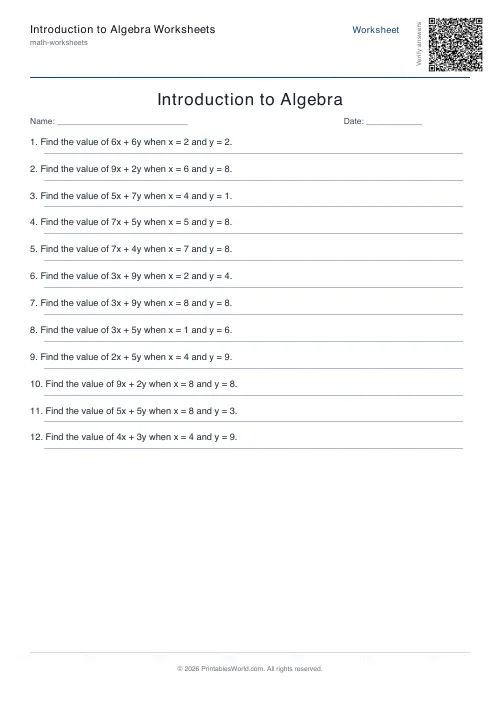
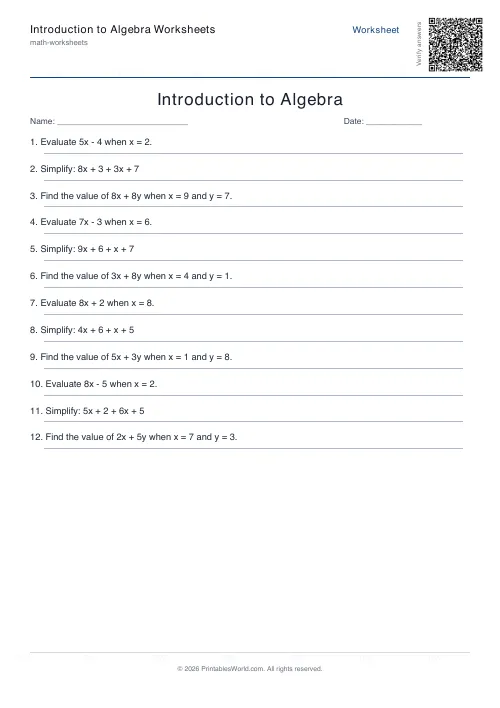
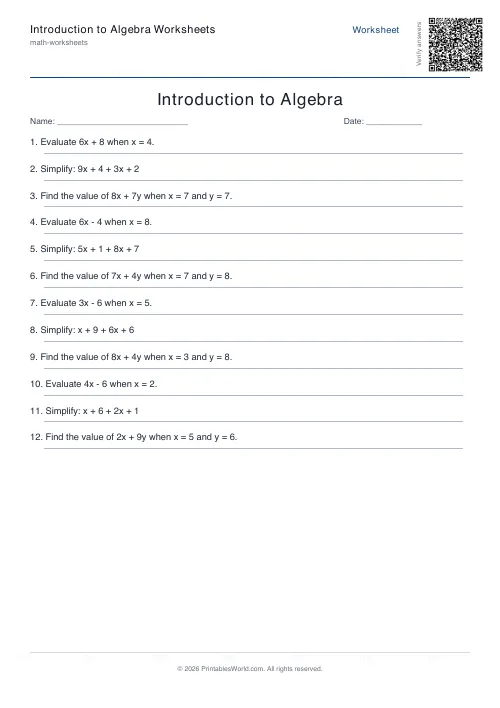
First steps in algebra: evaluate an expression at a given value, collect like terms, substitute two values, or a mixed sheet. Cap the coefficients and print up to 40 problems with an answer key.
People also used
Equation Solving Worksheets
Printable one-step and two-step linear equations to solve.
Ratio & Proportion Worksheets
Printable ratio and proportion practice. Simplify, share, and scale.
Number Sequences & Patterns Worksheets
Printable number pattern practice. Arithmetic, geometric, and quadratic sequences.
Feedback
Spotted something off with this tool?
Three separate skills, and they are usually taught as one
Evaluate gives you an expression and a value for the letter, and asks for a number. Simplify asks you to collect like terms — 3x + 5x becomes 8x — and the answer is still an expression. Substitute puts values in and works the arithmetic out.
Mixed puts all three on one page, which is the right sheet once each is secure and the wrong one before, because a pupil who cannot tell which kind of question they are looking at will apply the wrong operation to all of them.
The misconception this sheet exists to catch
That a letter stands for an unknown number is not obvious, and a surprising number of pupils arrive at algebra believing something else entirely.
The commonest wrong belief is that the letter stands for an object — that 3x means three of something. It survives until the pupil meets 3x + 2y and answers 5xy, which is exactly the error that "apples and bananas" teaching produces. More simplification practice will not fix that. Substituting numbers and watching the arithmetic fail will.
Which is why the substitute mode matters more than it looks. It is the only one that uses two letters at once — find the value of 3x + 2y when x = 4 and y = 5 — and a pupil who works that out to 22 has seen for themselves that the letters were numbers the whole time.
Collecting like terms
The rule is simple to state and gets applied too widely: only terms with exactly the same letter can be added together.
So 4x and 3x combine. 4x and 3y do not, and neither do 4x and 3x², which catches out pupils who have accepted the first case — x and x² look related and are not the same term at all. This sheet keeps to x-terms and plain numbers, so those two cases are worth raising in discussion rather than waiting for the worksheet to produce one.
Watch for what happens to the sign as well. A pupil who simplifies 7x − 2x + 3x correctly and then gets 7x − 2x − 3x wrong has a sign problem rather than an algebra problem, and those need different help.
The coefficient cap
From 2 to 20, bounding the numbers in the expressions.
Keep it low while the method is new. A pupil who fails at 3x + 5x has an algebra problem; a pupil who fails at 17x + 14x may just have made an arithmetic slip, and you cannot tell the two apart from the answer alone. Raise it once the method is automatic and the arithmetic becomes a legitimate second thing to practise.
Choices
Mode, coefficient cap (2–20), problems per sheet (up to 40), the answer key, a title, and Name and Date fields. A4 or US Letter.
Where it leads
These are the two moves that everything else in algebra is built from. Solving equations, expanding brackets, factorising, rearranging formulae — all of them assume that collecting like terms and substituting values are automatic.
The equation solving sheets are the natural next step, and they are much easier for a pupil who has done this first.
Print at 100% on A4 or US Letter.
FAQs
Quick answers
Does this cover solving equations?
No. This tool focuses on pre-equation skills: evaluating, simplifying, and substituting. For solving, use the Equation Solving tool.
Can I limit how large the coefficients are?
Yes. The Max coefficient setting caps the size of numbers used in the expressions.
Is there an answer key?
Yes. Turn on "Include answer key" and the PDF will append a full answer page.
Which age group is this for?
Usually Year 6 to Year 8 (UK) or Grades 5–7 (US). The first year or two of algebra.
Related tools
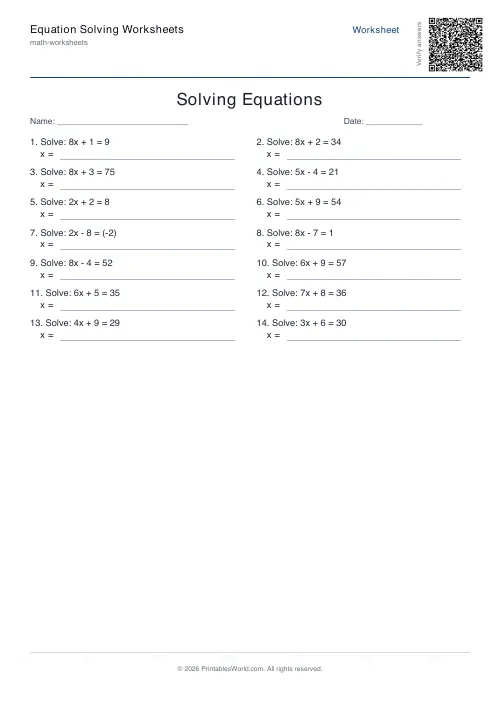
Equation Solving Worksheets
Printable one-step and two-step linear equations to solve.
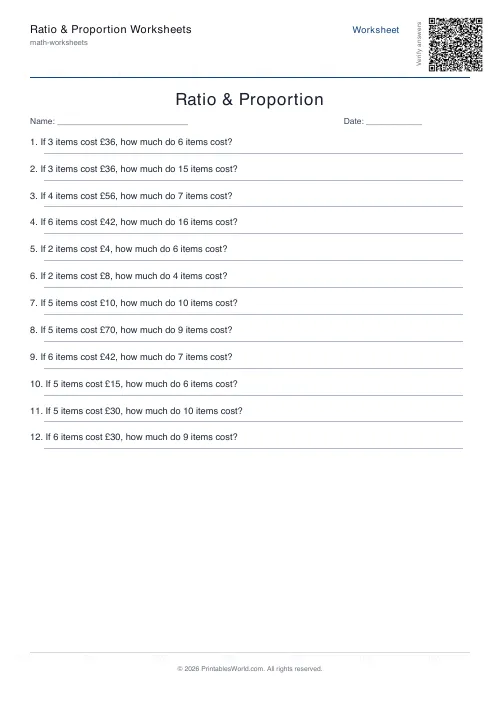
Ratio & Proportion Worksheets
Printable ratio and proportion practice. Simplify, share, and scale.
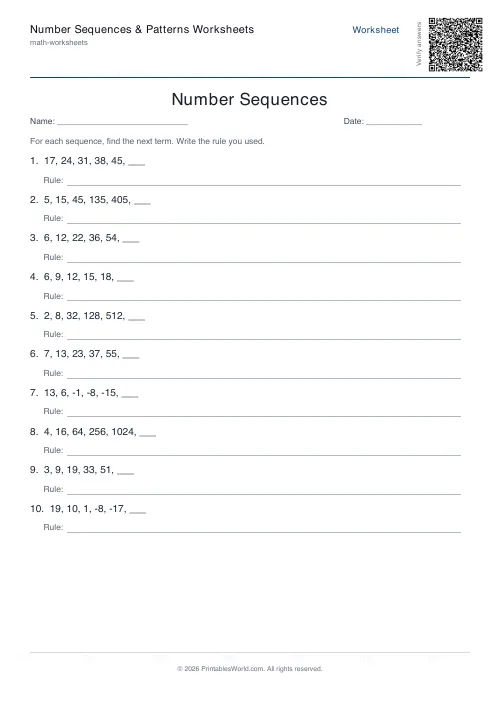
Number Sequences & Patterns Worksheets
Printable number pattern practice. Arithmetic, geometric, and quadratic sequences.
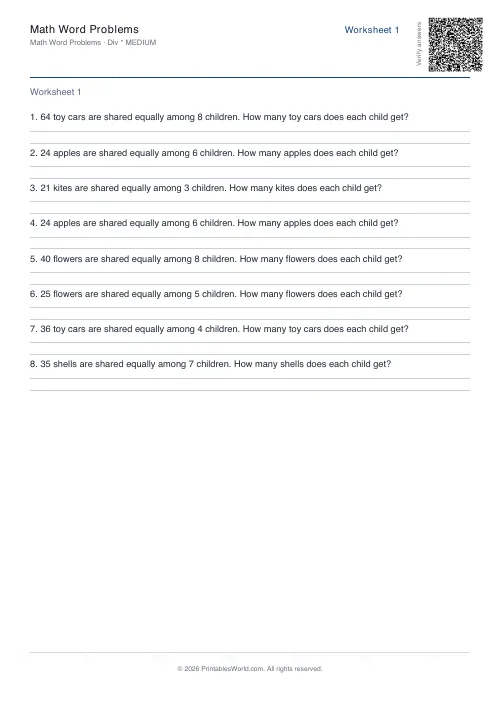
Math Word Problems Generator
Generate printable math word problem worksheets with customisable topics, difficulty, and answer keys.
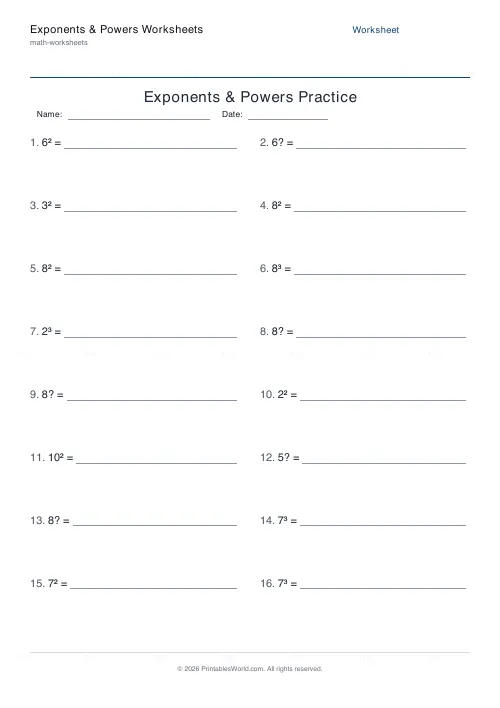
Exponents & Powers Worksheets
Generate worksheets to evaluate powers, simplify products and quotients, and raise a power to a power.
Further reading
Math Worksheets
Understanding BODMAS and PEMDAS: order of operations explained
BODMAS and PEMDAS describe the same rule in different words. The trouble is that both hide two facts the acronym cannot express. Which is where nearly every mistake comes from.
5 min read
Math & Numeracy
How to help a child who's stuck on times tables
A simple two week plan to help child with times tables, using short daily practice and free printable multiplication grids you can customise and print.
7 min read
More like this
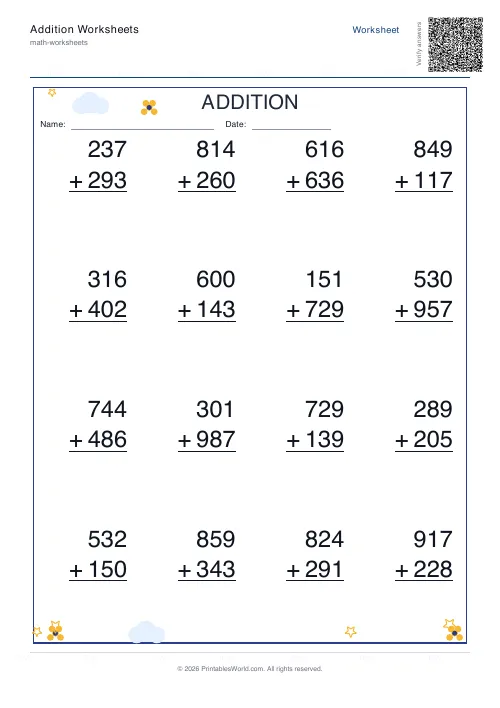 Addition Worksheets Generator
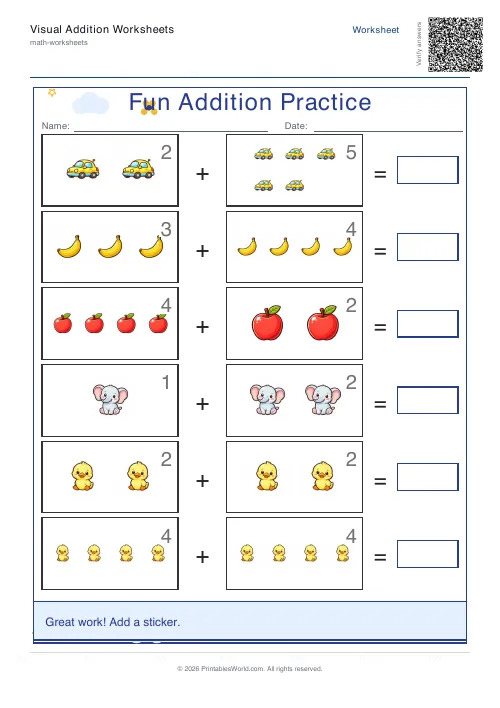 Visual Addition Worksheets Generator
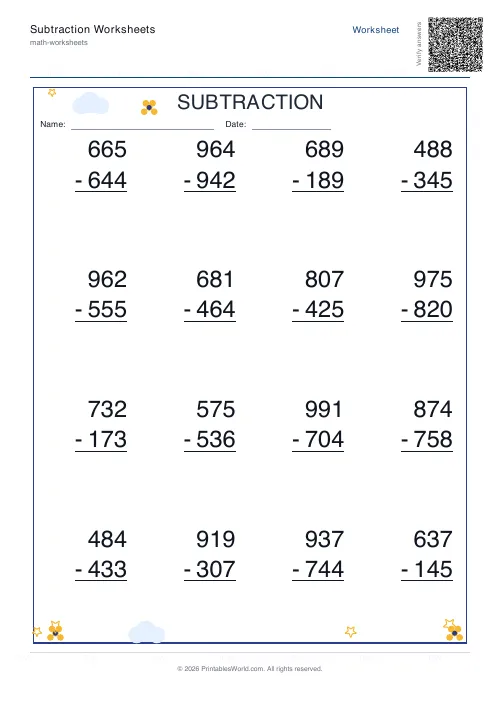 Subtraction Worksheets Generator
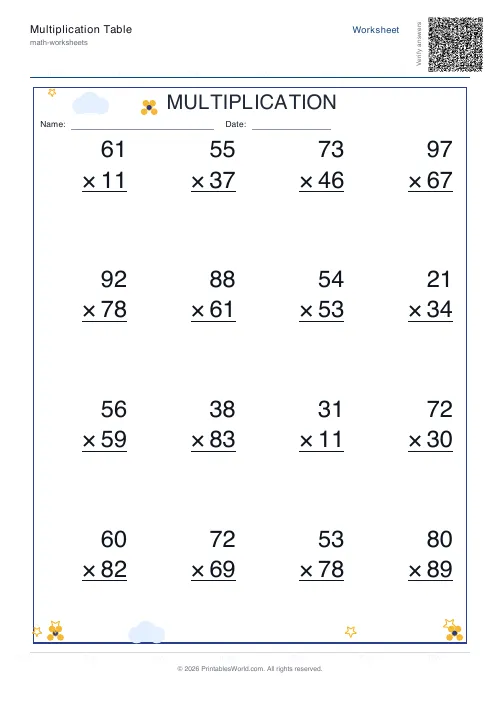 Multiplication Table Generator
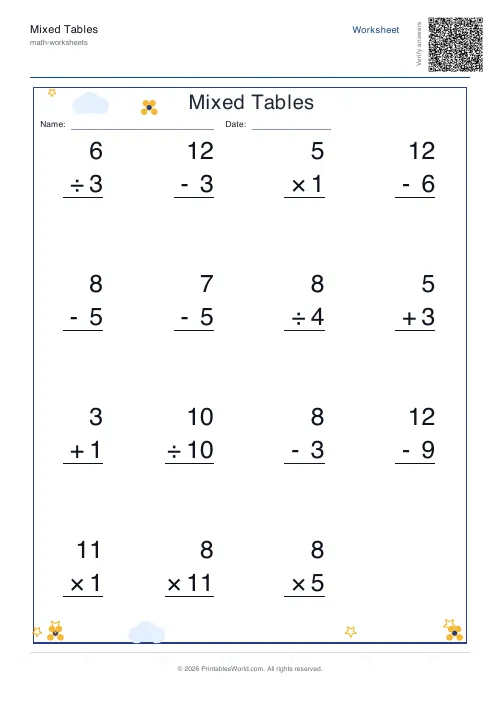 Mixed Tables Generator
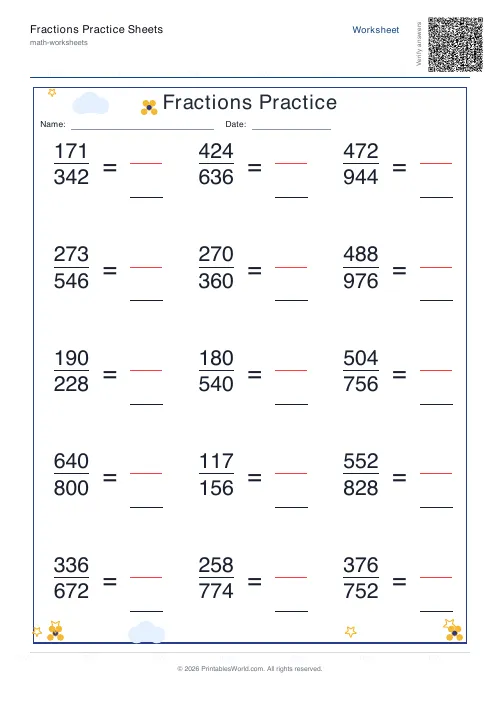 Fractions Practice Sheets Generator
- Math Word Problems Generator
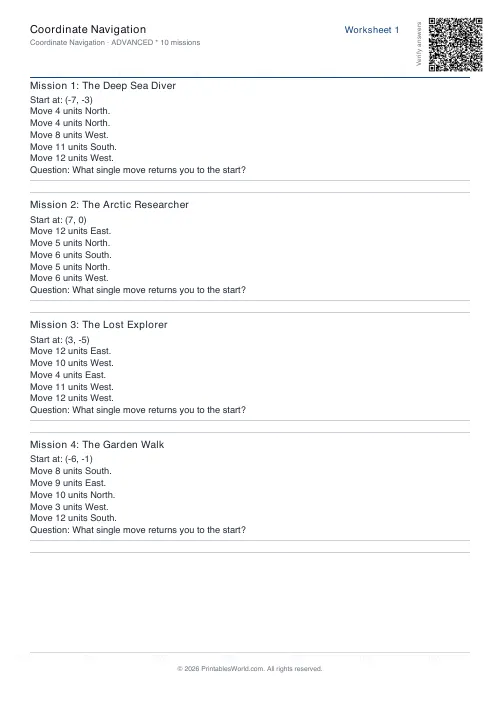 Coordinate Navigation Generator
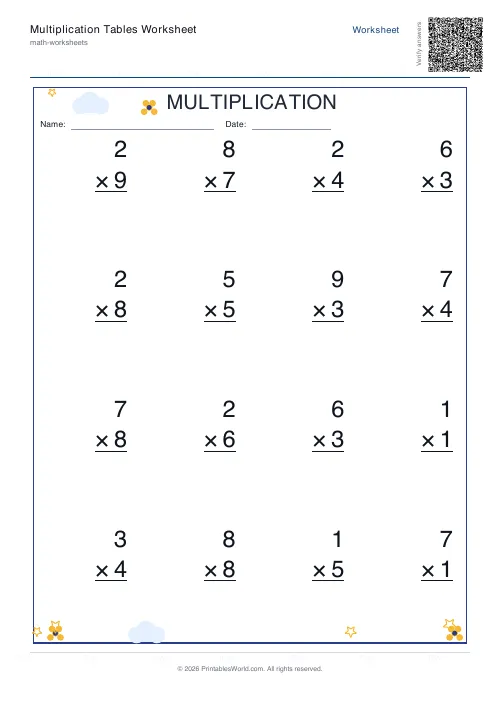 Multiplication Tables Worksheet
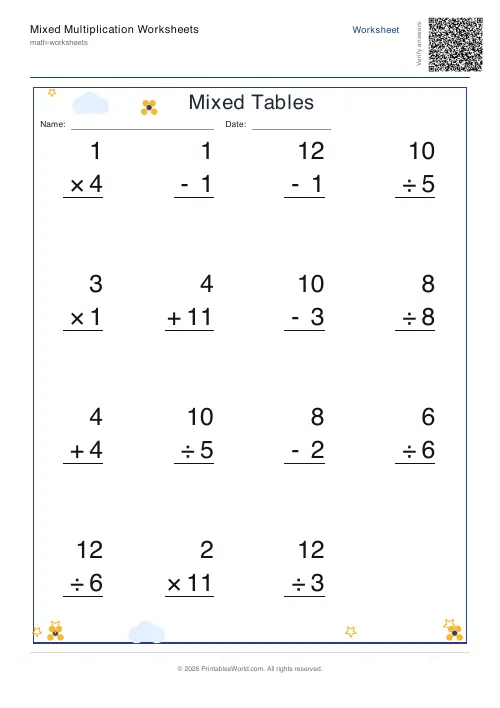 Mixed Multiplication Worksheets
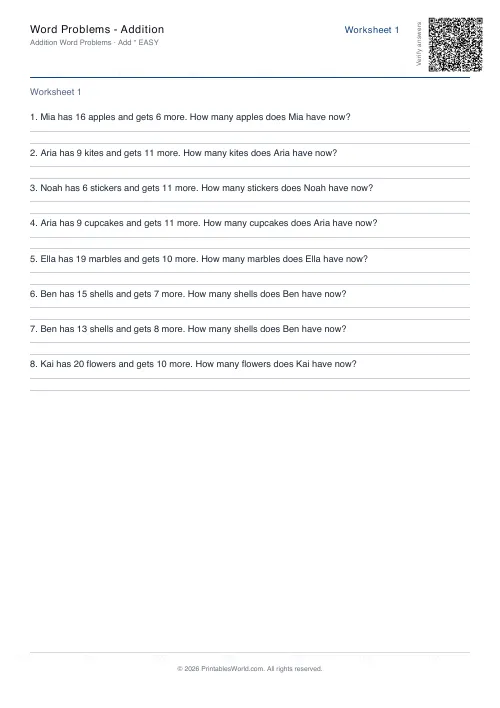 Word Problems: Addition
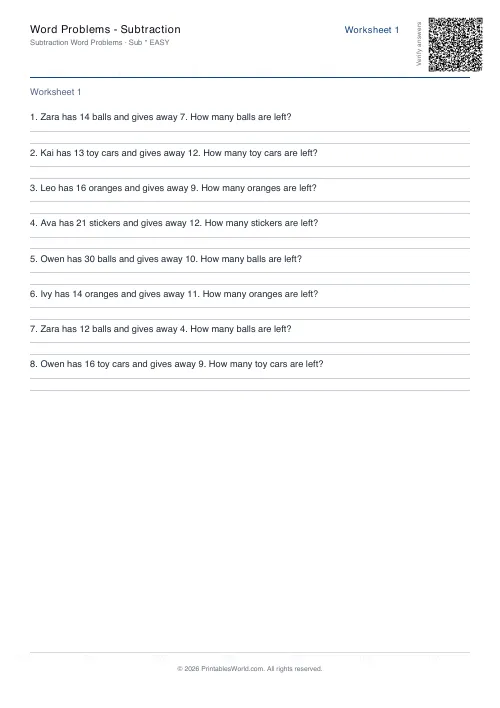 Word Problems: Subtraction
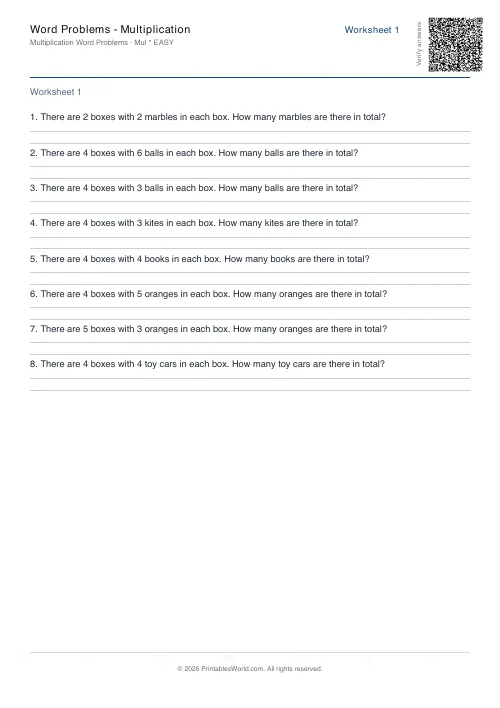 Word Problems: Multiplication
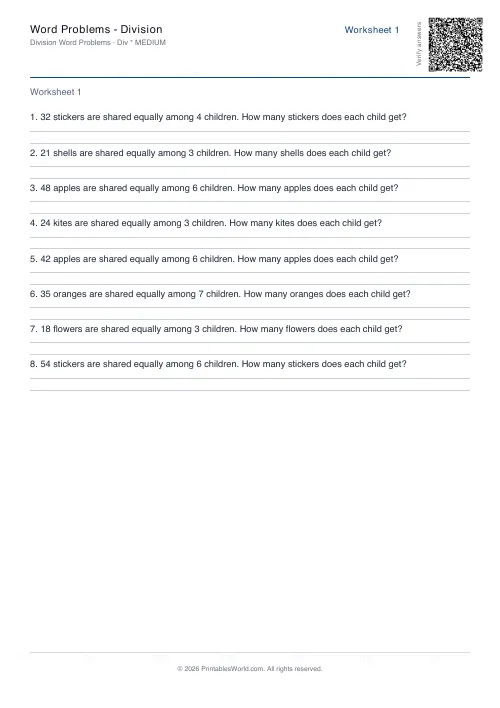 Word Problems: Division