


 Scan to get


 Scan to get



 Scan to get






What this tool does
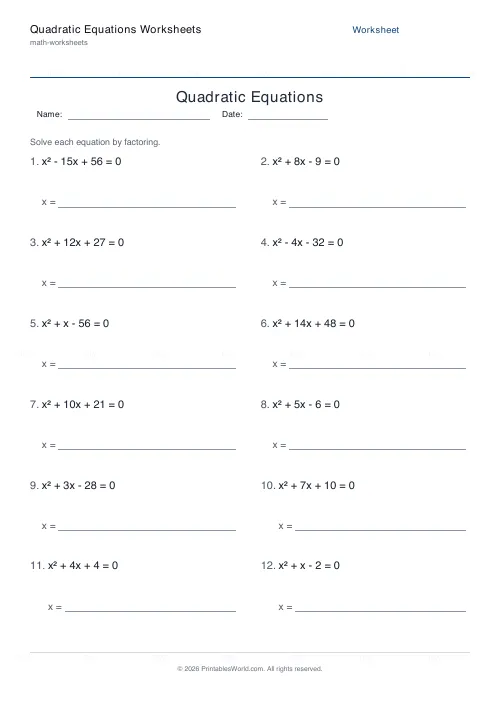
Quadratic equations with whole-number roots. Factoring mode gives x² + bx + c; formula mode gives ax² + bx + c with a between 2 and 4. 4 to 30 problems, with an answer key.
People also used
Equation Solving Worksheets
Printable one-step and two-step linear equations to solve.
Introduction to Algebra Worksheets
Printable beginner algebra practice. Evaluate, simplify, and substitute.
Factors & Multiples Worksheets
Generate printable worksheets for factors, multiples, HCF and LCM practice with custom ranges and answer keys.
Feedback
Spotted something off with this tool?
Every answer is a pair of integers
The equations are built backwards. Two whole-number roots are chosen first, then multiplied out into a trinomial — so every problem factorises cleanly and every answer on the key is exact.
No surds, no decimals, nothing that needs rounding. That is a teaching decision: a pupil learning the method should not be simultaneously fighting an irrational answer and wondering whether they have made an arithmetic slip.
The two modes
Factoring gives you x² + bx + c = 0, with roots drawn from −9 to 9. The leading coefficient is 1, which is the case the factorising method is taught on.
Formula gives you ax² + bx + c = 0, where a is 2, 3 or 4 and the roots come from −6 to 6. A leading coefficient breaks the simple "two numbers that multiply to c and add to b" shortcut, so this is the set that needs the quadratic formula or completing the square — and the roots are still integers, so the discriminant always comes out a perfect square.
Teaching order
Factoring first, and for longer than feels necessary.
The formula works on everything and is therefore tempting to teach immediately, but a pupil who reaches for it on x² + 5x + 6 has stopped seeing structure and started substituting into a machine. Factorising builds the number sense — which pairs multiply to six, which of them add to five — that makes the rest of algebra readable.
Move to the formula mode once factorising is fluent, or when a is not 1.
Checking without the key
Both roots substitute back into the original equation and give zero. Teach that as the habit and half the marking disappears.
There is a second check worth knowing: for x² + bx + c, the roots sum to −b and multiply to c. A pupil who has found 2 and 3 for x² − 5x + 6 can confirm both facts in about four seconds, which is quicker than substituting and catches sign errors, the commonest mistake by a distance.
Signs
Because the roots range across zero, negative roots turn up constantly and so do the sign patterns that trip people up. x² + x − 6 factorises to (x + 3)(x − 2), and the number of pupils who write (x − 3)(x + 2) is not small.
That is the point of drilling it, and the answer key catches it every time.
Practicalities
Twelve problems is about right for a lesson; four makes a starter and thirty makes a revision sheet. Print the key or leave it off if the sheet is going home as homework.
FAQs
Quick answers
Do all the equations have whole-number solutions?
Yes. Every equation is built by multiplying out two chosen integer roots, so the answers are always whole numbers. Factoring mode uses roots between -9 and 9, and formula mode scales those roots by a leading coefficient of 2, 3, or 4 while keeping the solutions integers.
What is the difference between factoring mode and formula mode?
Factoring mode produces monic equations (leading coefficient 1) like x² - 5x + 6 = 0 that students solve by finding two numbers that multiply to c and add to b. Formula mode adds a leading coefficient greater than one, such as 2x² - 6x - 8 = 0, which is best solved with the quadratic formula.
Can students still use factoring in formula mode?
Yes, if they can factor with a leading coefficient. The equations in formula mode do factor, but the extra coefficient makes inspection harder, which is why the mode is named after the quadratic formula. Either method reaches the same integer roots.
Will the discriminant always be a perfect square?
Yes. Because each equation is constructed from integer roots, the discriminant b² - 4ac is always a perfect square, so the square root step in the quadratic formula never produces an irrational number.
How many equations fit on one page?
You can generate 4 to 30 equations. They are arranged in two columns with a solution line under each, so around 12 to 16 per page keeps the sheet comfortably legible.
Does the answer key show both roots?
Yes. When the answer key is enabled, a second page repeats every equation position with both solutions, for example x = 2 or x = 3. Double roots are labelled so you can spot them at a glance.
Can I get the same worksheet again later?
The generator uses a seeded random number generator, so the same settings reproduce the same set of equations. Changing the mode or problem count produces a fresh sheet.
Related tools
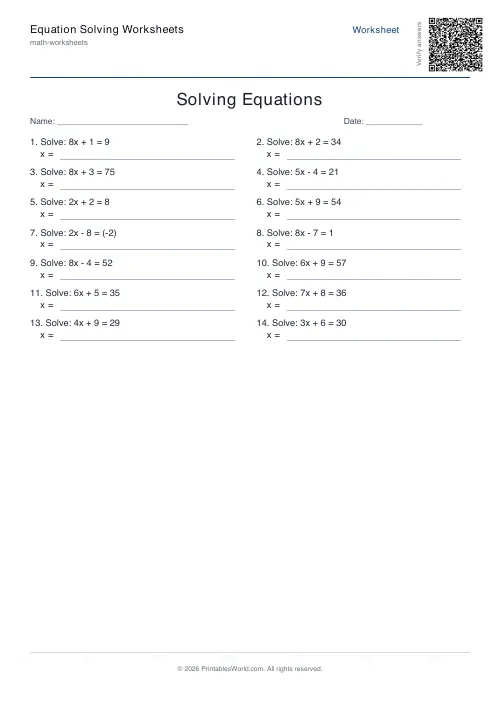
Equation Solving Worksheets
Printable one-step and two-step linear equations to solve.
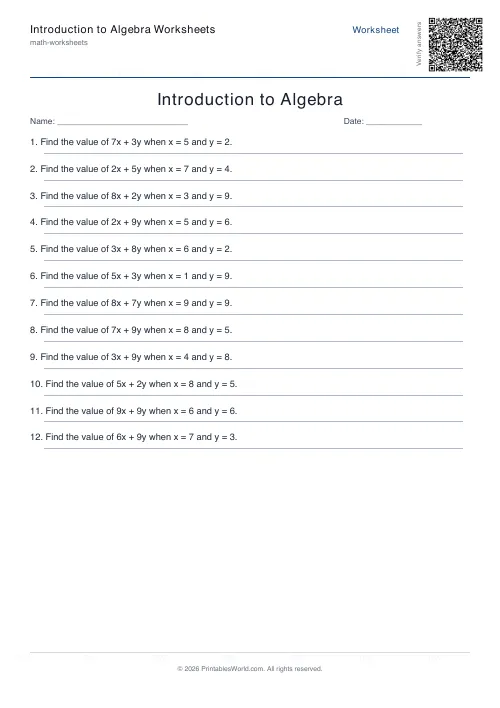
Introduction to Algebra Worksheets
Printable beginner algebra practice. Evaluate, simplify, and substitute.
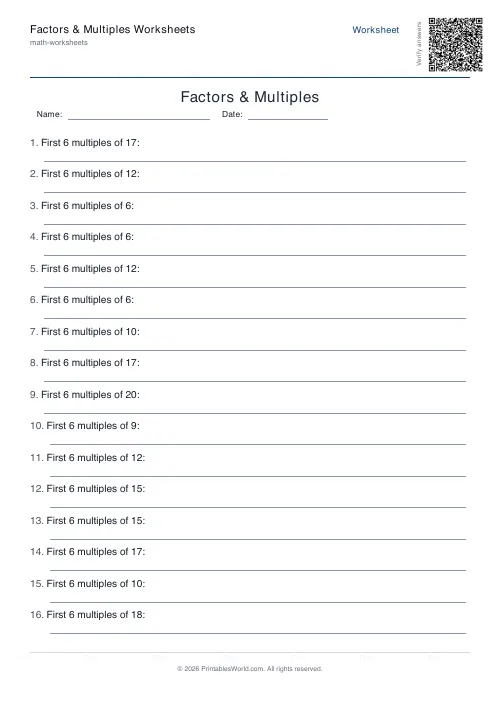
Factors & Multiples Worksheets
Generate printable worksheets for factors, multiples, HCF and LCM practice with custom ranges and answer keys.
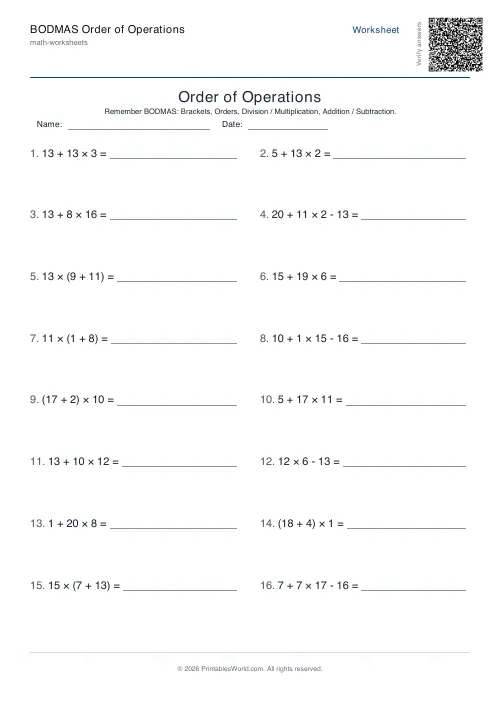
BODMAS Order of Operations Generator
Order-of-operations practice with brackets, exponents and mixed arithmetic.
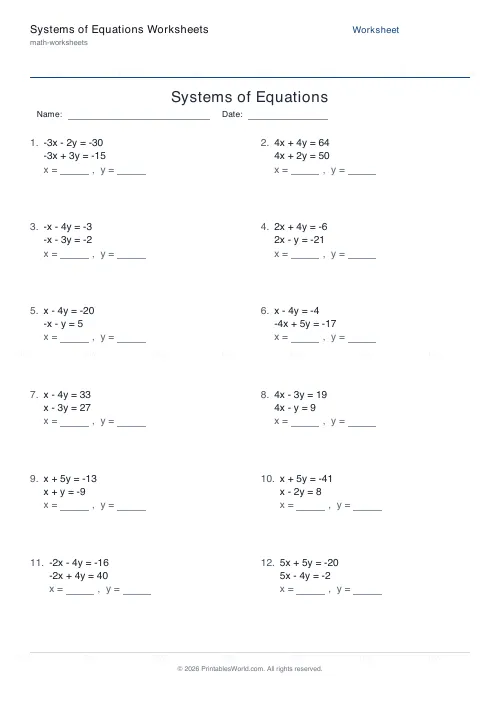
Systems of Equations Worksheets
Generate printable 2x2 linear system worksheets solved by substitution or elimination, with integer answers.
More like this
 Addition Worksheets Generator
 Visual Addition Worksheets Generator
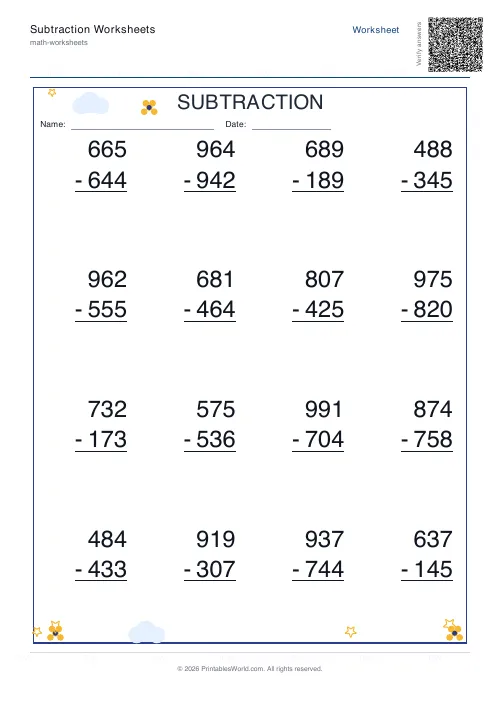 Subtraction Worksheets Generator
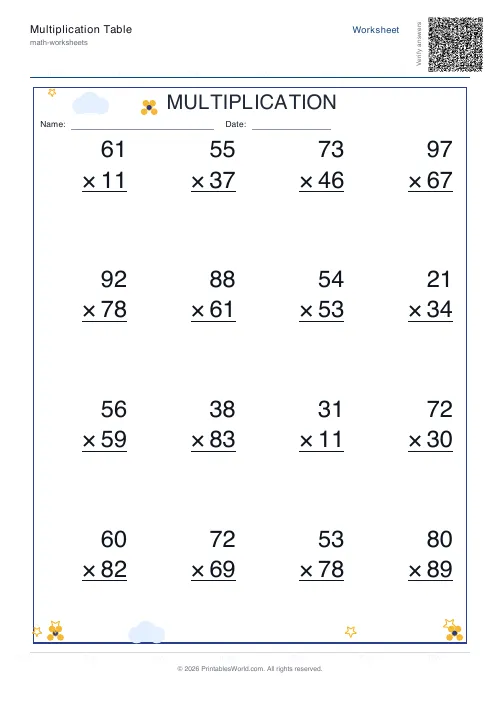 Multiplication Table Generator
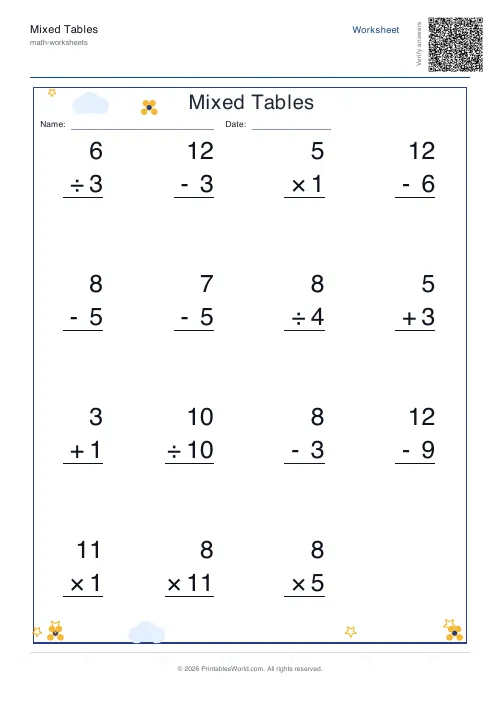 Mixed Tables Generator
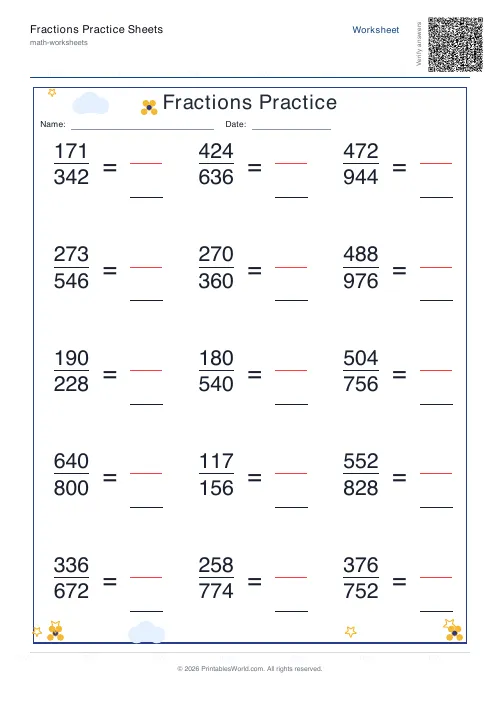 Fractions Practice Sheets Generator
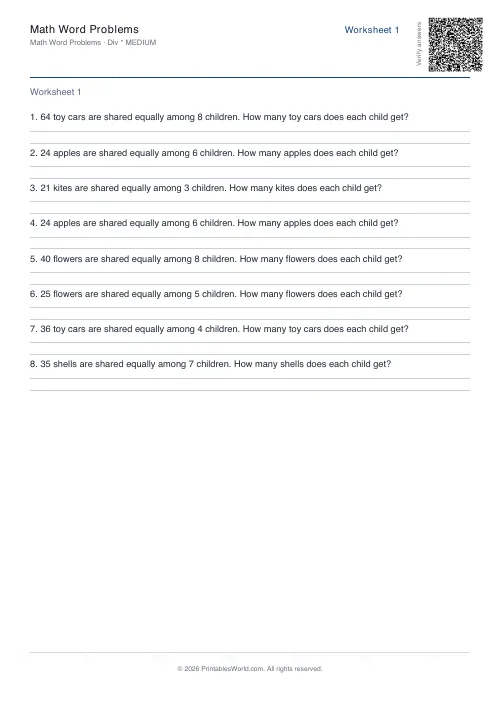 Math Word Problems Generator
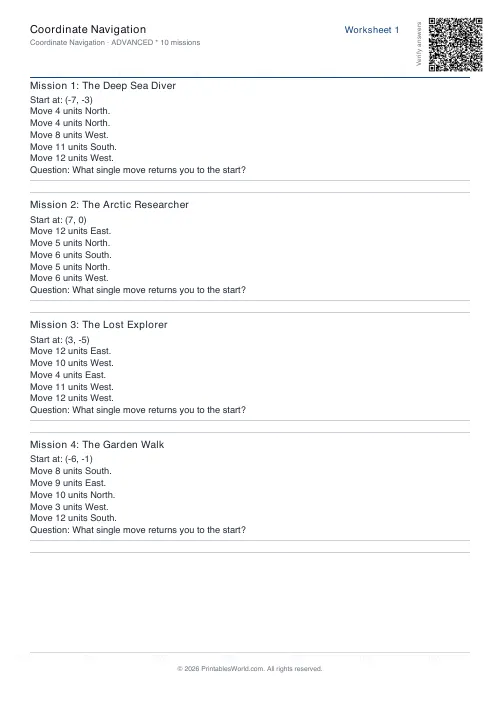 Coordinate Navigation Generator
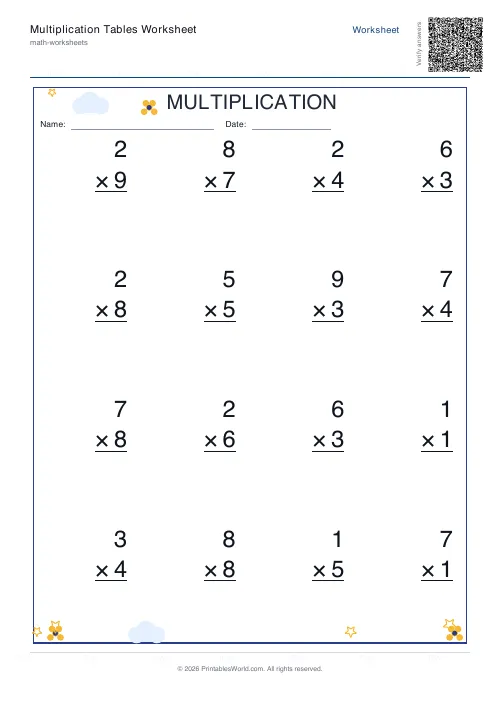 Multiplication Tables Worksheet
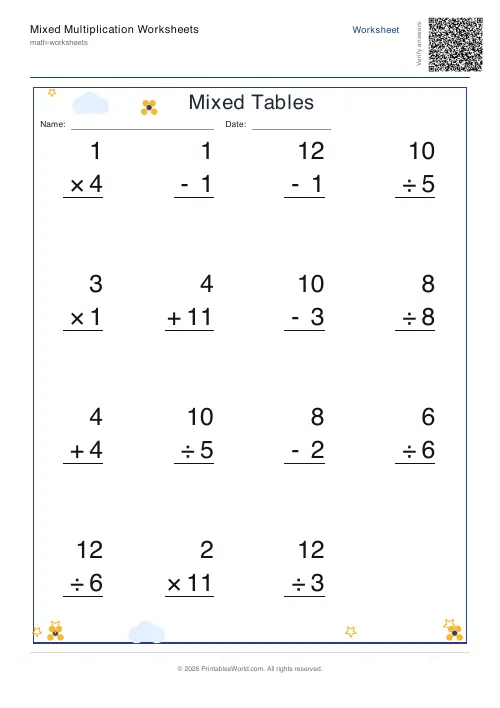 Mixed Multiplication Worksheets
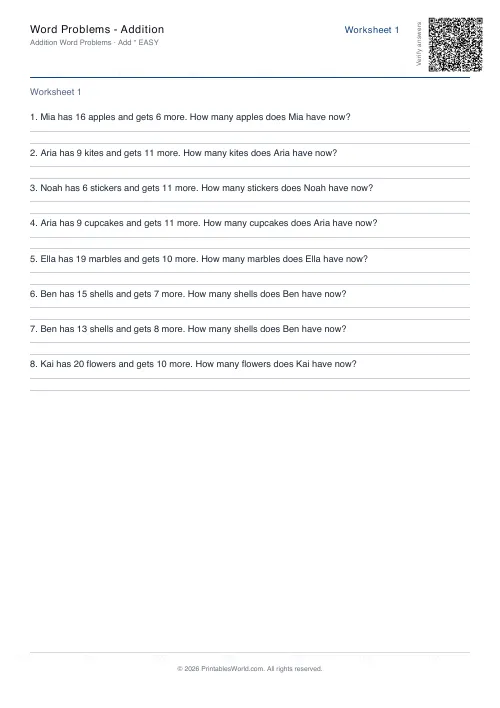 Word Problems: Addition
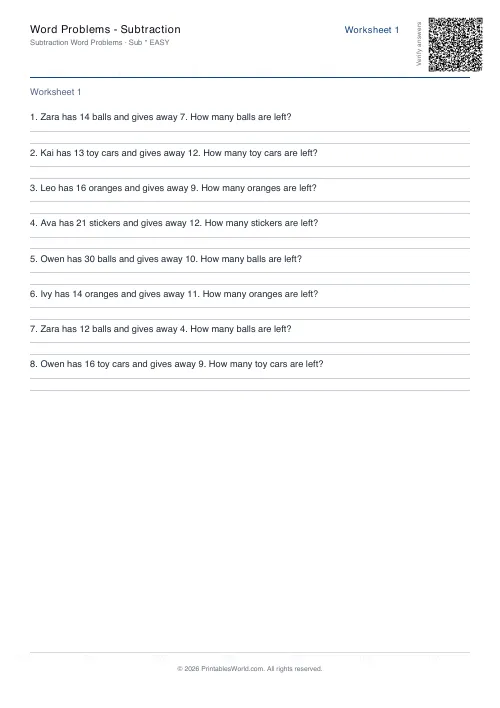 Word Problems: Subtraction
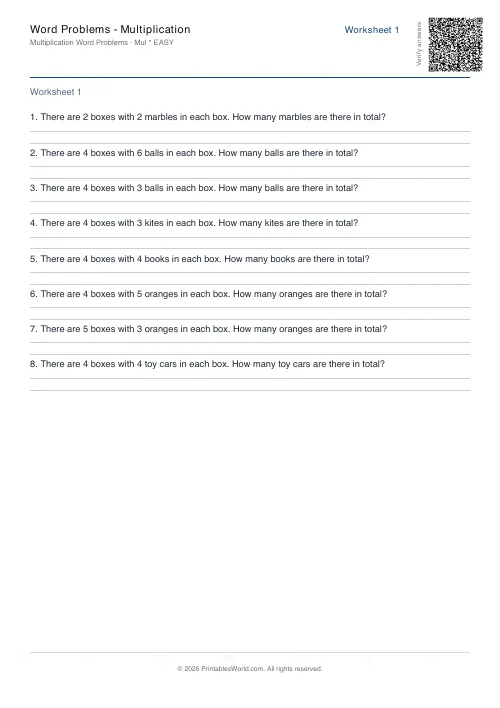 Word Problems: Multiplication
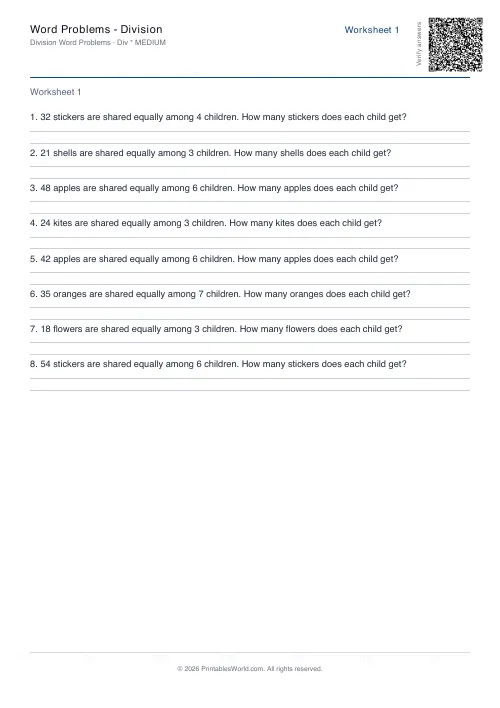 Word Problems: Division