


 Scan to get


 Scan to get



 Scan to get






What this tool does
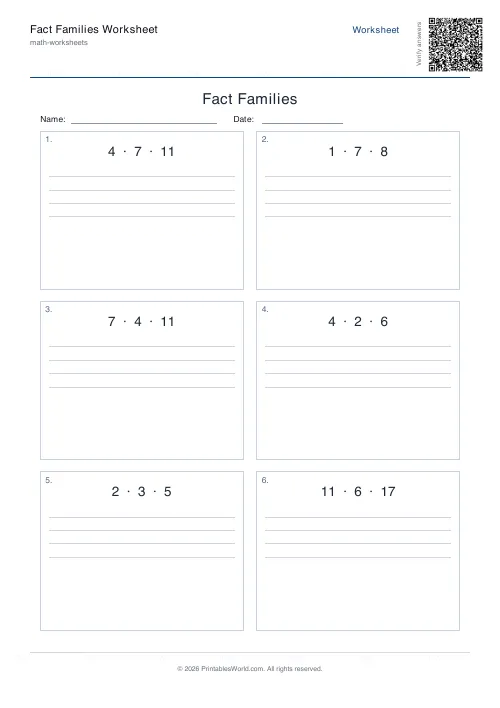
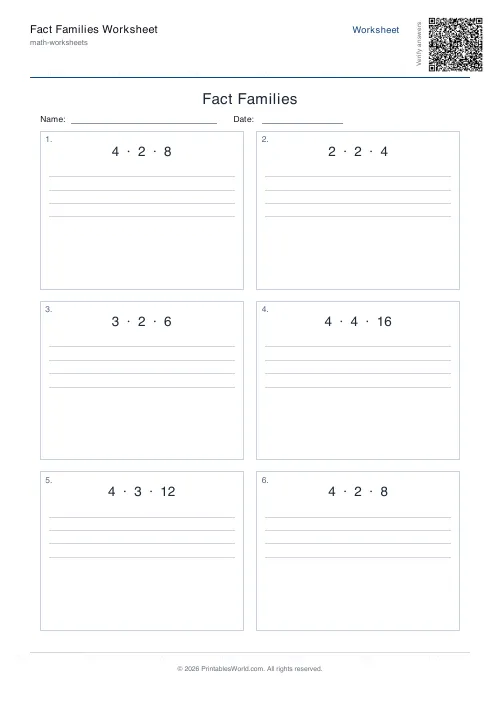
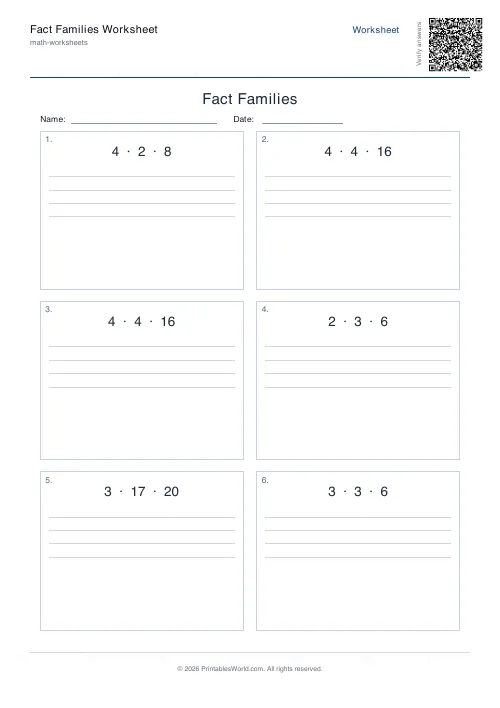
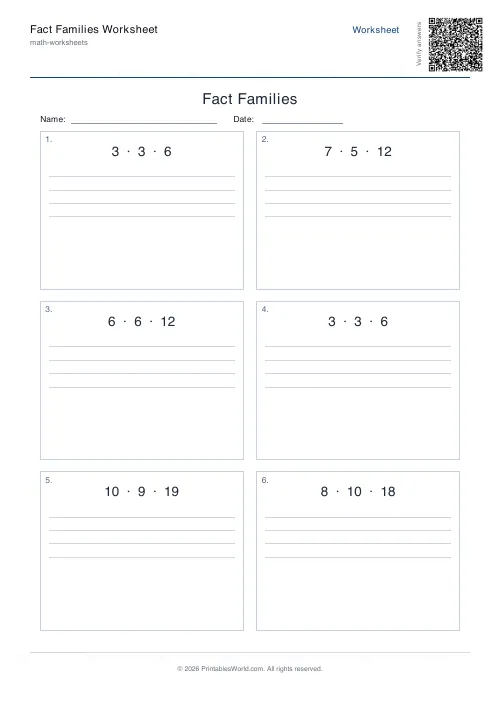
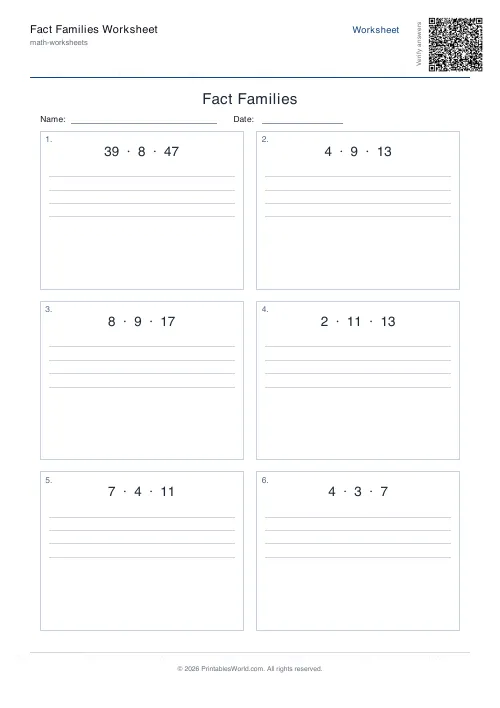
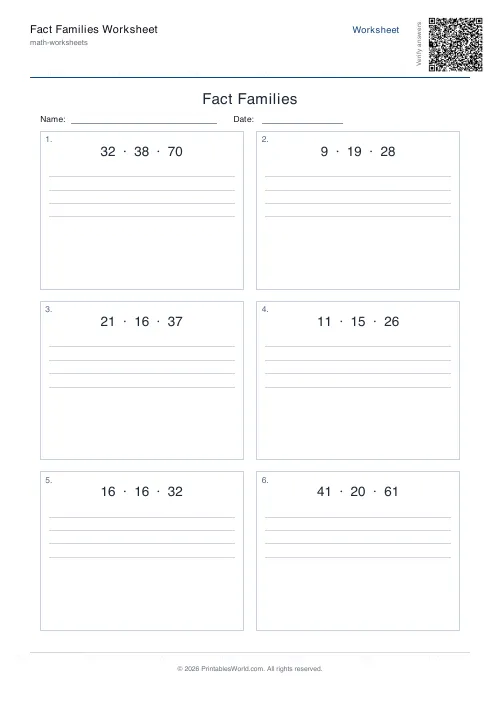
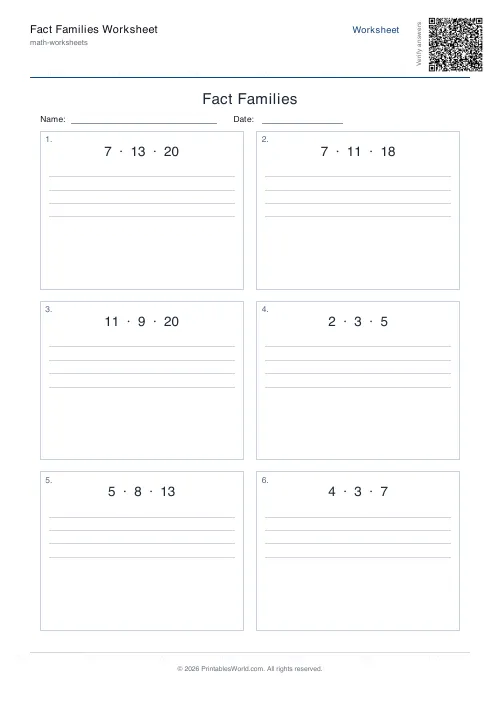
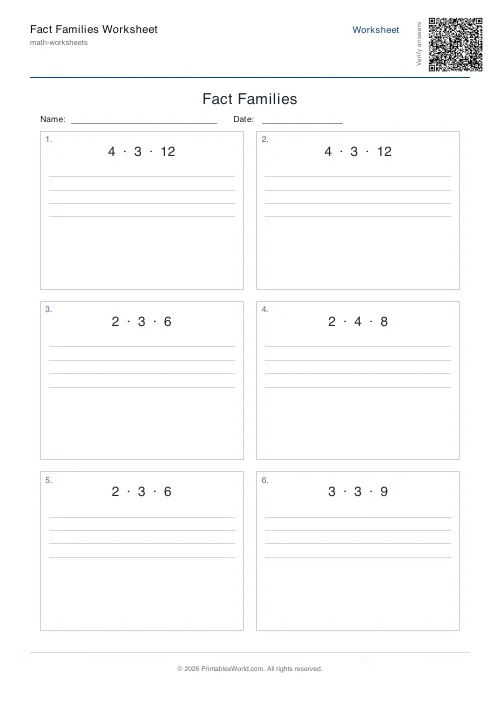
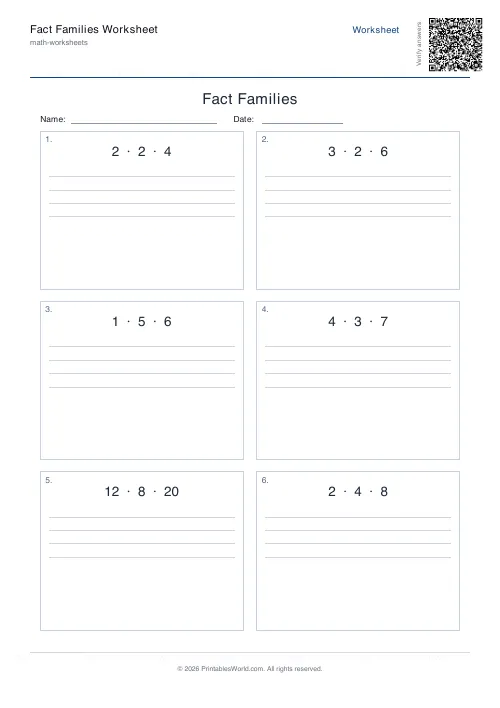
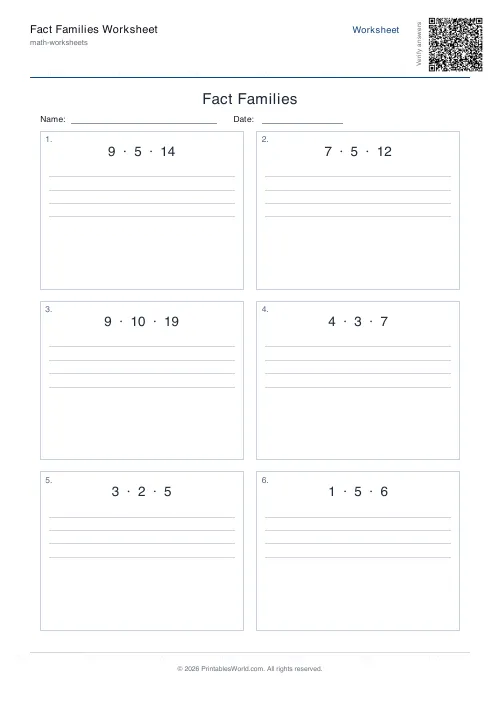
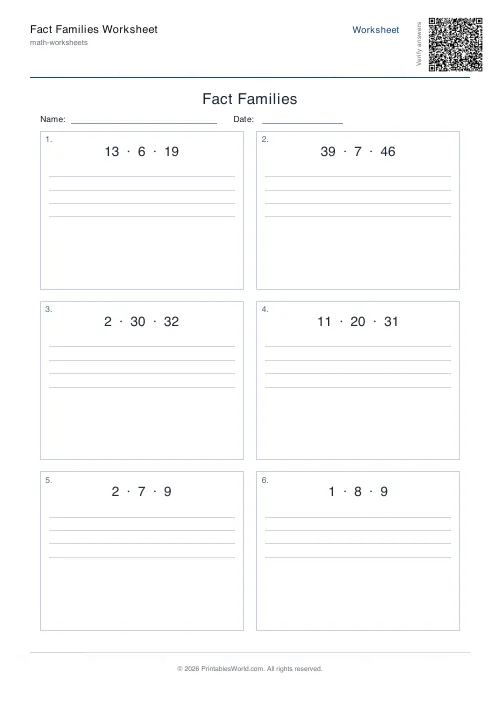
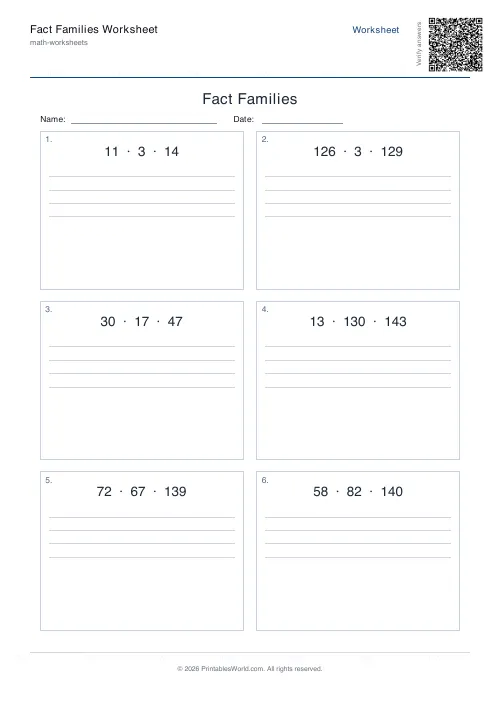
Three related numbers and four blank lines: the pupil writes the whole family of facts. Choose the addition family, the multiplication one, or a mix.
People also used
Number Bonds Worksheet Generator
Print customisable number bonds worksheets for sums to 10, 20 or 100 with optional answer keys.
Missing Numbers Worksheet Generator
Free printable fill-in-the-missing-number worksheets for addition, subtraction, multiplication and division.
Addition Worksheets Generator
Free printable addition worksheets in tables or line-by-line layouts.
Feedback
Spotted something off with this tool?
Three numbers, four facts
Each problem prints three related numbers and four blank lines. Given 4, 6 and 10, the family is 4 + 6 = 10, 6 + 4 = 10, 10 − 6 = 4, 10 − 4 = 6.
Twelve problems by default, numbers to 20. The multiplication families work identically — 3, 4 and 12 give two products and two quotients.
What this is actually teaching
That addition and subtraction are one relationship read two ways. Not two topics.
Learn 4 + 6 = 10 as an isolated fact and you have to learn 10 − 6 = 4 from scratch afterwards. See the family instead and you have four facts for the price of one, plus something considerably more valuable: an understanding of how the numbers relate, rather than another entry on a list to be memorised.
It fixes counting back
Subtraction is where children get slow. The reason is that they count backwards, and counting backwards is harder and less reliable than counting on.
Ask a pupil who knows the family for 13 − 8 and they think "8 plus what makes 13", then recall it. No trick. It is what fluent adults do, and this is how a child gets there.
Times tables work the same way
They are also the fastest route into division facts, which children otherwise treat as a whole new set to be learnt from nothing.
Anyone who knows 7 × 8 = 56 already knows 56 ÷ 8 = 7. Saying so, repeatedly and out loud, halves the tables workload. It is routinely left unsaid.
Use objects first
Before the worksheet, if the child is young. Ten counters split into a group of four and a group of six, physically pushed around a table, will produce all four facts without anybody writing a single thing down.
The part-part-whole language helps: 4 and 6 are the parts, 10 is the whole. Then every fact is either putting parts together or taking one part away from the whole, which is a single idea rather than four.
Setting the ceiling
Twenty covers the number bonds most infant work rests on. Drop it to 10 for a first attempt. Raise it once the pattern has landed, because the pattern is the thing being learnt here, not the arithmetic.
Related: number bonds for the pairs themselves, and multiplication wheels for tables drill.
FAQs
Quick answers
How many fact family problems fit on one page?
You can request between 4 and 40 problems. The generator lays out problems in a grid, with each problem showing the three numbers and four blank lines. Typical worksheets use 12–20 problems to balance practice volume and white space.
What does the maximum number setting control?
For addition/subtraction families, the maximum sets the largest possible sum. For multiplication/division families, it limits the product. A maximum of 20 keeps addition/subtraction families simple; a maximum of 100 or 144 allows multiplication tables up to 12 × 12.
Can I print the same worksheet twice?
Yes. Enter a seed value (any word or number) before generating. Using the same seed with the same settings will always produce identical problems, so you can print additional copies or re-create a worksheet weeks later.
What does a mixed family worksheet include?
When you choose mixed, the generator randomly selects addition/subtraction or multiplication/division for each problem. Students see a variety of fact families on a single page, which is useful for review or assessment.
Does the answer key show all four facts?
Yes. The answer key prints on a second page and displays all four completed equations for every problem, both commutative facts and both inverse facts, so you can check student work quickly.
How do I adjust difficulty for younger students?
Choose addition/subtraction families and set the maximum number to 10 or 20. This keeps sums small and focuses on basic number bonds. For older students, switch to multiplication/division families with a maximum of 100 or 144.
Can I add a title and name line to the worksheet?
Yes. Enter a custom title in the title field, and enable the name/date row option. The generator prints your title at the top of the worksheet and adds a line for the student's name and date.
Related tools
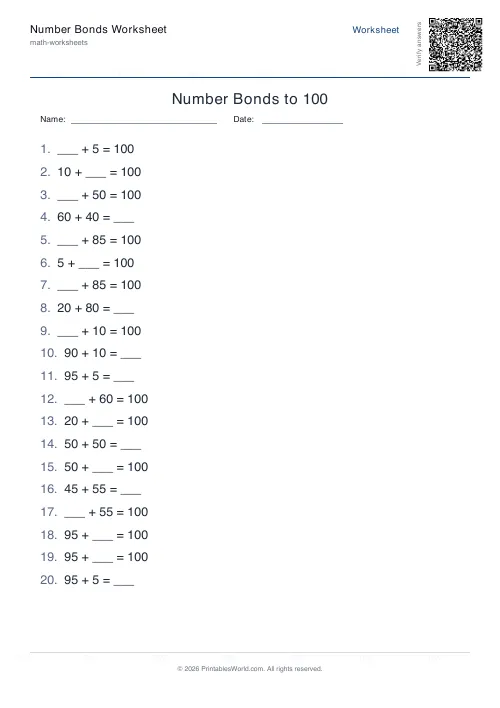
Number Bonds Worksheet Generator
Print customisable number bonds worksheets for sums to 10, 20 or 100 with optional answer keys.
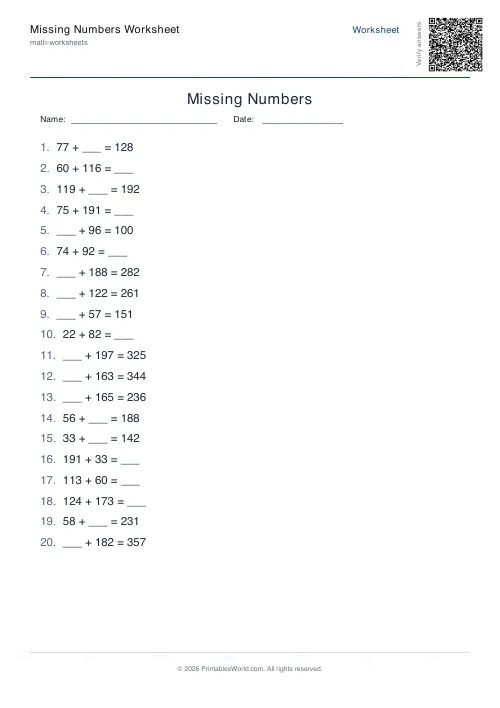
Missing Numbers Worksheet Generator
Free printable fill-in-the-missing-number worksheets for addition, subtraction, multiplication and division.
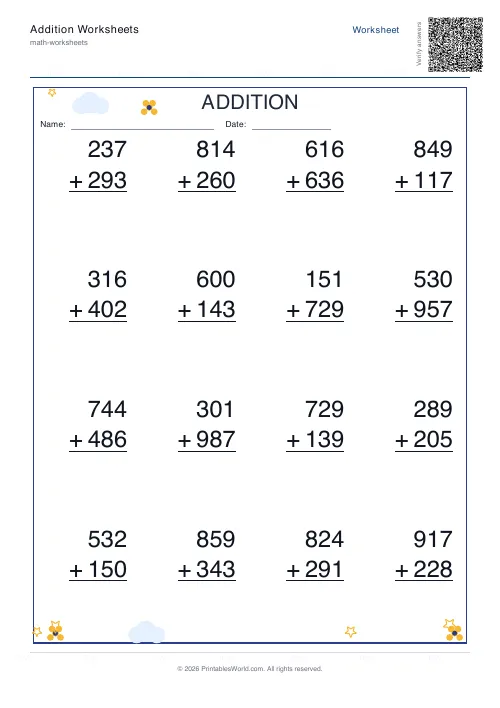
Addition Worksheets Generator
Free printable addition worksheets in tables or line-by-line layouts.
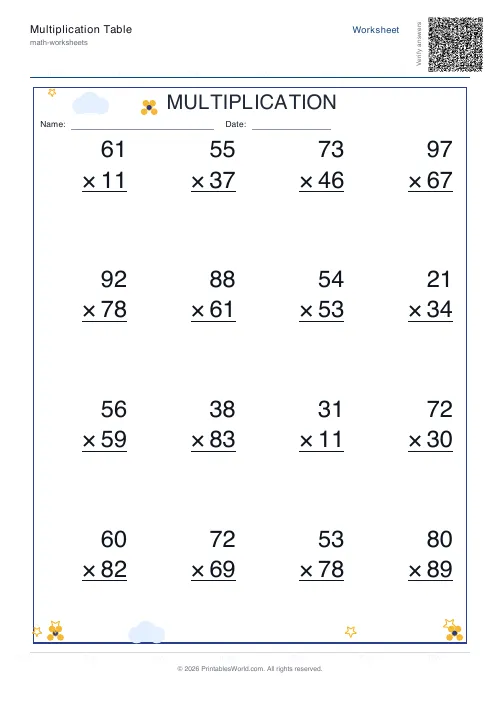
Multiplication Table Generator
Create free printable multiplication tables in table or line-by-line format with custom ranges and themes.
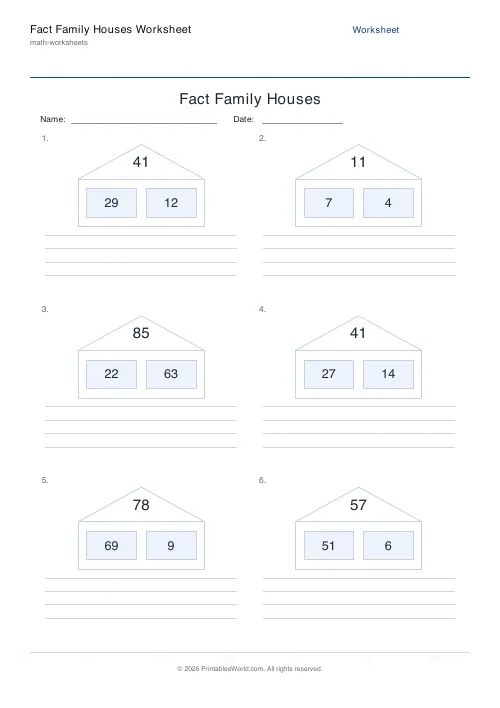
Fact Family Houses Worksheet
Printable fact family house worksheets. The whole number lives in the roof, the two parts live in the windows, and students write the four related facts below.
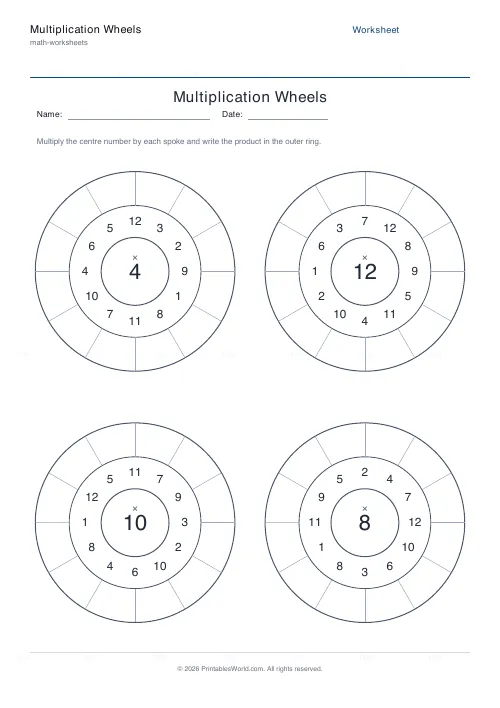
Multiplication Wheels
Generate circular multiplication wheels for fast, focused times-table practice.
Further reading
Math Worksheets
Understanding BODMAS and PEMDAS: order of operations explained
BODMAS and PEMDAS describe the same rule in different words. The trouble is that both hide two facts the acronym cannot express. Which is where nearly every mistake comes from.
5 min read
Math Worksheets
Addition strategies: number lines, regrouping and more
Column addition is the destination, not the route. Here are the strategies that come before it, why each matters, and how to tell which one a child is actually using.
5 min read
Math & Numeracy
How to help a child who's stuck on times tables
A simple two week plan to help child with times tables, using short daily practice and free printable multiplication grids you can customise and print.
7 min read
More like this
- Addition Worksheets Generator
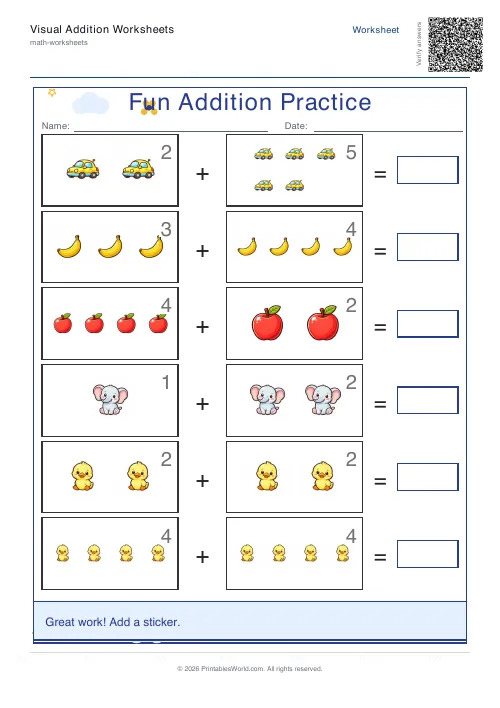 Visual Addition Worksheets Generator
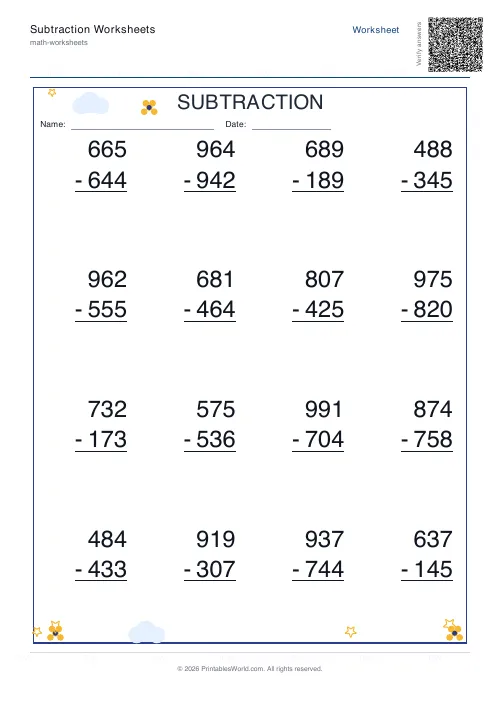 Subtraction Worksheets Generator
- Multiplication Table Generator
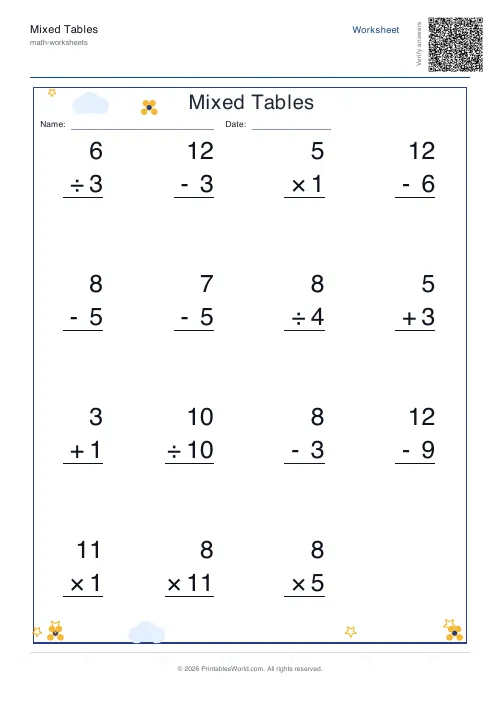 Mixed Tables Generator
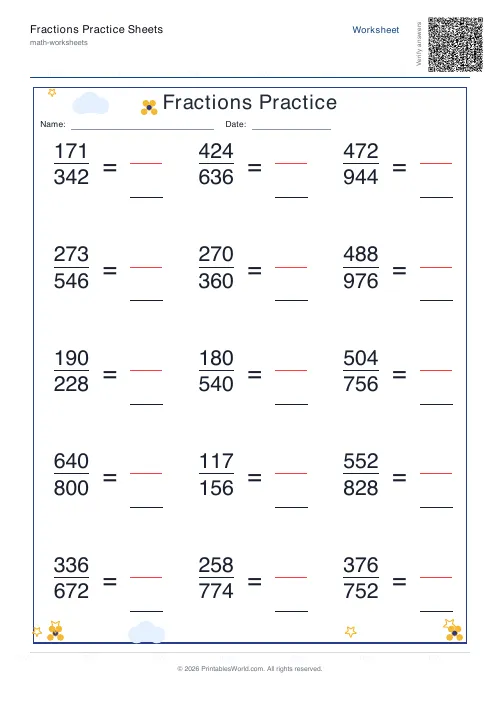 Fractions Practice Sheets Generator
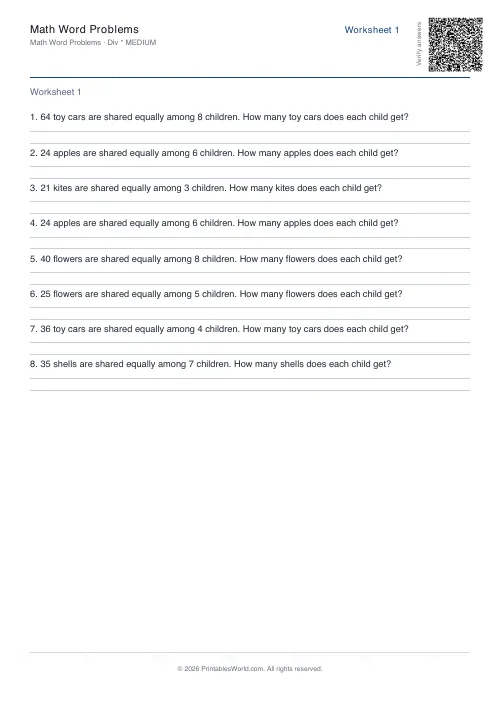 Math Word Problems Generator
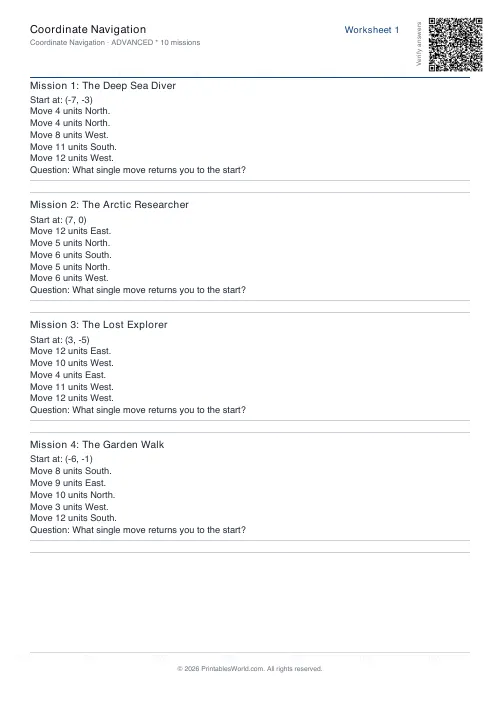 Coordinate Navigation Generator
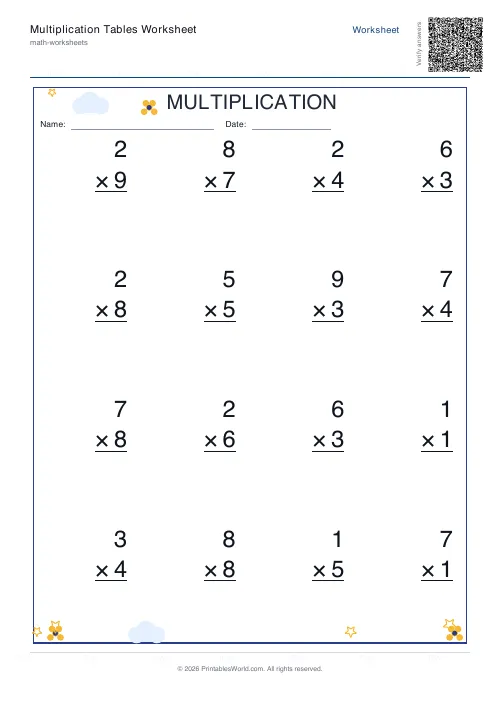 Multiplication Tables Worksheet
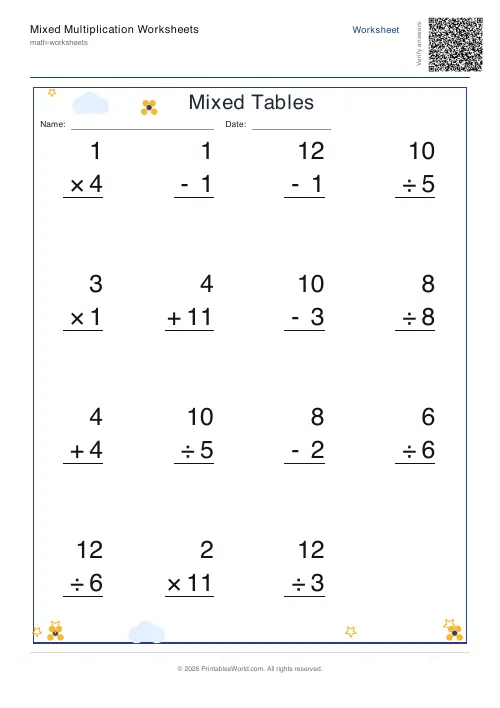 Mixed Multiplication Worksheets
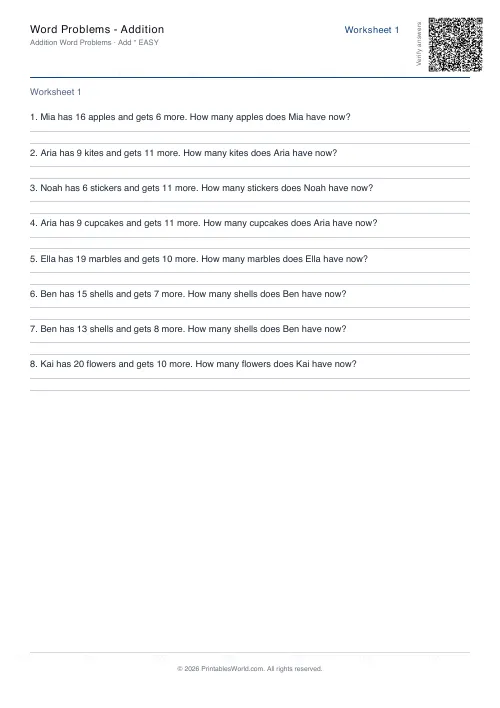 Word Problems: Addition
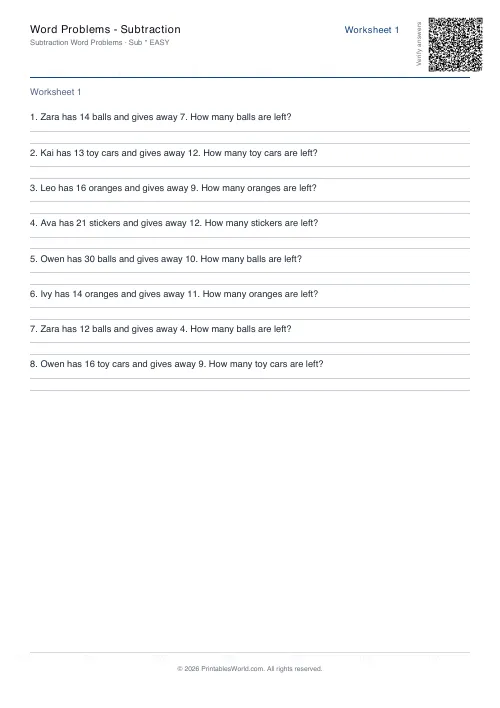 Word Problems: Subtraction
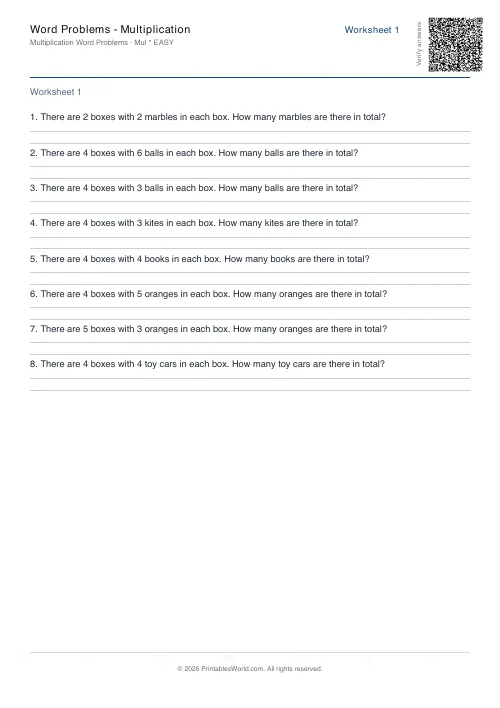 Word Problems: Multiplication
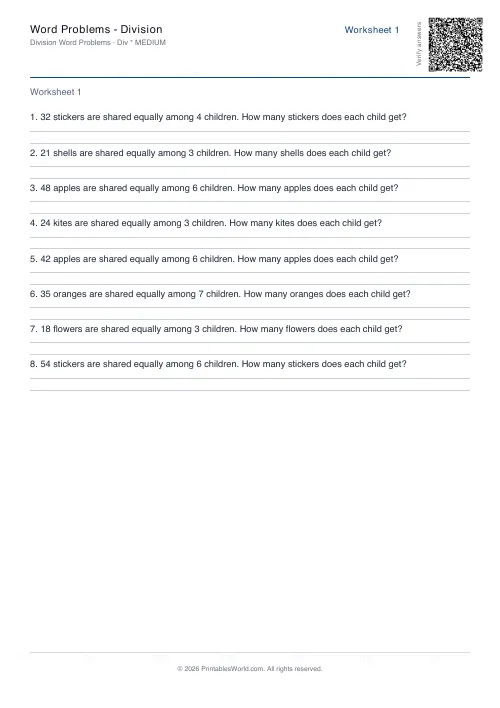 Word Problems: Division