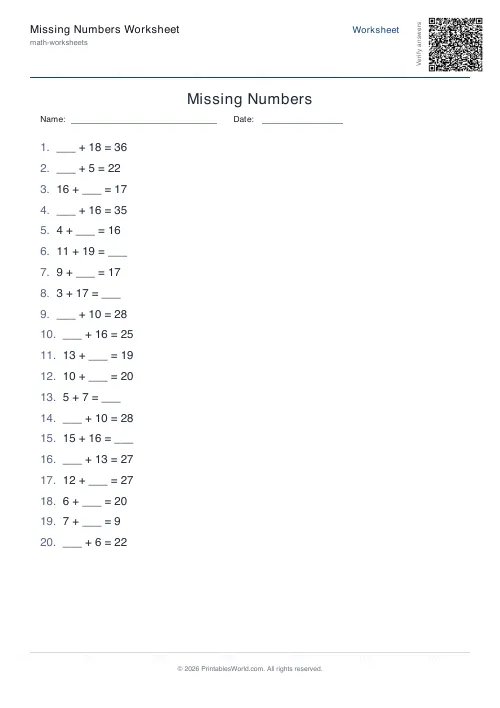
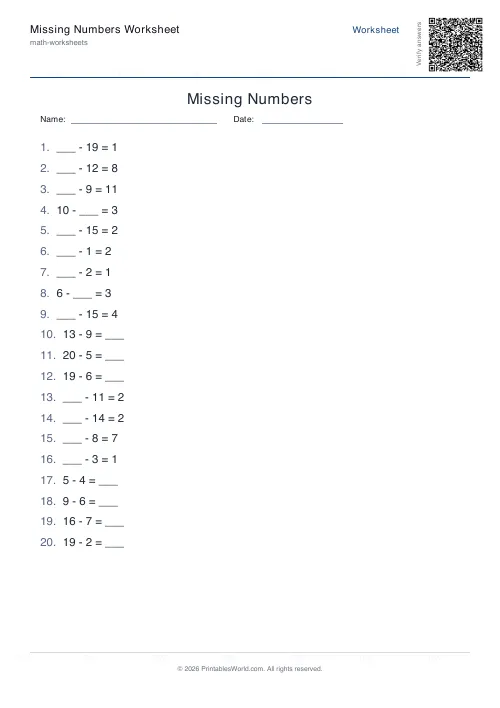
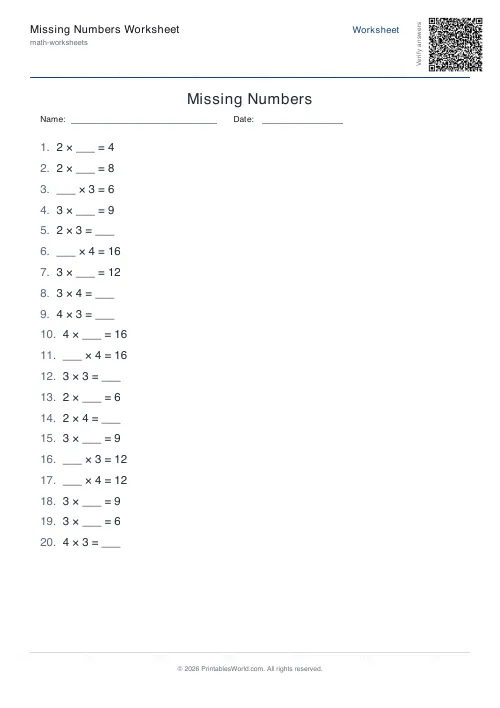
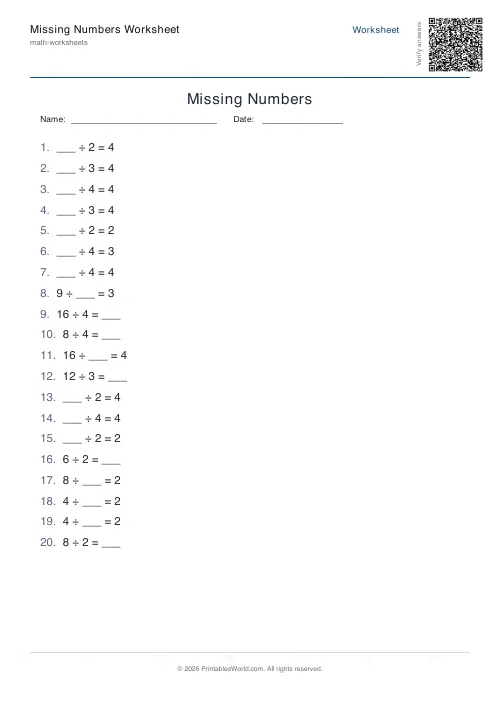
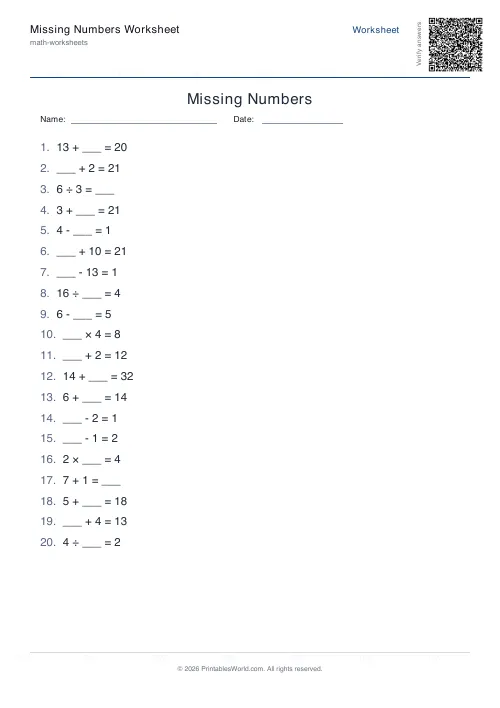
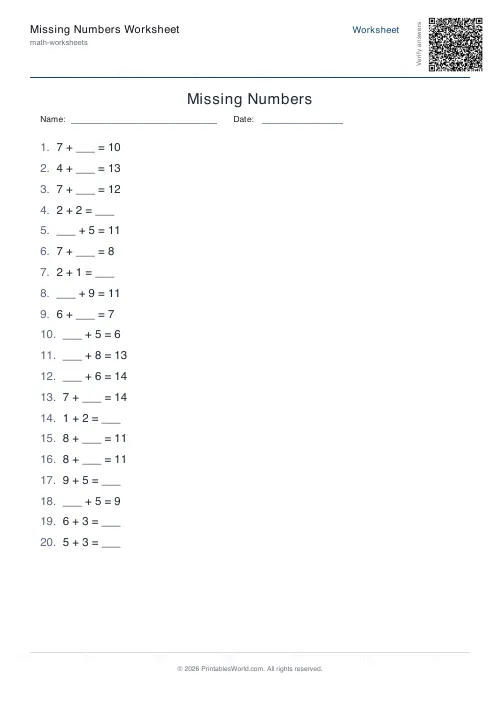
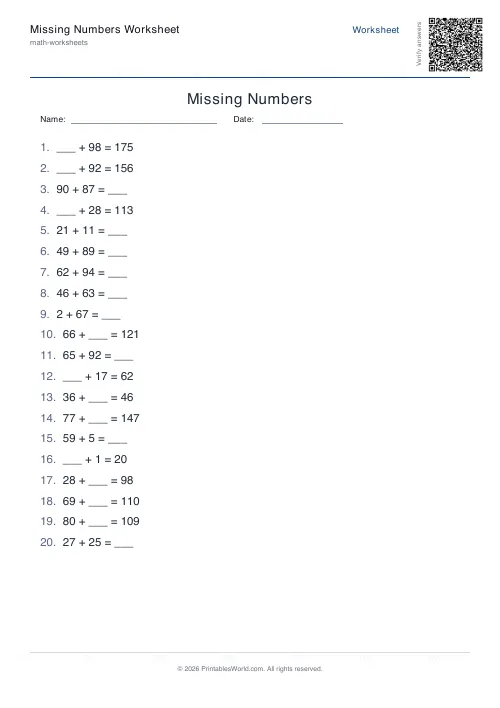
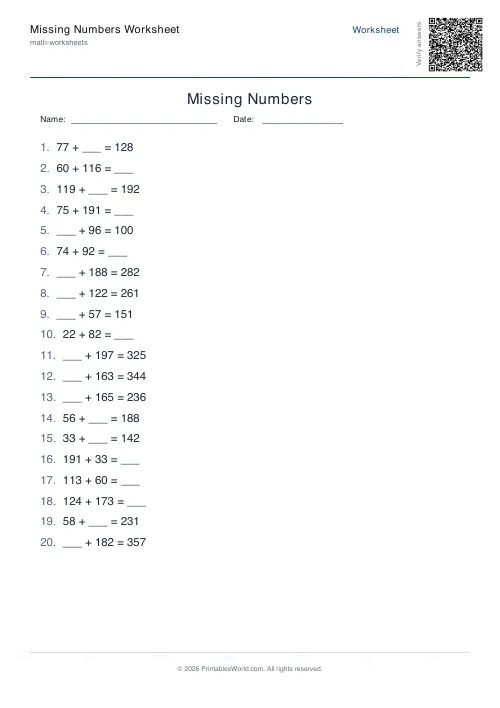
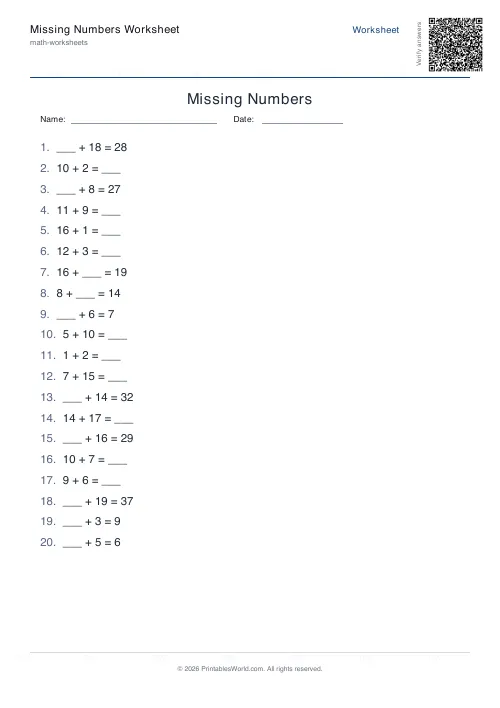
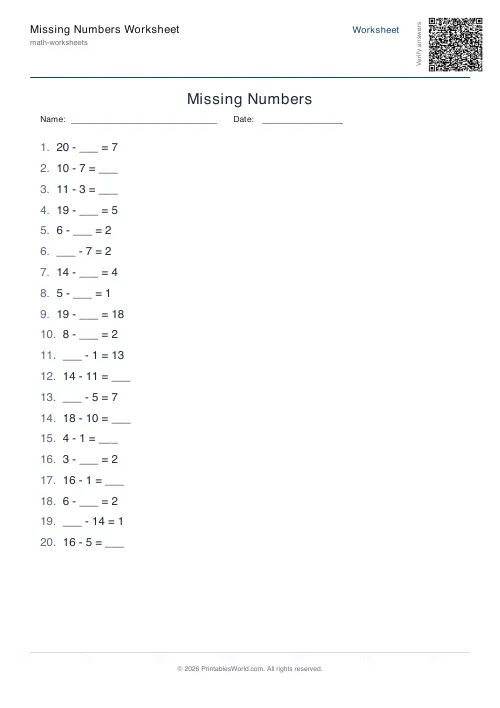
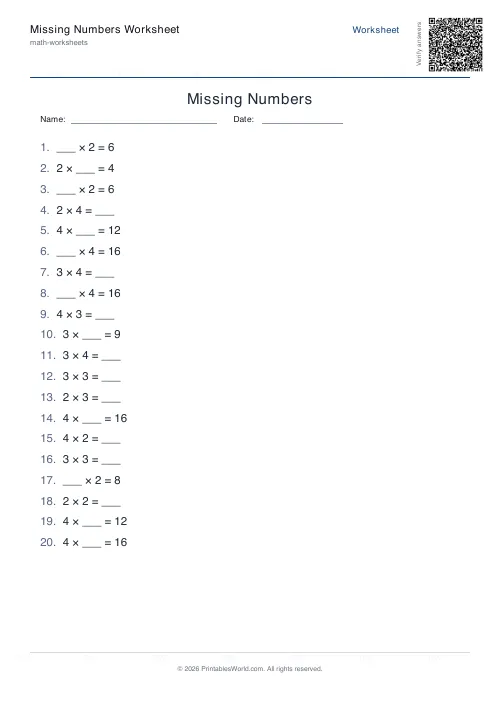
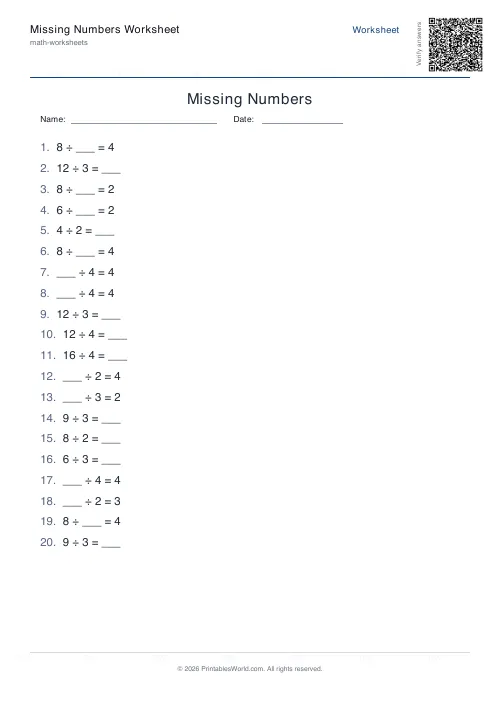
What this tool does
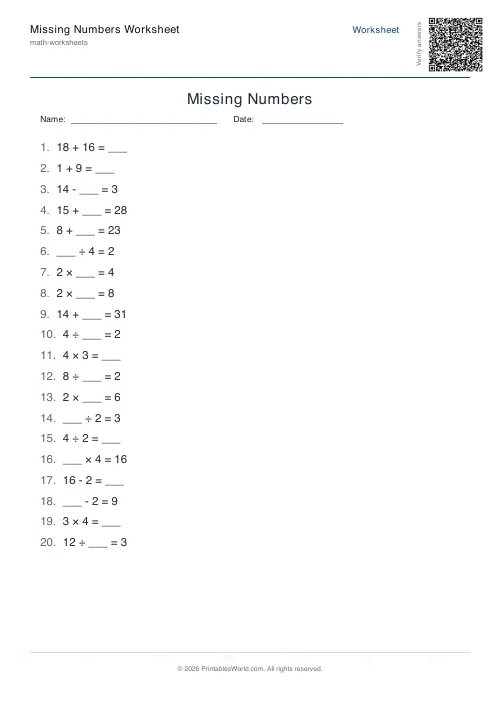
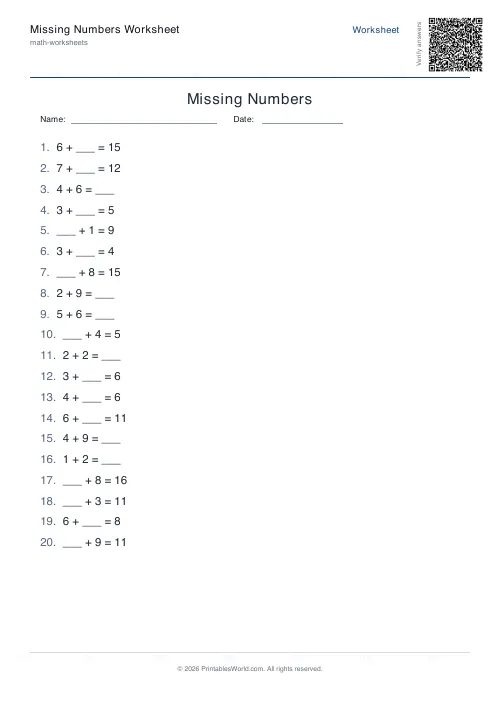
Worksheets where the pupil fills in the missing number. Pick addition, subtraction, multiplication, division, or a mixed sheet. The blank falls at random on the first operand, the second, or the answer, so no two rows are solved the same way. Four to sixty problems, a ceiling from 10 to 200, and an optional key.
People also used
Number Bonds Worksheet Generator
Print customisable number bonds worksheets for sums to 10, 20 or 100 with optional answer keys.
Fact Families Worksheet Generator
Generate printable fact family worksheets for addition, subtraction, multiplication and division practice.
Addition Worksheets Generator
Free printable addition worksheets in tables or line-by-line layouts.
Feedback
Spotted something off with this tool?
The blank moves, and that is the point
8 + __ = 15. Then __ − 6 = 9. Then 14 + 3 = __.
The generator hides one of the three positions at random, and that single design choice is what separates this from an ordinary sums sheet. A child who can compute forwards will sail through the third row and stall on the first, because finding a missing addend means subtracting, and nobody told them that.
Which is exactly the understanding being tested: that an equation is a balance rather than an instruction to calculate left to right.
Teach the positions in order
Start with the answer hidden. 5 + 3 = __ is the shape every child meets first and can already do.
Then hide the second operand, then the first. Those two are genuinely harder and they are harder for a reason worth explaining rather than drilling: to find a missing part you undo the operation, which is the inverse relationship the whole of later arithmetic rests on.
Mixed operations last, and only once all four are secure separately. Mixing early confuses rather than stretches, and it produces a sheet where a child fails at addition because they were still thinking about division.
The maximum number does more than you would expect
It runs from 10 up to 200, at 20 by default, and it caps the largest value in any equation.
For multiplication and division it does something less obvious. Operands are capped at roughly the square root of your maximum, up to twelve, so a ceiling of 100 gives factors up to ten rather than products of a hundred times a hundred. That keeps a times-table sheet inside the times tables instead of turning it into long multiplication by accident.
Subtraction is protected too: the larger number always comes first, so an answer never goes negative on a sheet aimed at children who have not met negatives.
A Year 2 inverse-operations check
Mixed operation, maximum 20, twelve problems, answer key on.
Because the blank lands in different places, some rows want addition and some want subtraction, and the pupil has to decide which before writing anything. Twenty-eight copies, ten minutes on a Tuesday morning, and the marking tells you which position each child got wrong, which is far more useful than knowing only that they got something wrong.
Reprinting the same sheet
Every worksheet comes from a deterministic seed, so the same settings produce the same problems. A lost sheet is reprinted rather than replaced with a comparable one, which matters when the class is being assessed rather than practising.
Four to sixty problems a page. Twenty is a starter, sixty is a full lesson, and the answer key always prints on its own page so the questions can be handed out without it.
FAQs
Quick answers
Can I choose which position is left blank?
No. The generator randomises whether the first operand, second operand or result is hidden. This variety ensures students practice flexible thinking rather than memorising a single pattern.
What does the 'maximum number' setting control?
It caps the largest value that can appear anywhere in an equation. For addition and subtraction, operands and results stay at or below this number. For multiplication and division, the generator uses smaller operands (typically up to 12) to keep products and quotients reasonable.
How many problems fit on one page?
You choose the problem count in the generator options. The layout adjusts spacing automatically, but very high counts will make the font smaller. Most teachers find 10–20 problems per page strikes a good balance between practice volume and readability.
Will I get negative answers in subtraction problems?
No. The generator always ensures the minuend (first number) is larger than the subtrahend (second number) so all answers are positive whole numbers.
Can I print the same worksheet twice?
Yes. If you leave the seed field unchanged, the generator produces identical problems every time you click Generate with the same settings. To get a fresh set of problems, change the seed to any different value or leave it blank for a random seed.
Does mixed mode include all four operations equally?
The generator picks operations randomly, so the balance will vary from worksheet to worksheet. Over many problems the distribution evens out, but a single 12-problem sheet might include more addition than division by chance.
Can I remove the name and date fields at the top?
Yes. Toggle 'Show name and date fields' off in the generator options. The worksheet will print without those header boxes, giving you slightly more vertical space for problems.
Related tools
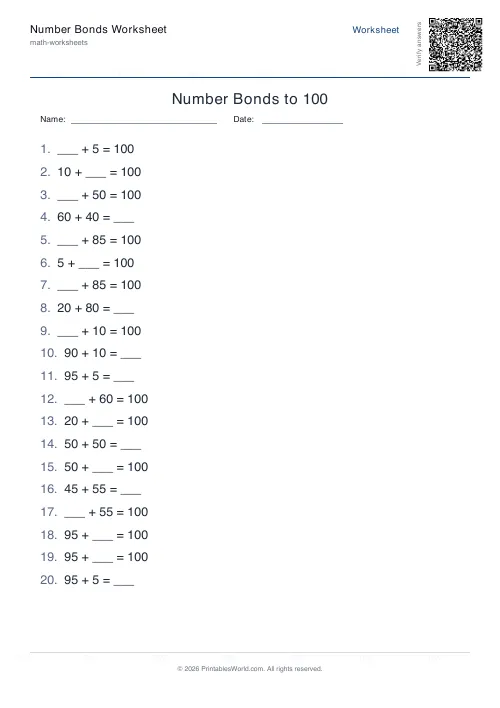
Number Bonds Worksheet Generator
Print customisable number bonds worksheets for sums to 10, 20 or 100 with optional answer keys.
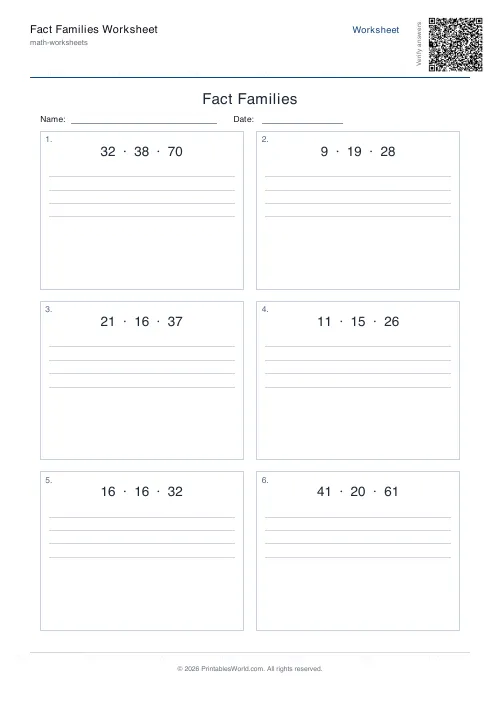
Fact Families Worksheet Generator
Generate printable fact family worksheets for addition, subtraction, multiplication and division practice.
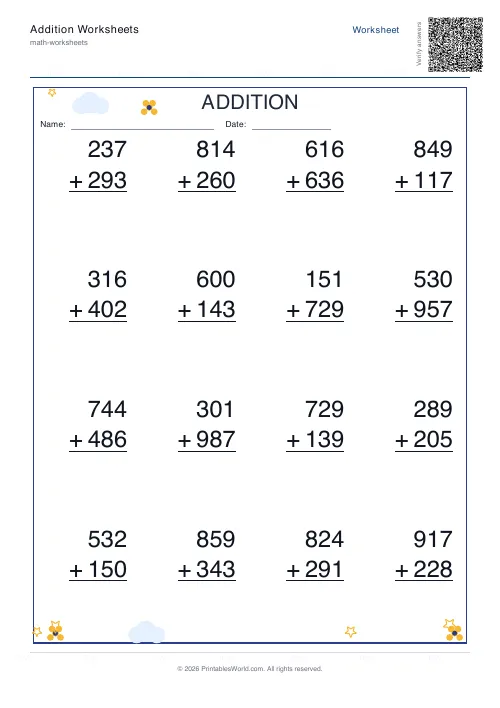
Addition Worksheets Generator
Free printable addition worksheets in tables or line-by-line layouts.
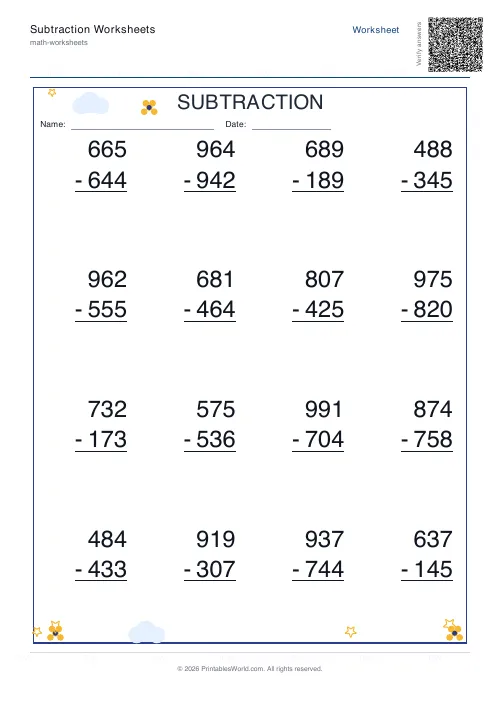
Subtraction Worksheets Generator
Free printable subtraction worksheets in tables or line-by-line layouts.
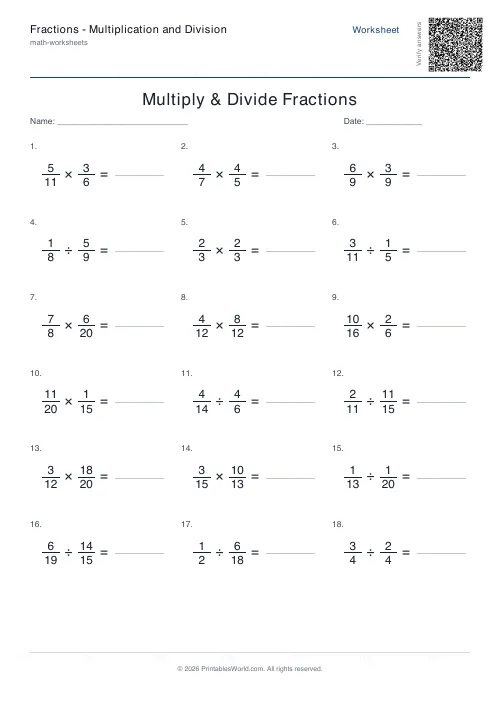
Fractions: Multiplication and Division
Printable multiply and divide fractions worksheets.
Further reading
Math Worksheets
Addition strategies: number lines, regrouping and more
Column addition is the destination, not the route. Here are the strategies that come before it, why each matters, and how to tell which one a child is actually using.
5 min read
Math Worksheets
Ten frames and number bonds: early maths foundations
A ten frame is two rows of five. That arrangement does something a row of counters cannot. It makes quantities visible without counting, which is where number sense starts.
5 min read
Math Worksheets
How many maths worksheets per day? A parent's guide
The honest answer is less than most parents assume. And the number of questions matters less than whether the session ends well.
5 min read
More like this
- Addition Worksheets Generator
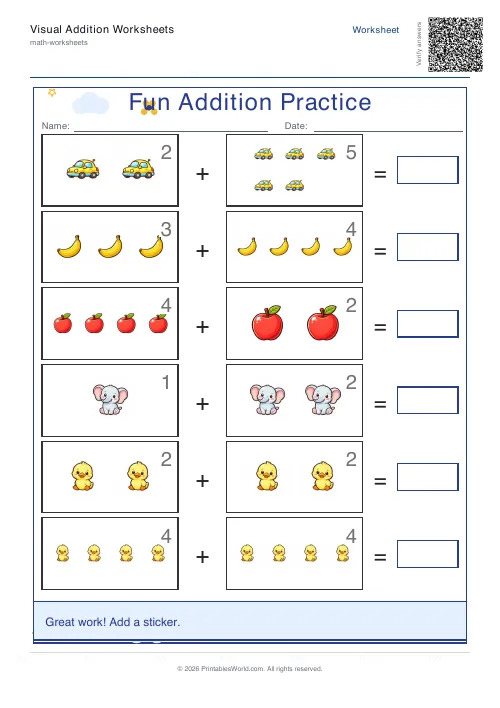 Visual Addition Worksheets Generator
- Subtraction Worksheets Generator
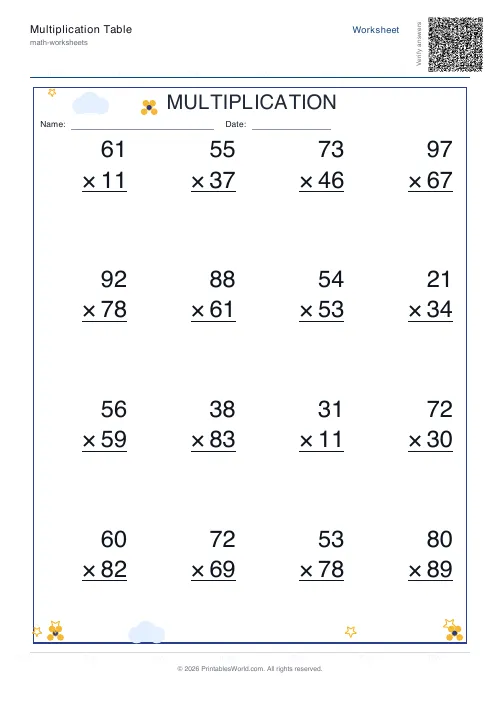 Multiplication Table Generator
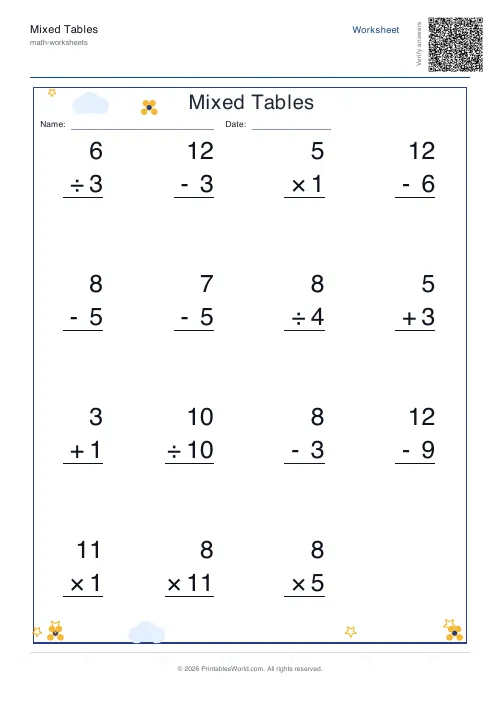 Mixed Tables Generator
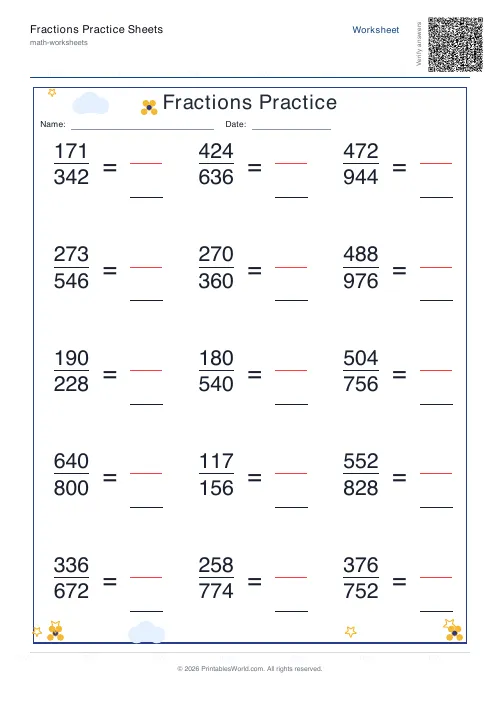 Fractions Practice Sheets Generator
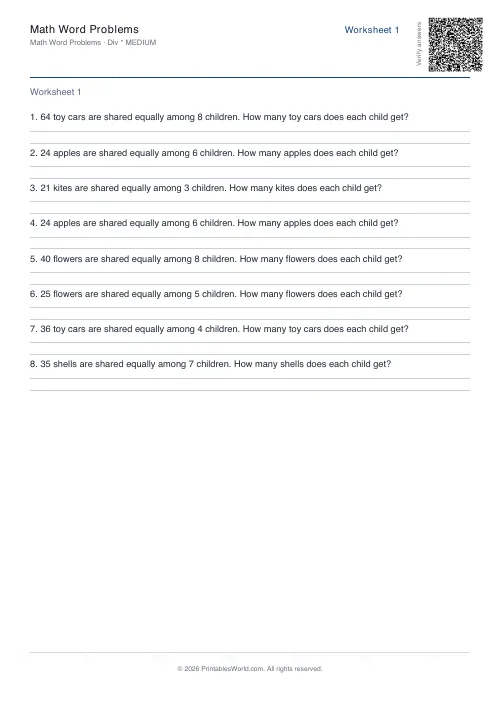 Math Word Problems Generator
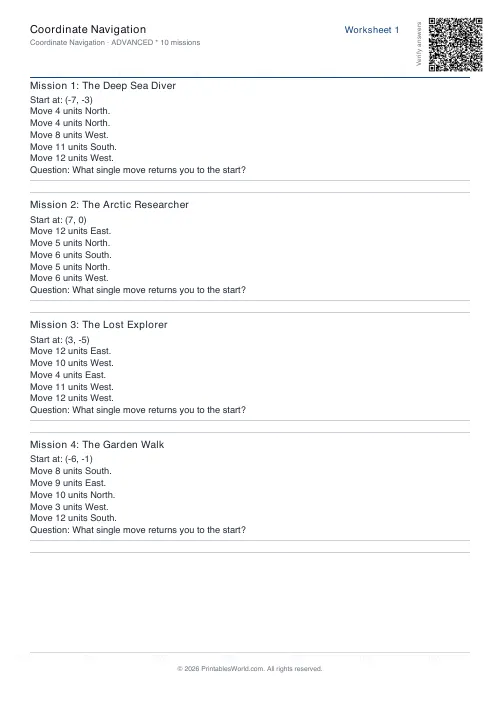 Coordinate Navigation Generator
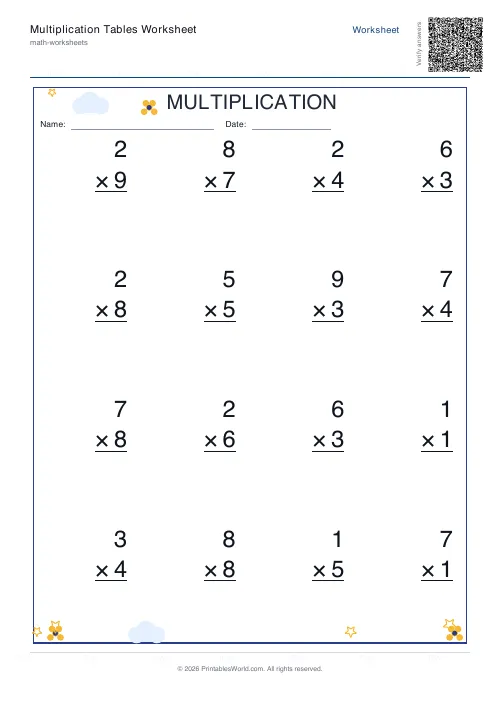 Multiplication Tables Worksheet
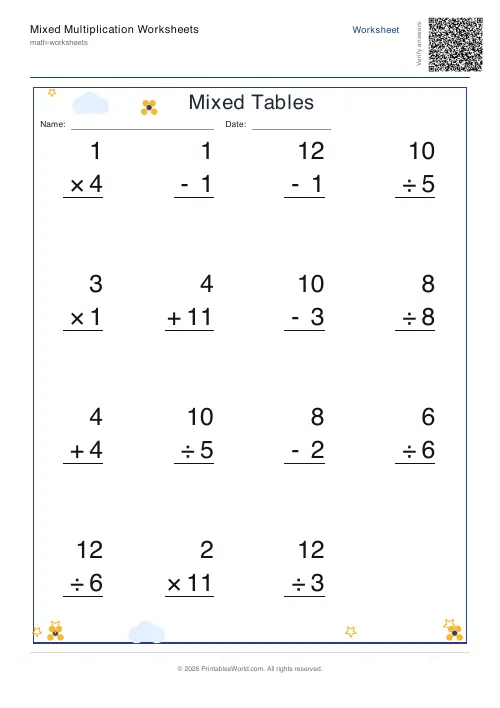 Mixed Multiplication Worksheets
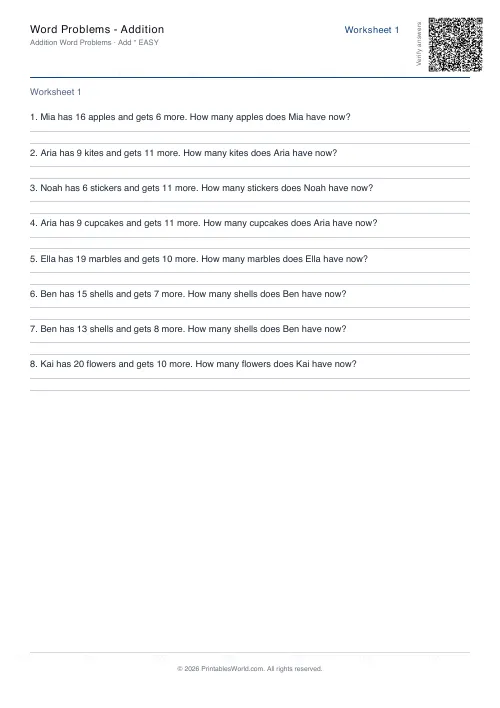 Word Problems: Addition
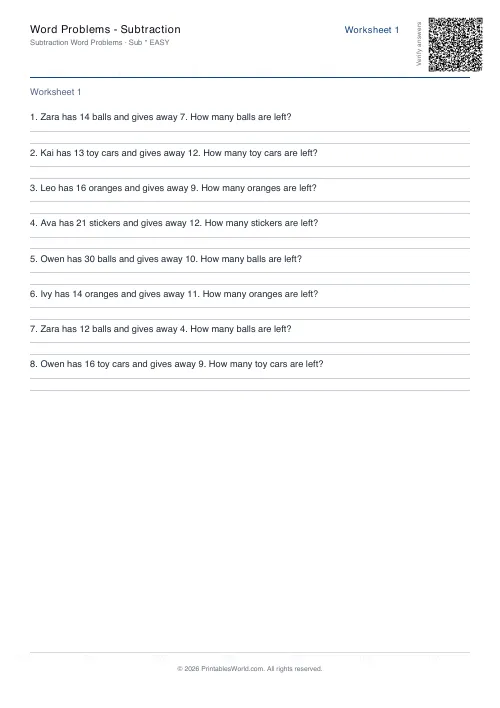 Word Problems: Subtraction
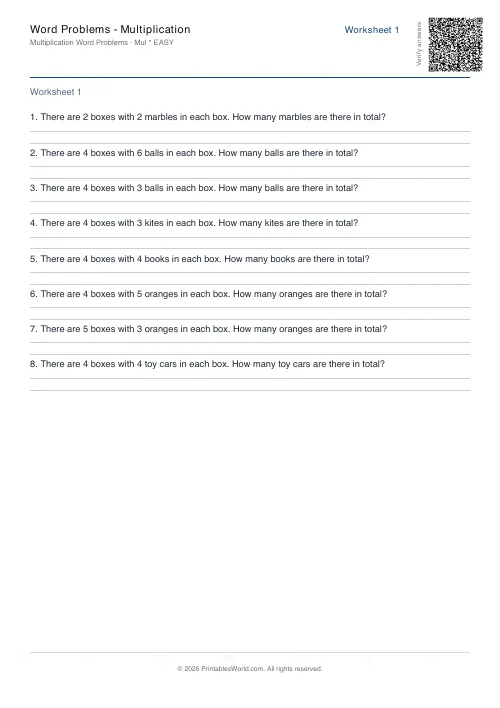 Word Problems: Multiplication
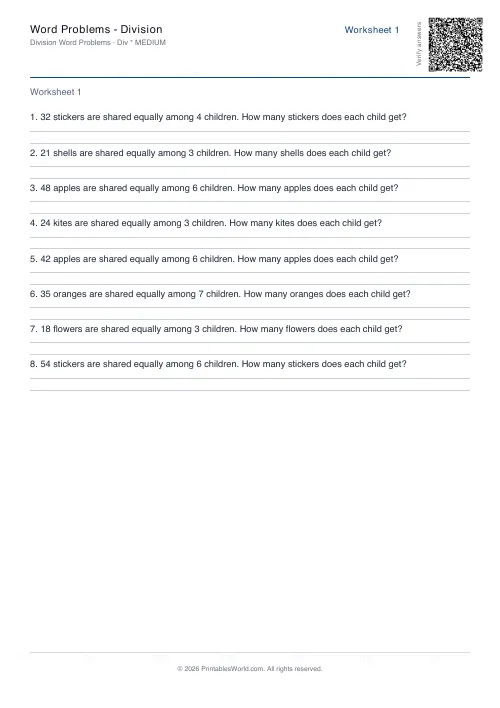 Word Problems: Division