


 Scan to get


 Scan to get



 Scan to get






What this tool does
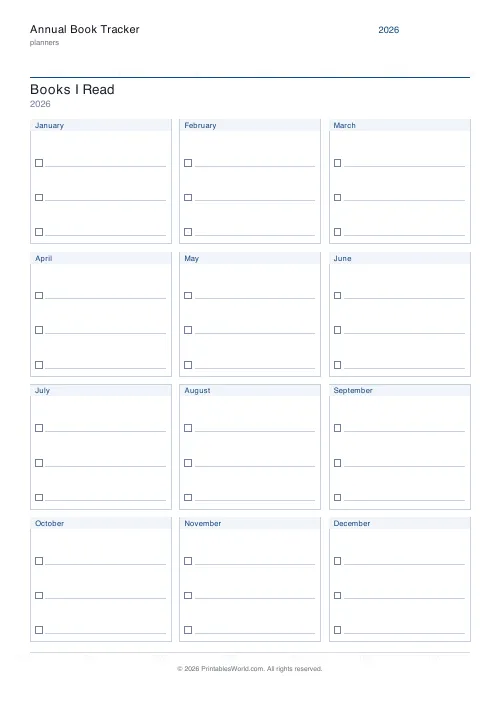
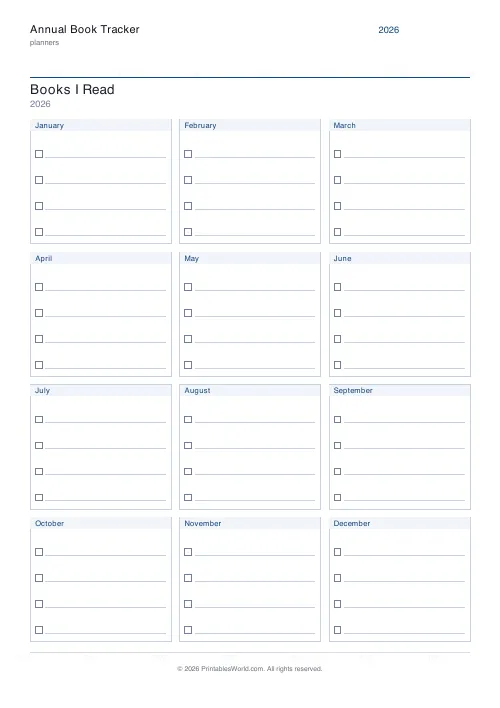
A one-page reading log for a whole year. Twelve months in a three-by-four grid, each with three to five slots holding a checkbox and a line for the title. Set your own year and page title, and the year defaults to the current one.
People also used
Reading Log Template
Printable reading log. Track titles, authors, dates, ratings, and reviews.
Journal Prompt Page
Printable journal page. One printed prompt at the top, full ruled writing area below.
Cash Envelope Budget Tracker
Printable cash-envelope sheet: label each envelope, set what is budgeted, and log every withdrawal.
Feedback
Spotted something off with this tool?
A reading year on one sheet
Twelve months, three across and four down, so January to December is visible at once. Each month holds three to five slots. A checkbox and a line, that is all a slot is.
Finish a book, write the title on the next empty line, tick the box. At the end of the year the sheet is the whole record, and it fits in a planner or the front of a journal because it never became a log book.
Everything on one page is the feature
A reading log in a notebook records books. A reading log on one page shows patterns. The patterns are the interesting part.
Four titles in January and none in March is visible instantly, and it prompts a question nobody asks of a list. So does a run of half-empty months over the summer, or the fact that the busy months are the ones with a long book in them. None of that survives being spread across twelve pages.
Choosing the slot count honestly
Three slots, or four, or five. It looks like a capacity setting. It is really a goal-setting one, which is why it is worth a moment of thought rather than a shrug.
Five slots on a sheet belonging to a child who reads one book a month produces twelve rows of mostly empty lines, and the sheet stops being a record of what they did and becomes a record of what they did not. Three slots filled every month is a far better object to look at in December. Set it below what you expect rather than above.
A Year 5 reading challenge
Title changed to name the class, four slots a month, thirty copies printed at the start of term.
Every Monday morning the pupils write in whatever they finished over the weekend. By December the teacher can see at a glance who met the target, which months went quiet, and which children need a nudge rather than a reprimand. Because the whole year is on one page, that takes about ninety seconds per pupil instead of flicking through a diary.
At a parents' evening the completed sheet is a concrete thing to put on the table, which is worth more than a sentence about reading habits.
Where it goes
Glued into the front of a reading diary or a homework planner, which is the version that does not get lost. Pinned to a fridge or a notice board at home, where a child walks past their own progress several times a day.
Or folded into an adult's planner, for anyone who wants to read more without the overhead of an app. Writing a title by hand and ticking a box is a small ritual, and the small ritual is most of why paper trackers work when digital lists quietly stop being updated in February.
FAQs
Quick answers
Can I change the number of book slots after I generate the PDF?
No. The number of slots per month is baked into the layout when you click Generate. If you want a different number, go back to the form, change the slots-per-month setting, and generate a fresh PDF.
What if I read more books in one month than I have slots?
You can squeeze extra titles into the margin, flip the sheet over and continue on the back, or simply accept that the tracker captures your first few books each month. Alternatively, regenerate the tracker with five slots per month instead of three.
Can I print this tracker in colour or does it need to be black and white?
The PDF uses subtle colours for the month header bars and lines, but it prints perfectly well in greyscale. The design is ink-efficient either way, so choose whichever suits your printer and budget.
Is there space to write notes or ratings for each book?
No. Each slot has only a checkbox and a single line for the book title. If you want to record ratings, authors, or short comments, you'll need a separate reading journal or a more detailed tracker template.
Can I use this tracker for audiobooks or e-books?
Absolutely. The slots don't distinguish between formats. Write down any book you finish, whether you read it on paper, listened on an app, or read on an e-reader. The checkbox simply marks completion.
Will the layout fit if I print on smaller paper, like A5?
The generator targets A4 and US Letter. If you print at 100 percent scale on A5, the grid will be cut off. You can try scaling the PDF to 70 percent in your print dialog, but the text and checkboxes will shrink and may become hard to use.
Can I share the printed tracker with my students or book club?
Yes. Print as many copies as you need for personal, classroom, or non-commercial group use. Each page carries the PrintablesWorld branding, but you're free to photocopy or distribute the printouts within those terms.
Related tools
Reading Log Template
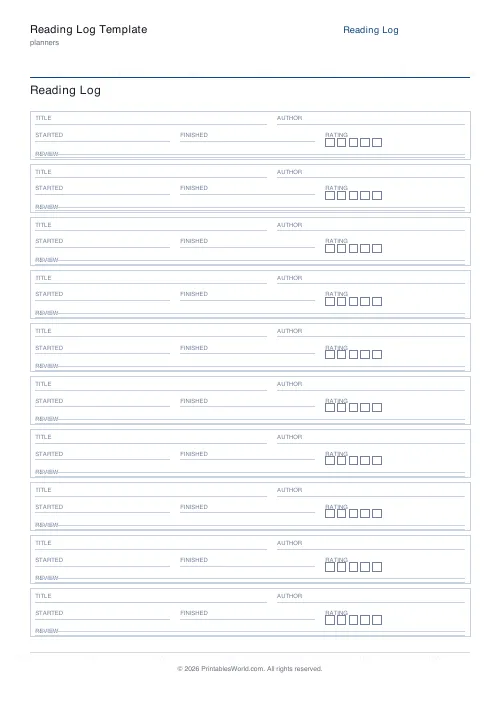
Printable reading log. Track titles, authors, dates, ratings, and reviews.
Journal Prompt Page
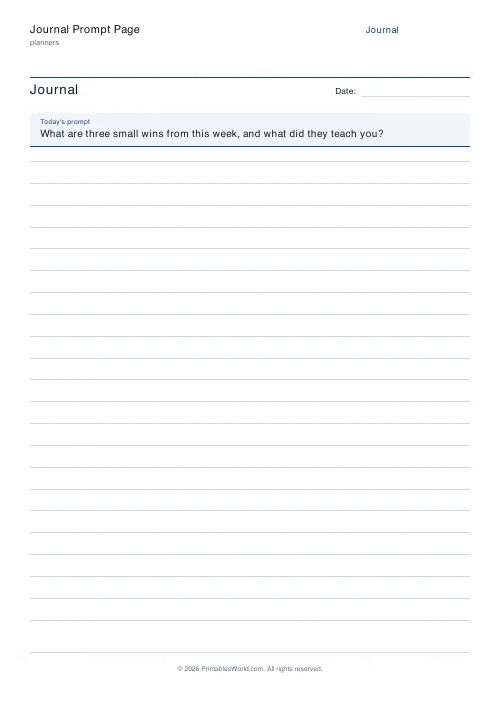
Printable journal page. One printed prompt at the top, full ruled writing area below.
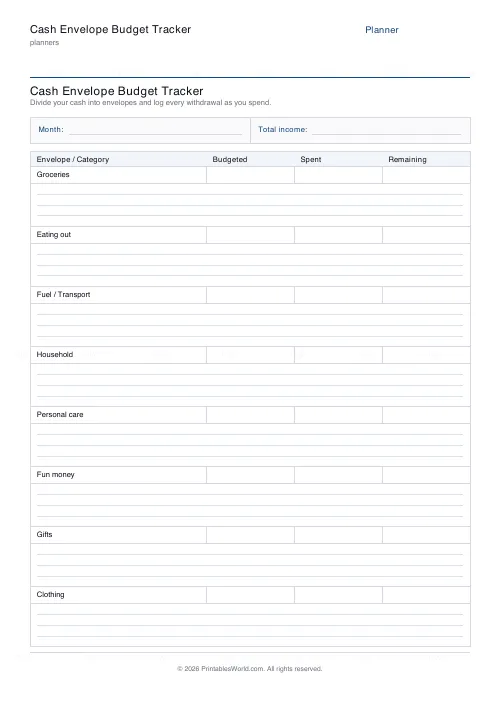
Cash Envelope Budget Tracker
Printable cash-envelope sheet: label each envelope, set what is budgeted, and log every withdrawal.
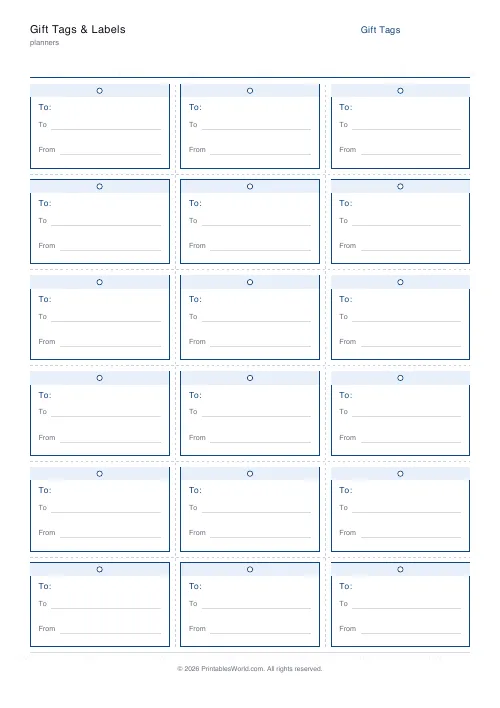
Gift Tags & Labels Generator
Printable gift tags and labels you can cut out, write on and tie to any present.
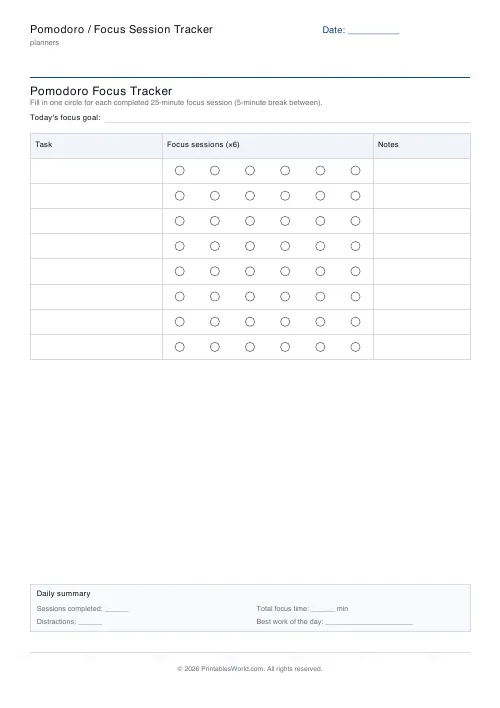
Pomodoro / Focus Session Tracker
A printable Pomodoro tracker. List your tasks and fill in a circle for every 25-minute focus session you complete.
Further reading
Planners
How to pay off debt faster with a payoff tracker
One method costs less; the other is easier to stick to. Here is how to choose between them honestly, and why a visual tracker changes the odds either way.
5 min read
Planners
Meal planning 101: save time and money every week
A weekly meal plan saves money mainly by changing how you shop. Here is a thirty-minute method, the shortcuts that keep it going, and the mistake that ends most plans in week three.
5 min read
Planners
ADHD-friendly planning: systems that work
Standard planners assume you will remember to open them. That single assumption is why they fail for a lot of ADHD brains. And what an ADHD-friendly system has to replace.
6 min read













