


 Scan to get


 Scan to get



 Scan to get






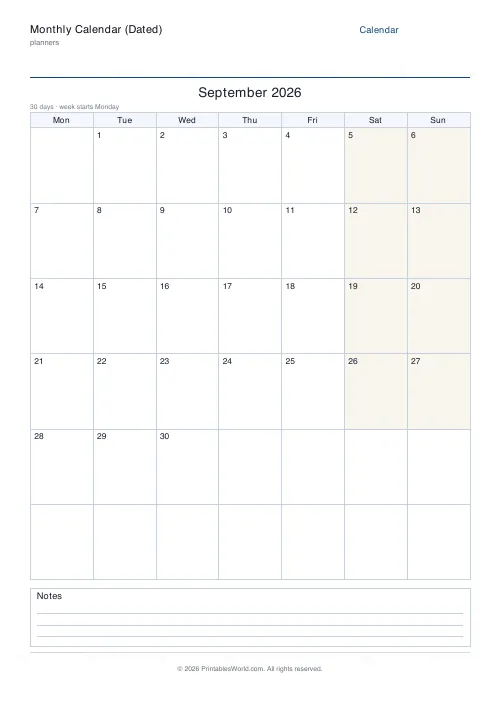
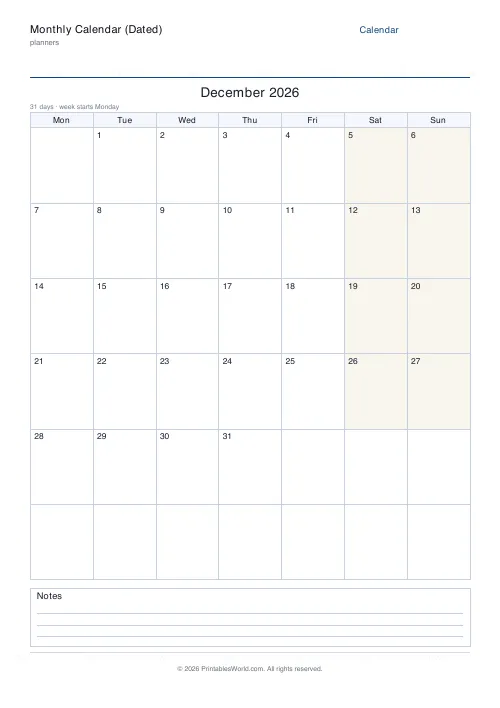
What this tool does
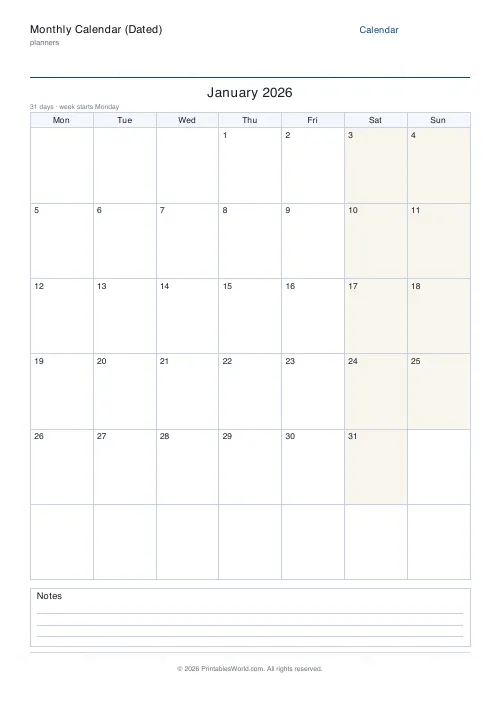
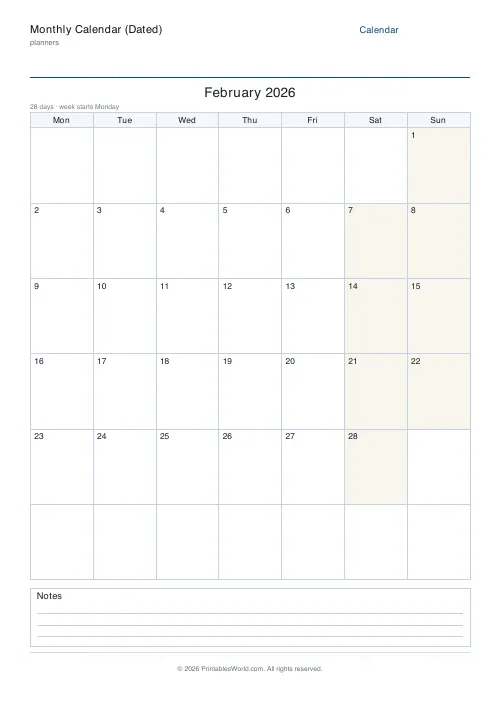
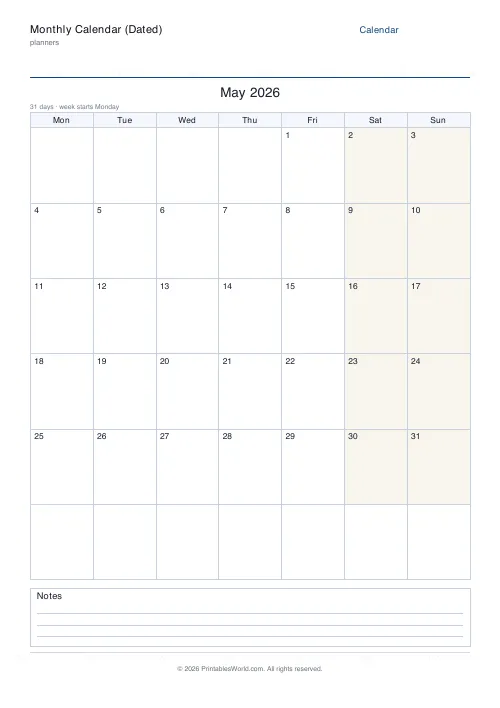
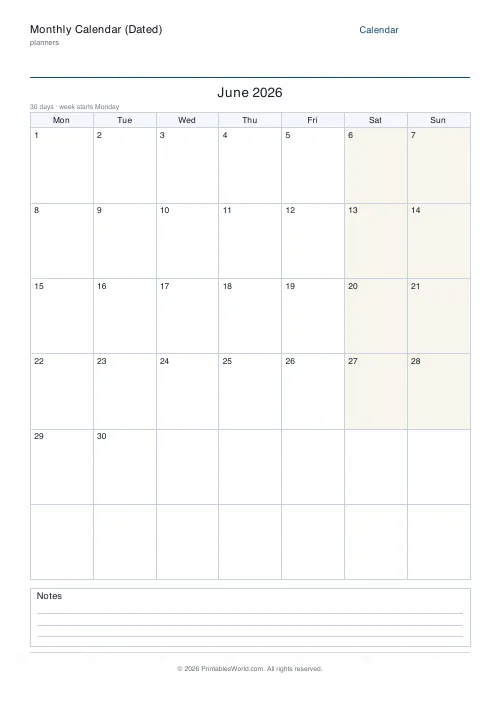
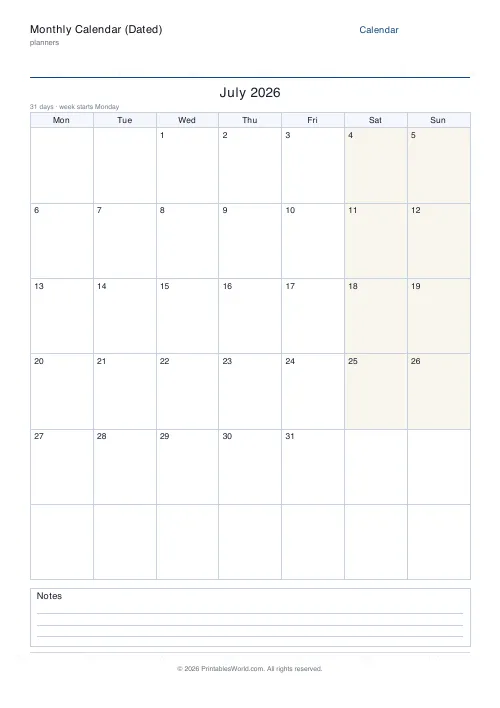
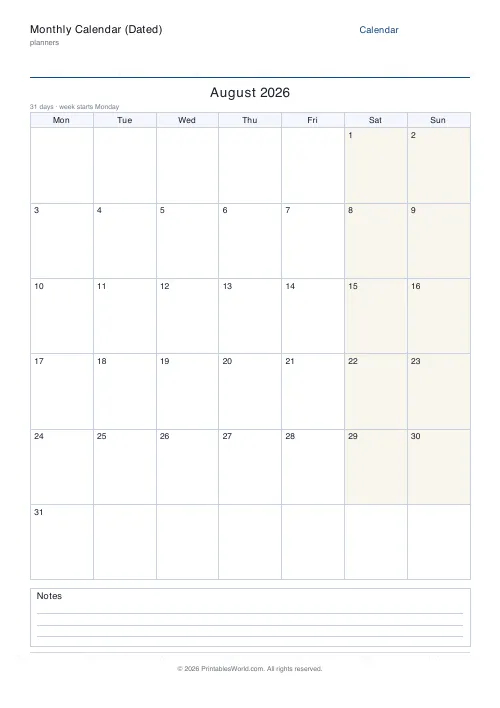
A dated month calendar that does the date arithmetic for you. Give it a month and a year and it works out which weekday the 1st lands on, counts the days including leap-year Februaries, and fills the grid. Monday or Sunday week start, an optional ruled notes footer, A4 or US Letter.
People also used
Feedback
Spotted something off with this tool?
The dates are calculated, not left blank
Type a month and a year. The generator finds the weekday of the 1st, counts the days, and prints every date into the grid. Weekends come out lightly shaded so Saturday and Sunday stand apart at a glance.
No numbering cells by hand, which is the part that goes wrong. And because the dates are computed rather than stored, the same tool prints last March, this month, or a month in 2041.
Six rows, always
The grid is drawn with six week rows regardless of the month, and that is deliberate rather than wasteful.
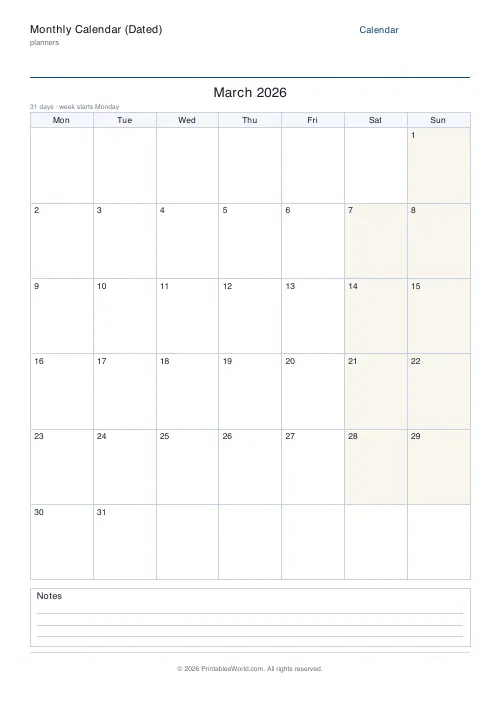
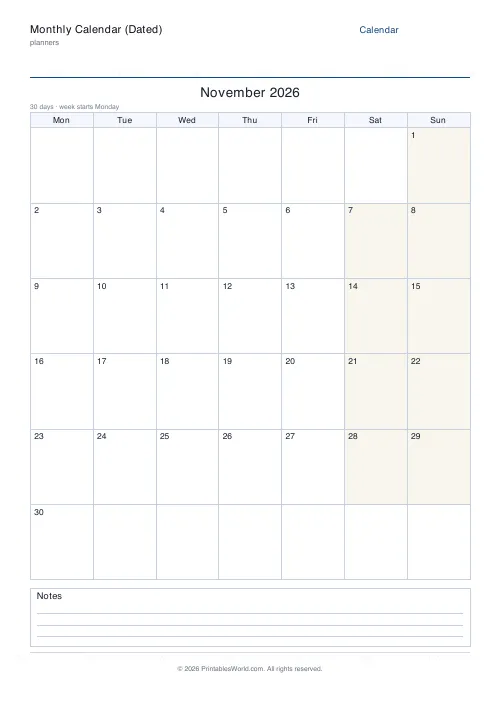
Most months fit in five rows. Some do not: a 31-day month whose 1st falls late in the week spills into a sixth, and in 2026 it happens three times: in March, in August, and again in November. A calendar built to five rows would have to cram those months or drop a day. Six rows fits every possible month, so the layout never changes shape between one month and the next, which matters if you are printing a whole year to pin up in sequence.
The arithmetic it handles
Standard Gregorian rules throughout. February shows 28 days in a common year and 29 in a leap year, where a leap year is one divisible by four, except a century year not divisible by 400. So 2000 was a leap year and 1900 was not.
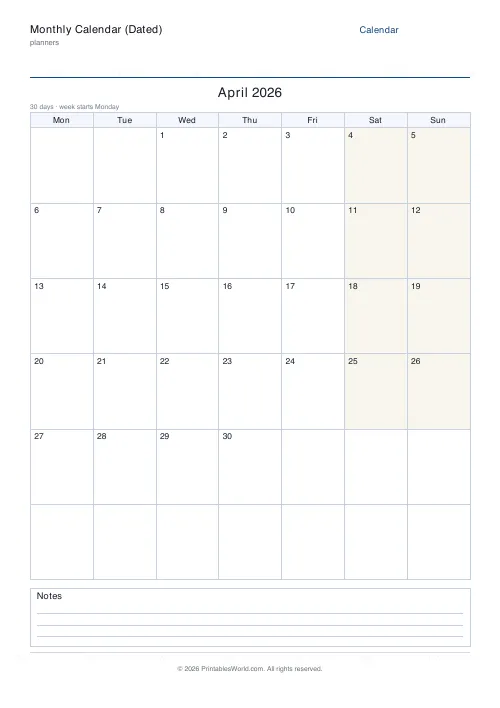
Thirty days for April and June, and for September and November. Thirty-one for everything else. None of which you have to think about, which is the entire point of a dated calendar over a blank grid.
Week start and the notes footer
Monday start is the convention across Europe and most of the world. Sunday start is usual in the US. The header cells and every date shift to match, so the grid always reads correctly.
The notes footer is a ruled strip below the grid, on by default. Turn it off and the date cells grow to take the space, which is what you want for a wall calendar people write appointments into. Keep it on when the month has recurring things that do not belong on a particular day: bin collections, a standing meeting, birthdays in other months.
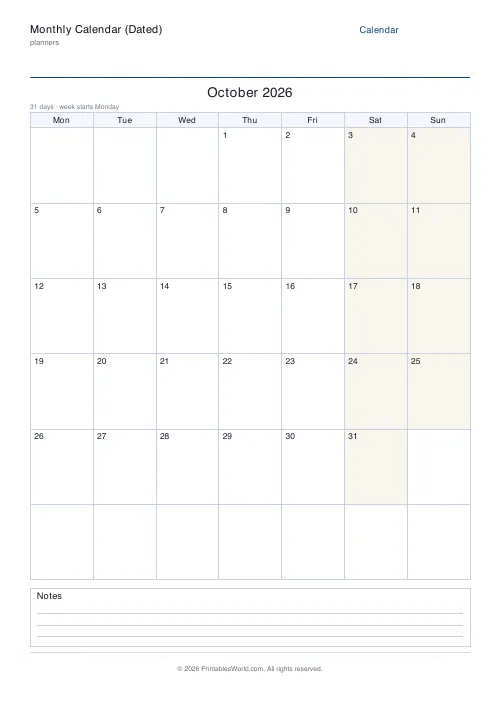
October 2026
Choose October, type 2026, Monday start. The generator works out that the 1st is a Thursday and prints it in the Thursday column of the first row, running through to 31.
Pinned to the fridge, the clubs and the work trip get written straight into dated cells rather than into cells somebody numbered wrong on a Sunday evening. Next month, change the month and print again.
Who prints them
Households
One shared month where everybody is reading the same dates. The hand-numbering is where family calendars go wrong, and it goes wrong silently.
Schools
Generate a term's months in advance and mark the trips, the assemblies and the parents' evenings onto accurate dates rather than approximate ones.
Rota planners
Lay out a real month of shifts on paper before typing any of it into a system, because the shape of the month is much easier to see than to imagine.
Anyone planning ahead
Holidays, bills, deadlines. Seeing the true layout of a month before committing to a date is worth the sixty seconds.
FAQs
Quick answers
Does it fill in the actual dates?
Yes. You choose the month and year and the generator computes the correct first weekday and number of days, then prints every date into the grid for you.
Are leap years handled?
Yes. February automatically shows 29 days in leap years and 28 otherwise, following the standard Gregorian rules.
Can I start the week on Sunday?
Yes. Toggle between a Monday start (common worldwide) and a Sunday start (common in the US); the weekday headers and dates shift to match.
Can I hide the notes footer?
Yes. Turn it off and the date grid expands to fill the page for more writing room per day.
Related tools

Monthly Planner
Blank month grid with weekday headers and an optional notes footer.

Weekly Planner
Weekly spread with seven day columns, a goals box, and a notes strip.

Yearly Overview Planner
Twelve mini month calendars on one page. The whole year at a glance.

Daily Planner
One-page daily planner with priorities, hourly schedule, and a notes strip.
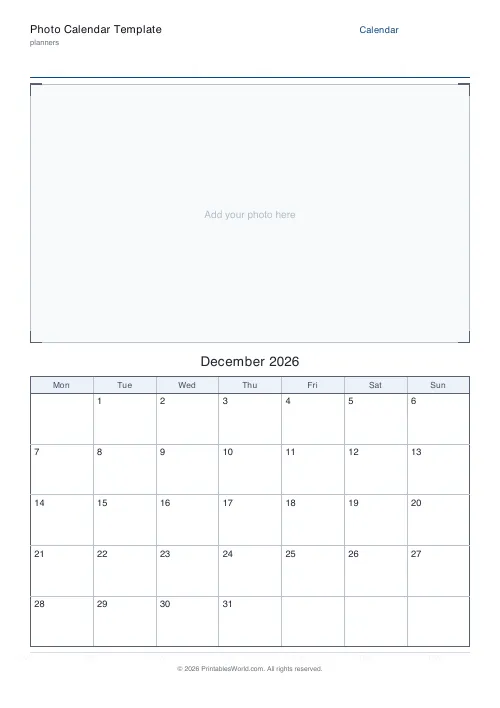
Photo Calendar Template
Printable photo calendar: a blank photo box on top and a dated month grid below.
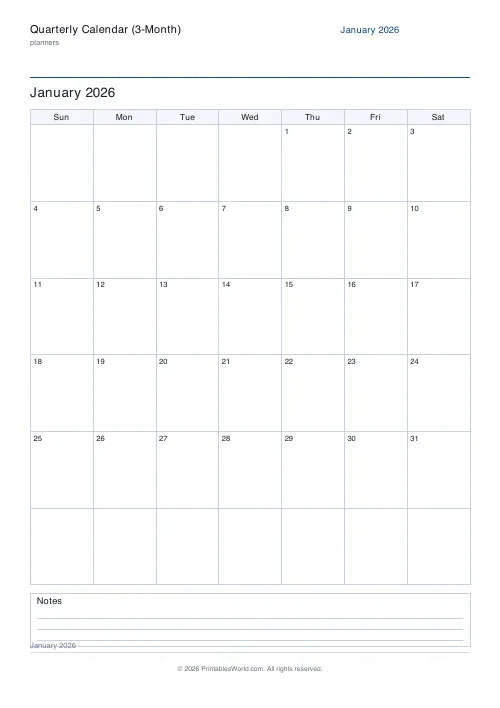
Quarterly Calendar (3-Month)
Print three consecutive dated months from any start month and year.
Further reading









