


 Scan to get


 Scan to get



 Scan to get






What this tool does
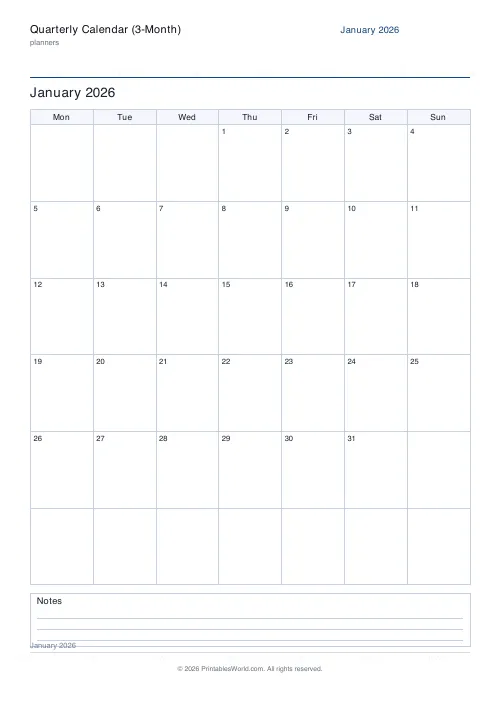
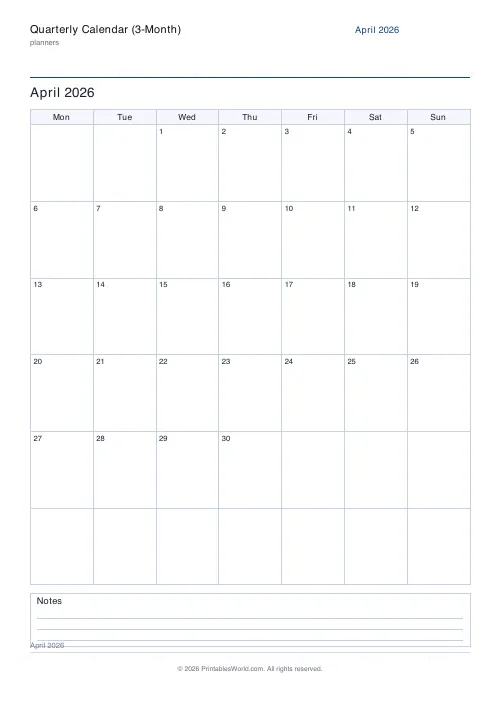
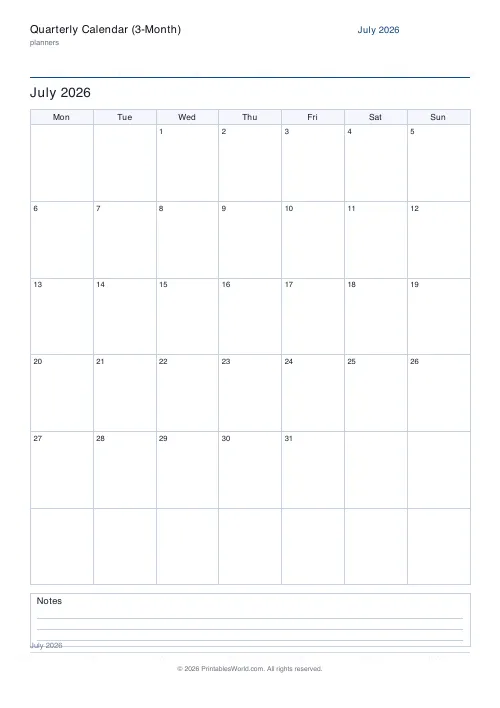
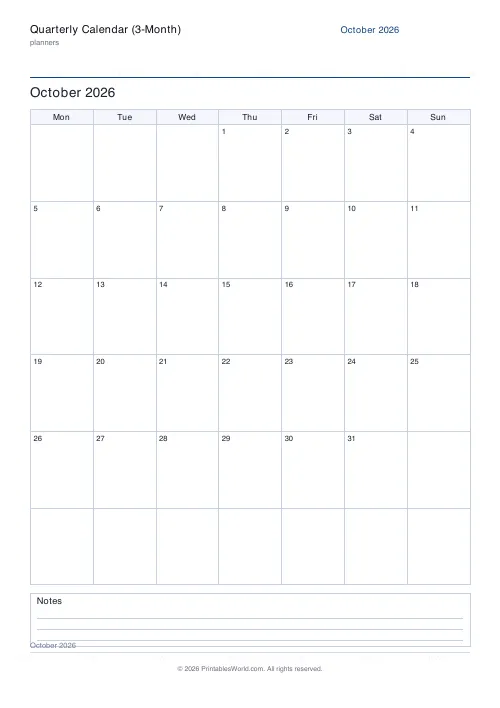
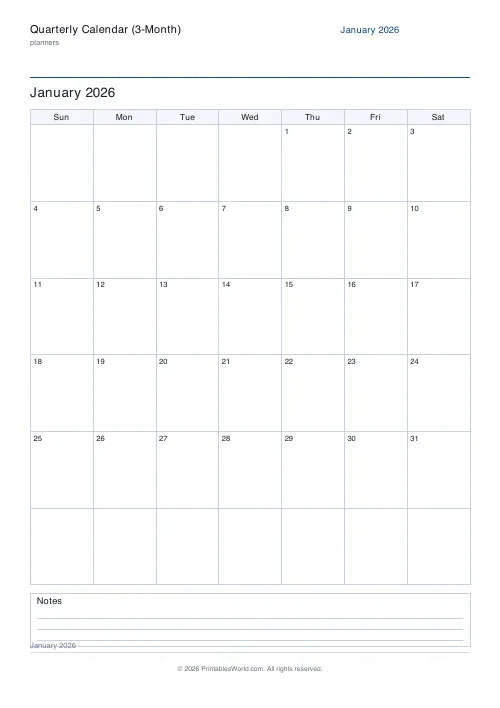
Three consecutive dated months, one full page each. Pick a start month and year and the generator builds that month and the two after it with the real day numbers in place, rolling the year over automatically. Monday or Sunday week start, an optional notes strip, A4 or US Letter.
People also used
Monthly Planner
Blank month grid with weekday headers and an optional notes footer.
Yearly Overview Planner
Twelve mini month calendars on one page. The whole year at a glance.
Birthday & Important Dates Calendar
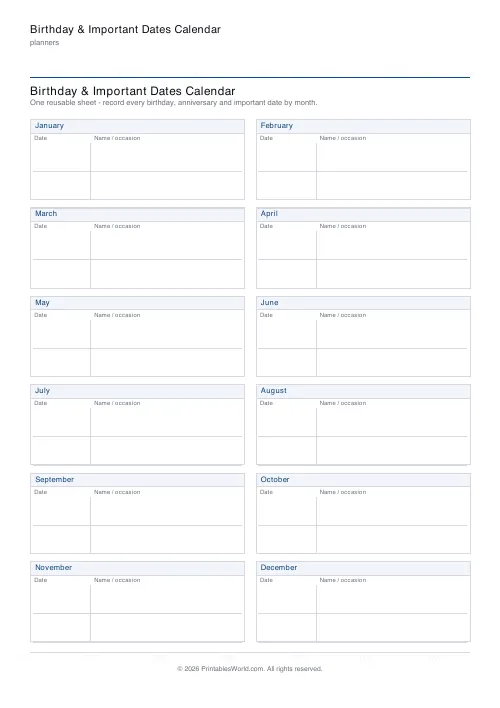
Printable birthday and important dates calendar: twelve month sections to record every date.
Feedback
Spotted something off with this tool?
A quarter, three pages, real dates
Choose a start month and year. You get that month and the two after it, each with its day numbers already sitting in the right weekday columns. Start in November and it hands you November, December and the following January without any adjustment at all, because the year rolls over on its own.
It opens on the current month, so the common case needs no input at all.
One month per page, and why that matters
A yearly overview squeezes twelve months onto a sheet and gives each day a box you cannot write in. This does the opposite: each month gets a full page and a generous grid, with the date in the corner of every box and the rest of the box empty.
Which means an appointment actually fits. So does a deadline, a shift pattern, a training session. Print all three and pin up the quarter, or print only the month you are working in and leave the other two in a drawer.
Monday or Sunday
Monday start follows the UK and European convention, and the ISO one. Sunday is usual across the US.
The seven header cells relabel and every date reflows to match, so the columns read correctly whichever you choose. Pick it once before printing the quarter rather than discovering halfway through that two of the three pages disagree.
What a quarter is good for
A fiscal quarter, obviously, where the three-month unit is the one the business already thinks in.
But also a school term, which is roughly the same length and rarely aligns with a calendar quarter. A ninety-day goal, where seeing all ninety days at once is the entire mechanism. A content or marketing plan. A project sprint that spans a month boundary and gets confusing on a single-month sheet.
And the plain domestic use: the next three months on a fridge, which is far enough ahead to catch a clash and near enough to still be true.
Printing
Three pages, A4 or US Letter, at full scale. The notes strip along the foot of each month is on by default and takes the things that belong to the month rather than to a day: a standing meeting, a bin week, a reminder about the thing at the end of the quarter.
Turn it off and the day boxes grow, which is the right trade if people are writing appointments in rather than reading them.
FAQs
Quick answers
How many months does it print?
Three. The tool builds three consecutive, fully dated months starting from the month and year you pick, one month per page.
Are the dates filled in for me?
Yes. Choose a start month and year and the correct day numbers are placed in every box automatically. The year rolls over if your quarter crosses into the next year.
Can the week start on Sunday instead of Monday?
Yes. Switch the week start to Sunday or Monday and the weekday headers and all the dates reflow so the columns read correctly for your region.
What paper size does it print on?
Each month fills its own page on either A4 or US Letter. Choose your paper size before downloading or printing.
Related tools

Monthly Planner
Blank month grid with weekday headers and an optional notes footer.

Yearly Overview Planner
Twelve mini month calendars on one page. The whole year at a glance.
Birthday & Important Dates Calendar
Printable birthday and important dates calendar: twelve month sections to record every date.
Academic Year Calendar (Aug-Jul)
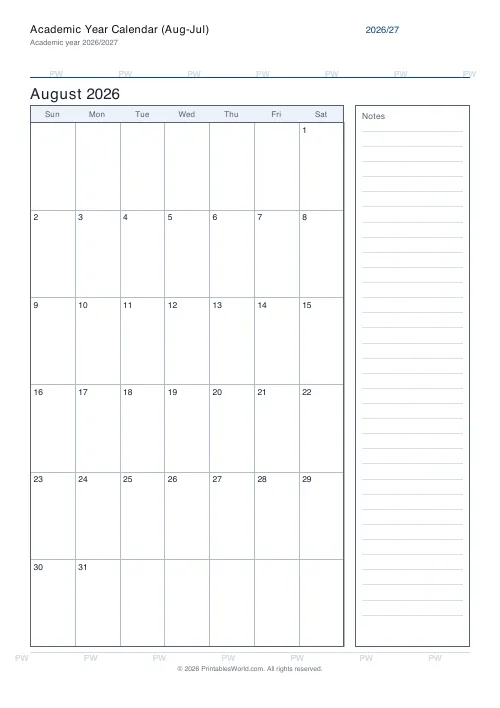
A printable, dated academic-year calendar that runs August to July.
Monthly Calendar (Dated)
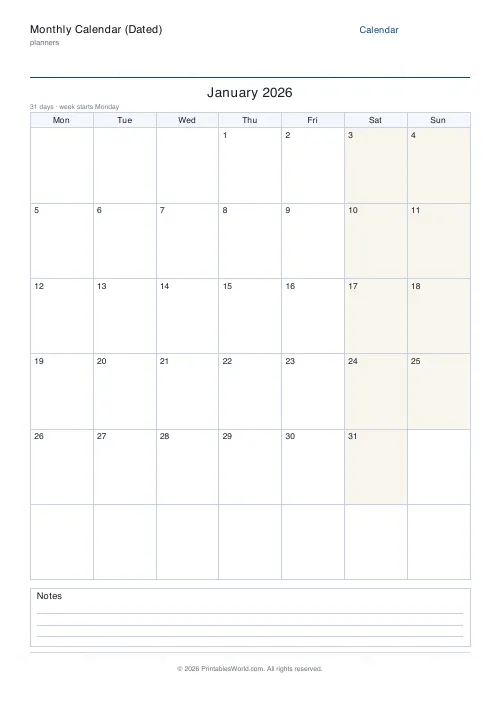
Pick a month and year and get a ready-numbered printable month calendar.
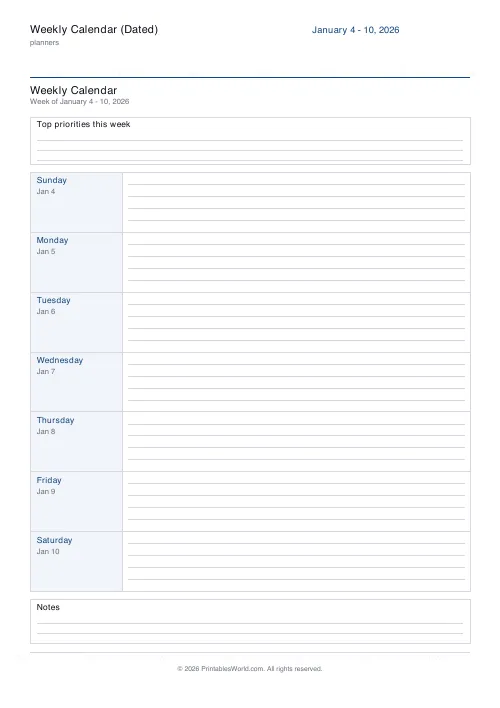
Weekly Calendar (Dated)
Pick a start date and print a dated week with real weekday names and dates.
Further reading
Planners
Baby's first year: tracking sleep, feeds and milestones
Tracking helps most in the early weeks and can become a burden after them. Here is what is genuinely worth logging, why, and when to stop.
5 min read
Planners
Study planning for exams: a student's complete guide
A revision timetable is only as good as what goes in the slots. Here is how to build one backwards from the exam date, and which study methods the evidence actually supports.
5 min read
Planners
Meal planning 101: save time and money every week
A weekly meal plan saves money mainly by changing how you shop. Here is a thirty-minute method, the shortcuts that keep it going, and the mistake that ends most plans in week three.
5 min read











