


 Scan to get


 Scan to get



 Scan to get






What this tool does
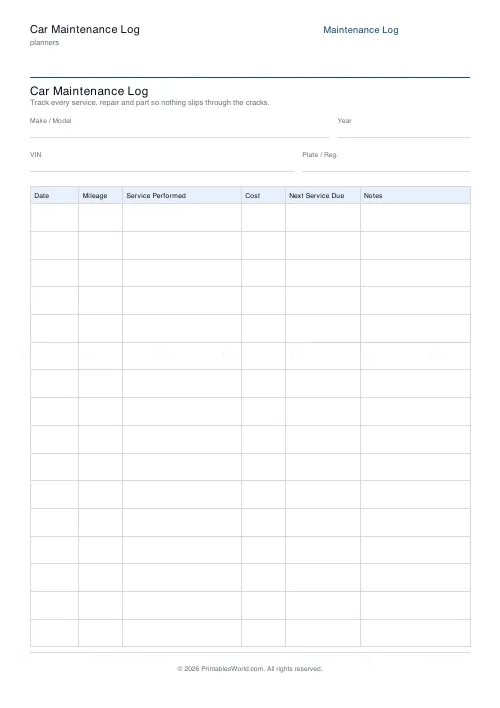
A service history sheet: make and model, year, VIN and plate at the top, then rows for date, mileage, work done, cost, next service due and notes. 10 to 24 rows.
People also used
Feedback
Spotted something off with this tool?
Vehicle details, then the table
The header takes make and model, year, VIN and registration. Under it, a service table: date, mileage, service performed, cost, next service due, notes.
Sixteen rows by default, ten to twenty-four available. One sheet covers several years for most cars.
Mileage is the column that matters
Service intervals are set in miles as well as months, and the miles are what actually determines wear.
A car doing 4,000 miles a year and one doing 20,000 need entirely different schedules, and the manufacturer's book gives you both figures with "whichever comes first" attached. Recording the odometer reading at every service is what makes the next due date calculable rather than guessed — and it is the figure a buyer will cross-check against the MOT history.
Next service due, written at the time
Fill it in while you are still standing in the garage, from the invoice.
Work out the date and the mileage and write both. The whole reason services get missed is that the trigger arrives when nobody is thinking about the car, and a column that already says "March 2027 or 62,000 miles" is what turns a vague intention into something you can put in a calendar.
What it is worth at resale
A documented history is one of the few things that reliably moves a private sale price, and its absence is the first thing a careful buyer notices.
Keep the receipts with the sheet. The log is the index and the invoices are the evidence, and together they answer the question every buyer asks, which is whether the cambelt has been done and when.
Log the small things too
Not only the big services. Tyres, with which corner and what tread depth. Battery replacement, with the date. Brake pads, wipers, bulbs, MOT advisories.
Advisories in particular are worth carrying forward — an advisory this year is very often a failure next year, and writing it in the notes column means it does not come as a surprise twelve months later.
Any vehicle
The columns suit a motorbike, a van, a caravan, a ride-on mower or a boat engine equally well. Anything with an engine, a service interval and a resale value.
Related: the sinking funds tracker, since the MOT and the annual service are exactly the kind of predictable bill that catches people out.
FAQs
Quick answers
How many service entries fit on one page?
Between 10 and 24 rows per sheet. The default is 16. The engine scales the row height to your chosen count so there is always room to write.
What columns does the table have?
Date, Mileage, Service Performed, Cost, Next Service Due and Notes. Plus header fields for make / model, year, VIN and plate.
Is this a fillable PDF?
No. It prints as a clean worksheet you fill in by hand. That keeps it universal, works offline, and needs no PDF editor. Keep it in the glovebox.
Does it remind me when a service is due?
There is a Next Service Due column you fill in yourself from your handbook's interval. The log stores the reminder; it does not calculate the date for you.
Can I use one log for more than one car?
Use one sheet per vehicle so the header fields and history stay unambiguous. Print a separate log for each car and label the title.
Does keeping this help when I sell the car?
Yes. A complete, legible service history reassures buyers that the car has been looked after, which helps hold the asking price.
Which paper sizes are supported?
A4 and US Letter. Print at 100% scale so the table columns line up correctly.
Related tools
Monthly Budget Planner
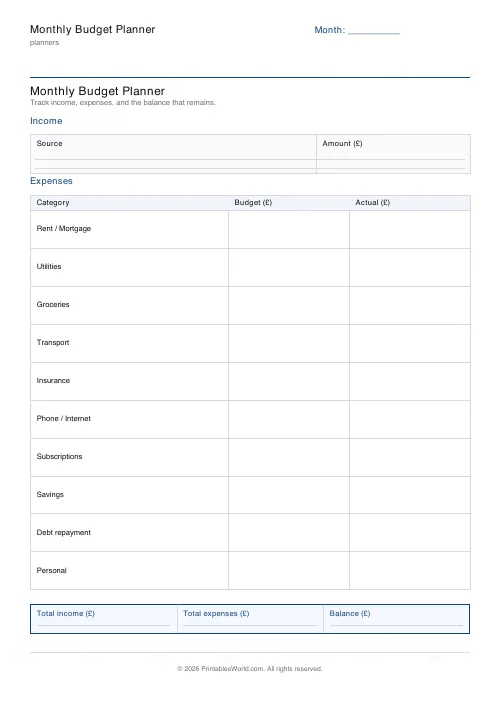
One-page printable budget: income, categorised expenses, balance summary.

Simple To-Do List
Minimal printable to-do list with tick boxes and a configurable item count.
Cleaning Schedule
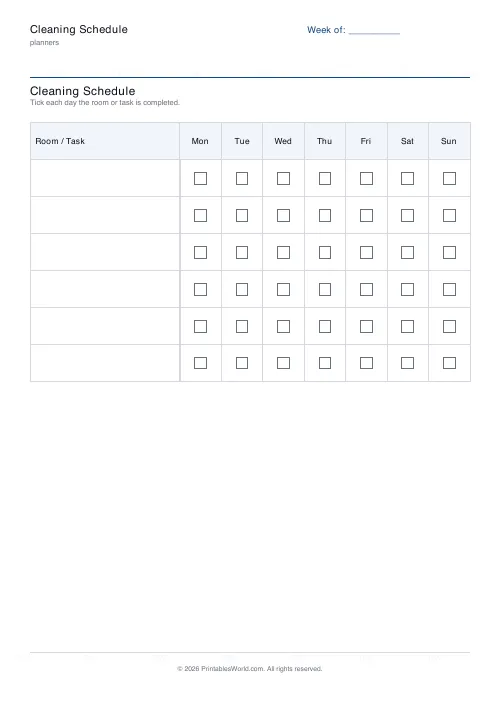
Print a weekly cleaning schedule grid with custom rooms and tasks across Monday to Sunday.

Weekly Meal Planner
Plan seven days of breakfast, lunch and dinner on one printable page.
Emergency / Household Info Binder
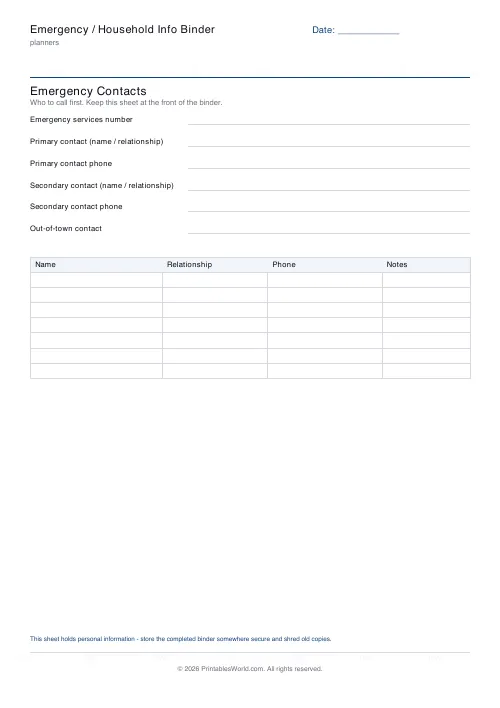
Free printable emergency and household information binder. Labelled sheets for contacts, medical details, utilities, insurance, documents and pets, all in one place.
Home Maintenance Schedule
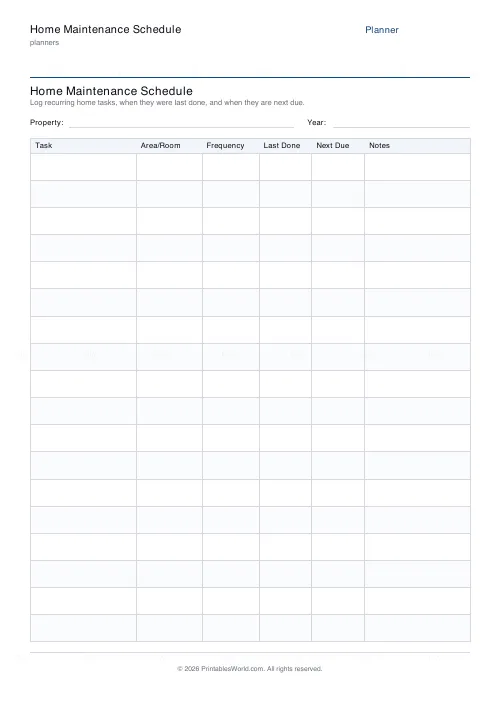
One-page printable home maintenance log: task, area, frequency, last done and next due.
Further reading
Planners
Study planning for exams: a student's complete guide
A revision timetable is only as good as what goes in the slots. Here is how to build one backwards from the exam date, and which study methods the evidence actually supports.
5 min read
Planners
Budgeting for beginners: the 50/30/20 rule explained
Half to needs, 30% to wants, 20% to savings and debt. A useful starting frame. And this covers what actually counts as which, plus what to do when the numbers do not fit.
5 min read
Planners
How to pay off debt faster with a payoff tracker
One method costs less; the other is easier to stick to. Here is how to choose between them honestly, and why a visual tracker changes the odds either way.
5 min read











