


 Scan to get


 Scan to get



 Scan to get






What this tool does
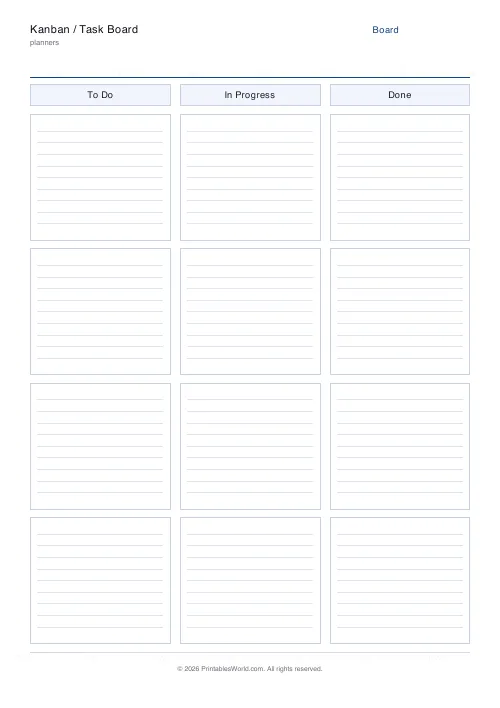
A printable task board: three or four labelled columns of card slots, with an optional date or sprint line. Set the column names, cards per column, and whether cards are ruled.
People also used
Feedback
Spotted something off with this tool?
Columns of card slots
A title, an optional date or sprint line, then your columns — To Do, In Progress, Done by default, and you can rename them or use four instead of three.
Each column holds rounded card slots with faint ruled lines inside, so a task can be written straight on or a sticky note stuck over it.
What the middle column is for
The point of a board is not that it lists tasks. A list does that. The point is that the middle column has a limit.
Work in progress is the thing that quietly destroys throughput: five things started and none finished is worse than one thing started and finished, because every switch costs re-orientation and nothing ships. Fixing the number of card slots in the middle column makes that limit physical. When it is full, you cannot start anything else, and the only way forward is to finish something.
Set that column to three slots and you have the whole method.
Why it works better on paper
A digital board is infinitely tall. You can always add one more card, and most digital boards end up as a graveyard with forty things in the first column.
A printed board has a fixed number of slots, and the constraint is the feature. Filling the last slot forces a decision about what actually matters this week, which is a decision digital boards are designed to let you avoid.
Sticky notes over the slots
Print the board, laminate it or slide it into a plastic wallet, and use small sticky notes as cards. Then the board is reusable and cards move between columns properly, which is the satisfying part and the part children and teams both engage with.
Writing directly on the sheet works fine for a single week — you tick and cross rather than move, which loses a little of the feel and none of the function.
Four columns
The common fourth is a blocked or waiting column, and it is worth having.
Anything stuck on somebody else's reply has no business sitting in In Progress, where it inflates the count and hides the real work. Moving it to Waiting frees a slot and, more usefully, makes visible how much of the week is spent waiting for other people. Usually more than anyone expects.
Beyond work
Household projects. Revision topics, moving from to-learn to confident. Chores for a family, where a child moving their own card is doing something a tick box does not achieve. Writing projects, one card per chapter.
Related: the project planner when tasks need owners and dates rather than columns.
FAQs
Quick answers
What is a Kanban board used for?
It tracks tasks as they move through stages, usually To Do, In Progress, and Done, so the state of every task is visible at a glance.
Can I change the column names?
Yes. Enter up to five comma-separated labels, such as Backlog, To Do, Doing, Review, Done. Leave it blank to use the default three.
Should I write on the cards or use sticky notes?
Either works. Write directly on the ruled cards for a fixed board, or attach small sticky notes so you can physically move tasks between columns.
How many cards fit in a column?
You choose 3 to 6 card slots per column; the cards resize to fill the page height evenly.
Related tools
Project Planner
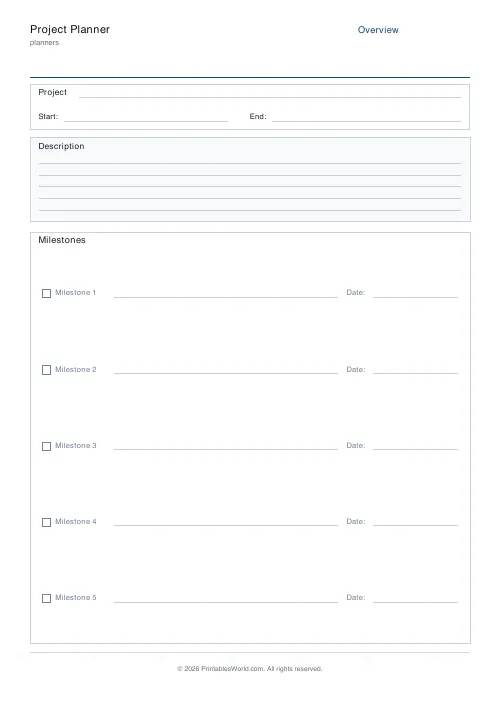
Three-page project planner. Overview, milestones, tasks, and risks.

Priority Matrix (Eisenhower)
Eisenhower urgent/important matrix for ranking the day's tasks.
Time Blocking Planner
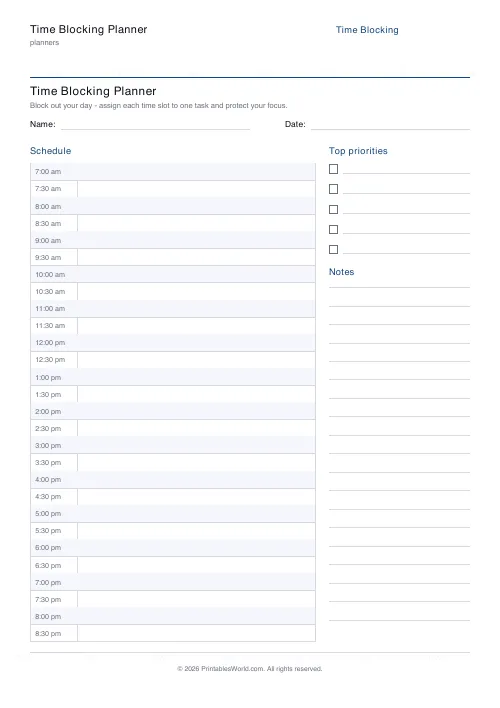
Printable time blocking planner: hourly or half-hourly day blocks, priorities box, notes box.
Brain Dump Page
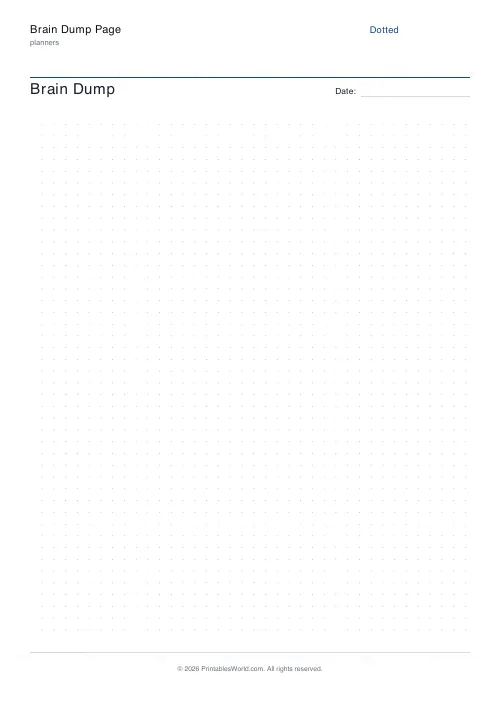
A single-page brain dump. Dotted or lined writing area with a clean header.
Further reading
Planners
Time blocking for beginners: a complete guide
Time blocking is deciding when each task happens, not just what. Here is how to size blocks realistically, what to do when the day breaks, and why most beginners over-schedule.
5 min read
Planners
Study planning for exams: a student's complete guide
A revision timetable is only as good as what goes in the slots. Here is how to build one backwards from the exam date, and which study methods the evidence actually supports.
5 min read












