What this tool does
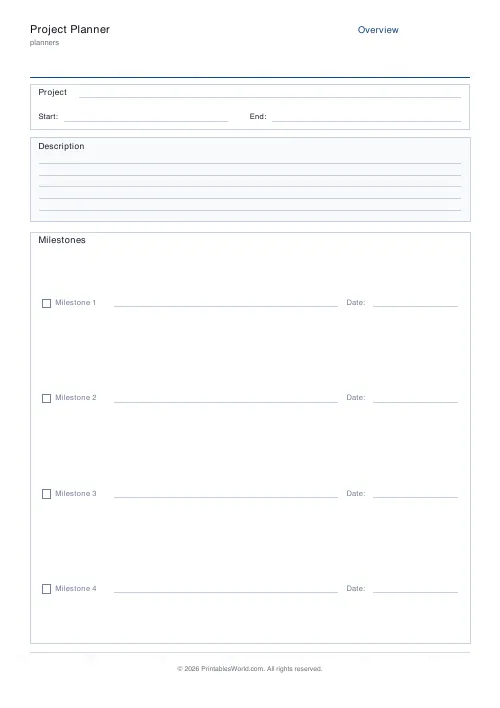
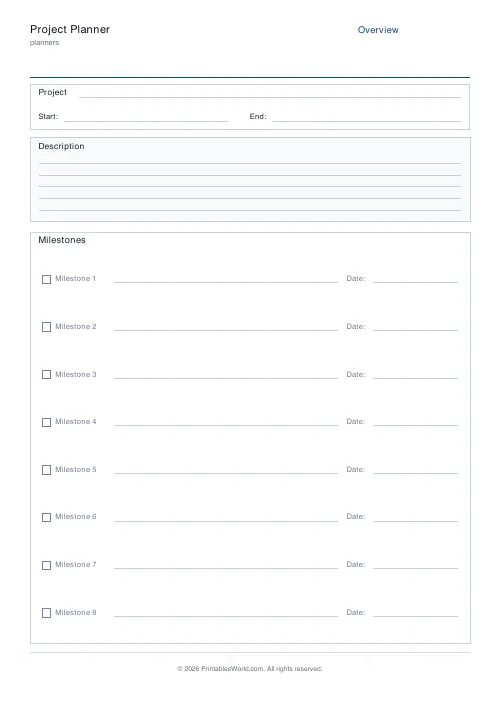
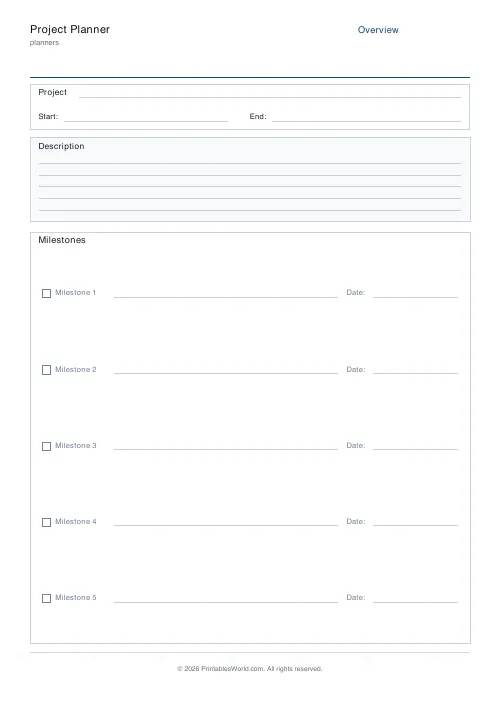
A three-page project pack: overview with start and end dates plus a milestones list, a task table with owners and due dates, and a risks and mitigations page.
People also used
Assignment Tracker
Printable tracker with rows for subject, task, due date, priority, and status.
Goal Setting Worksheet
One-page goal worksheet: goal, why, deadline, steps, obstacles, and rewards.
Planner Maker: Custom Printable Planner Pages
Build custom printable planner pages with lines, boxes, text and checklists in precise millimetre layouts.
Feedback
Spotted something off with this tool?
Three pages, three jobs
The first page carries the project name, start and end dates, a description block and a numbered milestone list — three to ten of them, your choice.
The second is the task table. Number, task, owner, due date, status — six to twenty-four rows, and if you ask for more than a page holds it simply flows onto the next one.
The third is risks and mitigations. Eight paired rows, notes underneath.
Milestones are not tasks
Worth insisting on. Collapsing the two is how project plans turn into to-do lists nobody reads.
A milestone is a state: the design is signed off, the venue is booked, the first draft exists. It has no duration and it is either true or it is not. A task is work, it takes time, and somebody has to do it. Milestones tell you whether the project is on track; tasks tell you what to do this afternoon. Five milestones is enough for most projects and the field caps at ten because more than that is really a task list wearing a hat.
The owner column
Every task gets one name. Not two. Not a team, and certainly not "everyone".
This is the single highest-value column on the sheet. A task with two owners has none, reliably, and the reason it does not get done is never that people were unwilling — it is that each of them assumed the other had it. One name in the box, and if that person needs help they can ask for it.
Risks, before they happen
The page most people skip. Also the one that pays.
Write what could go wrong in the left column and what you would do about it on the right. Ten minutes at the start of a project is worth a great deal more than an afternoon of improvising later, and the exercise usually surfaces one dependency nobody had noticed. Keep it concrete: "the printer needs ten working days" is a risk you can plan around, "delays" is not.
Paper, for a project
Software is better at tracking. Paper is better at thinking, and much better in a room full of people, because a laptop screen is a private object while a sheet in the middle of the table is a shared one that anybody present can reach across and write on.
The usual pattern is to plan on paper, in a meeting, with everyone marking it up — then type it in afterwards if it needs typing in. Print a fresh copy at each review rather than trying to keep one sheet current for a whole project.
Smaller and simpler
For something that is really a list of homework, the assignment tracker is the right shape. For the week the work actually happens in, the weekly planner.
FAQs
Quick answers
How many milestones and tasks does it hold?
Three to ten milestones on page 1, and six to twenty-four tasks across page 2 (which spills onto extra pages if you ask for lots of tasks).
What is a good ratio of milestones to tasks?
Roughly one milestone per three to five tasks. If one milestone needs ten tasks, it probably hides a second milestone.
Should I fill the risks page in at the start?
Yes. Capturing risks at kick-off is far more useful than listing them after the project slips. Revisit it at each milestone review.
Can small teams share one copy?
Yes. Print one master, fill it in together in the kick-off meeting, then photograph it and share the image.
Related tools
Assignment Tracker
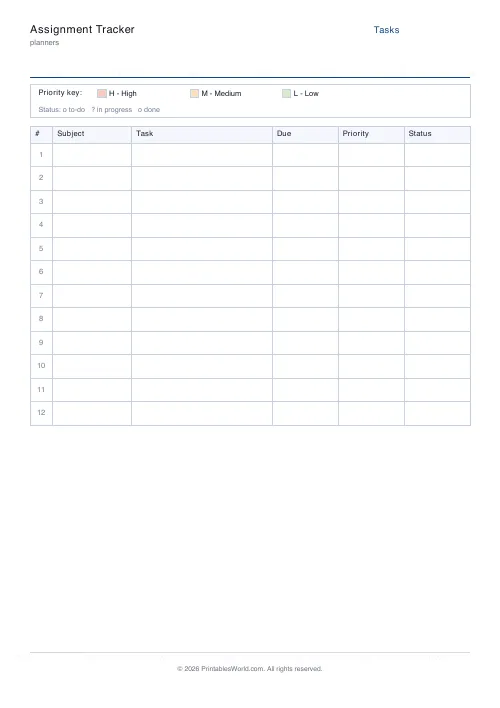
Printable tracker with rows for subject, task, due date, priority, and status.
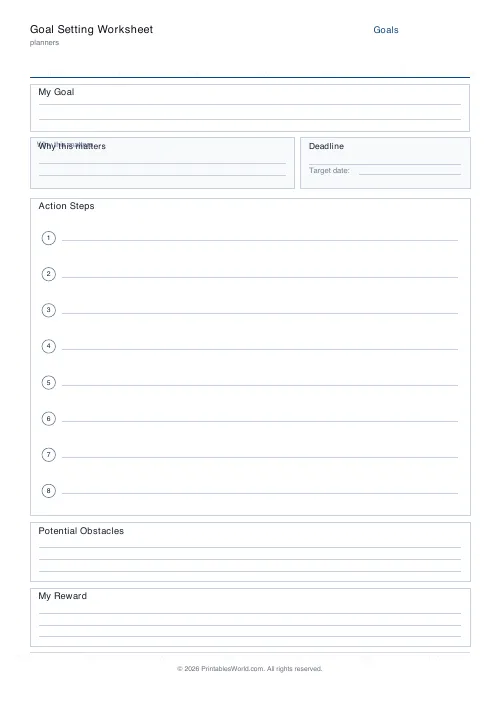
Goal Setting Worksheet
One-page goal worksheet: goal, why, deadline, steps, obstacles, and rewards.

Planner Maker: Custom Printable Planner Pages
Build custom printable planner pages with lines, boxes, text and checklists in precise millimetre layouts.
Further reading
Planners
ADHD-friendly planning: systems that work
Standard planners assume you will remember to open them. That single assumption is why they fail for a lot of ADHD brains. And what an ADHD-friendly system has to replace.
6 min read
Planners
Baby's first year: tracking sleep, feeds and milestones
Tracking helps most in the early weeks and can become a burden after them. Here is what is genuinely worth logging, why, and when to stop.
5 min read
Planners
Meal planning 101: save time and money every week
A weekly meal plan saves money mainly by changing how you shop. Here is a thirty-minute method, the shortcuts that keep it going, and the mistake that ends most plans in week three.
5 min read












