


 Scan to get


 Scan to get



 Scan to get






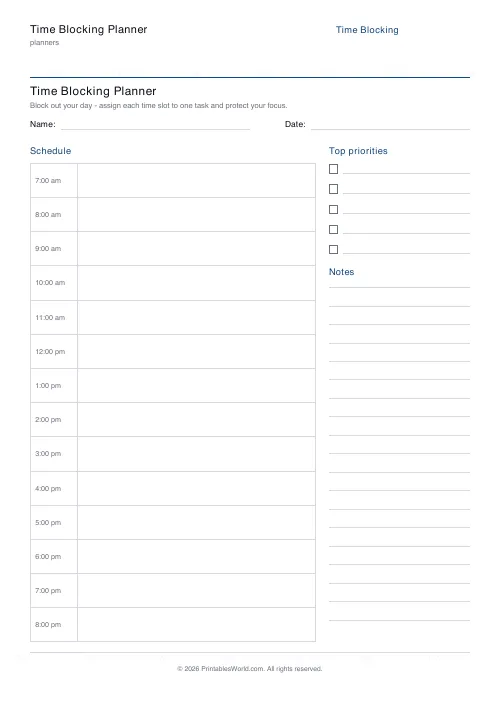
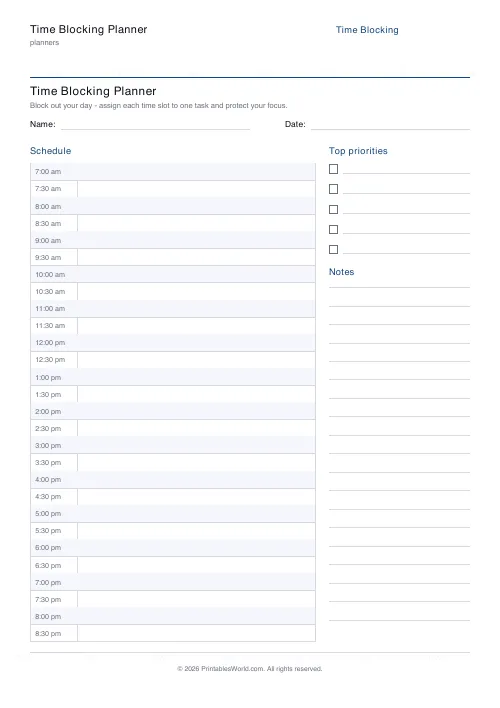
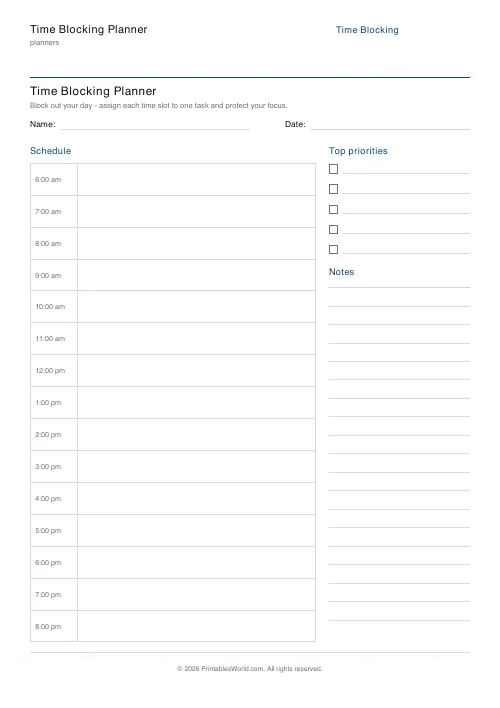
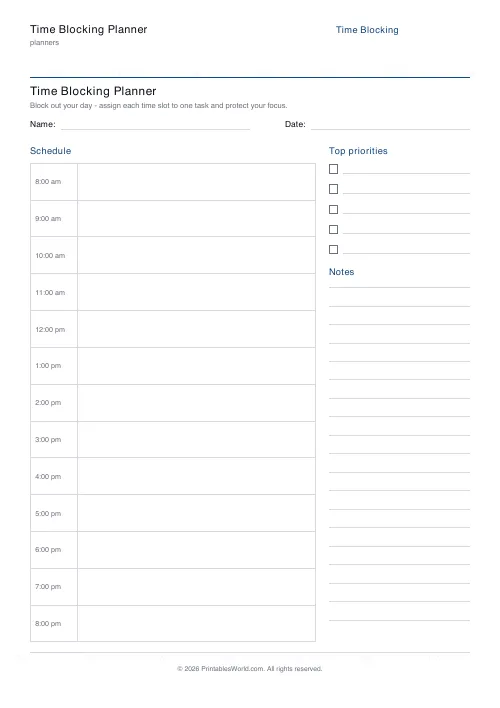
What this tool does
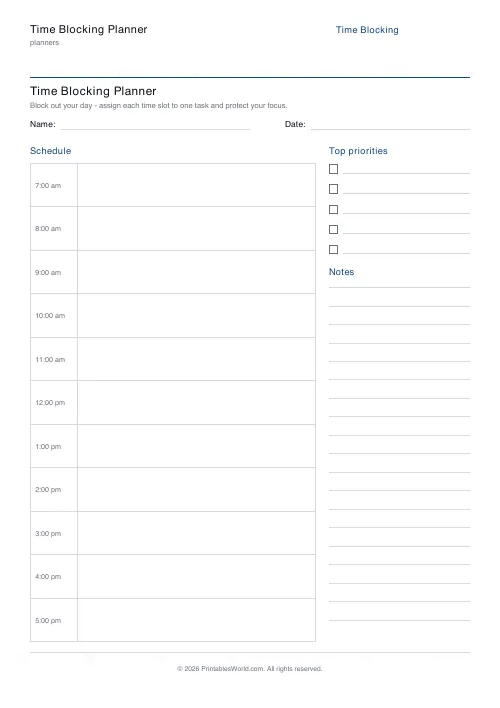
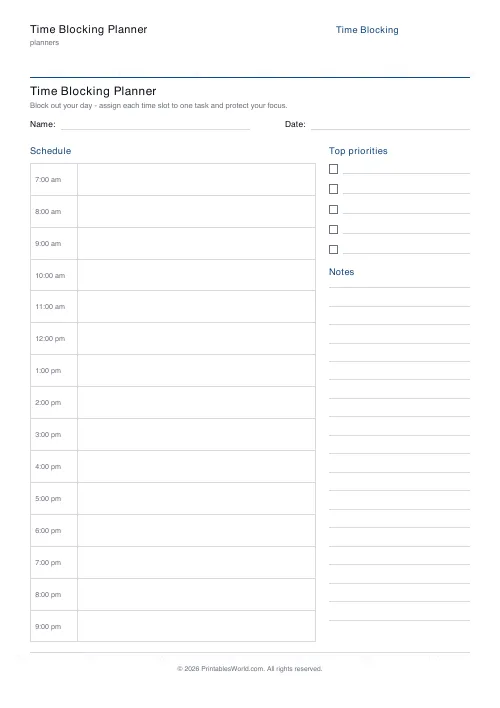
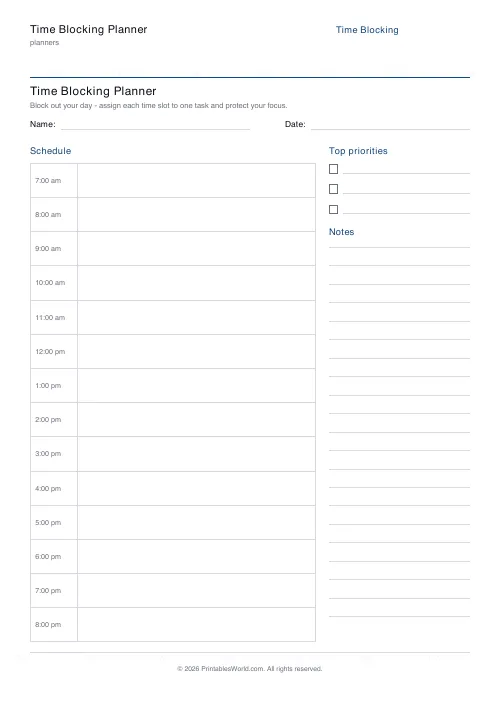
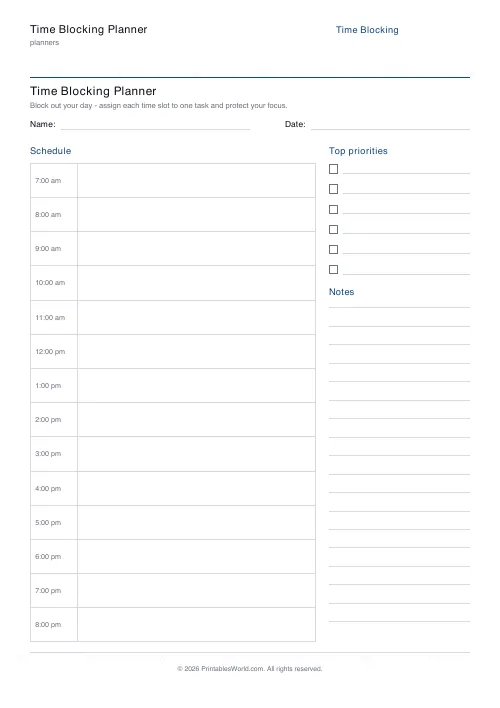
A day split into hourly or half-hourly blocks down the page, with a priorities list and notes alongside. Set your own start and end hours and 3 to 8 priority rows.
People also used
Monthly Budget Planner
One-page printable budget: income, categorised expenses, balance summary.
Monthly Bill Tracker
Printable bill tracker: due date, amount, paid check, payment method, notes.
Planner Maker: Custom Printable Planner Pages
Build custom printable planner pages with lines, boxes, text and checklists in precise millimetre layouts.
Feedback
Spotted something off with this tool?
Blocks down the page
The schedule runs down the left in fixed intervals — hourly, or half-hourly if you want the resolution — with a priorities box and a notes box beside it.
Set the first and last hour to match your actual day, and choose between three and eight priority rows.
What time blocking is
Every task gets a block on the calendar. If it has no block, it is not happening today.
The difference from a to-do list is that a list is infinitely extensible and a day is not. A list of fifteen items feels ambitious; fifteen items placed against actual hours is visibly impossible, and finding that out at nine in the morning is considerably better than finding it out at six in the evening.
Half-hourly or hourly
Hourly for most work. It is coarse enough to survive a day going slightly sideways, and fine enough to be a plan rather than a wish.
Half-hourly suits a fragmented day — teaching, clinical appointments, back-to-back meetings — and it suits anyone who consistently underestimates. The cost is that twice as many boundaries means twice as many chances to fall behind, so start hourly and go finer only if the hourly version keeps proving too vague.
The mistake everybody makes first
Blocking every hour.
A completely full page fails on the first interruption and takes the rest of the day with it, because there is nowhere for the overrun to go. Leave a quarter of the day unblocked, deliberately. Something will arrive, it always does, and a plan with slack in it absorbs that where a plan without any simply collapses.
Estimate generously too. Most people are optimistic about task length by something close to a factor of two, and a fortnight of comparing planned blocks against what actually happened is the cheapest way to recalibrate.
Priorities beside the schedule
Write those first, before any block is filled in. The order matters: decide what has to happen, then find hours for it.
Doing it the other way — filling the day and hoping the important thing fits — is how a week passes without the important thing being touched.
Related
The daily planner is a lighter version with the same idea. The ADHD daily planner deliberately drops the hourly grid, which is worth knowing if rigid schedules have not worked for you.
FAQs
Quick answers
Can I plan in half-hour slots?
Yes. Choose half-hourly blocks for 30-minute slots, or hourly blocks for 60-minute slots. The schedule column fills automatically between your start and end hour.
How do I change which hours of the day are shown?
Set the start hour and end hour in the settings. For example 7am to 9pm. The planner only draws the blocks inside that window.
Where do the priorities and notes go?
A top-priorities box with tick lines and a ruled notes box sit beside the schedule column, so you can capture the day's key tasks and any extra notes on the same page.
Is it a fillable PDF?
No. It is a clean printable template you fill in by hand. That keeps it universal, works with any printer, and stores none of your plans anywhere.
Related tools
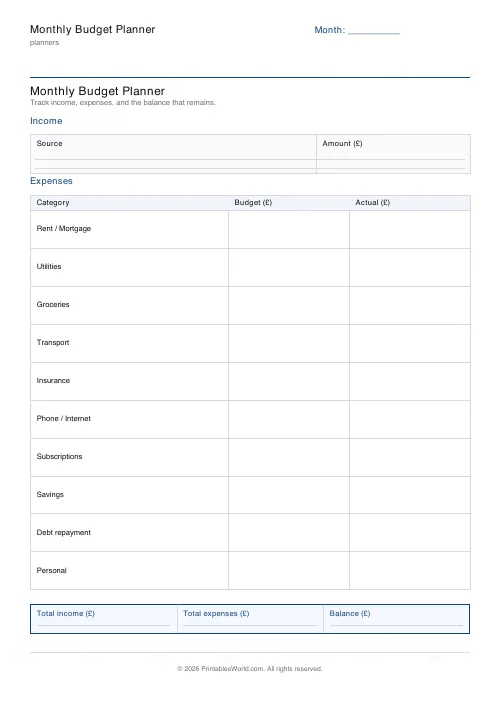
Monthly Budget Planner
One-page printable budget: income, categorised expenses, balance summary.
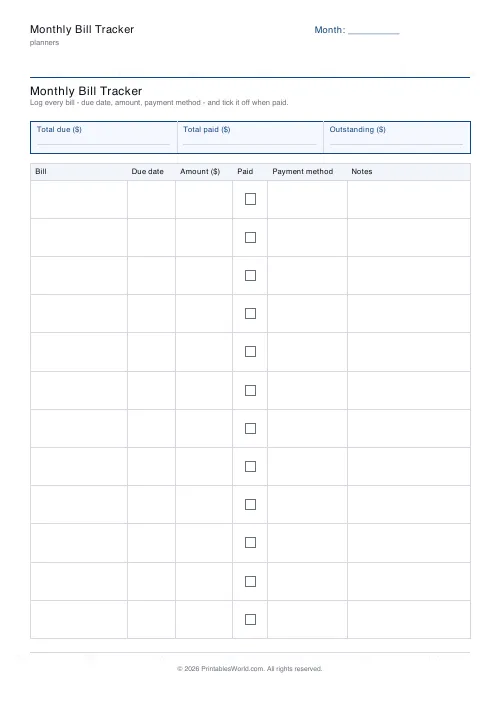
Monthly Bill Tracker
Printable bill tracker: due date, amount, paid check, payment method, notes.

Planner Maker: Custom Printable Planner Pages
Build custom printable planner pages with lines, boxes, text and checklists in precise millimetre layouts.
Further reading
Planners
ADHD-friendly planning: systems that work
Standard planners assume you will remember to open them. That single assumption is why they fail for a lot of ADHD brains. And what an ADHD-friendly system has to replace.
6 min read
Planners
Time blocking for beginners: a complete guide
Time blocking is deciding when each task happens, not just what. Here is how to size blocks realistically, what to do when the day breaks, and why most beginners over-schedule.
5 min read
Planners
Meal planning 101: save time and money every week
A weekly meal plan saves money mainly by changing how you shop. Here is a thirty-minute method, the shortcuts that keep it going, and the mistake that ends most plans in week three.
5 min read












