


 Scan to get


 Scan to get



 Scan to get






What this tool does
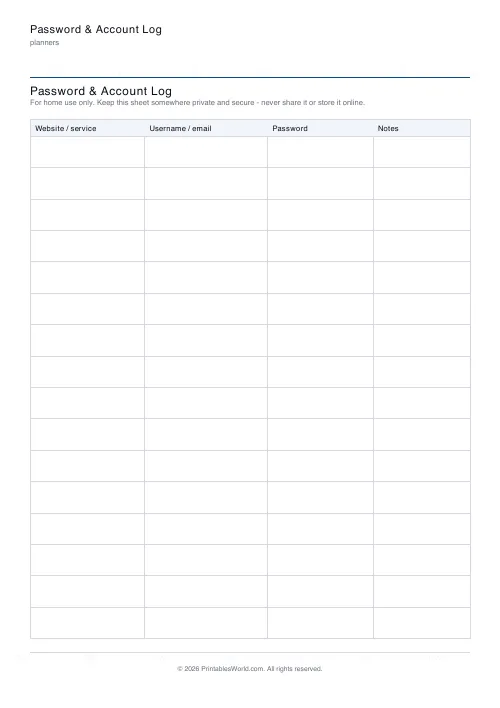
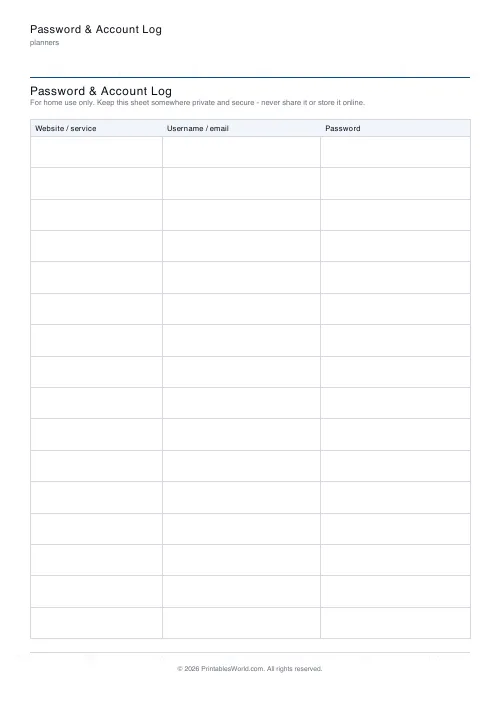
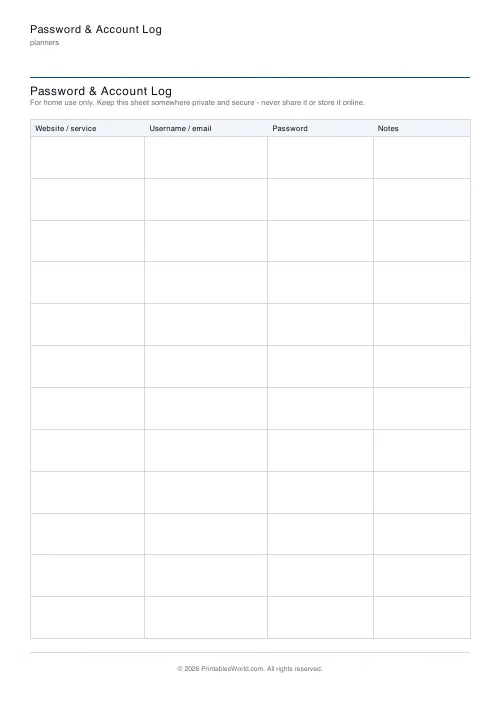
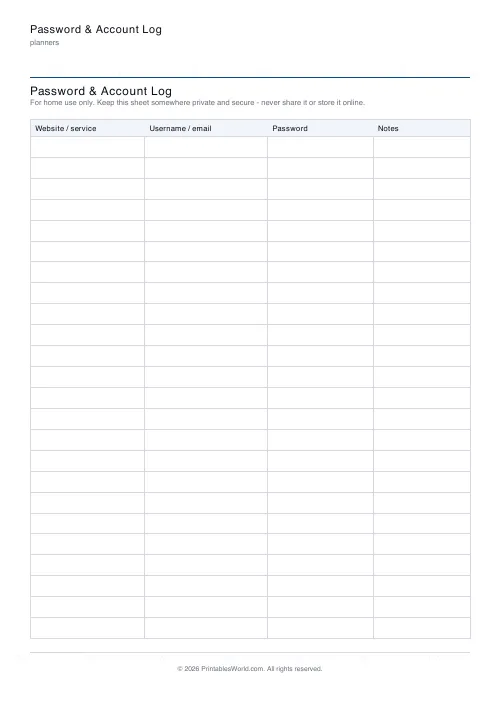
A paper account log with columns for website, username, password, notes. 10 to 24 rows, and a home-use-only warning printed under the heading. Read the caution below first.
People also used
Contact & Address Book
Printable contact and address book: name, phone, email and address blocks in a tidy grid.
Subscription Tracker
Printable subscription tracker: service, renewal date, billing cycle, cost, cancel-by and a monthly-total box.
Monthly Bill Tracker
Printable bill tracker: due date, amount, paid check, payment method, notes.
Feedback
Spotted something off with this tool?
Read this part first
Writing passwords on paper is a real security decision. This page is not appropriate for everything.
Do not use it for online banking, your primary email account, or anything holding payment details. Your email is the master key — whoever controls it can reset almost every other account you own — and it belongs behind a password manager and two-factor authentication rather than in a drawer.
The sheet carries a home-use-only notice for that reason. It prints on every copy.
Where paper is nevertheless sensible
The honest position: for many people the alternative is not a password manager. It is one password on forty sites, which is far worse.
Paper is immune to phishing, to malware, and to a breach on somebody else's server, because it is not connected to anything. Its entire threat model is physical: someone in your house, or a burglar who takes the drawer. For a great many households that is a smaller risk than reusing one password everywhere, and it is a reasonable thing to choose deliberately.
It is genuinely useful for wifi codes. For streaming logins shared round a family, loyalty schemes, and the account nobody remembers creating.
Making it safer
Write a hint instead of the password where you can. "Usual + year we moved" means nothing to a stranger and quite enough to you.
Leave off the website's full name if the sheet lists something sensitive — an abbreviation you recognise is enough, and it means a lost sheet is not a directory of where to go and what to try.
Keep it somewhere locked, not in the desk drawer beside the computer, and never photograph it. A photograph is in a cloud backup within minutes, which converts a physical risk into exactly the online one you were avoiding.
What it is genuinely good for
A sealed emergency copy. Write the handful of accounts that would matter if you were suddenly unavailable — not the passwords necessarily, but where things are and how to get in — put it in an envelope, and tell one person where it is.
That is a real problem, badly served by software, and families discover it at the worst possible moment.
The better answer, honestly
A password manager. They are free. They generate passwords nobody could guess, they fill them in for you, and they tell you when a site you use has been breached, which is information you would otherwise never get.
If you can use one, use one, and keep this sheet only for the recovery codes and the master password that cannot live inside it.
FAQs
Quick answers
Is it safe to write passwords on paper?
A written log is fine as a backup as long as you keep it somewhere private and secure, like a locked drawer or home safe. Do not photograph it, upload it, or carry your only copy around. For accounts protecting money or sensitive data, a password manager with two-factor authentication is the safer primary option.
Does this tool store my passwords anywhere?
No. The tool generates a blank PDF in your browser. You hand-write every entry yourself, so nothing is ever typed in, saved or sent anywhere.
How many accounts fit on one page?
Choose between 10 and 24 rows. Fewer rows leave more height per account; more rows fit a longer list.
Can I hide the notes column?
Yes. Turn the notes column off for a wider password column, or leave it on for recovery emails, security-question hints and reminders.
Related tools
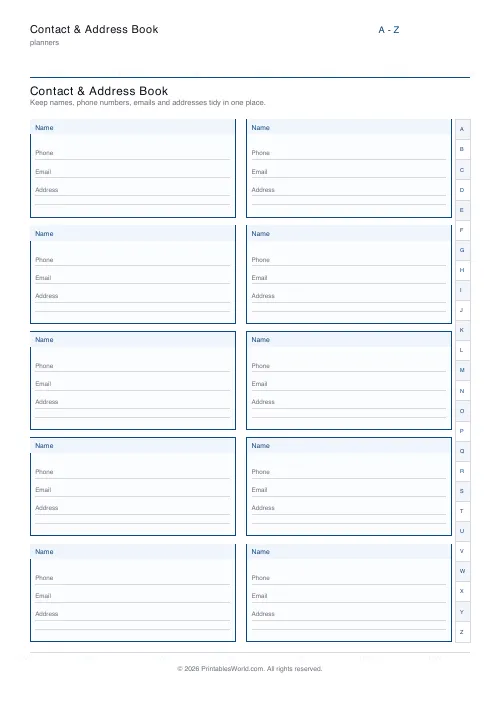
Contact & Address Book
Printable contact and address book: name, phone, email and address blocks in a tidy grid.
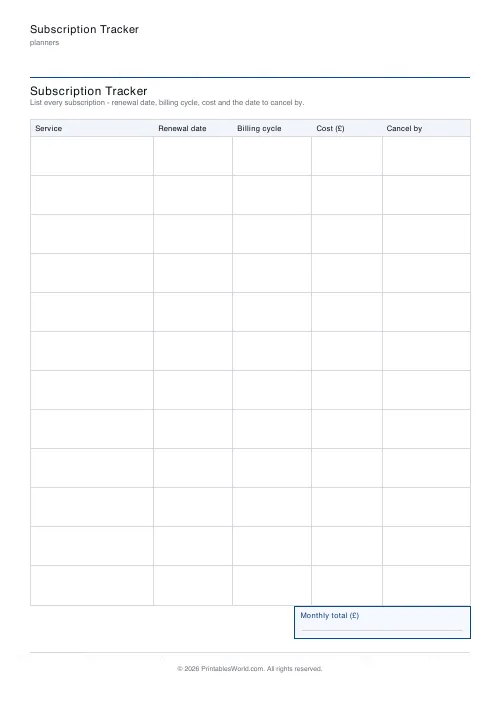
Subscription Tracker
Printable subscription tracker: service, renewal date, billing cycle, cost, cancel-by and a monthly-total box.
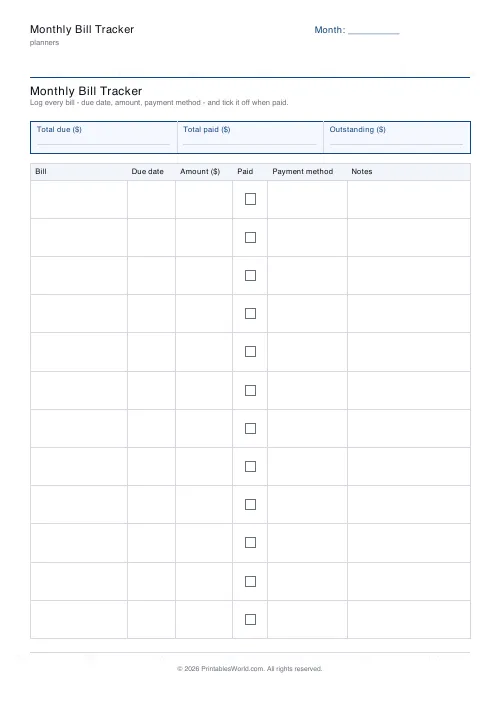
Monthly Bill Tracker
Printable bill tracker: due date, amount, paid check, payment method, notes.
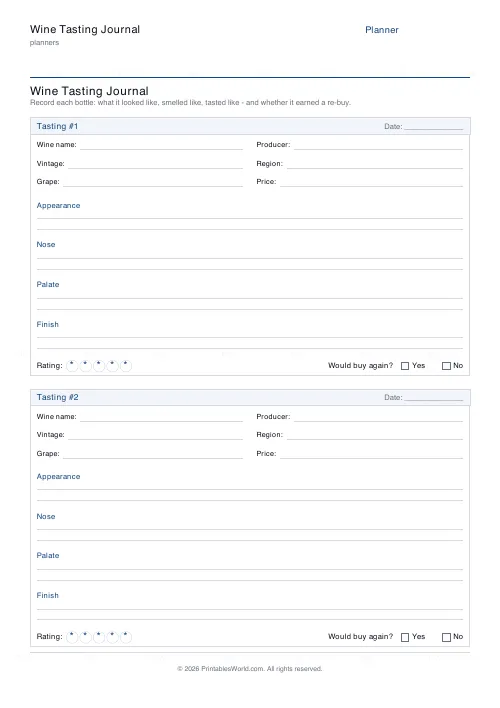
Wine Tasting Journal
Printable wine tasting notes: appearance, nose, palate, finish, rating and a re-buy verdict.













