What this tool does
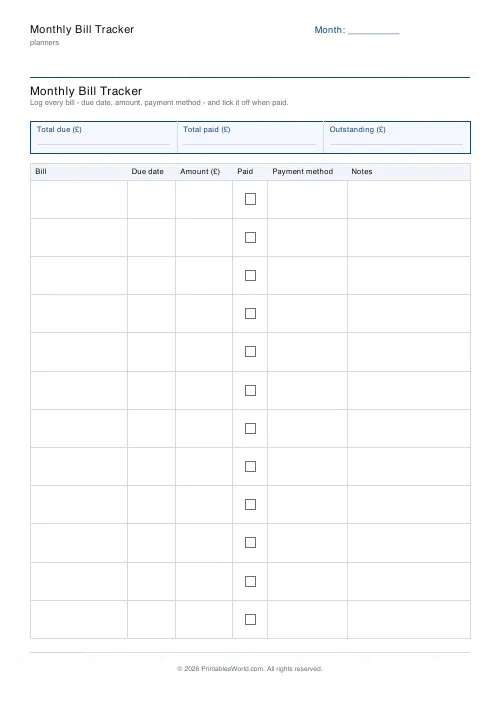
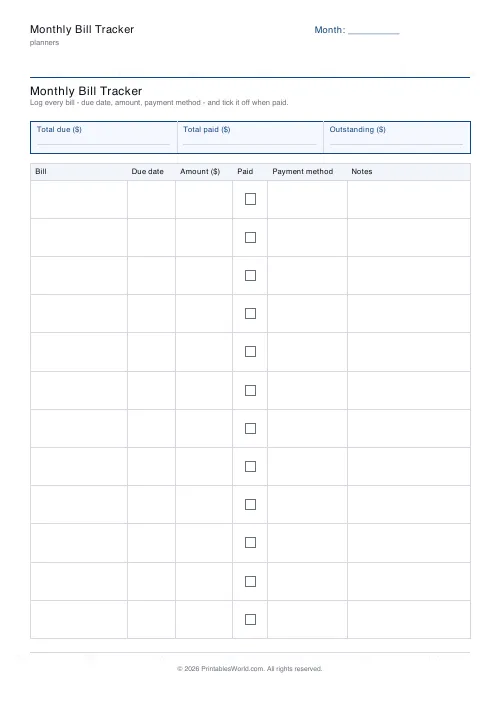
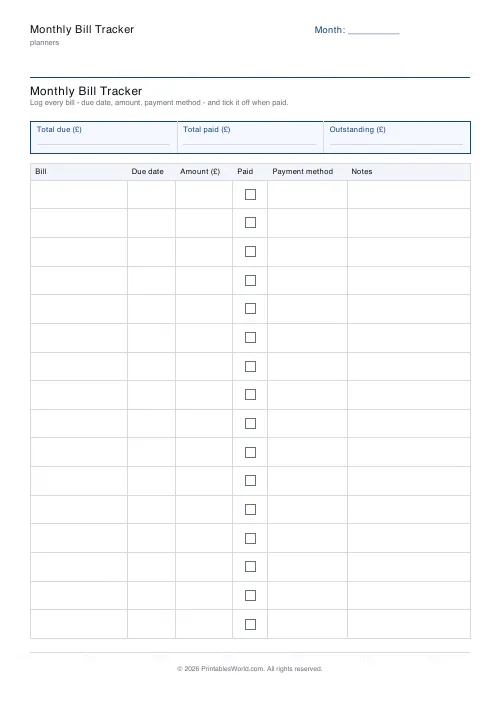
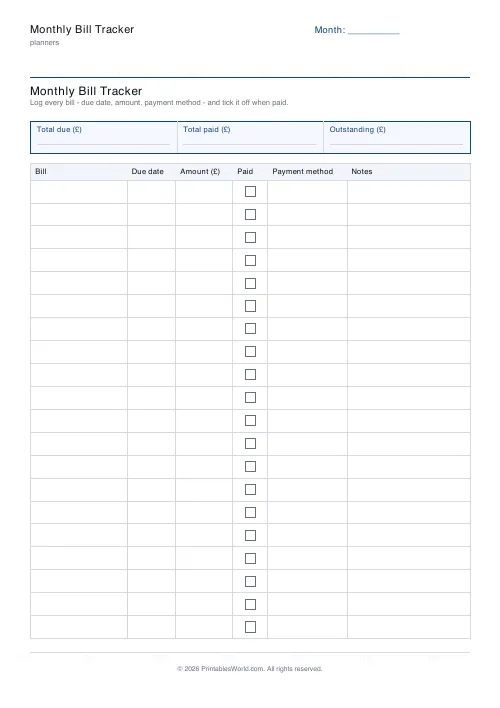
Every monthly bill on one sheet: a row each, with the due date, the amount, a paid tick, the payment method and space for notes. Ten to twenty rows.
People also used
Monthly Budget Planner
One-page printable budget: income, categorised expenses, balance summary.
Savings Goal Tracker
Goal-based printable savings tracker with 10-segment progress bar and month-by-month deposits.
Debt Payoff Tracker
Debt snowball chart: starting balances, minimum payments, monthly progress, running total.
Feedback
Spotted something off with this tool?
Rows are bills, columns are what you need to know about them
Due date. Amount. Then a tick box for paid, a column recording how it gets paid, and space for whatever notes that particular bill needs. Ten to twenty rows in your choice of three currencies, with a summary strip across the top of the page.
The payment-method column earns its width
It looks like the least useful field on the sheet. It is the one that answers the question you actually have: which account is this coming out of?
A household running two current accounts, a credit card and a couple of direct debits loses track inside a quarter. Write it down once and a bounced payment gets diagnosed in ten seconds instead of by logging into three separate things.
It also makes the annual tidy-up possible, because you cannot cancel a subscription you cannot locate and this is the column that tells you which account to go looking in.
Sort by due date, not by amount
The sheet does not sort for you, so fill it in in date order.
A bill list in date order is a cash-flow document. You can see the week when four things land together, and that week is the one that causes trouble. Sort the same information by size and it disappears, because the largest bill is hardly ever the problem.
Where several fall awkwardly close together, most providers will move a direct debit date if you simply ask them to, which makes this a five-minute phone call that permanently fixes a problem recurring every month of the year. Hardly anybody makes it.
Fill it in once a year, not once a month
Most of these rows never change. So print one sheet, write in the standing items by hand, and photocopy it for the rest of the year — after which every month is a matter of ticking boxes rather than copying out the same fourteen bills again.
Review the whole list once a year. Subscriptions accumulate quietly. A sheet like this is the only place they all appear together.
The notes column
For the things that catch you out. "Renews in March." "Goes up after the intro period." "Cancel before the 14th."
Those are the details that cost money when they are forgotten. They are also exactly the ones nobody writes down, because at the moment you learn them they seem too obvious to need recording.
What is adjustable
A title, the month label, currency, and how many rows (10 to 20). A4 or US Letter, printed at 100%.
The budget planner is the companion sheet: this one tracks whether things were paid, that one adds up whether they can be.
FAQs
Quick answers
How many bills fit on one page?
Choose between 10 and 20 rows. Fewer rows leave more height per bill for handwritten notes.
What goes in the Payment method column?
Whatever is easiest for you. Direct debit, card, cash, bank transfer, or an account nickname.
Is there space for total due and outstanding?
Yes. The top strip has three labelled cells, Total due, Total paid, Outstanding, for a quick monthly snapshot.
Which currencies are supported?
GBP (£), USD ($), and EUR (€). The chosen symbol appears in every amount column header.
Related tools
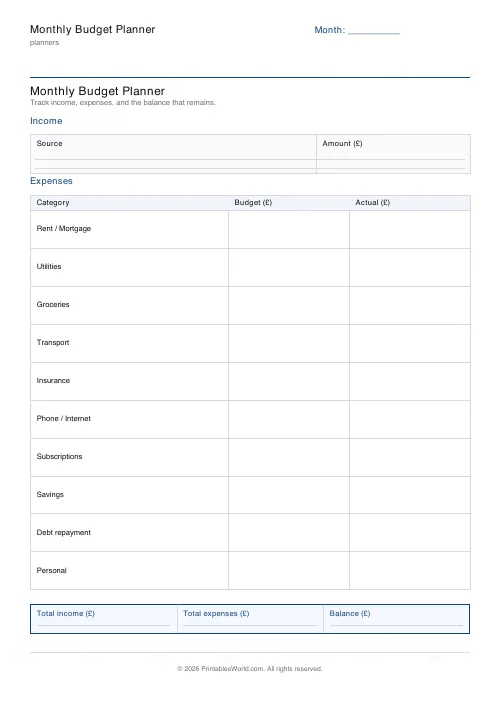
Monthly Budget Planner
One-page printable budget: income, categorised expenses, balance summary.
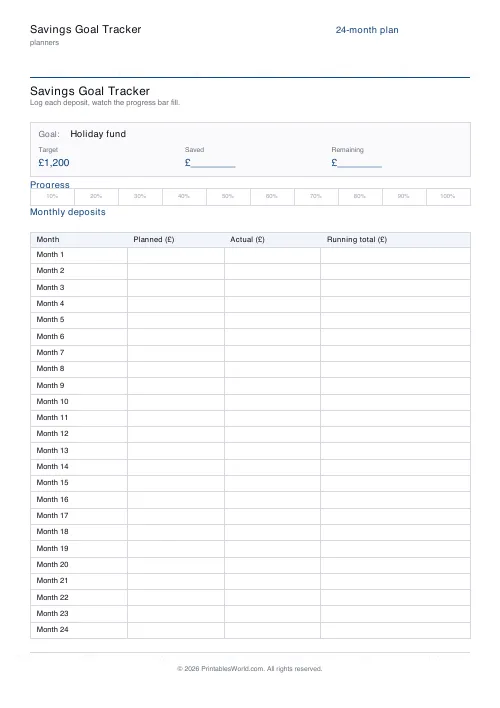
Savings Goal Tracker
Goal-based printable savings tracker with 10-segment progress bar and month-by-month deposits.
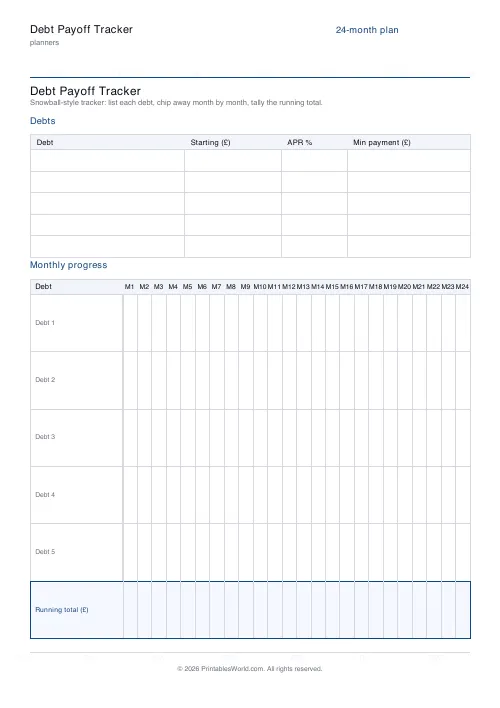
Debt Payoff Tracker
Debt snowball chart: starting balances, minimum payments, monthly progress, running total.
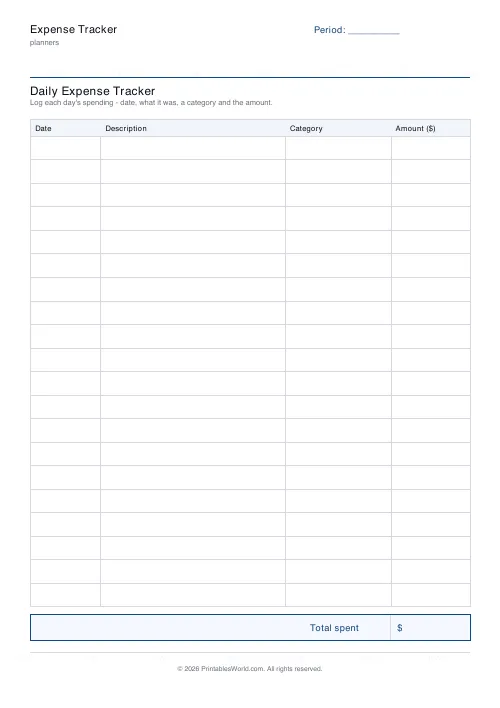
Expense Tracker
Printable daily expense tracker: date, description, category, amount and a total box.
Further reading
Planners
Budgeting for beginners: the 50/30/20 rule explained
Half to needs, 30% to wants, 20% to savings and debt. A useful starting frame. And this covers what actually counts as which, plus what to do when the numbers do not fit.
5 min read
Planners
How to pay off debt faster with a payoff tracker
One method costs less; the other is easier to stick to. Here is how to choose between them honestly, and why a visual tracker changes the odds either way.
5 min read
Planners
Study planning for exams: a student's complete guide
A revision timetable is only as good as what goes in the slots. Here is how to build one backwards from the exam date, and which study methods the evidence actually supports.
5 min read













