


 Scan to get


 Scan to get



 Scan to get






What this tool does
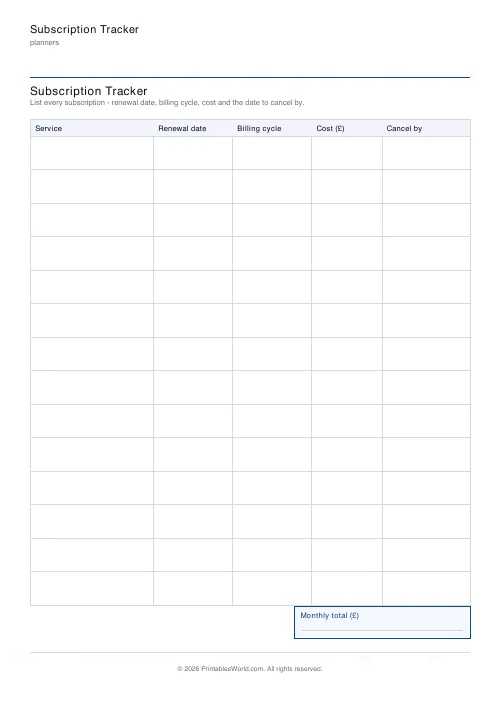
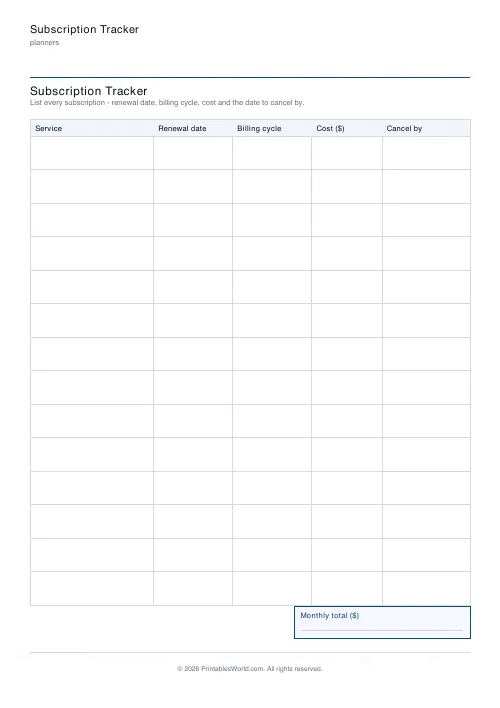
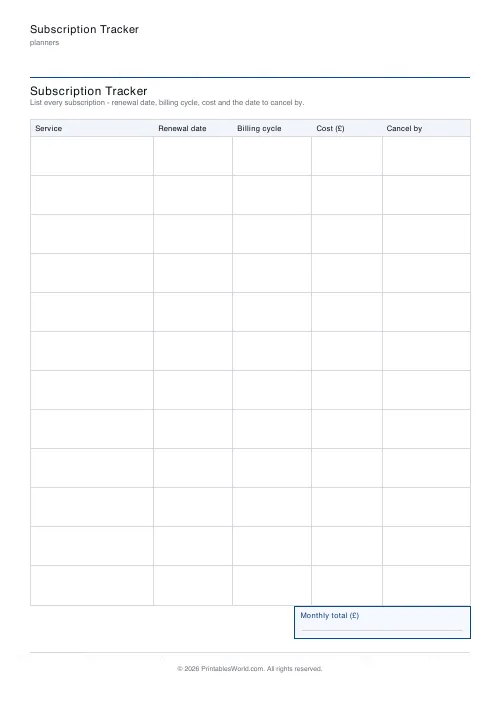
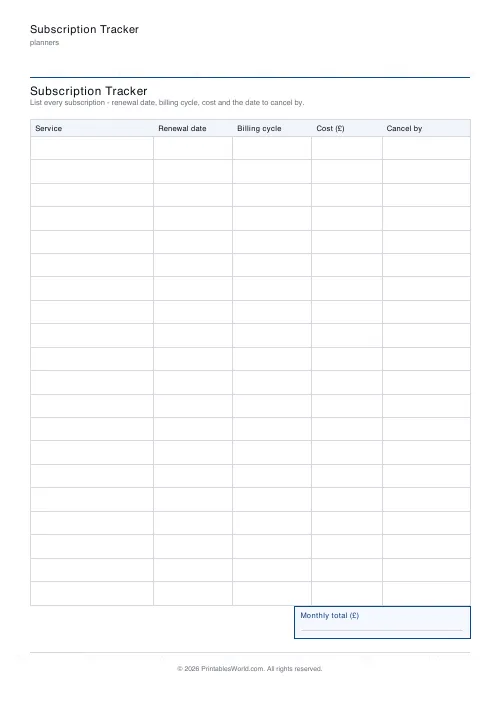
A table of everything you are paying for monthly: service, renewal date, billing cycle, cost and a cancel-by date, with a monthly total at the foot. 10 to 20 rows.
People also used
Monthly Bill Tracker
Printable bill tracker: due date, amount, paid check, payment method, notes.
Monthly Budget Planner
One-page printable budget: income, categorised expenses, balance summary.
Debt Payoff Tracker
Debt snowball chart: starting balances, minimum payments, monthly progress, running total.
Feedback
Spotted something off with this tool?
Five columns
Service, renewal date, billing cycle, cost, cancel by. Fourteen rows by default, and a monthly-total box under the table.
Currency can be sterling, dollars, euros. That is the whole sheet.
The cancel-by column is the point
Everything else is bookkeeping. This column is the one that saves money.
Annual subscriptions renew silently, and most services notify you the day it happens rather than a fortnight before. Writing the date a week ahead of the renewal — the last day on which cancelling still works — converts a decision you would have missed into one you actually get to make.
Then put those dates in a calendar. The sheet is the audit; the calendar is what interrupts you in time.
Filling it in honestly
Go through a full bank and card statement, not from memory. Twelve months of it, because the annual ones will not appear in a single month.
Check the app stores separately. Subscriptions bought through Apple or Google are billed by them, so they appear on a statement as an unremarkable line with no service name attached, and they are the ones people forget entirely.
Normalise the costs
The billing cycle column exists so the total means something.
An £80 annual plan and a £9 monthly one are not comparable until both are on the same footing. Divide the annual figures by twelve when you compute the total — and note that the annual is usually the better deal, which is exactly why services push it, and why you should only take it on something you have already used for a year.
What people find
The number surprises almost everyone. Individually every line is small, and that is the design: seven pounds a month does not feel like a decision, and fourteen of them is a thousand pounds a year.
Look for the three obvious kinds of waste. Duplicates, where two services do the same job. Dormant ones you have not opened in three months. And the free trial you meant to cancel, which is now a paid subscription in its ninth month.
Review it twice a year
Print it, mark it up, cancel what fails to justify itself, and keep the sheet until the next pass so you can see what came back.
Related: the expense tracker for day-to-day spending, and the sinking funds tracker for the annual bills that are not subscriptions.
FAQs
Quick answers
How many subscriptions fit on one page?
Choose between 10 and 20 rows. Fewer rows leave more height per service for handwritten notes.
What is the Cancel by column for?
It is the last safe date to cancel before the next charge, usually a day or two before the renewal date, so you are not locked into another cycle.
Is there a monthly total?
Yes. A labelled monthly-total box at the foot of the sheet leaves space to add up everything that bills each month.
Which currencies are supported?
GBP (£), USD ($), and EUR (€). The chosen symbol appears in the Cost column header and the monthly-total box.
Related tools
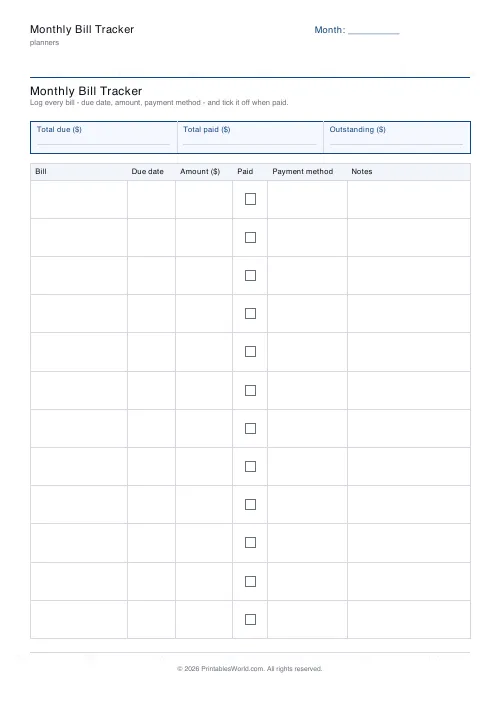
Monthly Bill Tracker
Printable bill tracker: due date, amount, paid check, payment method, notes.
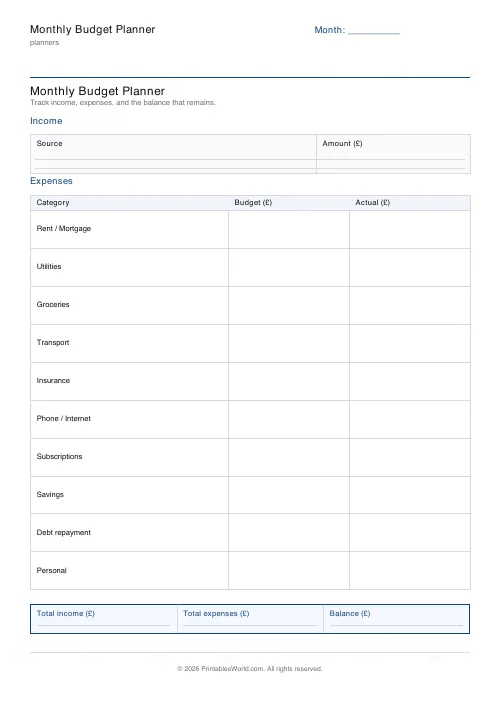
Monthly Budget Planner
One-page printable budget: income, categorised expenses, balance summary.
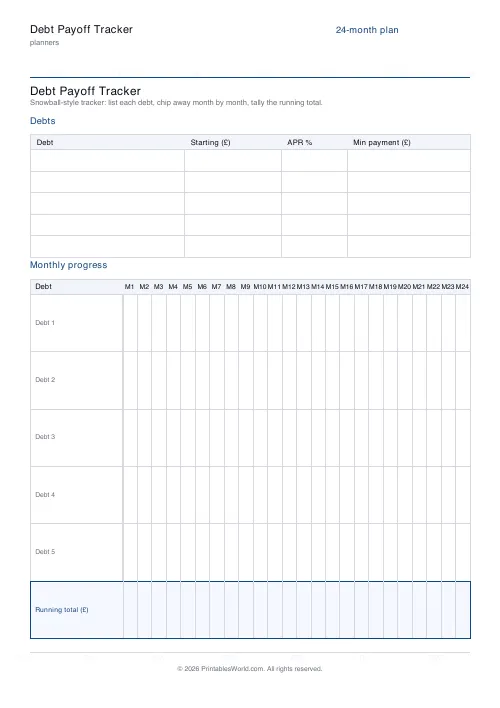
Debt Payoff Tracker
Debt snowball chart: starting balances, minimum payments, monthly progress, running total.
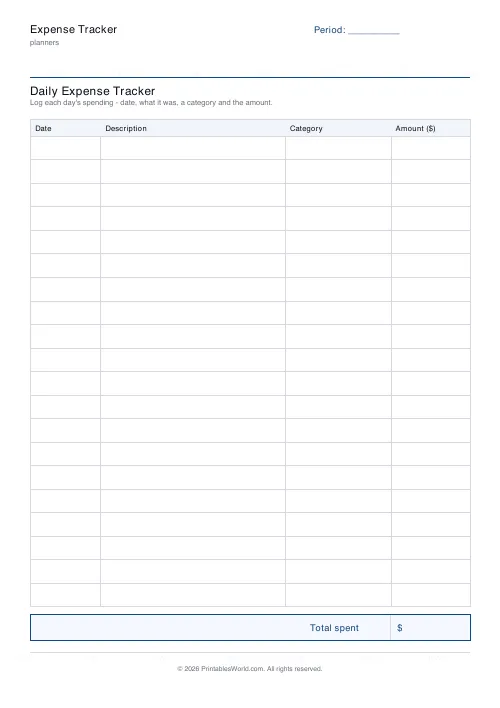
Expense Tracker
Printable daily expense tracker: date, description, category, amount and a total box.
Further reading
Planners
How to pay off debt faster with a payoff tracker
One method costs less; the other is easier to stick to. Here is how to choose between them honestly, and why a visual tracker changes the odds either way.
5 min read
Planners
Study planning for exams: a student's complete guide
A revision timetable is only as good as what goes in the slots. Here is how to build one backwards from the exam date, and which study methods the evidence actually supports.
5 min read













