


 Scan to get


 Scan to get



 Scan to get






What this tool does
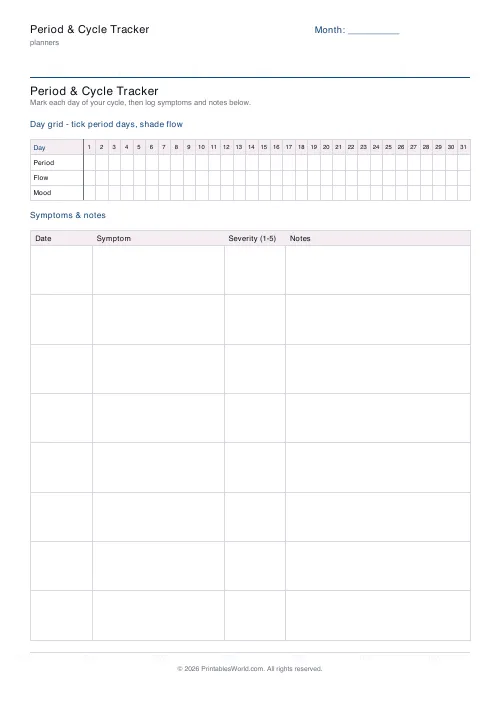
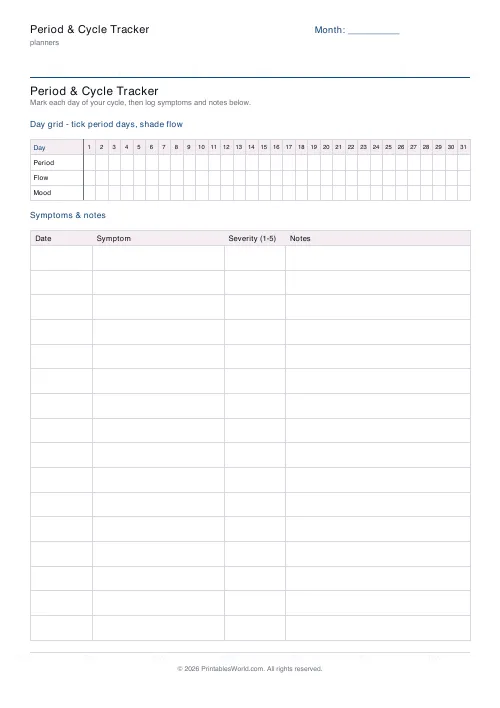
A month grid for marking period days, flow and mood, with a symptoms and notes table underneath. 6 to 16 note rows.
People also used
Feedback
Spotted something off with this tool?
A month on a page
A grid of days one to thirty-one, each markable for period, flow and mood, with a symptoms and notes table underneath — six to sixteen rows of it, your choice. The month label at the top is blank, so the same sheet works for any month.
Print several and keep them together. One cycle tells you almost nothing; six in a row tell you what is normal for you, which is the only definition of normal that matters here.
Why "normal" is not one number
The textbook 28-day cycle is an average, not a rule, and remarkably few people run to it exactly.
Anything from roughly 21 to 35 days is common in adults, and the same person varies month to month. Your own consistency matters far more than the number: a cycle that has run at 33 days for a year is not a problem, while one that has been 28 for a year and is suddenly 45 is worth mentioning.
That is exactly what a tracker gives you and memory does not.
What to record
Start date first, always. Cycle length runs from the first day of one period to the day before the next — not from the end of one to the start of the next, which is what people assume and is why so many report the wrong number to a GP.
Then flow, and then symptoms: cramping, headaches, mood, sleep, skin, digestion, energy. Symptoms are where the useful patterns turn up, because they often cluster at a predictable point in the cycle and are far easier to manage once expected.
Prediction, honestly
A few months of data lets you estimate the next start date reasonably well, and that is worth having for a holiday, an exam or a long journey.
It is an estimate. Cycles shift with illness. With stress, with travel, with a change in exercise or weight. No amount of tracking makes them precise. Anyone using this for contraception should know that fertility-awareness methods need far more than a cycle length — temperature and cervical mucus at minimum, and proper instruction — and are considerably less reliable than they sound when practised casually.
Paper rather than an app
Cycle apps are convenient and they hold detailed health data about you, sometimes on servers in another jurisdiction, occasionally with sharing arrangements that are not obvious from the interface.
A sheet of paper in a drawer has none of those properties. For some people that is decisive, and it is a reasonable thing to want.
When to see someone
Bring the sheet if you do. Bleeding that is unusually heavy, cycles that have changed markedly, periods that stop, severe pain that interferes with normal life, or bleeding between cycles are all worth a GP appointment — and a few months of records makes that conversation far shorter and far more useful.
FAQs
Quick answers
Is my cycle data stored anywhere?
No. This is a paper worksheet. The PDF is generated in your browser and nothing you write on it is ever uploaded or saved. Your health data stays entirely with you.
Does the day grid cover a full month?
Yes. The grid runs from day 1 to day 31 with rows for period, flow and mood, so a whole month fits on one line of cells.
How many symptom rows can I add?
Choose between 6 and 16 rows in the symptoms and notes table. Fewer rows leave more height per entry for longer notes.
Does this predict ovulation or fertile days?
No. It is a manual tracking sheet, not a medical or fertility tool. Use it to record what happened, not to forecast your cycle.
Related tools
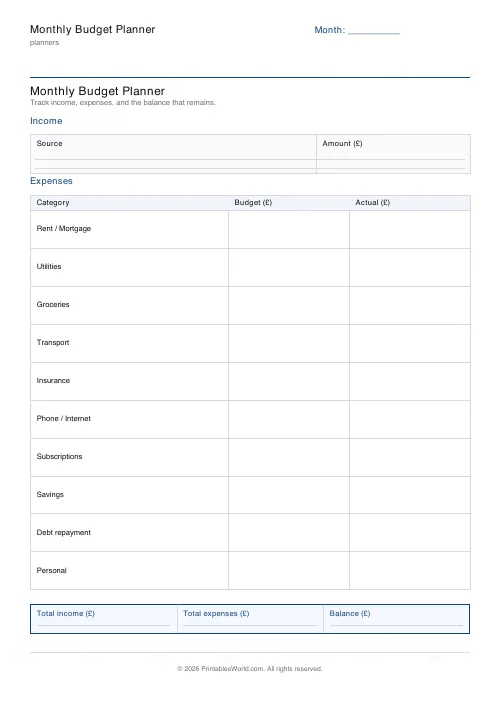
Monthly Budget Planner
One-page printable budget: income, categorised expenses, balance summary.
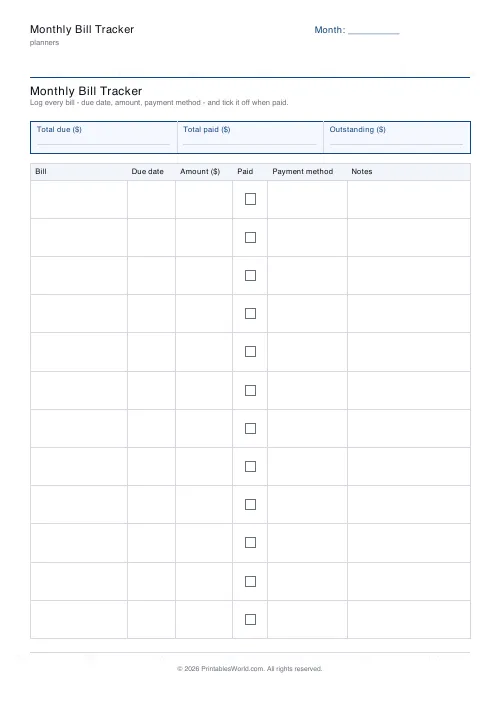
Monthly Bill Tracker
Printable bill tracker: due date, amount, paid check, payment method, notes.

Monthly Planner
Blank month grid with weekday headers and an optional notes footer.
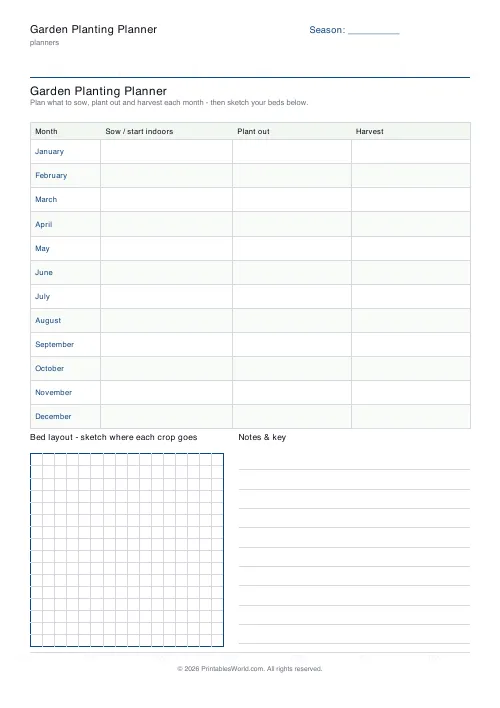
Garden Planting Planner
Printable month-by-month planting planner with a sow, plant out and harvest table plus a bed-layout grid.
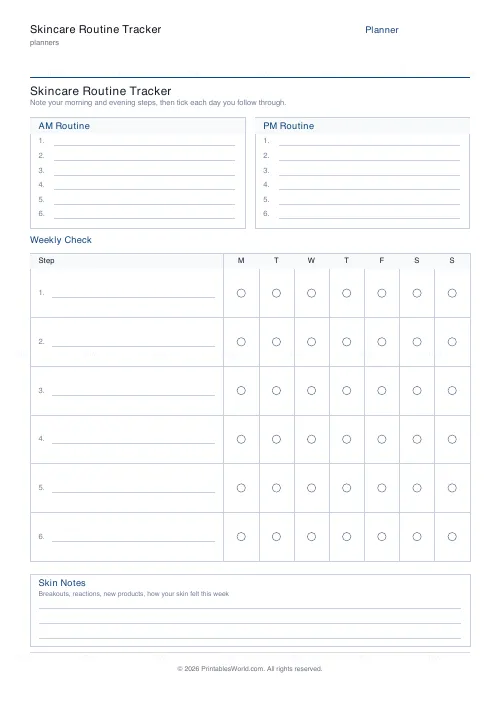
Skincare Routine Tracker
Printable AM/PM skincare steps plus a 7-day tick grid and skin-notes area.
Further reading
Planners
How to pay off debt faster with a payoff tracker
One method costs less; the other is easier to stick to. Here is how to choose between them honestly, and why a visual tracker changes the odds either way.
5 min read
Planners
Budgeting for beginners: the 50/30/20 rule explained
Half to needs, 30% to wants, 20% to savings and debt. A useful starting frame. And this covers what actually counts as which, plus what to do when the numbers do not fit.
5 min read
Planners
Time blocking for beginners: a complete guide
Time blocking is deciding when each task happens, not just what. Here is how to size blocks realistically, what to do when the day breaks, and why most beginners over-schedule.
5 min read












