


 Scan to get


 Scan to get



 Scan to get






What this tool does
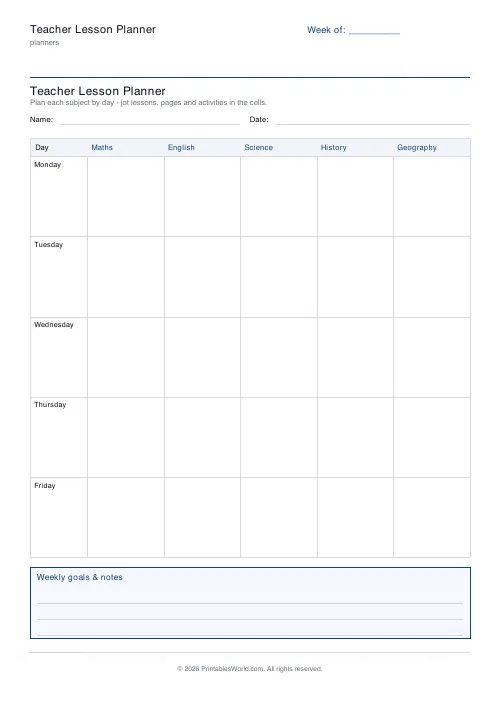
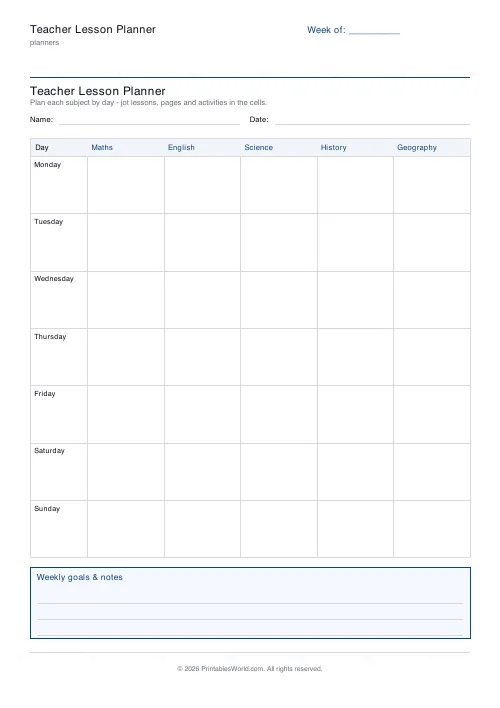
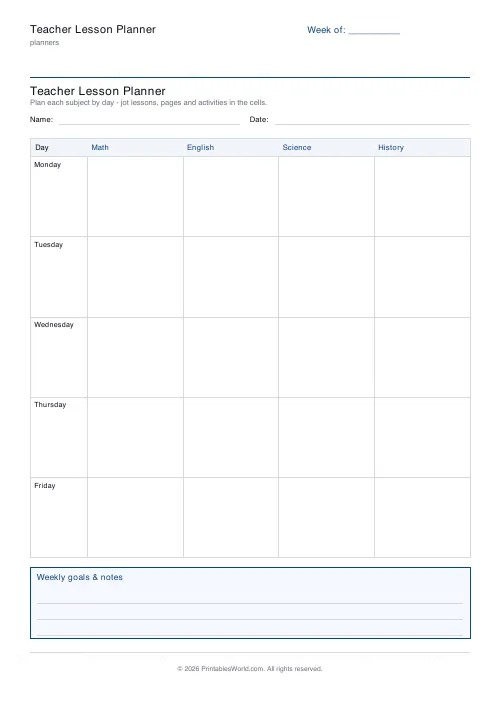
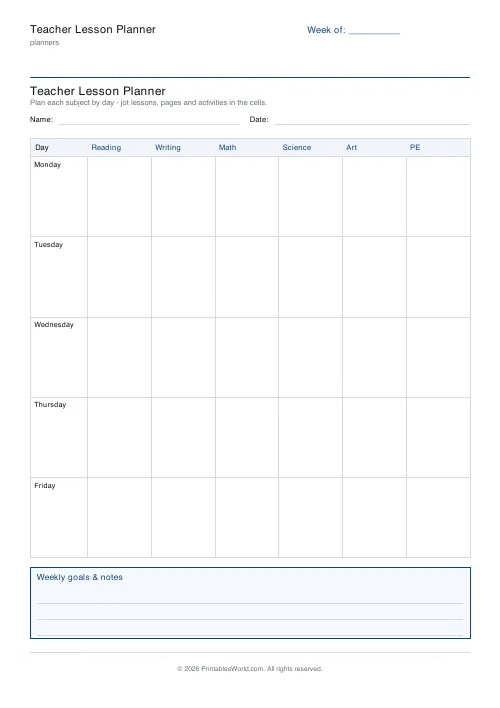
A teaching week on one printable page. Days down the left, your subjects or period numbers across the top, and every cell with room for the objective, the activity and the resources. Four to seven day rows, up to six columns, and an objectives and notes box underneath.
People also used
Grade Book
Printable grade book: student rows, assignment columns, running-total column.
Attendance Register
Printable class attendance register: student-name rows, day columns, totals.
Homeschool Lesson Planner
Printable weekly homeschool planner. Flexible day count, your own subject names, and room for more than one child.
Feedback
Spotted something off with this tool?
The shape of the week, on one sheet
Days down the left column. Subjects or periods across the top. Each cell is one day-by-subject slot with room for the objective, the main activity, and whatever you need to remember to get out of the cupboard beforehand.
Underneath sits a box for the week's aims, differentiation reminders, and everything that refuses to fit inside a cell. Print it on a Sunday, sketch the week in pencil, and change it on Wednesday when Wednesday goes differently.
Periods or subjects, and which you need
The column headers are free text, which is the whole flexibility of the sheet. They take Maths, English, Science as easily as P1, P2, P3, or a mix like Registration, P1, P2, Break, P3.
Secondary teachers generally want period numbers, because the subject is fixed and the class changes. Primary teachers generally want subject names, because the class is fixed and the subject changes. Same grid, opposite convention, and it is worth deciding which before you print a term's worth rather than after.
Five days by default. Drop it to four for a non-contact day, or for a week with an INSET sitting in the middle of it.
Write it so a cover teacher can use it
A weekly plan earns its keep on the morning you are not there, and a plan written purely for yourself is usually unusable by anybody else. It is full of abbreviations, it assumes you know where the resources live, and it says continue without saying from where.
Two habits fix that for almost no extra effort. Put the page or the resource in the cell rather than only the topic, so Fractions p42 instead of Fractions. And put the room and the set in the header alongside the week, because a cover teacher who cannot find the class cannot deliver any of it.
A planner that can be handed to the office at seven in the morning is worth the twenty seconds a day it costs, and you will not be in a state to write it on the day you need it.
A term in a ring binder
Print the whole term at once rather than a sheet a week. Twelve or fourteen pages, hole-punched, in date order at the front of a binder is what most teachers converge on, and it survives being carried between rooms in a way a laptop does not.
Fill in the week-of field before printing if you want the dates already there. Leave it blank and write them by hand, which is faster when the term has an awkward half-term sitting in the middle of it. The name and date fields switch off entirely for a personal planner; they exist for the copy you hand a trainee.
Keep last year's sheets. Planning the same unit again is far quicker with an annotated week in front of you, including the note about the lesson that overran.
What it deliberately will not hold
One page, one week, a few lines per cell. It is not a lesson-plan proforma and it will not carry objectives in full, differentiation notes, assessment criteria or a seating plan.
That is the design. The detail belongs in a document per lesson or per unit. What a teacher needs on the desk is the shape of the week visible at a glance: where the double period is, which afternoon has already gone to assembly, which day is carrying three practicals. Make one sheet do both jobs and you get a page too dense to read at twenty to nine in the morning.
Print this alongside a unit planner rather than instead of one, and let it be the index to it.
FAQs
Quick answers
How many subjects or periods can I add?
Two to six. List them comma-separated and each becomes a column heading across the top of the grid. Use subject names or period labels like P1, P2, P3.
Can I include weekends?
Yes. Set the day rows to 6 to add a Saturday, or 7 for a full Monday-to-Sunday week.
Is there room for weekly objectives?
Yes. A ruled objectives and notes box sits underneath the grid for the week's learning aims and reminders.
Is it a fillable PDF?
No. It is a printable template you write on by hand, which keeps plans flexible and stores no data.
Related tools
Grade Book
Printable grade book: student rows, assignment columns, running-total column.
Attendance Register
Printable class attendance register: student-name rows, day columns, totals.
Homeschool Lesson Planner
Printable weekly homeschool planner. Flexible day count, your own subject names, and room for more than one child.
Monthly Budget Planner
One-page printable budget: income, categorised expenses, balance summary.
Further reading
Planners
ADHD-friendly planning: systems that work
Standard planners assume you will remember to open them. That single assumption is why they fail for a lot of ADHD brains. And what an ADHD-friendly system has to replace.
6 min read
Planners
Meal planning 101: save time and money every week
A weekly meal plan saves money mainly by changing how you shop. Here is a thirty-minute method, the shortcuts that keep it going, and the mistake that ends most plans in week three.
5 min read
Planners
Time blocking for beginners: a complete guide
Time blocking is deciding when each task happens, not just what. Here is how to size blocks realistically, what to do when the day breaks, and why most beginners over-schedule.
5 min read













