


 Scan to get


 Scan to get



 Scan to get






What this tool does
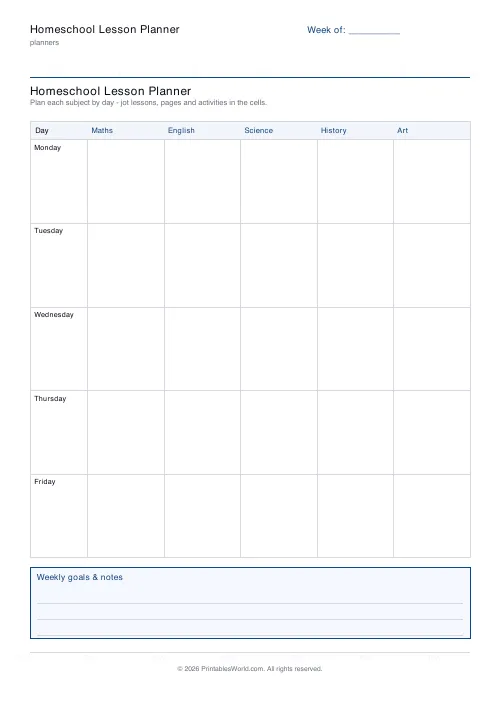
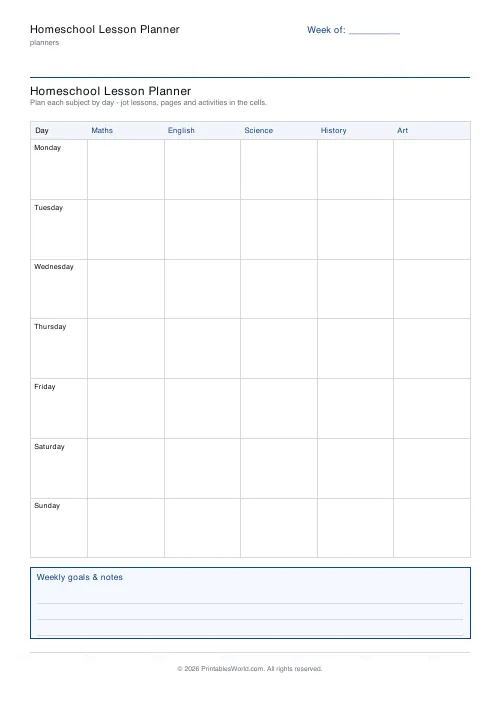
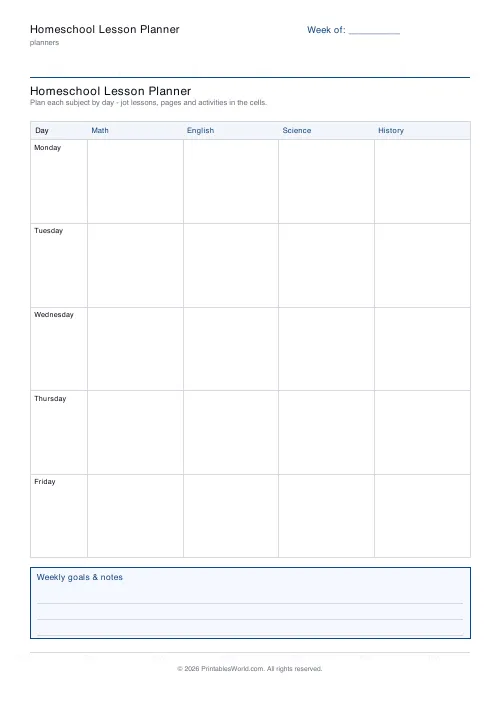
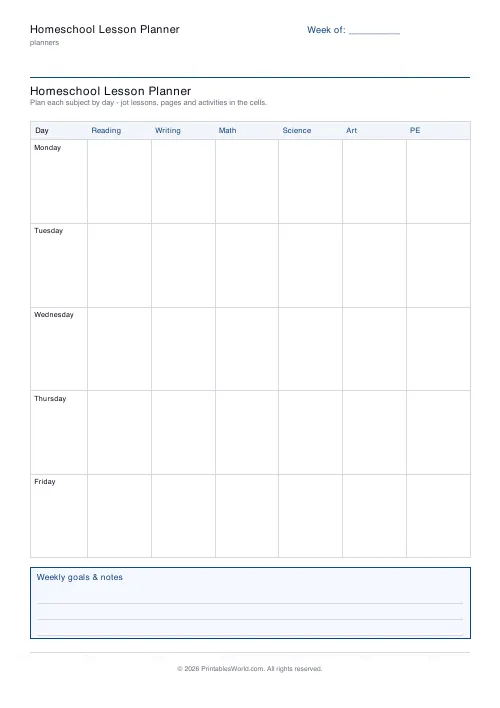
A homeschool week on one printable page. Days run down the left, your subjects run across the top, and every cell is a single day-by-subject slot for the lesson, the pages, or whatever is actually happening. Four to seven day rows, two to six subject columns, a goals and notes box underneath, and A4 or US Letter.
People also used
Feedback
Spotted something off with this tool?
A whole week, one sheet, filled in with a pencil
Days down the left, subjects across the top, and a cell where they meet. Write the lesson, the page numbers, the activity, whatever your week is made of.
Underneath sits a goals and notes box for the week's aims and for everything that refuses to fit inside a cell. Print it on a Sunday evening, fill it in lightly, and change it on Tuesday when Tuesday turns out differently. That is easier on paper than in any app, which is most of the reason this exists.
Built for a family, not a timetable
A homeschool week does not look like a school week, and most planner templates are school templates with the word homeschool written across the top.
The differences are structural rather than cosmetic. There is no bell. A subject runs for as long as it needs to and then stops. Some subjects happen three times a week and not five, and the week itself is frequently four teaching days rather than five, because something is happening on the fifth.
So the day count adjusts from four to seven, and the subject columns are yours to name: between two and six of them, defaulting to maths, English, science, history and art. A family running a Charlotte Mason or classical schedule can put NARRATION and COPYWORK and LATIN across the top instead. An unschooling family can use the columns for children rather than subjects. The grid has no opinion.
Leaving a column heading blank is a legitimate choice too. A blank header is a planner you complete on Sunday once you know what the week actually holds.
Planning for more than one child
This is the problem with no classroom equivalent: three children at three stages, one table, one adult.
Two layouts work. One sheet per child keeps each record clean, and it is what you want if you have to demonstrate individual progress to anybody. One sheet for the family, with each child's name as a column heading, is better for spotting the collision, which is the moment on Wednesday morning when all three need you simultaneously.
Most families end up printing both. The family sheet goes on the wall for the shape of the week, individual sheets go into each child's folder for the record. Since the planner takes a title, call the family one Week of something and each child's by their name, and a ring binder stays sorted without any further effort.
Using the same sheet as a record
Home educators in many places have to show what has been covered, and a plan written on Sunday is evidence of intent. Not evidence of teaching.
The fix costs nothing: write the plan in pencil, then at the end of each day annotate what actually happened in pen. The gap between the two is the useful part. A term of these sheets shows at a glance which subject keeps getting displaced, and it is almost always the same one, every time. A tidy digital planner hides that, because you correct it as you go and the history disappears with the correction.
Print a term at once, punch them, keep them in date order. Twelve sheets in a binder is a more convincing record than a spreadsheet nobody can audit, and it costs a single print run.
Paper, and why it matters here
This planner is designed to be written on rather than read, which changes what you print it on.
Ordinary 80gsm copier paper takes pencil well and biro adequately. If you plan in fountain pen or highlight heavily, move to 100gsm, because bleed-through makes a double-sided sheet useless and you will not notice until you have printed forty of them. Print single-sided if you intend to annotate.
A4 or US Letter, and the grid rescales rather than clipping, so a Letter sheet has slightly shorter columns and exactly as many of them. If the planner lives on a fridge for the week, a laminated copy and a dry-wipe pen works fine but destroys the record, so laminate one for the wall and print a paper one for the binder.
FAQs
Quick answers
How many subjects can I add?
Two to six. List them comma-separated and each becomes a column heading across the top of the grid.
Can I include weekends?
Yes. Set the day rows to 6 for a Saturday, or 7 for a full Monday-to-Sunday week.
Is there room for weekly goals?
Yes. A ruled goals and notes box sits underneath the grid for the week's aims and reminders.
Is it a fillable PDF?
No. It is a printable template you write on by hand, which keeps plans flexible and stores no data.
Related tools
Monthly Budget Planner
One-page printable budget: income, categorised expenses, balance summary.
Monthly Bill Tracker
Printable bill tracker: due date, amount, paid check, payment method, notes.
Cleaning Schedule
Print a weekly cleaning schedule grid with custom rooms and tasks across Monday to Sunday.
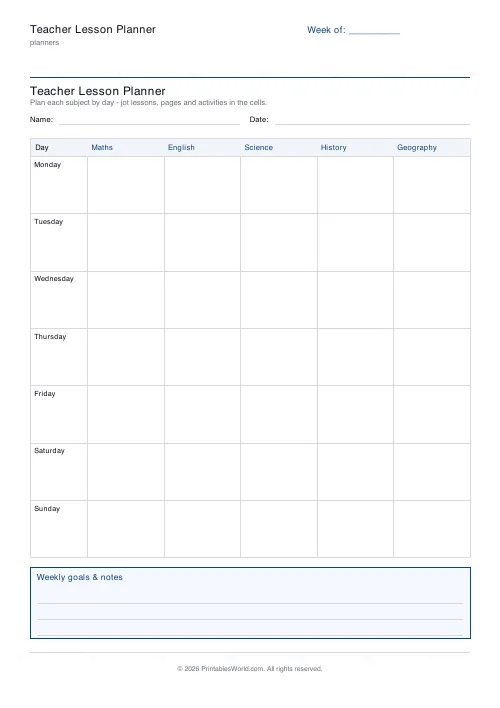
Teacher Lesson Planner
Printable weekly teacher planner. Five days by period or subject, sized to survive a term in a ring binder.
Further reading
Planners
ADHD-friendly planning: systems that work
Standard planners assume you will remember to open them. That single assumption is why they fail for a lot of ADHD brains. And what an ADHD-friendly system has to replace.
6 min read
Planners
How to track habits that actually change your life
Habit tracking works because it makes an invisible process visible. It fails when you track too many things, or when protecting the streak becomes more important than the habit.
5 min read
Planners
Study planning for exams: a student's complete guide
A revision timetable is only as good as what goes in the slots. Here is how to build one backwards from the exam date, and which study methods the evidence actually supports.
5 min read













