


 Scan to get


 Scan to get



 Scan to get






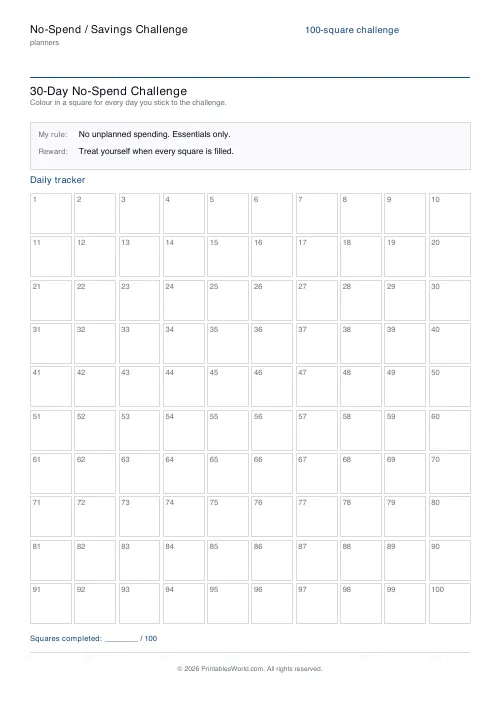
What this tool does
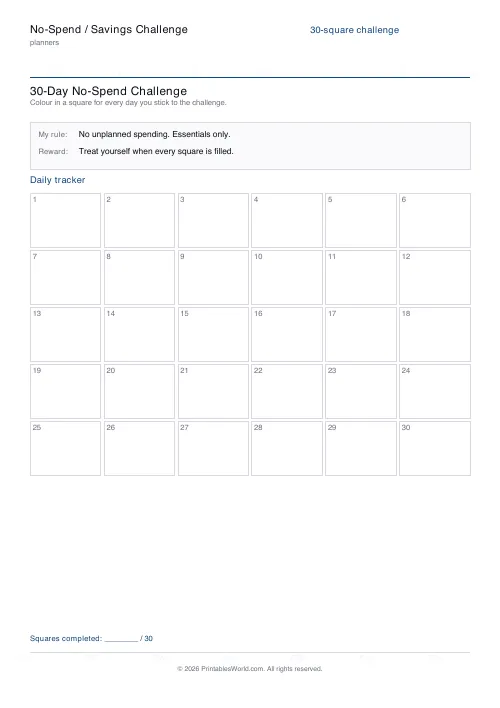
A grid of numbered squares to colour in, run either as a no-spend challenge (one square per day you avoid unplanned spending) or as a savings challenge where each square is a fixed amount. 7 to 100 squares.
People also used
Feedback
Spotted something off with this tool?
One grid, two challenges
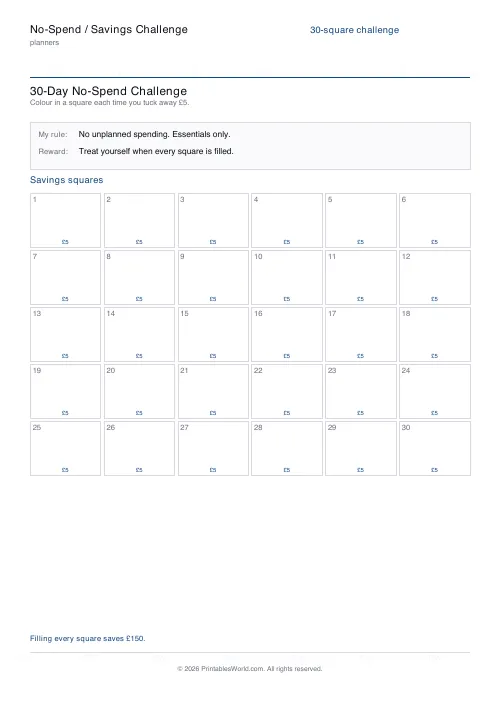
No-spend mode: colour a square for every day you avoid unplanned spending. Savings mode: each square is a fixed amount you put aside, and the sheet totals up what filling the whole grid will save you.
Grid sizes from 7 to 100 squares, with a line for your own rule and a line for the reward at the end.
Write your own rule, and write it narrowly
"No spending" is not a rule anybody can follow. Rent goes out, the bus still costs money, and a rule that gets broken on day one is a rule that gets abandoned on day two.
The version that works names a category. No takeaway coffee. No lunches out. Nothing at all from that one shop, or no impulse orders online. Narrow enough that at any given moment you know perfectly well whether you have kept it or not.
The rule line at the top of the sheet exists for that. Fill it in before you start, not on day nine when the argument arrives.
Savings mode does the arithmetic for you
Put a per-square amount in and the sheet prints it inside every square and totals the grid.
Seeing the total in advance is the point. Two pounds a square across a hundred squares is two hundred pounds, and that is a different proposition from "save a bit each day" — considerably more likely to be finished, because you know from the outset exactly what finishing is worth.
The classic 52-week version increments the amount each week and ends up back-loaded, which is why so many people abandon it in November. A flat amount per square is duller and gets completed more often.
Choosing a length
Seven or fourteen squares is a sprint, and a sprint is the right first attempt. Finishing something short teaches you that you can finish, and it takes a week.
Thirty or thirty-one is a month, which is the natural unit for a spending habit because bills and pay both run monthly.
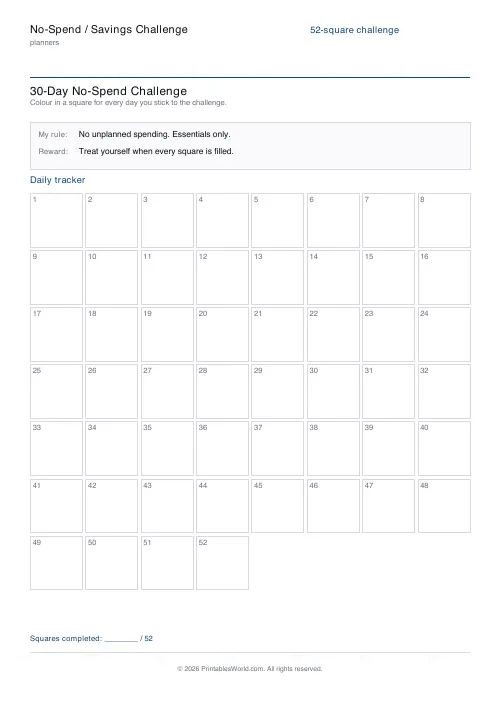
Fifty-two is a year of weeks, and a hundred is an arbitrary target that happens to be satisfying to fill. Both are for a second or third attempt rather than a first.
Do not restart after a miss
The commonest way this sheet fails is a broken day being treated as a failed challenge. It is not, and a grid with two blank squares in it is still 28 days of a habit you did not have before.
Leave the square blank and carry on. This is a record, not a streak counter. Nothing on the page resets.
Setting it up
Title, mode, square count (7 to 100), your rule, the reward, currency (GBP, USD or EUR) and the per-square amount for savings mode. A4 or US Letter, printed at 100%.
Put it where the spending happens — on the fridge, or beside the front door. A tracker in a drawer tracks nothing.
FAQs
Quick answers
What is the difference between no-spend mode and savings mode?
In no-spend mode each square is a day you stick to your rule and colour in. In savings mode each square is a fixed amount you set aside, and the sheet totals up what filling every square will save you.
How many squares can I have?
Choose 7, 14, 30, 31, 52 or 100. The grid resizes automatically so every square stays large enough to colour in, even at 100.
Which currencies are supported in savings mode?
GBP (£), USD ($) and EUR (€). The chosen symbol is printed inside each savings square and in the grand-total line below the grid.
Is this a fillable PDF?
No. It prints as a clean worksheet you colour in by hand. That keeps it universal, works offline, and needs no PDF editor.
Related tools
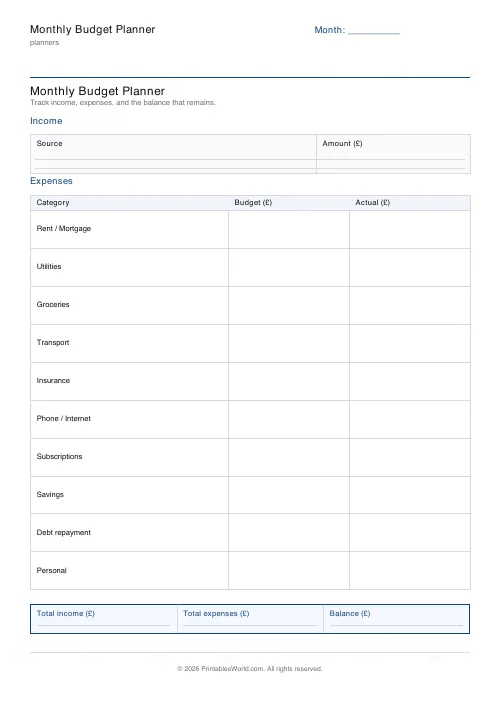
Monthly Budget Planner
One-page printable budget: income, categorised expenses, balance summary.
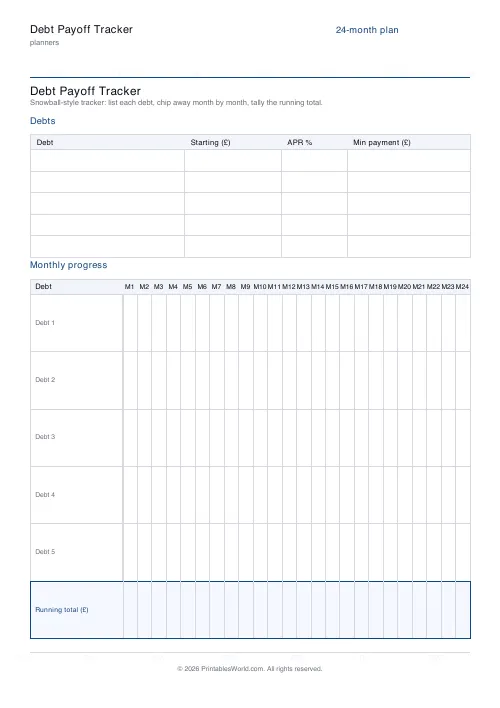
Debt Payoff Tracker
Debt snowball chart: starting balances, minimum payments, monthly progress, running total.

30-Day Habit Tracker
A printable 30-day habit grid to tick off every morning. One row per habit.
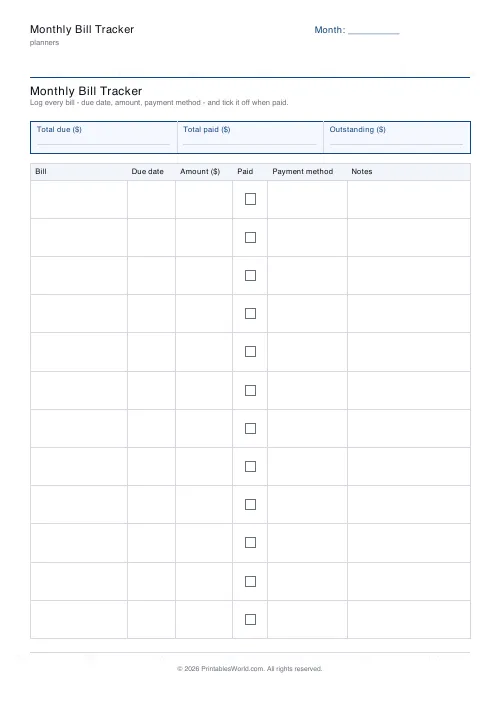
Monthly Bill Tracker
Printable bill tracker: due date, amount, paid check, payment method, notes.
Further reading
Planners
Meal planning 101: save time and money every week
A weekly meal plan saves money mainly by changing how you shop. Here is a thirty-minute method, the shortcuts that keep it going, and the mistake that ends most plans in week three.
5 min read
Planners
Budgeting for beginners: the 50/30/20 rule explained
Half to needs, 30% to wants, 20% to savings and debt. A useful starting frame. And this covers what actually counts as which, plus what to do when the numbers do not fit.
5 min read
Planners
How to track habits that actually change your life
Habit tracking works because it makes an invisible process visible. It fails when you track too many things, or when protecting the streak becomes more important than the habit.
5 min read












