What this tool does
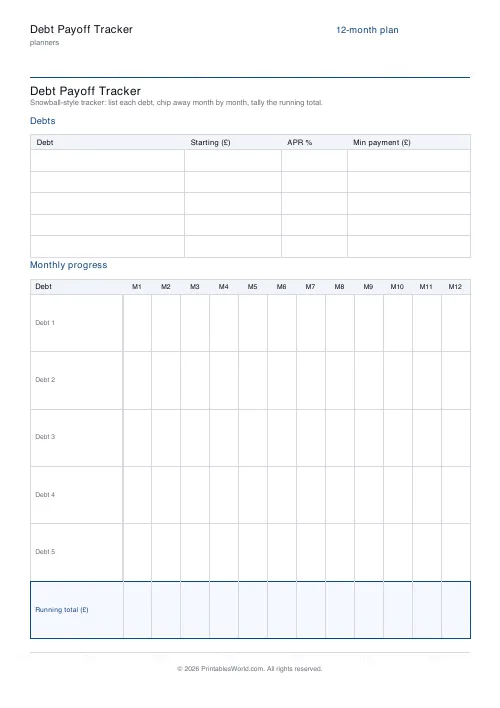
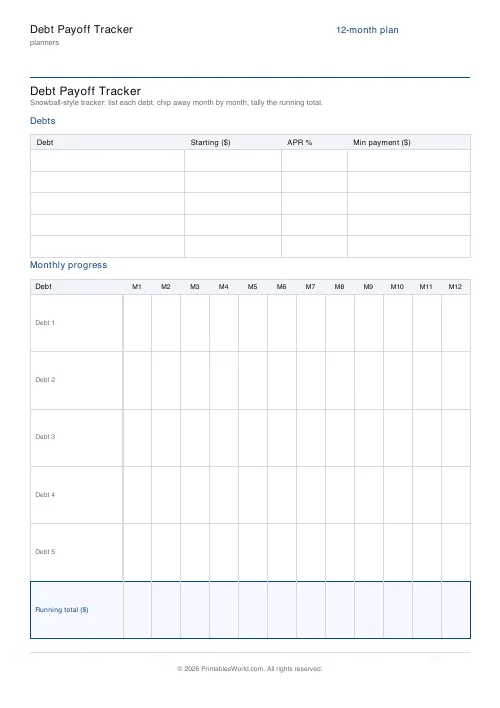
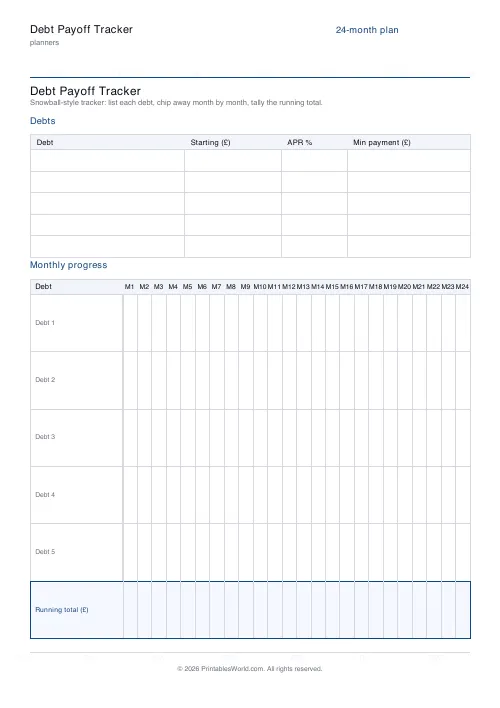
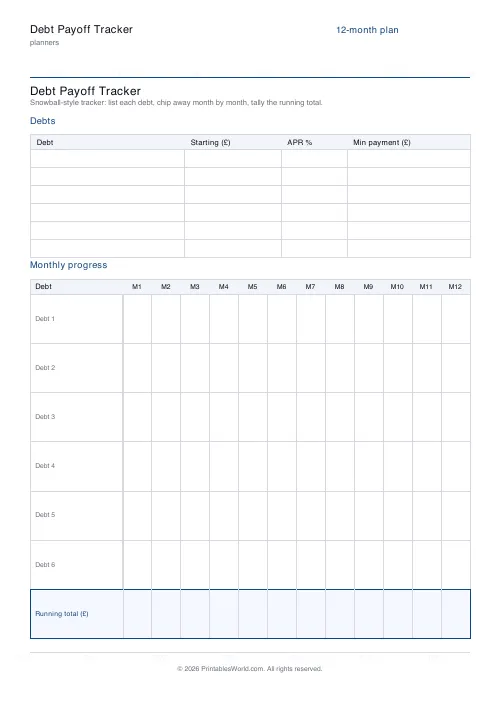
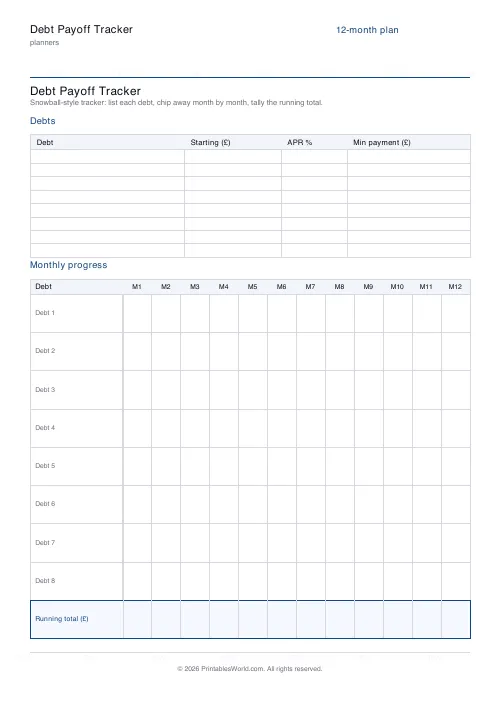
A debt snowball sheet: list three to eight debts with balance, APR and minimum payment, then a grid of twelve or twenty-four months to track each one down.
People also used
Monthly Budget Planner
One-page printable budget: income, categorised expenses, balance summary.
Monthly Bill Tracker
Printable bill tracker: due date, amount, paid check, payment method, notes.
Savings Goal Tracker
Goal-based printable savings tracker with 10-segment progress bar and month-by-month deposits.
Feedback
Spotted something off with this tool?
The list at the top, the grid below
Each debt gets a line for its starting balance, its APR and its minimum payment. Underneath, a grid with one row per debt and a column for every month — twelve or twenty-four — to write the remaining balance into.
Three to eight debts, in your choice of three currencies.
Snowball or avalanche
The sheet asks for the APR, which means it supports both methods, and they disagree.
Avalanche means paying the highest interest rate first. It is arithmetically optimal and costs you the least money overall.
Snowball means paying the smallest balance first, regardless of rate. It costs more in interest and it clears a whole debt sooner, which is the point — the research that has looked at this fairly consistently finds people are more likely to stick with the snowball, and a method you stick with beats an optimal one you abandon.
Write both orders down before choosing. A small difference in total interest points to the snowball. One debt at a punitive rate points to the avalanche.
Pay minimums on everything, then attack one
The mechanism both methods share. Every debt gets its minimum payment so nothing defaults, and every spare pound goes at a single target.
Spreading the extra across all of them is the intuitive approach and the slowest one, because nothing ever clears and nothing ever frees up its minimum payment. When the first debt goes, its minimum joins the attack on the second — that is where the snowball name comes from, and why the last debts fall much faster than the first.
Write the balance monthly, not the payment
The grid is for what is left, not what you put in.
A column of decreasing balances is visible progress. A column of payments is a column of identical numbers that tells you nothing about how much further there is to go, and it is the reason people lose heart in month seven.
Twelve months or twenty-four
Twelve fits comfortably and suits a plan you expect to finish inside a year. Twenty-four makes the cells narrower and is the honest choice for a larger total.
For a horizon past two years, print a fresh sheet each year rather than squeezing everything in. A tracker with unreadable cells stops being filled in.
A caution
This is a sheet of paper for organising your own plan, not financial advice. If the minimum payments alone are not affordable, a tracker is not the tool you need — free debt advice charities exist in most countries and they can do things a spreadsheet cannot, including negotiating with creditors.
Settings: a title, currency, how many debts (3 to 8), and twelve or twenty-four months. A4 or US Letter, printed at 100%.
FAQs
Quick answers
How many debts can I track?
Between 3 and 8 debts on one page. The month columns stay readable up to 24 months.
Is this a snowball or avalanche tracker?
The sheet itself is method-neutral. Order your debts smallest-to-largest (snowball) or highest-APR-first (avalanche). The layout works for both.
How long is the payoff timeline?
Choose 12 months or 24 months. The grid resizes so every month cell stays big enough to write a figure inside.
Which currencies are supported?
GBP (£), USD ($), and EUR (€). The symbol appears in the Starting balance, Minimum payment, and Running total column headers.
Related tools
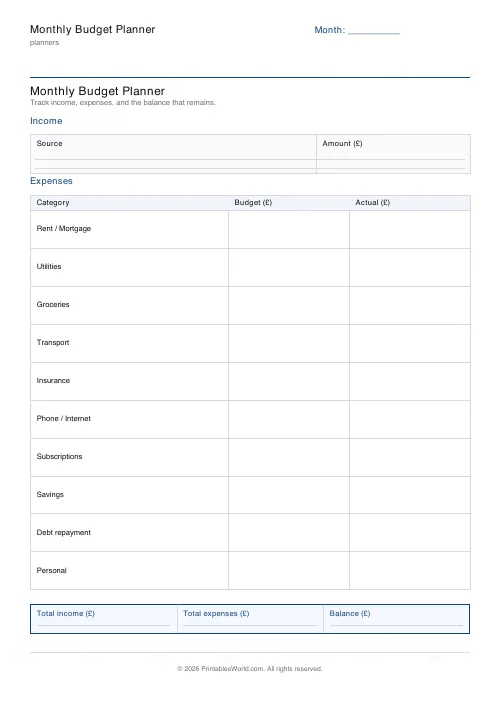
Monthly Budget Planner
One-page printable budget: income, categorised expenses, balance summary.
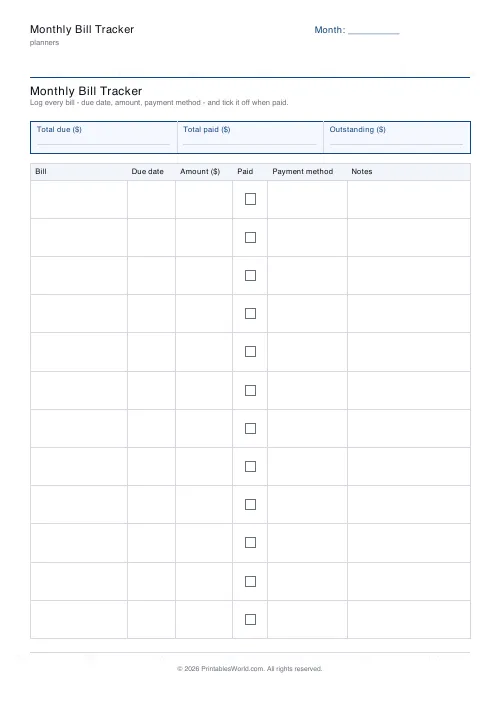
Monthly Bill Tracker
Printable bill tracker: due date, amount, paid check, payment method, notes.
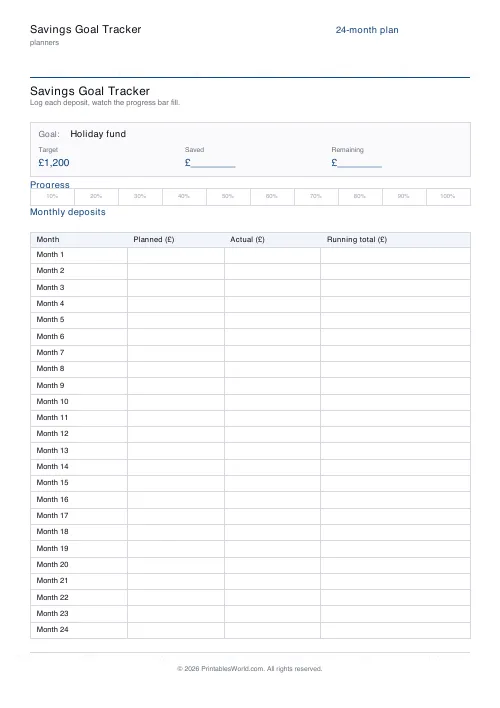
Savings Goal Tracker
Goal-based printable savings tracker with 10-segment progress bar and month-by-month deposits.
Further reading
Planners
Budgeting for beginners: the 50/30/20 rule explained
Half to needs, 30% to wants, 20% to savings and debt. A useful starting frame. And this covers what actually counts as which, plus what to do when the numbers do not fit.
5 min read
Planners
How to pay off debt faster with a payoff tracker
One method costs less; the other is easier to stick to. Here is how to choose between them honestly, and why a visual tracker changes the odds either way.
5 min read
Planners
Chore charts that motivate kids (without nagging)
Most chore charts fail for the same three reasons. Here is what to put on one by age, whether to attach money, and how to stop being the person who remembers everything.
5 min read













