What this tool does
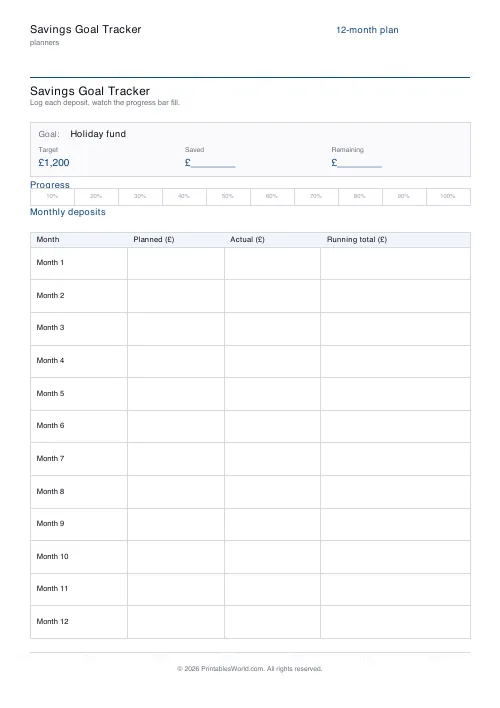
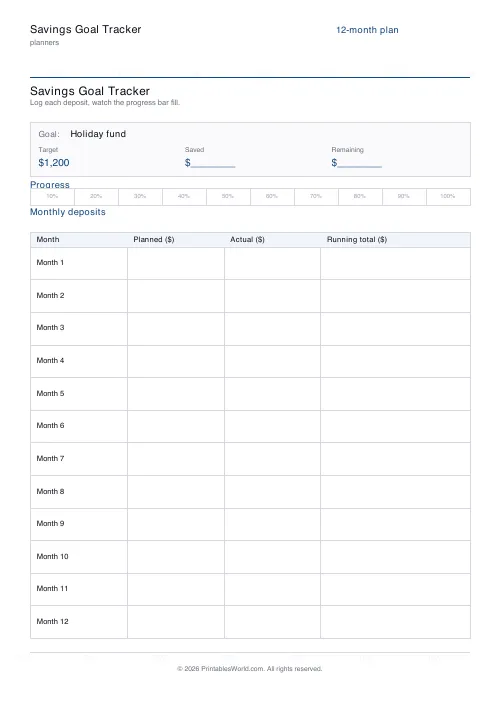
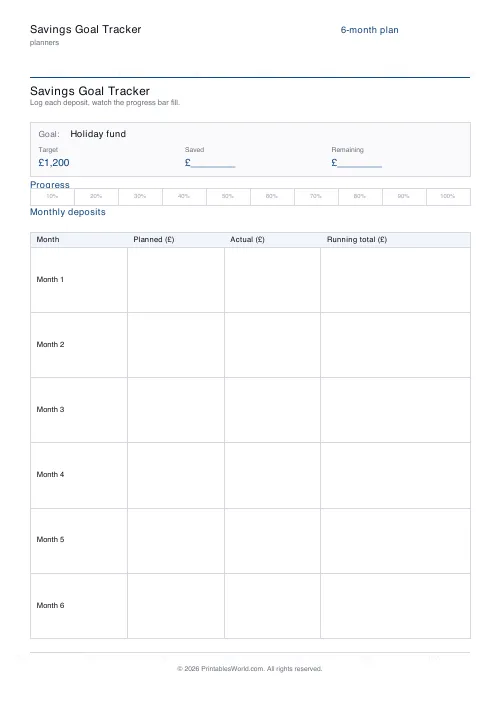
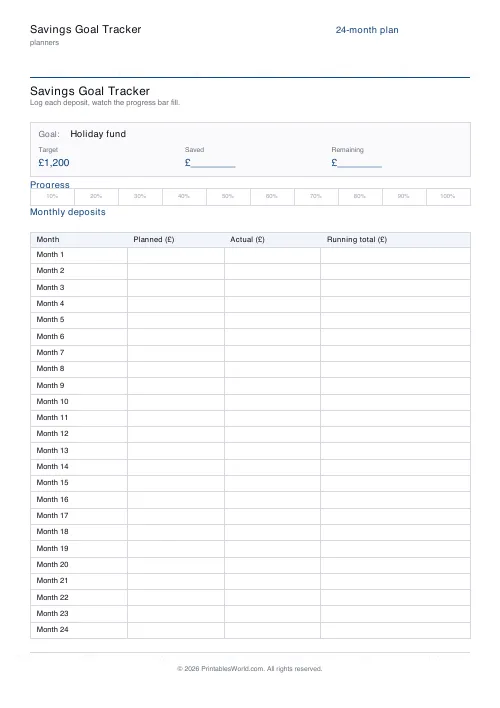
Name the thing you are saving for, put a number on it, pick a timeline of six months, of twelve, or of twenty-four, and print one sheet. It carries the goal and the target across the top, a ten-segment bar to shade as the balance climbs, and a row per month with columns for what you planned, what you actually paid in, and the running balance. Pounds. Or dollars, or euros.
People also used
Monthly Budget Planner
One-page printable budget: income, categorised expenses, balance summary.
Monthly Bill Tracker
Printable bill tracker: due date, amount, paid check, payment method, notes.
Debt Payoff Tracker
Debt snowball chart: starting balances, minimum payments, monthly progress, running total.
Feedback
Spotted something off with this tool?
One sheet, on the fridge, harder to ignore than an app
A banking app shows your balance. It does not show your progress, and those are different things: £740 means nothing on its own and everything against a target of £3,000.
This sheet carries the goal name and the target at the top, a bar of ten segments underneath, and a table with a row for every month of the timeline. Shade a segment each time the balance crosses another tenth. Ten segments, ten percent each, and when the last one is filled you are done.
Six months, or twelve, or twenty-four. The table resizes to match.
Three columns, and the middle one is the honest one
Planned, Actual, Running balance.
Planned is what you decided in advance, and writing it down in January is what stops February being a negotiation with yourself. Actual is what really went in. The gap between them is the entire value of doing this on paper: a spreadsheet lets you quietly edit the plan to match reality, and a printed sheet does not, so a bad March stays visible in June when you are deciding whether the goal is still realistic.
Under-save one month and the fix is arithmetic rather than guilt. Put a zero in Actual, add the shortfall across the months that remain, and check the last row still lands on the target.
Naming it properly
Not Savings. Not Fund.
Japan 2027. Boiler replacement. Deposit. The name is doing motivational work every time you walk past the fridge, and an abstract label does none of it. There is a starting balance field too, for the common case where you did not start from zero and would rather the bar reflected that than pretend you are at the beginning.
Currency is pounds, or dollars, or euros, and whichever symbol you pick prints in every amount column on the sheet.
Who it suits
Anyone building an emergency fund
The classic first goal, three to six months of outgoings. Over twelve months the number stops looking impossible and starts looking like a monthly figure.
People saving for a trip
Holiday money competes with everyday spending and usually loses, because the trip is abstract and the takeaway is not. A named goal on the fridge is a small counterweight.
First-time buyers
Twenty-four months is the longest timeline for a reason. A deposit is the goal people most often lose sight of halfway through.
Households saving together
One sheet, one Actual column, both contributors writing into it. That is harder to do politely with two banking apps.
Anyone doing a no-spend month
Six months, and a visible answer to the only question that matters, which is whether you are on pace this week.
Three thousand pounds over twelve months
Target £3,000, so each of the ten segments is £300. Twelve rows in the table.
April: planned £250, actual £250, balance £250. May: planned £250, actual £300 because something came in, balance £550. No segment yet. It fills in June when the balance passes £600, and that gap between month two and the first bit of colour is the thing to warn yourself about in advance, because it is where people quit.
Making it stick
Set one honest Planned figure and automate the transfer for payday. A figure you have to remember to move is a figure you will stop moving in about six weeks.
Shade the segments in a colour that means something, so the sheet looks like the thing rather than like admin. And treat an under-pace month as information: the sheet is a record of what happened, not a report card, and a run of shaded segments with one gap in it still reaches the target.
FAQs
Quick answers
How long is the savings plan?
Choose 6, 12, or 24 months. The deposits table resizes to fit one row per month on the page.
Does it calculate the monthly deposit for me?
No. You pick the pace. The sheet leaves room for a Planned and an Actual column each month so you can experiment with different schedules.
Which currencies are supported?
GBP (£), USD ($), and EUR (€). The symbol is printed in every amount column header.
How does the progress bar work?
Ten equal segments, each representing 10% of your goal. Shade one in when your running total crosses that threshold.
Related tools
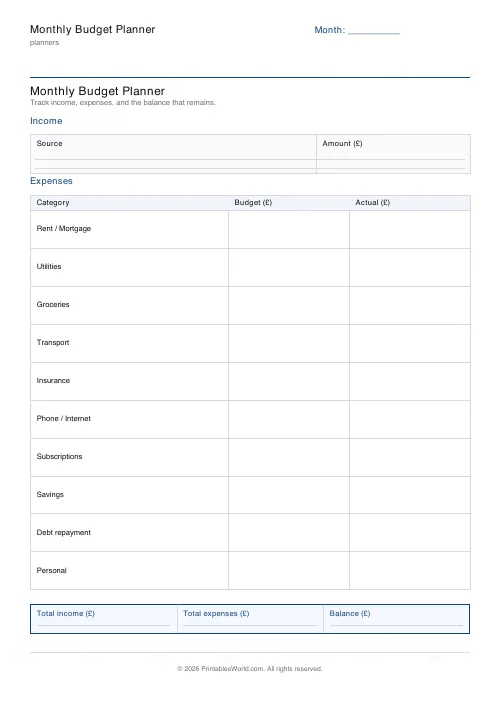
Monthly Budget Planner
One-page printable budget: income, categorised expenses, balance summary.
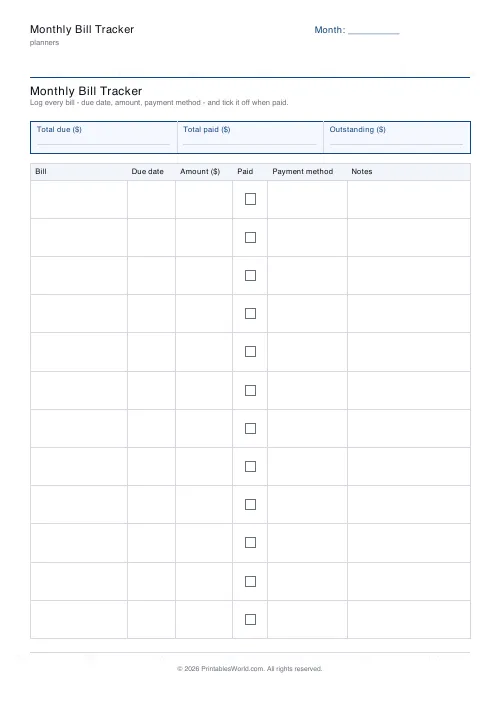
Monthly Bill Tracker
Printable bill tracker: due date, amount, paid check, payment method, notes.
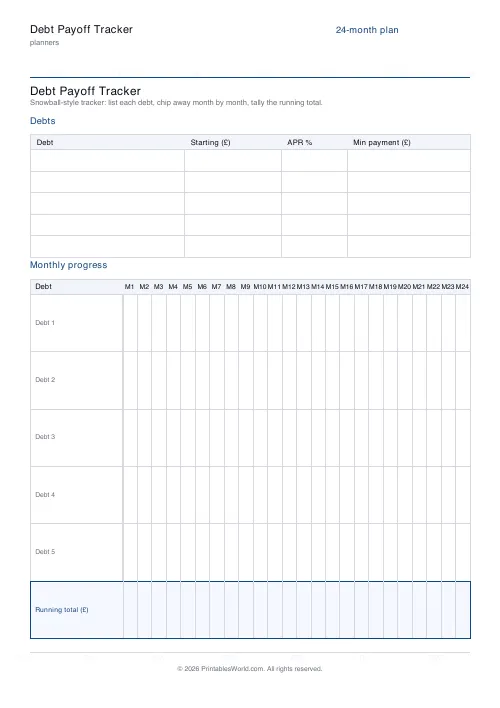
Debt Payoff Tracker
Debt snowball chart: starting balances, minimum payments, monthly progress, running total.
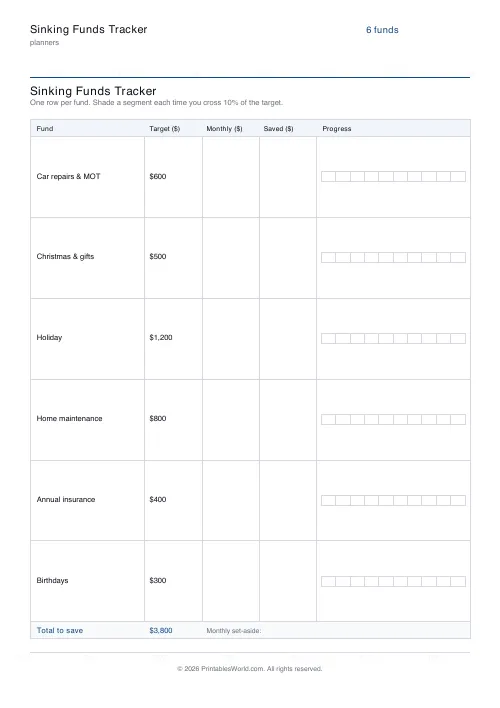
Sinking Funds Tracker
Printable multi-category sinking funds tracker. One row per fund with target, monthly set-aside, and a 10-segment progress bar.
Further reading
Planners
How to pay off debt faster with a payoff tracker
One method costs less; the other is easier to stick to. Here is how to choose between them honestly, and why a visual tracker changes the odds either way.
5 min read
Planners
Budgeting for beginners: the 50/30/20 rule explained
Half to needs, 30% to wants, 20% to savings and debt. A useful starting frame. And this covers what actually counts as which, plus what to do when the numbers do not fit.
5 min read













