What this tool does
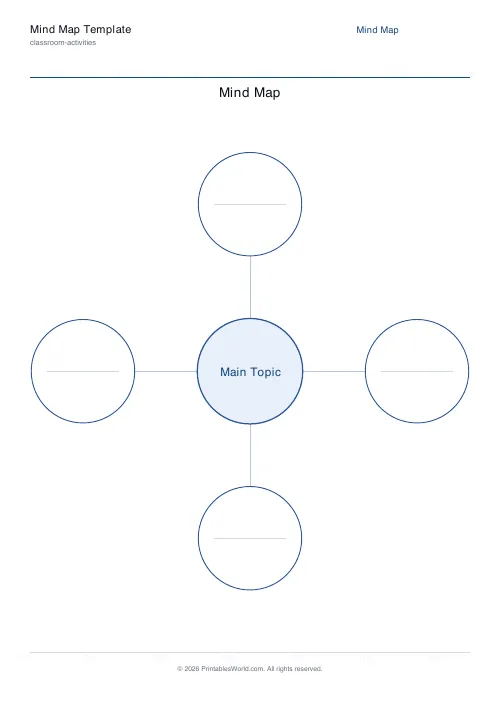
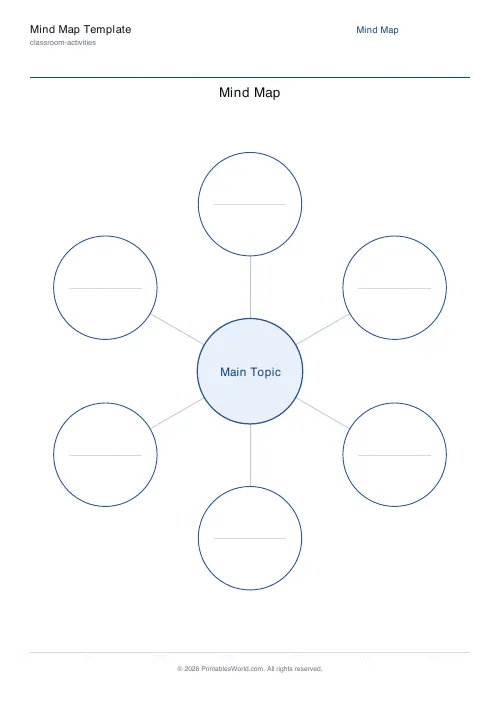
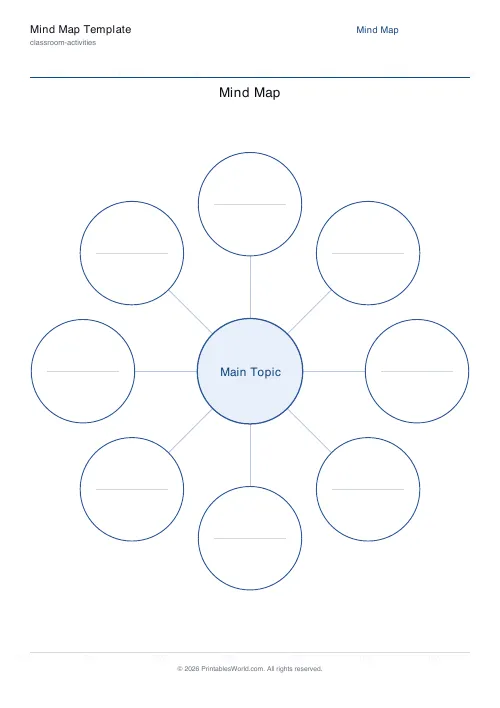
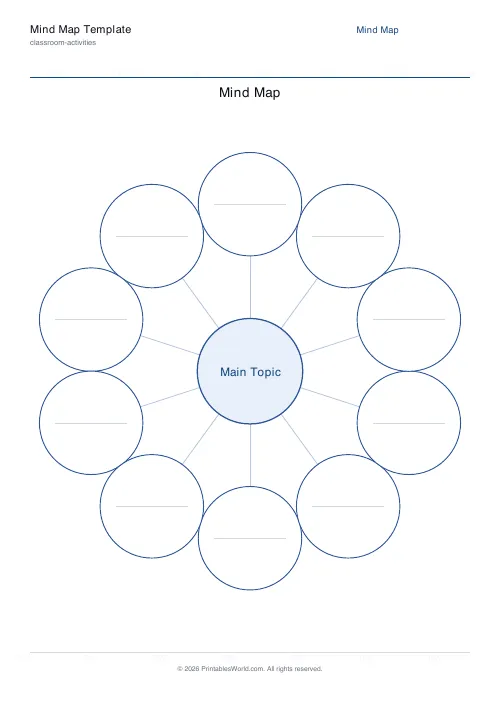
A radial mind map: one central bubble with 3 to 10 empty branches arranged around it. Type the central topic and a title, or leave both blank and print a stack.
People also used
Feedback
Spotted something off with this tool?
One centre, three to ten branches
A central bubble with empty branch bubbles arranged around it and lines connecting them. Type the central topic or leave it blank to fill in by hand.
The branch count is the only real decision, and it is a more consequential one than it looks.
How many branches to print
Fewer branches force selection. Six bubbles around a topic means choosing the six things that matter, and choosing is the thinking — a child who can name six main ideas about the Romans has done something a child who listed twenty facts has not.
More branches suit collection. Ten is right for a brainstorm where nothing is being ruled out yet, or a vocabulary web where you want everything on the page.
Three is worth using deliberately for a child who freezes at a blank page. Three bubbles is a small enough ask to start.
Where mind maps earn their reputation, and where they do not
They are good at showing structure that is genuinely radial — one idea with several parallel aspects. A character, a country, a topic with sub-topics.
They are bad at anything sequential. A story has an order, a method has steps, a historical event has causes and consequences, and a mind map flattens all of that into equal bubbles around a centre. If the thing you are mapping has a direction, a flow diagram or a timeline will serve better, and this is the wrong sheet.
Worth saying out loud to a class, because "make a mind map" gets applied to everything and produces some genuinely unhelpful diagrams.
Using it well
Write on the connecting lines, not only in the bubbles. A line labelled "causes" or "led to" carries more meaning than the two bubbles it joins, and it is the habit that turns a mind map from a list arranged in a circle into an actual map.
Add your own second-level branches by hand off any bubble. The printed template gives the first ring; the rest is pencil.
Setting it up
A title, the central topic, and 3 to 10 branches. Paper size A4 or US Letter.
Printing a stack with the centre blank is the practical option for a classroom — one sheet works for every topic for the rest of the year.
Other uses
Vocabulary webs in a language lesson, with the word in the centre and its forms around it. Story planning, with the character at the centre. Revision, where the centre is a topic and the branches are the things you can remember without looking — which doubles as a test of what you cannot.
Print at 100% on A4 or US Letter.
FAQs
Quick answers
How many branches should I use?
Six is a good default. Start with fewer for younger students and ramp up; use up to ten branches for deeper brainstorming tasks.
Can I add sub-branches?
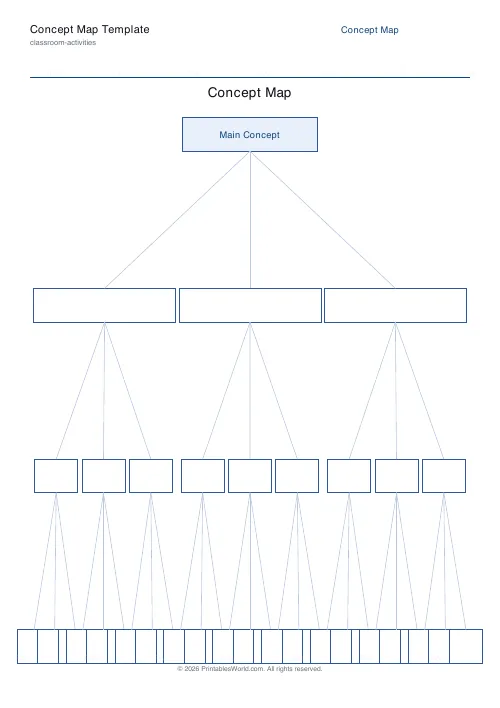
This template is single-level by design. For a hierarchical multi-level tree, try the "Concept Map" tool instead.
Why is the central topic blank?
Leave the "Central topic" field empty to get a blank bubble you can handwrite, or type a topic to have it printed in the centre.
Can I print multiple copies?
Yes. The PDF is one page; print as many as you need or distribute the file digitally.
Related tools