What this tool does
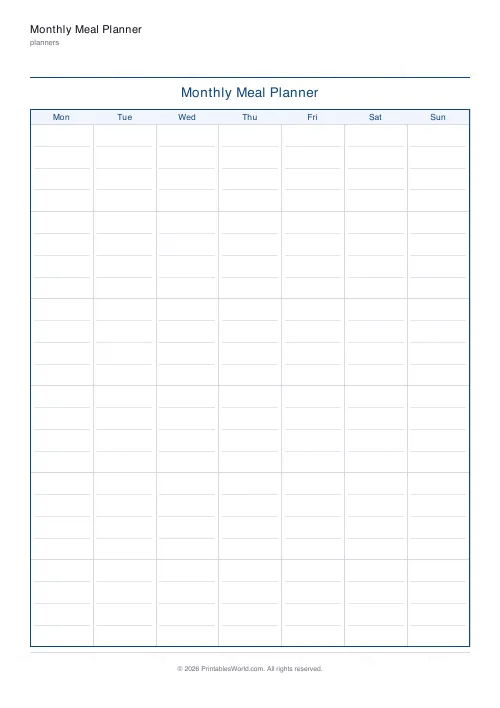
A month of meals laid out as a calendar grid, with room in each day cell for breakfast, lunch and dinner notes. Week starts Monday or Sunday, and you label the month yourself.
People also used
Feedback
Spotted something off with this tool?
A month at a glance
Seven columns, five or six rows, and a cell for each day with room to write a few words about each meal. Type the month label into the header and choose whether weeks start on Monday or Sunday.
The month view answers a different question
A weekly planner tells you what to cook tomorrow. This one shows you the shape of a month, and that turns up things a week never does.
Chicken four Tuesdays running. Three weeks without fish. The fact that every Friday is a takeaway. Those patterns are invisible at seven-day range and obvious across thirty, and seeing them is most of the reason to plan on this scale at all.
It also lets you place the things that are already fixed — birthdays, the week you are away, the fortnight somebody is on shifts — before deciding anything about food.
Do not try to fill every cell
The commonest way this sheet fails is being treated as thirty-one decisions to make on the first of the month.
Use it as a skeleton. Put in the fixed points, then one or two anchors a week — the batch cook on Sunday, the meal that uses up the weekend's leftovers — and leave the rest blank for the weekly plan to fill in. A month plan is a frame, not a menu.
Writing in a small cell
The cells are small by necessity, so use shorthand. One word per meal is usually enough, since you are the one reading it: "curry", "pasta", "roast". If you need the recipe, the weekly sheet has the room.
Some people use a mark rather than a word — a symbol for meat, fish, vegetarian — which makes the balance across the month visible at a glance and takes almost no writing.
Month labelling
The header label is free text, so write it however you like: "April 2026", "Term 3", "The month we move house".
Day numbers can be populated from an ISO month if one is supplied, which is worth doing if the plan is going on a wall where somebody needs to find today.
Settings and printing
Title, month label, and week start. A4 or US Letter, printed at 100%.
Landscape is worth trying if you write large — a rotated print gives noticeably wider cells for the same paper.
FAQs
Quick answers
Does it number the days for me?
If you enter the month as "YYYY-MM" (for example 2026-05) the correct day numbers and week alignment are filled in automatically.
Can the week start on Sunday?
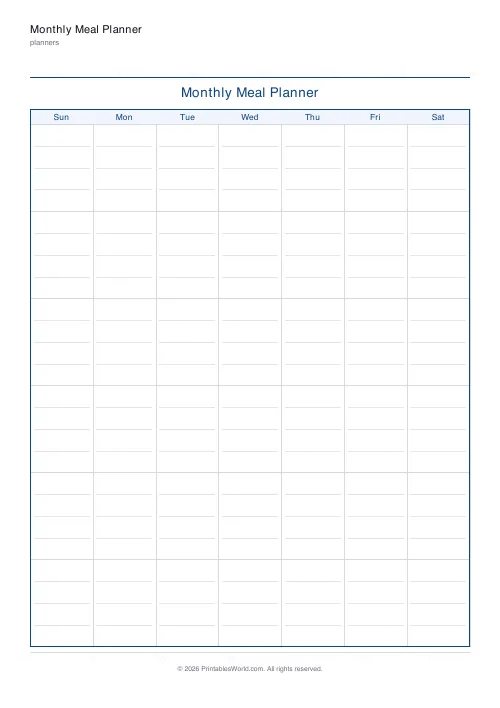
Yes. Switch the "Week starts" toggle to Sunday and the calendar shifts so Sunday is the first column.
How many weeks does it show?
Six week rows, which covers any month regardless of which day it starts on.
Is it print-ready?
Yes. Download the PDF and print at 100% scale on A4 or US Letter. The grid lines are drawn at the exact printed positions.
Related tools

Weekly Meal Planner
Plan seven days of breakfast, lunch and dinner on one printable page.
Grocery List
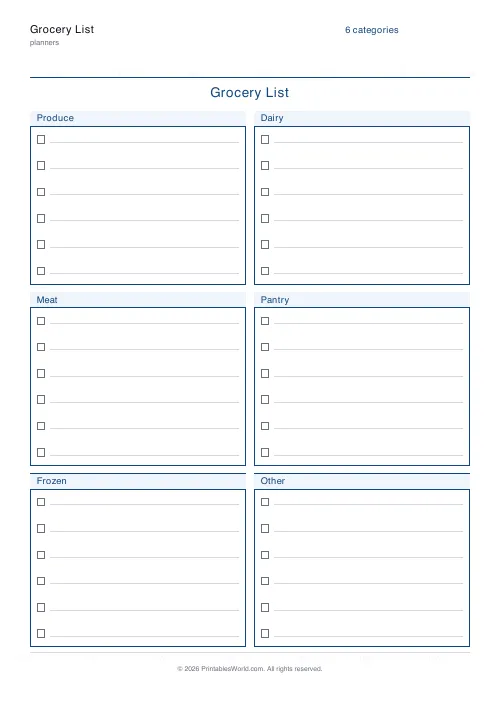
Printable categorised grocery list with tick boxes for every item.
Recipe Card Template
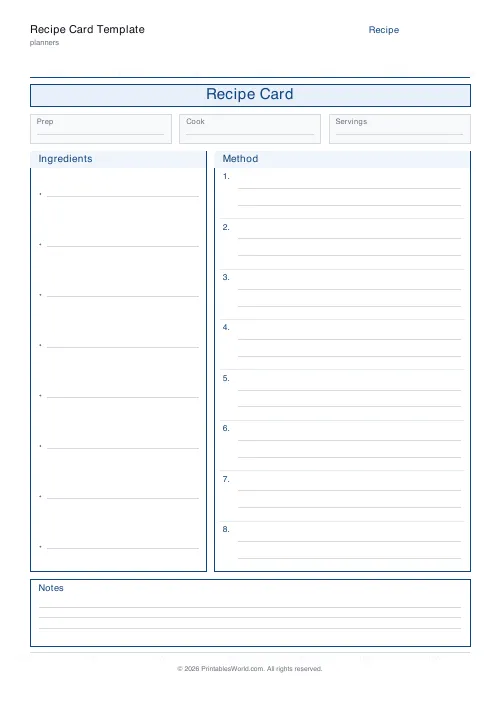
A clean printable recipe card with ingredients, method and notes.
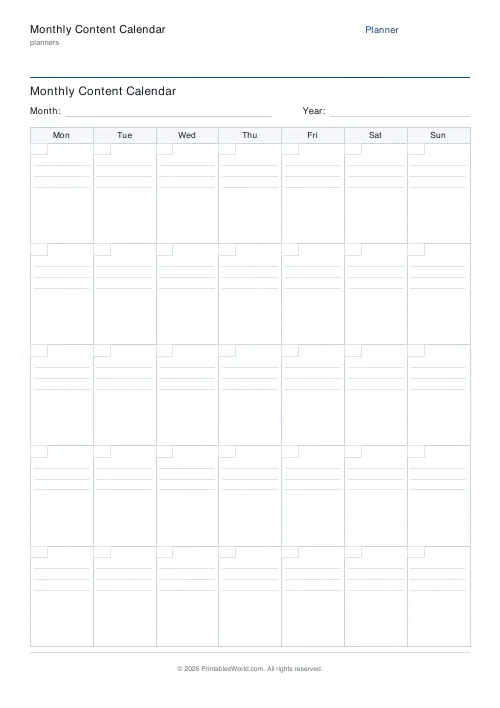
Monthly Content Calendar
One-page printable editorial calendar: 7 columns, week rows, ruled lines per day.
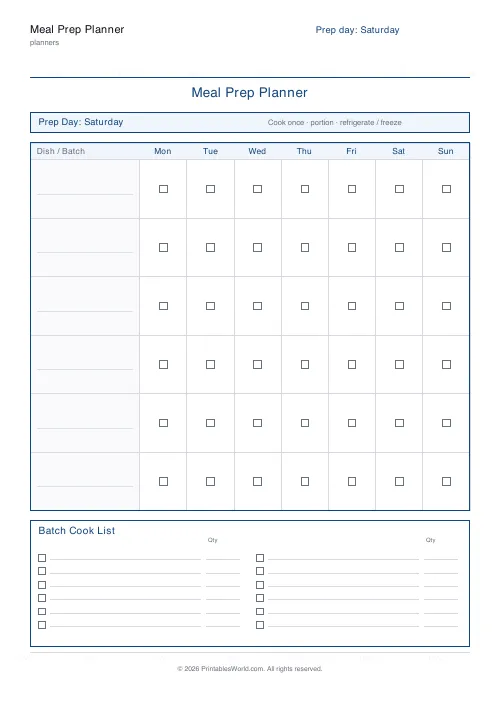
Meal Prep Planner
Plan one big cook day, batch the shopping, and portion every container by day.
Further reading
Planners
Meal planning 101: save time and money every week
A weekly meal plan saves money mainly by changing how you shop. Here is a thirty-minute method, the shortcuts that keep it going, and the mistake that ends most plans in week three.
5 min read
Planners
ADHD-friendly planning: systems that work
Standard planners assume you will remember to open them. That single assumption is why they fail for a lot of ADHD brains. And what an ADHD-friendly system has to replace.
6 min read
Planners
Time blocking for beginners: a complete guide
Time blocking is deciding when each task happens, not just what. Here is how to size blocks realistically, what to do when the day breaks, and why most beginners over-schedule.
5 min read












