What this tool does
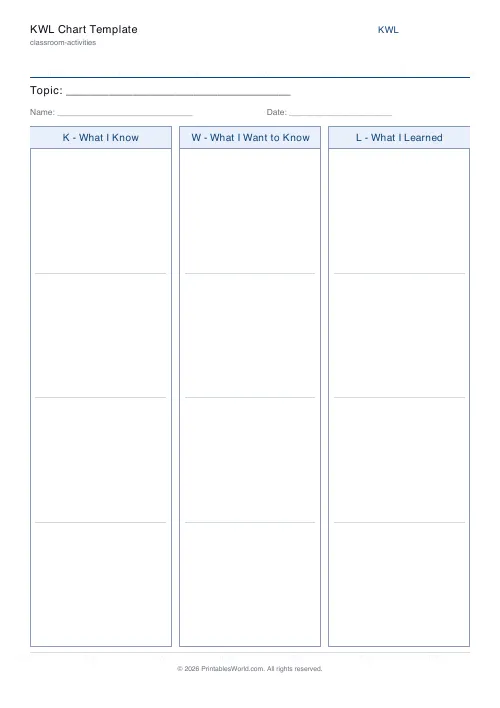
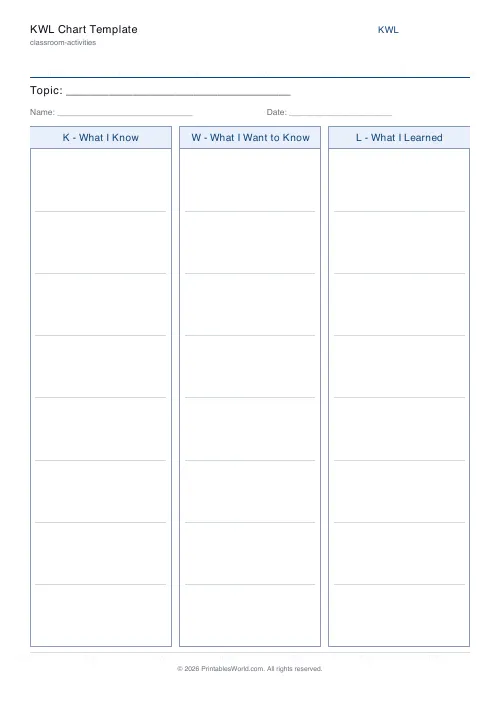
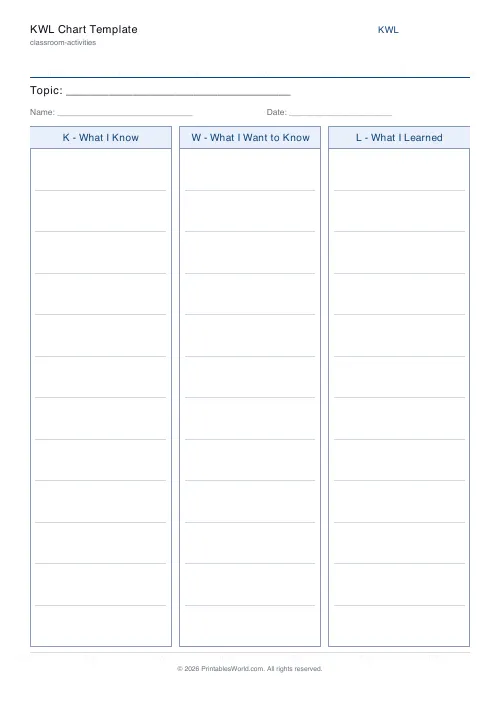
A three-column KWL chart: what you Know, what you Want to know, what you Learned. Your topic goes across the top and each column gets 3 to 12 ruled rows.
People also used
Feedback
Spotted something off with this tool?
Know, Want to know, Learned
Three columns across the page, your topic at the top, matching ruled rows down each one. The first two get filled in before the topic starts. The third waits until the end.
Three to twelve rows per column. Six is the default and suits a single lesson; ten or twelve is for a topic that runs over several weeks and gets added to.
Why the middle column is the one that matters
K and L are the columns everyone fills in. W is the one that changes the lesson.
A class that has written down what it wants to know has stated an interest, and that gives you something to teach towards. It also surfaces the misconceptions early: a child who writes "I want to know why the moon changes shape every night" has told you what they currently believe, and it is much easier to deal with that on Monday than after three lessons built on it.
Collect the W column before you plan the rest of the topic. Half the questions will be ones you were going to answer anyway. The other half are usually better than the ones you would have written yourself.
Filling the K column honestly
The instruction is "what you already know", and children are cautious about writing something they might be wrong about. Say explicitly that the K column is allowed to be wrong and that they will get to correct it in the L column.
That framing is what separates a KWL chart from a decorated topic cover sheet. The whole point sits in the comparison between the first column and the third. A K column full of safe, already-correct facts leaves nothing to compare.
Coming back to it
The commonest failure is that the L column never gets filled in. The chart goes in the book at the start of the topic, the topic runs its course, and nobody looks at the sheet again.
Put a date on the calendar for the last lesson. Five minutes with the original sheet, filling in L and crossing out anything in K that turned out to be wrong, is the part that makes the learning visible — to them, and in their book, to anyone who reads it later.
Controls and printing
The topic and the number of rows per column. Paper size A4 or US Letter.
Leave the topic blank and print a stack of generic ones for the year. Fill it in and the sheet is ready to hand out.
Beyond the classroom
It works for anything you are about to learn: a new tool at work, a language, a piece of legislation. The structure is not really about children — it is about writing down what you think you know before you find out, which almost nobody does voluntarily.
Print at 100% on A4 or US Letter.
FAQs
Quick answers
What is a KWL chart used for?
KWL charts help students activate prior knowledge before a lesson, set their own questions, and reflect on what they learned afterwards. Useful for any subject at almost any grade level.
How many rows should each column have?
Four to six rows works for most classes. Use fewer for younger students who write in larger print; use more for older students who produce lots of questions.
Can I fill it in digitally?
The PDF is designed for printing and handwriting. To type responses, open the PDF in a PDF editor such as Preview, Adobe Acrobat or any free online editor.
Can I use it for any topic?
Yes. The chart is topic-agnostic. Enter a topic in the Topic field and it prints at the top of the page; otherwise a blank line appears for handwriting.
Related tools
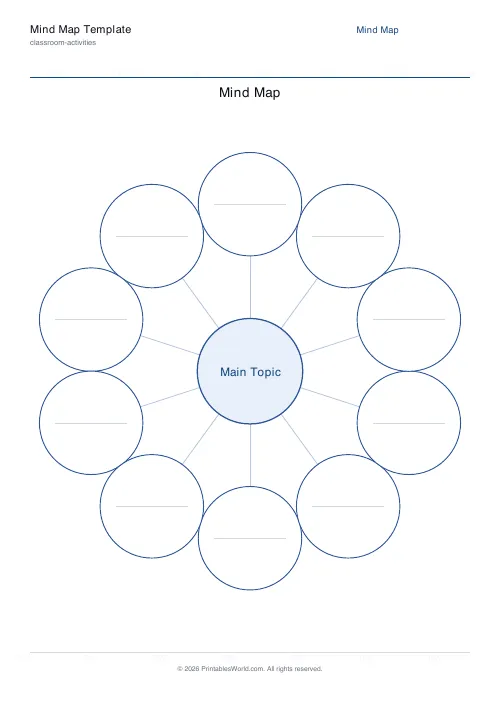
Mind Map Template
Central topic with radial branches, configurable branch count.
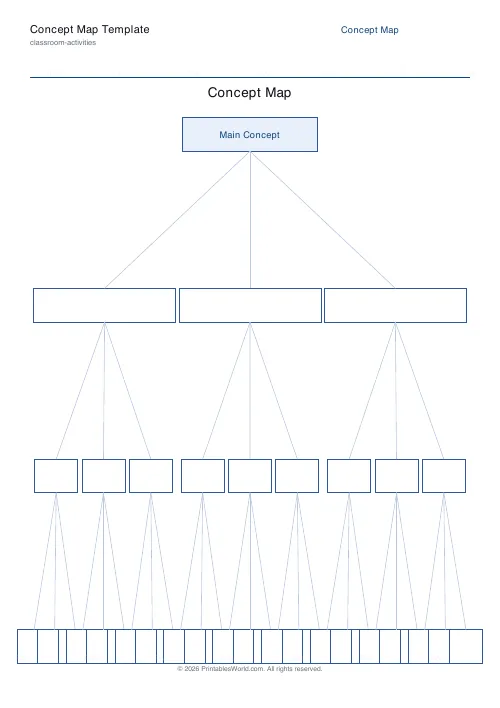
Concept Map Template
Root concept with hierarchical linked boxes in a tidy tree layout.
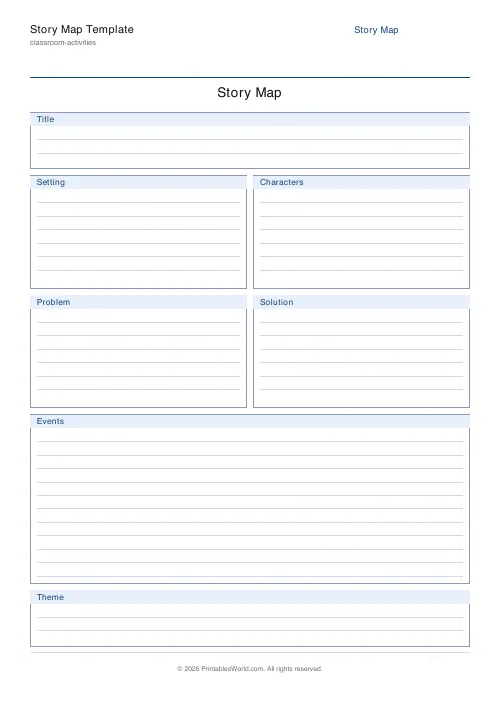
Story Map Template
Story elements on one page: Title, Setting, Characters, Problem, Events, Solution.
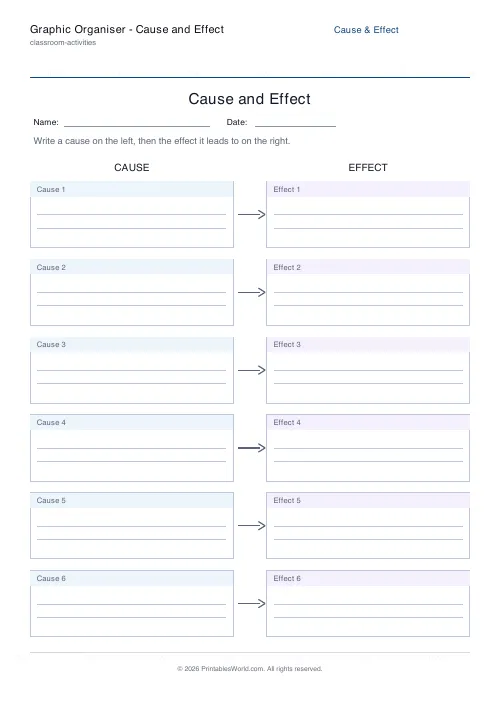
Graphic Organiser: Cause and Effect
Link causes to the effects they lead to.
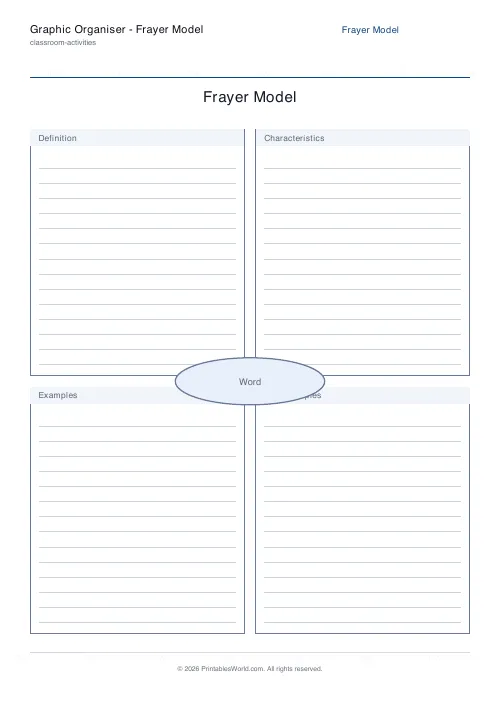
Graphic Organiser: Frayer Model
A four-quadrant vocabulary organiser around a central word.
Graphic Organiser: T-Chart
A printable two-column T-chart for comparing and sorting.
Further reading













