What this tool does
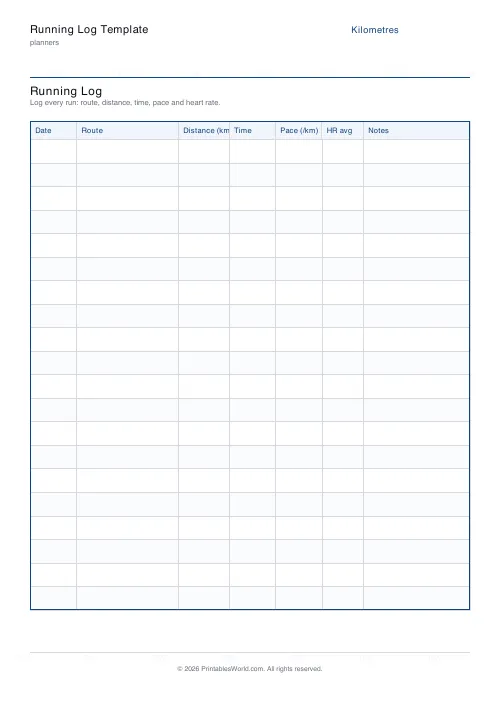
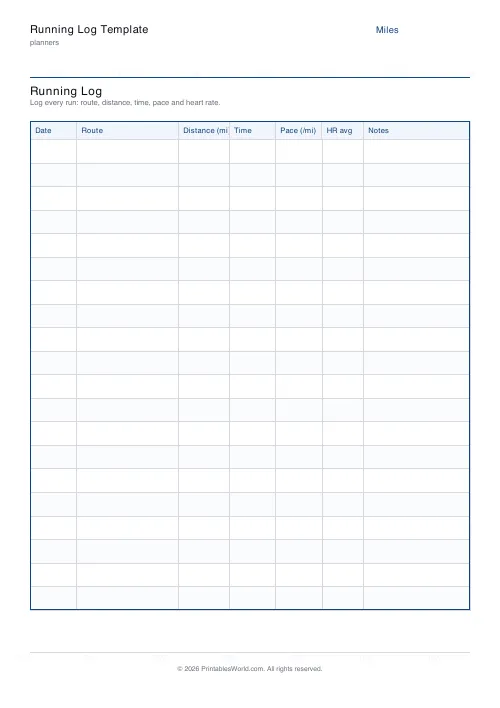
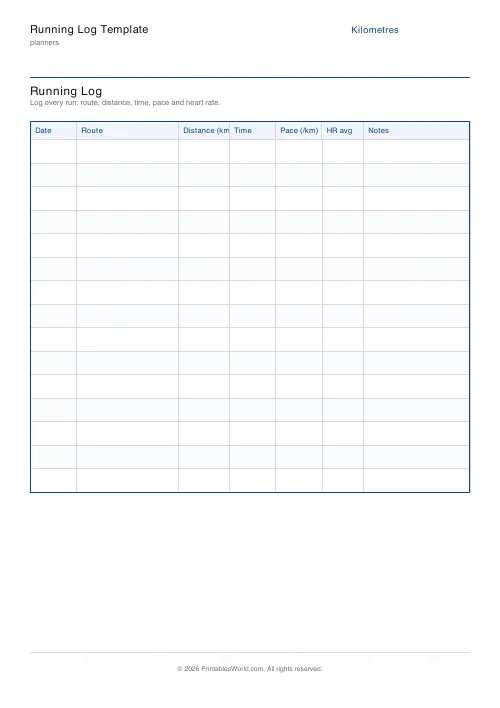
A training log with columns for date, route, distance, time, pace, average heart rate and notes. Choose kilometres or miles, and 15 to 25 rows.
People also used
Workout Log Template
Printable workout log with sets × reps × weight columns for multiple exercises.
Weekly Fitness Tracker
Printable weekly fitness tracker with activity, duration, calories, intensity and notes.
30-Day Habit Tracker
A printable 30-day habit grid to tick off every morning. One row per habit.
Feedback
Spotted something off with this tool?
Seven columns
Date, route, distance, time, pace, average heart rate, notes. Fifteen to twenty-five rows on a page, and the whole sheet switches between kilometres and miles — the unit prints in the header so there is no ambiguity three weeks later.
The two columns that matter most
Pace is the one to fill in even though it means dividing time by distance in your head at the end of a run. It is what makes two runs comparable when they were different lengths, and it is the number that shows improvement long before your race times do.
Notes is where the actual information ends up. "Hot, felt heavy from 6k" or "new shoes, left calf tight" explains a slow run that the numbers alone make look like a bad week. Six months later, when something hurts, this column is the only record of when it started.
Heart rate, if you have it
Leave the column blank if you do not, and nothing is lost.
If you do wear a monitor, average heart rate alongside pace is the pair worth watching. The same pace at a lower heart rate over a few months is fitness improving, and it is a more reliable signal than pace on its own, which moves around with weather, sleep and how much you had for lunch.
Why paper, given the watch already knows
Your watch records more than this sheet does, and shows you less.
An app holds every run in a scrolling list nobody scrolls. Twenty runs on one page, in your own handwriting, can be taken in whole — and writing the numbers down by hand is itself a short honest review that tapping "save" is not. Runners who keep paper logs tend to notice the pattern in their bad weeks. Runners who keep app histories tend to notice at the physio.
Kilometres or miles
Pick the one you think in. Britain runs in a muddle — road races in kilometres, conversation in miles — and there is no right answer, only the cost of mixing them in one log, which is that no two rows can be compared without arithmetic.
Beyond running
The columns suit cycling, swimming, rowing, walking, with almost no adjustment. Route becomes pool or river. Pace becomes whatever your sport counts in.
Print a page a month and keep them in order. A year of this is a training history, and it takes about thirty seconds a day to build.
FAQs
Quick answers
Can I switch between kilometres and miles?
Yes. Pick km or mi in the settings. The Distance and Pace column headers update automatically.
How many runs fit on a page?
15 to 25. Choose fewer rows if you prefer taller rows with more writing room, or more rows for a compact month view.
Does it calculate pace for me?
No. The log is paper, so you write pace yourself. Most watches show pace after each run, or you can divide time by distance.
Is the heart rate column required?
No. Leave it blank if you do not use a HR monitor. The column still gives you room for a tempo description like "easy" or "tempo".
Related tools
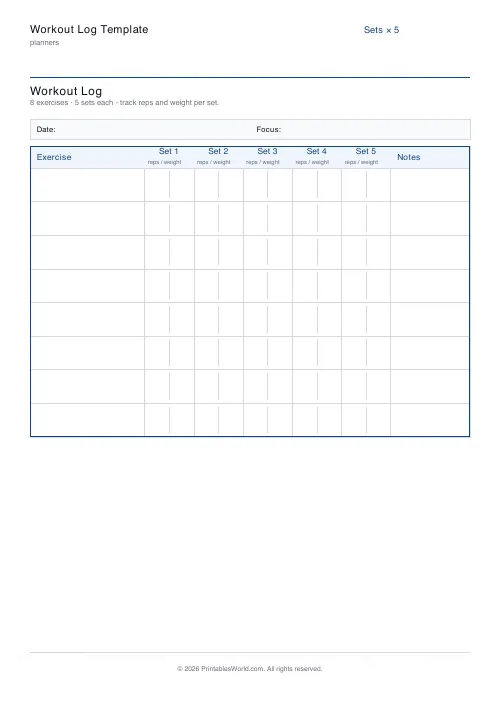
Workout Log Template
Printable workout log with sets × reps × weight columns for multiple exercises.
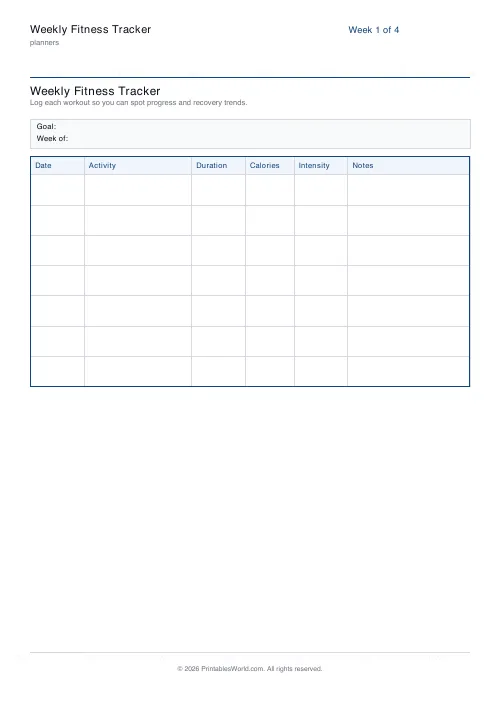
Weekly Fitness Tracker
Printable weekly fitness tracker with activity, duration, calories, intensity and notes.

30-Day Habit Tracker
A printable 30-day habit grid to tick off every morning. One row per habit.
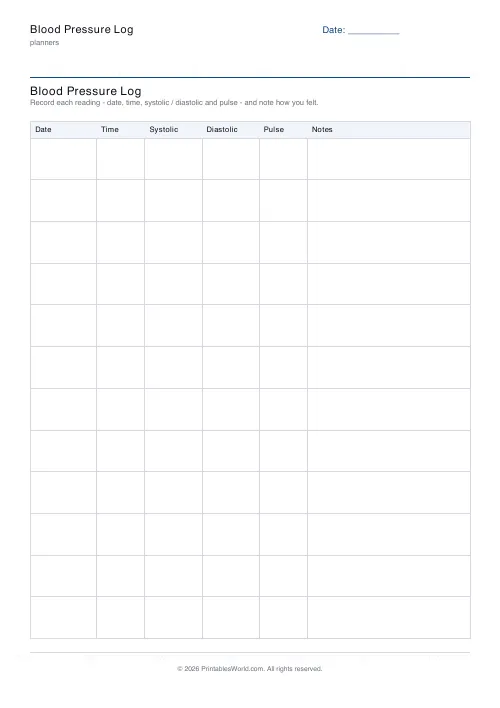
Blood Pressure Log
Printable blood pressure log: date, time, systolic, diastolic, pulse, notes.
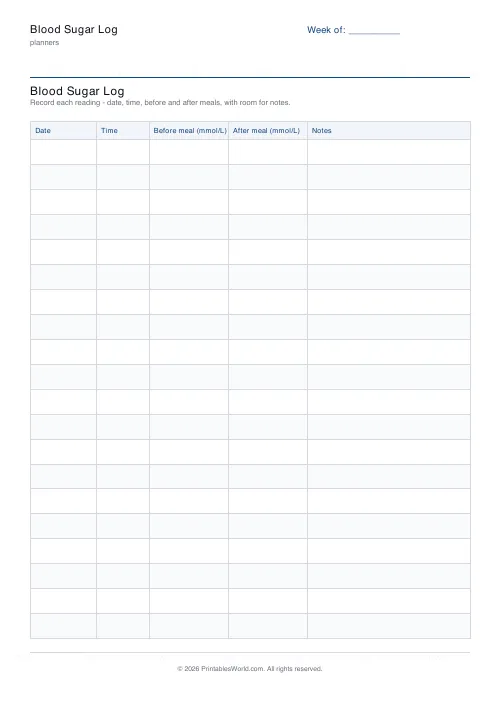
Blood Sugar Log
Printable blood sugar log: date, time, before-meal and after-meal readings, notes.
Further reading
Planners
Time blocking for beginners: a complete guide
Time blocking is deciding when each task happens, not just what. Here is how to size blocks realistically, what to do when the day breaks, and why most beginners over-schedule.
5 min read
Planners
Meal planning 101: save time and money every week
A weekly meal plan saves money mainly by changing how you shop. Here is a thirty-minute method, the shortcuts that keep it going, and the mistake that ends most plans in week three.
5 min read
Planners
Study planning for exams: a student's complete guide
A revision timetable is only as good as what goes in the slots. Here is how to build one backwards from the exam date, and which study methods the evidence actually supports.
5 min read












