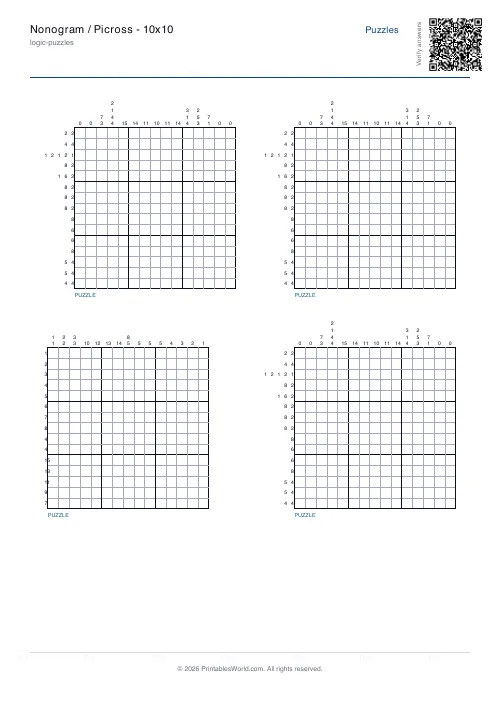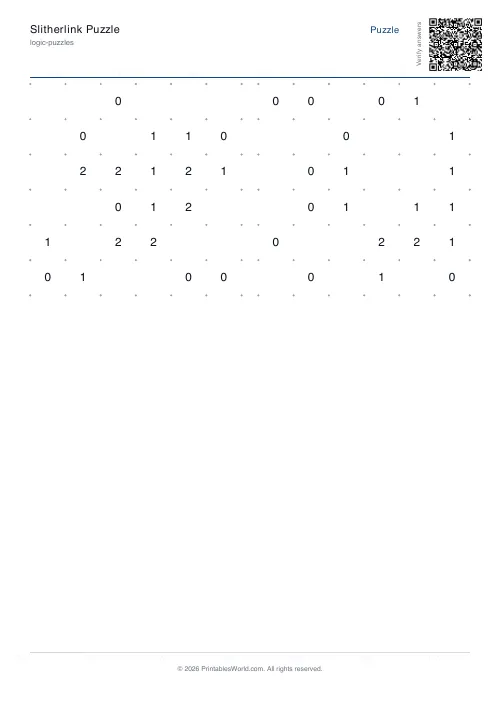
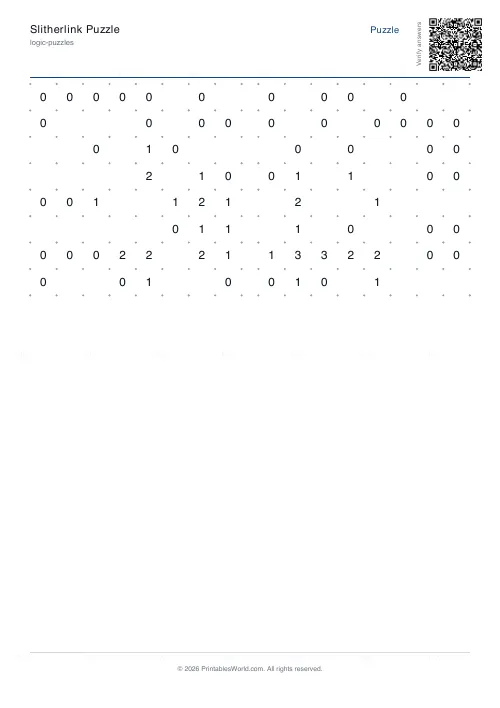
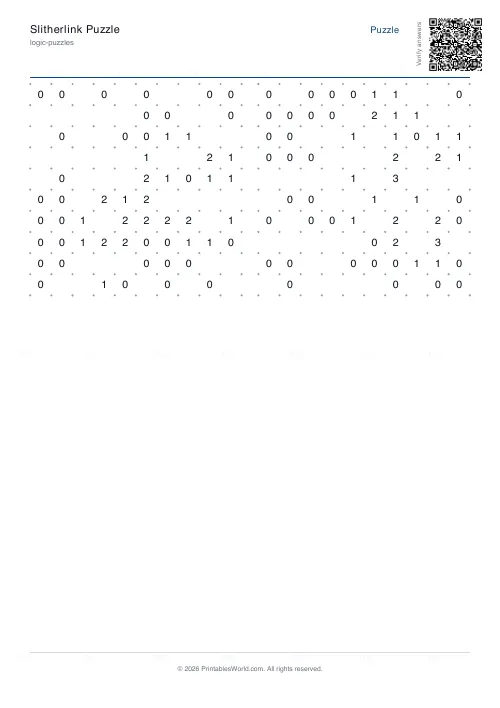
What this tool does
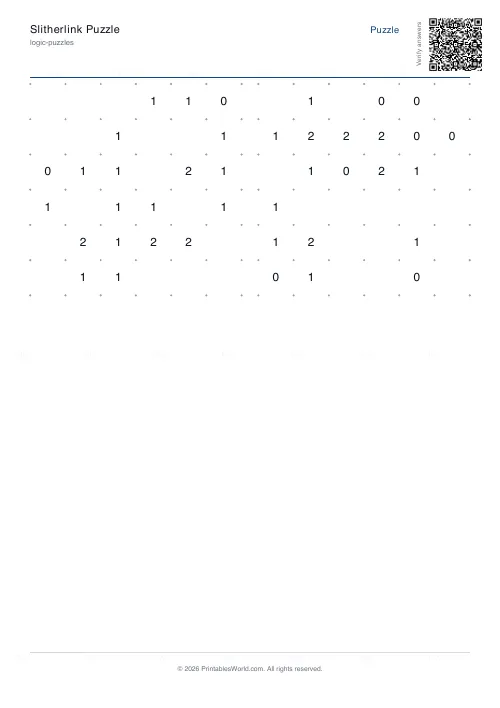
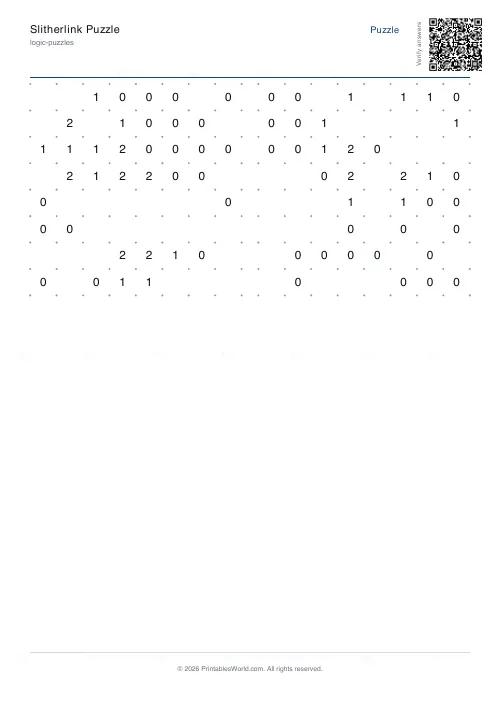
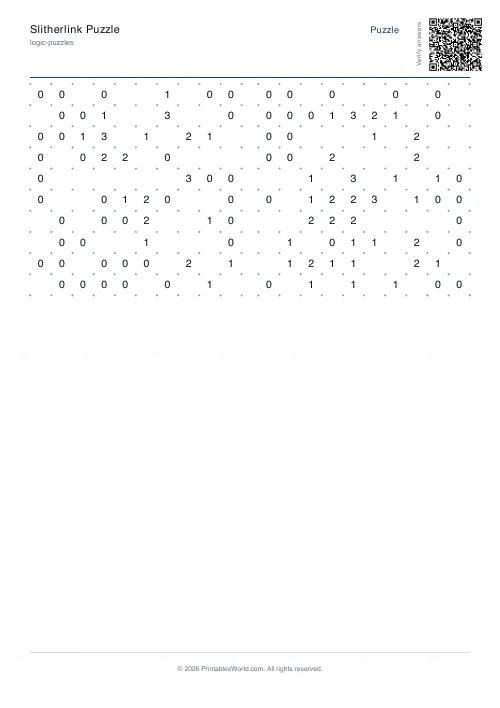
Slitherlink puzzles on a 6×6, 8×8 or 10×10 grid. Draw one closed loop along the grid lines so every numbered cell has exactly that many of its four sides used. One to four puzzles a page, solutions optional.
People also used
Feedback
Spotted something off with this tool?
Slitherlink, generated with a guaranteed single answer
The rules fit in a sentence. Draw one loop along the grid lines, closed, never crossing or branching, arranged so that every numbered cell finishes with exactly that many of its four sides used.
From that, a surprising amount of deduction follows. A 0 kills four edges at once. A 3 in a corner is almost fully determined before you have drawn anything. Two diagonally touching 3s force the edges between them. None of that is stated on the sheet, and working it out is the pleasure of the puzzle.
Grid size and how many to a page
Three sizes: 6×6, 8×8 and 10×10. Six is a five-minute puzzle. Ten, with the clue count deliberately kept near half, will hold a competent solver for a good while.
Puzzles per page runs from 1 to 4. At four, a 10×10 grid is printed small enough that you will want a sharp pencil; at one, it fills the sheet.
Uniqueness is checked, not assumed
This matters more in Slitherlink than in most puzzles, because a loop puzzle with two valid answers gives no warning — you simply finish, and you are wrong, or you are right, and there is no way to tell which.
So the generator builds a random loop, computes the clue for every cell, and confirms the full clue set admits exactly one solution before it removes anything. It then takes clues away one at a time, re-solving after each removal and putting the clue back if a second solution appears. It aims for roughly half the cells revealed and stops short of that whenever going further would make the puzzle ambiguous. If the carving cannot get anywhere without breaking uniqueness, it prints the full clue set, which is easier but never wrong.
The consequence: some sheets carry more numbers than others. That is the uniqueness guarantee showing through, not an inconsistency.
Solutions
The solutions toggle adds a page with the loop drawn in for every puzzle on the sheet. Off for a puzzle book. On for a class, where twenty attempts need checking in the time it takes to walk round the room.
Starting techniques worth teaching
A 0 means all four of its sides are out. Cross them first. It opens the board faster than anything else and it is the move beginners skip.
After that, look at 3s next to 0s, at 1s in corners, and at any cell where three sides have already been decided. Slitherlink rewards working the constraints rather than guessing a route, and a solver who guesses will get a plausible-looking loop that fails one clue somewhere on the far side of the grid.
Also called
Loop the Loop, Fences, Takegaki, Number Line. It comes from the Japanese puzzle publisher Nikoli, same house as Sudoku, and it remains far less common in Western puzzle books than it deserves — which is the main reason for generating your own.
Print at 100% on A4 or US Letter. Every generation is new; the seed reproduces a set exactly if you want the same puzzles twice.
FAQs
Quick answers
How do the numbers work?
Each numbered cell tells you exactly how many of its four sides are part of the loop (0, 1, 2 or 3).
Where does the loop start?
The loop is closed and has no special start. Every cell is either inside or outside it.
Are puzzles guaranteed unique?
In v1 the puzzles are derived from a random "blob" of cells; uniqueness is not strictly verified.
Want a similar challenge?
Try Masyu. Also a single-loop puzzle but with circles instead of numbers.
Related tools
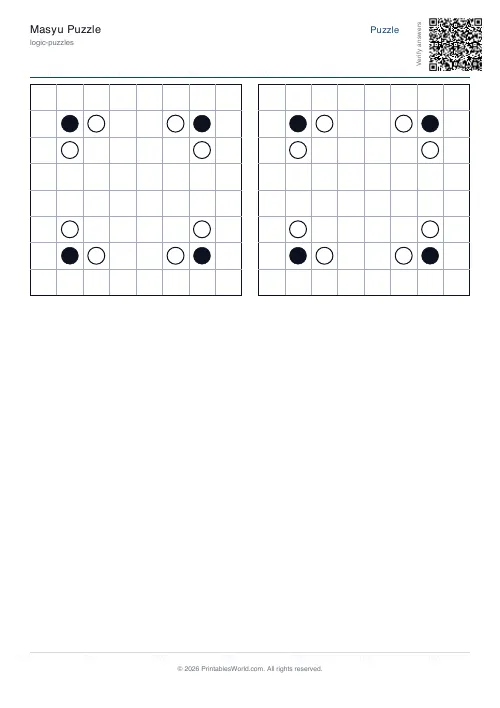
Masyu Puzzle
Draw a loop through black and white circles following specific rules.
Hitori Puzzle
Shade cells so no number appears twice in any row or column.
Sudoku Generator
Generate printable Sudoku puzzles with six per page, multiple difficulty levels, and optional solutions.
Shikaku Puzzle
Divide the grid into rectangles that match their number.
Further reading
Logic Puzzles
The benefits of logic puzzles for developing brains
Logic puzzles teach deduction and persistence, which are worth having. The claim that they make children generally smarter is weaker than the marketing suggests.
5 min read
Logic Puzzles
Kakuro, killer sudoku and other number puzzles explained
If sudoku has stopped being a challenge, these are the natural next steps. And unlike sudoku, most of them genuinely involve arithmetic.
5 min read
Puzzles & Brain Games
Printable brain games for seniors: a free puzzle pack
A free printable puzzle pack for older adults, with a sample seven-day plan, large-print and easier-difficulty tips, and how to use the Logic Puzzles collection.
7 min read